

Interactive Tours
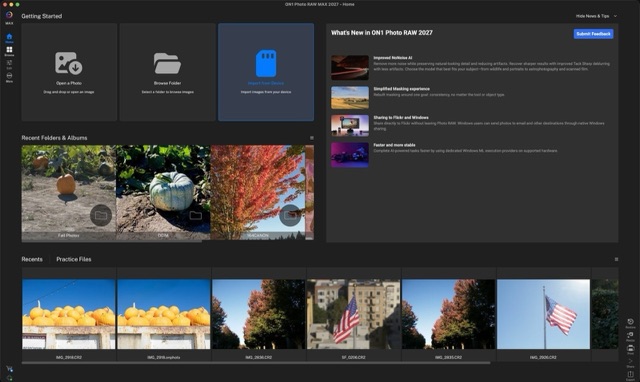
Learn Photo RAW 2027 by clicking through the real app, one tip at a time. Pick what describes you and we’ll show the tours that fit.
40 tours · your progress is saved in this browser
Start Here
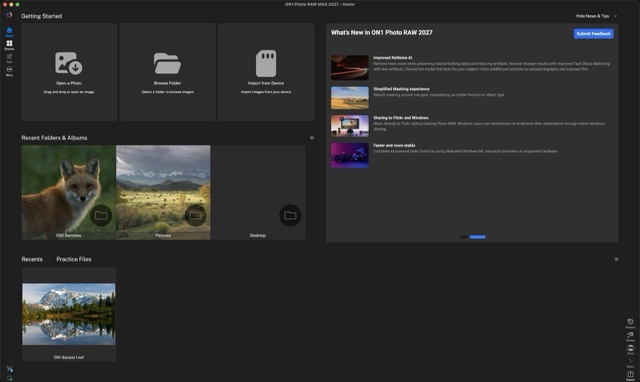
Your trial pageFive short tours, from your first photo to a finished export. About 14 minutes in all.
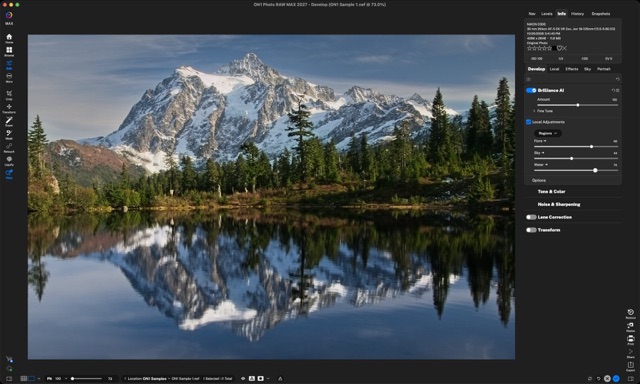
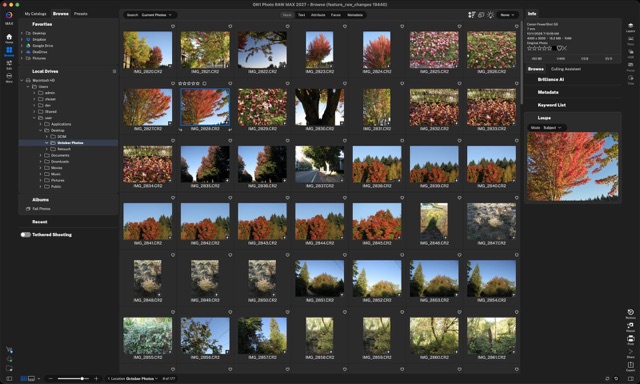
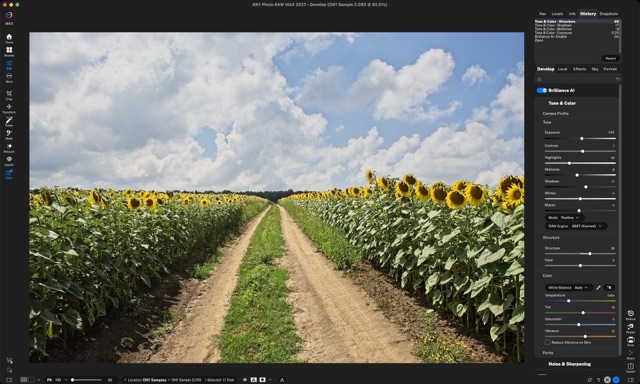
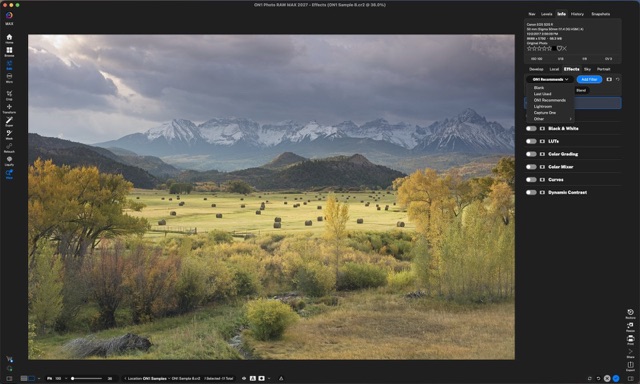
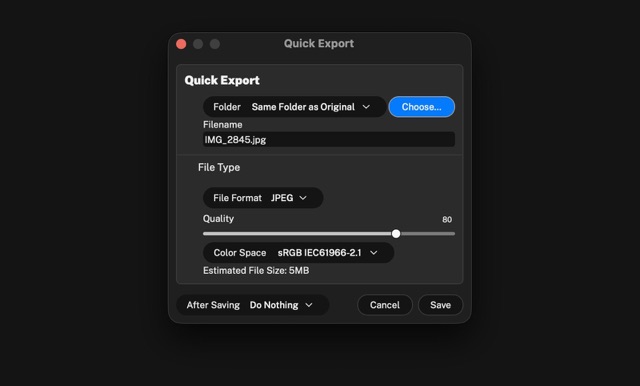
Next Up
Targeted edits and time savers, in any order.
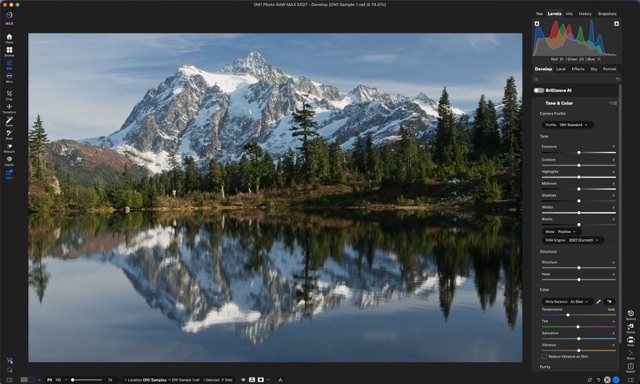
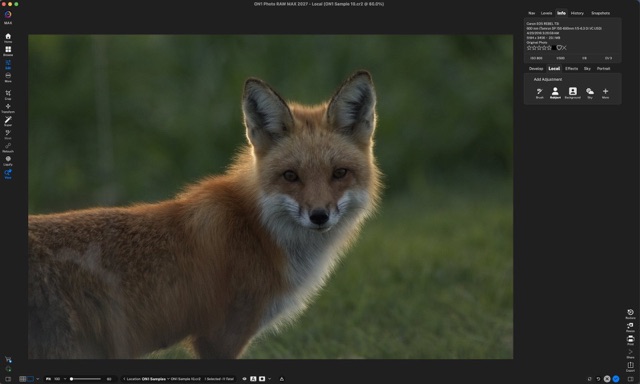
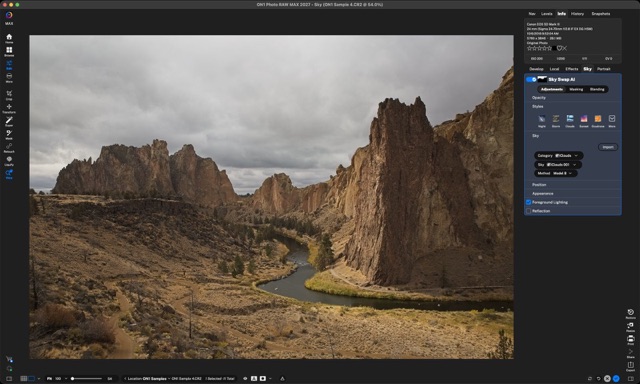
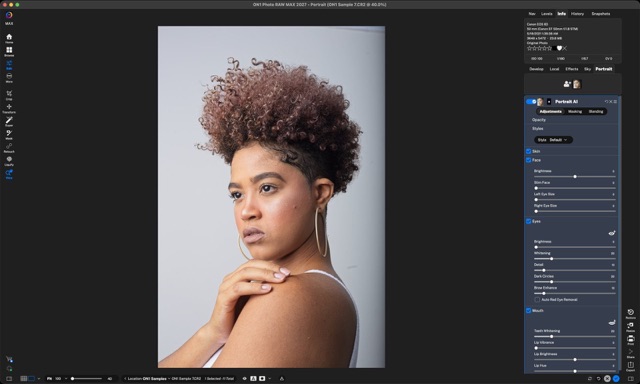
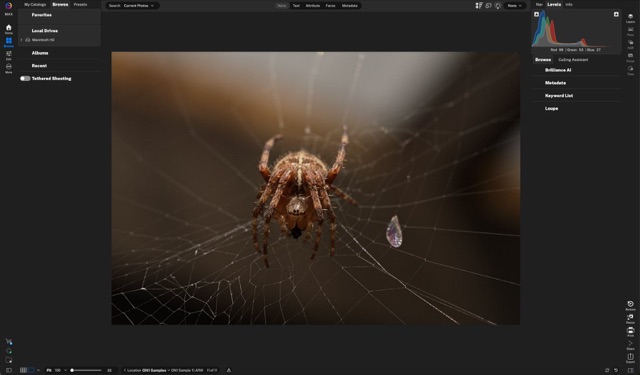
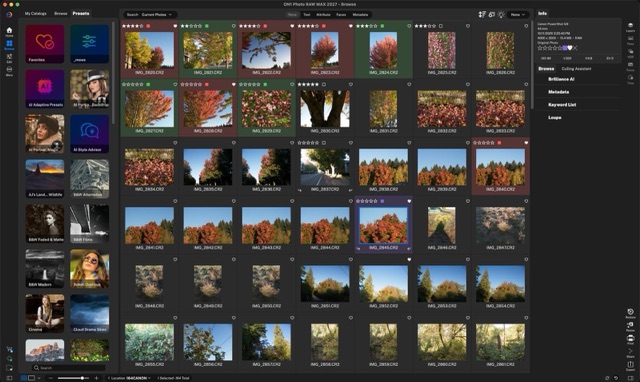
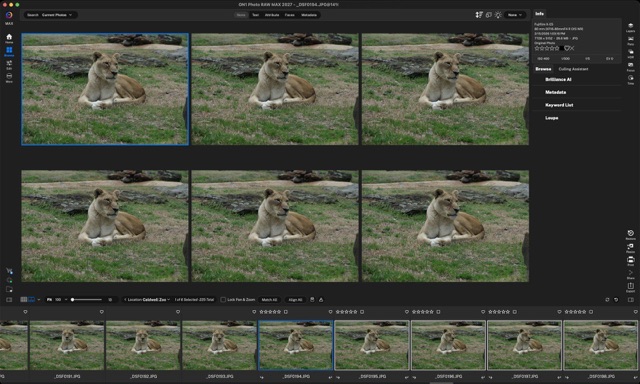
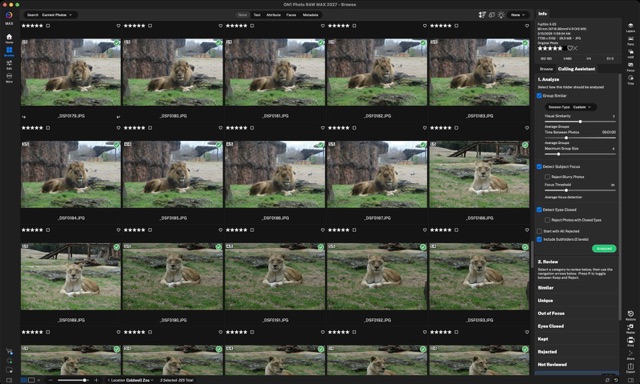
Browse & organize
Longer tours of a single tool.
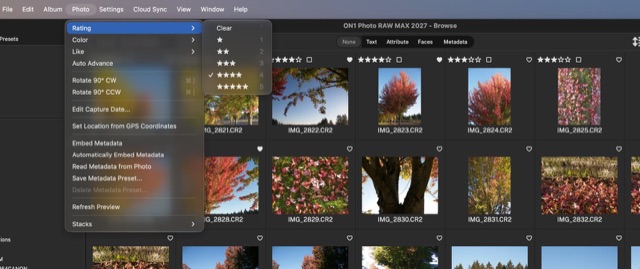

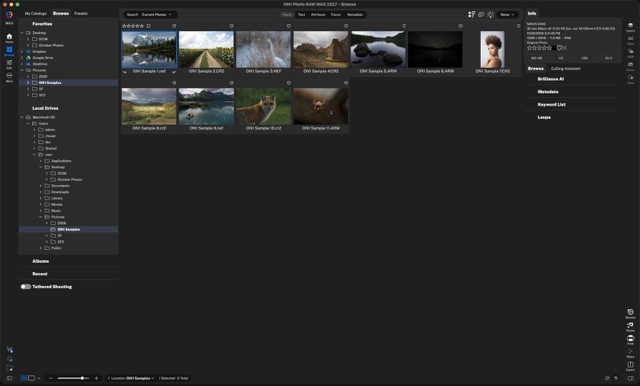
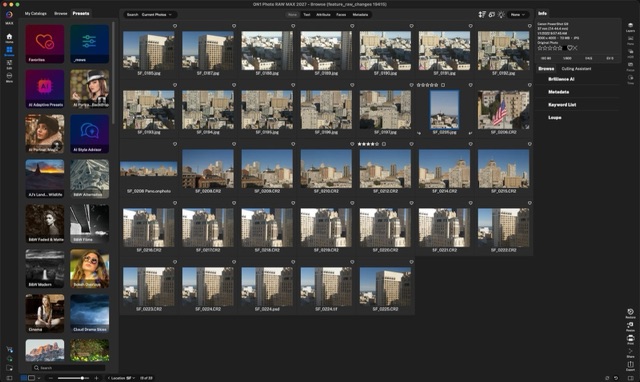
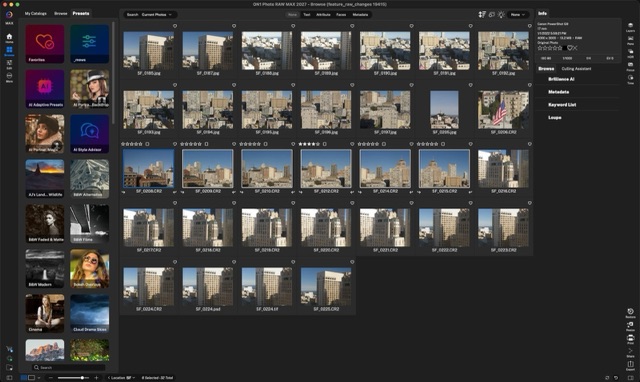
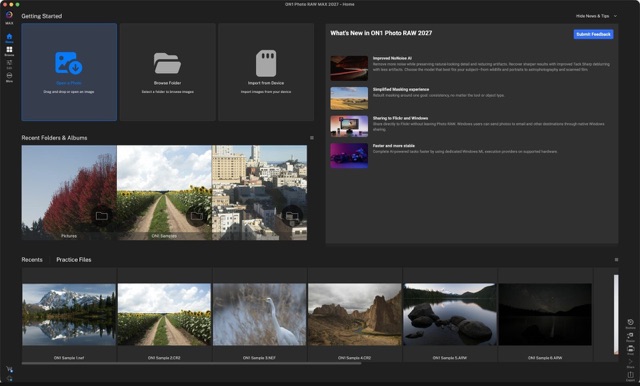
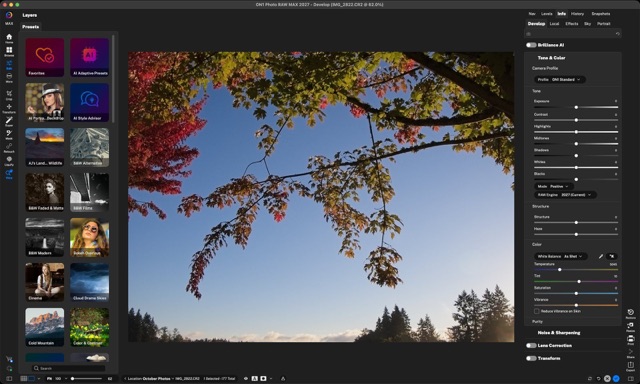
Develop & retouch
Longer tours of a single tool.
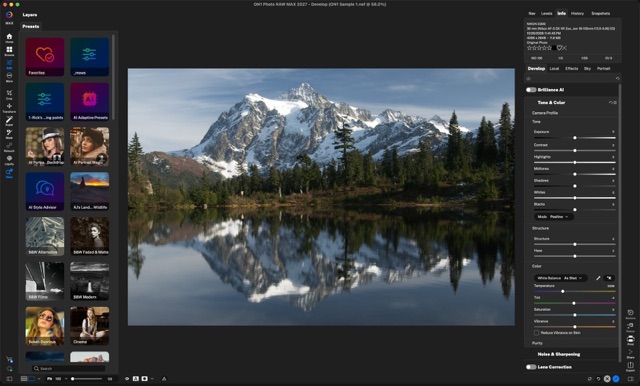
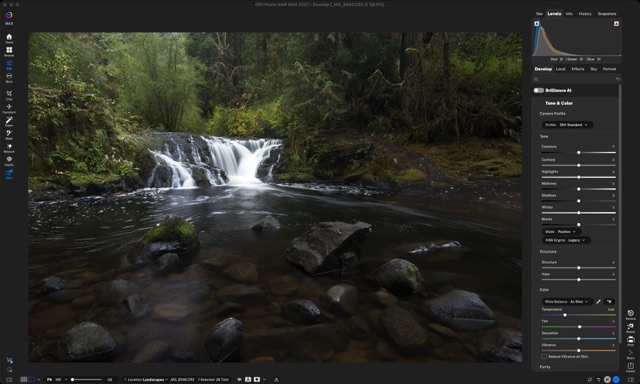
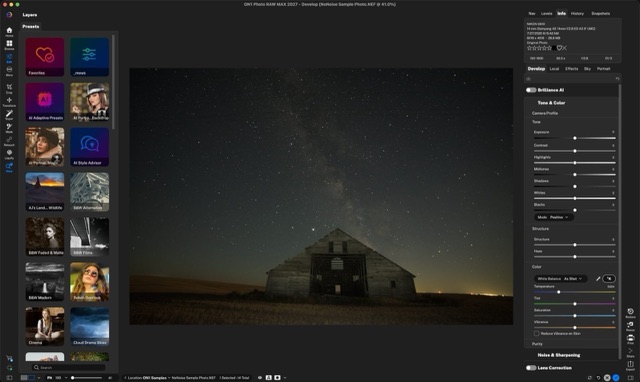
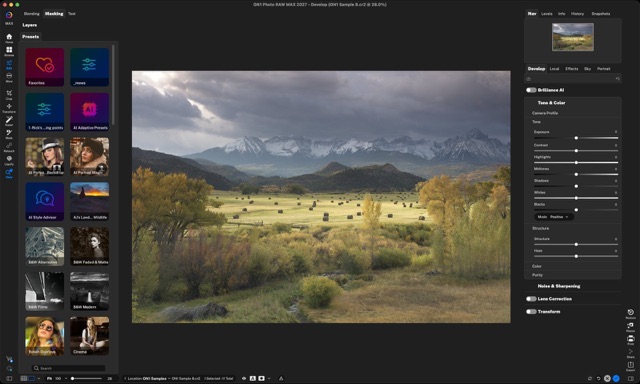
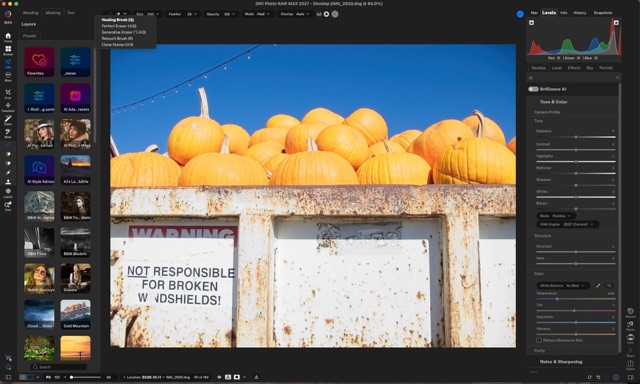
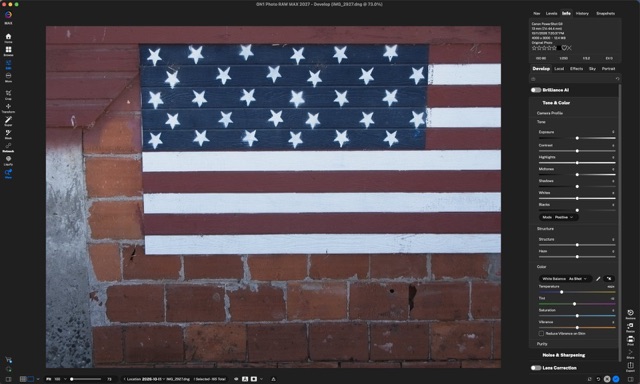
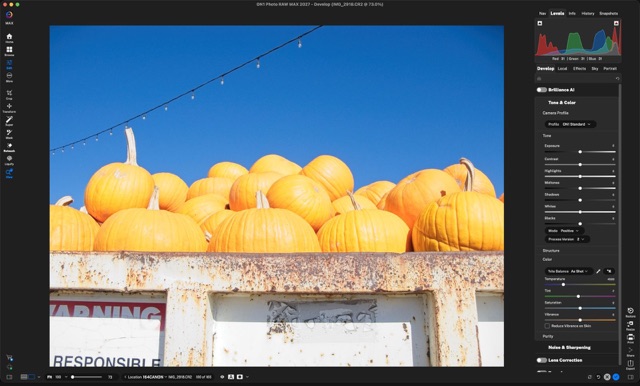
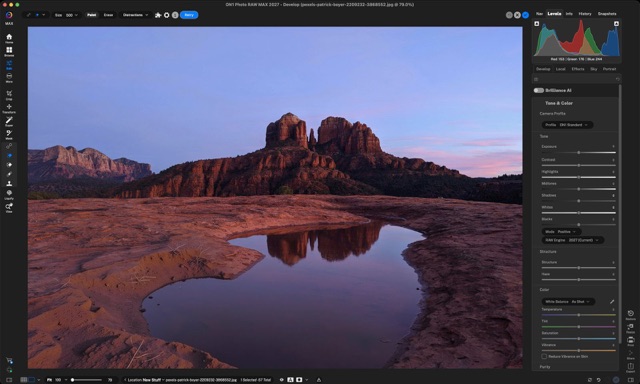
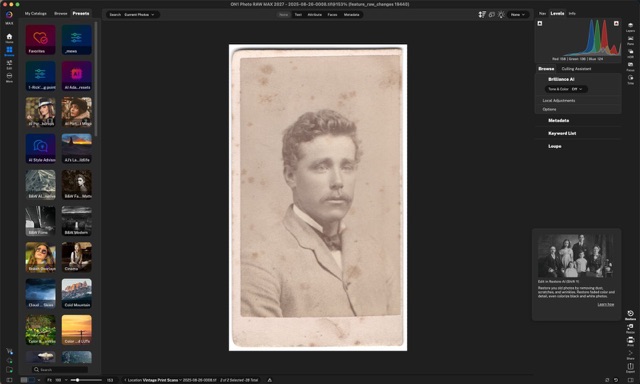
Local, Effects & Portrait
Longer tours of a single tool.
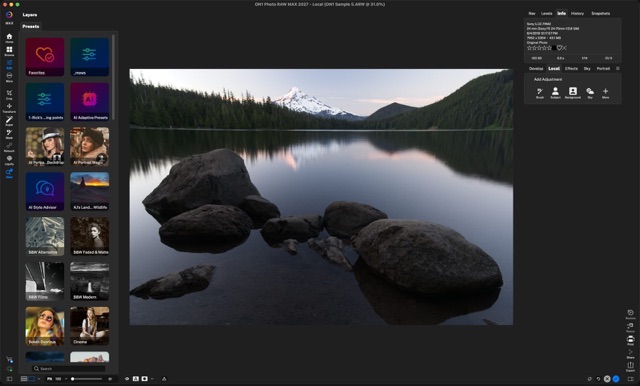
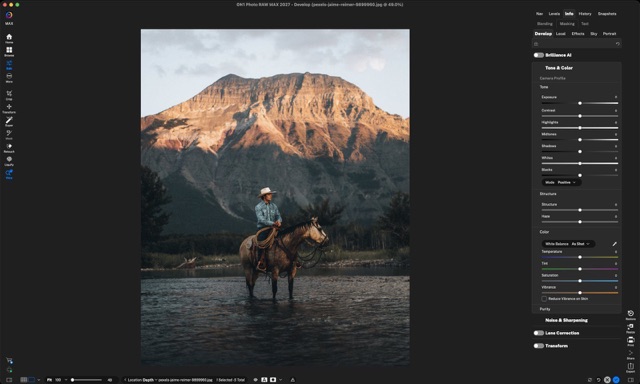
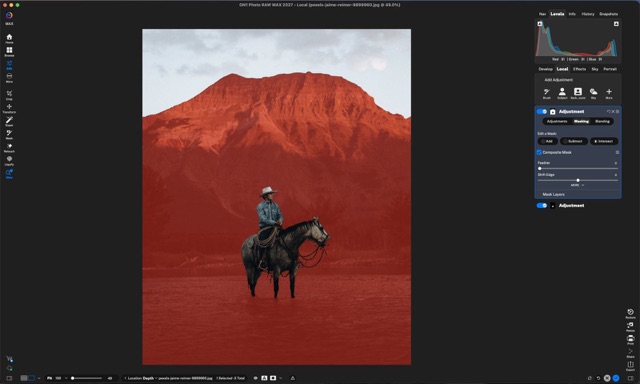
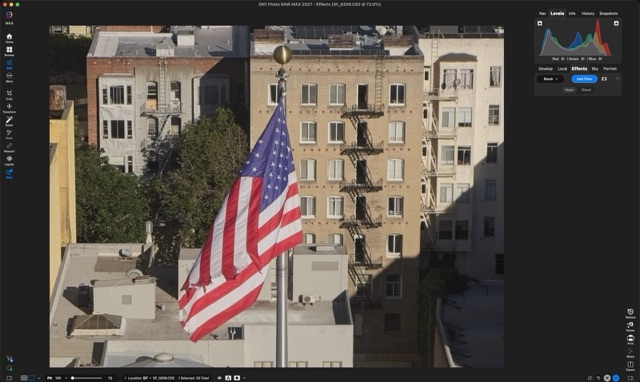
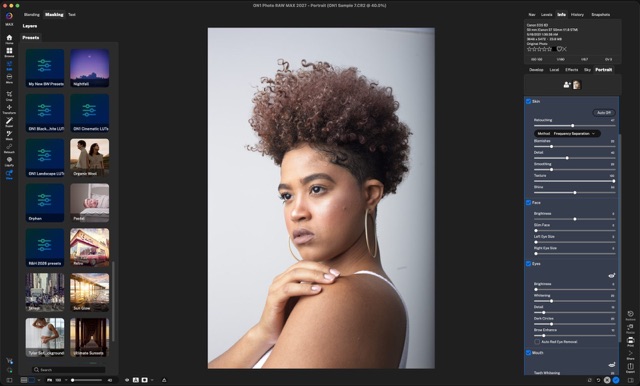
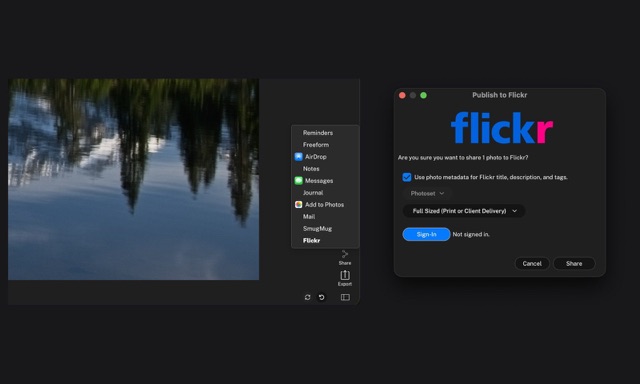
Export & share
Longer tours of a single tool.
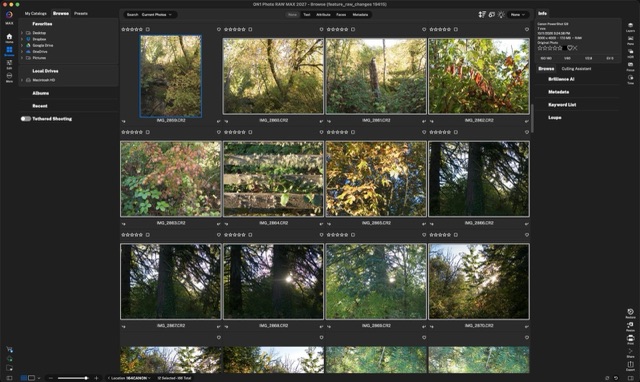
Make it yours
Longer tours of a single tool.
For Photo RAW 2026 and earlier owners · see what 2027 adds before you upgrade
What you get in 2027
Start with the Highlights, then try the biggest new features in the real app. MAX marks Photo RAW MAX and ON1 Photo Studio features.
Ready to upgrade?
Upgrade to Photo RAW 2027 at owner pricing, or try it free for 30 days first. Photos you edited before stay exactly as you left them.
Smaller changes that add up
- NoNoise AI 2027
- Rebuilt models for wildlife, portraits, astro and scanned film. See it in the Highlights tour.
- Tack Sharp AI
- Rescues slightly soft shots from missed focus and camera shake.
- Faster everywhere
- Reworked previews and caching. Re-editing and AI tools are faster, with bigger gains on Windows.
- Smoother setup
- A smoother install and sign-in.
- More cameras and lenses
- Expanded camera and lens support.
More new in 2027
The rest of the What’s New tours.
Welcome to Photo RAW 2027 · your progress is saved in this browser
What’s New in 2027
Every new and improved feature, one short tour each. Start with the Highlights. MAX marks Photo RAW MAX and ON1 Photo Studio features.
Refresh the basics
Where things live in Photo RAW 2027, if you want a quick refresher.
Browse & organize
Longer tours of a single tool.
Develop & retouch
Longer tours of a single tool.
Local, Effects & Portrait
Longer tours of a single tool.
Export & share
Longer tours of a single tool.
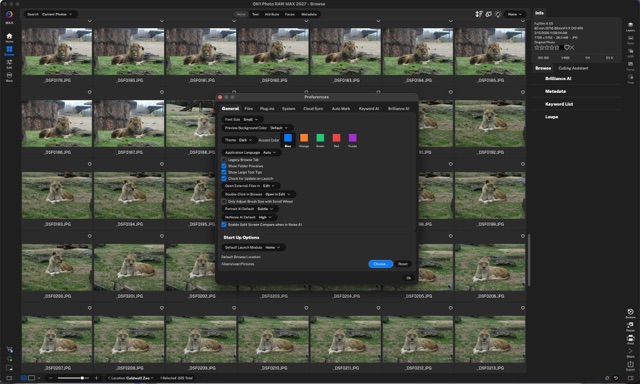
Make it yours
Longer tours of a single tool.
No tours match.