

ON1 Photo RAW 2027 Guided tour Step 1 of 6
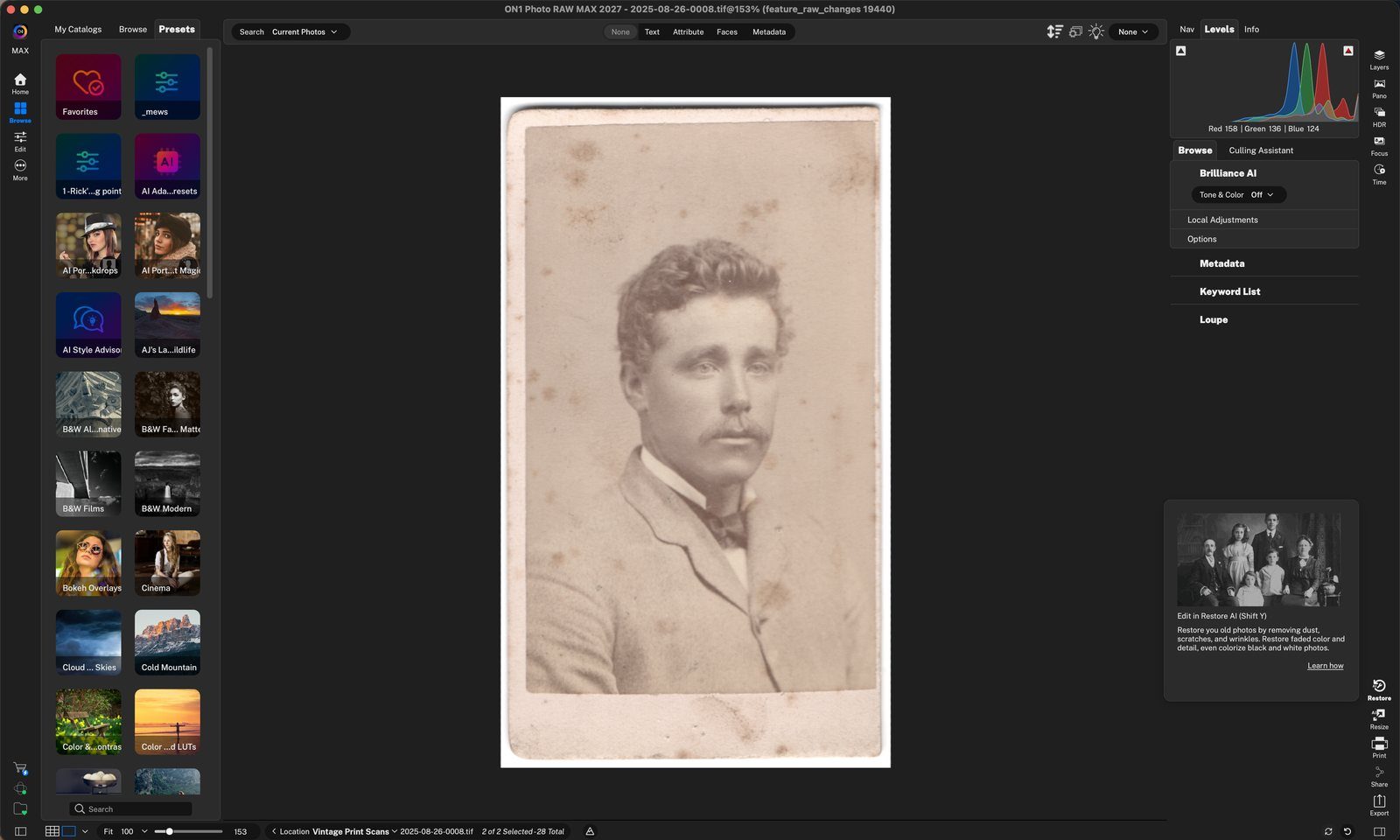
Open Restore AI
Restore AI repairs old, faded or damaged photos. It removes dust, scratches and wrinkles, brings back faded color and detail, and can even colorize black-and-white photos.
Choose a Style
Restore AI gives you four starting styles. Click a thumbnail to see it on your photo; the selected style is outlined in blue.
Fine-tune and Recover Faces
Fine-tune the restored result with the sliders, and let Face Recovery repair blurry or damaged faces. Your original is never changed.
Refine the Results
Not quite right? Describe what you'd like changed, and Restore AI makes a new version.
Save the Restored Photo
Click the blue check to save. Restore AI always creates a new image from the original, and the Quick Export window opens so you can choose the save settings.
Compare in Browse
Back in Browse, the restored copy sits right next to the original.
Click Regenerate to make a new version. Click anywhere to continue
Tour complete
You opened Restore AI, chose a style, recovered the face, refined the result and saved a restored copy.
- 1Restore
- 1Styles
- 1Adjustments
- 2Face Recovery
- 3Adjust Faces
- 1Describe a change
- 2Generations
- 1Save
- 1Restored copy
- 2Before and after