Lightroom Film Presets
If you're looking to inject the timeless aesthetic of classic film into your digital photos, ON1 Lightroom film presets are exactly what you need. Whether you're after subtle grain, vintage tones, or rich, cinematic colors, these packs deliver high-quality, film-like edits with minimal effort — and every one of them is free, so you can see how they fit your photography before committing to anything.
- Lightroom Classic
- Lightroom 6
- Lightroom 5
- Lightroom 4
- Lightroom Mobile
-
5 film-friendly preset packs • No credit card required
Explore Our Free Film Lightroom Presets
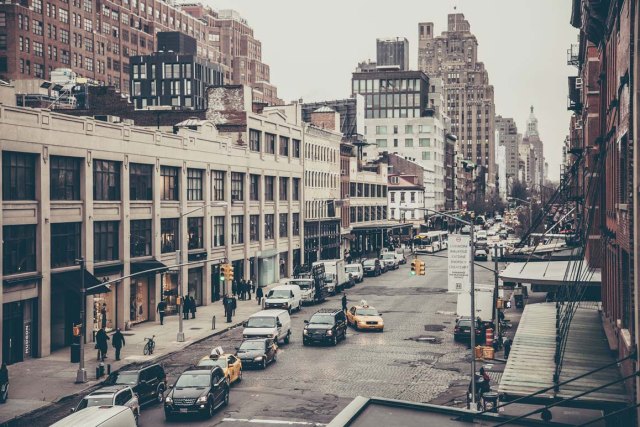
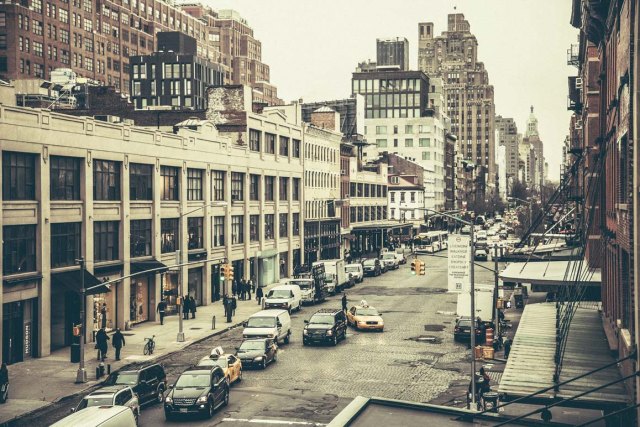
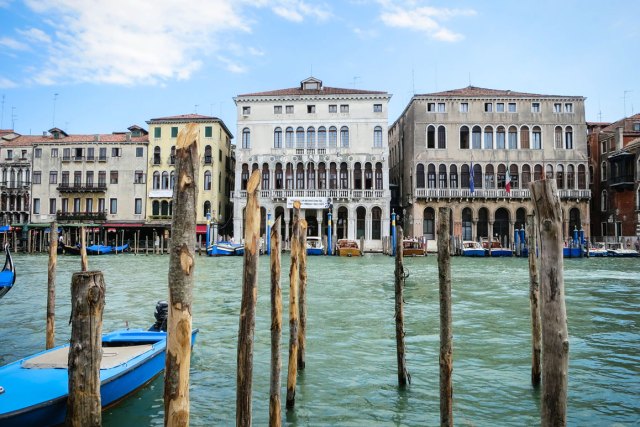
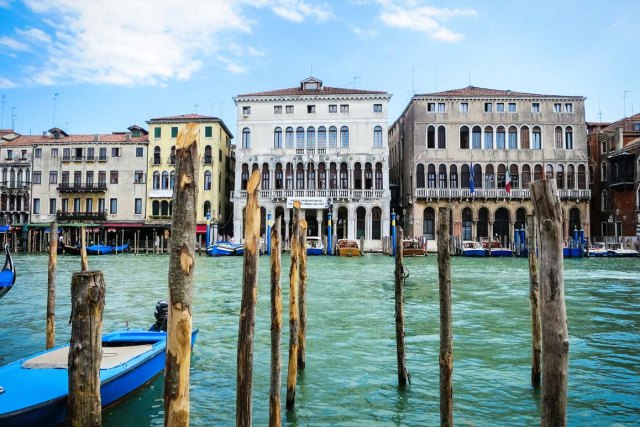
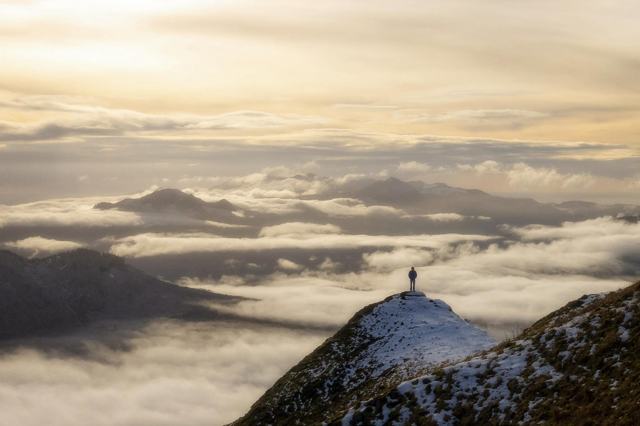
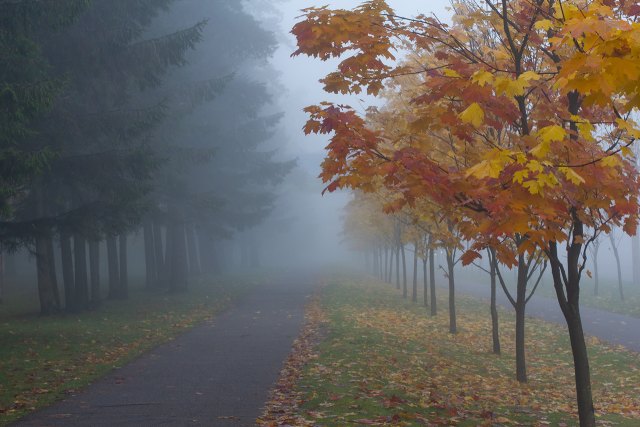
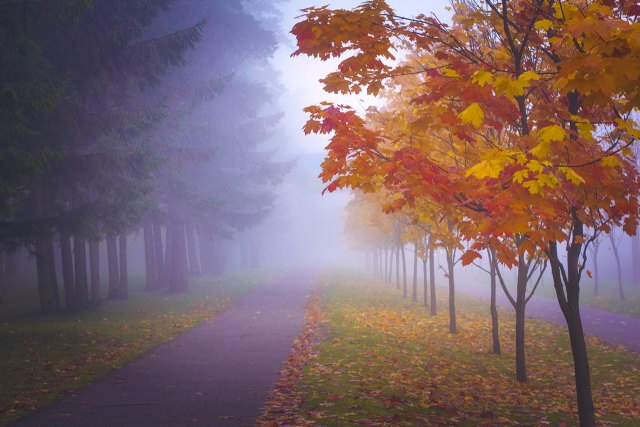
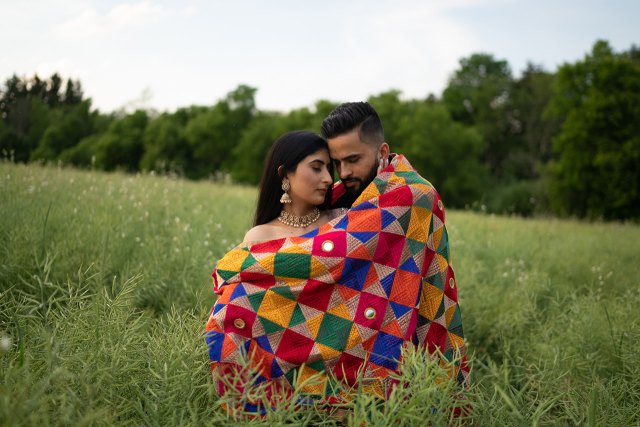
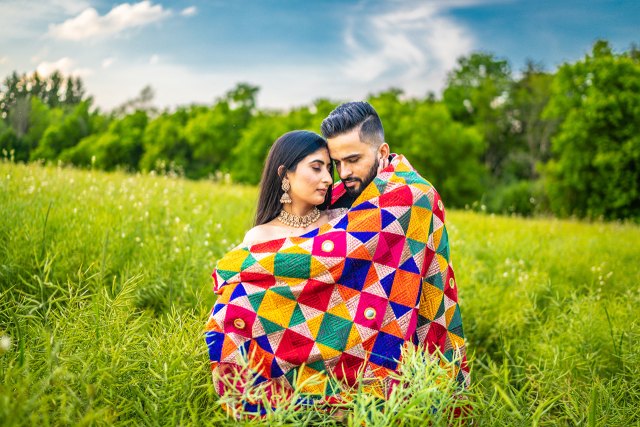
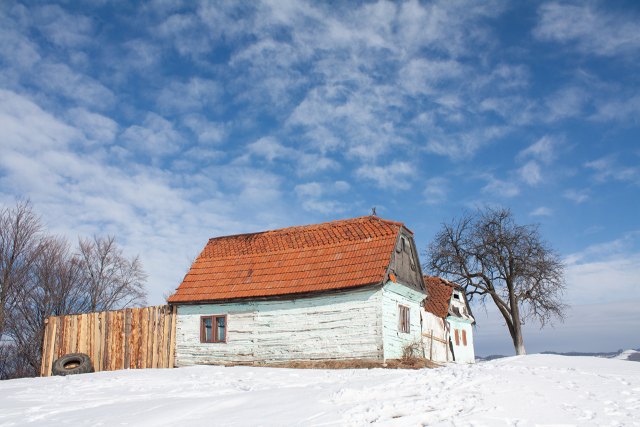
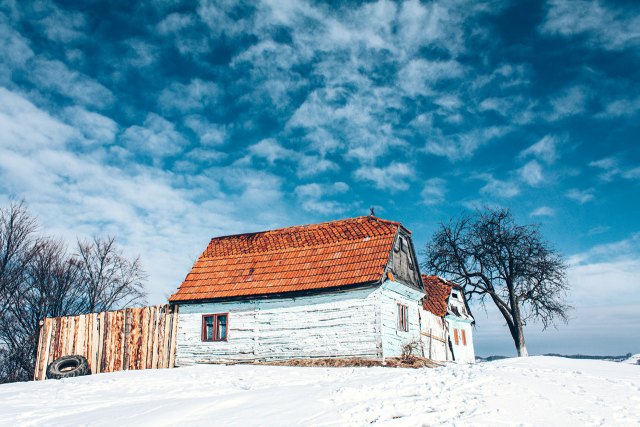
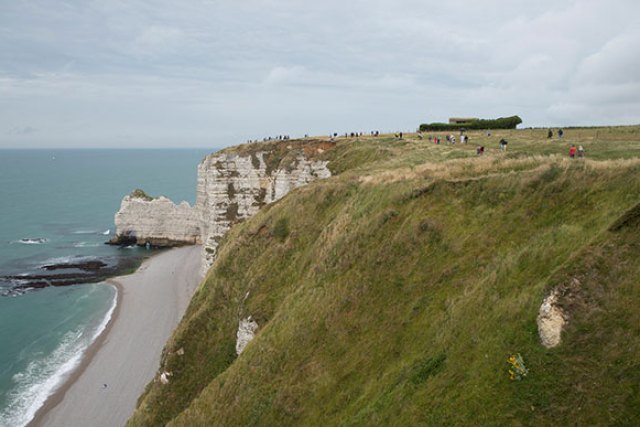
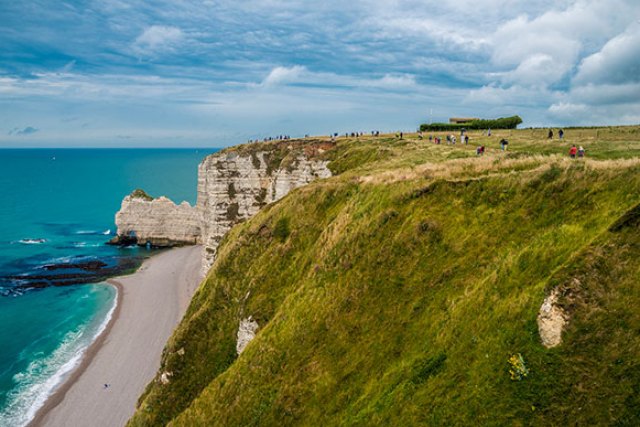
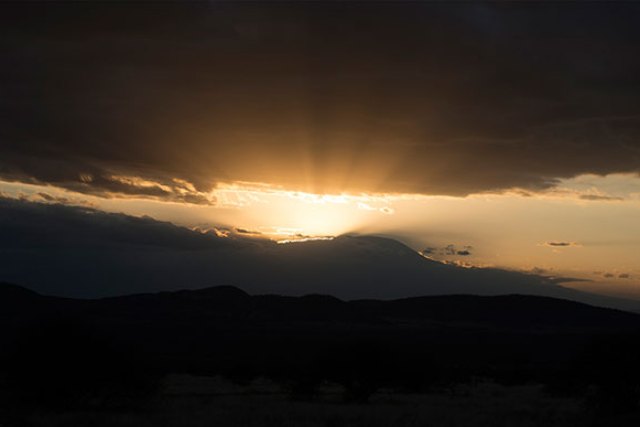
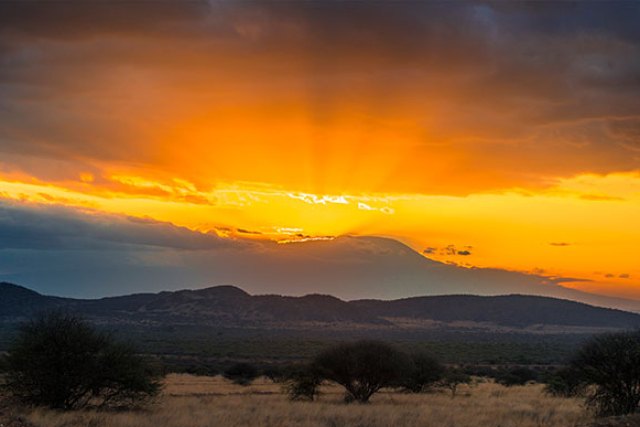
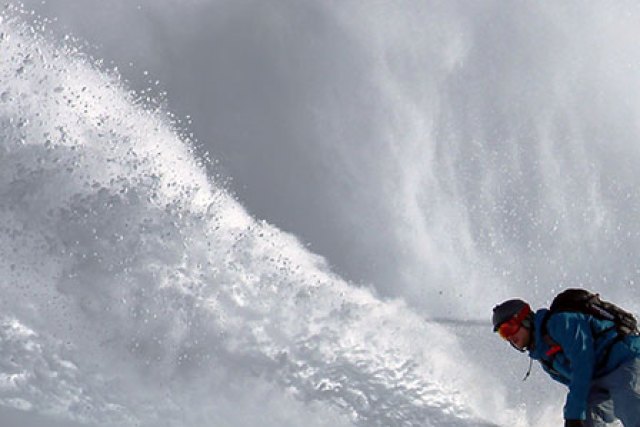
These packs are tailored to different creative needs — grainy and retro, cinematic and travel-toned, or seasonal and adaptive. Drag any comparison below to see the before and after.
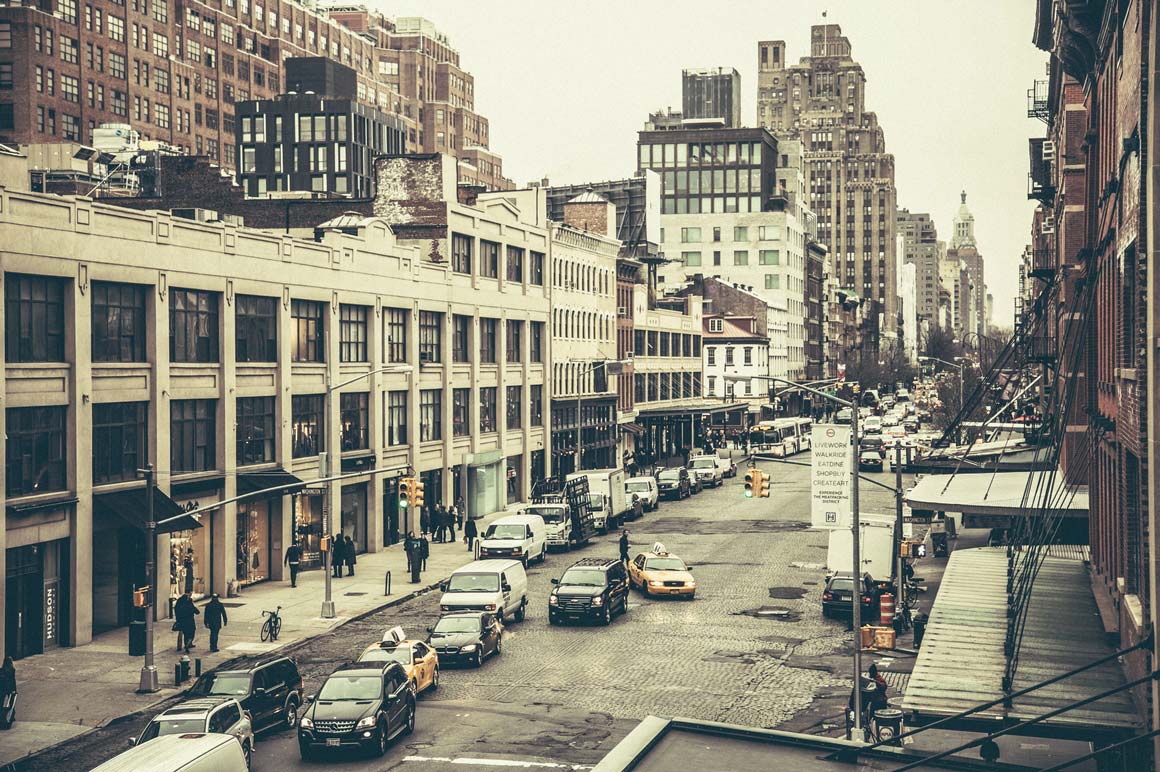
Grain & Film Presets by Contrastly
Partner: Contrastly • 10 Presets
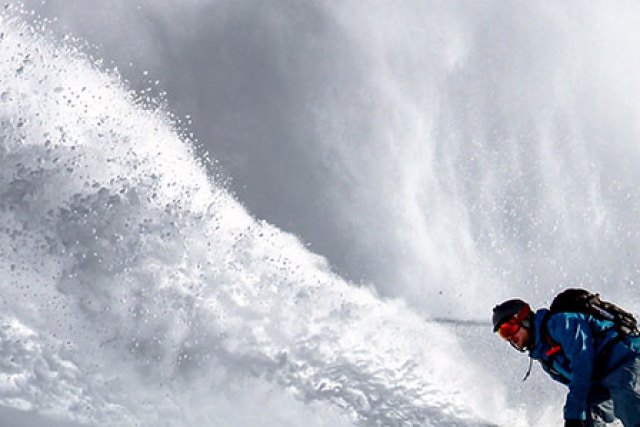
All about the grain — the gritty, tactile character of analog film, ready to drop onto portraits, street work, or anything that needs a little age on it. Exclusive to ON1!
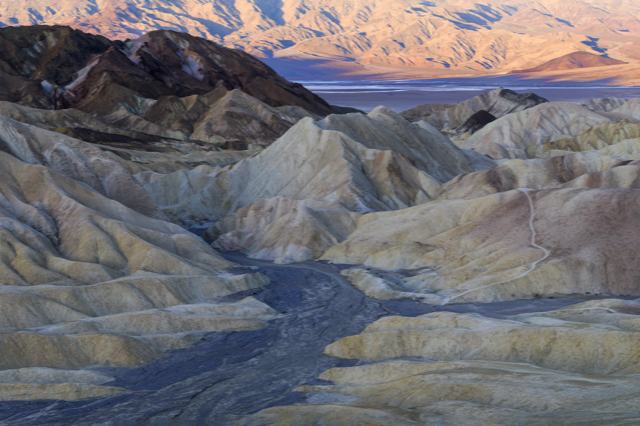
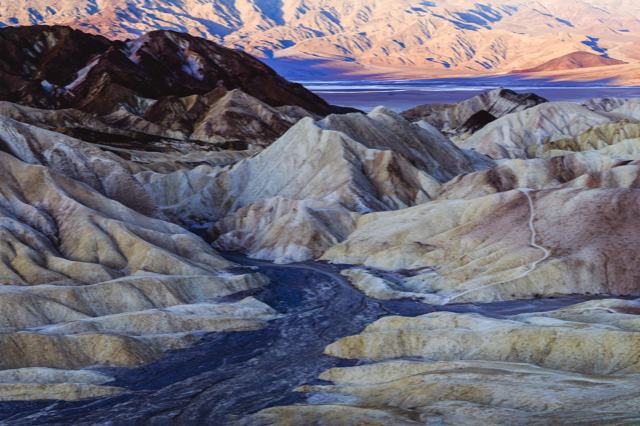
Film Landscape Starter Pack by Contrastly
Partner: Contrastly • 20 Presets
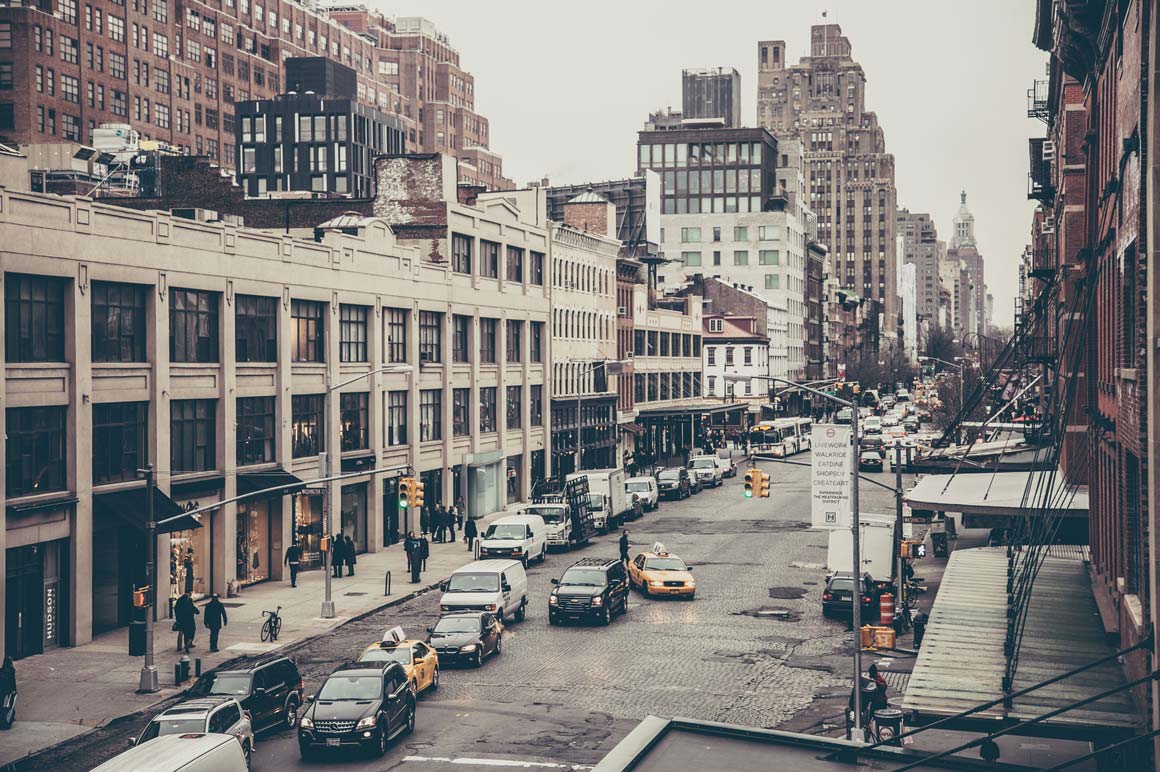
Cinematic, travel-inspired film looks, plus light-leak and film-roll effects that mimic the charming imperfections of old cameras — and a sky enhancer for recovering washed-out skies.
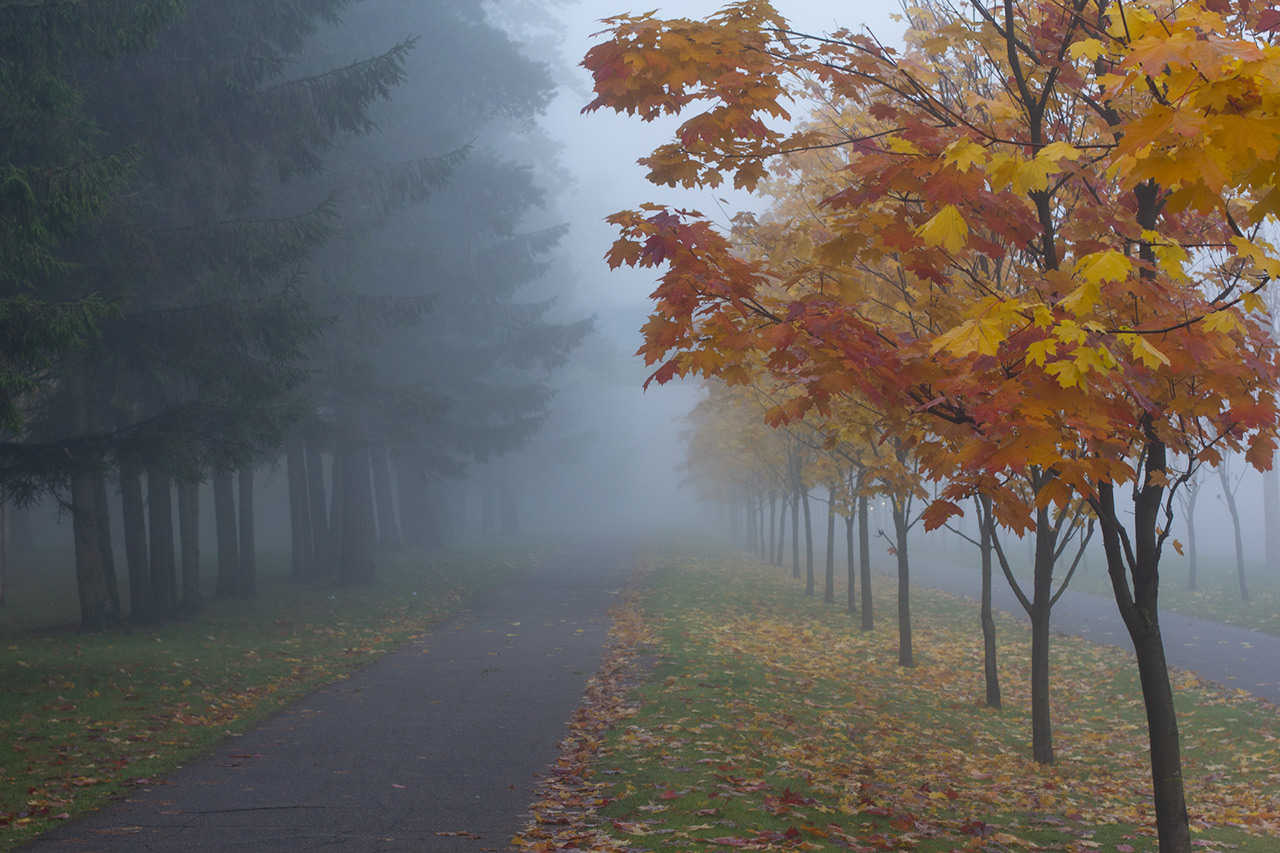
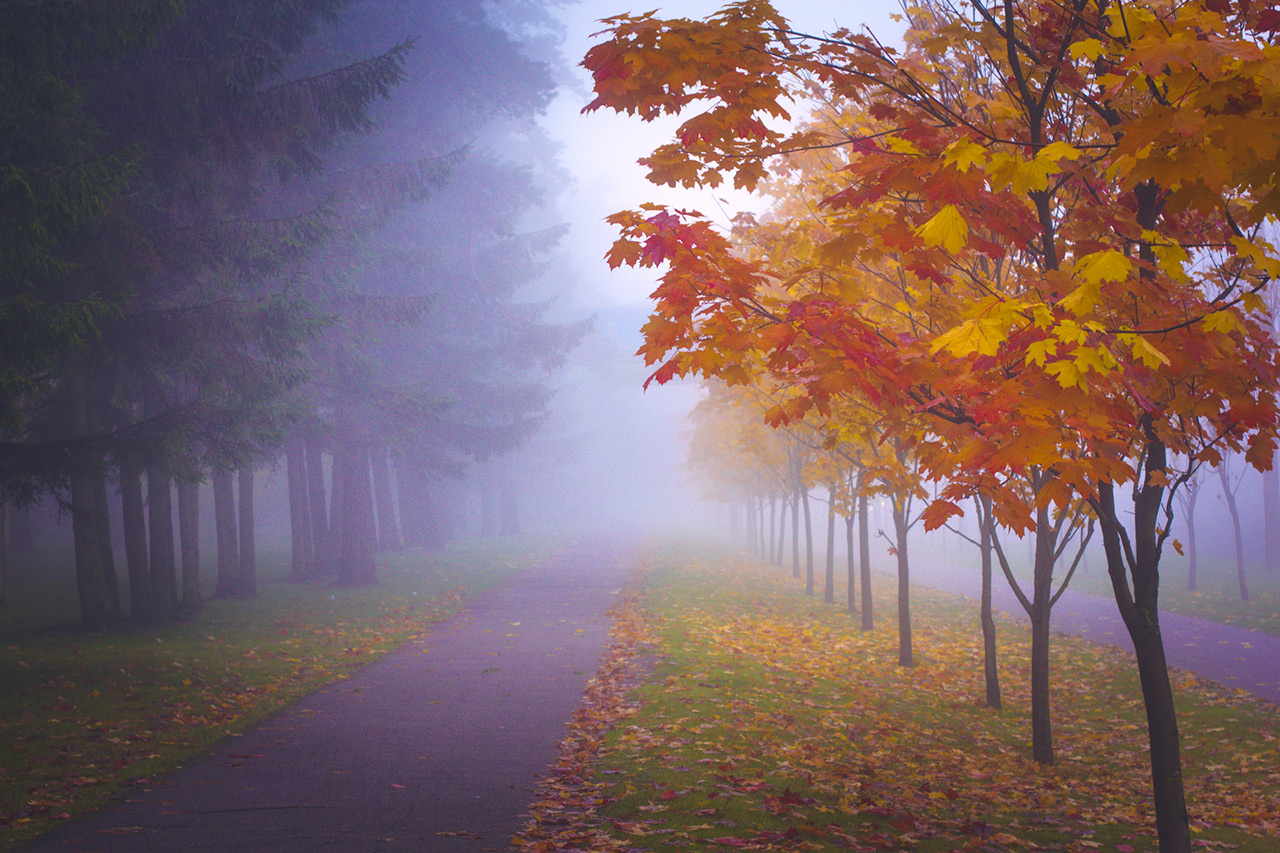
ON1 All Seasons Adaptive Presets
ON1 Original • 40 Presets
Winter, spring, summer, or fall — these 40 presets use Lightroom's AI-based masking to enhance color, tone, and contrast automatically, in landscape and portrait variants for every season.
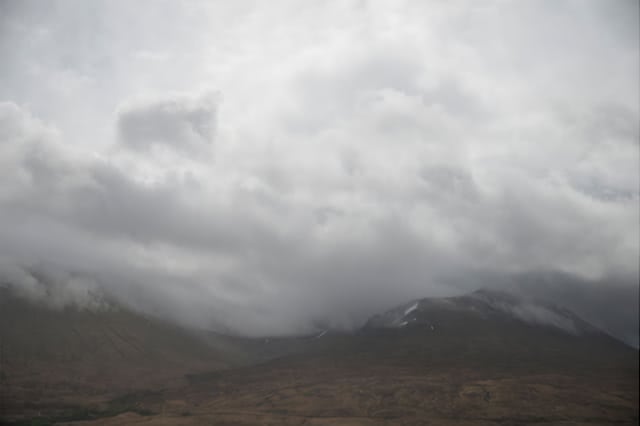
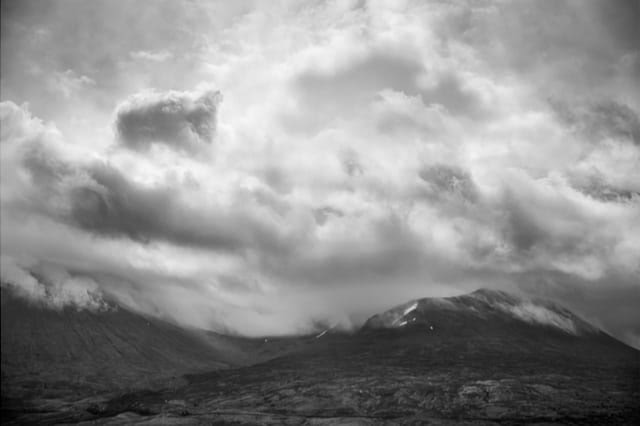
Landscape Vibrations Presets & Brushes by Sleeklens
Partner: Sleeklens • 30 Presets
Built for every type of landscape photo, with 16 brushes for local adjustments when a preset gets you most of the way there. Exclusive to ON1!

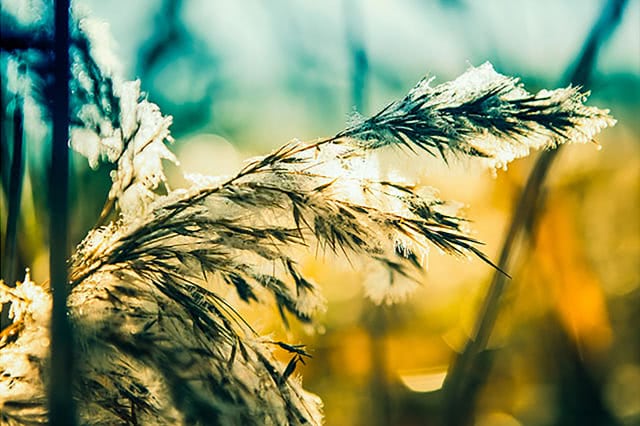
Winter Wonderland Presets by Contrastly
Partner: Contrastly • 20 Presets
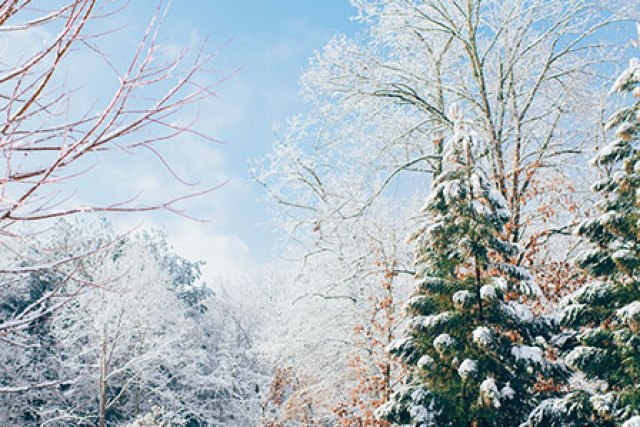
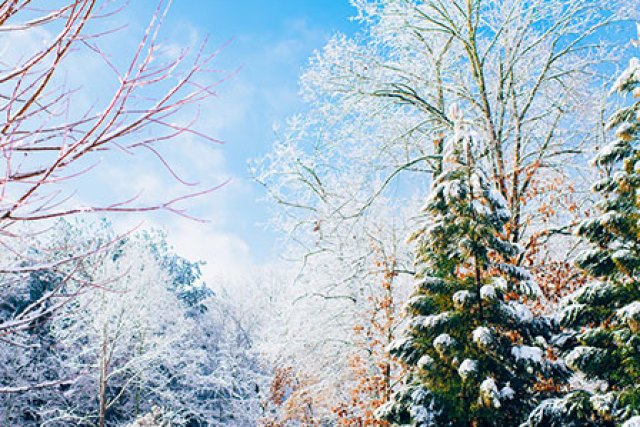
Some of Contrastly's newest and best winter-time presets, for the cold, muted palette that suits film emulation as well as any season does.
How Lightroom Film Presets Work
Film presets are pre-configured settings that instantly transform a photo to mimic the look of traditional film. They adjust exposure, contrast, color balance, and grain together to recreate the characteristics of specific film stocks — whether you're after the soft pastels of Kodak Portra or the vibrant hues of Fujifilm Provia. Applying one takes a single click, and everything stays editable afterward.
How to Add ON1 Presets to Lightroom
1
Launch Adobe Lightroom
Open Lightroom on your desktop and navigate to the Develop module.
2
Open the Preset Panel
Find it on the left side of the screen, or via Window → Panels → Presets.
3
Import the Presets
Click the "+" icon, choose Import Presets, and select the downloaded .xmp or .lrtemplate files.
4
Start Using Your Presets
Find them in a new folder in the Presets Panel — click any preset name to apply it instantly.
Everything You Need To Know About Lightroom Presets
Join Matt Kloskowski as he walks through the essentials — importing, naming, and using your presets for maximum impact.
Frequently Asked Questions About Lightroom Film Presets
Yes. After applying a preset you can tweak individual settings such as exposure, contrast, and saturation to better suit your specific image or creative vision. That flexibility lets you land a personalized look while keeping the film-like quality of the preset.
They work with both, but you'll generally get better results from RAW files. RAW carries more data, so the preset has more room to make nuanced adjustments — which usually means a more polished final image.
Most do. Once imported into your Lightroom library they sync across your devices, so you can edit on the go with the same tools you use on the desktop. See our Lightroom mobile presets page for more on mobile editing.
Bring the Look of Film to Your Photos
Whether you're drawn to the classic charm of grainy textures or the vibrant hues of vintage film stocks, there's something here for every photographer. Every pack is free, and nothing asks for a credit card.
Keep Reading