

ON1 Photo RAW · 9 Lessons
Getting Started in Photo RAW 2026
Getting Started in Photo RAW 2026
Kick things off by editing three different photo types—landscape, portrait, and wildlife. This lesson introduces the essential tools and gives a hands-on feel for how to approach different subjects.
Course Curriculum
9 lessons · 1h 16m
- 1Getting Started in Photo RAW 2026Kick things off by editing three different photo types—landscape, portrait, and wildlife. This lesson introduces the essential tools and gives a hands-on...21:51Now playing
- 2
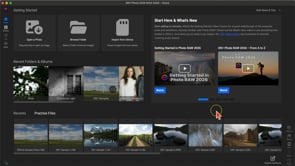 Getting Started with the Home ModuleGet started using the Home Module to access photos, recent edits, and the latest news!03:45
 - 3
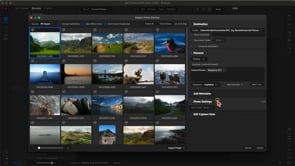 Importing and OrganizingLearn how to bring photos into Photo RAW from your SD card and keep them organized. We’ll cover culling, rating, and managing...08:23
 - 4
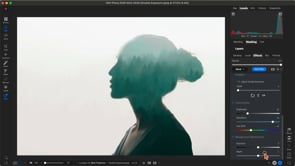 New Features in 2026Explore what’s new in Photo RAW 2026, including powerful new filters, fresh effects templates, and enhanced perspective correction for cleaner compositions.20:07
 - 5
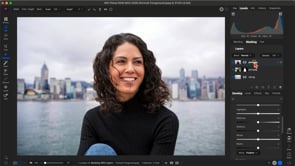 Masking with LayersSee how to blend multiple images together using layers and masks for creative composites.04:47
 - 6
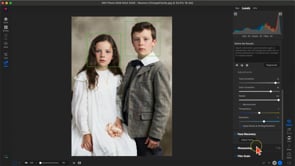 Using Restore AILearn how to restore and repair faded, damaged, or blurry photos with Restore AI!05:22
 - 7
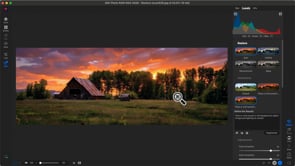 Using Prompt Generation with Restore AILearn how to use prompts to refine restorations results with Restore AI!02:23
 - 8
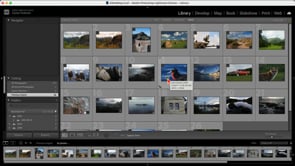 Using with LightroomLearn how to integrate Photo RAW MAX 2026 with Lightroom for even greater flexibility in your editing process.05:25
 - 9
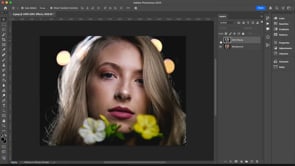 Using with PhotoshopDiscover how Photo RAW MAX 2026 works seamlessly with Photoshop to extend your editing workflow.04:30
Course Downloads
Download the course assets and watch the videos offline. This content is yours to have and keep forever.