

ON1 Photo RAW 2027 Guided tour Step 1 of 5
Start from Home
Plug in your SD card, camera or phone, then open Photo RAW to the Home screen.
Pick the source and destination
The Import window shows every photo on the card. Check marks show which ones will be imported.
Create a new folder
Choose... opens the standard folder picker on your computer.
Import the photos
Everything is set. Rename, Add Metadata and Photo Settings are optional extras.
Your photos in Browse
When the import finishes, Photo RAW opens the new folder in Browse.
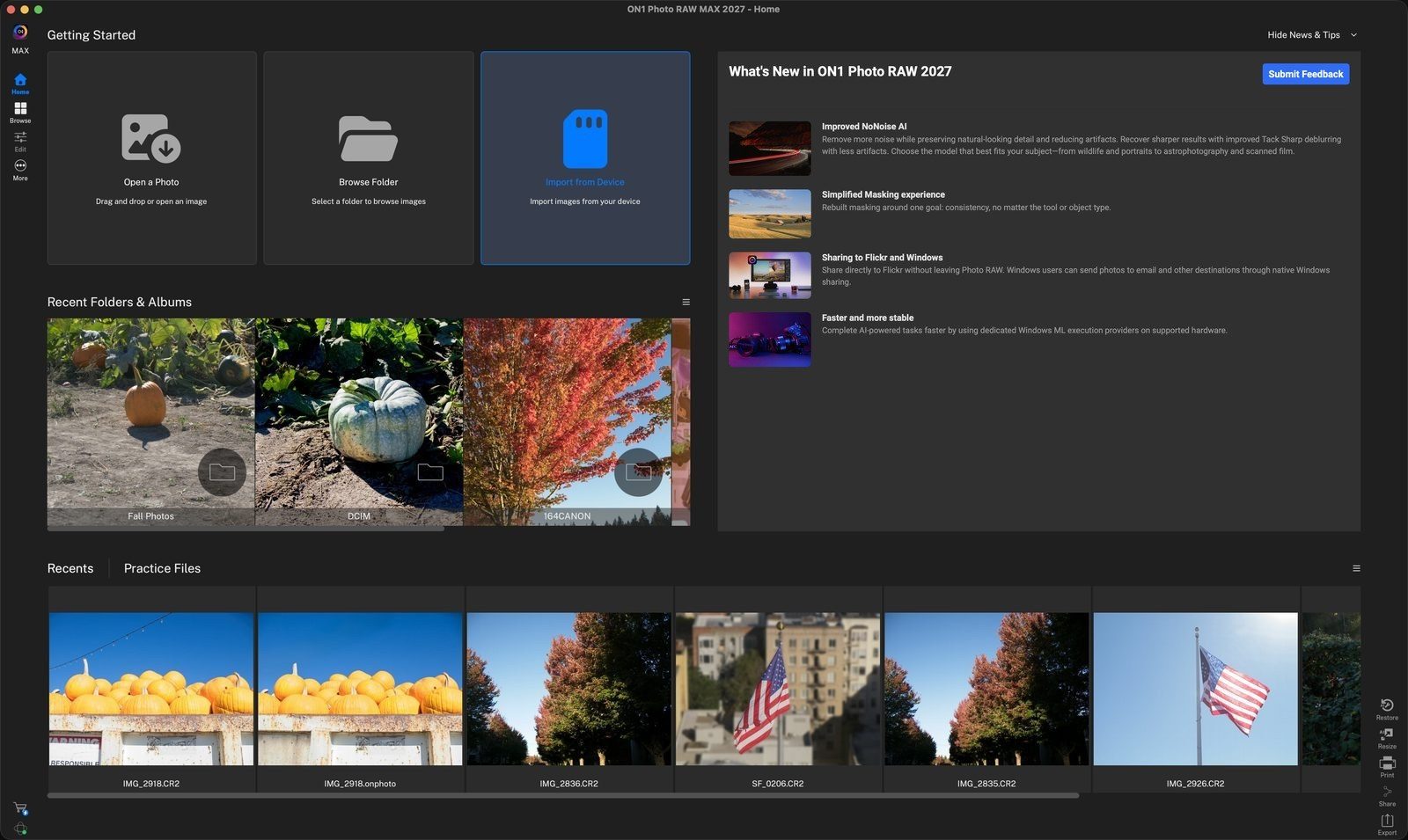
Import from DeviceClick this card to open the Import window. Click anywhere to continue
SourceChoose your SD card, camera or phone from the Source menu. Here it is CANON_DC. Click anywhere to continue
DestinationOpen the Folder menu to choose where the photos go. Pick a recent location, or Choose... to pick a new one. Click anywhere to continue
New FolderGo to where you want the photos, such as Desktop, then click New Folder. Click anywhere to continue
Name itType a name, such as October Photos, then click Create. Click anywhere to continue
OpenWith the new folder selected, click Open to use it as the destination. Click anywhere to continue
Check the destinationFolder now reads /Users/user/Desktop/October Photos. Click anywhere to continue
ImportClick Import to copy the checked photos into the folder. Click anywhere to continue
Your new folderOctober Photos appears under Desktop in the folder list. Click anywhere to continue
All importedThe photos are ready to rate, edit and share. The status bar shows 177 in total. Click anywhere to finish
Tour complete
You imported photos from a card into a new folder and opened them in Browse.
- 1Import from Device
- 1Source
- 2Destination folder
- 1New Folder
- 2Folder name
- 3Open
- 1Destination path
- 2Import
- 1October Photos folder
- 2Imported photos