Free Textures & Overlays for Photographers
Textures and overlays are one of the fastest ways to give your images mood, depth, and style. Whether you're after a vintage film look or dreamy light leaks, this collection gives you the tools to experiment without limits — every file is high-resolution and ready to drop into Photoshop, GIMP, or ON1 Photo RAW, where masking and blending give you total control.
- JPEG & PNG Files
- Adobe Photoshop
- GIMP
- ON1 Photo RAW
-
6 free texture packs • No credit card required
20 Files
Paper & Canvas Textures
High-resolution files capturing the look of real paper and canvas — grainy watercolor surfaces, coarse linen, and subtle fabric-like textures for a tactile, artistic feel.
50 Files
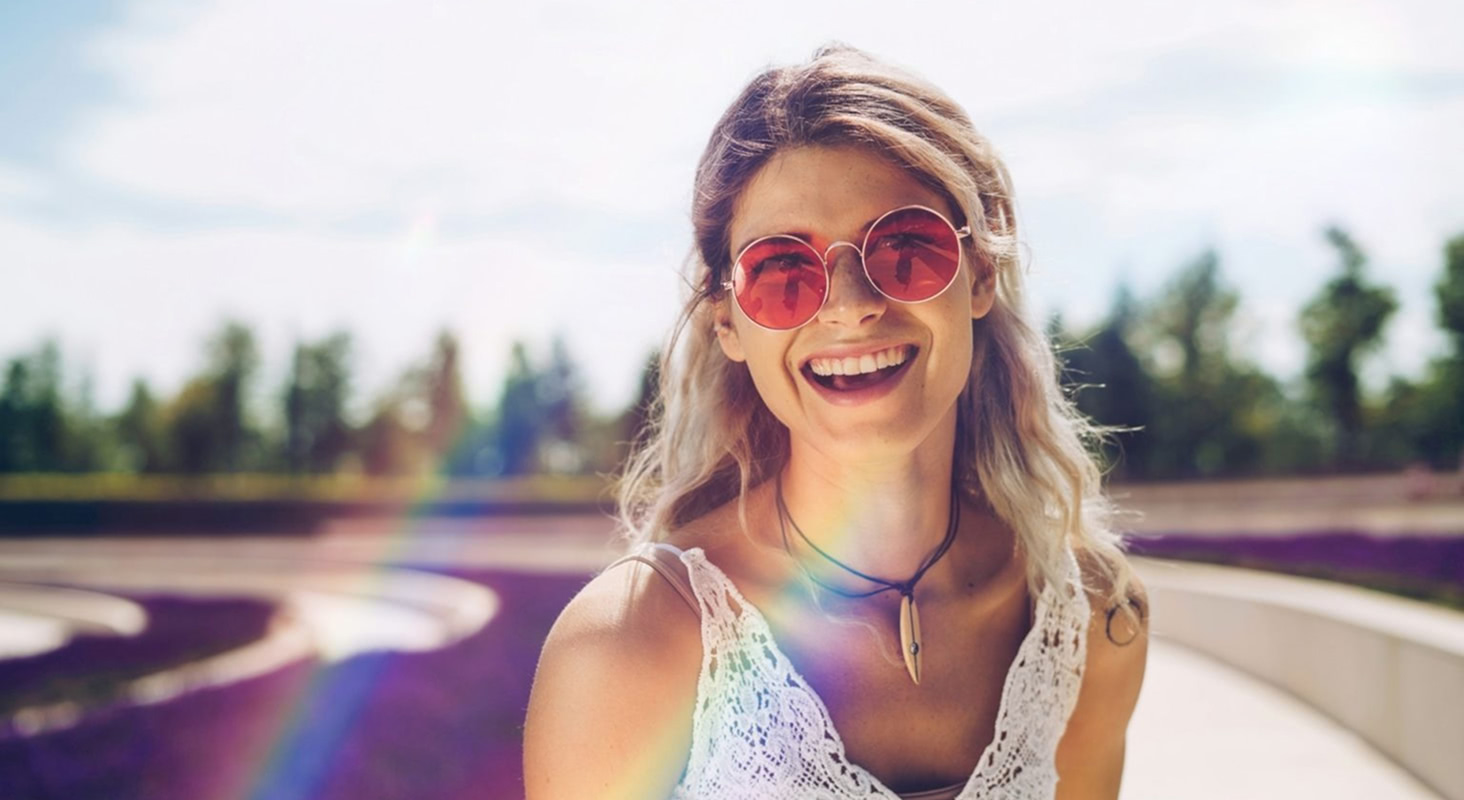
Light Leak & Bokeh Overlays
30 light leak overlays plus 20 bokeh overlays — a warm, nostalgic glow paired with soft, circular highlights for real cinematic energy.
12 Files
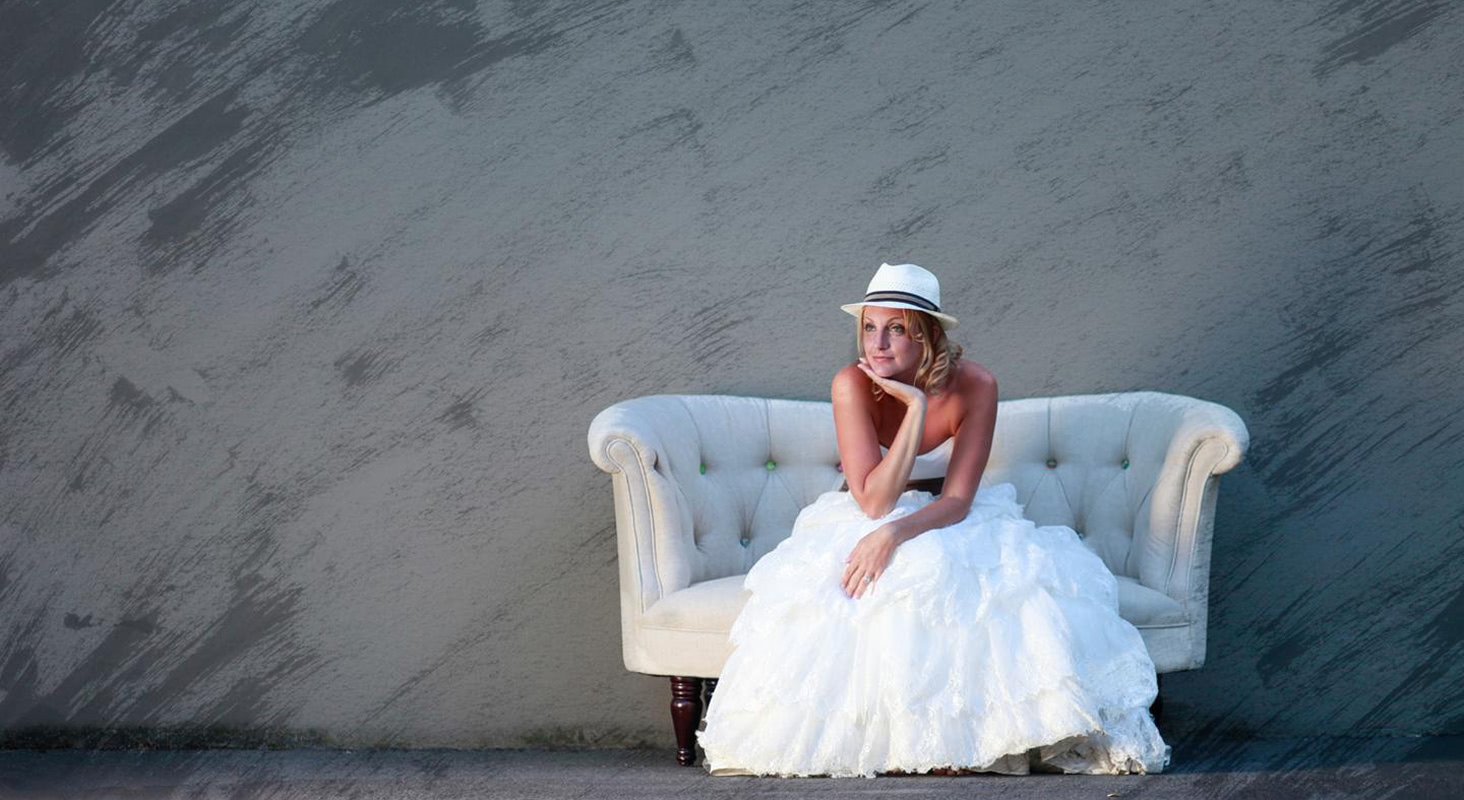
Inky Textures
High-contrast textures created from ink splatters, washes, and fluid shapes — ideal for experimental edits needing bold mood shifts or an abstract, handcrafted style.
10 Files
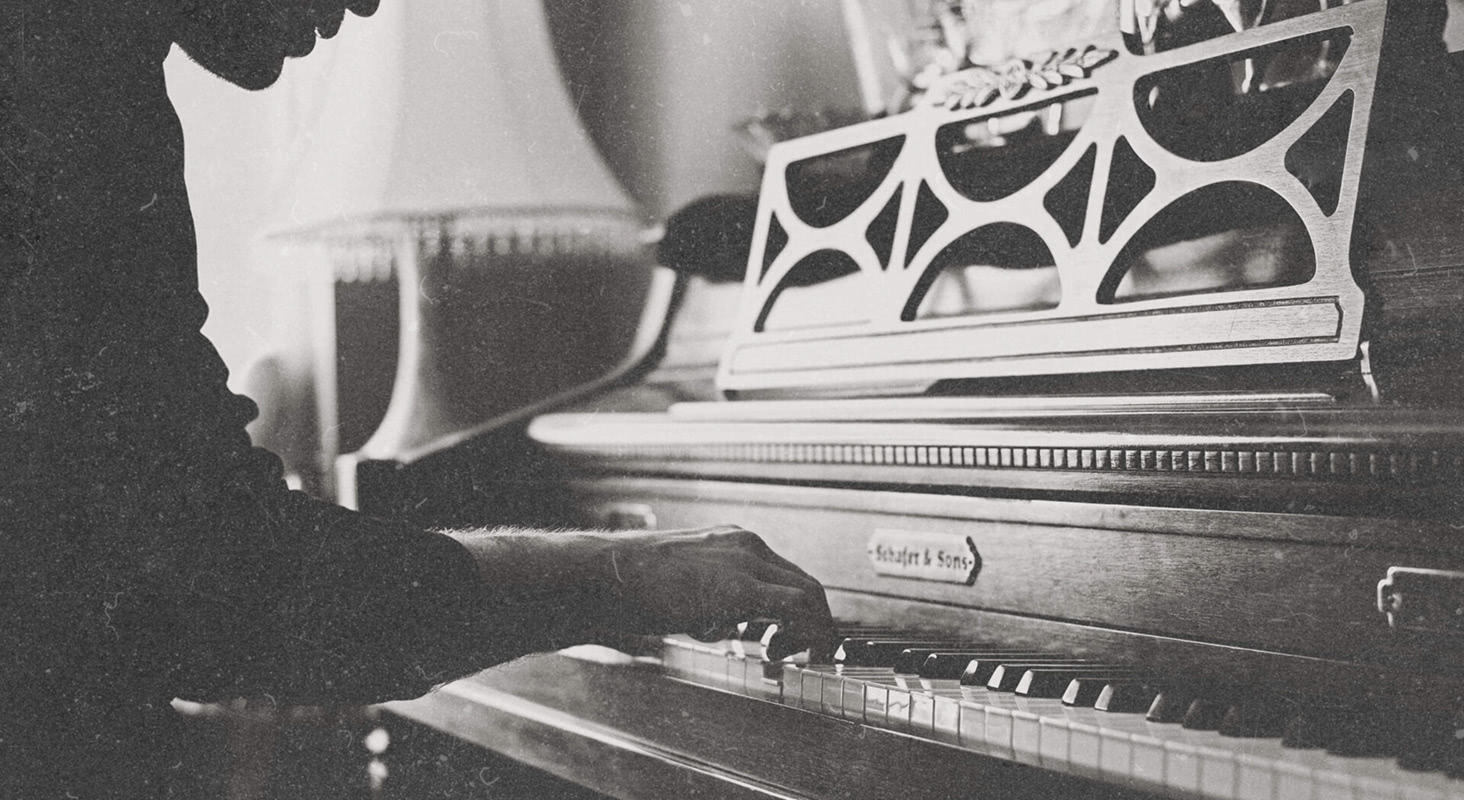
Dusty Film Overlays
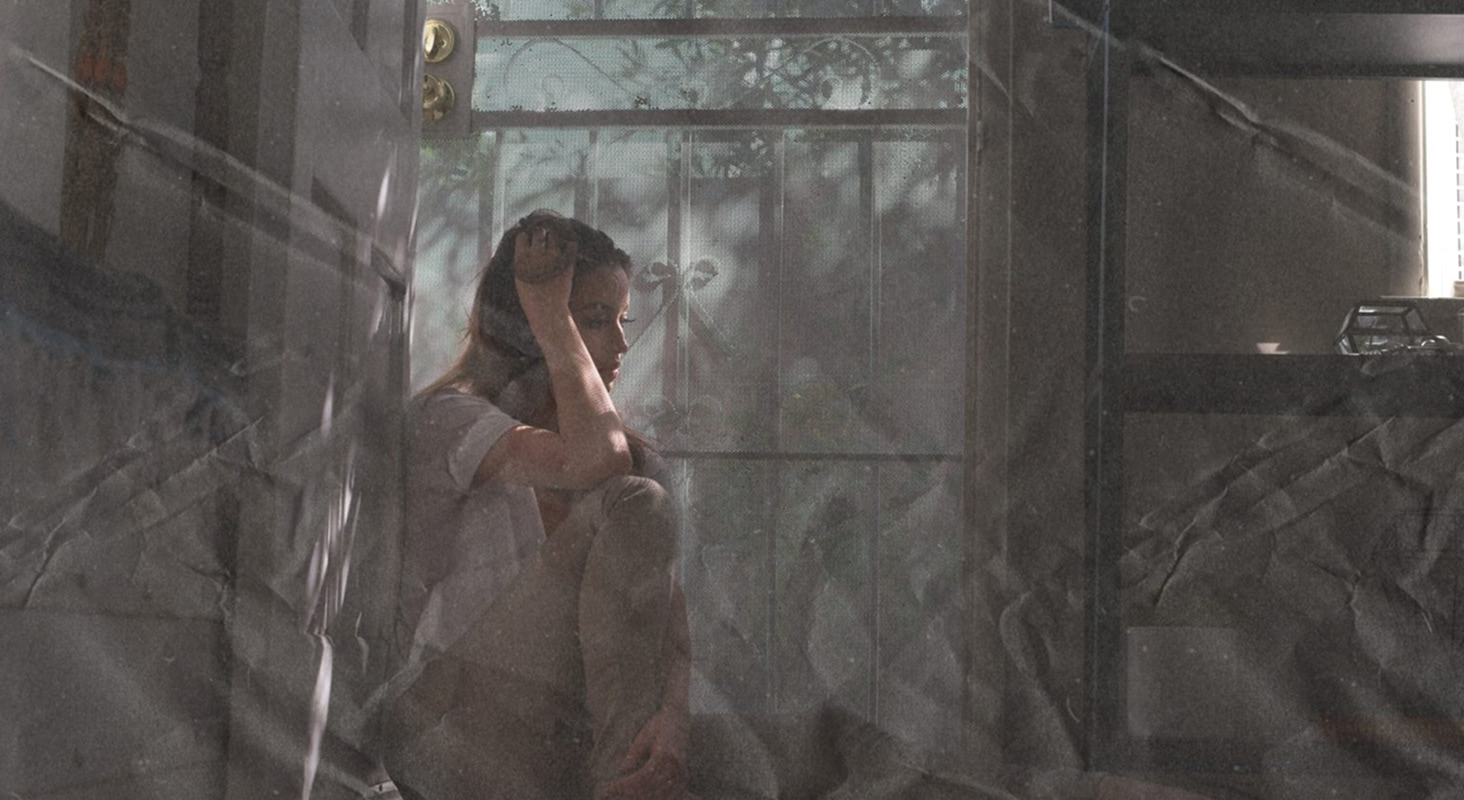
Recreates the specks, scratches, and wear found on aged film stock — a raw, analog character for portraits, travel shots, and retro finishes.
10 Files
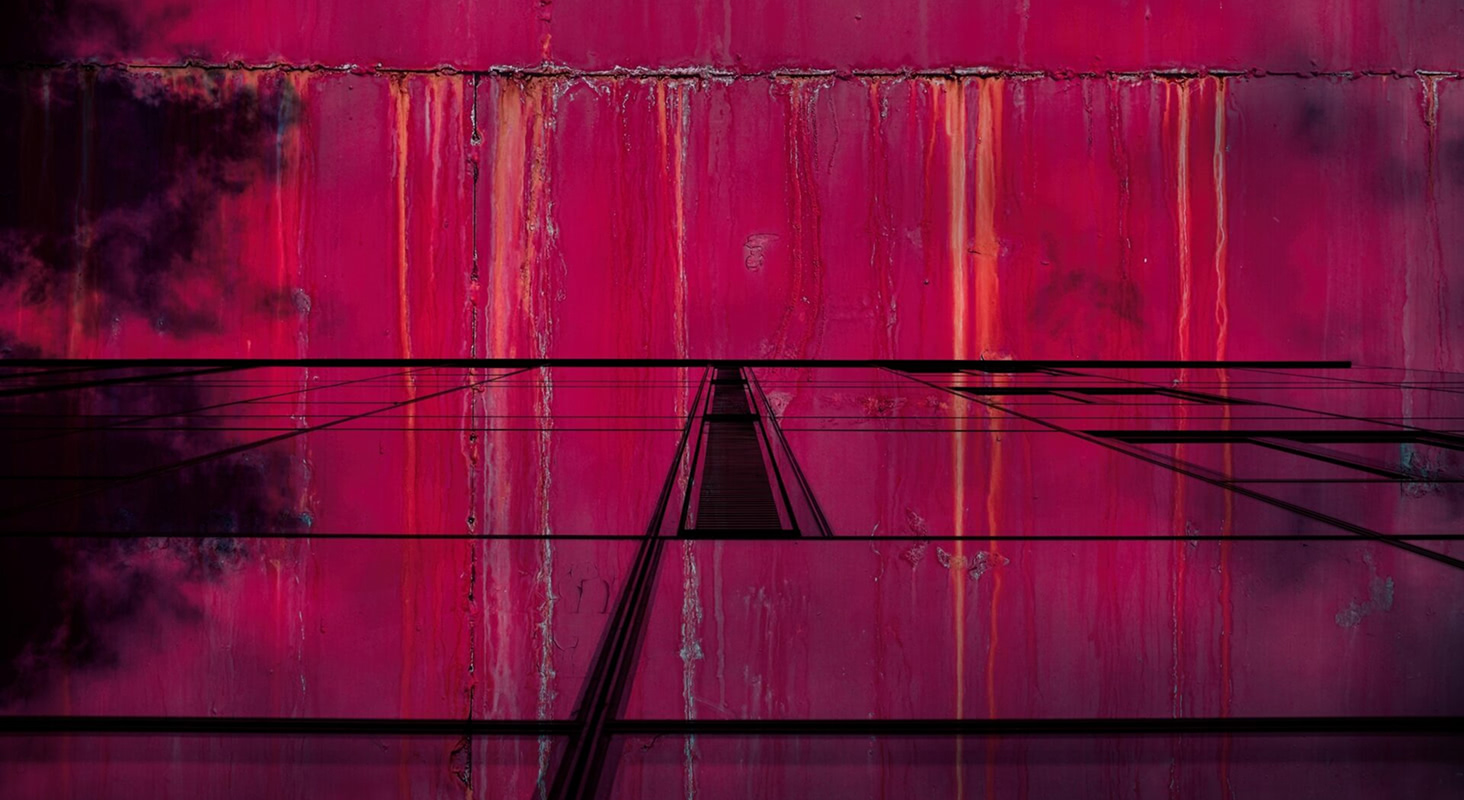
Urban Metal Textures
Surfaces inspired by rust, corrosion, and scratched industrial materials — great for adding grit to portraits or as design-project backgrounds.
10 Files
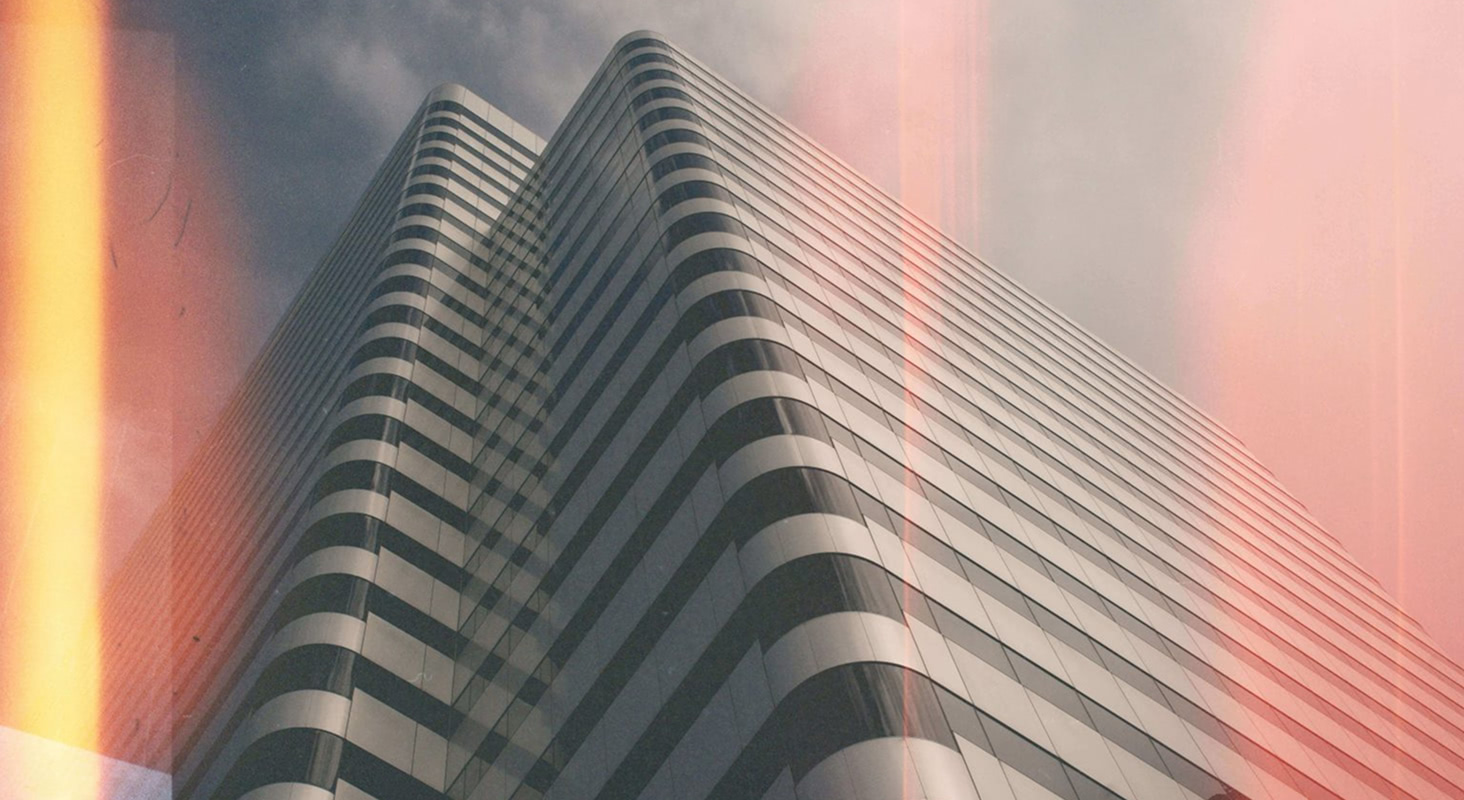
Analog Film Burn Overlays
Simulates the scorched edges and streaks of light from overexposed film — dramatic color and intensity shifts for images that need a burst of drama.
How to Use ON1 Free Textures & Overlays
You don't need to be a pro to make these textures look amazing — they're ready to drop right into your workflow.
-
Open your shot. Any editor with layers will do.
-
Stack on a texture. Drag a file from the pack onto your image as a new layer.
-
Blend it in. Flip the layer's blend mode (try Overlay, Soft Light, or Screen) and dial the opacity until the vibe feels right.
Want to get fancy? Mask out parts of the texture, layer multiple overlays, or use ON1 Photo RAW's advanced blending tools to fine-tune every detail.
Frequently Asked Questions About Textures & Overlays
What software can I use these free textures in?
Any layer-based editor. They're ideal as Photoshop textures, but they also work in ON1 Photo RAW, Affinity Photo, Luminar, or free tools like GIMP.
What file format are the texture overlays?
JPEGs and PNGs, which are universally compatible — just drag and drop them into your editing software.
What's the best way to blend and customize these texture overlays?
Try switching the layer blend mode to Overlay, Soft Light, or Screen, then adjust opacity. ON1 Photo RAW makes it easy to fine-tune, mask, and stack multiple overlays.