

 ON1 Photo RAW
Head-to-Head Comparison

ON1 Photo RAW vs. Capture One
Both are trusted in the RAW editing space by photographers who expect sharp image quality, powerful tools, and smooth workflows. Here's the feature-by-feature breakdown — what they offer, where they shine, and which one fits your style, your workflow, and your budget.
At a Glance
Quick Comparison: ON1 vs. Capture One Side by Side
If you just want the highlights before jumping into the nitty-gritty, here's how ON1 Photo RAW and Capture One stack up.
| Feature | ON1 Photo RAW | Capture One |
|---|---|---|
| Pricing Model | One-time license (–) or low-cost subscription options | Primarily subscription-based ($17–$45.75/month), higher upfront cost for a perpetual license |
| Core Strength | AI-powered all-in-one editing, integrated DAM, Photoshop-style layers | Industry-leading color science, gold-standard tethering, deep studio workflow features |
| AI Features | Brilliance AI, NoNoise AI, Resize AI, Portrait AI, Sky Swap AI, Generative Erase/Extend, AI Keywording | AI Masking, AI Crop, Smart Adjustments, AI Dust Removal |
| Layers & Masking | Full compositing with blend modes, adjustment layers, AI masking | Adjustment layers (up to 16), refined masking tools for precision edits |
| Tethered Shooting | Solid Canon/Nikon support with live view and controls | Best-in-class tethering with advanced live collaboration (Capture One Live) |
| Asset Management | Browse or catalog workflows, AI keywording, optional cloud sync | Catalogs and Sessions, Capture One Live for collaboration, no AI keywording |
| Ideal Fit | Photographers who want a flexible, all-in-one solution with powerful AI tools and a lower cost of ownership | Professionals prioritizing color fidelity, tethering, and studio collaboration |
See It In Action
ON1 Photo RAW: What's New?
Discover the power of ON1 Photo RAW, the all-in-one editing platform that continues to evolve. Masking gets a serious boost with smarter mask layers and instant one-click subject and background selections. Four brand-new filters open the door to bold creative effects. We've fully integrated Resize AI, leveled up perspective correction, and added film-inspired tools like Negative Mode.
Image Quality
RAW Power: Color Science in ON1 vs. Capture One
Let's start with the heart of any RAW editor: how it handles your files straight out of the camera.
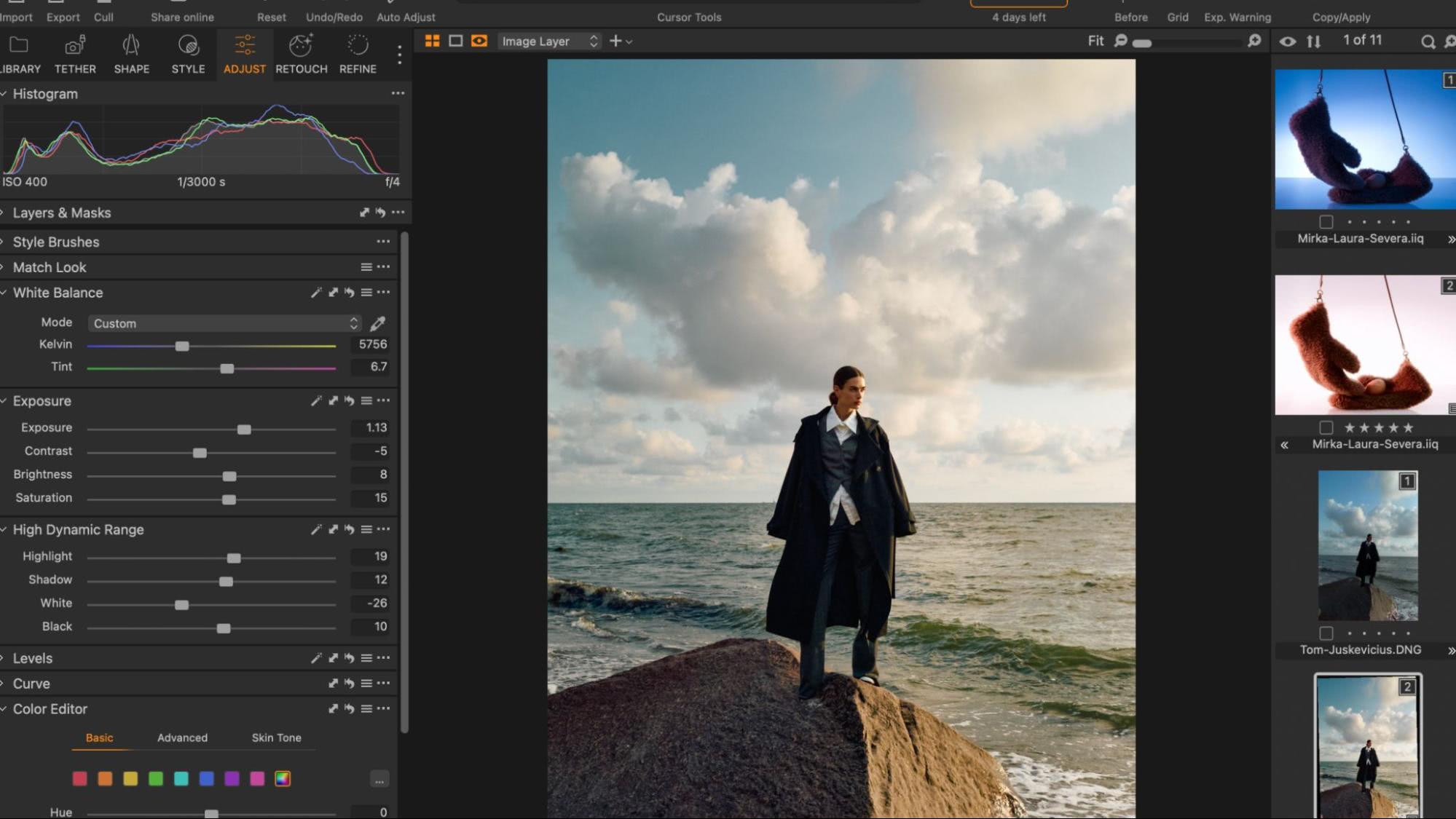
Capture One: The Color Purist's Choice
Ask any pro what Capture One is famous for and they'll say the same thing: color. Its color rendering is legendary, especially for skin tones, highlight recovery, and overall fidelity. In fashion, commercial, and product photography, where color accuracy can make or break a job, it has long been the industry benchmark.
Add its granular color editor and dedicated skin tone tool, and you've got pro-level precision that makes it a favorite in high-end studios.
ON1: Detail and Dynamics, All in One
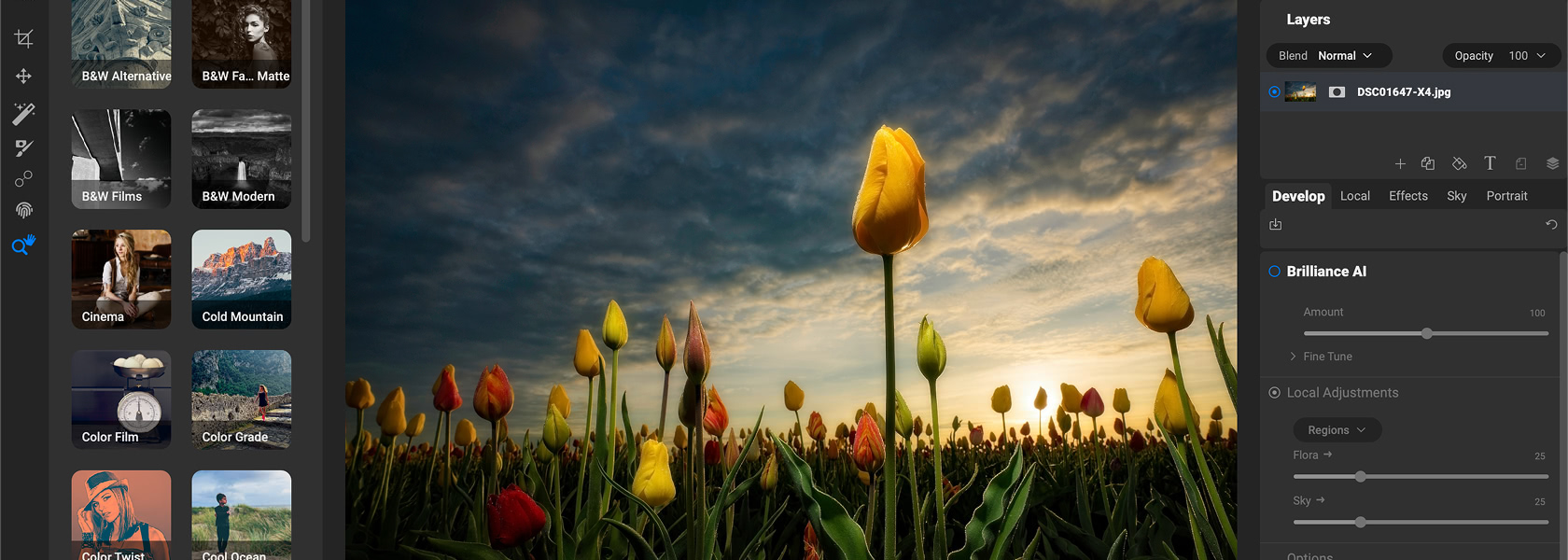
ON1 Photo RAW isn't playing catch-up anymore. Its RAW engine is optimized for detail retention, dynamic range, and accurate color, while staying tuned for speed on mid-range machines.
ON1 goes beyond pure fidelity by bundling in built-in HDR merge, panorama stitching, and native focus stacking — features Capture One either doesn't include or requires third-party plugins for.
- Color Precision: Capture One is still the king of accuracy and fine color control.
- Workflow Versatility: ON1 packs in more tools for creative merging and stacking without leaving the app.
- Performance: ON1 is optimized to run fast on mid-range machines; Capture One leans heavier on resources in exchange for ultimate fidelity.
TL;DR
If your absolute top priority is color perfection for commercial clients, Capture One still edges ahead. But if you want high-quality RAW processing plus built-in HDR, pano, and stacking with a smoother all-in-one workflow, ON1 Photo RAW makes a very strong case.
Automation & Intelligence
Comparing Creative AI Tools
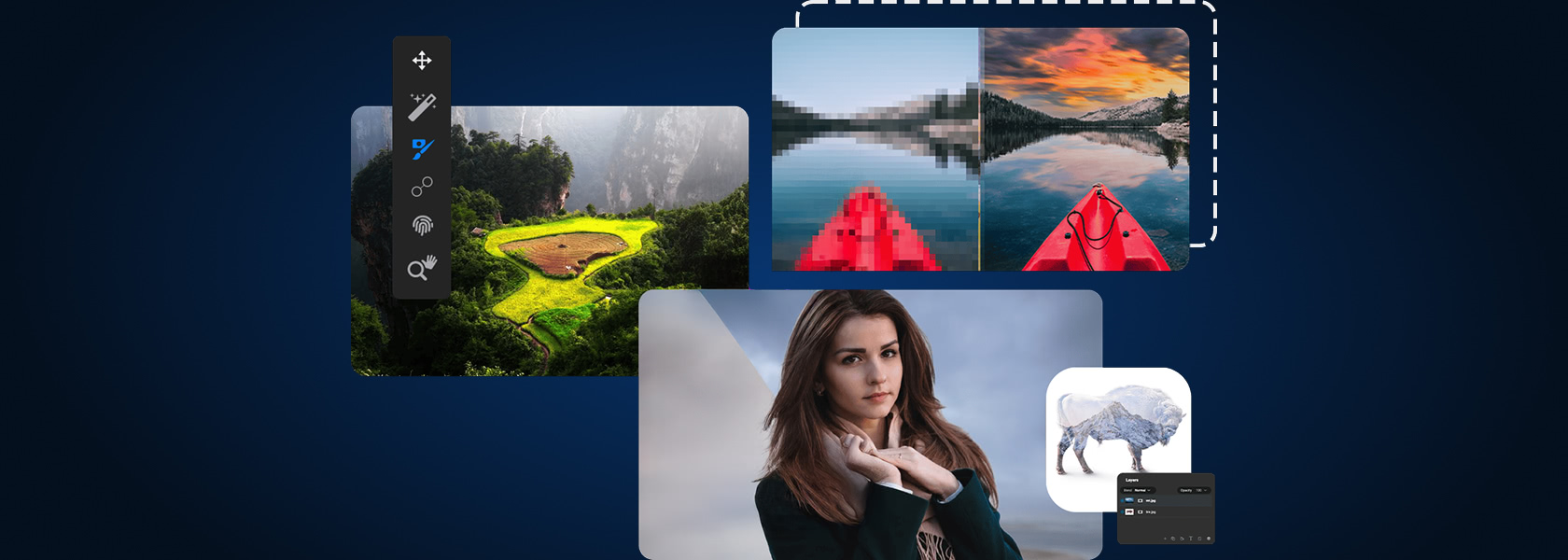
AI has been creeping into every corner of photography software, but ON1 Photo RAW is one of the few editors that's gone all-in.
ON1: Your AI-Powered Sidekick
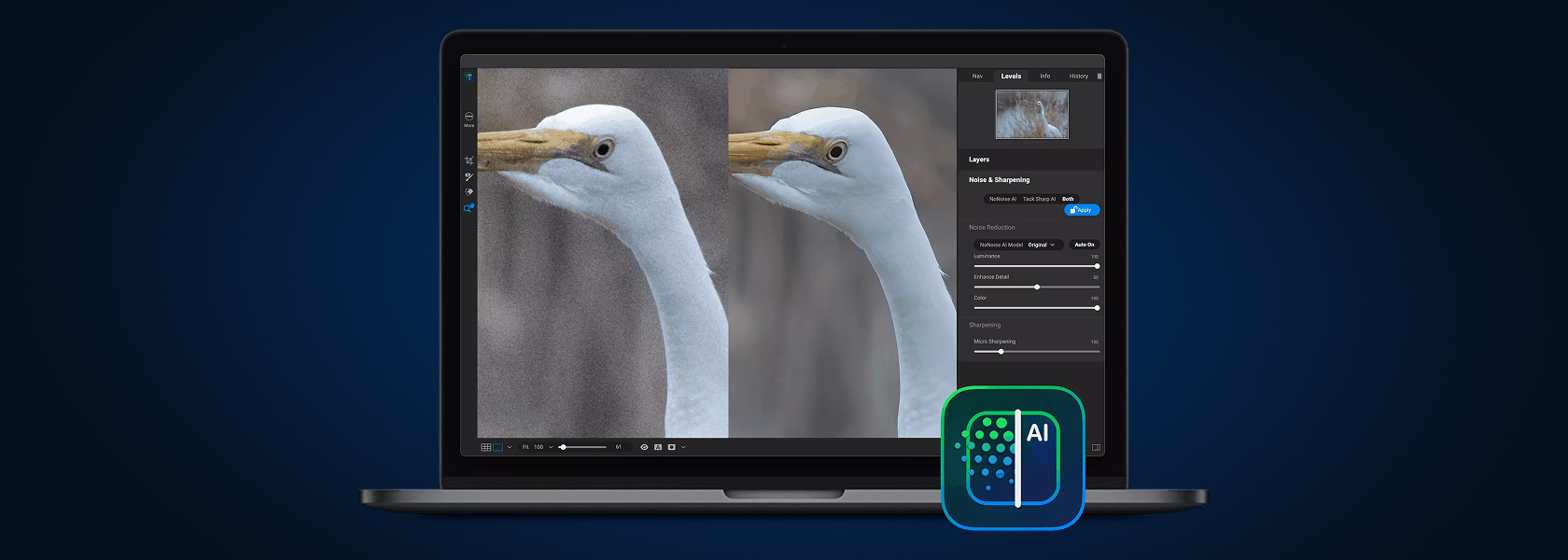
- Brilliance AI for automatic tone and color balancing.
- Super Select AI and Mask AI for quick, accurate selections.
- NoNoise AI for top-shelf noise reduction and deblurring.
- Resize AI for super-resolution enlargement.
- Portrait AI for skin and face retouching that doesn't look plastic.
- Sky Swap AI for realistic sky replacement.
- Generative Erase & Canvas Extend for content-aware fixes and extensions.
- AI Keywording that auto-tags your shots to make asset management way less painful.
Capture One: AI That Keeps It Safe
- AI Masking for Subject, Background, and People.
- Smart Adjustments for exposure and white balance across a set of images.
- AI Crop for intelligent framing suggestions.
- Auto Dust Removal to clean up sensor spots.
- Tuned for consistency in pro workflows rather than wild creative experimentation.
TL;DR
Capture One's AI is about consistency and control, making sure a big commercial shoot looks cohesive and spotless. ON1's AI is about speed, automation, and creative flexibility. In the battle of AI-powered editing, ON1 is clearly leaning into the future while Capture One plays it safe.
Workflow
How ON1 and Capture One Shape the Editing Experience
Even the most powerful editor is useless if it makes you want to throw your laptop across the room. Workflow and interface matter just as much as features.
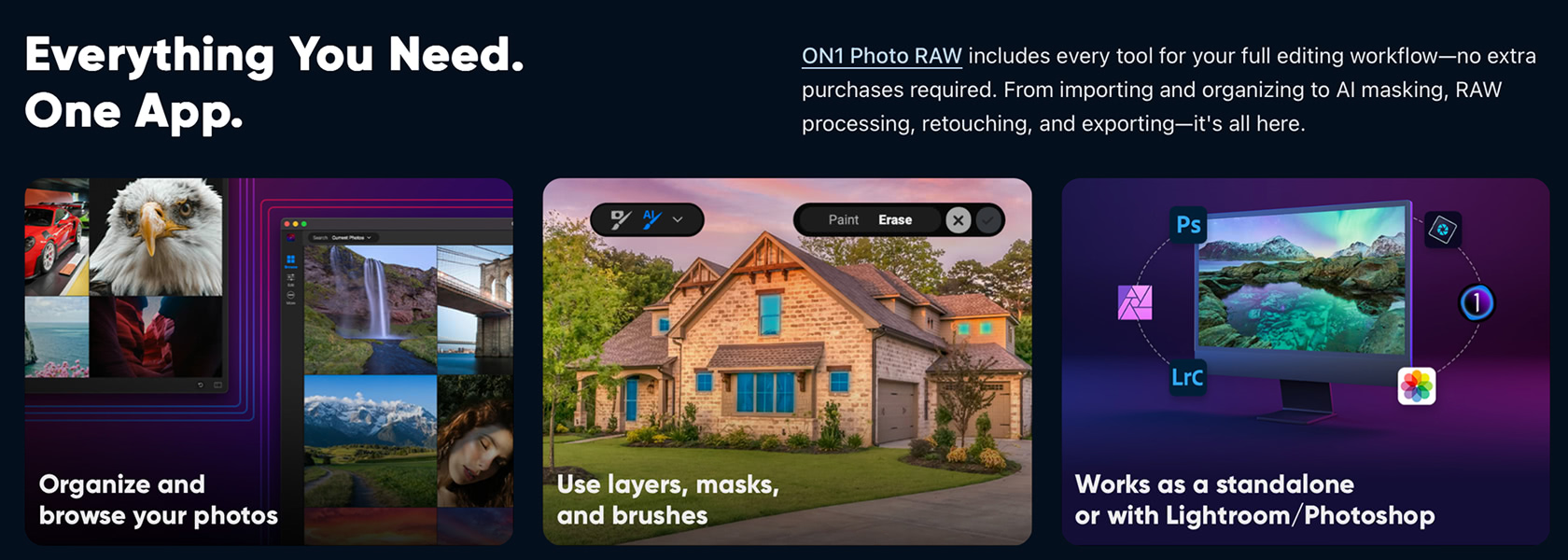
ON1: One App to Rule Them All
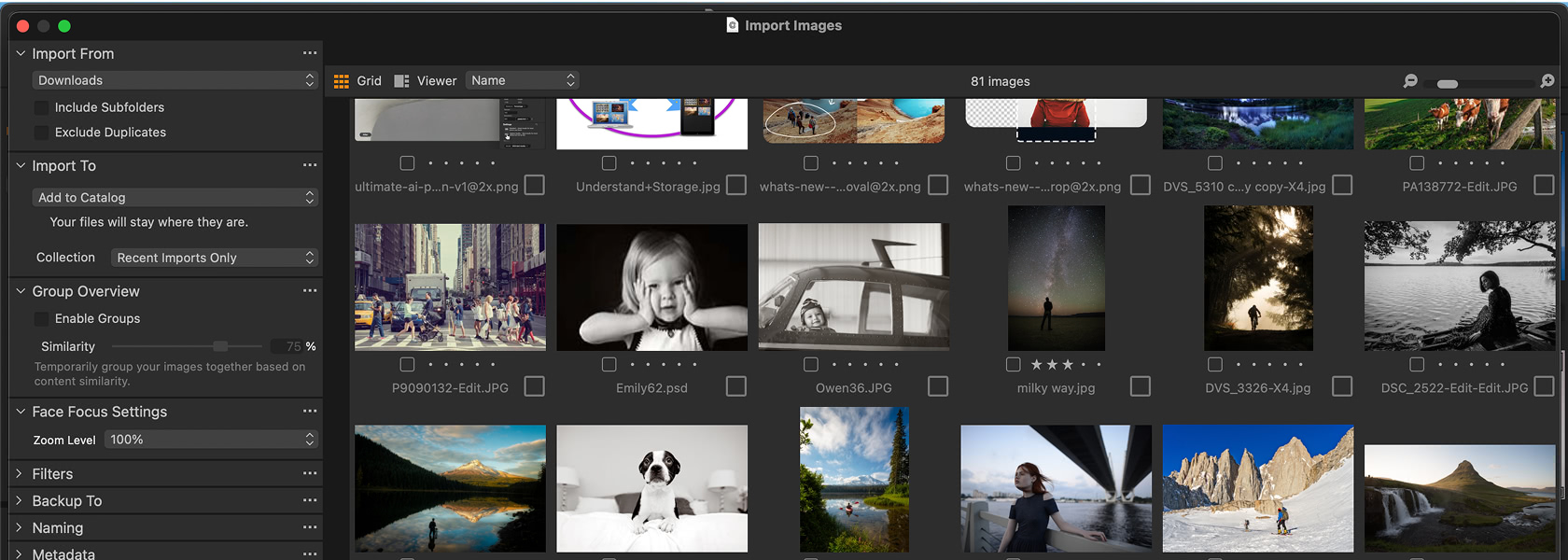
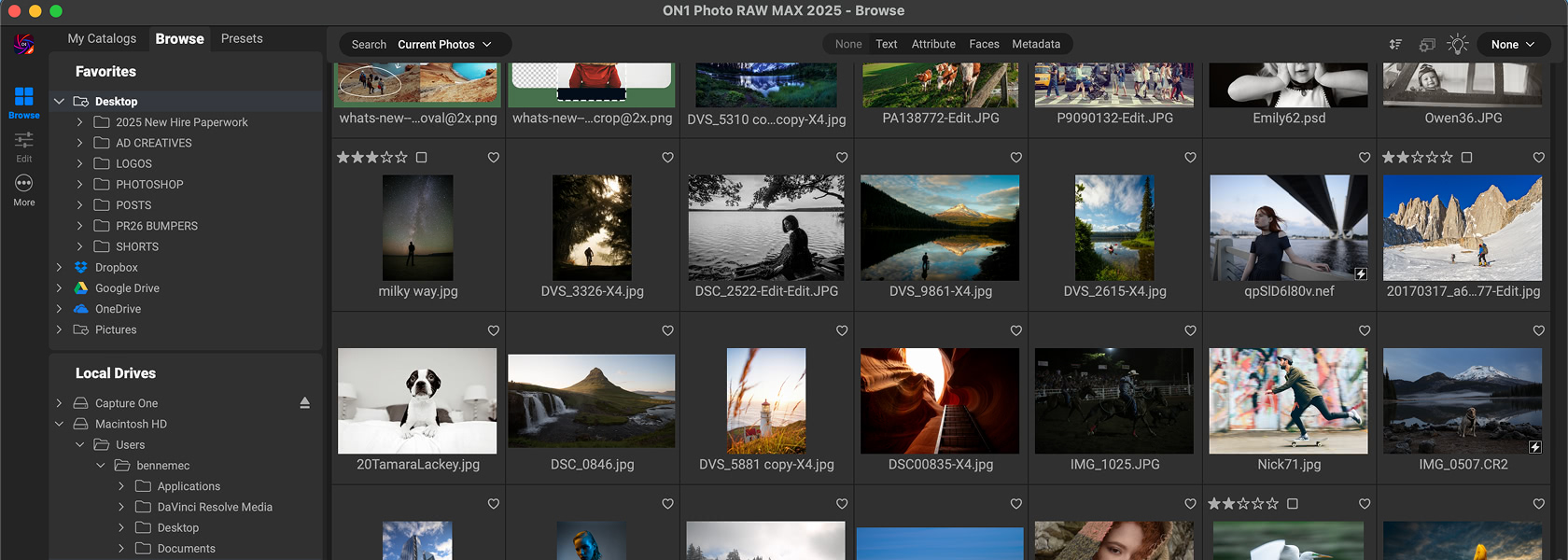
Browse mode lets you hop into folders instantly without the dreaded import step, and catalogs are there if you want faster searching. You can rate, keyword, and organize with smart albums, and AI Keywording will even auto-tag your shots.
The editing experience flows seamlessly from RAW development to effects, layers, and export all under one roof. Cloud sync connects your desktop edits with the iOS and Android apps.
Capture One: The Control Room Approach
Capture One gives you Catalogs for ongoing libraries and Sessions for project-based workflows, beloved in studio shoots. It's powerful, structured, and highly customizable, but also more rigid.
The learning curve can feel steep — but once you're fluent, Capture One is rock-solid for studio production, especially paired with tethered shooting.
TL;DR
If you want flexibility, cloud sync, and a smoother all-in-one editor and organizer combo, ON1 wins here. If you thrive on structured, session-based workflows in a professional studio setting, Capture One's system is hard to beat.
On Set
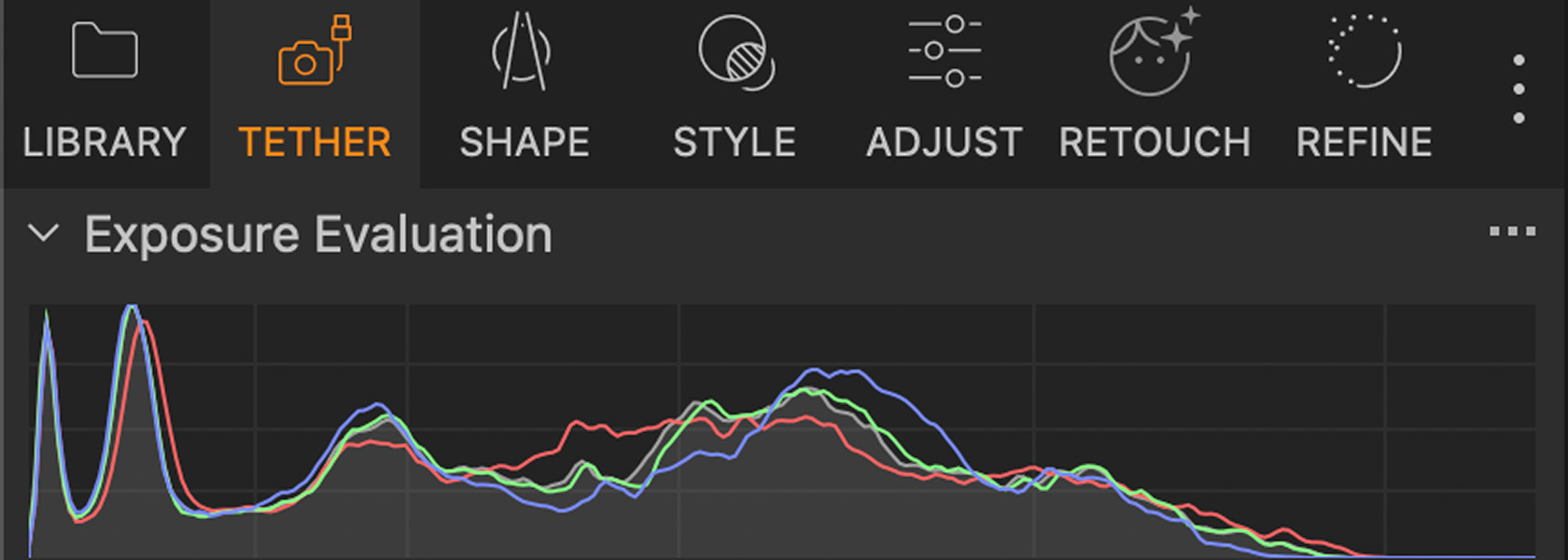
Tethered Shooting: Capture One's Crown Jewel
Ask any studio photographer what keeps them glued to Capture One and chances are they'll say one word: tethering. This is where Capture One doesn't just compete with ON1 — it dominates.
Capture One: The Gold Standard for Studios
- Deep live view support with crisp previews.
- Full camera control for settings, focus, and adjustments without touching the camera.
- Instant RAW transfer to your session or catalog as you shoot.
- Overlay tools to nail composition.
- Capture One Live, which lets clients or teammates review, rate, and comment on shots in real time from anywhere in the world.
ON1: Solid, Simple Tethering
ON1 Photo RAW does have tethered shooting support, but it's limited to select Canon and Nikon models. You'll still get live view, camera controls, and direct-to-disk transfers, which is more than enough for individual shooters or smaller projects.
What you won't find yet are the deep collaboration tools or the universal camera support Capture One has perfected.
TL;DR
Tethering is Capture One's ace in the hole. But unless you're running a studio where tethered capture is mission-critical, ON1's implementation is more than capable for everyday use.
Compositing
Layers and Masks: Creative vs. Precision Editing
Both give you layers and masks, but the scope of what you can actually do with them is very different.
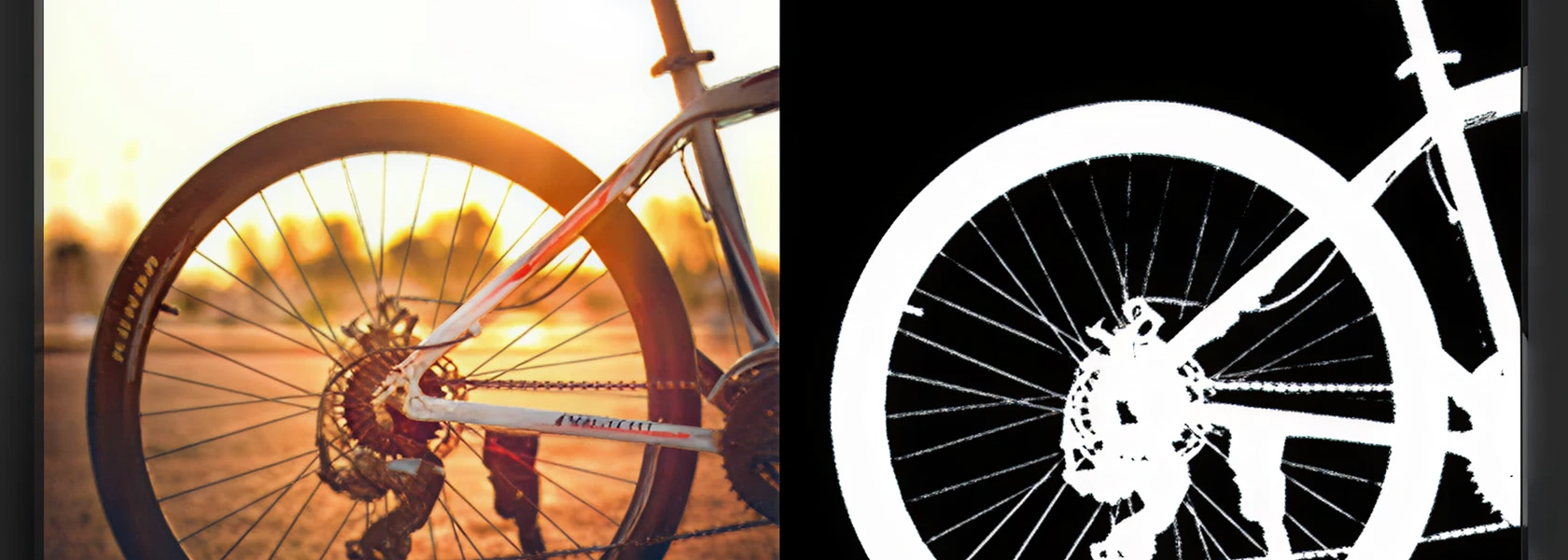
ON1: Photoshop in Disguise
- True layers like Photoshop-lite built right into your RAW editor — stack multiple images.
- A full range of blend modes for combining them.
- Masks of every kind: AI, gradient, luminosity, color, and depth.
- Full non-destructive compositing — drop in a new sky, blend a portrait with textures, or build a multi-image composite without leaving the app.
- Portrait AI and depth masks speed up selective edits, while traditional brushes and refinement options keep you in control.
Capture One: Surgical Precision
- Adjustment-only layers, up to 16 per image.
- Perfect for local corrections like dodging, burning, and targeted color adjustments.
- No full compositing support — you won't be building multi-image scenes here.
- Excels at precision: AI masking for subject, background, and people, linear and radial gradients, and luminosity masks.
- Clone/heal layers and brush refinement. It's surgical, not sprawling.
TL;DR
If your editing leans into creative composites, multi-layer workflows, or effects-driven projects, ON1 Photo RAW is the obvious choice. If you just need sharp, professional-grade adjustments on a single image, Capture One's streamlined layer system will feel like home.
Budget
Cost of Ownership: One-Time Licenses vs. Ongoing Subscriptions
Features don't exist in a vacuum. When it comes to ON1 Photo RAW vs. Capture One, the pricing story is night and day.
For a wider look at editors you can own outright, see our non-subscription photo editor comparison.
ON1: Pro Features Without the Premium Price
ON1 Photo RAW (standalone)
one-time. Includes the desktop editor, mobile app, and activation on two computers.
ON1 Photo RAW MAX
one-time. Adds plugins like Effects, NoNoise AI, Resize AI, Portrait AI, HDR, Sky Swap AI, and Keyword AI, plus cloud sync.
ON1 Everything (subscription)
$50/year (about $4.17/month) or $7.99/month billed monthly. Includes MAX features and 200GB cloud storage — 1TB with Everything Plus.
Capture One: Priced for Studios, Not Everyone
Capture One Pro (subscription)
$17/month.
Capture One Pro (perpetual license)
$299 one-time, with some sources noting $329.
Capture One Studio for Teams
$5,500/year for 10 seats, or $550 per seat.
TL;DR
If you're chasing maximum value and flexibility without skimping on pro features, ON1 is the smarter buy. Capture One makes sense if your workflow and your client base absolutely demand its specialized strengths, but for most shooters ON1 gives you far more for your money.
Decision Time
Which Camp Do You Fall Into?
Both are powerful, professional-grade tools. The question isn't which is better — it's which is better for you.
ON1 Photo RAW is best if you want:
- An all-in-one solution that combines RAW editing, effects, DAM, and Photoshop-style layers in one app.
- AI tools that speed up tedious edits — noise reduction, portrait retouching, keywording — while opening up creative options like sky swaps and generative erase.
- Flexible pricing, whether you prefer a one-time purchase or a low-cost subscription.
- A smoother, faster workflow without being locked into multiple apps or plugins.
No upsells. No surprise “extension packs.” You get the whole suite upfront or on a low-cost plan.
Capture One is best if you need:
- The absolute best RAW photo editor for color, with unrivaled rendering, skin tone handling, and highlight and shadow recovery.
- Studio-grade tethering, complete with live collaboration tools that clients love.
- A highly structured workflow with catalogs and sessions built for production environments.
- Deep, precise control for retouching and local adjustments, even if it comes at a higher cost.
The Bottom Line
The Final Verdict
ON1 vs. Capture One isn't about which editor can handle pro-level RAW files — both do that flawlessly. It's about priorities.
Capture One has rightfully earned its spot as the go-to for studio professionals. Its tethering is second to none, its color science is unmatched, and its precision tools make it indispensable in commercial, fashion, and product environments.
But not every photographer lives in that world, and that's where ON1 Photo RAW comes in swinging. It's the modern all-in-one that bundles RAW editing, Photoshop-style layers, effects, AI-powered tools, asset management, and cloud sync into a single package, all for a price that won't make you sweat. Add generative erase, sky replacement, AI keywording, and built-in HDR, pano, and focus stacking, and you've got a toolset that outpaces it in sheer versatility.
So if you're searching for a Capture One alternative that's powerful, flexible, and cost-effective, ON1 Photo RAW is where you'll find it.
Frequently Asked Questions
Yes. ON1 offers an all-in-one workflow with RAW editing, Photoshop-style layers, AI-powered tools, and asset management at a fraction of the cost. While Capture One leads in tethering and color precision, ON1 is a strong Capture One alternative for most photographers.
ON1 Photo RAW MAX works as a plugin for Photoshop, Lightroom Classic, Affinity Photo, and more, and can even host third-party plugins inside ON1. Capture One integrates with external editors like Photoshop and offers a plugin SDK, but it doesn't double as a plugin suite.
Yes. ON1 Photo RAW has full-featured mobile apps for both iOS and Android with cloud sync. Capture One Mobile is available only for iPhone and iPad, geared toward tethered workflows and pro color editing on the go.

Try ON1 Photo RAW free
Stop juggling multiple programs and paying premium rates for features you'll only use in a studio. Grab a free trial and see how ON1 Photo RAW stacks up in your own workflow.
- Own it outright
- Built-in AI tools
- Real layers and masks
- No subscription required