

Learn ON1. Master Your Photography.
One hub for tutorials, guides, courses, and creative extras.
Your ON1 Learning Hub
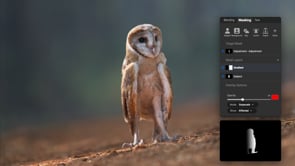
Whether you’re just getting started with ON1 or looking to sharpen your editing workflow, this is your one place to learn ON1. Explore step-by-step video tutorials, in-depth courses, detailed user guides, and a growing library of creative extras like presets, LUTs, and textures — resources designed to grow with your photography journey.




Recent Creative Extras
All Extras




Frequently Asked Questions
Yes. ON1 offers structured beginner courses covering the basics of importing, editing, and organizing photos, plus advanced courses for more experienced photographers.
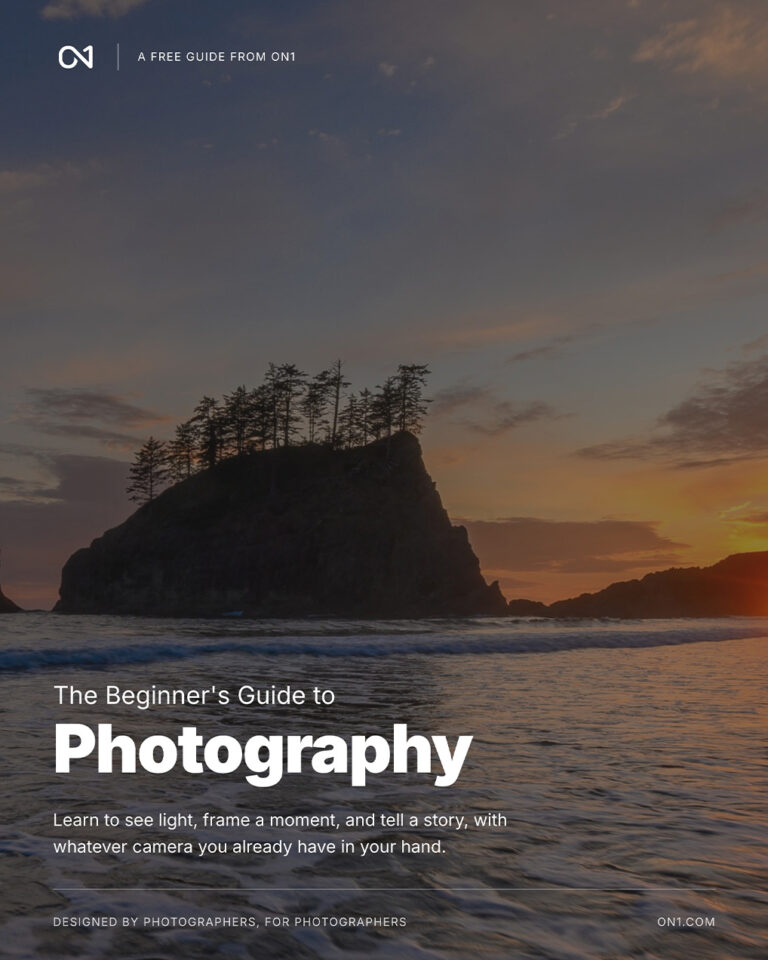
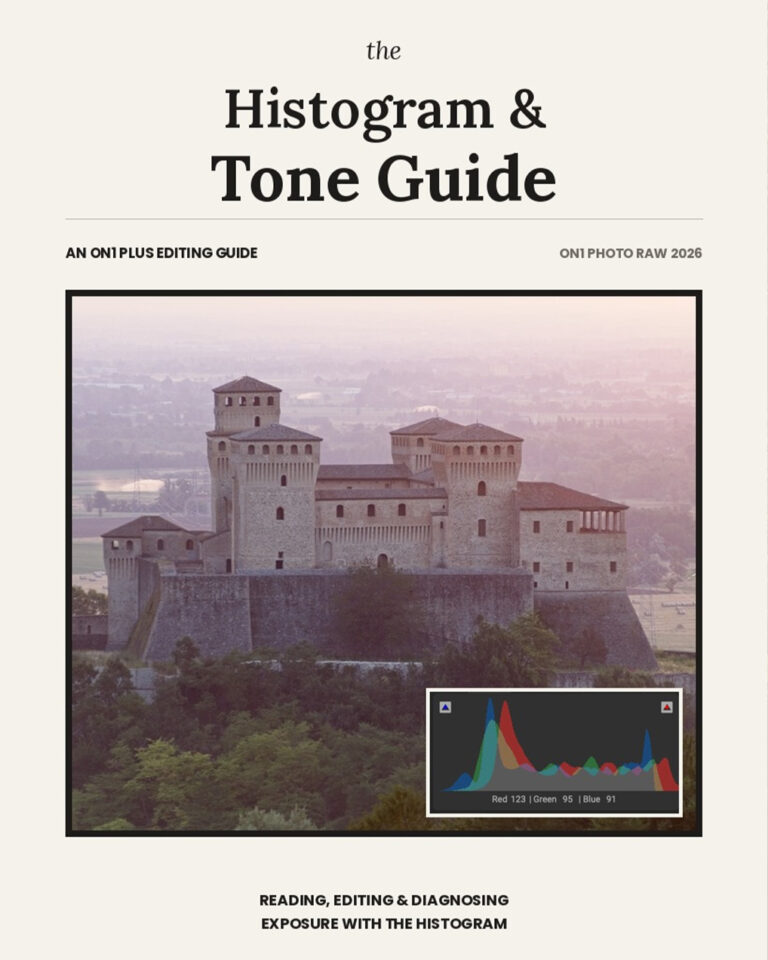
Every ON1 user guide and ebook is in the Bookshelf. They explain each feature in ON1 Photo RAW and the other ON1 apps in detail, free to read online or download as a PDF.
Creative extras are downloadable presets, LUTs, textures, and borders — professional looks and creative styles you can drop straight into ON1.
Start with the Getting Started videos and the ON1 Photo RAW User Guide. They walk you through the basics so you can feel confident right away.
Yes. The Video Library carries a What’s New course for every release, showing you exactly how to use the latest features.
Plenty. Tips & Techniques collects short videos, most of them under fifteen minutes, aimed at one specific edit or fix.
Yes. ON1 regularly hosts live webinars covering new editing techniques and product demos, with questions answered in real time. Recordings are in the Video Library afterwards.
Constantly. New tutorials, courses, guides, and creative extras go up throughout the month.