ON1 Sky Swap AI
ON1 Sky Swap AI
Sky Replacement Made Easy AI Sky Replacement Software
Quickly and easily replace or enhance dull skies in your photos.
Sky Swap AI
Powered by OcuDrone
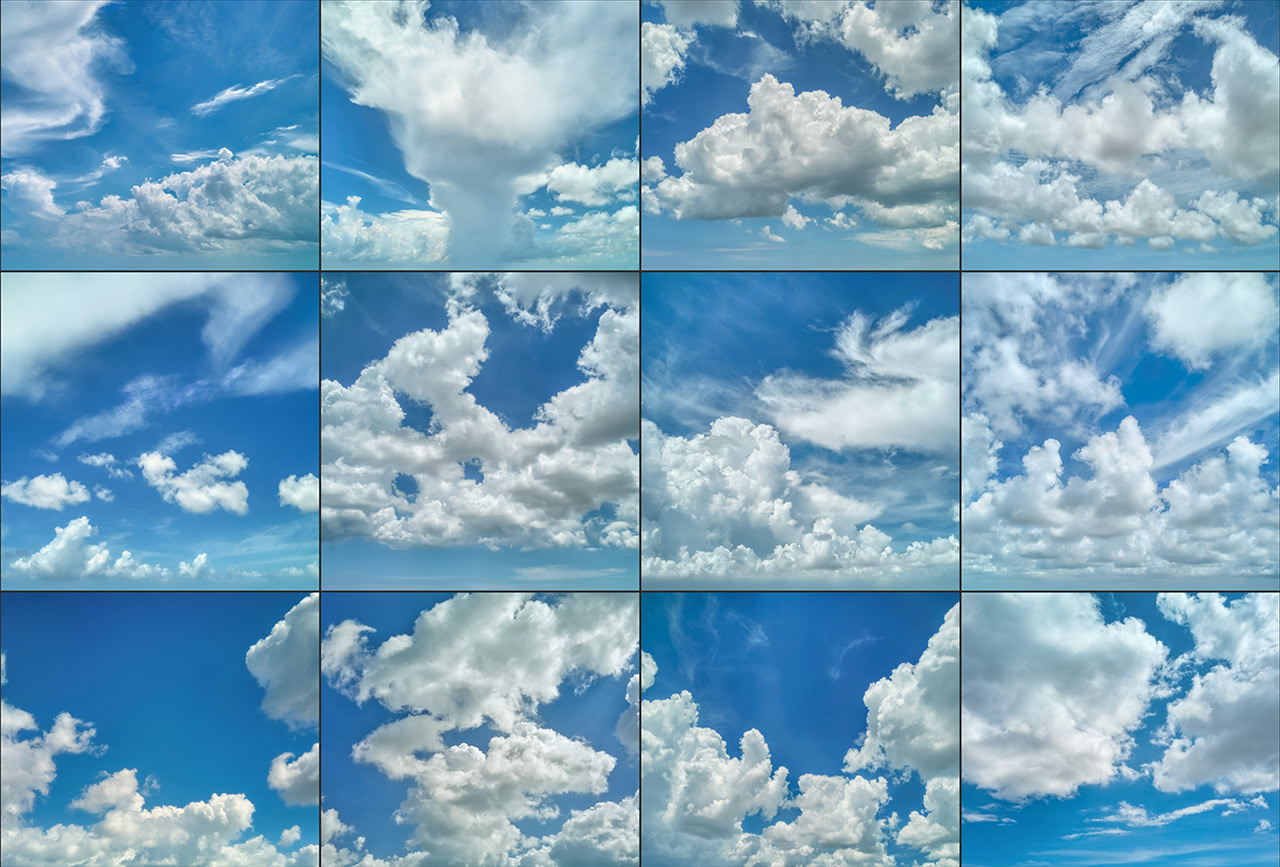
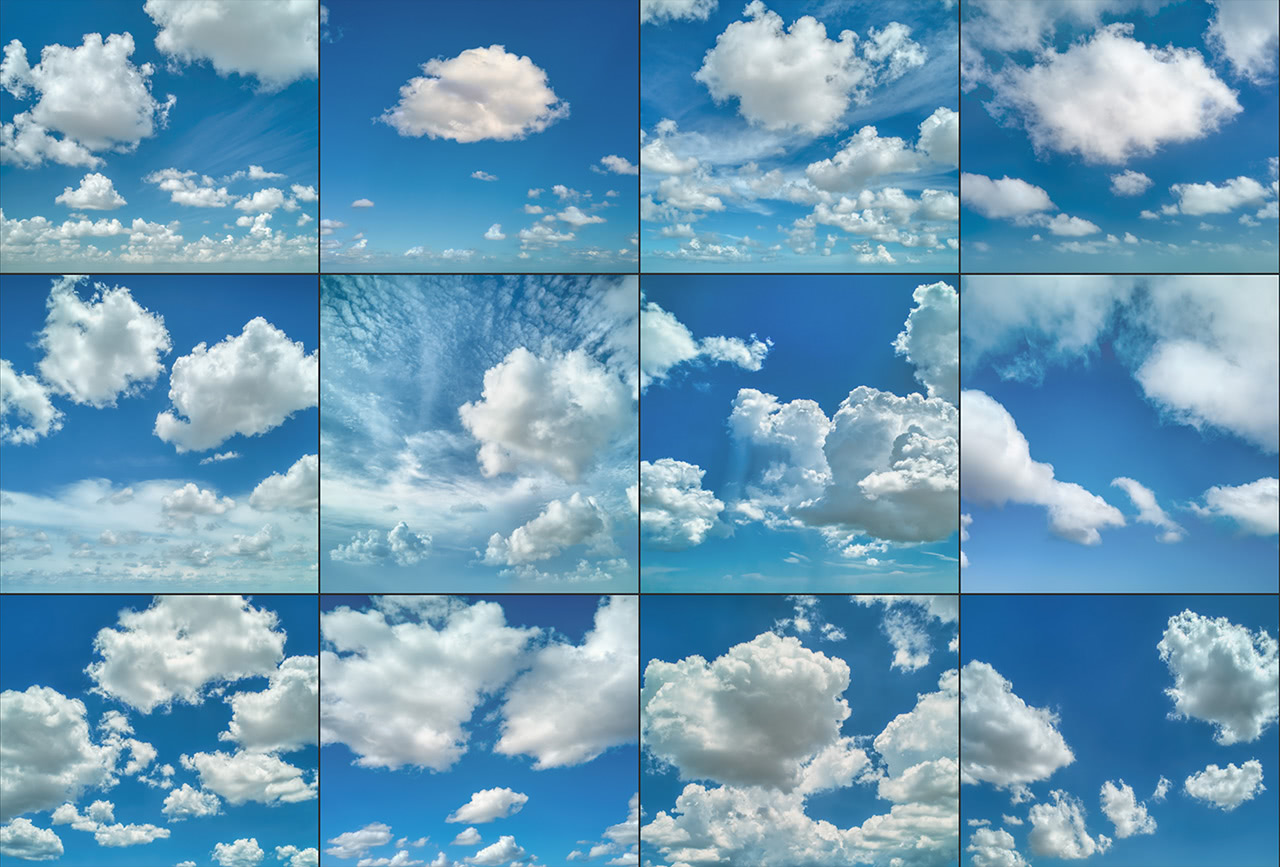
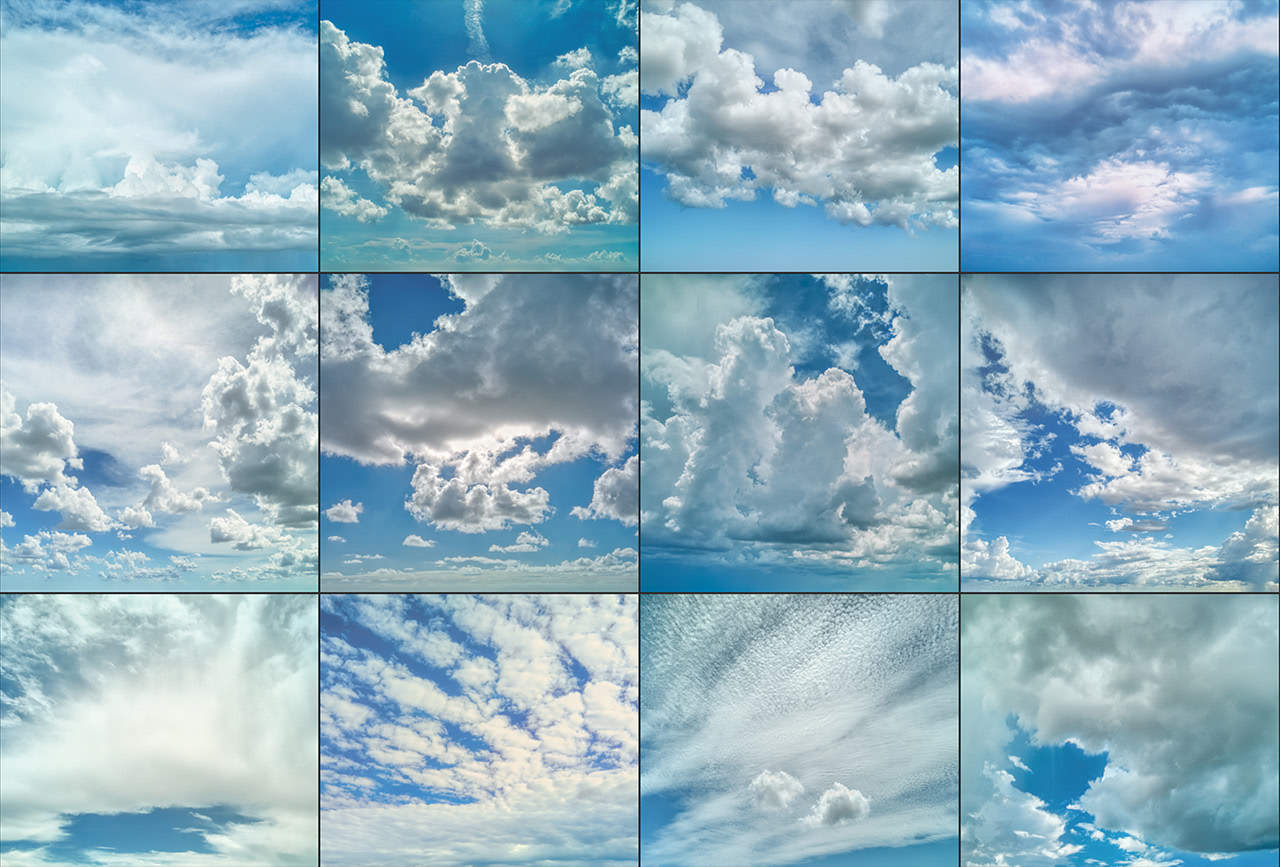
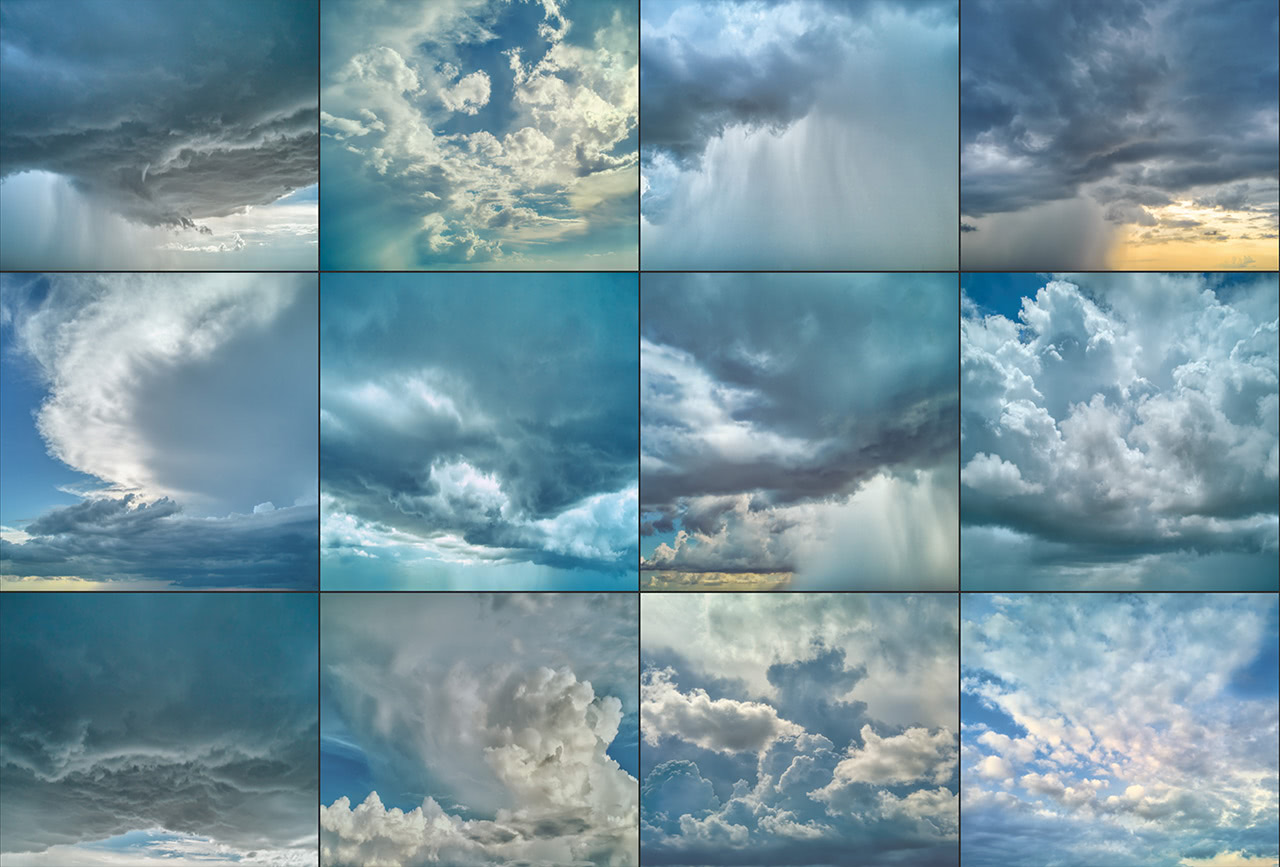
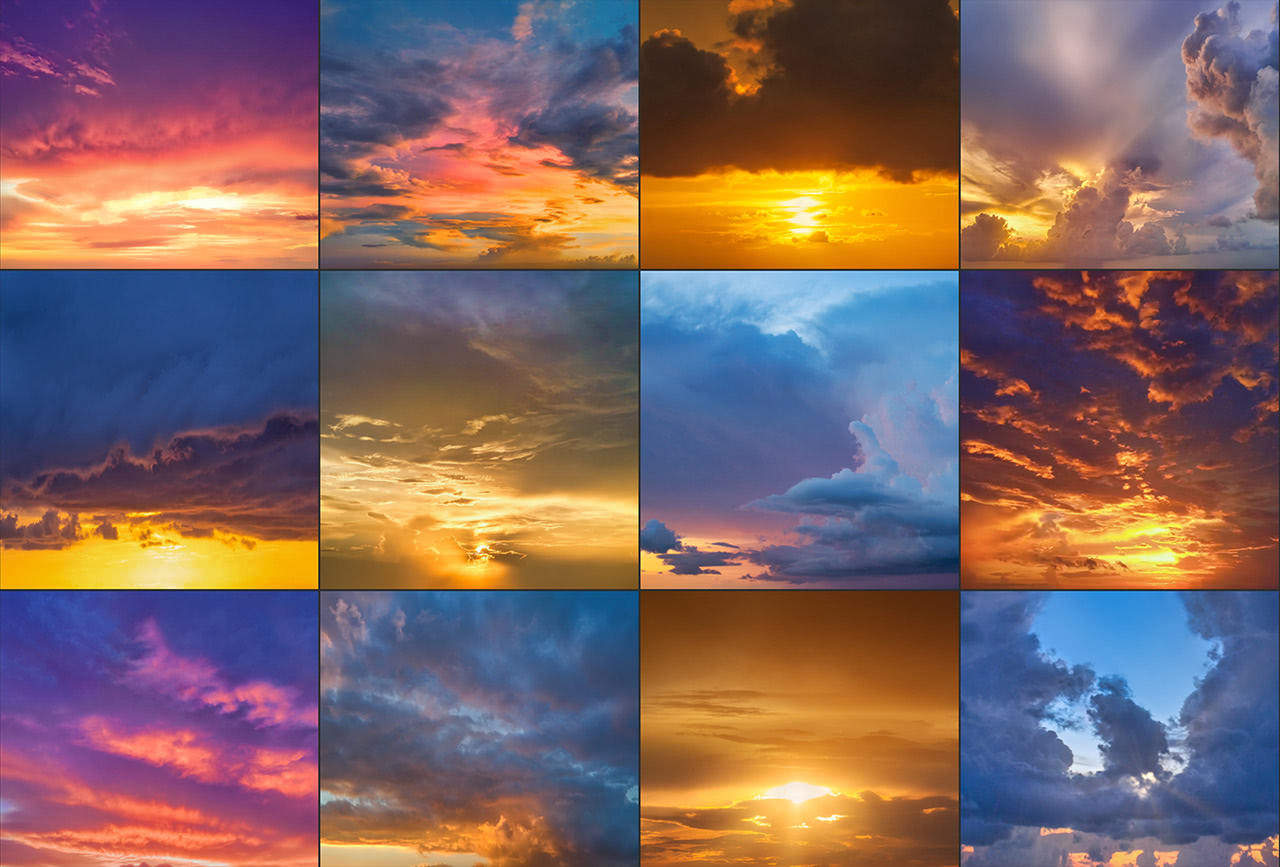
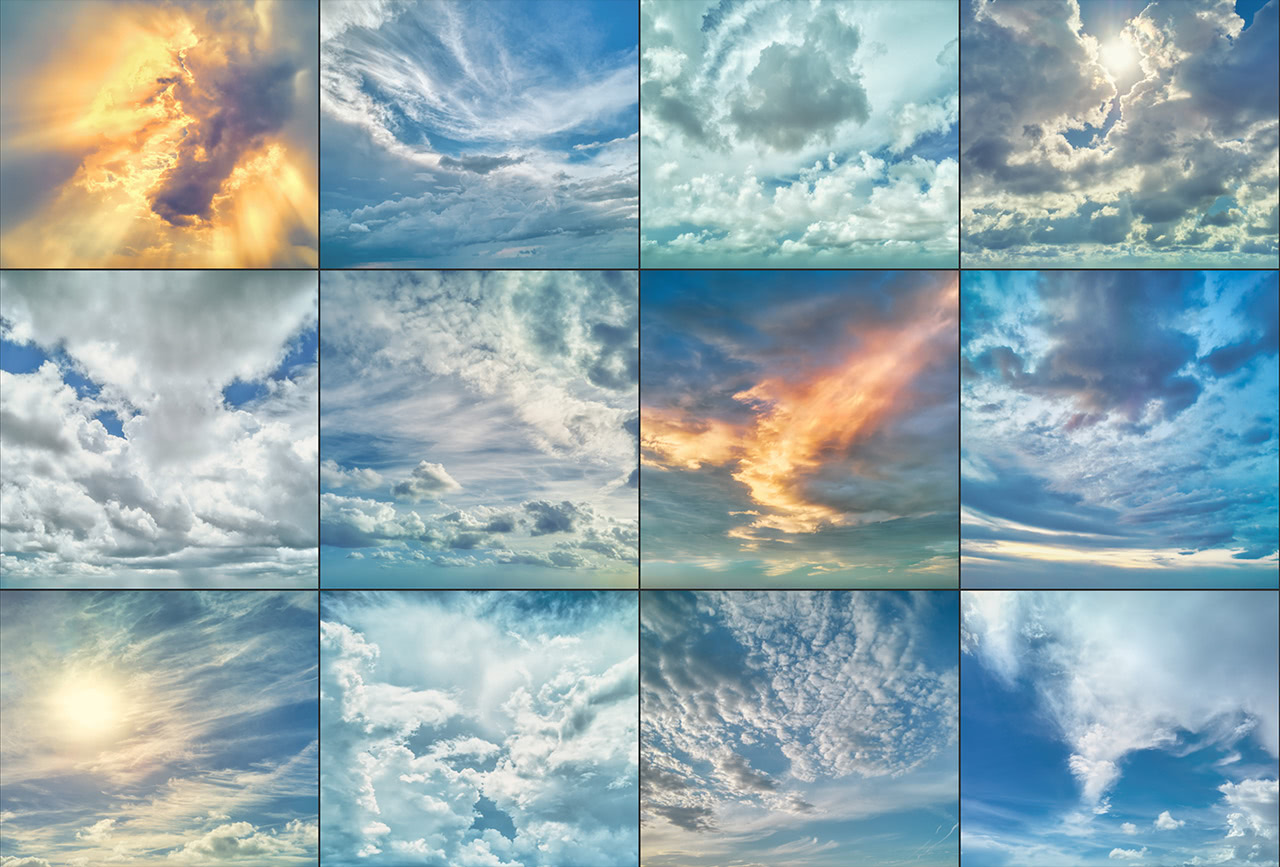
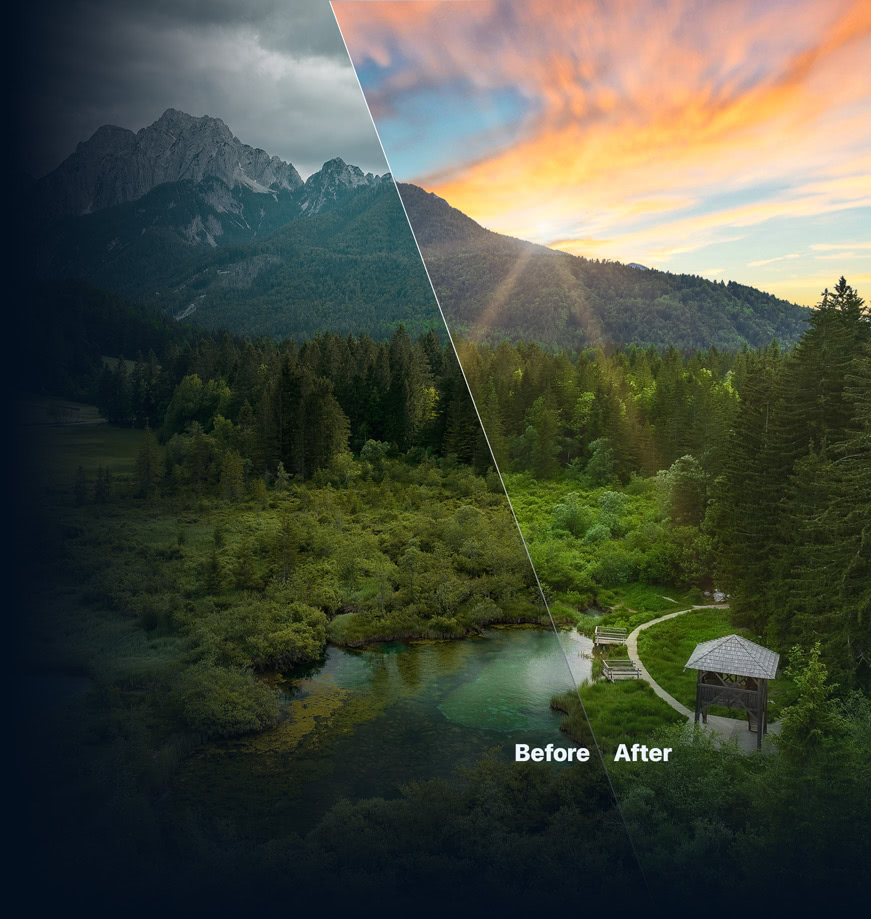
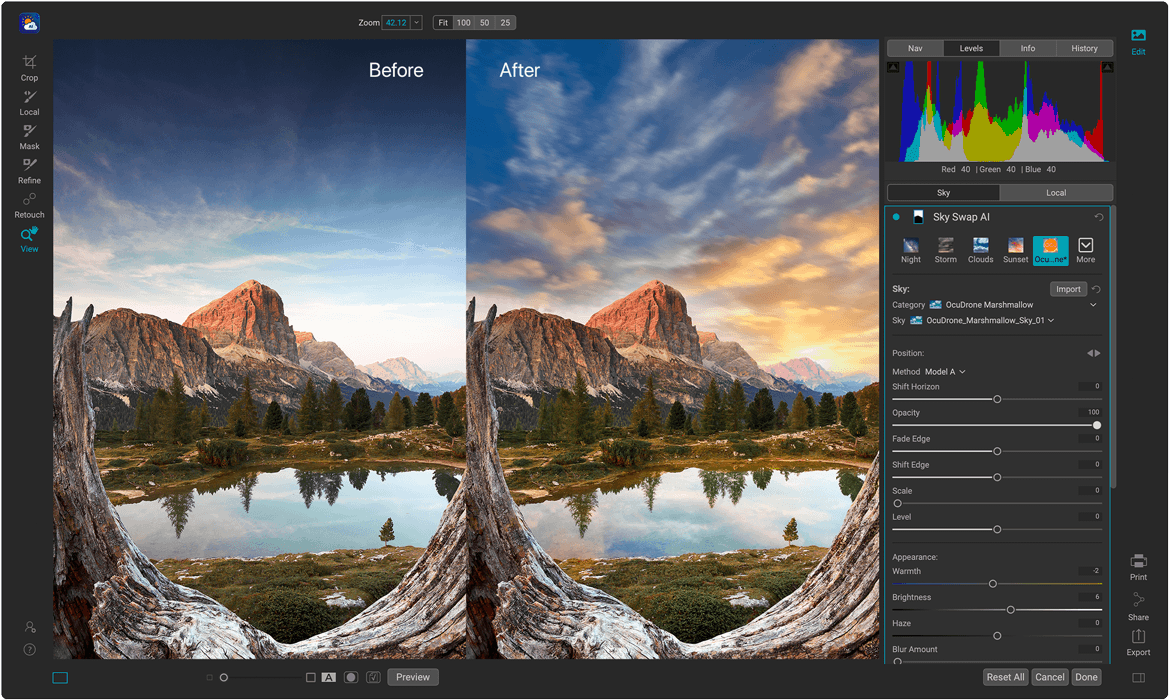
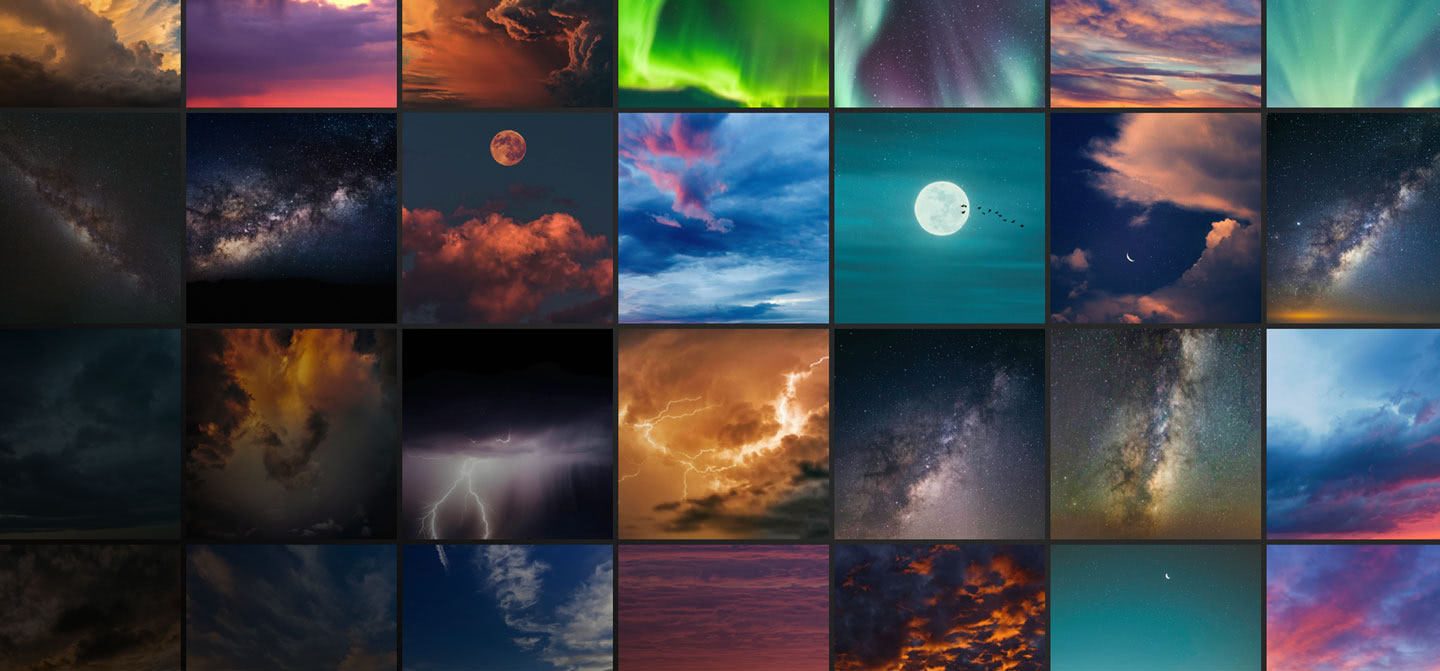
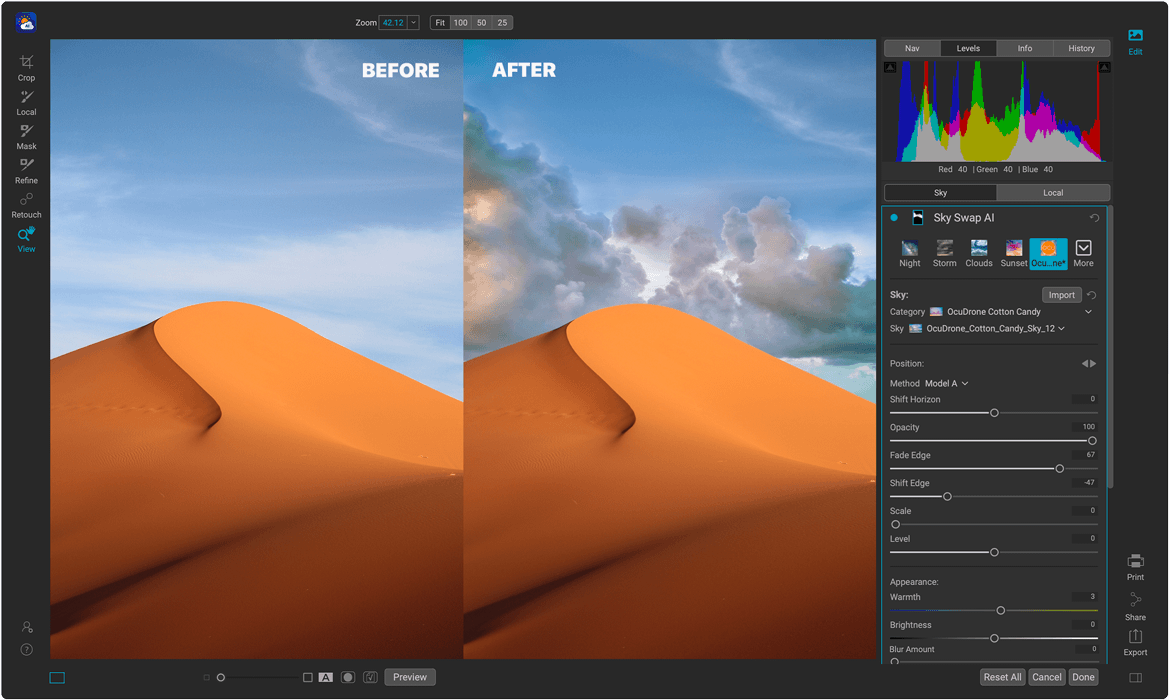
Sky Swap AI makes replacing or enhancing a dull sky a breeze. It detects the sky in your photo and creates a gorgeous mask automatically. Simply select from one of the 231 included skies or import your own. 125 of the built-in skies are sourced from OcuDrone, a leading provider of ultra-high resolution aerial images. Our AI sky replacement software combines machine learning with amazing curated skies to eliminate the need for complex masks and layers normally required in other editing apps.
Sky Swap AI is also built into the ultimate all-in-one photo editor, ON1 Photo RAW.
AI Masking
Automatic Sky Replacement
AI automatically detects the sky in your photo and creates a high-quality mask to blend in with a new sky.

125 Built-in Skies by OcuDrone
Amazingly beautiful 8K UHD images with smooth horizon lines for easy and natural transition blending.
Full Control Over the Swap
Your Skies, Your Way
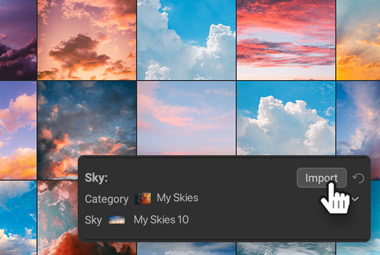
Use Your Skies
Have amazing skies? You can import them into Sky Swap AI and use them automatically.
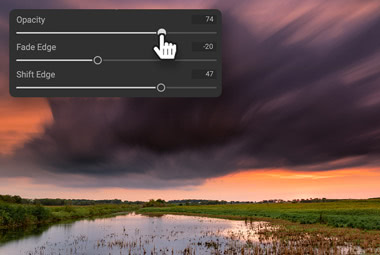
Easily Adjusted
The mask generated by Sky Swap AI is easily adjusted to allow you to blend into an existing sky or completely replace it.
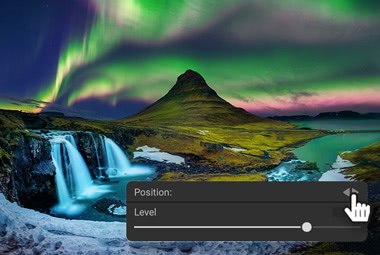
Flip or Rotate Sky
You can also adjust the horizon and rotation of the sky. Even flip it to match the direction of light.
Subtle or Dramatic
Natural Results with Sky Swap AI
Sometimes you don't want to replace a sky completely; you want to blend in some additional clouds, for example. Our AI sky replacement gives you everything you need to blend a new sky realistically with an existing one.
Beyond the Sky
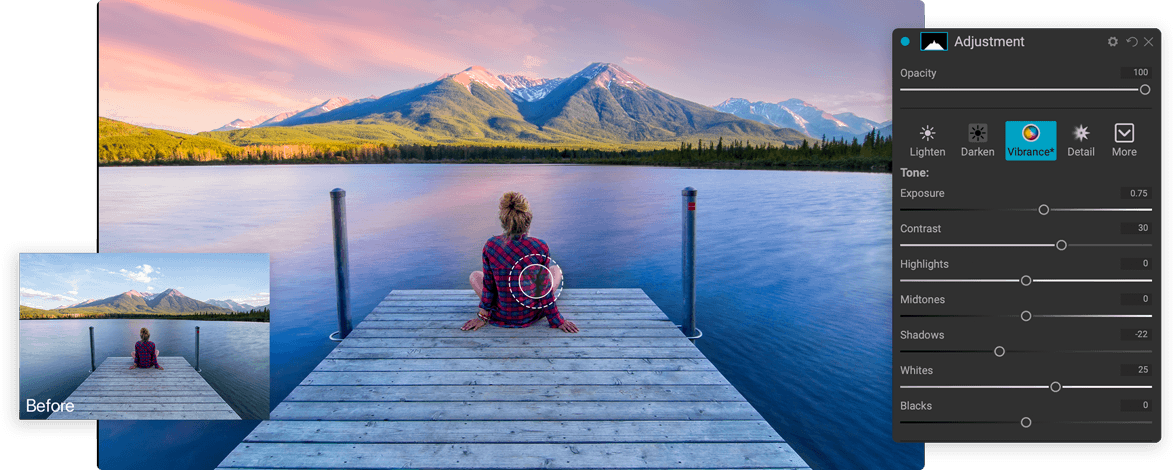
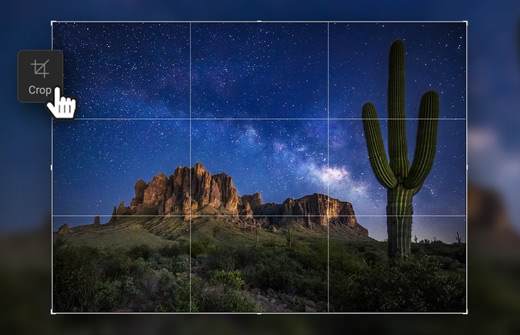
All the Tools You Need

Workflow
Sky Replacement Software that Plugs In to Your Workflow
Bring the power of Sky Swap AI into your workflow. Whether you work in Adobe Photoshop, Photoshop Elements, Lightroom Classic, Capture One, Affinity Photo, Corel Paintshop Pro, and Apple Photos, you have seamless access to it.
Adobe Photoshop
Photoshop Elements
Lightroom Classic
Capture One
Affinity Photo
Corel Paintshop Pro
Apple Photos


Pricing
How Do You Want Sky Swap AI?
Order a license for ON1 Sky Swap AI 2023.5 today, or get all of the ON1 plugins in Photo RAW MAX.
ON1 Sky Swap AI 2023.5
License to Own
A one-time purchase you own outright.
- Use as a standalone app on 2 computers
- Use as a plugin
- Includes all the ON1 apps in a single editor
- Includes Future Upgrades

Subscribe to Photo RAW MAX
Subscription
Every ON1 app in a single editor, always on the latest version.
- Use as a standalone app on 3 computers
- Use as a Plugin for Adobe
- Includes all the ON1 apps in a single editor
- Includes Future Upgrades
/year
30-Day Money-Back Guarantee
Before You Install
System Requirements
What it takes to run ON1 Sky Swap AI 2023.5 as a standalone app or as a plugin.
Minimum |
Recommended |
|
|---|---|---|
| Operating System |
(Current maintenance releases, 64 bit only) |
(Current maintenance releases, 64 bit only) |
| Processor |
|
|
| RAM |
8 GB |
16+ GB |
| Hard Drive |
2 GB for installation |
|
| Graphics |
macOS:
Windows:
|
macOS:
Windows:
|
| Optional Integration |
Photoshop CC 2020 and above, Photoshop Elements 2020 and above, Photoshop Lightroom Classic 2020 and above, Capture One 10 and above, Affinity Photo, Corel Paint Shop Pro 2019 and above, Apple Photos |
|
| Internet |
A high-speed internet connection and active account for activation, auto-update checking, content downloads, and tutorials. |
|
| Supported Options |
|
|
| Supported Languages |
English, German, Spanish, French, Japanese, Korean, Simplified Chinese, Russian, Portuguese, Italian, Dutch |
|
The ON1 Guarantee
Your Trust is Our Foundation
Every purchase is protected. Every photo is yours. No games, no surprises.