

September 2026 ON1 Recap: Cleaner High-ISO Shots, Photo RAW 2027 & More
- October 2, 2026
- 97 Views
Posted by Kahlie
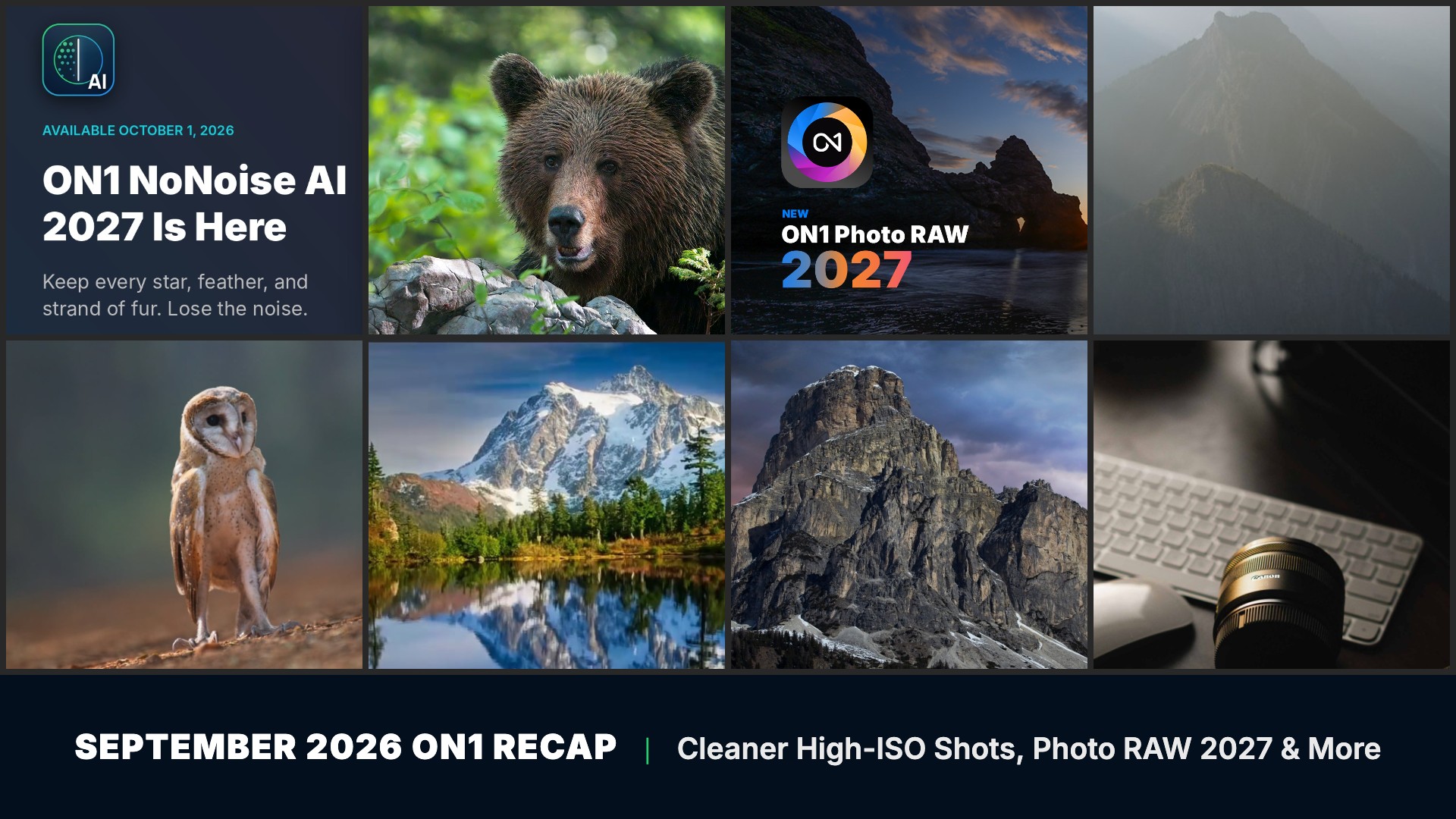
For a lot of us, the slowest part of a shoot starts once we get home: scrolling through a burst of near-identical frames, rescuing a grizzly shot at ISO 25,600, and rebuilding the same mask each time you switch tools. We spent September showing you how ON1 Photo RAW 2027 takes on all three. We announced it on September 8, then shared first looks at simplified masking, the AI Culling Assistant in the MAX edition, and NoNoise AI 2027. Along the way, we put out two free guides, a live beginner webinar, and a free set of Cloud Drama Skies. And on October 1, NoNoise AI 2027 went live as a standalone app and plugin. Here’s everything we shared in September.
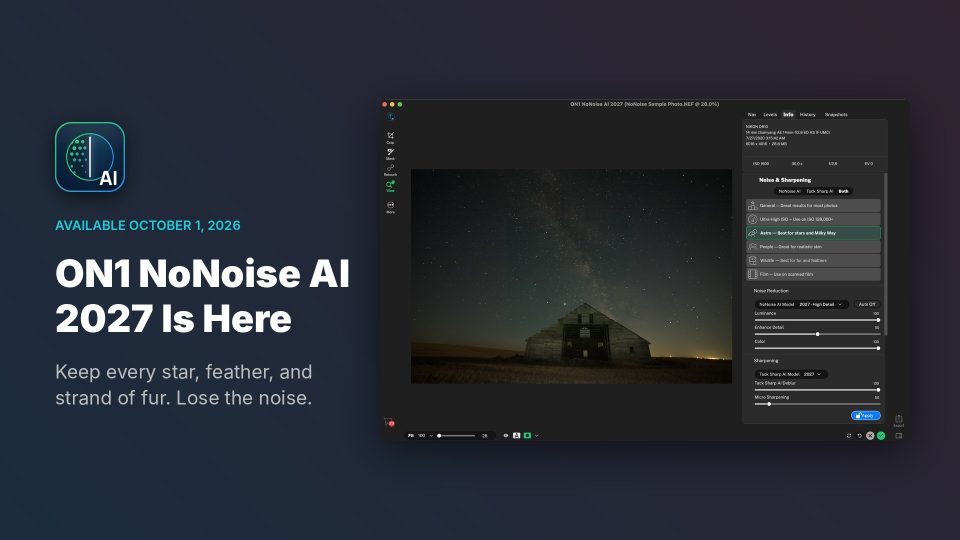
Just released: ON1 NoNoise AI 2027 is available now. After a month of first looks, we released NoNoise AI 2027 on October 1 for Mac and Windows. You can run it on its own or as a plugin for Lightroom Classic and Photoshop. We rebuilt the noise reduction and TackSharp AI models and added a selector with six models matched to what you shoot, so dawn wildlife keeps its fur and feathers and your night skies keep their stars after the noise is gone. Try it free for 30 days, or buy it and own it outright.
See what’s new in NoNoise AI 2027 →
In this recap:
- New ON1 Photo RAW 2027: New RAW Engine, Improved NoNoise AI & AI Culling Assistant
- Video: Simplified Masking, Better Results in Photo RAW 2027
- Video: Cull Your Shoot in Minutes with Photo RAW MAX 2027
- Video: Remove Noise without Losing Detail with NoNoise AI 2027
- Webinar: Masking Made Easy
- Webinar: From Import to Finished Edit, a Live ON1 Photo RAW Quick Start
- Free eBook: The ON1 Photo RAW Quick Start Guide
- Free Guide: The Right File, Every Time
- New in the Creative Library: Cloud Drama Skies
- ON1 Photo RAW 2027: Release Window, Upgrade Price & Pre-Order
- ON1 Photo RAW 2026.5.2 & Photo Mobile 2026.5 Updates
New ON1 Photo RAW 2027: New RAW Engine, Improved NoNoise AI & AI Culling Assistant
September 8, 2026
We announced ON1 Photo RAW 2027 on September 8, and you’ll see the difference the moment you open a raw file. Our new RAW processing engine pulls out sharper detail, richer color, and more natural shadows and highlights. The improved NoNoise AI brings models tuned for wildlife, portraits, astrophotography, and scanned film, and a sharper TackSharp AI engine helps you save shots that came out a little soft.
Several of the biggest changes in 2027 come straight from your feedback. We rebuilt masking so it works the same way in layers, Effects filters, and local adjustments, and we gave Perfect Eraser the reach to clear larger areas in every tier. If you shoot big bursts, the MAX edition adds an AI Culling Assistant that groups similar frames and flags closed eyes and missed focus. Photo RAW 2027 is still a one-time purchase. Pre-orders are open now, and we’re targeting a release in late October or early November 2026.
- New RAW processing engine for sharper detail and richer color
- Improved NoNoise AI with models for wildlife, portraits, astro, and scanned film
- AI Culling Assistant in the MAX edition
- Simplified masking that behaves the same in every tool
- Improved Perfect Eraser, a new Loupe pane, and Folder Actions
Learn more about ON1 Photo RAW 2027 →
Simplified Masking, Better Results in Photo RAW 2027
September 9, 2026
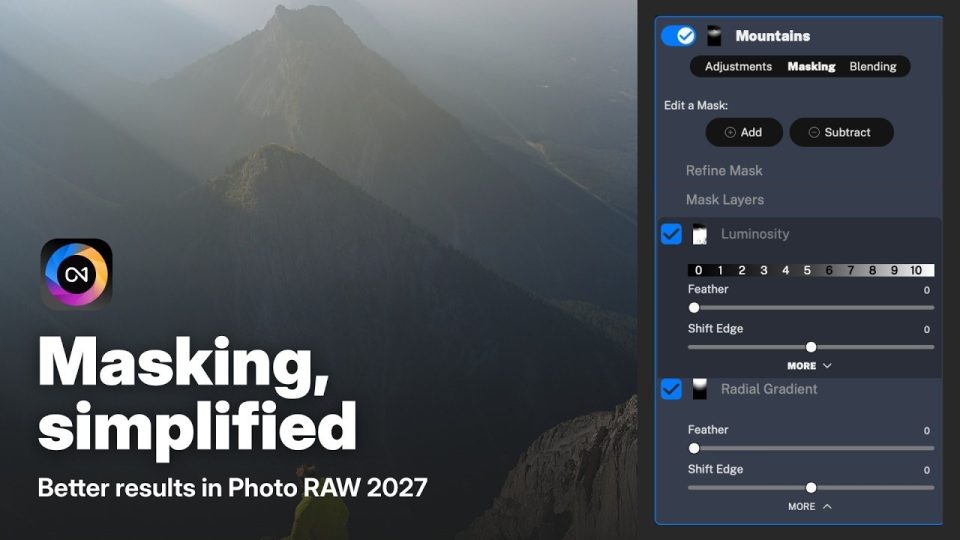
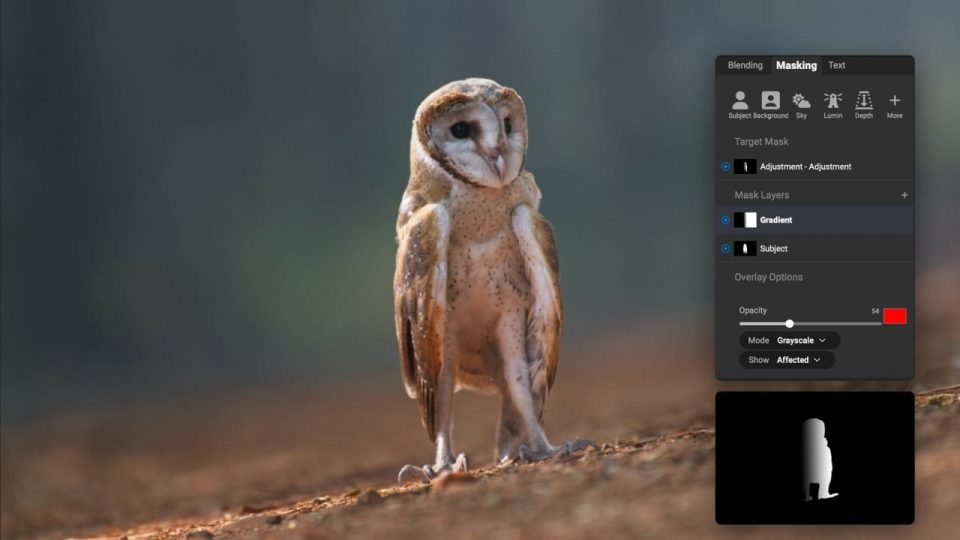
Jumping between tools to rebuild the same mask gets old fast. In Photo RAW 2027, we moved masking onto the adjustment, layer, or filter you’re already using, so it works the same way everywhere. In this first look, Dan Harlacher isolates a subject, darkens a foreground, and lights up mountain peaks with local adjustments, gradients, and luminosity masks, without leaving the tool he started in.
You’ll learn how to:
- Find the new masking controls inside each tool in Photo RAW 2027
- Isolate a subject and darken a foreground with local adjustments
- Light up mountain peaks with gradients and luminosity masks
Cull Your Shoot in Minutes with Photo RAW MAX 2027
September 15, 2026
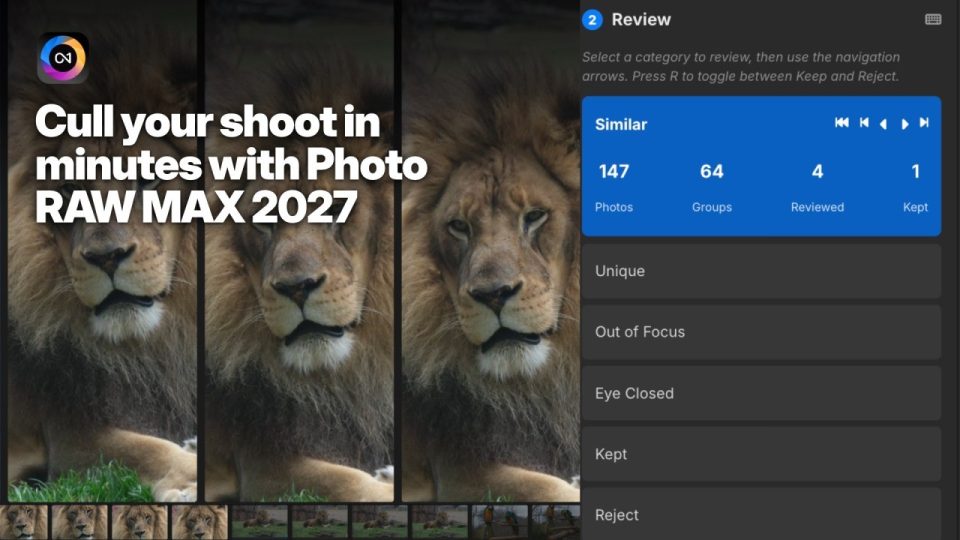
You come home from a wedding, a wildlife morning, or a motocross race with dozens of frames that look nearly identical, and picking the keepers can eat an entire evening. In this sneak peek, Dan walks through the Culling Assistant, a new tab exclusive to the MAX edition of ON1 Photo RAW 2027. Analyze groups similar and duplicate shots and flags frames with missed focus or closed eyes. Review lines up a whole burst side by side with synced pan and zoom. Then Actions applies your ratings, presets, and export settings to keepers and rejects in one batch.
You’ll learn how to:
- Let Analyze group similar and duplicate photos for you
- Compare a burst side by side with synced pan and zoom
- Apply ratings, presets, and export settings to keepers and rejects in one batch
Remove Noise without Losing Detail: NoNoise AI in Photo RAW 2027
September 21, 2026
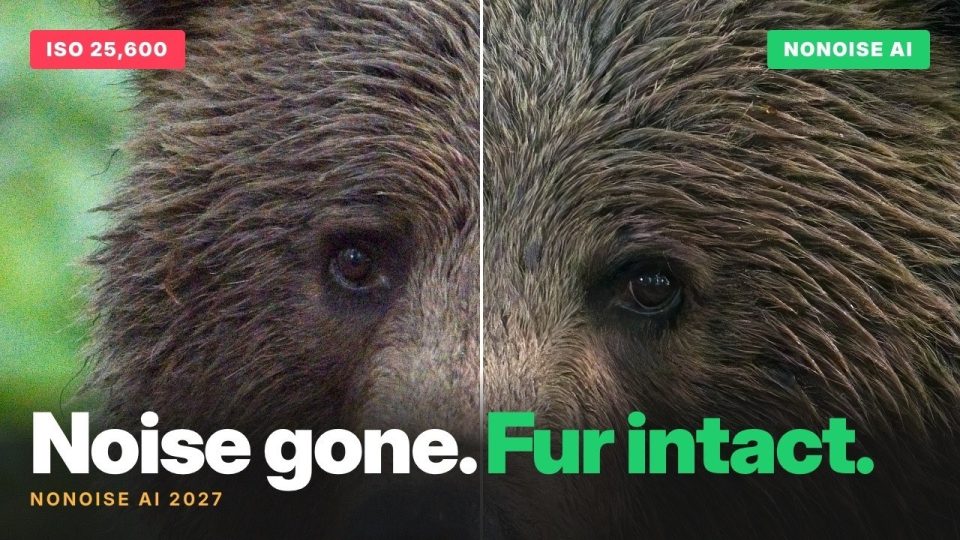
We know the feeling of zooming in on a great wildlife frame and finding nothing but grain. Dan Harlacher, our VP of Product, puts NoNoise AI 2027 through two tough tests: a zebra at 400% zoom and a grizzly bear shot at ISO 25,600. The backgrounds come out clean, and the fur and stripe edges end up sharper than in the original file. The new Wildlife preset picks the model and settings for you, so you can skip the slider hunt and get back to your photos.
You’ll learn how to:
- Clean up a grizzly bear photo shot at ISO 25,600
- Check fur and stripe detail at 400% zoom
- Let the Wildlife preset pick the right model for you
Masking Made Easy: Recorded Webinar
September 14, 2026
Dylan Kotecki hosted this live session for photographers who want more control over where their edits land. He starts with the basics and works up to advanced masking in ON1 Photo RAW on real images, using Super Select AI, Subject and Background masks, mask layers, and intersecting gradient and depth masks. Stick around for the extended Q&A and a sneak peek at the new masking interface coming in Photo RAW 2027. We also included practice files, so you can follow along on the same photos.
You’ll learn how to:
- Target subjects and backgrounds with Super Select AI and Subject and Background masks
- Combine mask layers for more precise selections
- Intersect gradient and depth masks to add depth, drama, and texture
From Import to Finished Edit: A Live ON1 Photo RAW Quick Start
September 29, 2026
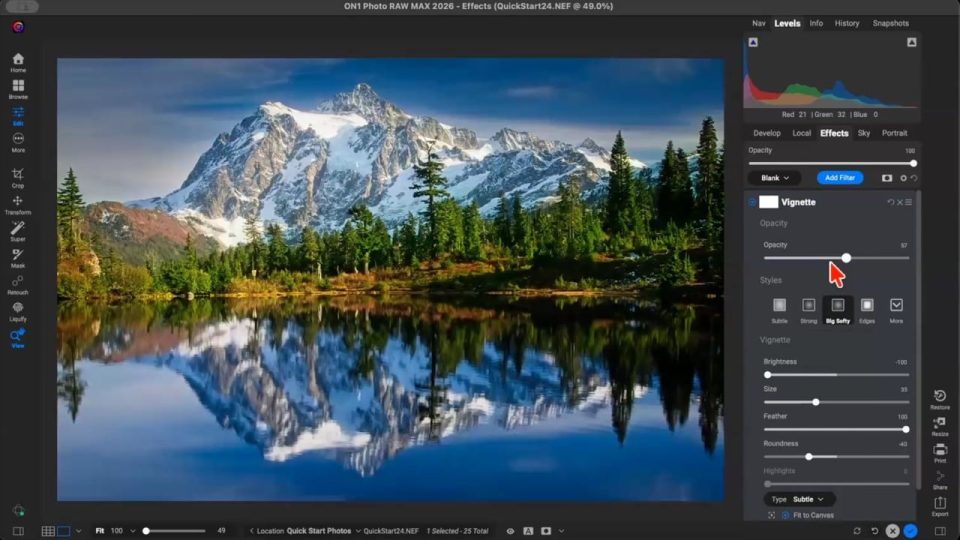
If you’re new to ON1 Photo RAW, this live webinar is a friendly place to start. Dylan Kotecki takes you from SD card to finished edit: importing, finding your way around Browse and Edit, getting a fast start with Brilliance AI, and adding your own style with Effects filters. He also covers exporting for social media, creating presets, and AI masking with Subject, Background, and Super Select AI, then answers viewer questions about cleaning up mask edges with the Chisel Brush. Pair it with the free Quick Start Guide below.
You’ll learn how to:
- Import photos from an SD card and navigate the Browse and Edit modules
- Start an edit with Brilliance AI and style it with Effects filters
- Export for social media and create your own presets
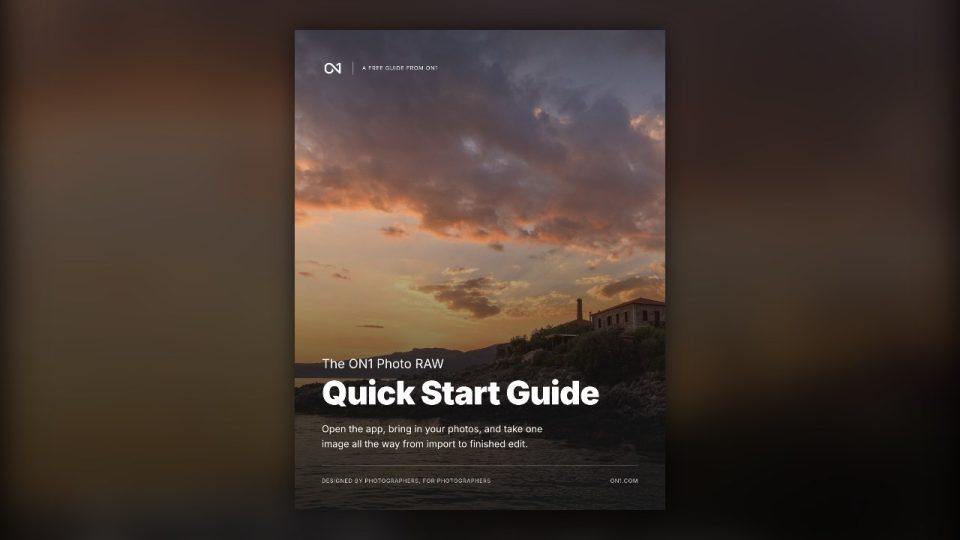
Free eBook: The ON1 Photo RAW Quick Start Guide
September 16, 2026
We wrote this free 26-page guide for the moment you first open ON1 Photo RAW. In about 30 minutes, it shows you how the app is laid out, where your photos live, and how to take one image from start to export. You’ll also get a tour of the Develop, Effects, and Local tools, the built-in presets, and resizing for print. You don’t need a photography background to follow along, only the app.
Download includes: a 26-page PDF guide, also readable on the web, covering the app layout, your first edit, presets, and resizing for print.
Free Guide: The Right File, Every Time
September 22, 2026
You put real time into an edit, so it should look as good on Instagram, on your wall, and in a friend’s inbox as it does on your screen. We built this quick guide to get you there. It covers which file type fits each job, how to size and sharpen for screens and paper, and how to keep your location private when you post. Twelve situation cards and a one-page cheat sheet keep the right settings close, and a chapter on Export Presets shows you how to save your go-to settings so you only set them up once.
You’ll learn how to:
- Choose the right file type for each job
- Size photos for social media and email
- Prepare files for home and lab prints, including big enlargements
- Add a subtle watermark
- Save and reuse Export Presets
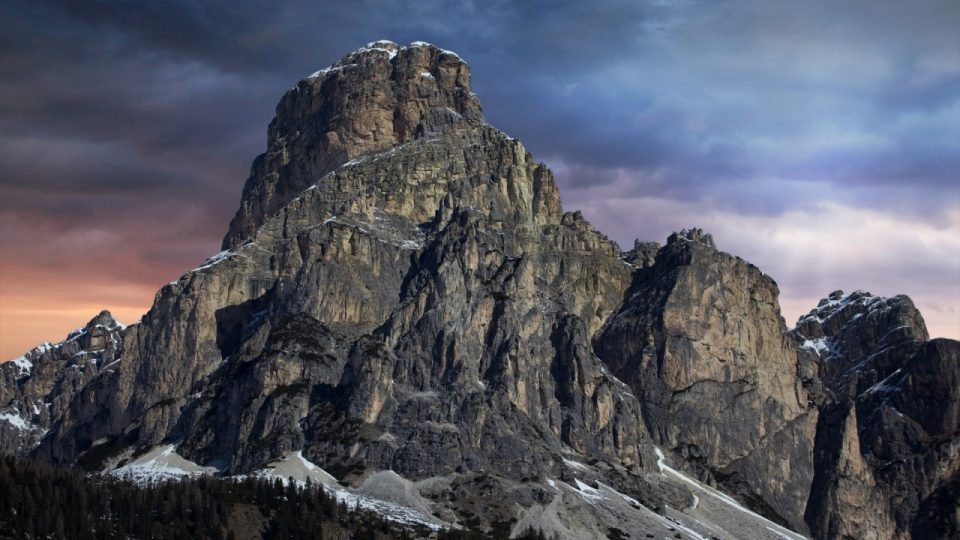
New in the Creative Library: Cloud Drama Skies
September 25, 2026
Most landscape photographers have at least one frame with a great foreground and a flat, gray sky. Dylan Kotecki put together these 10 free high-resolution skies for that photo, from soft pink and violet twilight to deep purple sunsets, moody blue storm clouds, sun breaking through heavy cover, and towering cumulus. Drop one in with Sky Swap AI in ON1 Photo RAW, and the sky turns into the part of the frame people notice first.
What’s included:
- 10 high-resolution skies, from twilight color to storm clouds and towering cumulus
- Ready to use with Sky Swap AI in ON1 Photo RAW 2024, 2025, and 2026
ON1 Photo RAW 2027: Release Window, Upgrade Price & Pre-Order
September 24, 2026
Your path to Photo RAW 2027 depends on where you’re starting, so we wrote this article to walk through each one. If you’re new to Photo RAW, buy Photo RAW 2026 during the pre-order window and you’ll get 2027 at no extra cost when it ships. If you already own Photo RAW 2026 or an earlier version, sign in to your ON1 account to see your personal upgrade price. We also explain how Photo RAW 2027 compares with the MAX edition, which adds the AI Culling Assistant, cloud-based Generative Eraser and Crop, and Restore AI, and we share our release target of late October or early November.
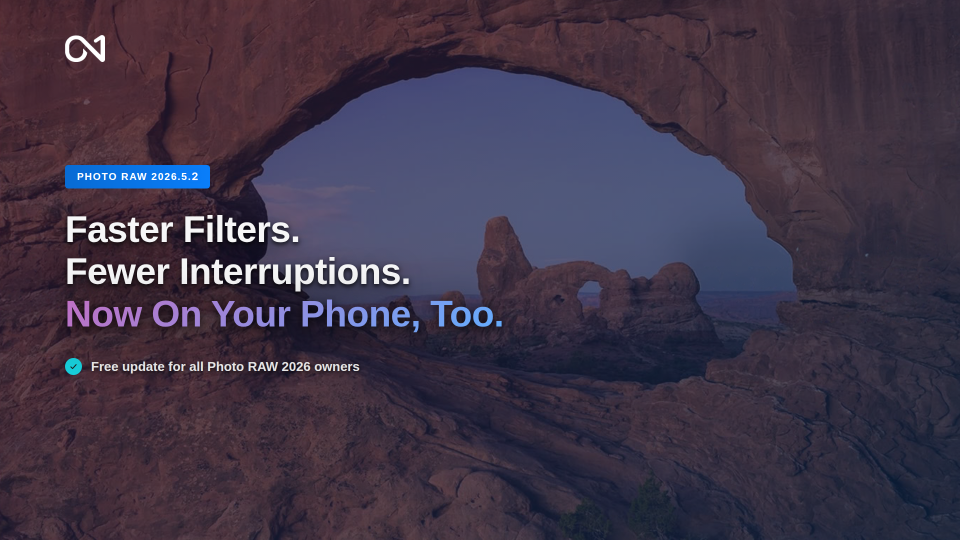
ON1 Photo RAW 2026.5.2 & Photo Mobile 2026.5: Faster Filters, New Lens Profiles & More
September 28, 2026
While 2027 gets closer, we’re still improving 2026. ON1 Photo RAW 2026.5.2 is a free update for every Photo RAW 2026 owner, and we focused it on stability and speed so you spend less time waiting. Effects filters that use borders and textures load faster, we fixed several crashes and bugs, and new lens profiles correct distortion, vignetting, and chromatic aberration for lenses from Canon, Nikon, Sigma, Viltrox, and more. We also released ON1 Photo Mobile 2026.5 on the App Store and Google Play, so you can send photos from Google Photos, Apple Photos, and other apps into your ON1 workflow.
Clean up noise, swap in a better sky, and mask with precision in one app. Try ON1 Photo RAW free for 30 days, with no subscription required.
All of the training and downloads in this recap are free.
We made every tutorial, webinar, guide, and sky collection above for the whole ON1 community, so you don’t need a membership to use any of them.
We post new content every week on the ON1 Blog, Video Library, Bookshelf, and Creative Library, so check back between recaps to catch it.
Want even more? ON1 Plus members get exclusive courses, in-depth tutorials, guides, and Creative Library collections from us every month, on top of everything here.
Please review our privacy policy for information about how we use the data we collect.