
ON1 Plus October 2026: Noise Rescue, Smart Masking, & Effects Starting Points
ON1 Plus’s October 2026 lineup covers noise rescue, smart masking, starting points, realistic weather, and composition. 3 video tutorials, a step-by-step guide,...

ON1 Plus’s October 2026 lineup covers noise rescue, smart masking, starting points, realistic weather, and composition. 3 video tutorials, a step-by-step guide,...
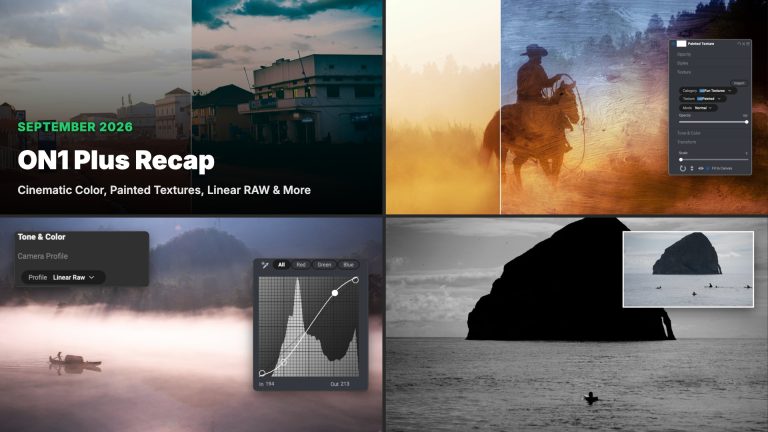
September in ON1 Plus: a cinematic color grading webinar replay with 20 new LUTs, 10 Heavy Weather Skies for Sky Swap AI,...
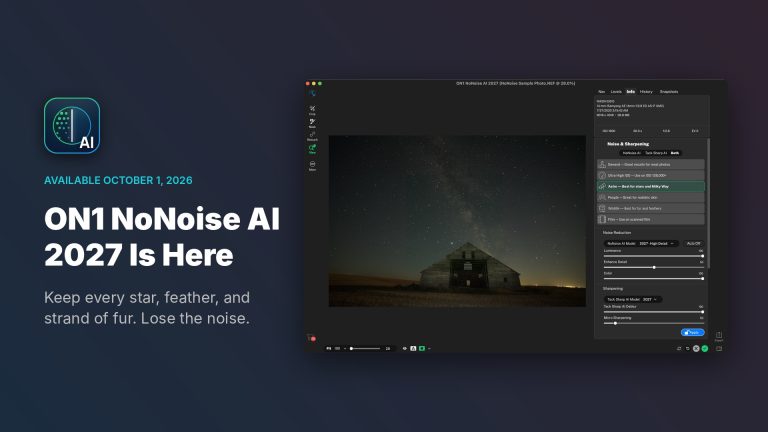
ON1 NoNoise AI 2027 is available today for Mac and Windows. If you have a folder of high-ISO shots you never finished...
ON1 Photo RAW 2027 is coming this fall, and the pre-order is open now. How the upgrade works depends on where you’re...
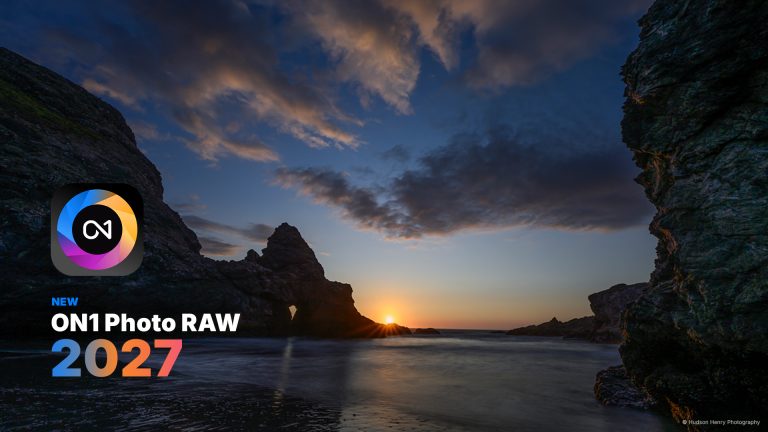
Today, we announce ON1 Photo RAW 2027, the next version of our all-in-one, non-destructive raw photo editor and organizer, and pre-orders are...
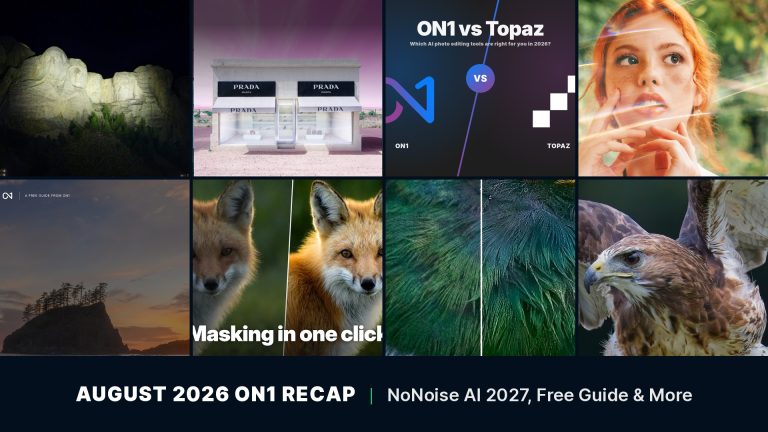
A wildlife shot at dawn or a Milky Way frame late at night almost always comes with a tradeoff. Raise the ISO...
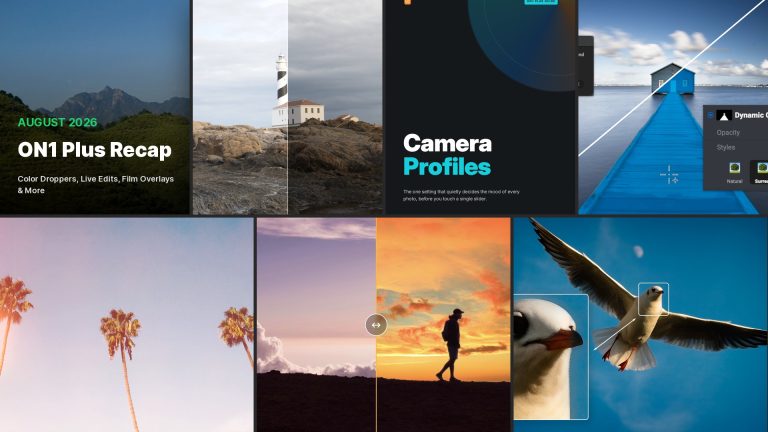
Color Dropper tips are back this August: an older ON1 Plus favorite, reworked for ON1 Photo RAW 2026. Members also got a...

This September, ON1 Plus digs into retouching, tone and blend modes, texture art, export, and cinematic color, with three new tutorials, a...
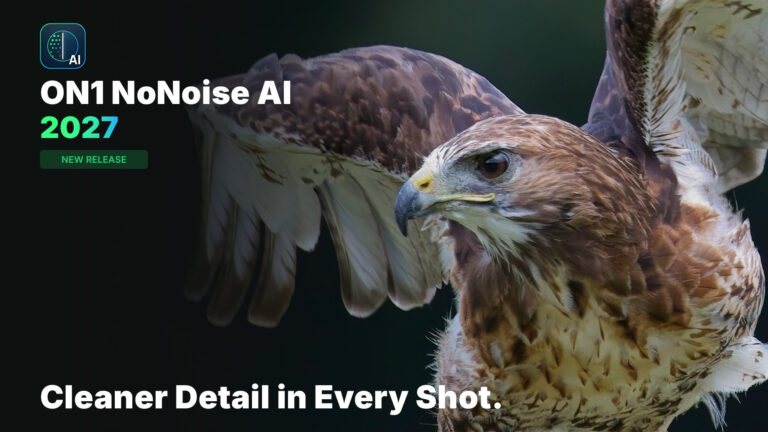
Announcing ON1 NoNoise AI 2027, available for pre-order and shipping late September 2026. This release will include remastered AI noise reduction models...
 Product Updates & NewsON1 Photo RAW 2026.4: Restore AI, New Home Module & Faster Performance
 Product Updates & NewsON1 Photo RAW 2026.2 is Here — Faster, Smarter, and Even More Powerful
 UncategorizedON1 Photo RAW 2026.5: Performance, Rendering & Camera Support
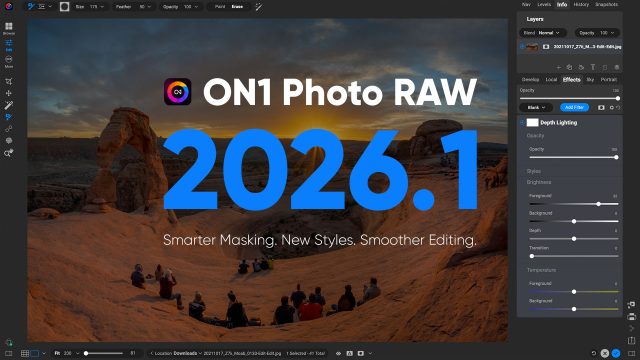 Product Updates & NewsNew Update – Photo RAW 2026.1 – Mask Faster. New Styles added. Workflow boosted.
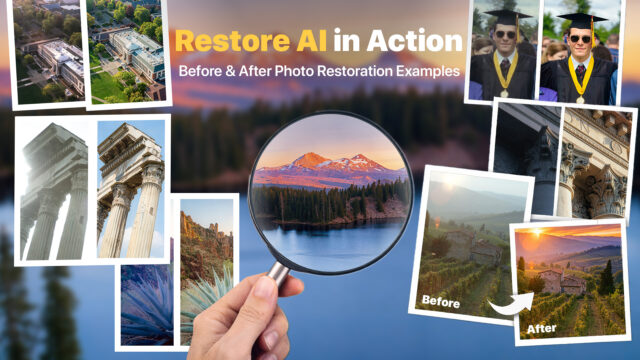 AI Photo & Technology InsightsRestore AI Results: What to Expect When Bringing Your Photos Back to Life
Try ON1 Photo RAW free for 30 days and put everything you’ve read into practice. No subscription required.
The ON1 Guarantee
Every purchase is protected. Every photo is yours. No games, no surprises.