

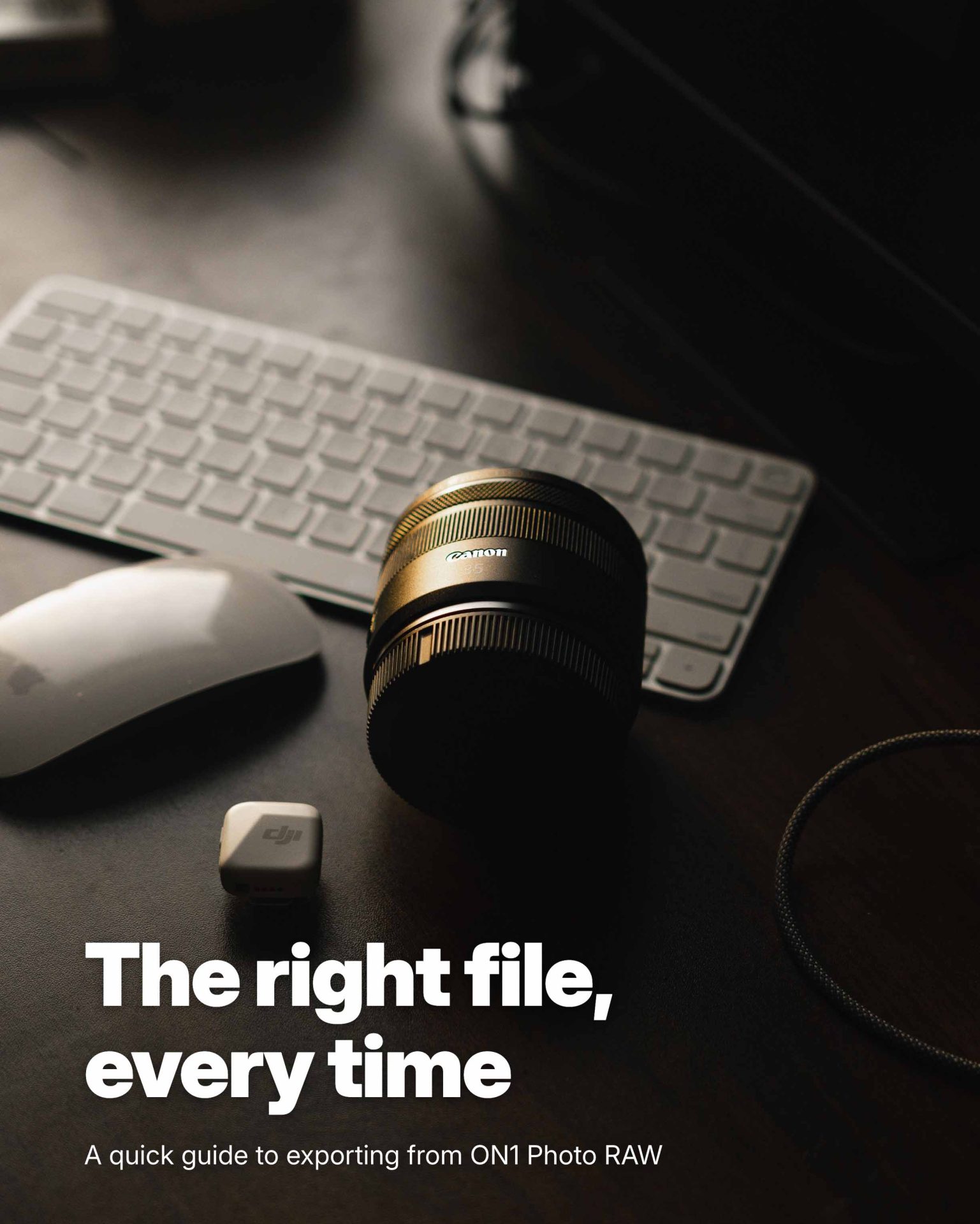
The Right File, Every Time – Exporting from Photo RAW
You put real time into your edit. This quick guide makes sure it looks just as good on Instagram, on your wall, and in a friend’s inbox. You’ll learn which file type fits each job, how to size and sharpen photos for screens and paper, and how to keep your location private when you post. Twelve situation cards and a one-page cheat sheet put the right settings at your fingertips. A chapter on Export Presets shows you how to save your go-to settings and reuse them on every export.
What You’ll Learn
- Which file type fits each job
- How to size photos for social media and email
- How to prepare files for home and lab prints
- How to enlarge photos for big prints
- How to add a subtle watermark
- How to save and reuse Export Presets
8 Comments
Pamela GirtmanOctober 13, 2026
This is great! It helps with a lot of questions for which I never have the correct answer when needed.
Thank you,
Pag
Ken SmithOctober 13, 2026
Thanks for this. It will speed up my workflow and help with my posts.
Ken
Rick LovelandOctober 14, 2026
Thanks and much appreciated , there is a great deal of very useful information here.
Artur NunesOctober 14, 2026
Thank you, great tutorial content, one of the best, appreciated.
Chantal Van KerckhoveOctober 14, 2026
Dank je wel ; hier zal ik vaak gebruik kunnen van maken.
Jean MichelOctober 14, 2026
Bonjour,
Ce guide est probablement bien mais je souhaite qu’il soit en Français !
Merci par avance de me le faire parvenir.
Cordialement
Serge LORBEROctober 14, 2026
Export is always the step many photographers forget to take time to fully understand. This 69 pages document covers that important subject very well. Thank you.
Robert AlexanderOctober 15, 2026
Great idea. Having so this information in one place makes sense. Thank you.
Please review our privacy policy for information about how we use the data we collect.