

July 2026 ON1 Recap: Sky Swap AI, Photo RAW 2026.5 & More
- August 4, 2026
- 6,279 Views
Posted by Kahlie
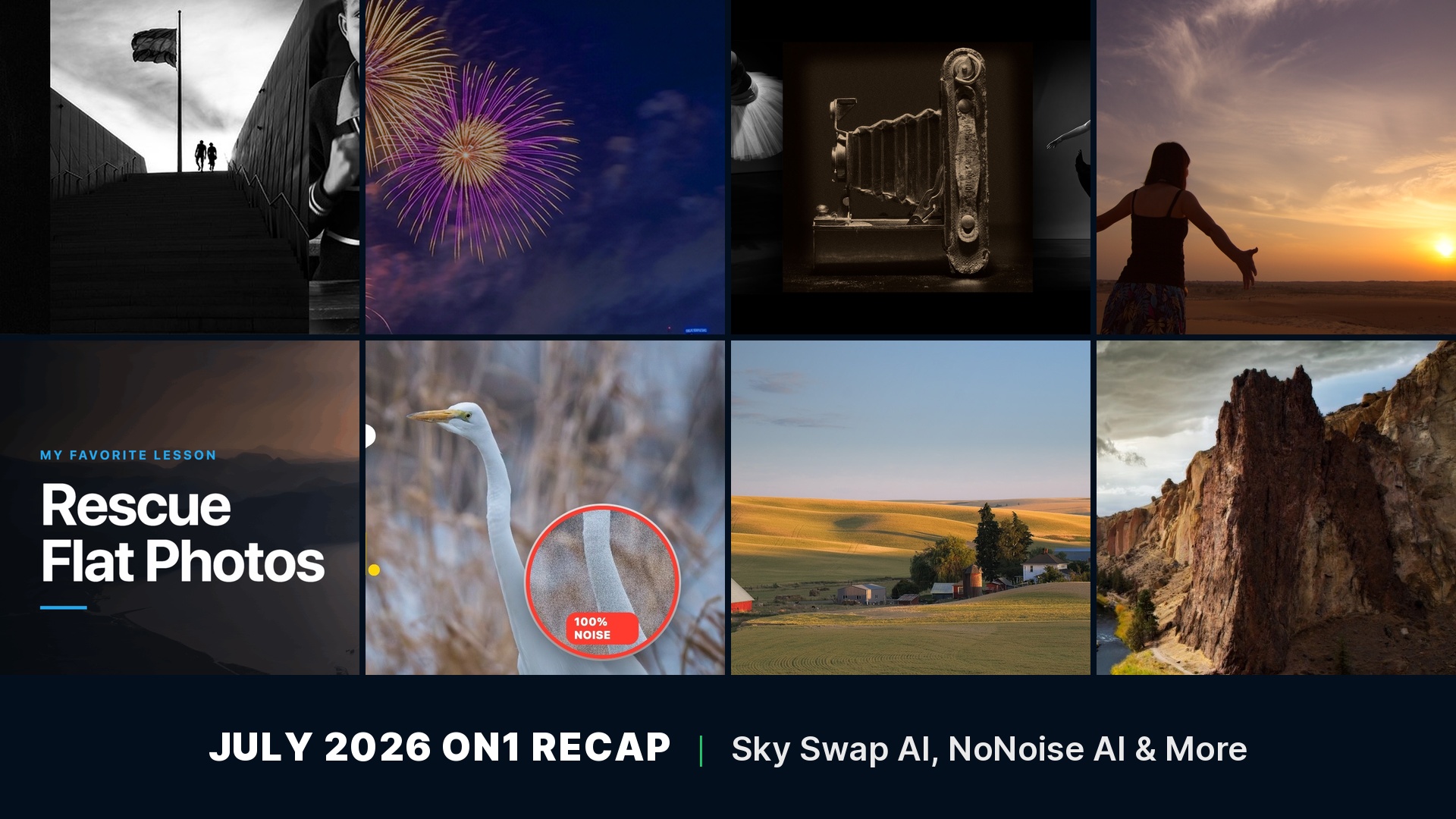
A flat, gray sky or a grainy high-ISO shot can undo a photo you were otherwise happy with, and July gave you two new fixes for exactly that: a Sky Swap AI tutorial for washed-out skies and a NoNoise AI edit for noisy wildlife shots. ON1 Photo RAW 2026.5 also shipped as a free update, a fresh set of Perfect Look LUTs landed in the Creative Library, and the blog covered everything from a $500 home studio build to July’s photo contest news. Here’s everything new from ON1 this July.
In this recap:
- Fix Your Sky, Save Your Photo: Sky Swap AI Tutorial
- ON1 Photo RAW 2026.5: Performance, Rendering & Camera Support
- High ISO Wildlife Photos? Here’s the Fix in ON1 Photo RAW
- My Favorite Lesson: Rescuing Flat Landscapes
- Perfect Look LUTs
- The ON1 Advisory Board: How Photographers Shape What We Build Before It Ships
- How to Build a Home Photo Studio for Under $500
- America’s 250th Anniversary Photo Contest: Entries Are Closed
- Announcing the Winners of the ON1 21st Anniversary Contest
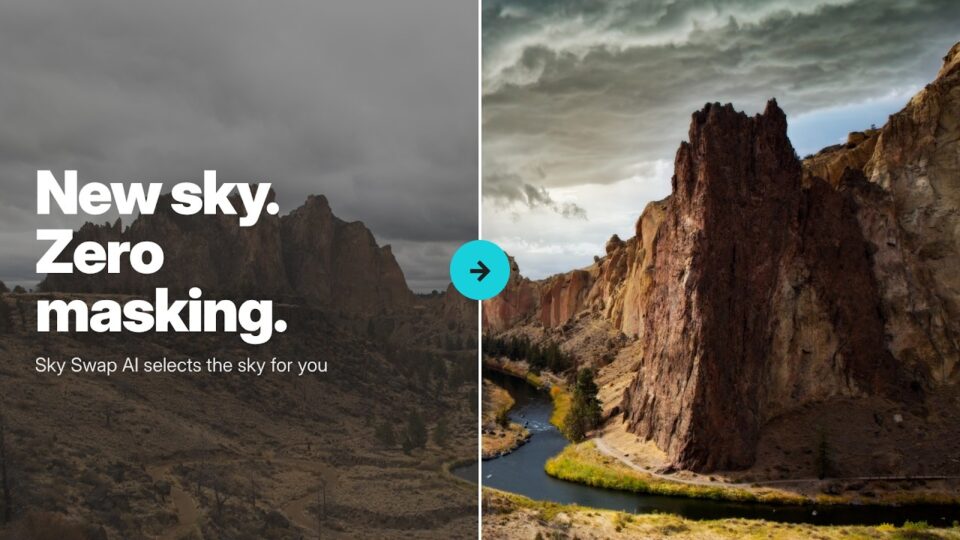
A new sky, matched and blended with Sky Swap AI in ON1 Photo RAW.
Fix Your Sky, Save Your Photo: Sky Swap AI Tutorial
July 29, 2026
A flat, gray sky can drag down an otherwise strong photograph. This tutorial walks through Sky Swap AI in ON1 Photo RAW, matching a new sky to the existing foreground and finishing the look with Effects filters. Using the built-in practice file, you can follow every step and put the technique to work on your own photos, the ones that only need a better sky to feel complete.
You’ll learn how to:
- Replace a flat or overcast sky using Sky Swap AI
- Match lighting and color between the new sky and the foreground
- Finish the edit with Effects filters for a believable, cohesive result
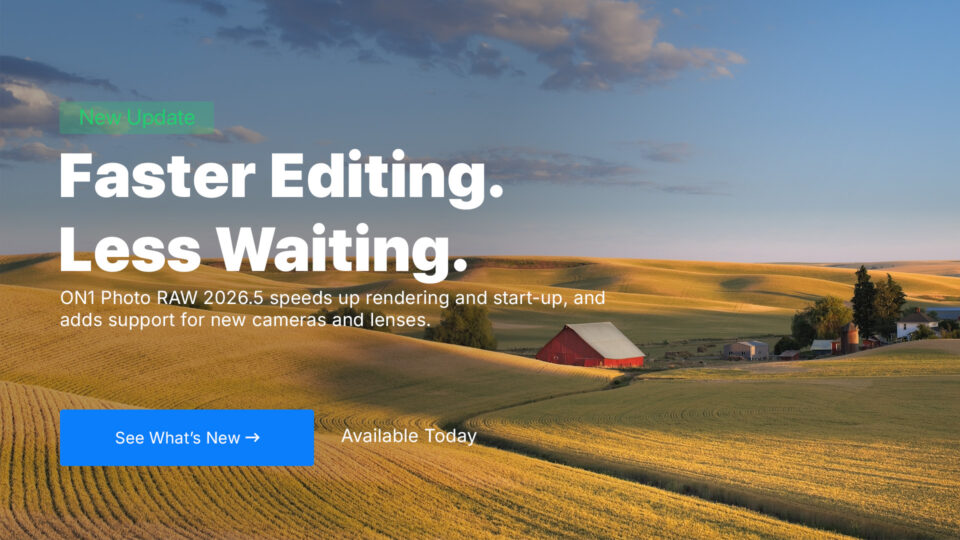
ON1 Photo RAW 2026.5 is available now as a free update for 2026 owners.
ON1 Photo RAW 2026.5: Performance, Rendering & Camera Support
July 28, 2026
ON1 Photo RAW 2026.5 is available now as a free update for every 2026 owner. The release rebuilds the AI Inference Engine to take advantage of vendor-specific hardware on Windows, updates the graphics rendering engine, and speeds up start-up and shutdown. It also adds support for new cameras and lenses, smooths out the Component Manager, and gives the mobile app a new way to bring in photos from other apps. Owners can download the update from their account today.
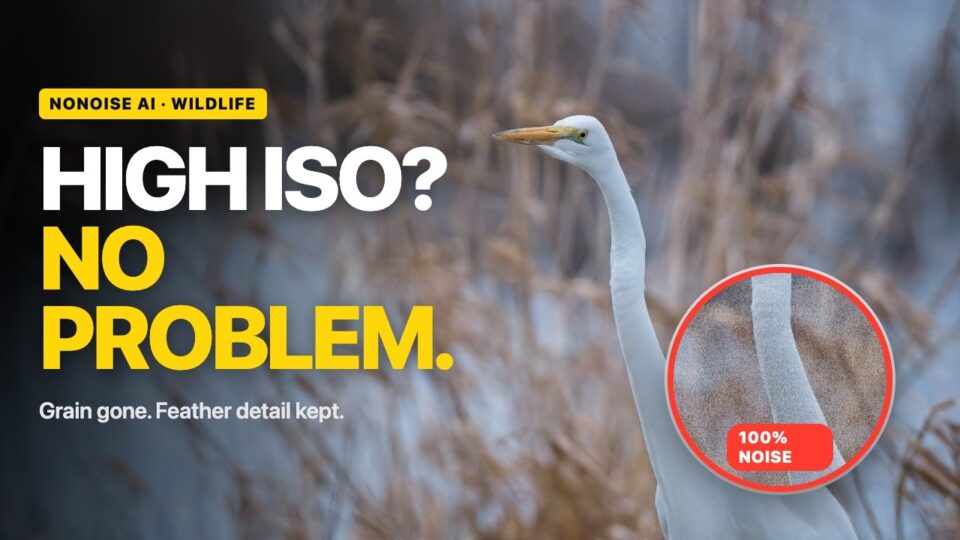
Cleaning up a noisy, high ISO wildlife shot with NoNoise AI.
High ISO Wildlife Photos? Here’s the Fix in ON1 Photo RAW
July 21, 2026
Noisy wildlife shots taken at high ISO don’t have to end up deleted. This tutorial uses NoNoise AI in ON1 Photo RAW to clear out noise while keeping the feather detail and texture that make a wildlife photo worth keeping, then finishes the edit with Dynamic Contrast, Curves, and a subtle vignette.
You’ll learn how to:
- Remove noise from high ISO wildlife photos with NoNoise AI
- Preserve fine feather detail and texture while cleaning up the image
- Finish with Dynamic Contrast, Curves, and a vignette for a natural result
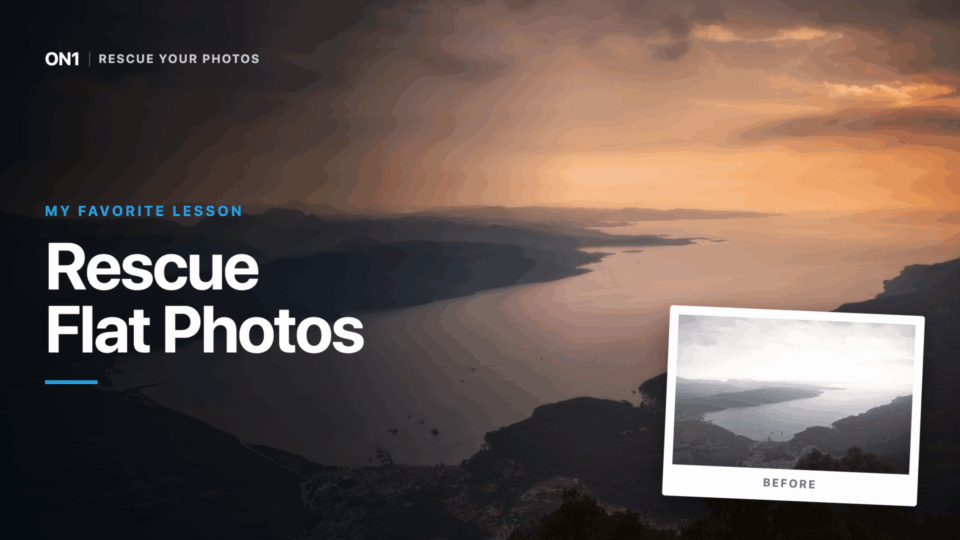
Bringing depth and color back into a flat landscape shot.
My Favorite Lesson: Rescuing Flat Landscapes
July 20, 2026
Every landscape photographer knows the letdown of a shot that looked incredible in person and flat and hazy on the screen. In this post, instructor Dylan Kotecki breaks down his favorite lesson from the Rescue Your Photos Course: bringing the depth, color, and mood back into a landscape photo that lost them somewhere between the shutter and the file.

Ten new color grades in the Perfect Look LUTs collection.
Perfect Look LUTs
July 15, 2026
This set of 10 Perfect Look LUTs covers a wide range of color grades, from soft, true-to-life looks to punchy, vivid tones and bold high contrast options with warm or cool casts. The range works across portraits, landscapes, editorial, and fashion work, so there’s a look here for nearly any subject.
Download includes: 10 Perfect Look LUTs.
Get more from every photo with ON1 Photo RAW. Try it free for 30 days. No subscription required. →
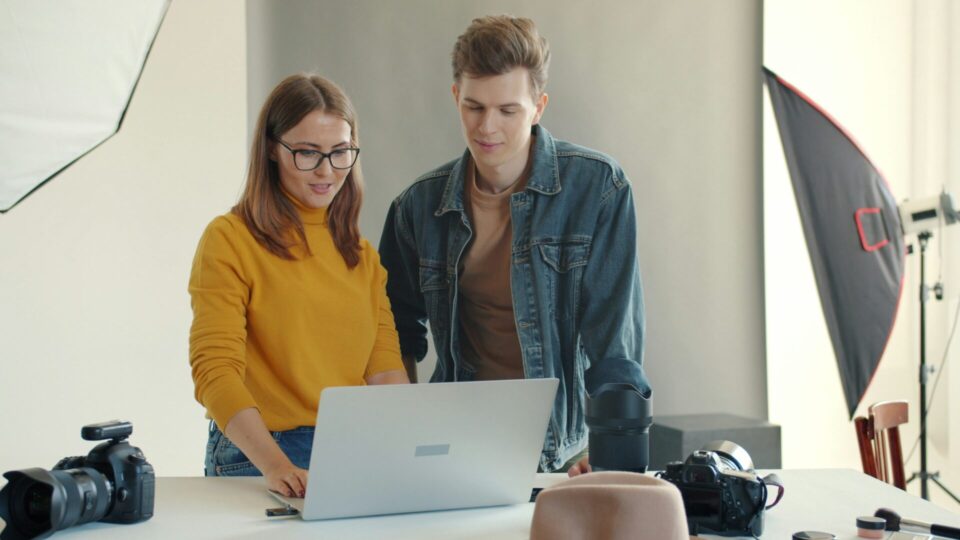
Photographers on the ON1 Advisory Board review features before they ship.
The ON1 Advisory Board: How Photographers Shape What We Build Before It Ships
July 14, 2026
A feature you use in ON1 Photo RAW today was probably rejected at least once before it shipped. This post looks inside the ON1 Advisory Board, the group of working photographers who test ideas and give honest feedback long before a release reaches your desktop, and explains why that process shapes the software you use every day.
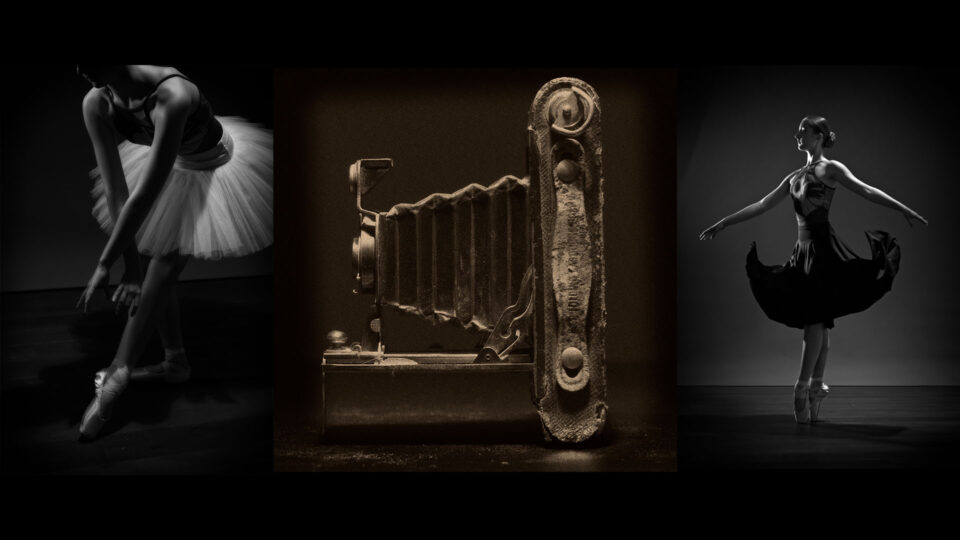
A working studio built at home for under $500.
How to Build a Home Photo Studio for Under $500
July 4, 2026
A dedicated studio isn’t out of reach for photographers without a spare room to give up. In this post, Dan Harlacher shows how to turn everyday spaces, a spare bedroom, a garage, even a dining room, into a working studio for a few hundred dollars, giving you a place to practice and shoot regardless of the weather or the season.
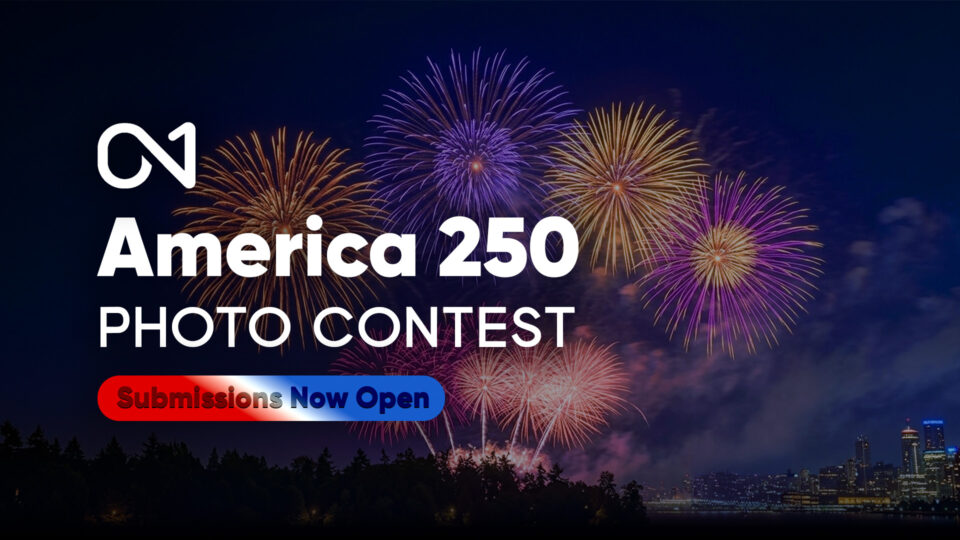
Photographers nationwide helped build a photographic time capsule of America in 2026.
America’s 250th Anniversary Photo Contest: Entries Are Closed
Entries closed July 31, 2026
To mark America’s 250th anniversary, ON1 spent July inviting photographers everywhere to help build a living time capsule of the country in 2026. Entries poured in from landscape, wildlife, and street photographers capturing national parks, city streets, hidden gems, and quiet hometown moments nationwide.
Submissions are now closed, and judging is underway. Winners will be announced on the ON1 blog soon.
Read the original announcement →
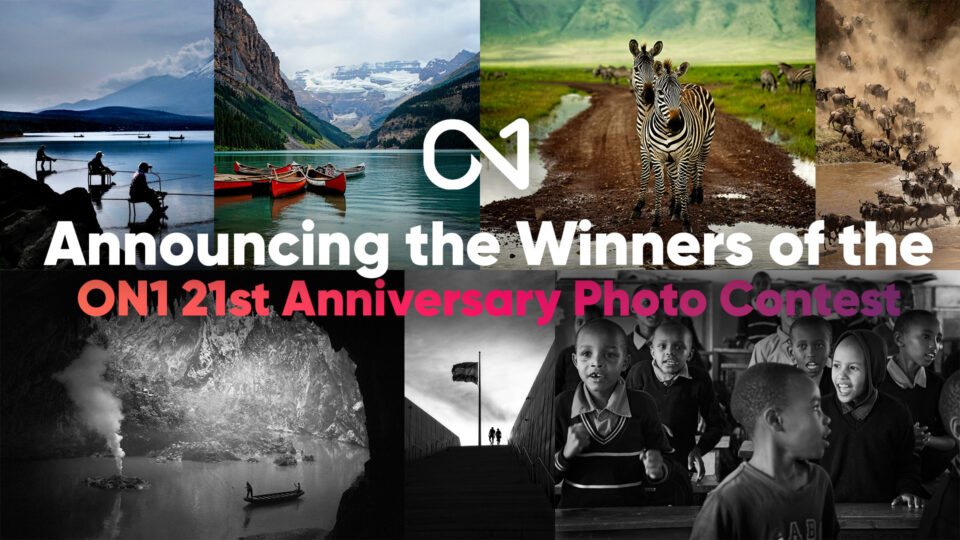
A photo collage of the winners of the ON1 21st Anniversary Contest.
Announcing the Winners of the ON1 21st Anniversary Contest
July 3, 2026
ON1 marked 21 years with a contest celebrating two decades of community photography, and the winners are in. The Grand Prize went to Akers Moore for “Crossing Guards,” zebras captured in Tanzania’s Ngorongoro Crater, alongside a strong field of entries judged on creativity, composition, technical execution, and overall impact.
All of this is free to explore right now.
Everything in this recap, tutorials, guides, articles, and creative assets, is available to every ON1 user today.
New content posts every week on the ON1 Blog, Video Library, Bookshelf, and Creative Library. Bookmark the blog and check back often to catch it as it happens.
Want even more? ON1 Plus members get exclusive tutorials, courses, guides, and Creative Library drops every month on top of everything here.
One Comment
ON1 PJAugust 5, 2026
Whats an LUT?
Please review our privacy policy for information about how we use the data we collect.