

June 2026 ON1 Recap: Overexposed Skies, AI Masking & More
- 15,758 Views
 Posted by Kahlie Wright
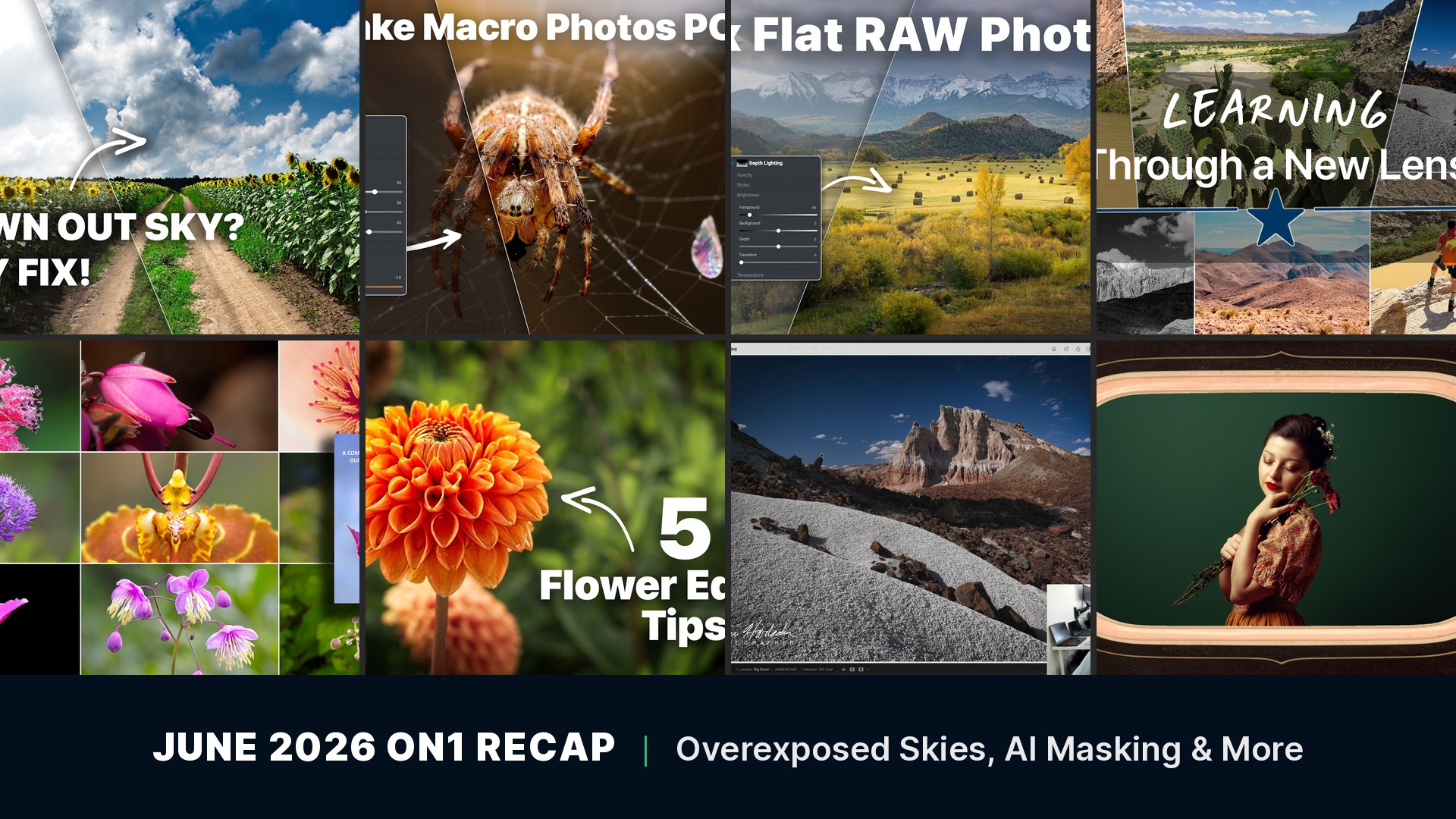
ON1’s free training library, blog, and Creative Library got a full month of new content in June, all of it tied to the ON1 Photo RAW 2026.4 release. That includes step-by-step tutorials on fixing an overexposed sky, transforming a macro shot with AI masking, and building a custom watermark, plus a landscape photography story from Big Bend National Park and a free 246-page flower photography ebook. Here’s everything new from ON1 in June.
In this recap:
- Fix an Overexposed Sky in Seconds
- Transform a Macro Photo With AI Masking and Depth Lighting
- Create a Custom Photography Watermark
- Fix Flat RAW Photos Fast in ON1 Photo RAW 2026.4
- Big Bend Landscapes and How I Edited Them
- Photographing Flowers, With Mark Overmars
- 5 Quick Flower Editing Tips
- Analog Soul Borders
Fix an Overexposed Sky in Seconds
June 19, 2026
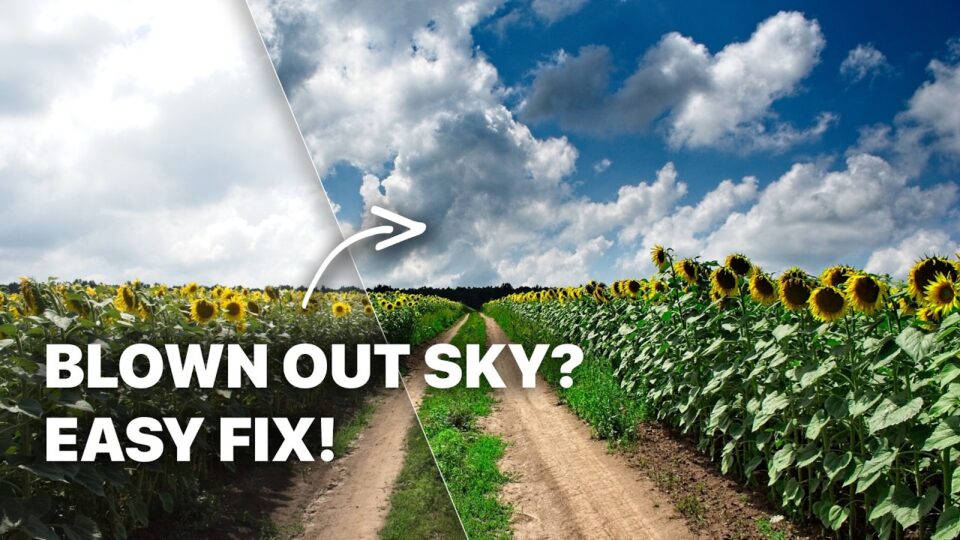
An overexposed sky recovered in ON1 Photo RAW 2026.4 using Masks, Local Adjustments, and Dynamic Contrast.
Blown-out skies are one of the most common exposure problems in landscape shots. This tutorial uses the practice file built into the new Home module in ON1 Photo RAW 2026.4 to recover detail in an overexposed sky, add contrast and depth, enhance color in the sunflowers and sky, and refine the sky mask so the recovery blends naturally instead of looking pasted in.
You’ll learn how to:
- Recover detail in a blown-out sky using Masks and Local Adjustments
- Enhance color with the Color Enhancer filter
- Refine a sky mask for a natural blend
- Bring out texture with Dynamic Contrast
Transform a Macro Photo With AI Masking and Depth Lighting
June 9, 2026
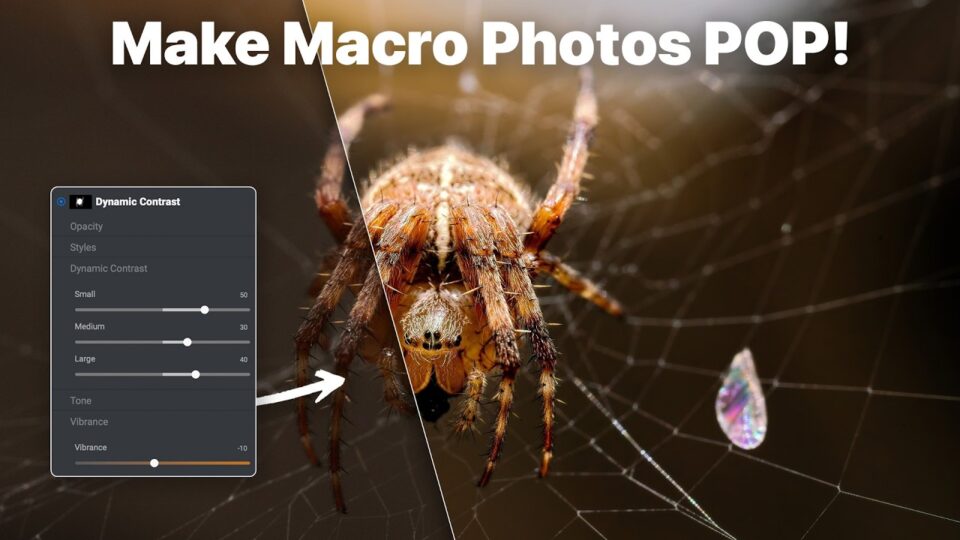
A macro spider photo transformed with AI masking, Glow, and Depth Lighting in ON1 Photo RAW 2026.4.
Macro shots depend on detail and separation from the background. This tutorial walks through cropping a garden spider photo for stronger composition, removing noise with NoNoise AI, cleaning up blemishes with the Healing Brush, and using Dynamic Contrast, Glow, and Depth Lighting to build a dramatic sense of depth.
You’ll learn how to:
- Crop for a stronger macro composition
- Remove noise with NoNoise AI and clean up blemishes with the Healing Brush
- Enhance detail with Dynamic Contrast
- Add mood with Glow and Depth Lighting filters
Create a Custom Photography Watermark in ON1 Photo RAW
June 19, 2026
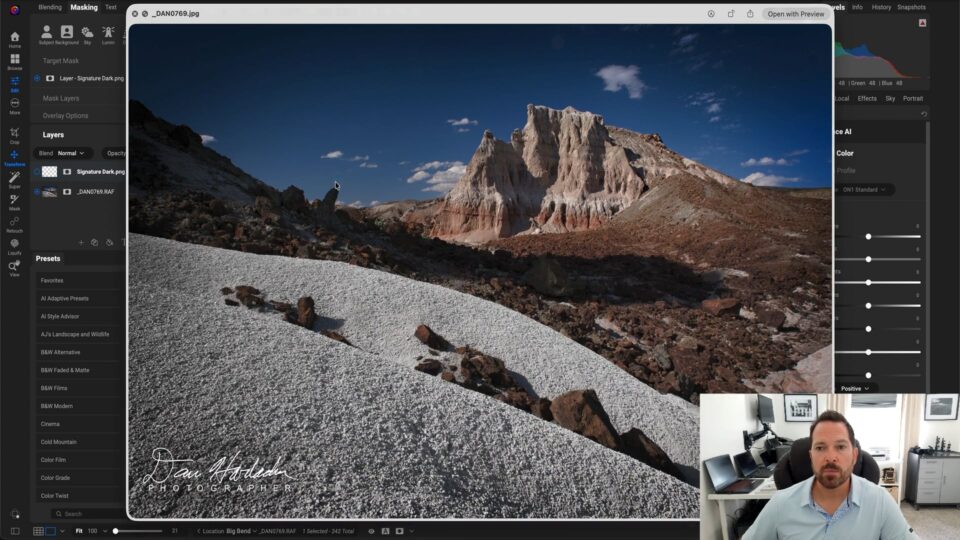
Building a reusable signature watermark in ON1 Photo RAW.
Anyone still exporting images without a watermark, or paying someone else to make one, can build a professional logo or signature watermark directly inside ON1 Photo RAW. This tutorial covers turning a handwritten signature or logo into a transparent PNG, building watermark variations, and saving them so they apply consistently across an entire portfolio.
You’ll learn how to:
- Turn a signature or logo into a transparent PNG
- Build multiple watermark variations
- Apply watermarks as layers or on export
- Save watermarks for consistent branding across every export
Fix Flat RAW Photos Fast in ON1 Photo RAW 2026.4
June 4, 2026
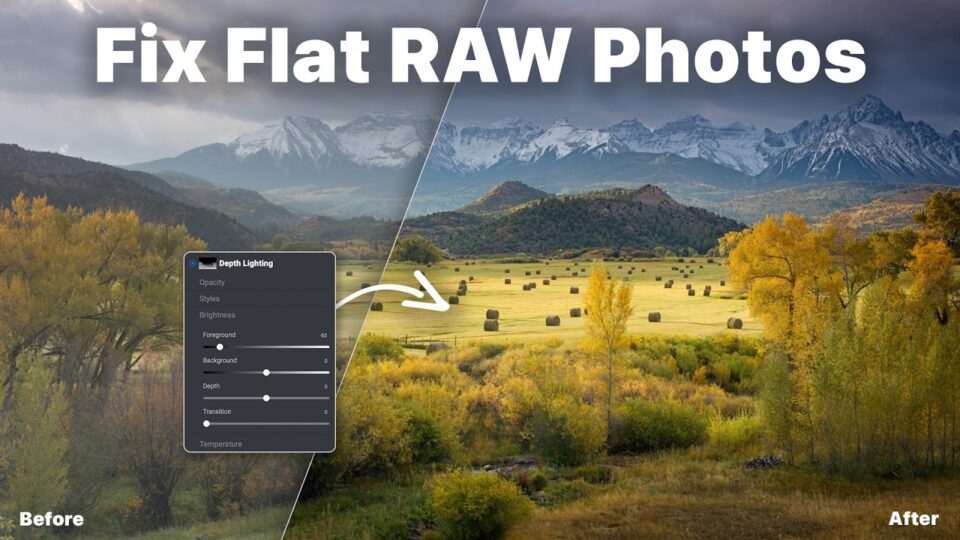
A flat autumn landscape RAW file corrected using AI masking and Dynamic Contrast in ON1 Photo RAW 2026.4.
Using the practice file available in the new Home module in ON1 Photo RAW 2026.4, this tutorial recovers highlights, adds contrast and depth, and enhances autumn color in a flat landscape shot using AI masking tools, Depth Lighting, Dynamic Contrast, and a subtle vignette, then exports it with settings optimized for social sharing.
You’ll learn how to:
- Recover highlights in a flat RAW file
- Add contrast and depth with Dynamic Contrast
- Selectively enhance color using AI masking
- Export with settings optimized for Instagram and Facebook
Get more from every photo with ON1 Photo RAW 2026. Try it free for 30 days. No subscription required.
Big Bend Landscapes and How I Edited Them in ON1 Photo RAW
June 2, 2026
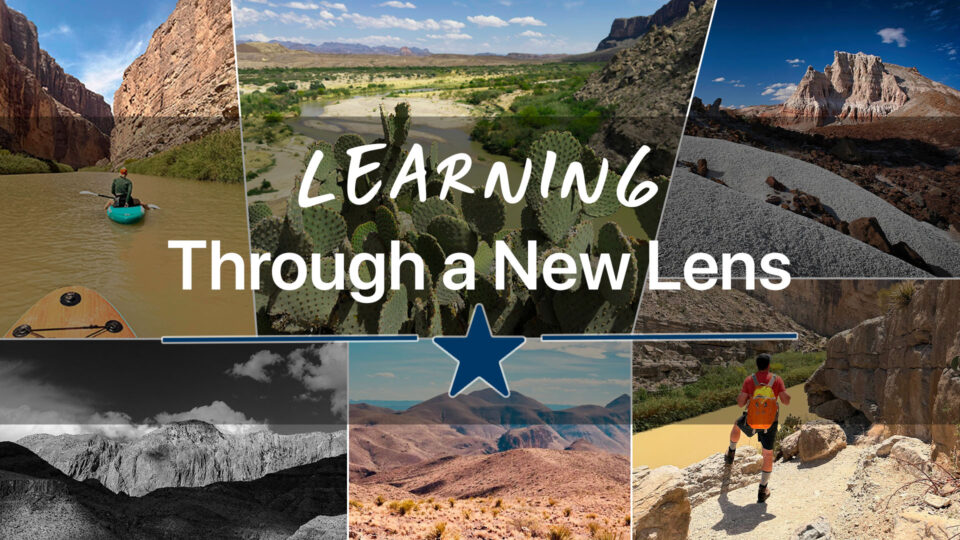
Landscape photos from Big Bend National Park, edited in ON1 Photo RAW 2026.
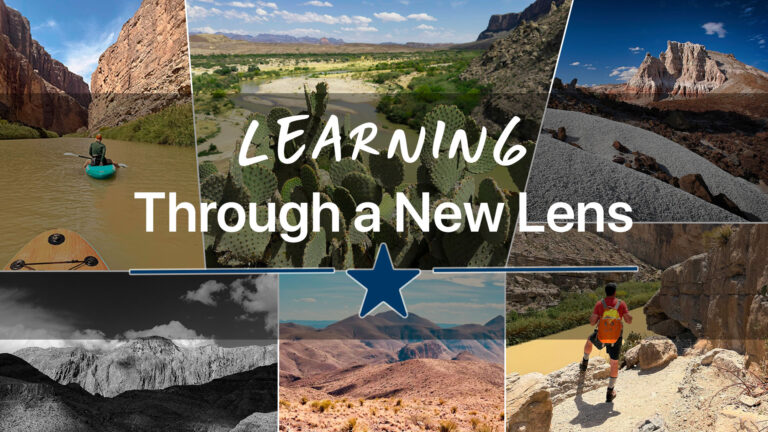
Photographer Dan Harlacher traded Oregon waterfalls for a trip through Big Bend National Park and shares the editing decisions behind three of his favorite shots: an iPhone Portrait mode capture at Santa Elena Canyon finished with Color Editor, a Super Select AI and Dynamic Contrast edit at Tuff Canyon, and a black-and-white conversion at Sotol Vista built with the Black and White filter and Curves. The post includes a standing black-and-white tip: sample a light and dark area with the Curves dropper, then raise highlights and deepen shadows slightly for a print-like result flat conversions don’t achieve.
Photographing Flowers: Behind the Lens With Mark Overmars
June 15, 2026
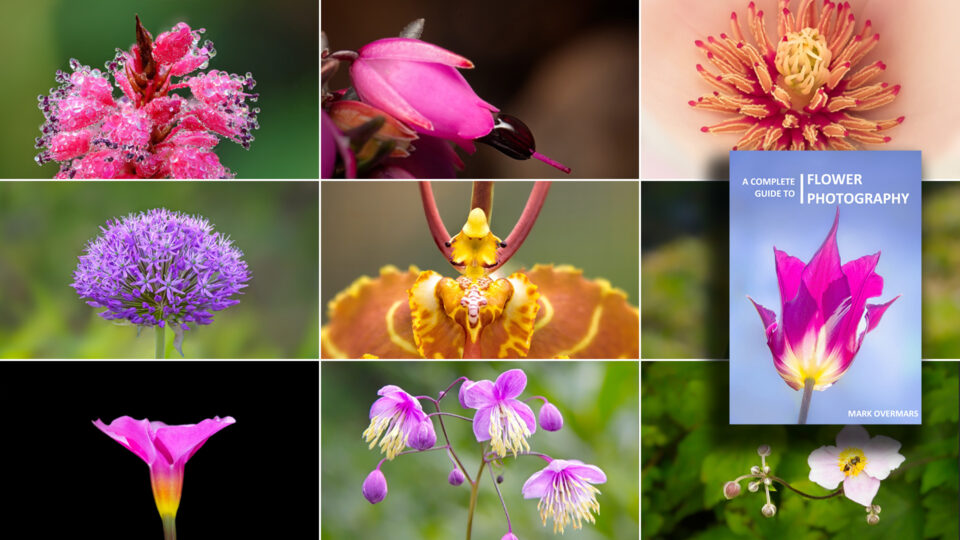
Macro flower photography from Mark Overmars’ free ebook, edited in ON1 Photo RAW.
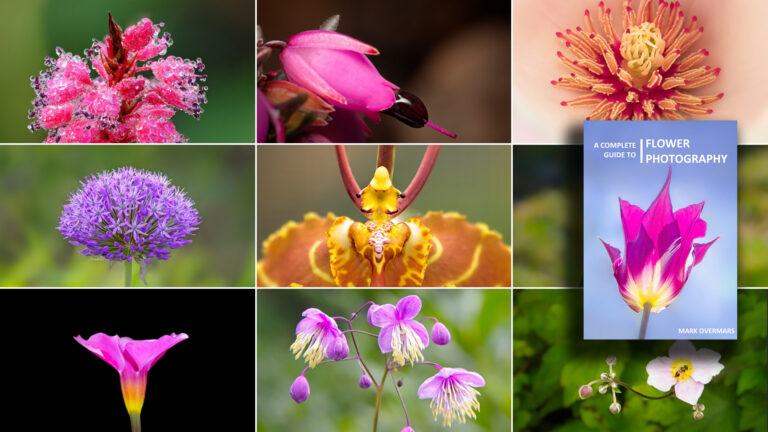
After two years photographing insects, Mark Overmars switched to flowers and found the slower pace exposed problems he’d never had to solve, including focus stacking to keep dew sharp across a single petal and controlling a background that sits much closer to the subject than it does with insects. His new free ebook, Photographing Flowers, runs 246 pages and covers equipment, composition, macro technique, and his full ON1 Photo RAW editing workflow, including how he uses background separation and local adjustments to keep focus on the flower.
5 Quick Flower Editing Tips in ON1 Photo RAW
June 23, 2026
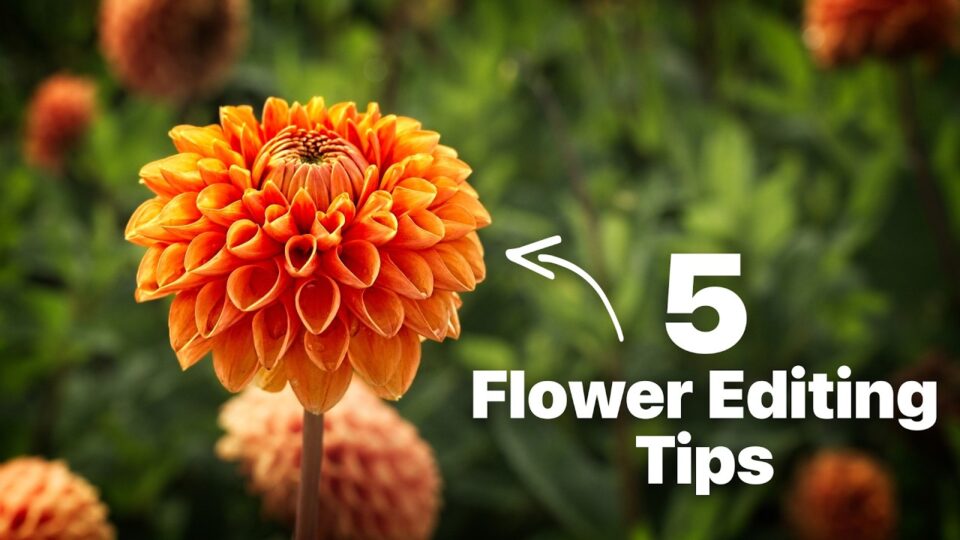
A flower photo edited with five quick techniques in ON1 Photo RAW 2026.
Flower photos usually only need a few smart adjustments to stand out. This video covers five quick edits: stronger cropping, better tone and color, a dreamy Glow effect, targeted detail enhancement, and Lens Blur to reduce distracting backgrounds.
You’ll learn how to:
- Crop for a stronger composition
- Build tone and color with Develop and Color Enhancer
- Add a dreamy look with the Glow filter
- Reduce background distractions with Lens Blur
Analog Soul Borders
June 18, 2026
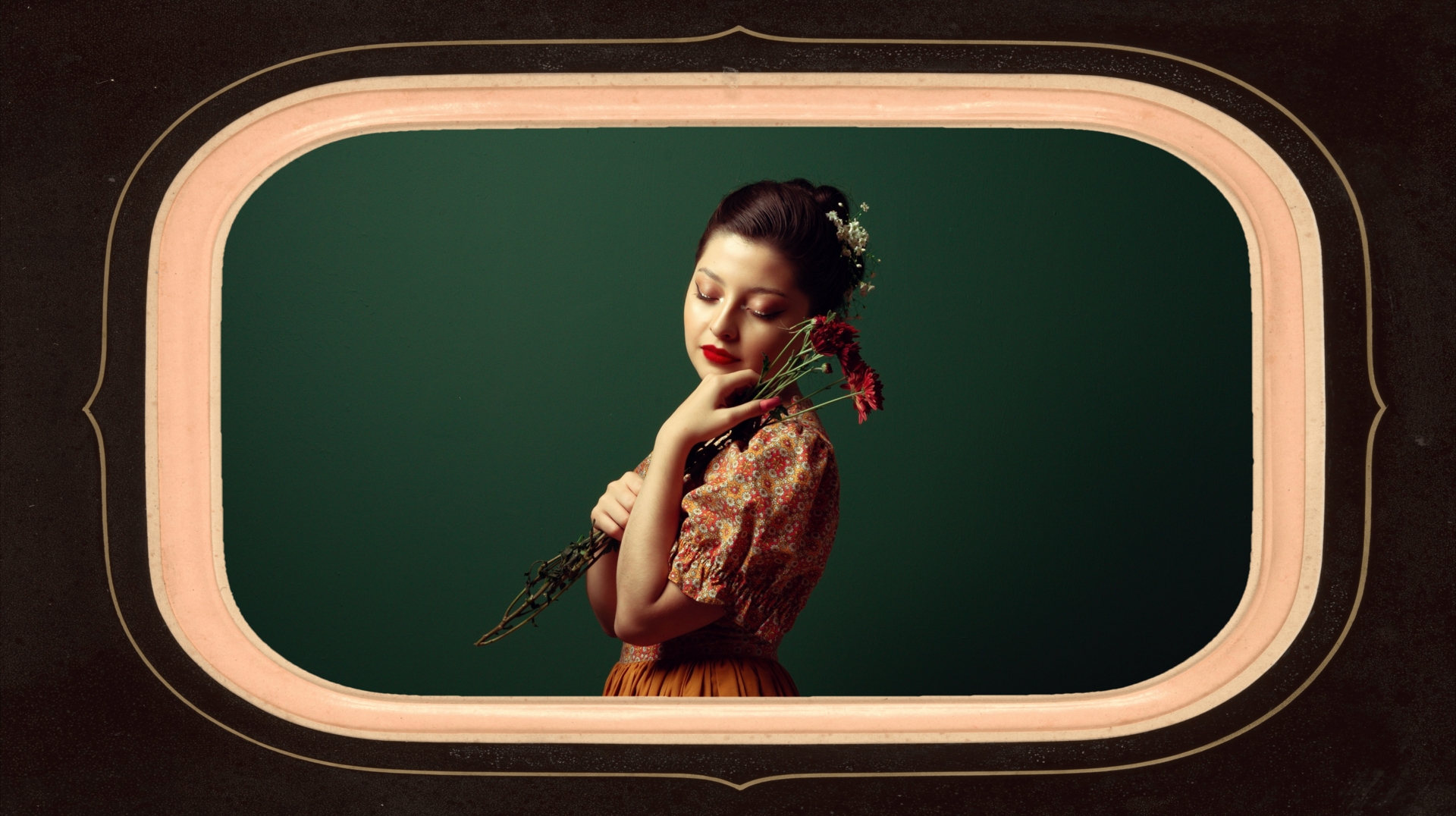
Ten vintage-style borders from the Analog Soul Borders collection, free for ON1 customers.
Ten richly textured vintage frames, scanned from genuine antique photography, free for every ON1 customer. Pair them with Restore AI to preserve an authentic feel after repairing an old family photo, or apply one to a new portrait for instant vintage character.
What’s included:
- 10 Analog Soul Borders
All of this is free to explore right now.
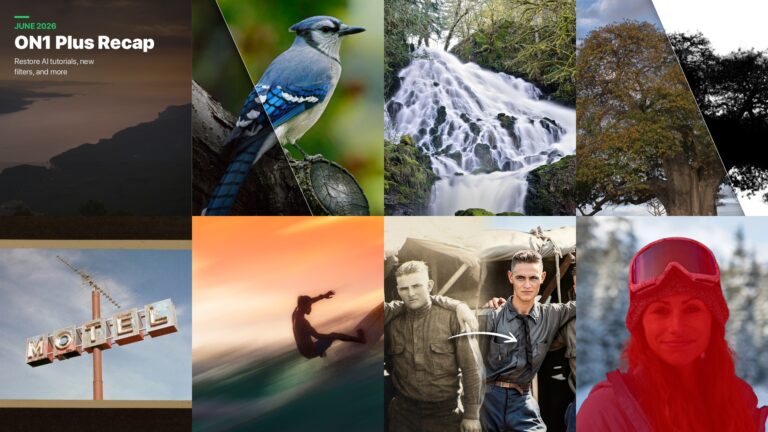
Everything in this recap, including tutorials, a landscape photography story, a free flower photography ebook, and a set of vintage borders, is available to every ON1 customer today. No membership required.
New content posts every week on the ON1 Blog, Video Library, Bookshelf, and Creative Library. Bookmark the blog to catch it as it happens.
Want even more? ON1 Plus members get exclusive tutorials, courses, guides, and Creative Library drops every month on top of everything here.
2 Comments
Rémy PilliardJuly 14, 2026
Rédacteur de nombreux articles sur ON1 depuis sa création en 2005, j’ai toujours le même plaisir à tester ses capacités comme à l’utiliser pour traiter et améliorer mes photos. Mes articles dans de nombreux magazines ont toujours pu démontrer les excellentes qualités de ce logiciel et ses améliorations constantes, dignes de rivaliser avec la grosse usine abode. ON1 est certainement, de mon point de vue, le meilleur logiciel capable de transformer une image banale en une œuvre artistique remarquable. Merci à tous ceux qui œuvrent à son amélioration. Rémy Pilliard (d’Aprilli en filigrane), rédacteur et photographe.
Derek SalterJuly 19, 2026
I am most impressed with this editing software and the high level of support.
Please review our privacy policy for information about how we use the data we collect.