

October 2026 ON1 Recap: Cleaner Backgrounds, Free B&W LUTs & More
- 94 Views
 Posted by Kahlie Wright
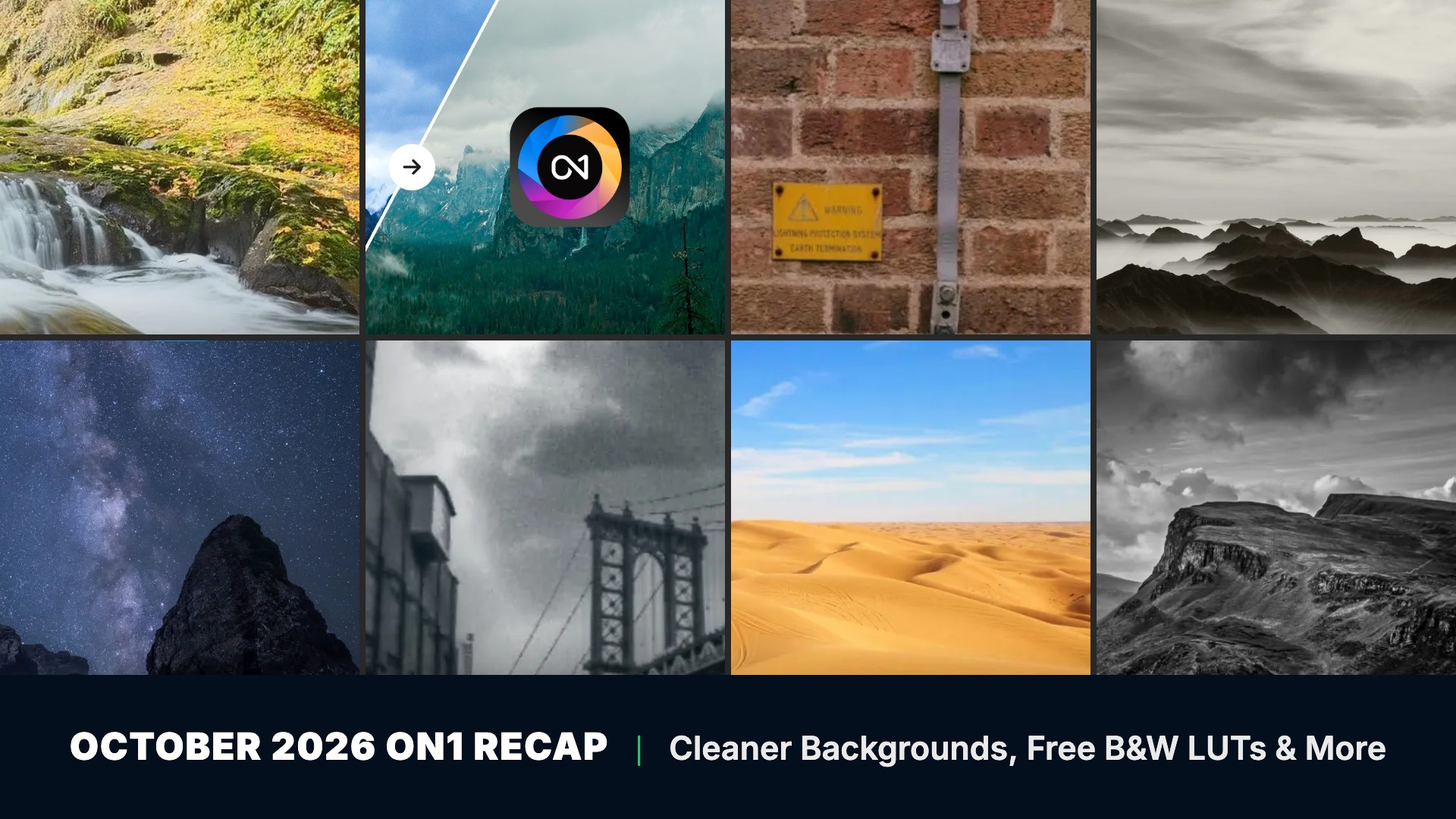
You framed the shot you wanted, and then a pipe, a sign, and a row of parked cars stole the scene. In October we showed how Photo RAW 2027 clears them away and opens your RAW files closer to your finished look, and how your 2026 landscape edits carry over when you upgrade. We also shared a NoNoise AI 2027 quick start and user guide, two free LUT packs, and a photo contest. Photo RAW 2027 is also available now, so every first look below is ready for you to try. Here’s everything we shared in October.

Just released: ON1 Photo RAW 2027 is available now.
Better-looking photos straight from the camera start with a new RAW processing engine. Photo RAW 2027 also adds improved NoNoise AI, enhanced masking, a Loupe pane, and faster performance, and the AI Culling Assistant is included in Photo RAW MAX 2027. Try Photo RAW 2027 free for 30 days, with no subscription required.
In this recap:
- Getting Started in NoNoise AI 2027
- First Look: Better RAW Photos Straight Out of the Camera in Photo RAW 2027
- First Look: Remove Signs & Pipes from Brick Walls Without AI in Photo RAW 2027
- First Look: Remove Distractions and Keep Lines Straight in Photo RAW MAX 2027
- Beginner Landscape Editing: From Photo RAW 2026 to 2027
- ON1 NoNoise AI 2027 User Guide
- Black & White Essentials LUTs
- Ten Free Color & Mood LUTs for the Looks You See Everywhere
- Countdown to ON1 Photo RAW 2027 Photo Contest
Getting Started in NoNoise AI 2027
October 1, 2026
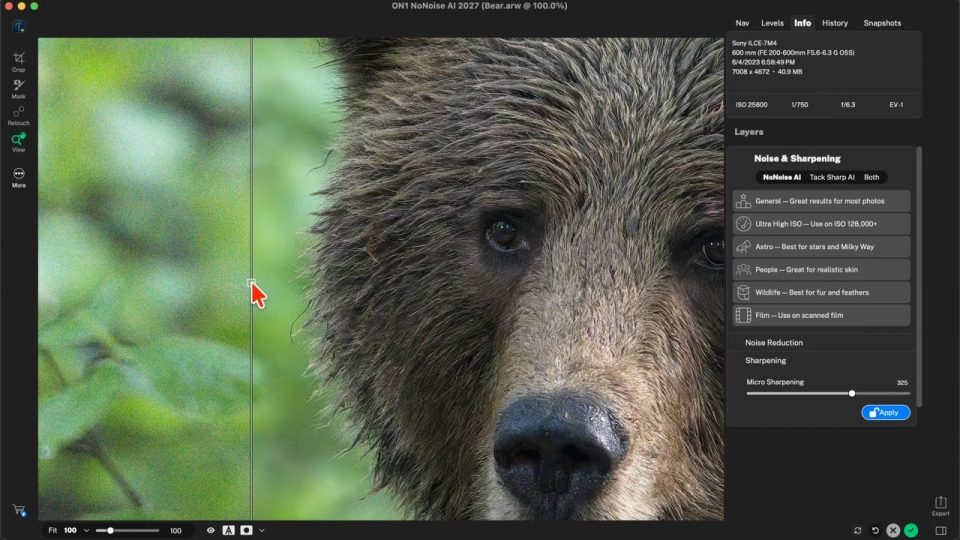
We know the feeling of opening a high-ISO wildlife frame, seeing nothing but grain, and not knowing where to start. Dylan Kotecki starts at the very beginning of NoNoise AI 2027 and takes one photo from open to export in a quick walkthrough.
You’ll learn how to:
- Open a photo and check the before and after
- Choose an AI noise reduction model
- Use Micro Sharpening without bringing the noise back
- Apply your edit and export a resized JPEG that’s ready to share
First Look: Better RAW Photos Straight Out of the Camera in Photo RAW 2027
October 22, 2026
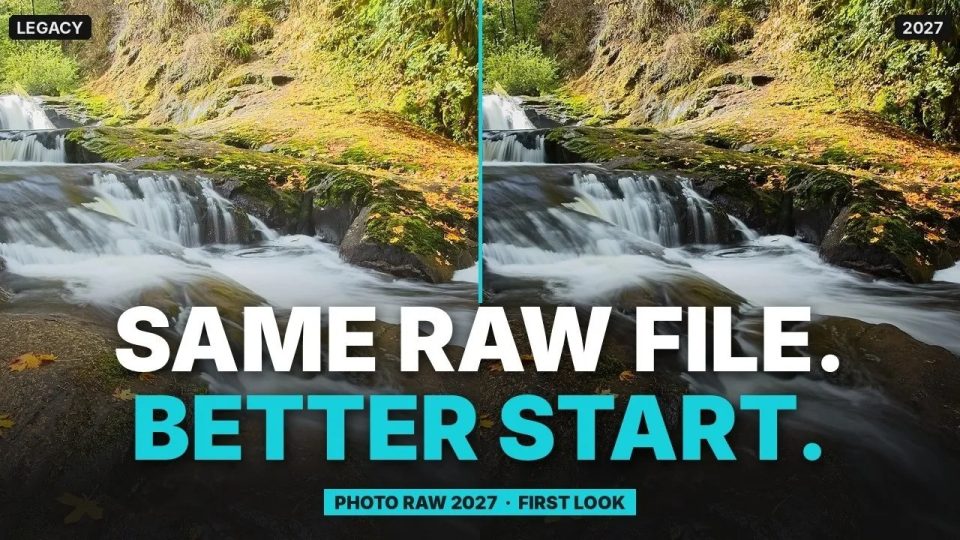
You open a RAW file and the flat preview puts you behind before you touch a slider. Dan Harlacher shows how the new RAW engine in Photo RAW 2027 opens your files with more color and contrast, so you start closer to the look you want.
In the video, Dan:
- Compares the new engine with the legacy version on four photos
- Adjusts Highlights and Shadows, which now change only their own tones, so you recover detail without flattening the photo
First Look: Remove Signs & Pipes from Brick Walls Without AI in Photo RAW 2027
October 21, 2026
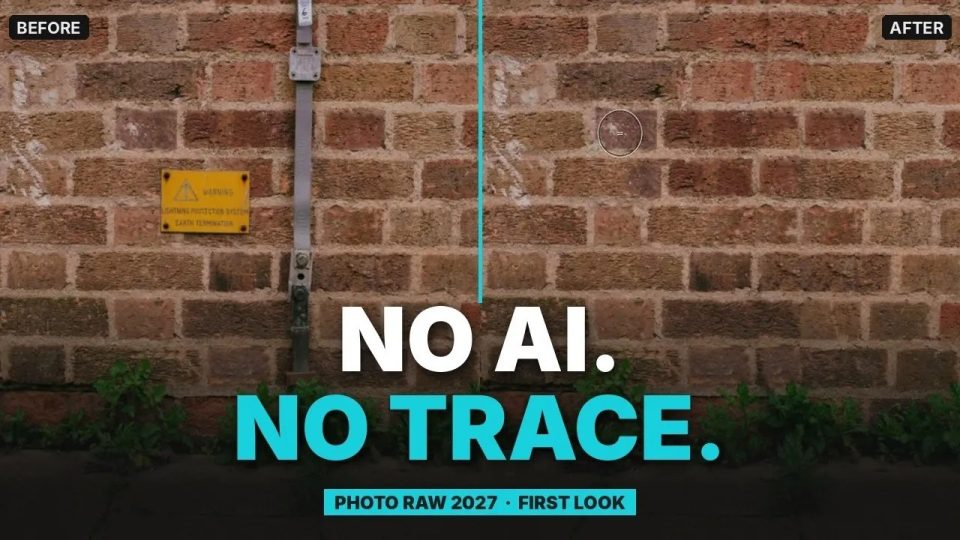
A great brick wall loses its charm when a pipe and a sign run straight through it. Dan Harlacher erases both with Perfect Eraser in Photo RAW 2027, which adds three retouching methods that skip AI and run fast, even on older computers. He also removes a fallen tree and extends a studio backdrop.
The three methods:
- Structured Shift keeps brick and other repeating patterns lined up
- Patch Match handles smooth areas like a backdrop
- Hybrid blends the two
First Look: Remove Distractions and Keep Lines Straight in Photo RAW MAX 2027
October 17, 2026
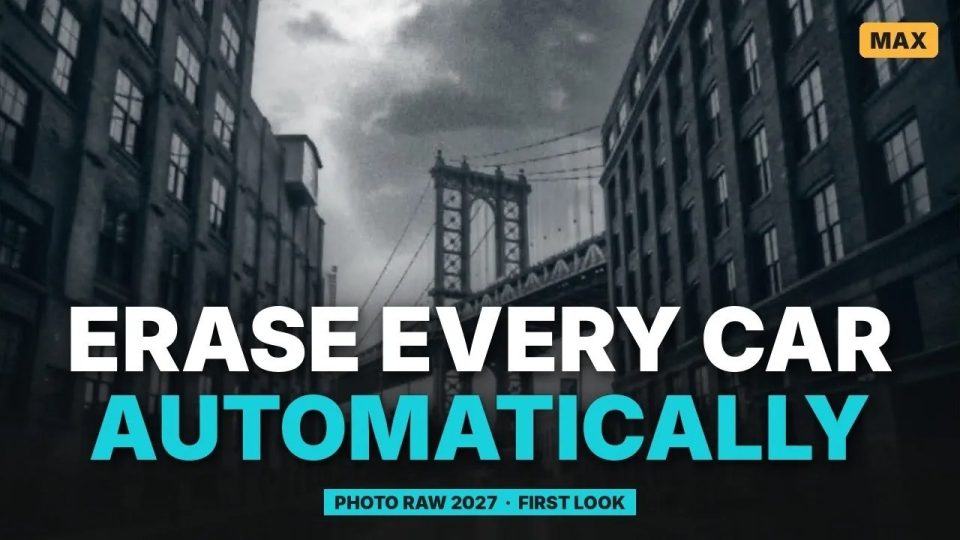
Every curb on a New York street holds a parked car, and you came for the buildings. Dan Harlacher shows distraction detection in Photo RAW MAX 2027 marking each car, then the new Cloud Gen AI model removing them at twice the resolution of the local models. Cloud Gen AI is our own generative model and requires the MAX edition.
You’ll see how to:
- Mark and remove every parked car on a street
- Straighten leaning buildings
- Use canvas extension to rebuild the edges while the window lines stay straight
Beginner Landscape Editing: From Photo RAW 2026 to 2027
October 15, 2026
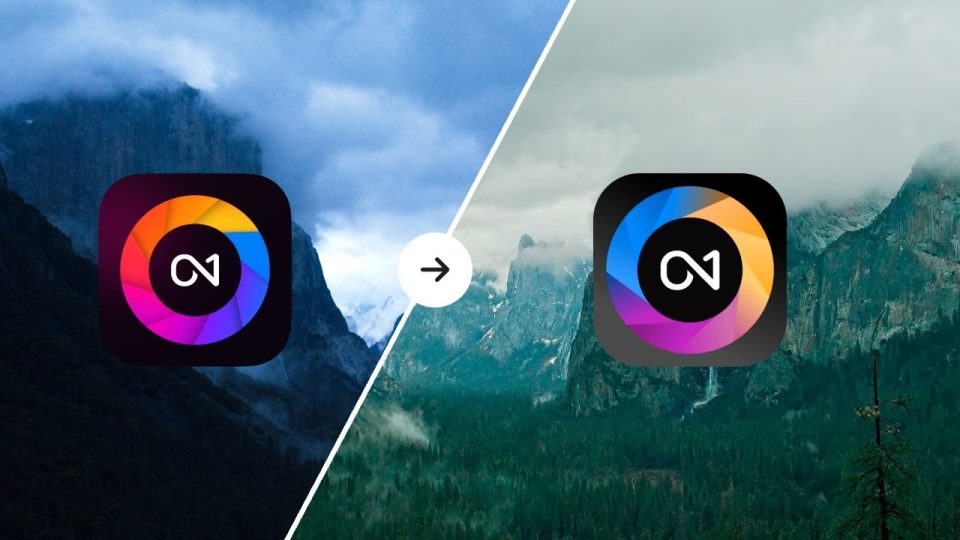
If you know Photo RAW 2026, an upgrade can still feel like starting over. Dylan Kotecki edits a noisy, too-blue Yosemite shot in 2026, then repeats the edit in 2027, where NoNoise AI keeps more detail and a sky mask feathers with a single slider. Your 2026 edits carry over unchanged.
In the webinar:
- Edit the same Yosemite photo in both versions
- See Photo RAW 2027 at 20:34
- Grab the practice file and edit along with us
ON1 NoNoise AI 2027 User Guide
October 7, 2026
You shot the night sky at a high ISO, and the stars are buried in noise. We wrote the NoNoise AI 2027 User Guide to walk you through the full workflow, from opening an image to exporting the finished file. Read it on the web or download the PDF.
Inside the guide:
- Noise reduction presets and AI models
- TackSharp AI, plus sharpening and detail controls
- Masking tools, layers, and retouching
- Exporting your finished images
Black & White Essentials LUTs
October 23, 2026
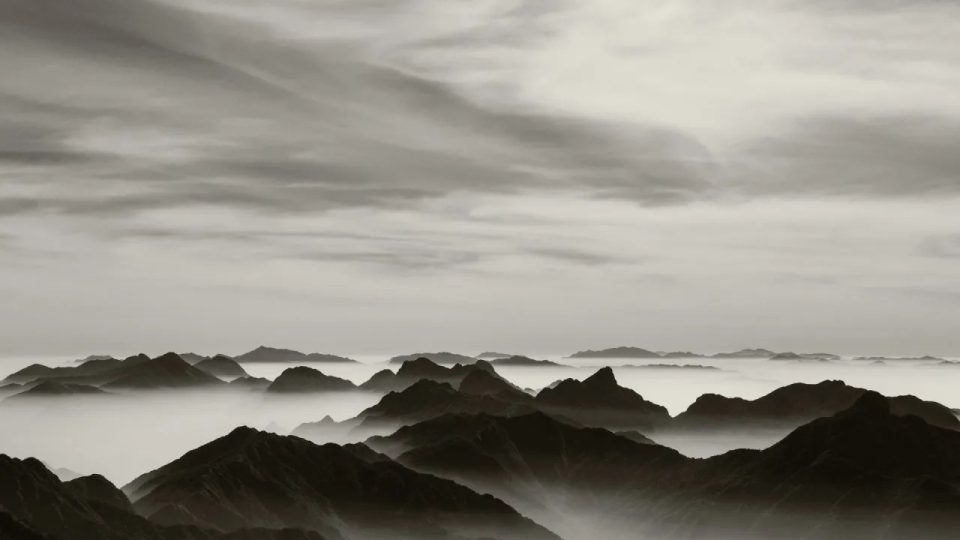
A street scene full of color can bury the mood you saw in your head. Dylan Kotecki built ten black and white looks, from classic darkroom prints to deep, moody noir, so portraits, street scenes, landscapes, and travel shots all get a finished mono look in one click.
What’s included:
- 10 LUTs: Midnight Noir, Silver Print, Push Process, Soft Matte, Selenium, Platinum, Bold Contrast, Bright Clean, Low Key, and Warm Tone
- Works with Effects 2026, Photo RAW 2026, Effects 2025, and Photo RAW 2025
Ten Free Color & Mood LUTs for the Looks You See Everywhere
October 22, 2026
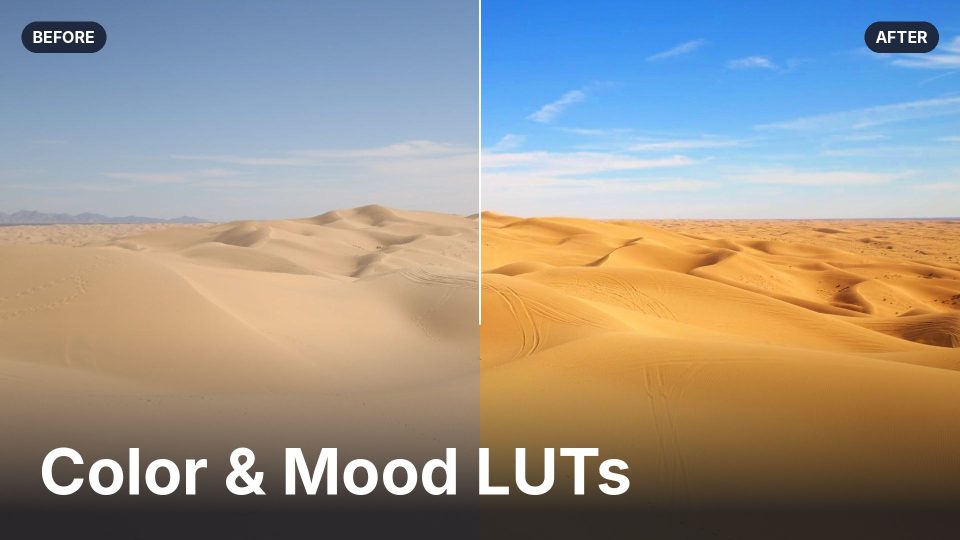
Getting a photo to a good starting point can eat your edit time, with dozens of sliders and a lot of back and forth. A LUT saves a color grade you can apply in one click, then fine-tune from there. This free Color & Mood pack gives you ten looks, including Amber Aqua, Golden Hour, and Honey Glow.
In the article:
- What a LUT does for your photo
- Before and after examples for each of the ten looks
- How to dial back a look that comes on too strong
Countdown to ON1 Photo RAW 2027 Photo Contest
October 27, 2026
Every photographer has one edit from this year that stands above the rest. We asked you to share yours in the Countdown to ON1 Photo RAW 2027 Photo Contest, which ran from October 26 through November 1, 2026. Entries are now closed, and we thank everyone who sent a photo. Winners and honorable mentions will be featured on our blog.
How it worked:
- One image per photographer, edited with any ON1 software
- Exported as a JPEG or PNG no larger than 10MB, with no watermark
Clear out distractions, recover detail in noisy shots, and keep every edit in one app.
Try ON1 Photo RAW 2027 free for 30 days, with no subscription required. Download Free Trial →
All of the training and downloads in this recap are free.
We post new content every week on the ON1 Blog, Video Library, Bookshelf, and Creative Library, so check back for what comes next.
Want even more? ON1 Plus adds members-only courses, tutorials, and Creative Library collections for photographers who want to keep learning. Explore ON1 Plus →
Please review our privacy policy for information about how we use the data we collect.