

Effects · 5 Lessons
Getting Started in Effects 2026
Getting Started in Effects 2026
Getting Started in ON1 Effects 2026 is a beginner-friendly course designed to help you confidently apply creative styles, effects, and finishing touches to your photos. You’ll learn how to navigate the interface, stack and customize filters, use presets as starting points, and make targeted adjustments with masks—without feeling overwhelmed.
Course Curriculum
5 lessons · 32m
- 1Getting Started in Effects 2026Getting Started in ON1 Effects 2026 is a beginner-friendly course designed to help you confidently apply creative styles, effects, and finishing touches...09:12Now playing
- 2
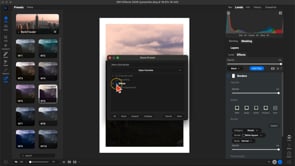 Using, Creating, and Modifying PresetsLearn how to utilize and create your own custom presets in ON1 Effects 2026!06:02
 - 3
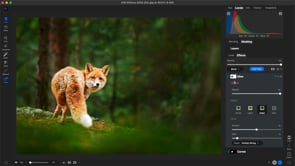 Masking with Local Adjustments and FiltersLearn how to apply local adjustments and filters selectively!06:40
 - 4
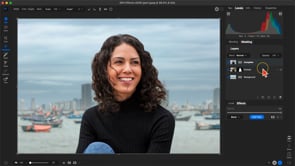 Using LayersLearn how to do a basic background swap with layers!06:02
 - 5
 Using with Lightroom and PhotoshopLearn how to use Effects as a plugin with Lightroom and Photoshop!05:02
Course Downloads
Download the course assets and watch the videos offline. This content is yours to have and keep forever.