

September 2026 ON1 Plus Recap: Cinematic Color, Stormy Skies, and More
- October 1, 2026
- 1,001 Views
Posted by Kahlie
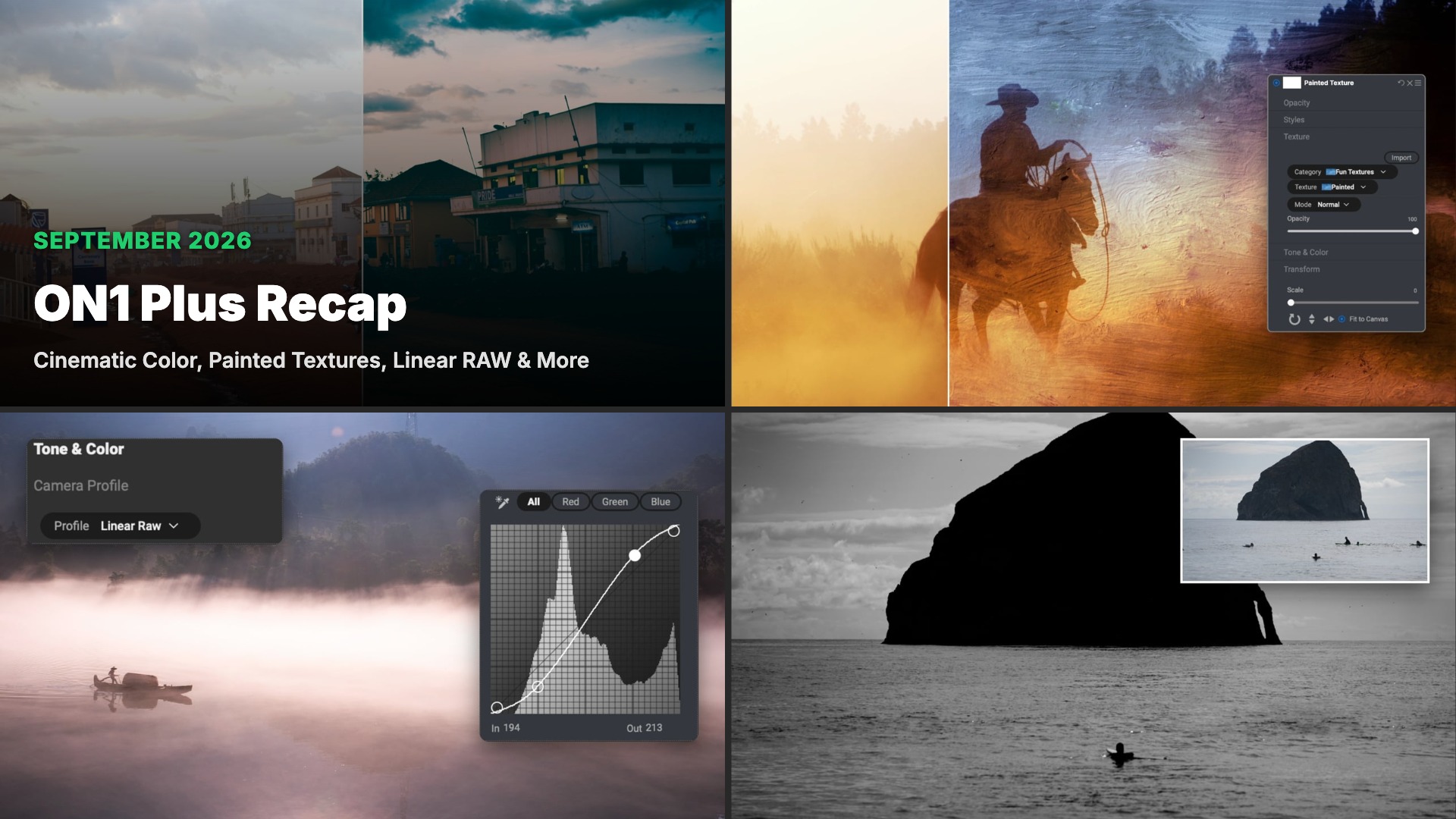
September in ON1 Plus closed with a recorded webinar on cinematic color grading, complete with 20 new cinematic LUTs in the download, and a set of 10 Heavy Weather Skies for Sky Swap AI. Earlier in the month, members picked up new ways to clear dust spots and stray people from a frame, reset baked-in contrast with the Linear RAW profile, and turn a flat photo into painted texture art. Here’s everything that landed in ON1 Plus this September.
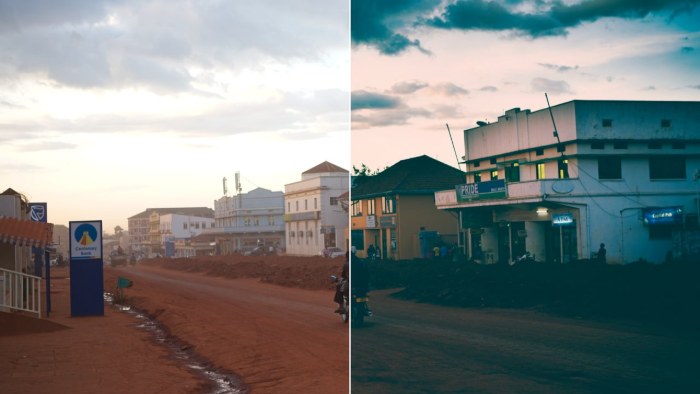
Cinematic Color Grading in ON1 Photo RAW 2026
September 25, 2026
If you missed the live session, the full recording of our cinematic color webinar is now in ON1 Plus. You’ll match the look of a reference image with Color Match, then build your own grade from scratch using Curves, LUTs, and Split Tone in ON1 Photo RAW 2026. The download includes the practice files plus 20 new cinematic LUTs you can apply to your own photos.
You’ll learn how to:
- Match any reference image with Color Match
- Build cinematic contrast and a matte fade with Curves
- Grade color quickly with LUTs and blend modes
- Split tone highlights and shadows
- Stack filters and save your look as a preset
Download includes: Practice files and 20 new cinematic LUTs
Heavy Weather Skies
September 25, 2026
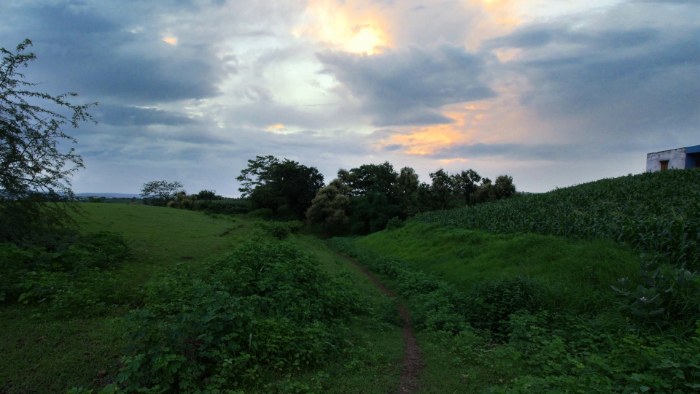
When a landscape or cityscape was shot under a plain gray sky, these skies bring back the mood the scene deserved. The collection holds 10 high-resolution storm skies, including dark slate clouds, heavy overcast, rolling shelf clouds, a lightning-lit sky glowing purple, and golden light breaking through the gloom. Use them with Sky Swap AI in ON1 Photo RAW to add tension and depth to landscapes, cityscapes, and moody portraits.
What’s included:
- 10 high-resolution Heavy Weather Skies
- Storm looks ranging from heavy overcast and shelf clouds to lightning and breaking light
- Compatible with ON1 Photo RAW 2026, 2025, and 2024
Try ON1 Photo RAW 2026 free for 30 days. No subscription required.
Give Your Photos a Painted Look with Custom Textures
September 15, 2026
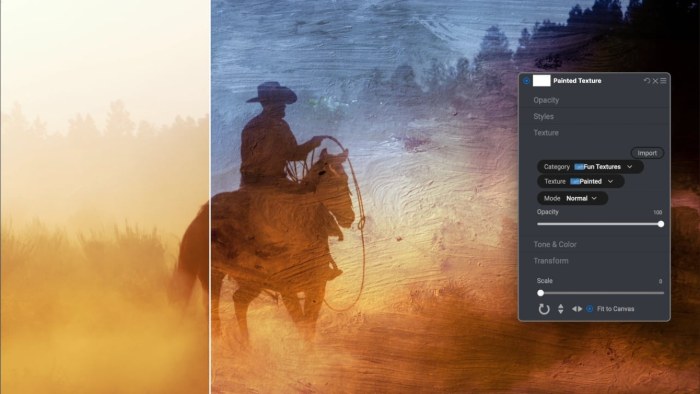
A flat photo can take on the feel of a hand-painted canvas with the right stack of textures. In this tip, you’ll start from a preset, blend two custom brush-stroke textures across a silhouette shot with a gradient mask, then finish the look with Effects filters for extra glow and warmth. Grab the practice file, follow along, and share your version in the ON1 Plus gallery.
You’ll learn how to:
- Set the mood and foundation with a preset
- Blend custom textures onto a photo using the Textures filter and blend modes
- Combine two textures on one image with a Gradient Mask
- Finish the look with Effects filters like Glow and Sunshine
Instant Punch with Linear RAW and Curves
September 10, 2026
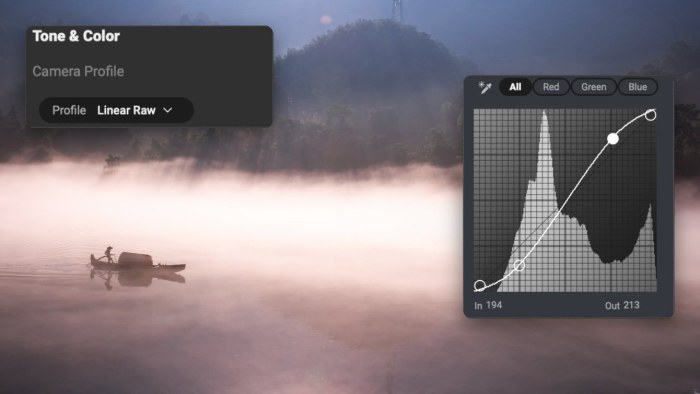
Most raw files open with contrast already baked in, whether you asked for it or not. Switching the camera profile to Linear RAW resets the image to a flat, neutral starting point, so you decide how much punch to add back with a quick move of the Contrast slider or a proper S-curve in the Curves filter. The video also covers a trick from an ON1 Plus member: setting that Curves filter to Overlay or Soft Light blend mode to get more life out of the same curve.
You’ll learn how to:
- Reset contrast with the Linear RAW profile
- Build an S-curve in the Curves filter
- Add punch with Overlay and Soft Light blend modes
Remove Distractions Fast with the Retouch and Healing Brush

September 5, 2026
Dust spots, sensor smudges, and stray subjects in the background pull attention away from the shot you meant to take. This tip walks through two retouching tools in ON1 Photo RAW, the Retouch Brush for small blemishes and the Healing Brush for larger distractions, so you can clean up a scene without leaving a trace.
You’ll learn how to:
- Remove dust spots, sensor smudges, and small blemishes in one click with the Retouch Brush
- Dial in the feathering and opacity settings that keep clean-up fast and seamless
- Erase larger distractions, like extra people in a scene, with the Healing Brush’s source-and-heal method
- Adjust or redo Healing Brush edits at any time, since every edit stays non-destructive
Everything above is already in your membership.
If you’re an ON1 Plus member, every webinar replay, tutorial, and creative asset in this recap is ready to watch or download now, practice files included. If you’re not a member yet, September’s lineup gives you a clear look at what one month of membership brings.
Watch your inbox for October’s new drops, or check the Video Library and Creative Library on your ON1 Plus dashboard any time between recaps.
Learn something new every month with ON1 Plus. Webinars, tutorials, guides, and creative assets, all in one membership. Explore ON1 Plus →

Please review our privacy policy for information about how we use the data we collect.