

ON1 Photo RAW 2027: New RAW Engine, Simpler Masking, and 7 Photographers Who Tested It
- 98 Views
 Posted by Kahlie Wright
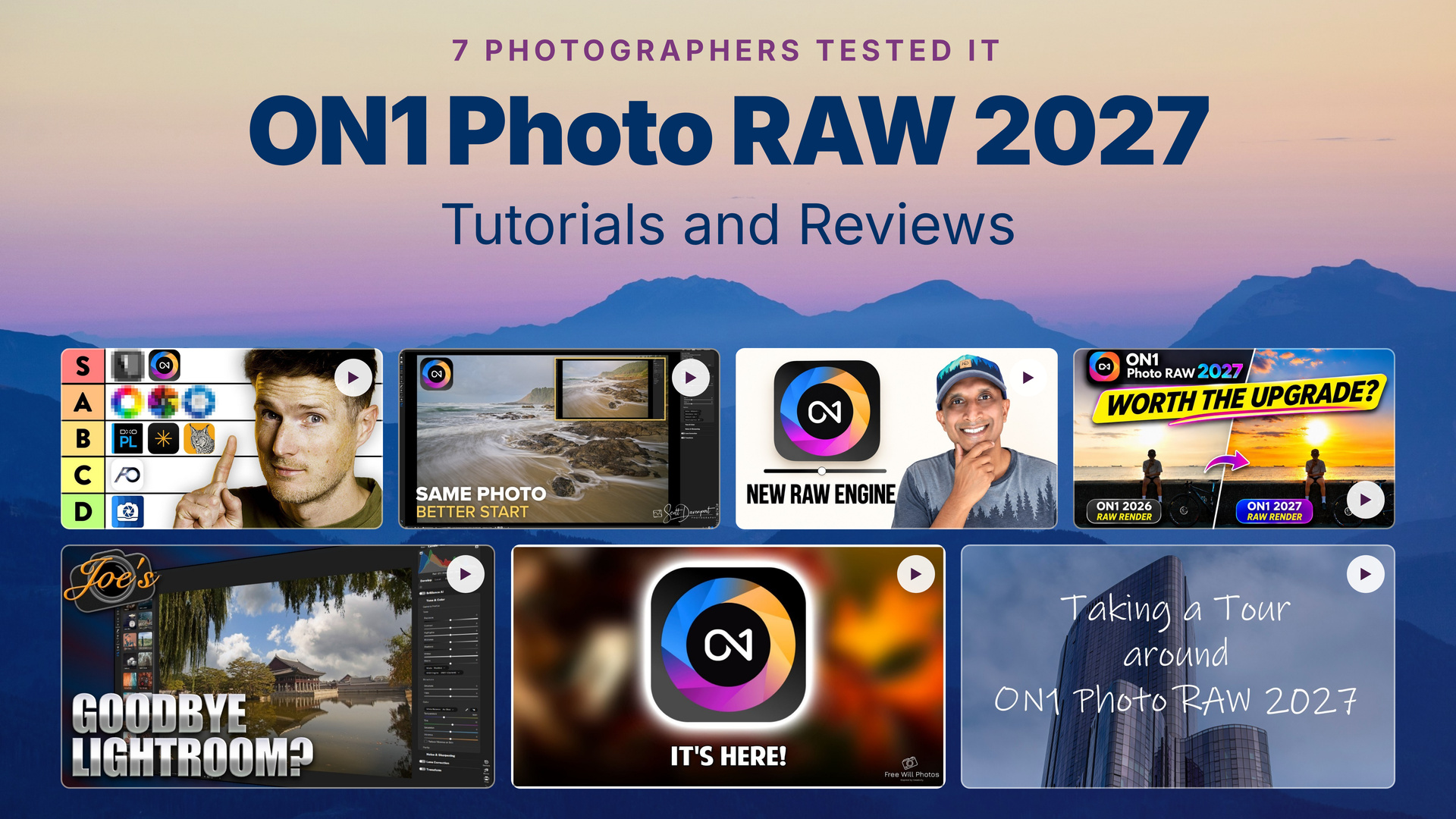
ON1 Photo RAW 2027 brings a new RAW engine, built-in NoNoise AI 2027, and simpler masking. Seven photographers in our partner community tested it on their own files, and their reviews show what changes in your edits.
We built ON1 Photo RAW 2027 to improve the parts of editing you touch on every photo. A new RAW processing engine gives you richer color, better contrast, and more natural shadows and highlights straight out of the camera. NoNoise AI 2027 is built in, with models for wildlife, portraits, astrophotography, and macro, plus Tack Sharp deblurring for soft shots. Masking now works the same way across layers, Effects filters, and local adjustments, AI-powered tools run faster throughout the app, and ON1 Photo RAW MAX adds a new AI Culling Assistant that sorts a shoot in minutes.
Since release day, photographers in our partner community have put 2027 to work on their own RAW files and published what they found. We’ve gathered seven of their reviews and tutorials below, each paired with the improvement it shows best. Watch a few, then try ON1 Photo RAW 2027 free for 30 days and see the results on your own photos.
In This Post:
- An All-in-One Editor You Can Own Outright
- Better Photos Before You Move a Slider
- Every Major Upgrade in ON1 Photo RAW 2027, Chapter by Chapter
- Faster Edits and More Natural Results with AI
- Shadow Adjustments That Leave Your Highlights Alone
- Six Improvements You’ll Notice in Your First Edit
- Get Comfortable with the New Workspace
An All-in-One Editor You Can Own Outright
ON1 Photo RAW 2027 brings organizing, RAW editing, layers, masking, effects, and AI tools into one app for Mac and Windows, and you can buy it once and own version 2027 outright. You can browse folders directly from your drive without importing them into a catalog first, rate and keyword as you go, and bring your own LUTs into Effects as .cube files. Tom Calton, a professional photographer with more than 324,000 YouTube subscribers, tested 10 photo editors using their public free trials and placed ON1 Photo RAW 2027 in his top tier. He also explains which tools, like the AI Culling Assistant and cloud-based generative editing, come with the MAX edition, so you can pick the version that fits how you work. The video above starts at his ON1 segment, which runs under three minutes.
Featured Video: I Tested 10 Lightroom Alternatives. Here’s What I’d Actually Use by Tom Calton
Better Photos Before You Move a Slider
The new RAW processing engine gives you richer color, better contrast, and more highlight detail the moment you open a file, so every edit starts from a stronger place. It works on your back catalog too, and you can switch any photo between the Legacy and 2027 engines to compare. Landscape photographer Scott Davenport opened RAW files he shot years ago and saw the difference before touching a slider, and the new rendering has him giving Brilliance AI another try. He also shares a smart habit for photos you’ve already edited: create a version before you change the RAW engine.
Featured Video: ON1 Photo RAW 2027: Better Photos Before You Move a Slider by Scott Davenport
Every Major Upgrade in ON1 Photo RAW 2027, Chapter by Chapter
If you want the full picture before you decide, start with this 23-minute walkthrough. Chris at Free Will Photos, an educator focused on making photo editing easier to understand, tests the new RAW engine, the built-in NoNoise AI 2027, the redesigned masking, the updated retouching tools, and the AI Culling Assistant in the MAX edition on real RAW files. Each feature has its own chapter, so you can jump to the tool that matters most to your work. If selective edits have ever slowed you down, go to the masking chapter first. In 2027, you build and refine a mask the same way in layers, Effects filters, and local adjustments, and you can preview it on hover before you commit.
Featured Video: ON1 Photo RAW 2027 New Features Highlights by Free Will Photos
Faster Edits and More Natural Results with AI
AI-powered tools run faster throughout ON1 Photo RAW 2027, and Brilliance AI now produces more natural automatic enhancements, so you spend less time dialing back an overdone starting point. Joe Jackson has done most of his editing in ON1 Photo RAW for the past five years, and he noticed the speed in his first session with 2027. In this first look, he walks through the calmer Brilliance AI results, the gains in noise reduction and masking, and Sky Swap AI turning a daylight scene into a moonlit night. He then tries Sky Swap AI on a more complicated sky, the kind of scene where you’d want to see it hold up before you rely on it.
Featured Video: Is ON1 PhotoRAW 2027 Better Than Lightroom? by Joe Jackson Photography
Shadow Adjustments That Leave Your Highlights Alone
With the 2027 RAW engine, the shadows and midtones sliders target the tones you mean to change, so you can open up dark rocks or a shaded foreground and keep your highlights where you set them. Travel photographer Aperlust pushes the shadows slider to 100 on the same photo with the Legacy engine and the 2027 engine, then checks the histogram in Levels to show how differently they respond. He wraps up with a quick look at the updated NoNoise AI 2027 controls on the same image. At six minutes, it’s the fastest way to see what the new engine means for your tonal control.
Featured Video: ON1 Photo RAW 2027 Review: Testing the New RAW Engine by Aperlust
Six Improvements You’ll Notice in Your First Edit
ON1 Photo RAW 2027 improves the tools you reach for on nearly every photo: RAW rendering, tonal adjustments, subject masks, and a masking toolbar that works the same way in Local Adjustments and Effects. NoNoise AI 2027 handles artifacts more cleanly, and the MAX edition adds optional cloud-based AI rendering for Generative Eraser. The reviewer behind Take Better Photos, who has covered ON1 Photo RAW since the 2021 version, compares each of these side by side with 2026. His verdict is a clear yes on upgrading, and he names the three improvements that earned it: the new RAW engine, the smarter shadows adjustment, and the redesigned masking.
Featured Video: ON1 Photo RAW 2027 Review: 6 BIG Improvements – Is It Worth Upgrading? by Take Better Photos
Get Comfortable with the New Workspace
If you’re coming from Photo RAW 2026, the 2027 workspace will feel familiar, with a few changes that save you clicks. Masking controls now sit right where you edit, Linear and Radial Gradients have their own tools, and you can share straight to Flickr. Leanne, an Australian photographer who shares her editing on How Leanne Edits Photos, opens 2027 for the first time in this unscripted tour and compares it with 2026 as she goes. She resizes, rotates, and feathers a radial gradient right on the photo and adds Glow to a single subject to see how the new masking behaves. Watch it to learn where your favorite tools went before you start your own first edit.
Featured Video: Let’s take a tour around ON1 Photo RAW 2027 by How Leanne Edits Photos
Start editing with ON1 Photo RAW 2027 today. Buy it once and own version 2027 outright, with free updates for 2027 and a 30-day money-back guarantee. Already an ON1 customer? Sign in on the buy page to see your upgrade price.
Want to try it first? Download the free 30-day trial. You don’t need a credit card to start.
Want more content like this in your inbox?
Our monthly newsletter shares new editing tips, videos from the ON1 community, and the latest from ON1 Photo RAW.


Please review our privacy policy for information about how we use the data we collect.