

ON1 Photo RAW 2026 Tutorials and Reviews: Best of the Year
- 19,862 Views
Posted by Kahlie
To celebrate ON1’s 21st anniversary, we’ve rounded up the best ON1 Photo RAW 2026 tutorials and reviews from our partners, covering workflow, masking, effects, and Restore AI.
Twenty-one years ago, ON1 set out to build something photographers had always wanted: one application that handles everything, without compromise or a monthly bill. ON1 Photo RAW 2026 is the latest chapter in that story, and this year, the software earned more attention from the photography community than ever. To mark our 21st anniversary, we pulled together the best tutorials, walkthroughs, and reviews that our partners and affiliates published over the past year. Whether you’re new to Photo RAW or have been editing with it for years, there’s something here worth watching or reading.
The content below spans the full 2026 cycle, from the October launch through the 2026.4 update and its Restore AI module. You’ll find complete workflow tutorials, deep dives into AI masking, a landscape effects walkthrough, an honest buyer’s review from a working photographer, and two written reviews that put Photo RAW through its paces. If you’ve ever wondered what experienced ON1 Photo RAW users actually do with the software, this is the place to start.
In This Post:
- A Complete 7-Step Editing Workflow in ON1 Photo RAW 2026
- ON1 Photo RAW 2026: What’s New and Should You Buy?
- Mastering AI Masks and Mask Layers in ON1 Photo RAW 2026
- Precision Masking with Intersect Mode in ON1 Photo RAW 2026
- ON1 Photo RAW 2026.4: The New Features You Need to See
- ON1 Photo Raw 2026 Review: Is It Worth It?
- Restore AI in ON1 Photo RAW Max 2026.4: A Real-World Test
A Complete 7-Step Editing Workflow in ON1 Photo RAW 2026
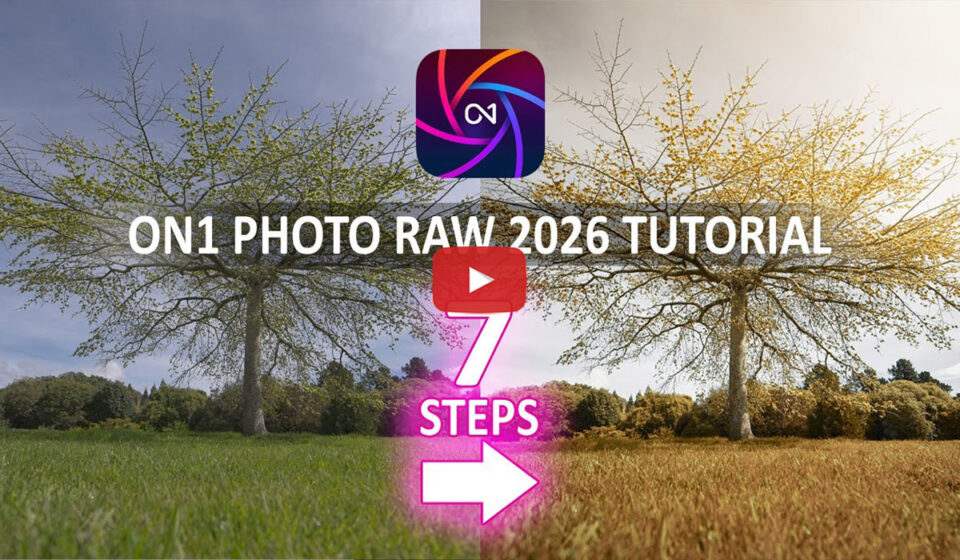
Richard from Silent Peak Photo has spent years testing and reviewing photo editing software, and his channel is one of the most thorough independent resources available for photographers weighing their software options. In this tutorial, his most-watched ON1 video to date, he walks through a structured, seven-step editing process that covers cropping and lens corrections, white balance, exposure and contrast, color correction, local adjustments and masking, stylizing with the Effects module, and sharpening. The strength of this video is its repeatability: rather than showing off one particular technique, Richard demonstrates a consistent sequence that applies to most of what photographers shoot. If you’ve been editing in ON1 Photo RAW 2026 but feel like you’re making it up as you go, watching this once should change how you approach every session afterward.
Featured Video: ON1 Photo Raw Tutorial 2026 — How To EDIT 90% OF YOUR PHOTOS using just 7 STEPS — Silent Peak Photo
ON1 Photo RAW 2026: What’s New and Should You Buy?
Austin James Jackson is a professional landscape photographer based in Southern Utah whose work takes him deep into backcountry locations across the American West. He brings a working shooter’s perspective to software evaluation, less interested in feature checklists than in whether a tool actually holds up when you’re editing a full shoot. Published within days of the 2026 launch, his video covers the masking overhaul, the upgraded Effects panel, and the integration of Resize AI into Photo RAW, then honestly addresses the “should you buy” question for both new users and existing customers considering an upgrade. It’s a practical assessment from someone who uses the software as part of a professional workflow, not a promotional walkthrough.
Featured Video: ON1 Photo RAW 2026: What’s New and Should You Buy? — Austin James Jackson
Mastering AI Masks and Mask Layers in ON1 Photo RAW 2026
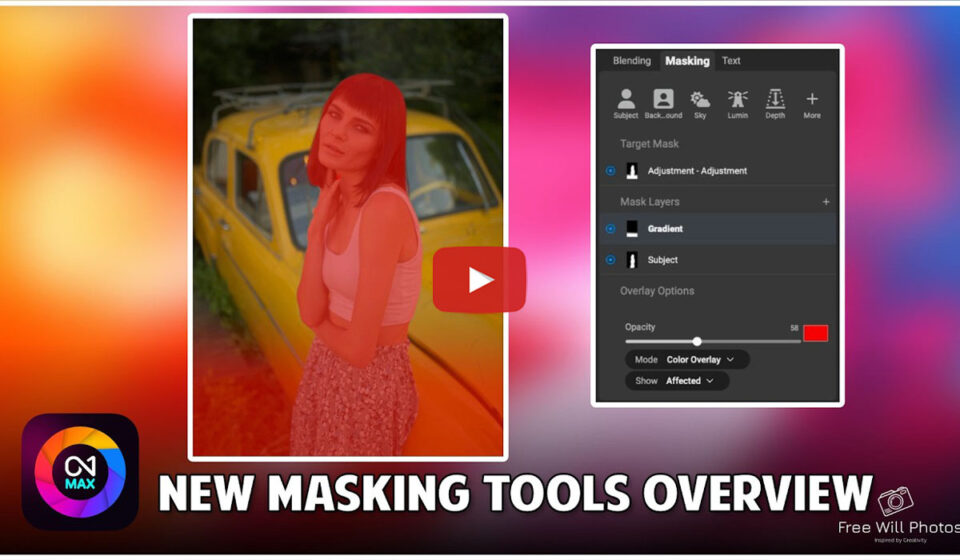
Free Will Photos has been teaching ON1 Photo RAW workflows for years and publishes new tutorials weekly, making the channel one of the most consistently useful external resources for Photo RAW users. This tutorial focuses on the biggest masking update in the 2026 release: one-click Subject and Background masks, the new Mask Layers system that lets you stack and combine multiple masks per filter, and the improved AI edge detection that handles hair, branches, and other fine detail more cleanly than before. The walkthrough is step-by-step and practical, showing exactly how to put these tools to use on real photos. If you haven’t explored what the 2026 AI masking tools are capable of, this is the tutorial to start with.
Featured Video: How to Use ON1 Photo RAW 2026’s AI Masks & New Mask Layers (Tutorial) — Free Will Photos
Precision Masking in Photo RAW with Intersect Mode
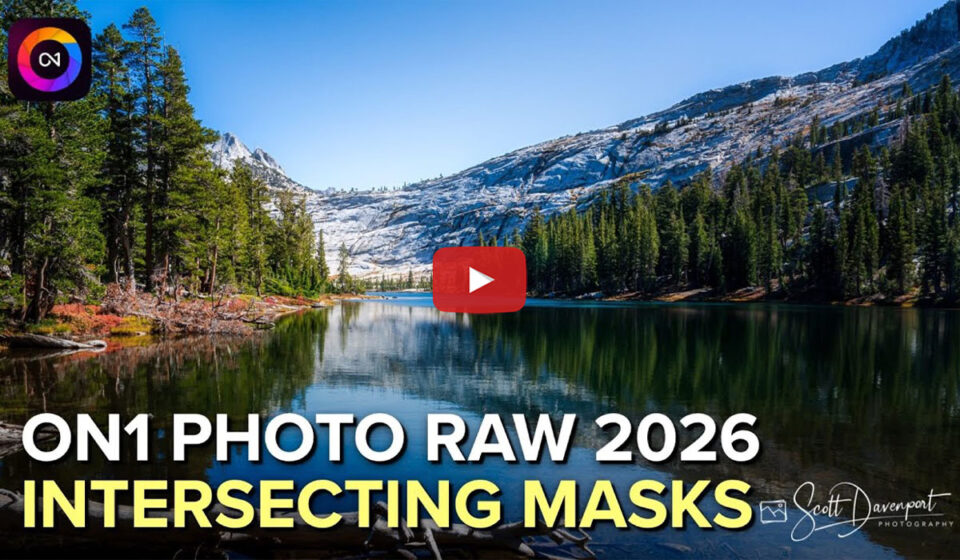
Scott Davenport has been teaching landscape photography and post-processing for years, with a teaching style built around a single concept per video: no padding, no detours. In this tutorial he focuses on Intersect mode, a masking approach that reveals only the overlap between two or more selections, making it possible to build complex masks that previously required several manual steps. He walks through combining sky and luminosity masks, refining subject selections, and applying targeted adjustments to specific tonal ranges within a scene. For photographers who already have the basics down and want to work faster and more precisely, this is the kind of technique that tends to stick. You’ll find yourself reaching for Intersect mode regularly once you understand what it does.
Featured Video: Precision Masking Explained: Intersect Mode in ON1 Photo RAW 2026 — Scott Davenport
ON1 Photo RAW 2026.4: The New Features You Need to See
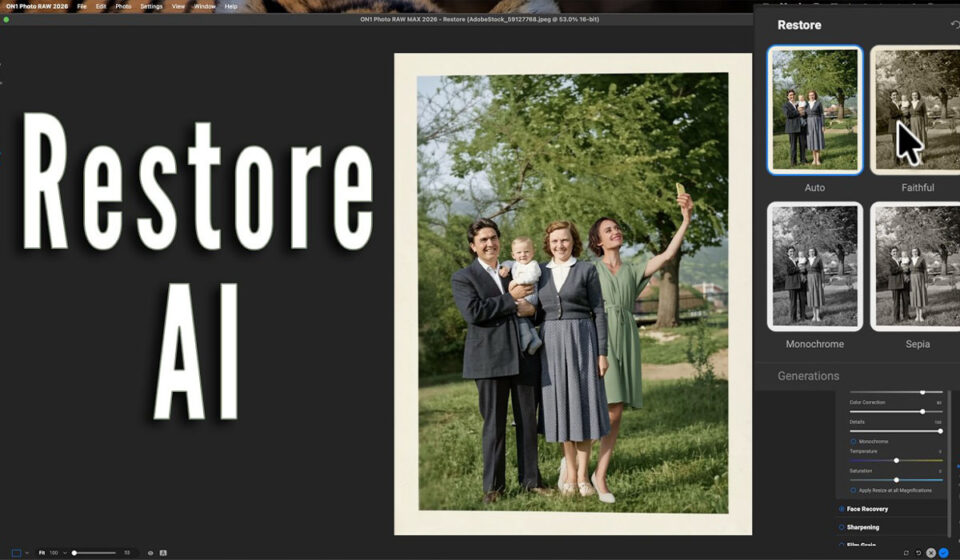
Anthony Morganti is one of the most recognized photography educators on YouTube, with over 400,000 subscribers and a reputation for honest, detailed walkthroughs that don’t oversell. His 2026.4 video covers every major addition in the update: the redesigned Home module, performance improvements throughout the app, and most significantly, Restore AI inside ON1 Photo RAW MAX. He tests Restore AI on real images including damaged prints, old film shots, and low-quality phone photos, and gives a straightforward assessment of where it works well and where its current limitations are, including its handling of faces. It’s the kind of review that actually helps you decide whether a feature belongs in your workflow, rather than just telling you it exists.
Featured Video: ON1 Photo RAW 2026.4: The New Features You Need to See — Anthony Morganti
ON1 Photo Raw 2026 Review: Is It Worth It?
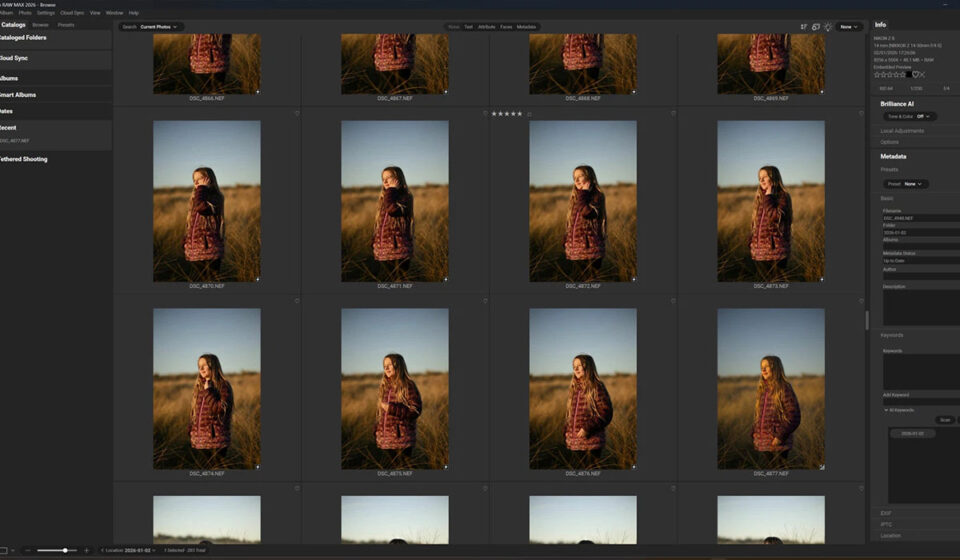
Kieran Hayes is a professional photographer based in Ireland with over a decade of experience shooting commercially. His 2026 review, updated through March 2026 after extended real-world use, covers the software from the perspective of someone who came to it from other platforms and spent time genuinely evaluating it against them. He works through the full feature set: the Browse module’s no-import approach, the Develop controls, the AI masking improvements, the layer-based editing system, and the pricing model. His conclusion is direct: for photographers who want Lightroom and Photoshop capabilities in a single application without a subscription, Photo RAW 2026 is a compelling option. The review is long enough to be thorough and honest enough to be useful.
Featured Post: ON1 Photo Raw 2026 Review — Is It Worth It? — Kieran Hayes Photography
Try ON1 Photo RAW MAX Free for 30 Days →
Restore AI in ON1 Photo RAW Max 2026.4: A Real-World Test
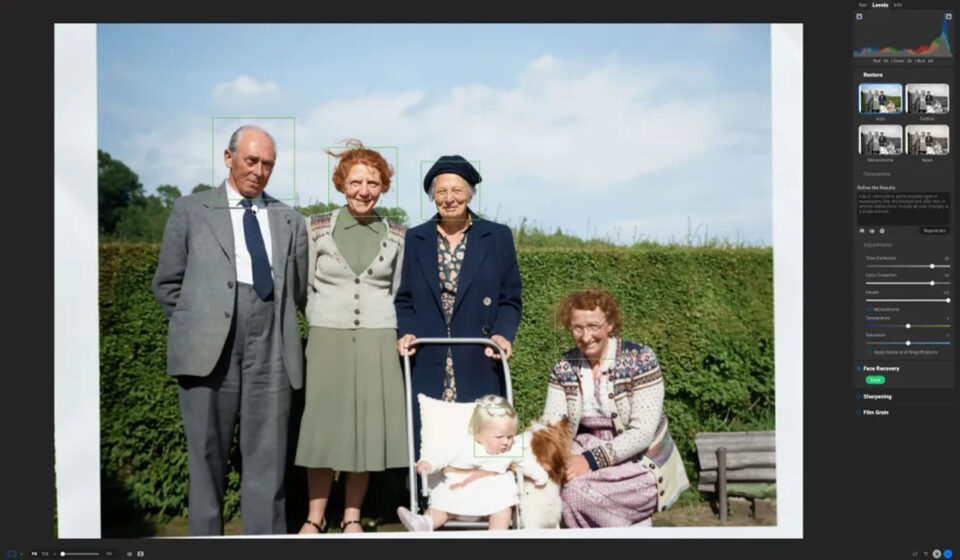
Rod Lawton writes for Life After Photoshop, a long-running site dedicated to reviewing Lightroom and Photoshop alternatives with the kind of depth that comes from testing software seriously over time. He describes himself as a skeptic of AI photo enhancement tools, which is exactly why this review is worth reading. After putting Restore AI through a real-world test using a 3MP scan of a damaged postcard-size print, he came away impressed. He walks through the scratch and crease removal, the upscaling to 4K from a low-resolution original, and the colorization of black-and-white photos, showing before and after images throughout. It’s a concise, grounded assessment from someone with no stake in the outcome, published shortly after the 2026.4 release.
Featured Post: ON1 Photo RAW Max 2026.4’s Restore AI Process Is Truly Remarkable — Life After Photoshop
Try ON1 Photo RAW MAX Free for 30 Days →
Want more content like this in your inbox?
Our monthly newsletter shares new editing tips, videos from the ON1 community, and the latest from ON1 Photo RAW.

3 Comments
Rudi ScheersJune 27, 2026
I purchased the ON1 2026 Master edition today, having already extensively utilised the previous versions. However, this time, with version 2026—both the standard and Master editions—the speed was more than convincing. I have only recently begun using the AI features, but they certainly appear to be very promising. Congratulations. Rudi
John BlaserJune 28, 2026
I like and appeciate this format – multiple videos delivered through one link with clearly delineated links to each individual one along with a description. Not only does it allow me to gather the aspects, but it also turns me on to other content providers. Thanks!
Mark LaurendetJuly 1, 2026
A good compilation of videos, very good idea.
Perhaps a similar roundup every so often
Please review our privacy policy for information about how we use the data we collect.