

ON1 2026: Trusted Photo Editing Software Updates
- June 12, 2026
- 5,961 Views
Posted by Patrick Smith
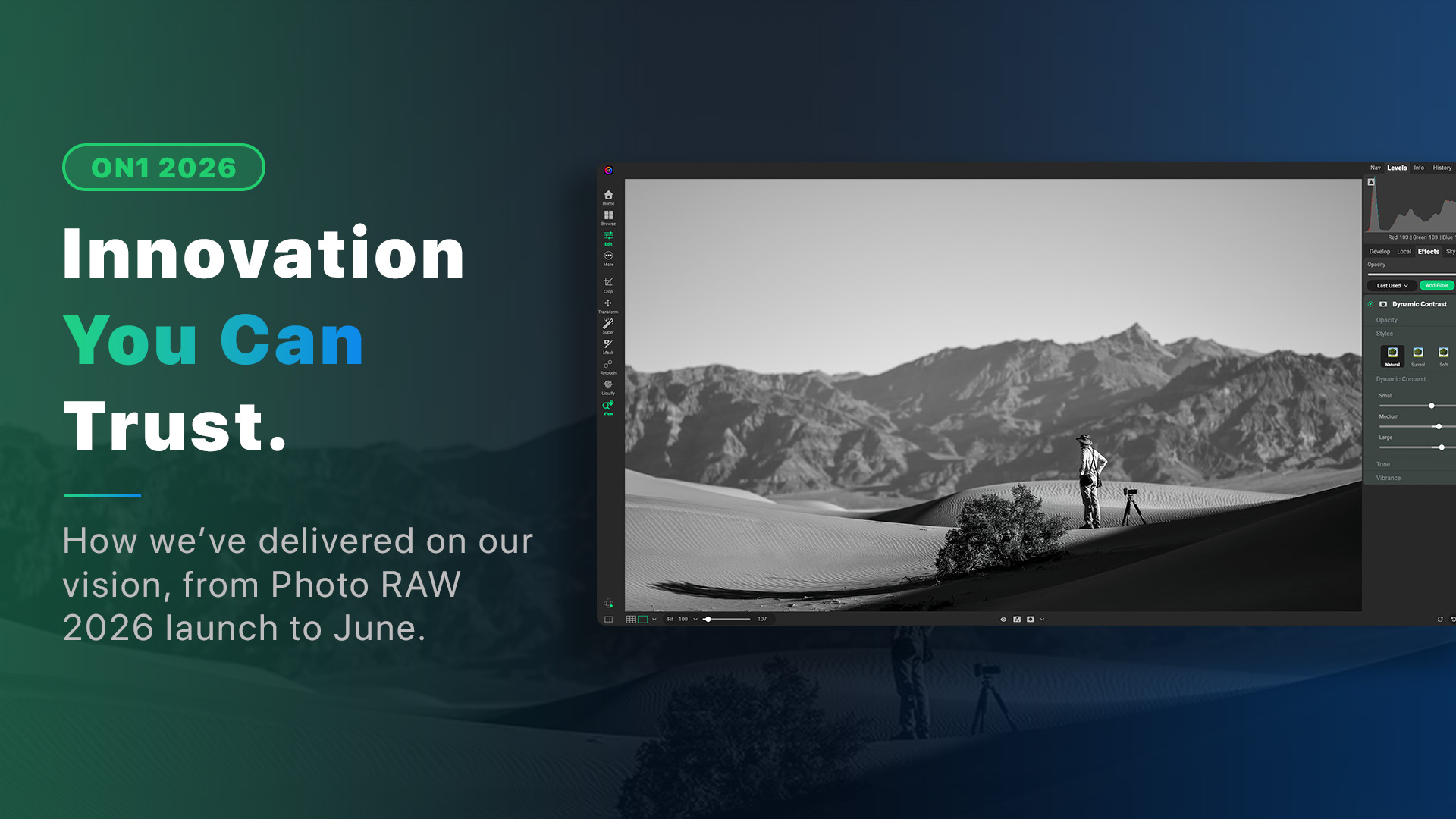
A progress report on what we are committed to and what we’ve delivered since the Photo RAW 2026 launch.
In January, we published a vision post that made a specific promise: fewer surprises, faster updates, and photo editing software built around trust rather than hype. We said we were going to build ON1 the way a great camera gets built — something you stop thinking about and start relying on.
Over five months in, here’s what that looks like in practice.
Four Free Updates to ON1 Photo RAW 2026 and Counting
Since Photo RAW 2026 launched in October 2025, owners have received four substantial free updates. Not minor patches, each one advanced something photographers asked for.
2026.1 (November 2025) brought faster AI masking, 20+ new Styles, cleaner menus, and expanded camera support for the latest Canon, Fujifilm, and Sony bodies. It also introduced a new method for customers to submit feedback in the app directly to our dev team.
2026.2 (December 2025) focused on workflow speed and smarter AI results: faster exports, an improved Face Restoration model inside Resize AI, built-in Module Tips to guide new users through each editing module, faster exporting, and additional camera and lens support.
2026.3 (February 2026) went deeper on performance and stability. Faster folder browsing, improved Generative Crop, better color label flexibility, and targeted fixes along with another round of speed optimizations in the 2026 cycle.
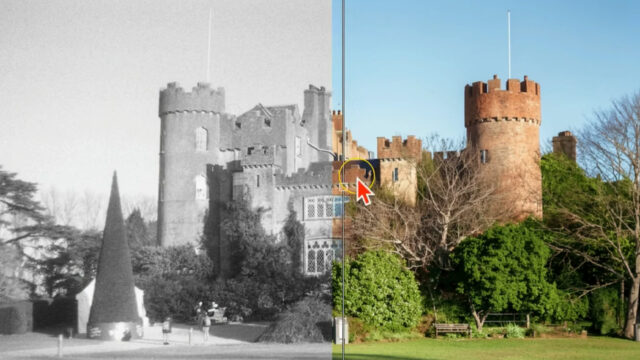
2026.4 (May 2026) was the biggest release yet of the 2026. The headlining addition is Restore AI, a new module inside Photo RAW MAX that recovers old, faded, and damaged photos. Scan a print from a shoebox. Rescue a soft shot from an old phone. Colorize a black-and-white image with results that look realistic, not like a filter. 2026.4 also redesigns the Home experience to get you into your editing faster and delivers meaningful performance improvements across the board.
This cadence was intentional. We committed to more frequent releases so improvements reach you sooner. Four updates in seven months. That commitment, kept. And we aren’t don yet.
Delivering on the Vision: Four Priorities, Six Months In
The January vision post outlined four priorities: better image quality, AI that assists without taking over, performance you can feel, and a user experience that earns your confidence. Here’s where each one stands.
Better Image Quality in Your RAW Files
Raw processing improvements are in progress. The goal is photos that look more accurate straight out of camera and respond faster in the Edit module. We’ll share results when they’re ready to show. This is the kind of work that takes time to do right, and we’re doing it right.
AI Photo Editing That Assists Without Taking Over
Restore AI is a clear example of how we want AI to work in Photo RAW. You give it a damaged photo. It recovers detail, removes fading, and optionally adds color. You stay in control of the result. The same philosophy applies to every AI tool we ship, AI speeds up the work, the photographer makes the call.
Performance That Compounds Over Time
Faster browsing. Faster exports. Faster AI masking. Smoother previews. These are not headline features. But photographers who use Photo RAW every day feel them compound across a session, across a week, across a year.
A First-Class User Experience
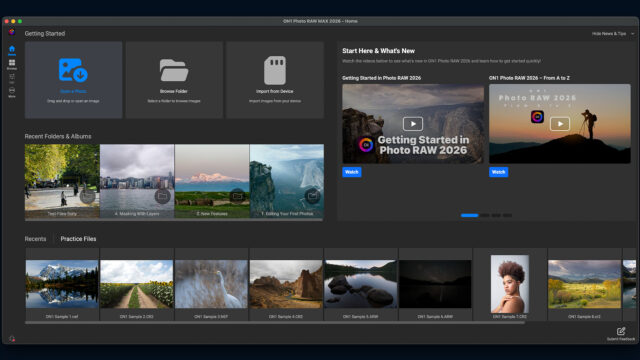
The redesigned Home module in 2026.4 is one visible result. Built-in module guidance in 2026.2 was another. Every release addresses friction points photographers reported. The goal isn’t novelty, it’s making the app feel familiar and reliable faster, for more people.
New Products and a Cleaner Lineup
ON1 Effects 2026: Professional Results, Instantly
In January, we launched ON1 Effects 2026 as a standalone release. It brings AI-powered Subject and Background masks, a layered masking system, and several new creative filters. Whether you use Effects inside Photo RAW or as a standalone plugin for Lightroom Classic or Photoshop, version 2026 delivers professional finishing tools that behave predictably and produce results you can trust.
ON1 Photo Studio: One Name, Everything Included
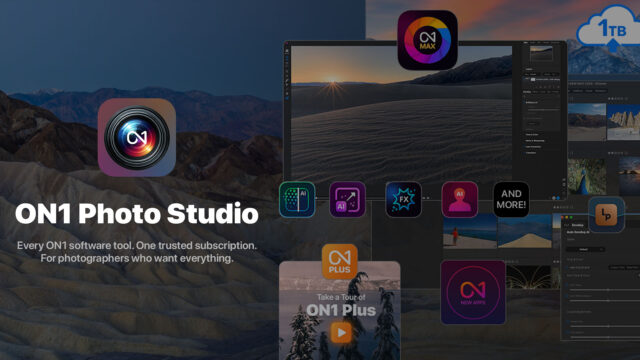
We also tightened up our product lineup. ON1 Photo Studio (formerly ON1 Everything Plus) is the name we should have been using all along. It includes Photo RAW MAX, all individual titles, all major and minor updates, 1TB of Cloud Sync, full ON1 Plus access, and up to five activations. The name changed. Nothing else did.
Innovation Beyond the Desktop App
Trust is built across every touchpoint, not just inside the desktop app. A few things from this year that reflect that.
AI Photo Restoration Software: Restore AI
Before 2026.4 shipped, we gave photographers an early look at Restore AI and explained exactly how it works, why it requires Photo RAW MAX, and what the cloud processing model means for perpetual license owners. We didn’t bury the details. Photographers got the full picture before being asked to upgrade.
ON1 Photo RAW for Mobile: The Same Engine, Anywhere
ON1 Photo RAW for Mobile is a free iOS and Android app that uses the same non-destructive RAW processing engine as the desktop. Owners of Photo RAW 2026 unlock all premium features automatically. Combined with ON1 Cloud Sync (included in Photo RAW and Photo Studio subscriptions), photos, edits, albums, and most presets stay current across every device.
The ON1 Photo RAW Awards 2026
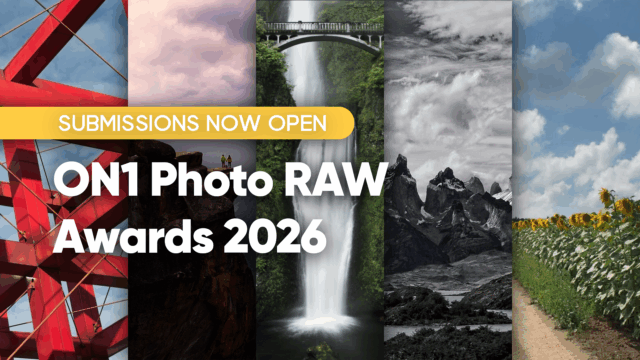
To mark the launch of 2026.4, we opened the ON1 Photo RAW Awards 2026, a community photo competition celebrating real work produced and edited with Photo RAW. Three prize tiers, open to photographers worldwide. One clear rule: all editing must be done in Photo RAW. No third-party tools and the work has to be yours.
The Outdoor Photography Conference
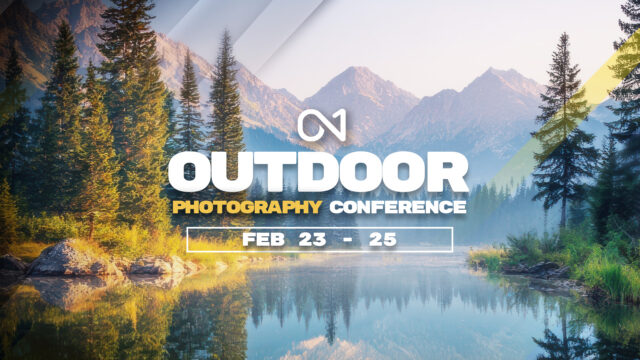
In February, we hosted the ON1 Outdoor Photography Conference, a three-day live virtual event built for landscape, wildlife, travel, and environmental portrait photographers. Not a product demo. A working conference built around helping photographers edit with more confidence and efficiency. Anyone can also purchase the recordings from the conference.
Learning, Training, and Community
Innovation without education is just software sitting on a hard drive. This year, ON1 invested significantly in making sure photographers know how to use what they paid for.
The ON1 Learn hub covers everything from first-time imports to advanced masking, with free getting-started courses for Photo RAW 2026, Effects 2026, and Resize AI 2026. Live and recorded webinars run throughout the year across skill levels.
ON1 Plus members have received fresh content every month in 2026: new tutorials, presets, LUTs, eBooks, and photo challenges. The May recap alone included Restore AI walkthroughs, Sky Swap best practices, and a Milky Way live edit. The monthly Photo Remix Challenge gives members a shared image and a prompt to bring their own interpretation. It’s just one of the more genuinely creative things happening in the ON1 photo editing community right now.

Building Photo Editing Software With Photographers, Not Just For Them
In May, our Senior Product Marketing Manager Nathan Keudell wrote about the research process behind every feature: one-on-one interviews, usability sessions where we watch how photographers actually work, roundtable discussions, small group meetups, and surveys. Not asking what people want. Watching where workflows break down.

VP of Product Dan Harlacher has been taking those findings back to the team and letting real-world friction shape what we build next.
That same commitment to honest dialogue shows up in how we handle criticism. When the Restore AI announcement drew pushback from photographers who felt the pricing structure wasn’t fair to existing customers, I did my best to respond directly in the comment thread, not with marketing copy, but with a plain acknowledgment: you’re right that it’s an upsell, and here’s exactly why the pricing is structured this way. That kind of response isn’t easy and isn’t required. It’s how we want to operate.
What Comes Next for ON1 Photo RAW
Raw processing improvements are coming. You’ll see more accurate color and better shadow and highlight recovery across a wider range of cameras. More tools are in development that simplify everyday editing without removing control. Updates will keep arriving frequently.
The goal has not changed since January: give you outstanding results, keep you in control, and build photo editing software you can rely on year after year, with no subscription required.
If you own Photo RAW 2026, every update in the 2026 cycle is included at no additional cost. If you haven’t tried it yet, a free 30-day trial is available today.