

May 2026 ON1 Plus Recap: Restore AI, Sky Swapping, Night Skies & More
- June 1, 2026
- 6,070 Views
Posted by Patrick Smith
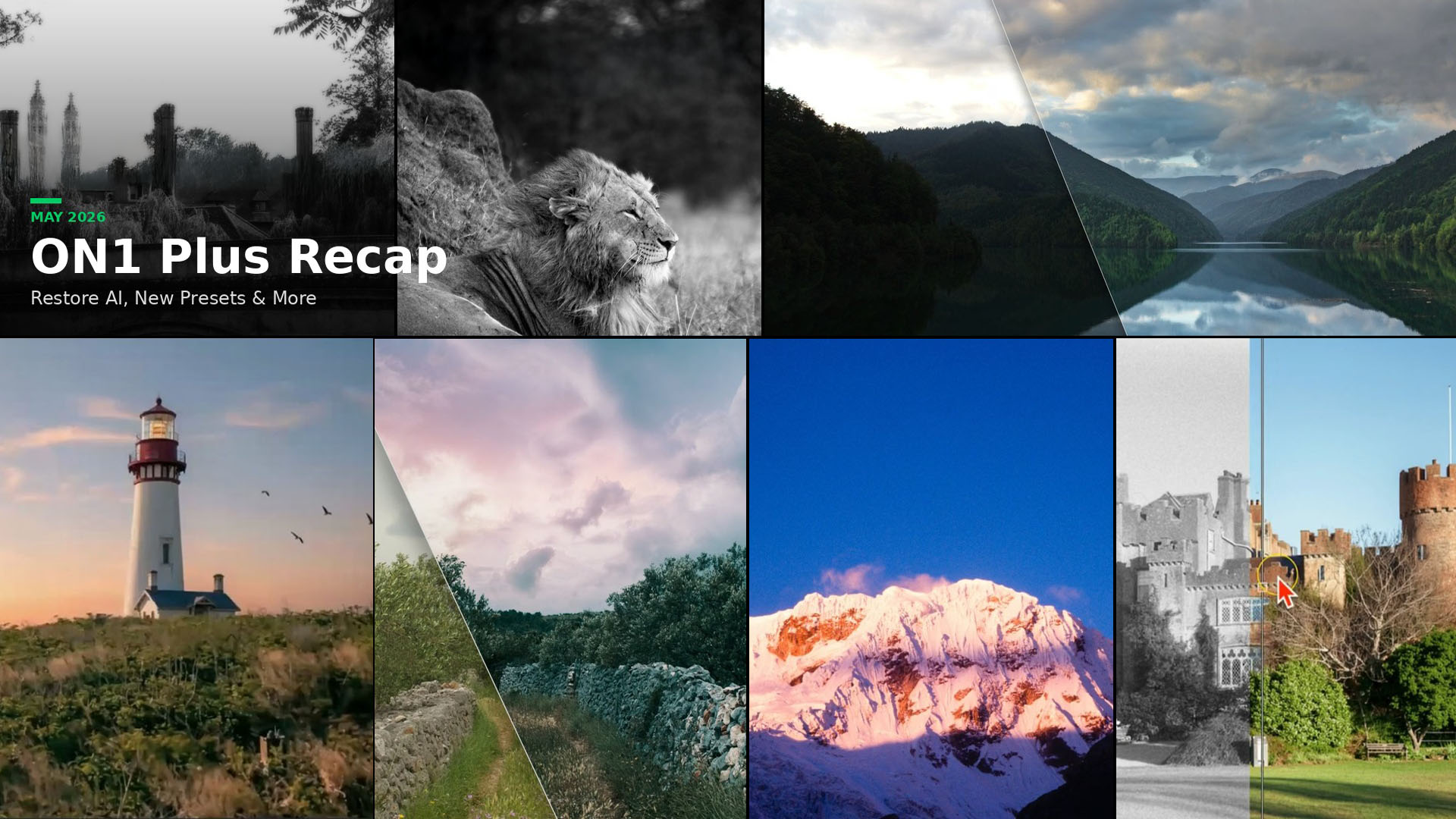
May was one of the most packed months yet inside ON1 Plus, the #1 resource for ON1 Photo RAW training and photography education.
The big story this month was the launch of ON1 Photo RAW 2026.4 and its all-new Restore AI tools in Photo RAW MAX, which opened up a completely new category of editing: repairing and reviving old, damaged, and faded photos. On top of that, members got deep dives into sky swapping, Milky Way editing, landscape exposure, and a brand-new eBook. Here’s everything that dropped in May.
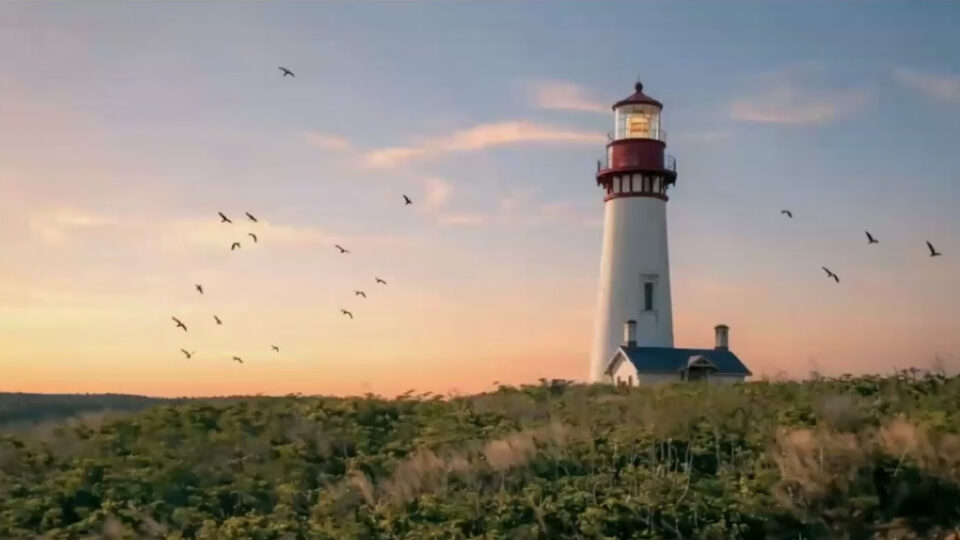
Webinar: Bring Photos Back to Life with ON1 Photo RAW MAX 2026.4
May 22, 2026
This recorded webinar with Dylan Kotecki was the official first look at ON1 Photo RAW MAX 2026.4. If you missed it live, it’s worth watching from start to finish.
Dylan walked through the new Restore AI tools, showed how the new Home module simplifies your editing workflow, and ran through real-world demos before taking questions from the live audience.
You’ll see:
- How Restore AI repairs damaged and faded photos
- Detail recovery and sharpening for soft images
- Colorizing black-and-white photos with AI
- The new Home module and how it fits into your daily workflow
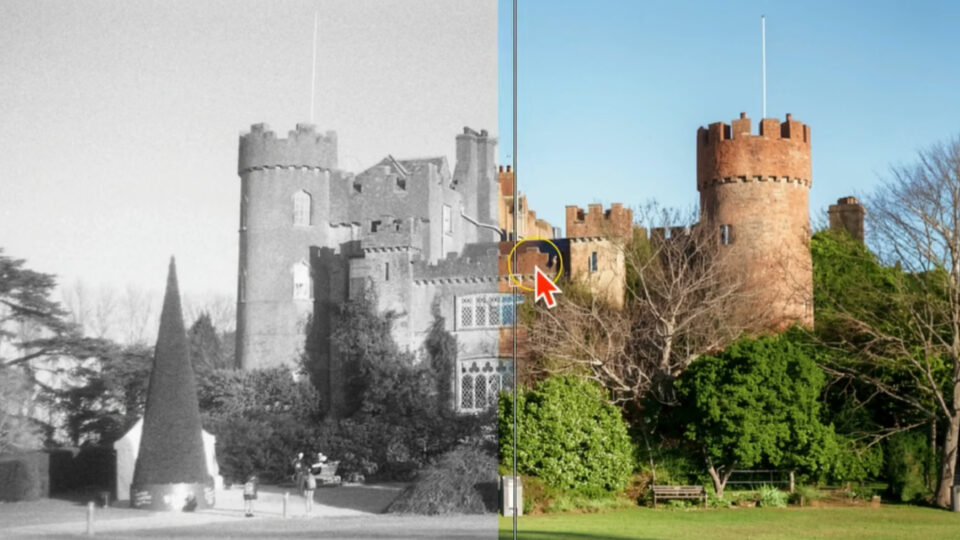
What’s New: Restore AI in ON1 Photo RAW MAX 2026.4
May 22, 2026
This tutorial covers the Restore AI workflow inside MAX 2026.4 from top to bottom. Think of it as the companion piece to the webinar above just tighter, faster, and built for photographers who want to get straight to the techniques.
What you’ll learn:
- Repairing damaged and degraded photo scans
- Sharpening soft images and recovering lost detail
- Removing scratches, dust, and imperfections
- Colorizing black-and-white photos with AI
Whether you’re working on a box of old family prints or a collection of vintage film scans, this is your starting point.

Dreamy Monochrome Presets (Creative Library)
May 28, 2026
The Dreamy Monochrome Presets are a 20-preset collection designed to transform your photos into timeless black-and-white images with a cinematic, atmospheric feel. Rich contrast, subtle glows, gentle vignettes, and artistic overlays work together to add depth and mood to any image.
These presets work beautifully across a wide range of subjects:
- Landscapes
- Portraits
- Travel and street photography
- Fine art scenes
For best results, make sure you’re running ON1 Photo RAW 2026.4 or later.
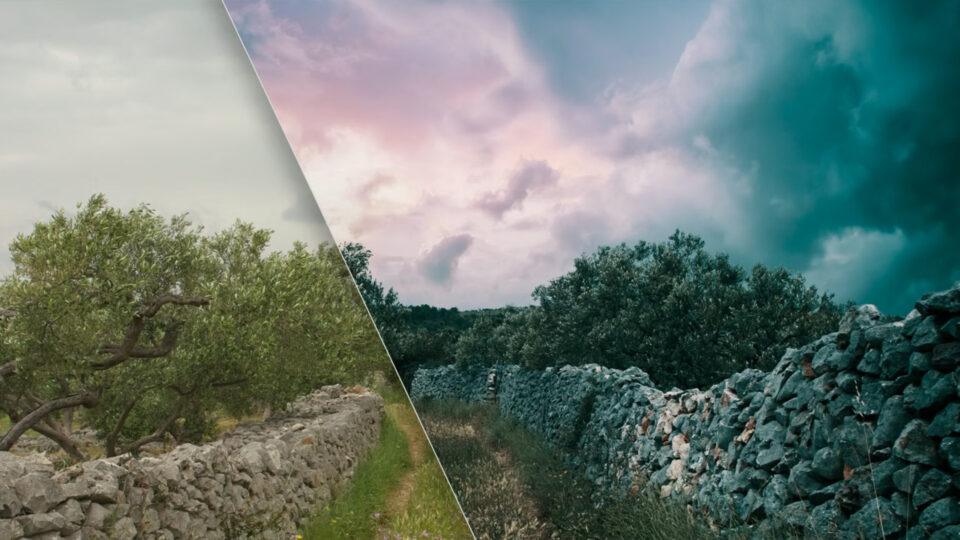
Best Practices for Sky Swapping in Landscapes
May 28, 2026
Sky Swap AI is one of ON1’s most popular tools, and this lesson covers how to use it the right way. The focus is on realism and how to make sky replacements that actually look like they belong in the scene, not like a cutout pasted on top.
What you’ll learn:
- Choosing the right sky for different lighting conditions
- Matching foreground tones and colors to a new sky
- Using Sky Swap AI controls for natural-looking results
- Blending skies and landscapes with LUTs and creative effects
- Creating dramatic day-to-night transformations
Looking for creative inspiration? Check out the May ON1 Plus Photo Remix Challenge, where members used Sky Swap AI to transform a dull landscape sky into everything from subtle enhancements to bold creative reimaginings. Visit the Webinars page on your ON1 Plus dashboard for details on upcoming Remix Challenges.
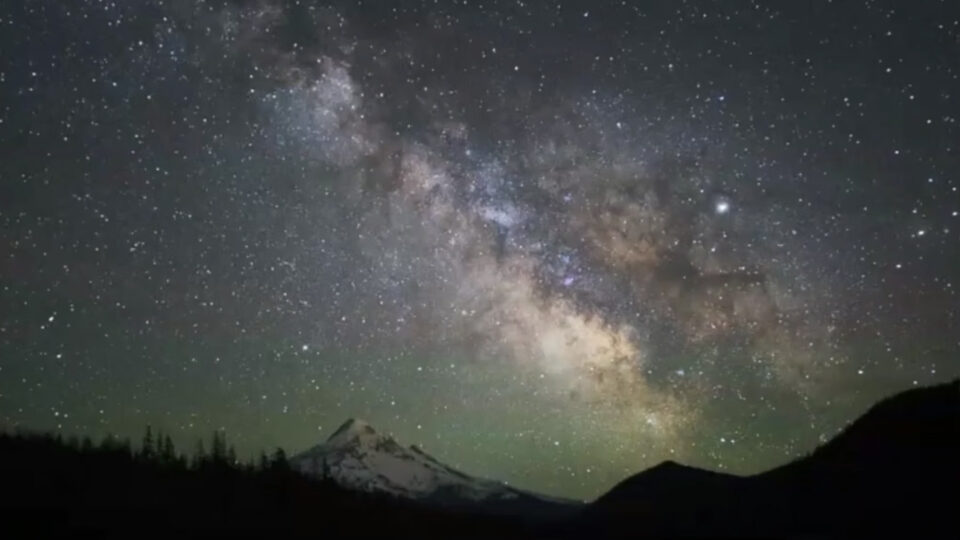
Live Edit: Milky Way Landscapes
May 29, 2026
Milky Way photography is humbling in the field and challenging in post. Your camera captures a flat, noisy file that looks nothing like what your eyes saw at 2am on a dark hillside. This live edit session walks through exactly how to fix that.
Using tools inside ON1 Photo RAW, this video session covers practical techniques for turning flat night sky captures into images that actually convey the scale and drama of the Milky Way.
Techniques covered:
- Enhancing stars and increasing contrast
- Recovering detail in the foreground and sky
- Reducing noise without softening stars
- Selective sky editing with Super Select AI, Luminosity Masks, and Curves

Exploring Restore AI With Old Images
May 29, 2026
This lesson puts Restore AI to the test with a wide variety of real-world images — faded prints, damaged scans, vintage film, and aging digital captures.
It’s a practical, honest look at where Restore AI delivers its biggest improvements, where other ON1 tools might serve you better, and how to choose the right restoration workflow for each image type.
Best for:
- Photographers restoring family photo archives
- Anyone digitizing old prints or negatives
- Editors who want a clear workflow comparison between Restore AI and other ON1 tools
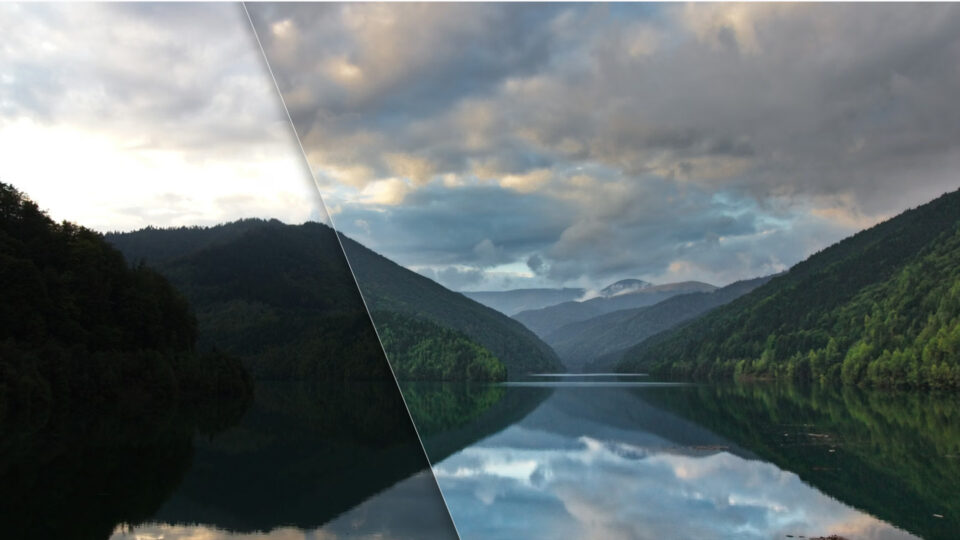
How to Fix Underexposed Landscapes
May 31, 2026
Balancing a bright sky with a darker foreground is one of the most common challenges in landscape photography. This video lesson gives you a practical framework for handling it without resorting to HDR or heavy-handed processing.
What you’ll learn:
- Brightening dark foregrounds while keeping skies intact
- Using Shadows and Midtones adjustments instead of relying on Exposure alone
- Using AI-powered Sky Masks for selective sky enhancements
- Adding depth and mood with the Glow tool
These techniques produce balanced, polished landscape photos without blowing out your highlights or losing the drama in your skies.
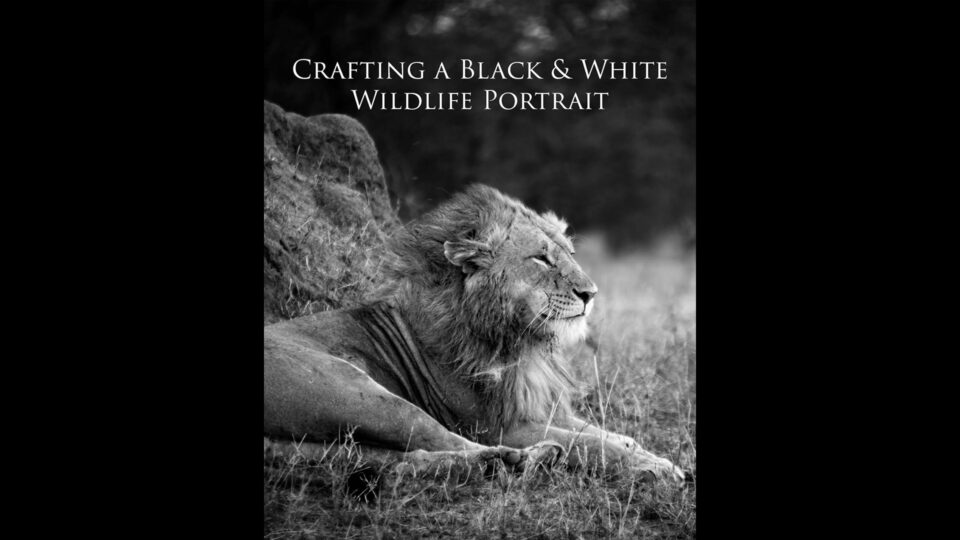
eBook: Crafting a Black & White Wildlife Portrait
May 30, 2026
This step-by-step editing guide takes a color wildlife photograph and transforms it into a dramatic black-and-white portrait using ON1 Photo RAW. The techniques work across wildlife subjects — lions, birds, mammals, and more.
Inside the guide:
- Building contrast and selectively illuminating the subject with AI masking
- Creating a rich black-and-white conversion
- Enhancing fur and feather detail with Dynamic Contrast
- Softening the background with Glow
- Finishing the image with a subtle vignette
The download includes a practice file and companion video, so you can follow along with the exact image used in the guide.
Missed Something? It’s All in ON1 Plus.
Every tutorial, live edit, preset collection, eBook, and creative asset in this recap is available inside ON1 Plus. If you’re not a member yet, this is the kind of month that shows what you’re missing.
New content drops throughout every month. Keep an eye on your inbox for monthly member emails, or check the Webinars and Videos pages on your ON1 Plus dashboard to stay current.
Please review our privacy policy for information about how we use the data we collect.