The Retouch Brush is the go-to tool for simple retouching jobs, like removing sensor dust spots or small blemishes. Scott explains the brush and explains the situations when the Retouch Brush is not the right tool choice.

Join ON1 Plus to Access
Lesson 3: Retouch Brush
ON1 Plus members gain access to everything included in the Video Library!
Join ON1 Plus Now
Learn more • Already a Plus member? Sign in
Lesson 3: Retouch Brush
Published: Apr 8 2019 3023 Views

Removing DistractionsFree Preview

By Scott Davenport
27405 Views 23:23:20
Make your photos stronger! ON1 Photo RAW includes a complete set of retouching tools that can handle any retouching job. This course is for anyone that wants to improve their retouching skills and go beyond the simple, one-click retouches. In this in-depth course, Scott Davenport teaches you how to get the most out of Photo...
Lesson 2: Tool Overview
By Scott Davenport
4205 Views 03:35:55
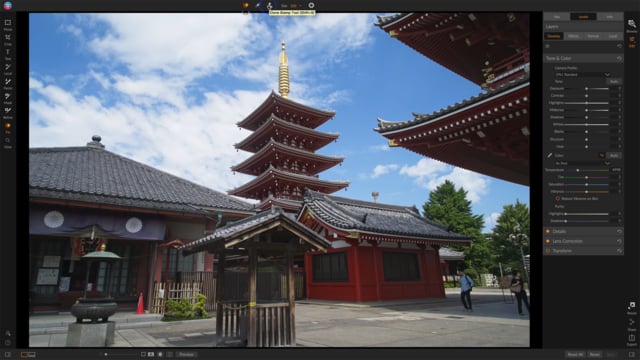
Not all retouching jobs are created equal. Some distractions are simple to deal with. Others present a more complex editing challenge. Sometimes, more than one tool or technique needs to be used to remove a distracting element from a scene. Scott introduces the retouching tools in ON1 Photo RAW. He gives an overview of the...
Lesson 3: Retouch Brush
By Scott Davenport
3023 Views 03:35:54
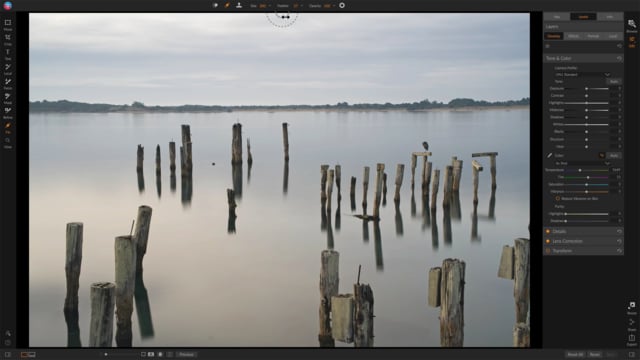
The Retouch Brush is the go-to tool for simple retouching jobs, like removing sensor dust spots or small blemishes. Scott explains the brush and explains the situations when the Retouch Brush is not the right tool choice.
Lesson 4: Perfect Eraser
By Scott Davenport
2830 Views 03:35:54
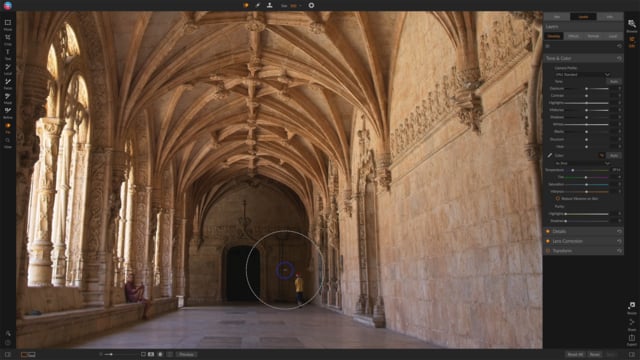
The Perfect Eraser is Photo RAW’s content aware fill tool. It makes more complex object removal easy. Scott explains the tool and shows a few examples of it in action.
Lesson 5: Clone Stamp Tool
By Scott Davenport
2616 Views 03:35:53
The Clone Stamp Tool is the pixel level copy/paste tool in Photo RAW. It is a classic, yet a very powerful retouching tool. Please pardon Scott as he raves over “the swatch” of the Clone Stamp Tool.
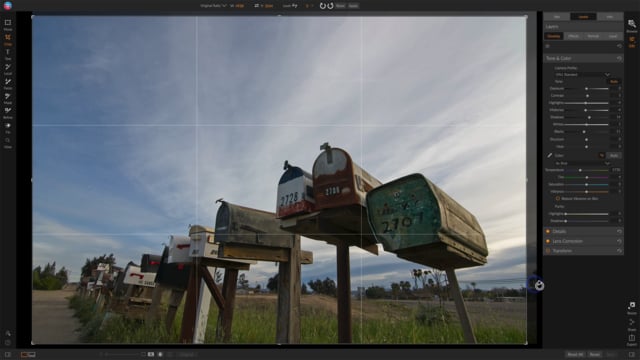
Case Study: Simple Retouches
By Scott Davenport
2289 Views 22:53:07
Scott walks through a real world retouching example using the Retouch Brush and Perfect Eraser. Follow along with the practice image and see how to use the tools, individually and in tandem, for smooth object removal.
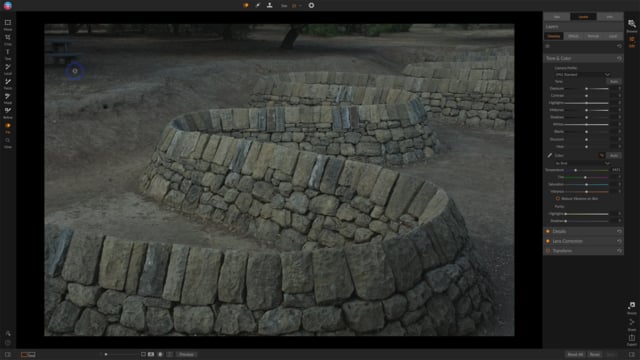
Case Study: Maintaining Details & Patterns
By Scott Davenport
2217 Views 03:35:50
Object removal is more complex where details and patterns need to be maintained. Scott shows how the Clone Stamp Tool is a great choice as the primary tool for these types of retouching jobs. Follow along with the practice image and improve your cloning skills.
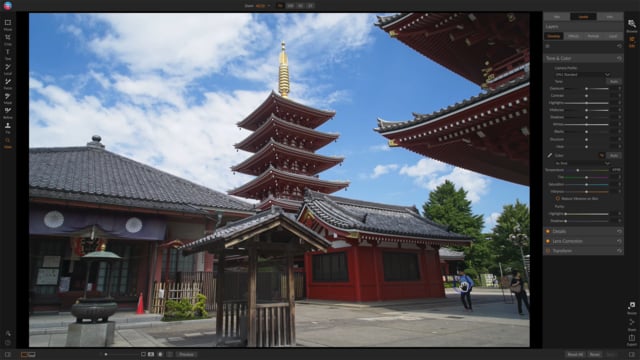
Case Study: Putting it All Together
By Scott Davenport
2045 Views 03:35:50
In this final case study, all the retouching tools are used to refine and strengthen a photo. Scott shows how the Perfect Eraser, Clone Stamp, and Retouch Brush complement one another. Follow along with the practice image.
Going Beyond Retouch Tools
By Scott Davenport
1896 Views 03:35:50
In this bonus video, Scott shares other techniques to refine a scene and direct your viewer’s eye. These techniques go beyond the retouch tools. Effects filters and layer masking can also help downplay or remove distracting elements in a photo.
Download the course assets and watch the videos offline. Depending on your internet speed you may need to download one at a time. Learn on-the-go without worrying about your internet connection. This content is yours to have and keep forever.