


Join ON1 Plus to Access this Premium Content
- Private Coaching
- Exclusive Video Library
- Discussion Forums
- Community Galleries
- Challenges & Critiques
- Private Events
Join ON1 Plus
Learn more • Already a Plus member? Sign in
Case Study: Putting it All Together
Course Curriculum
9 lessons · 167h 35m
- 1
 Removing DistractionsMake your photos stronger! ON1 Photo RAW includes a complete set of retouching tools that can handle any retouching job. This course...23:23:20
 - 2
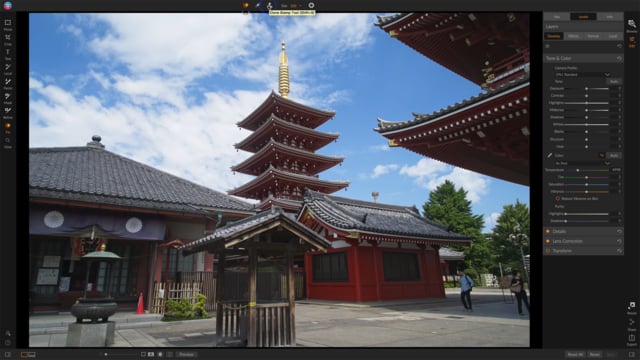 Lesson 2: Tool OverviewNot all retouching jobs are created equal. Some distractions are simple to deal with. Others present a more complex editing challenge. Sometimes,...03:35:55
 - 3
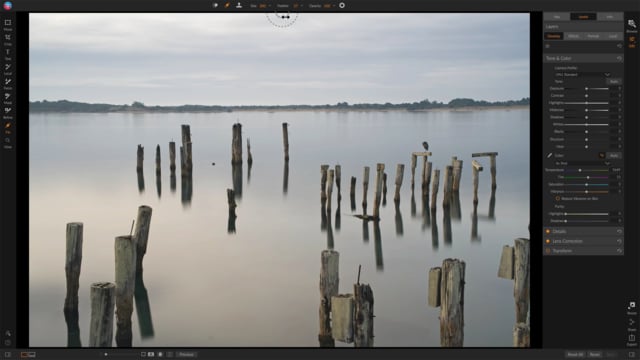 Lesson 3: Retouch BrushThe Retouch Brush is the go-to tool for simple retouching jobs, like removing sensor dust spots or small blemishes. Scott explains the...03:35:54
 - 4
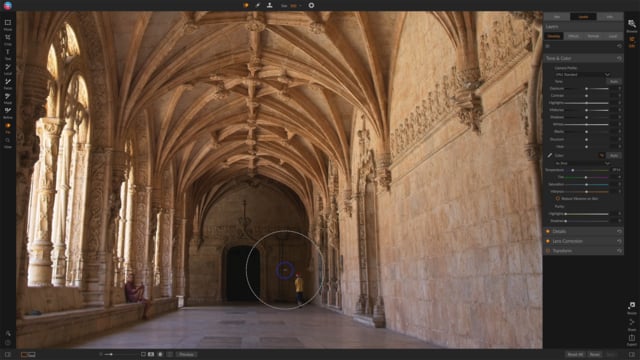 Lesson 4: Perfect EraserThe Perfect Eraser is Photo RAW’s content aware fill tool. It makes more complex object removal easy. Scott explains the tool and...03:35:54
 - 5
 Lesson 5: Clone Stamp ToolThe Clone Stamp Tool is the pixel level copy/paste tool in Photo RAW. It is a classic, yet a very powerful retouching...03:35:53
 - 6
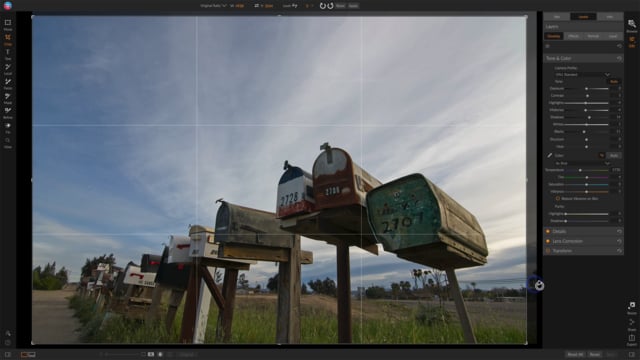 Case Study: Simple RetouchesScott walks through a real world retouching example using the Retouch Brush and Perfect Eraser. Follow along with the practice image and...22:53:07
 - 7
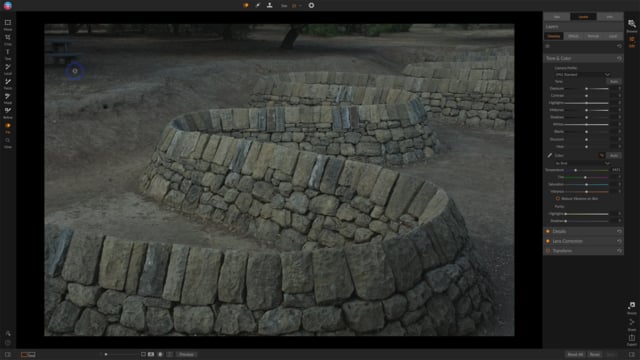 Case Study: Maintaining Details & PatternsObject removal is more complex where details and patterns need to be maintained. Scott shows how the Clone Stamp Tool is a...03:35:50
 - 8
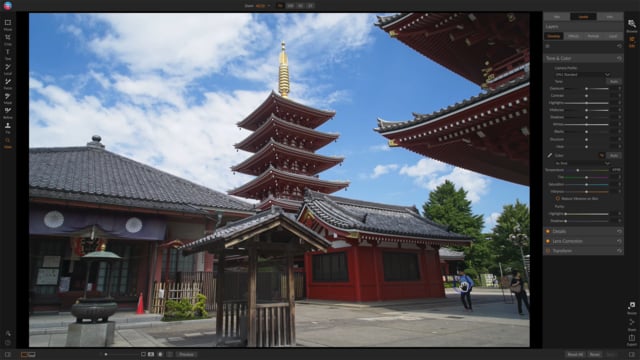 Case Study: Putting it All TogetherIn this final case study, all the retouching tools are used to refine and strengthen a photo. Scott shows how the Perfect...03:35:50Now playing
 - 9
 Going Beyond Retouch ToolsIn this bonus video, Scott shares other techniques to refine a scene and direct your viewer’s eye. These techniques go beyond the...03:35:50
Course Downloads
Download the course assets and watch the videos offline. This content is yours to have and keep forever.