
 ON1 Photo RAW
ON1 Photo RAW 2027 • Coming this fall

The Ultimate Raw Photo Editing Software Application
Photo RAW combines powerful RAW processing, advanced AI tools, traditional editing tools, and easy photo management in a single app. A professional alternative to Lightroom and Photoshop, with a faster, more intuitive workflow, and no subscription required.
Already an ON1 customer? Sign in for your price
Replace Lightroom and Photoshop with One App You Own
With ON1 Photo RAW, you get all-in-one photo editing software that combines powerful RAW processing, advanced AI tools, traditional editing tools, and easy photo management in a single app. Whether you're looking for a professional alternative to Lightroom and Photoshop or just want a faster, more intuitive workflow, Photo RAW gives you everything you need to browse, edit, retouch, and share your photos without switching programs.
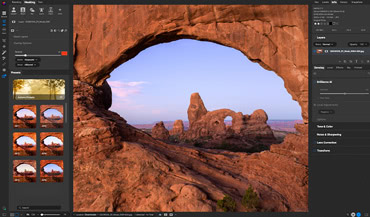
All-in-One Application
Photo RAW combines raw processing, editing, layers, and effects in one app. Instead of juggling multiple programs (like Lightroom and Photoshop), you can browse, edit, retouch, use layers, masks, and export all in one place.
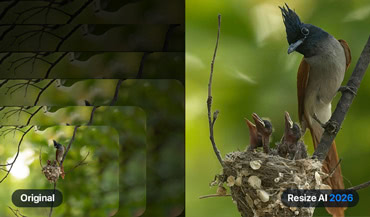
Advanced AI Tools
NoNoise AI cleans up high-ISO shots. Resize AI sharpens and enlarges. Generative Erase removes distractions without a trace. Sky Swap AI transforms a flat sky in seconds. Restore AI repairs and enhances old or damaged photos. These aren't extras, they're built in, included, ready to use.
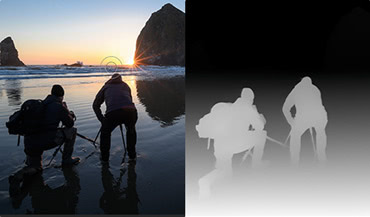
Smarter Masking & Selections
Click on a sky, a subject, or a background and Super Select AI isolates it precisely. Depth masks let you target foreground or background without painting a single stroke. Masking that used to take 20 minutes now takes 20 seconds.
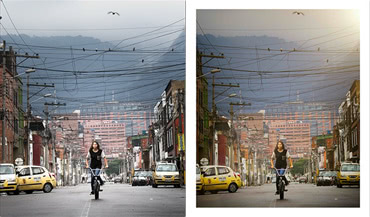
Endless Creative Looks
Hundreds of professional filters, presets, LUTs, textures, and borders which are all stackable, all maskable. Apply a look to just the sky, just the subject, or the whole image. One module, endless combinations.
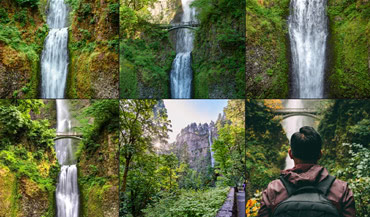
Photo Management Made Simple
No slow import step. Photo RAW browses your files where they live, lets you tag, album, and stack with AI-powered keywording, and keeps large libraries fast and searchable. Organizer and editor, one app.
Flexible Workflow Options
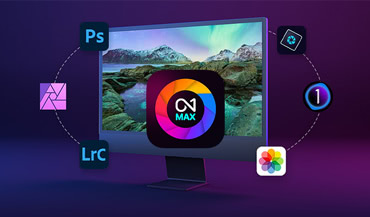
Photo RAW is built as a complete standalone workflow. Start with your raw files, finish with a polished export without opening another app.
Photographers ON1
See What They're Saying
ON1 Photo Raw has all the capabilities and more of Lightroom and Photoshop rolled all into one. The user interface is simple and straightforward. All edits are completely reversible even when working in layers.
Karen
Processing and editing my photos is something I've dreaded but you really helped me quickly and joyfully get my photos out. This is a fantastic product that makes me more excited to get out and shoot.
Happy ON1 Customer
I like everything about ON1 Photo RAW. The masking features are fantastic. Everything keeps getting better and better.
Donald Carr
I have tried the rest and found ON1 Photo Raw the absolute best raw photo processing software of all.
Happy ON1 Customer
ON1 Raw is great. I particularly like AI Brilliance, which instantly improves photographs. ON1 make photo editing very easy and quick so that you can concentrate on creativity rather than hours of careful selecting.
Ann Walsh
Great software works very well with my workflow. Does everything I need (layers, effects, stacking, pano, etc.) without creating intermediate files. I can do everything in the original raw format.
Happy ON1 Customer
Everything You Need for Professional Photos in One App
ON1 Photo RAW is a complete editing suite in one app for Mac or Windows. Organize your library, edit and retouch your photos, and work with layers and masks with precision. No Lightroom. No Photoshop. Just one app that does it all. Own it outright with a single payment, or subscribe to get more. The choice is yours.
Now is the best time to buy because you get 2 versions for the price of one. Get Photo RAW 2026 today and version 2027 when it arrives this fall. Want even more? Choose the MAX Edition to revive any photo with Restore AI, cull faster in version 2027, and use Photo RAW as a plugin inside Adobe and other editors.

Photo RAW 2027
One-Time Purchase
Price shown for general site visitors. Signed-in existing customers may see a different, personalized price.
- Complete all-in-one editor for Mac or Windows.
- Own version 2026 and 2027 outright. One price covers everything.
- Free updates for versions 2026 and 2027
- Install on 2 computers
Photo RAW MAX 2027
One-Time Purchase
Photo RAW MAX includes all of the features in Photo RAW, plus these features exclusive to MAX.
- Adds photo restoration with Restore AI
- Adds plugin compatibility to use inside Adobe Photoshop & Lightroom
- Adds new AI Culling Assistant in version 2027
- Install on 3 computers instead of 2
ON1 Photo RAW MAX
Yearly Subscription
Subscribe to Photo RAW MAX and get version 2026 today, plus Photo RAW MAX 2027 when it releases.
- All Photo RAW MAX features, updates, and annual upgrades included
- Adds 200 GB Cloud Sync to sync photos across devices: computers, mobile, tablets
- Install on 3 computers
- Cancel anytime with no penalty

ON1 Photo Studio
Yearly Subscription
Buy Photo RAW MAX 2027 now as part of ON1 Photo Studio, and get Photo RAW MAX 2026 today.
- All Photo RAW MAX features, updates, and annual upgrades included
- Adds 1 TB Cloud Sync to sync photos across devices: computers, mobile, tablets
- Install on 5 computers
- Cancel anytime with no penalty
Standard cancellation/refund policy applies. Your 30-day money-back guarantee for Photo RAW starts when your download becomes available, not when you place your pre-order.
New
ON1 Photo RAW
2027
Smarter AI. Simplified masking. Better details. Richer RAW color.
Just point, click, and create.
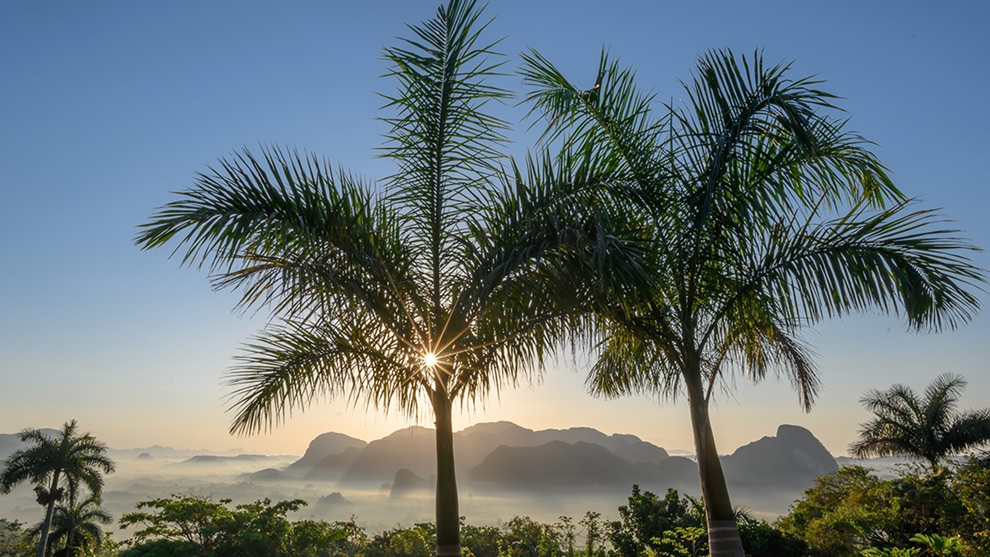
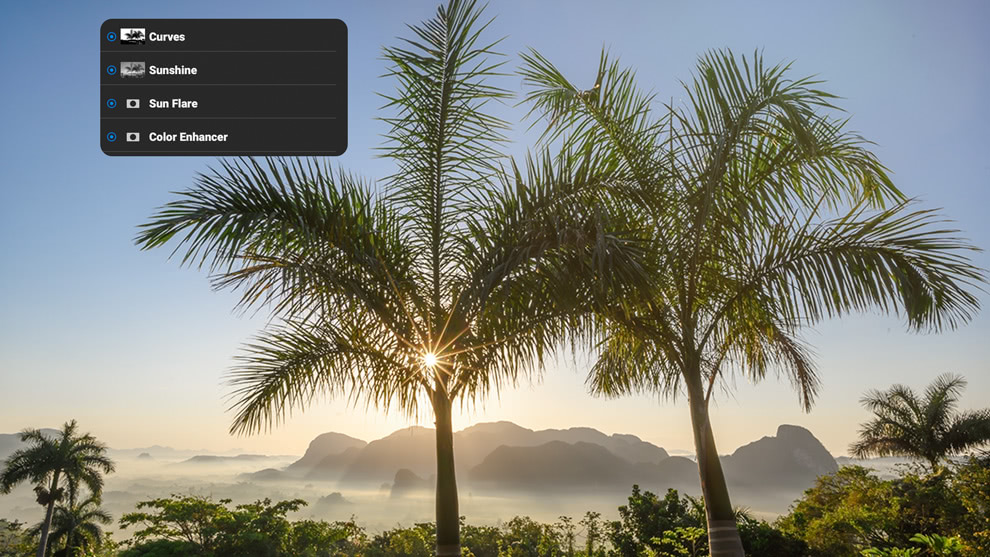
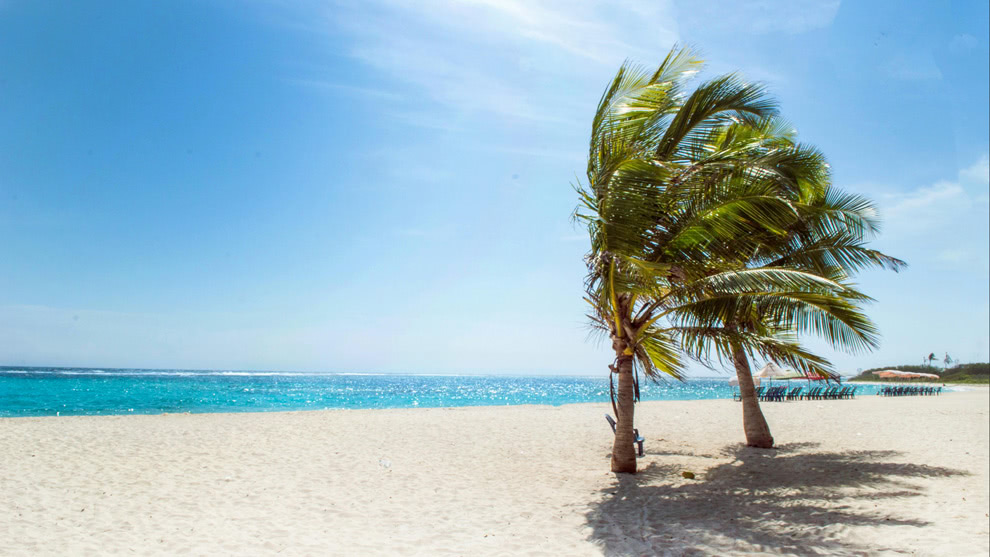
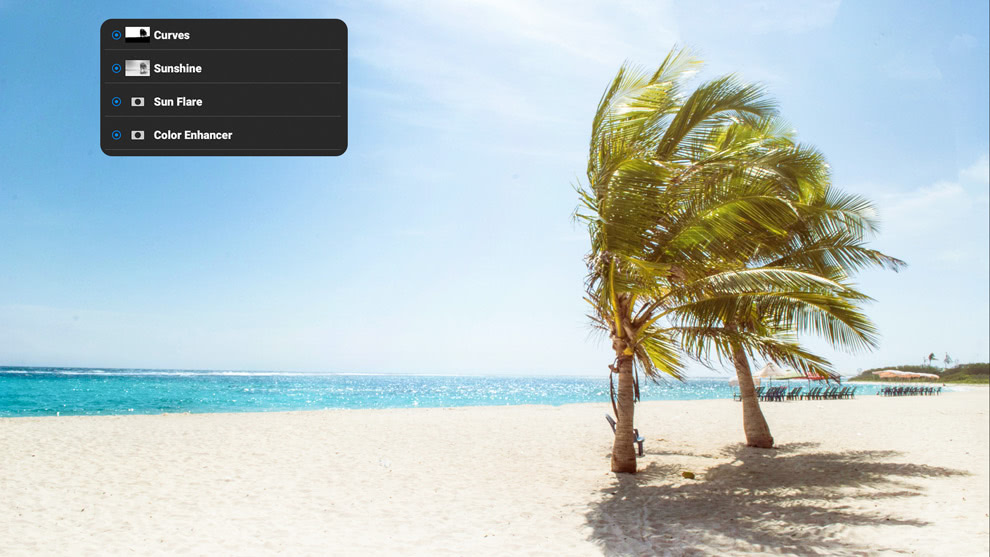
ON1 Photo RAW makes it incredibly easy to take a dull photo and make it pop with just a few clicks. Then style and finish your photo quickly.
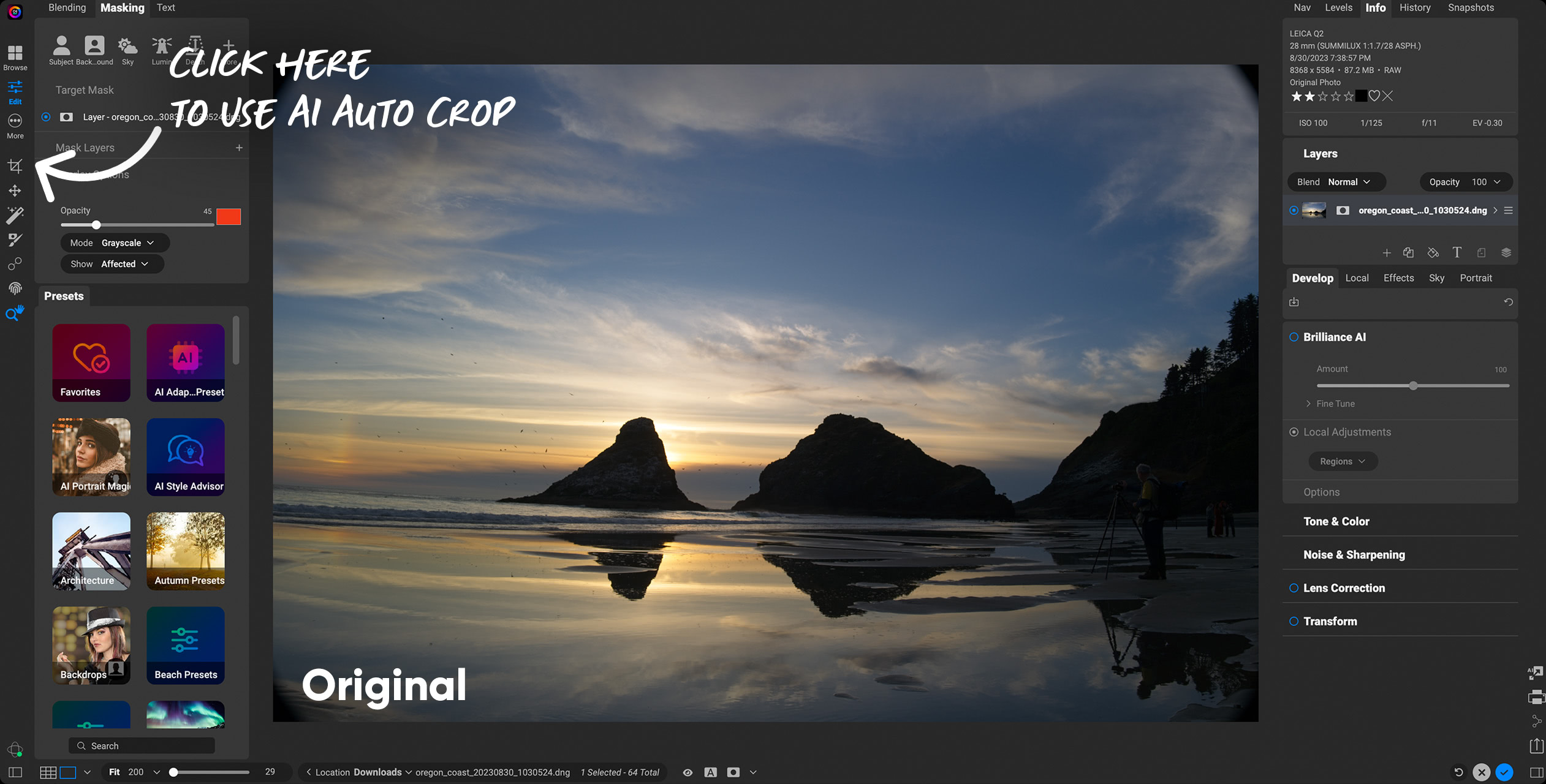
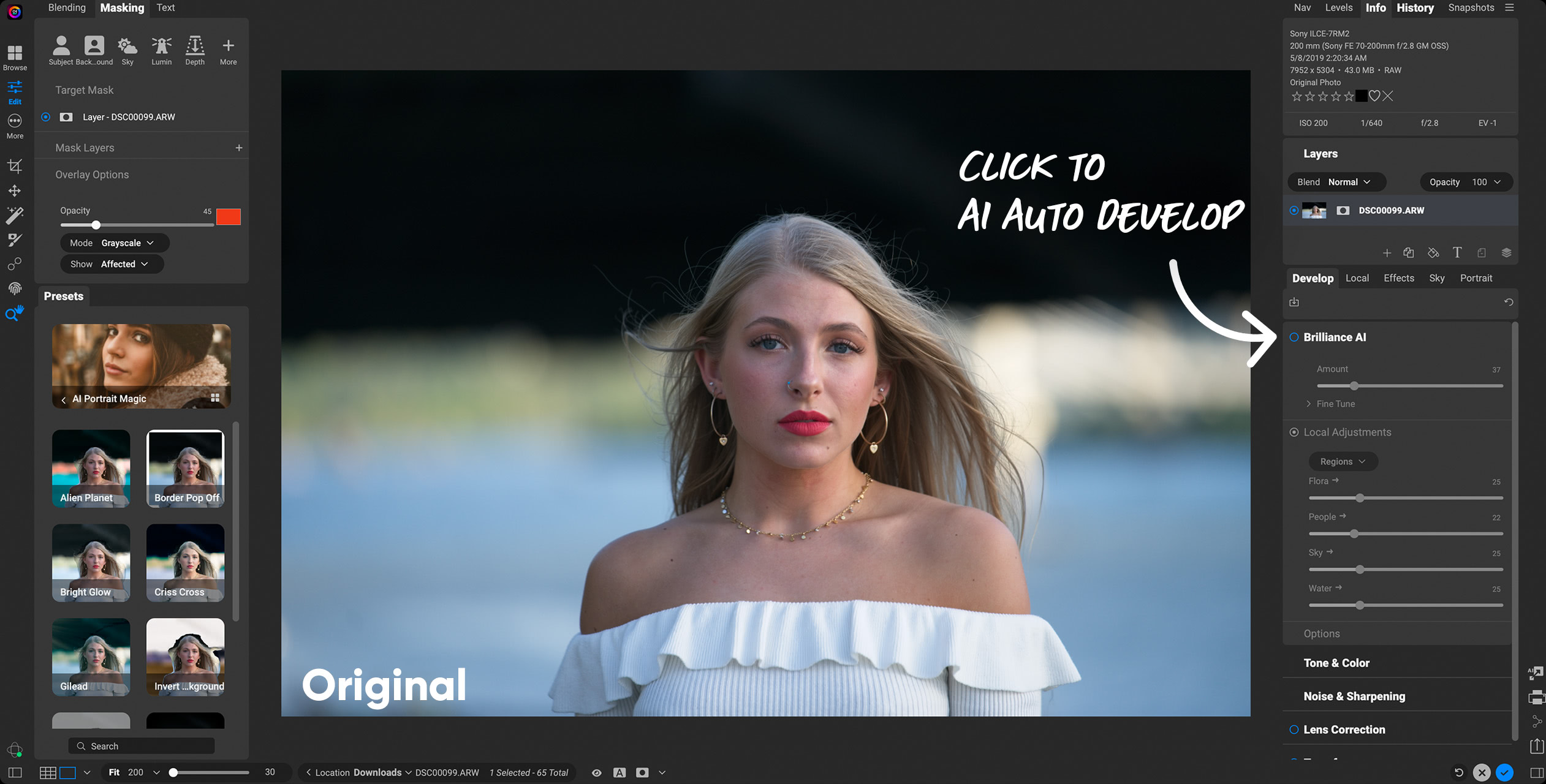
Explore these quick & easy edits
AI photo editing that works smarter, not harder.
ON1 Photo RAW is packed with powerful AI features designed to save you time and deliver stunning results. From Resize AI 2026 for super resolution, to Brilliance AI for intelligent color and tone adjustments, to Super Select AI and Mask Layers for precise selections, every tool is built to make editing faster, easier, and more creative.
AI editing tools that do the heavy lifting.
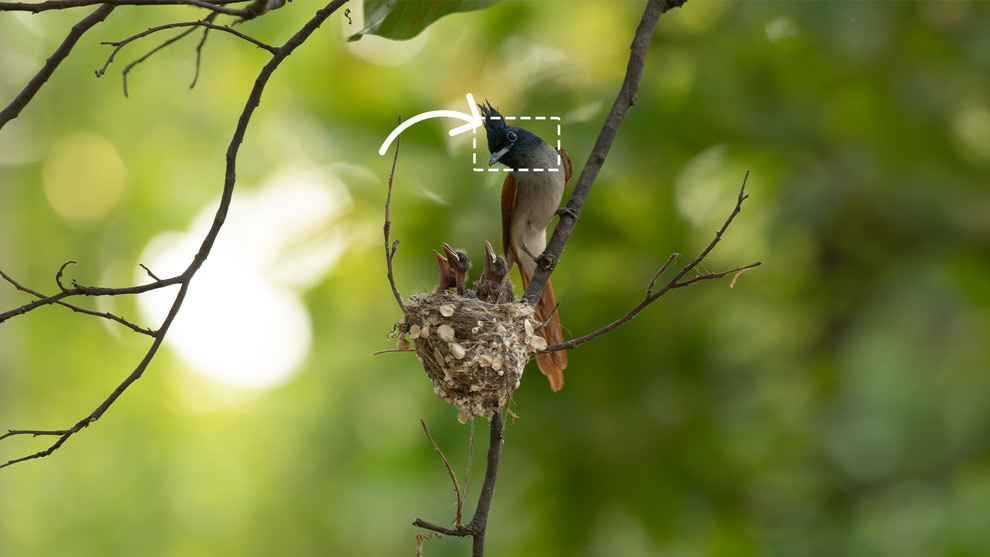
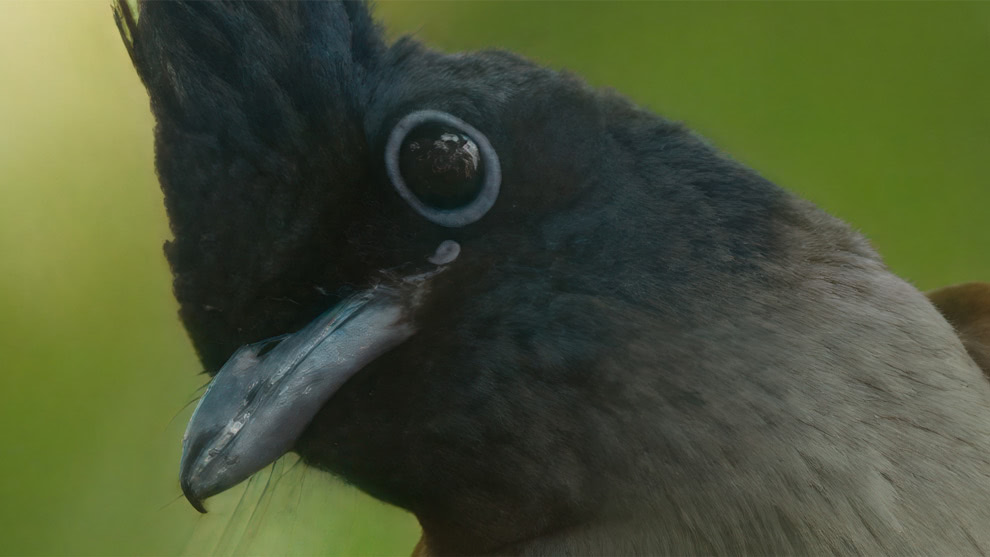
Sharpen, denoise, and enlarge your photos with AI that handles the technical work automatically.
Resize AI
Fully integrated into Photo RAW; new diffusion-based models deliver the sharpest enlargements and detail recovery yet.
NoNoise AI
Removes noise while preserving sharp detail; essential for high ISO or low-light shots.
Tack Sharp AI
Restores crisp detail to slightly soft or blurred images, often paired with NoNoise AI.
Brilliance AI
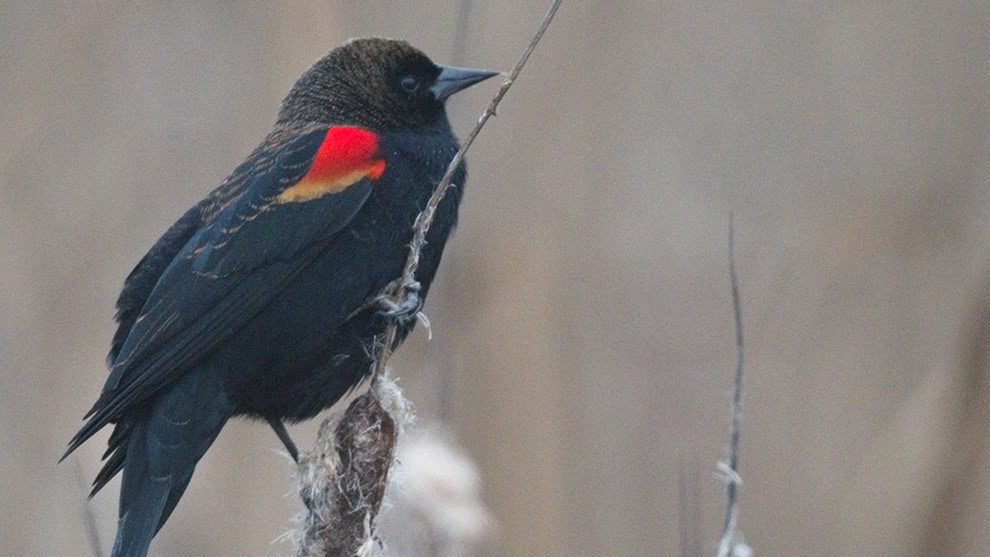
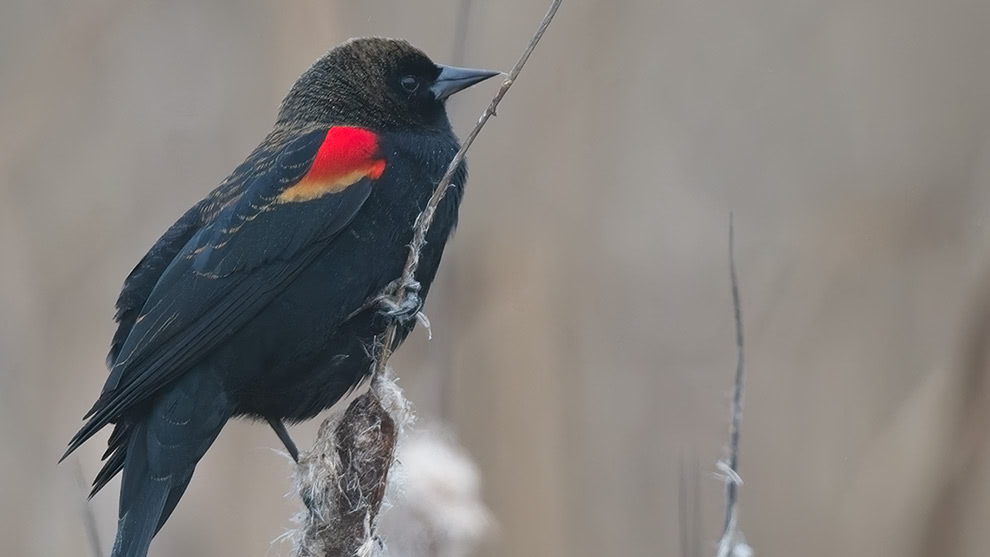
Automatically balances exposure, color, and tone while intelligently enhancing faces, skies, and key details.
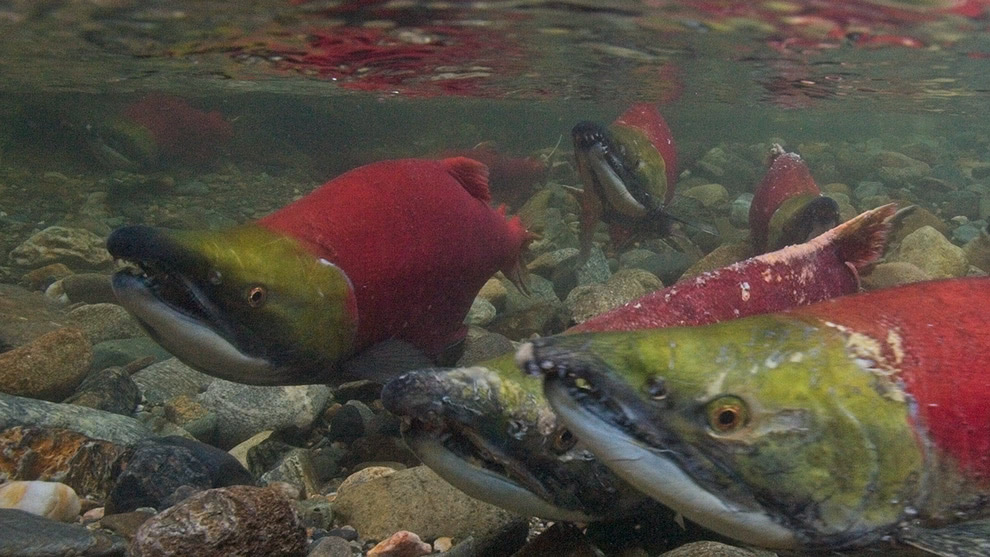
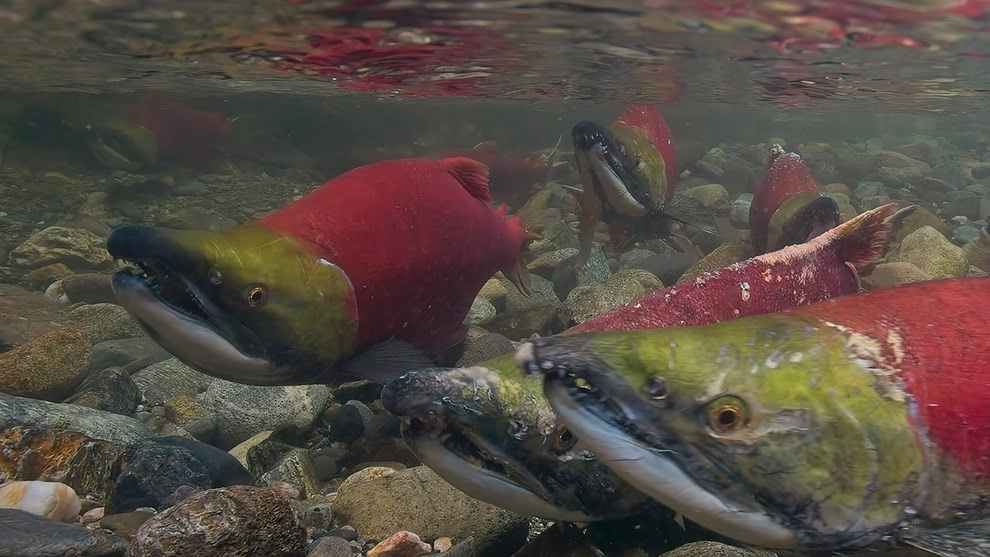
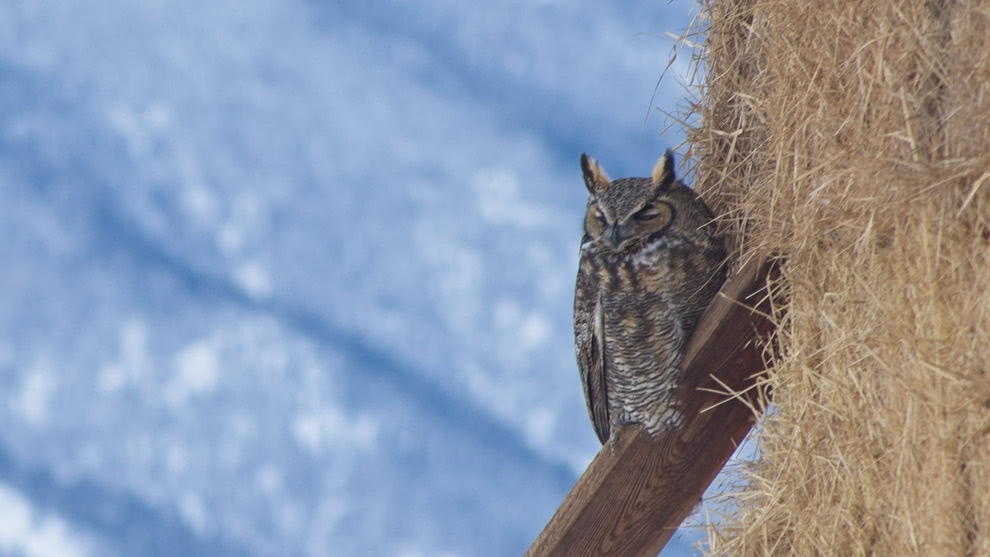
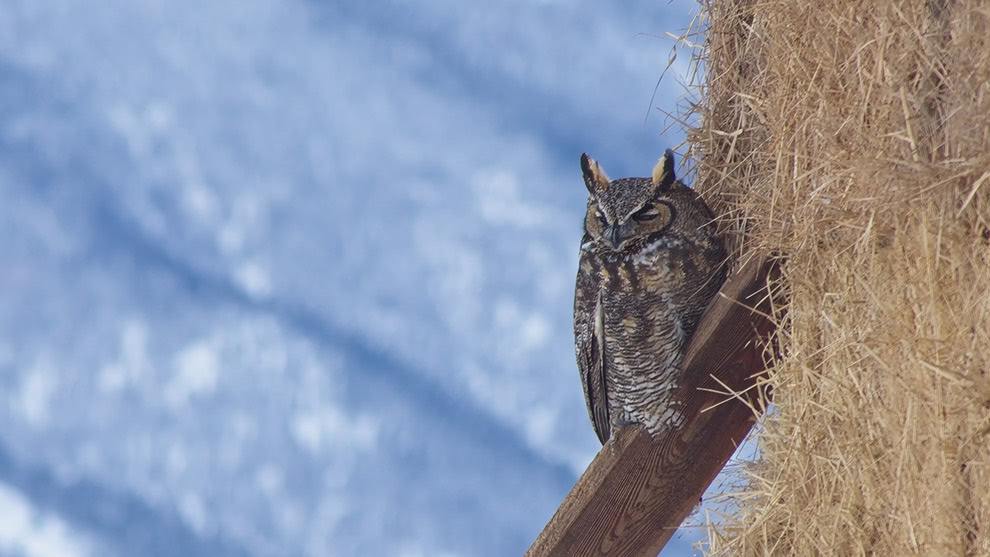
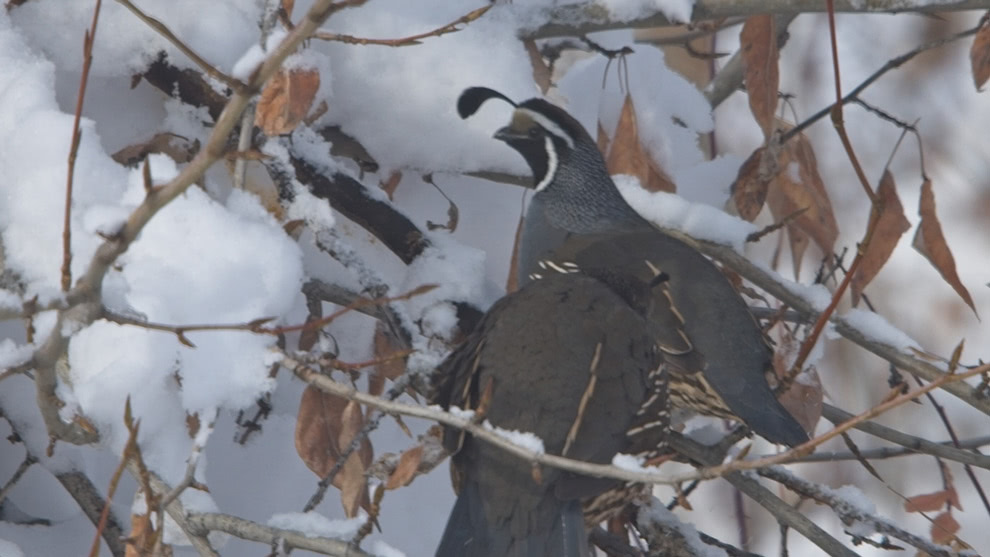
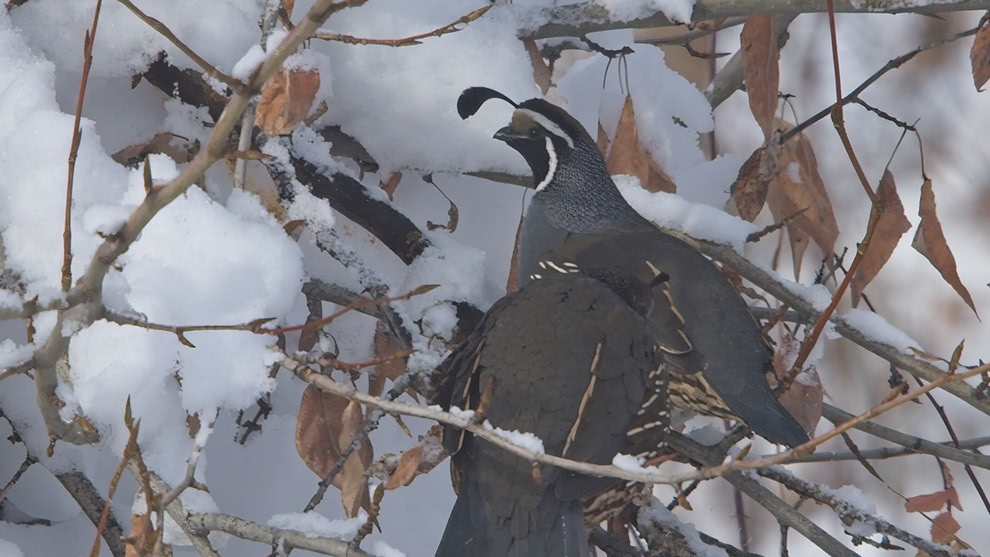
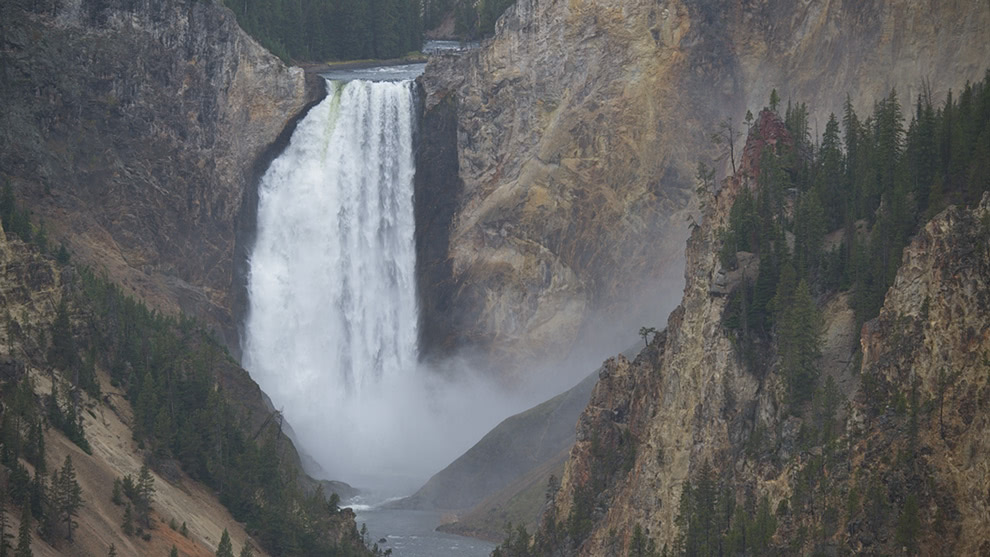
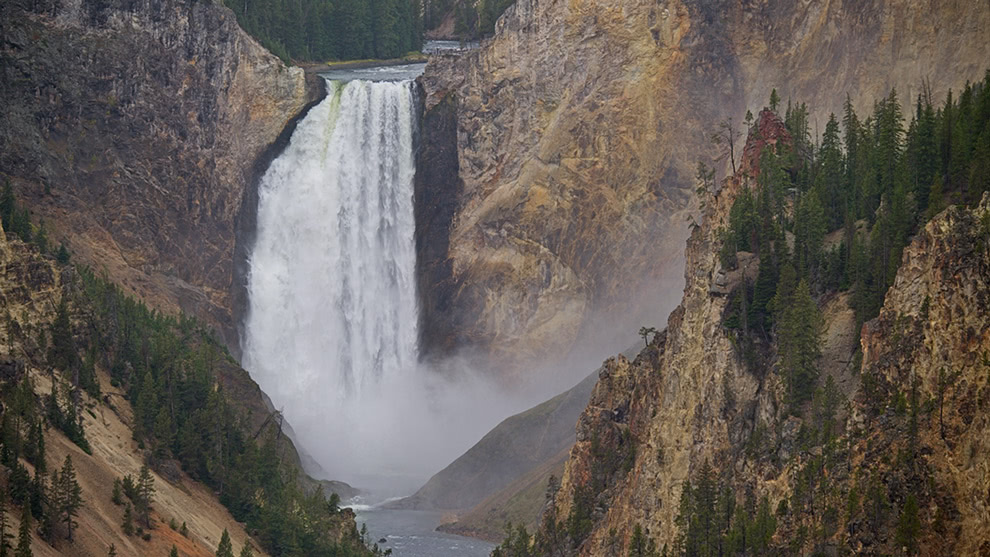
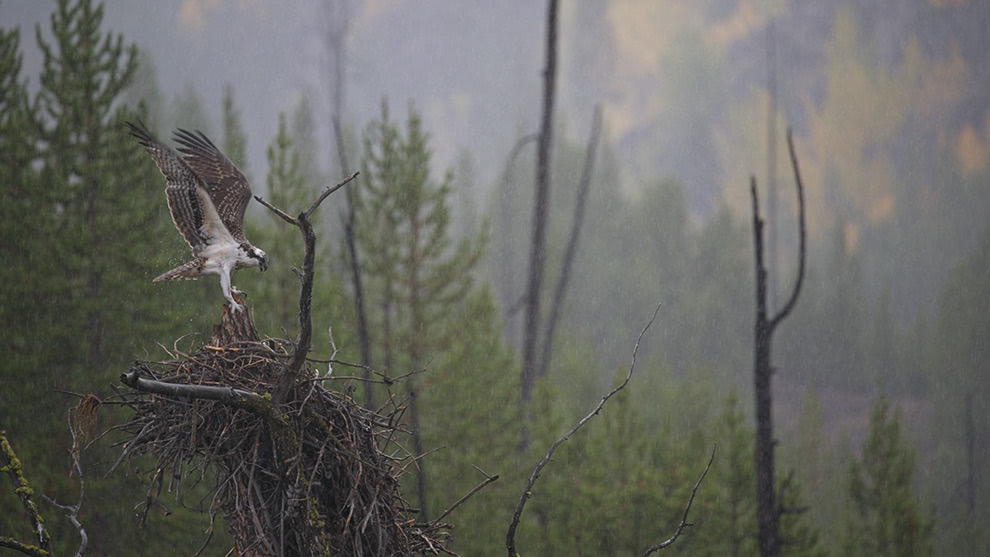
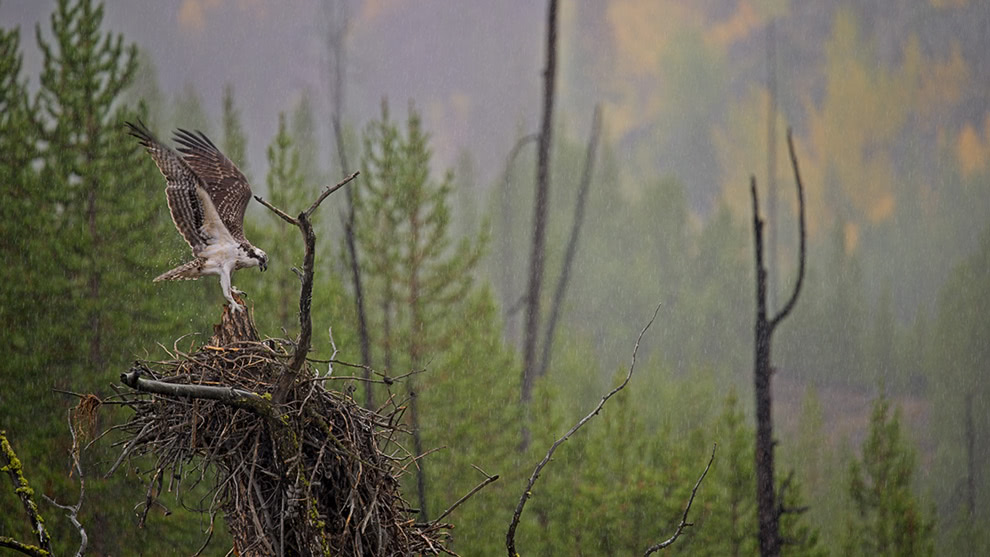
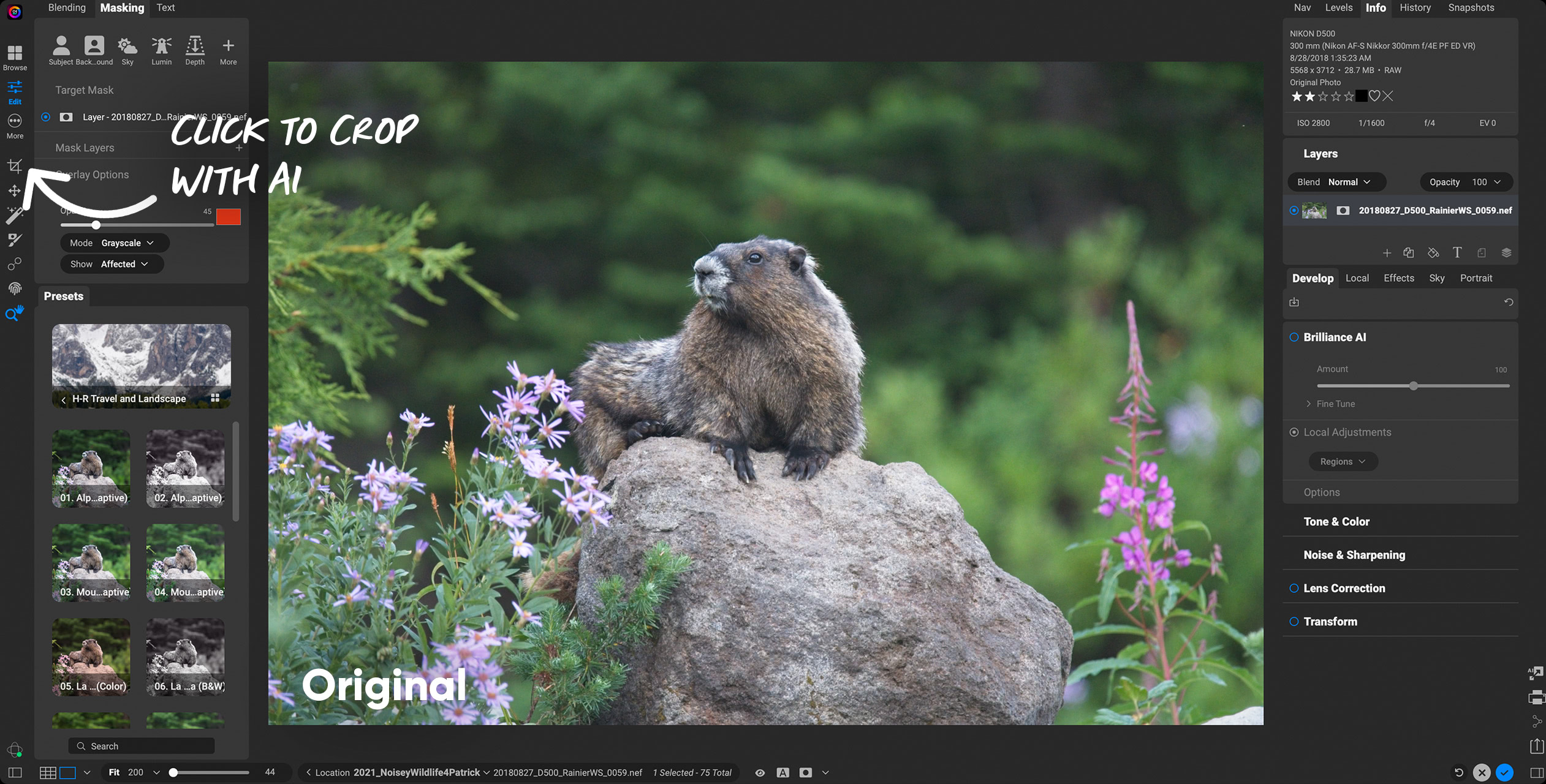
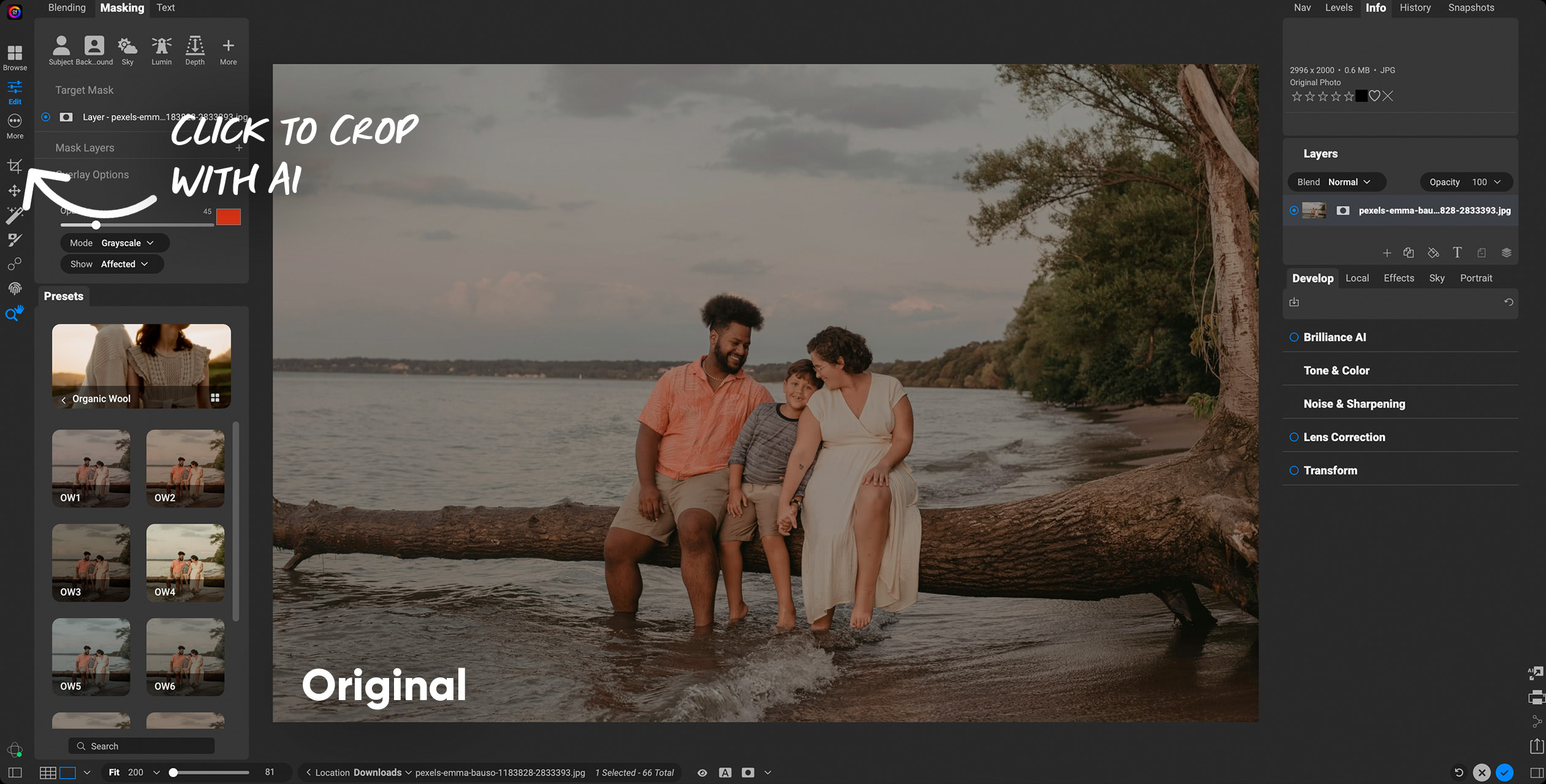
AI masking that targets exactly what you need.
Make precise selections in a single click so you can apply adjustments exactly where you want them.
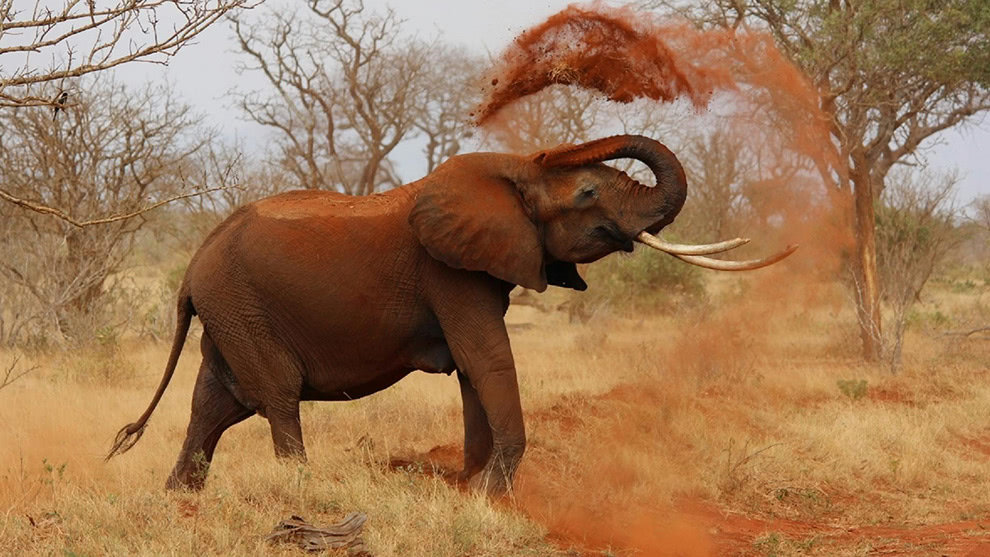
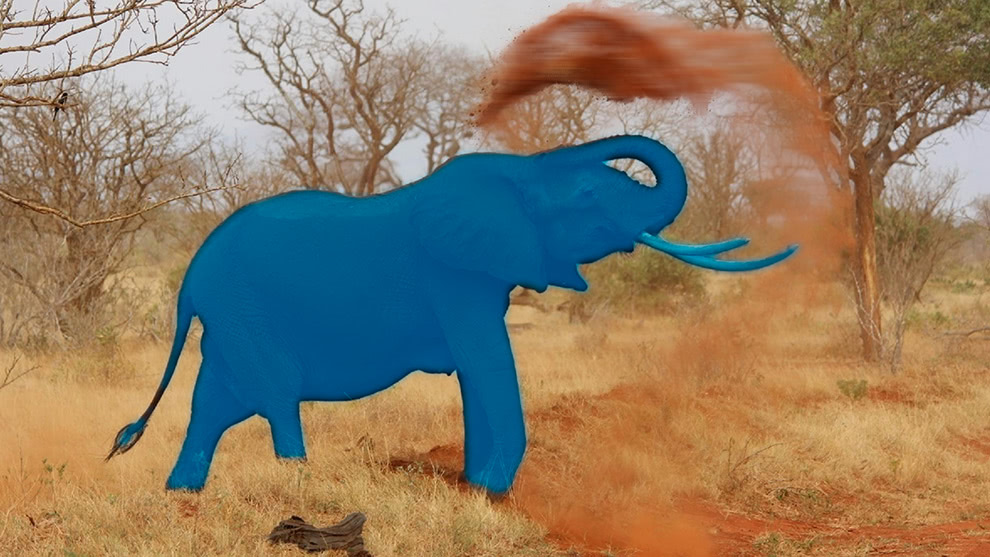
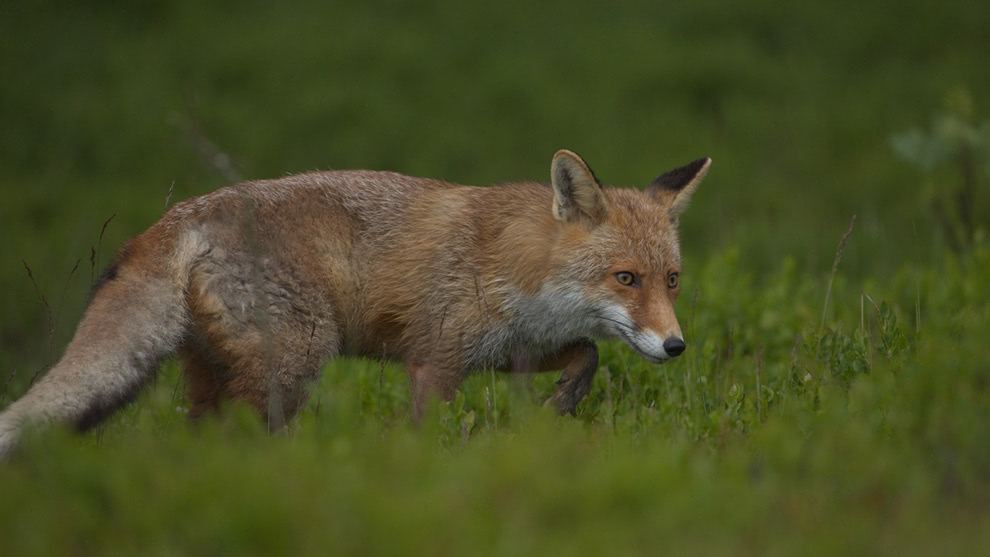
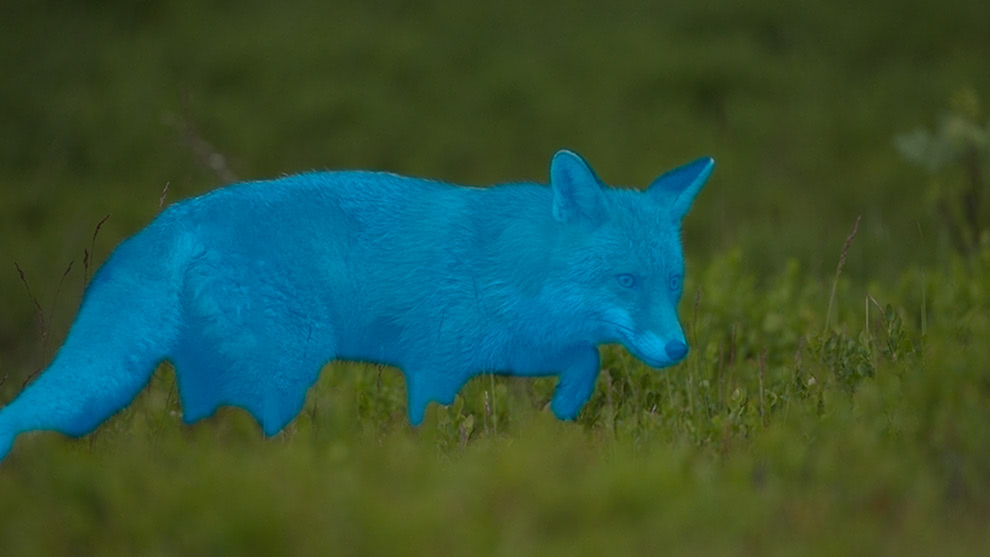
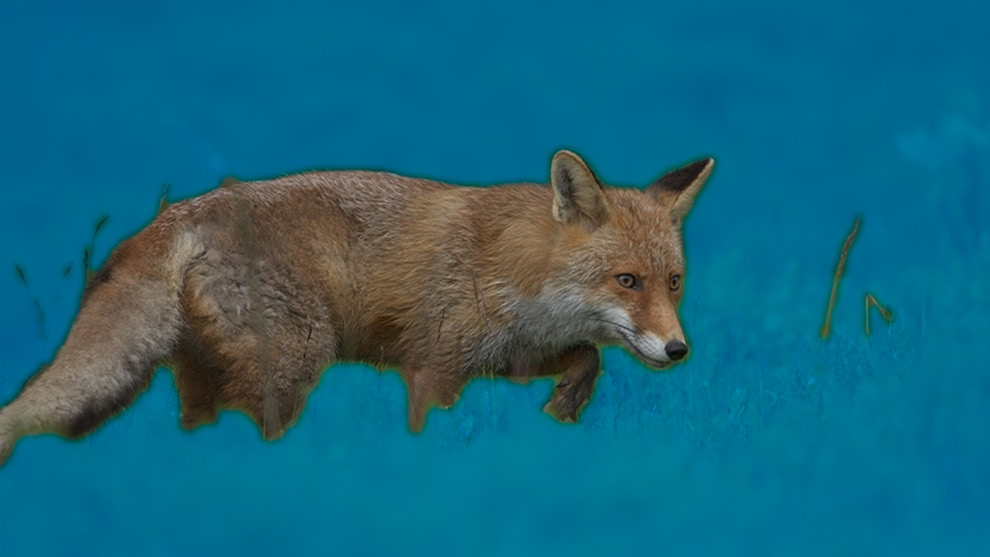
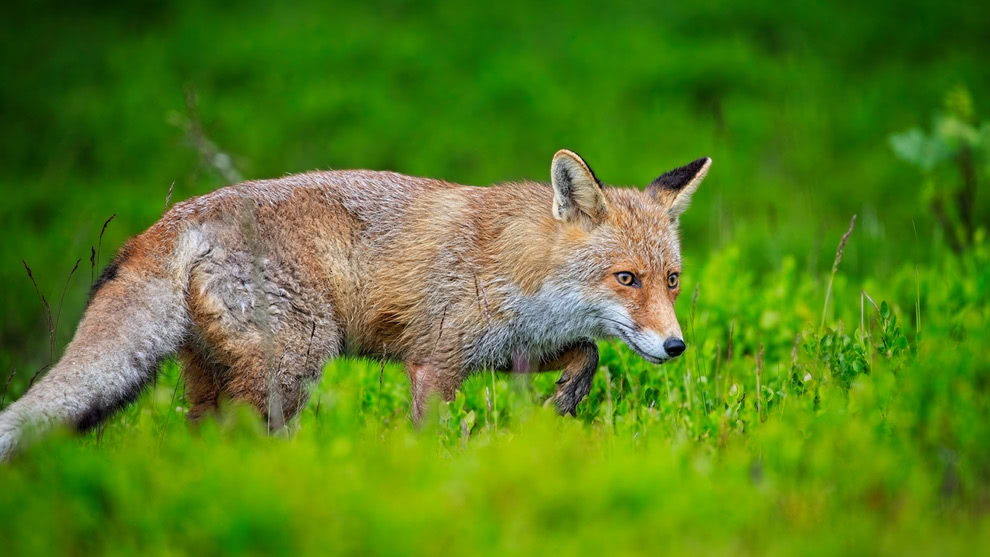

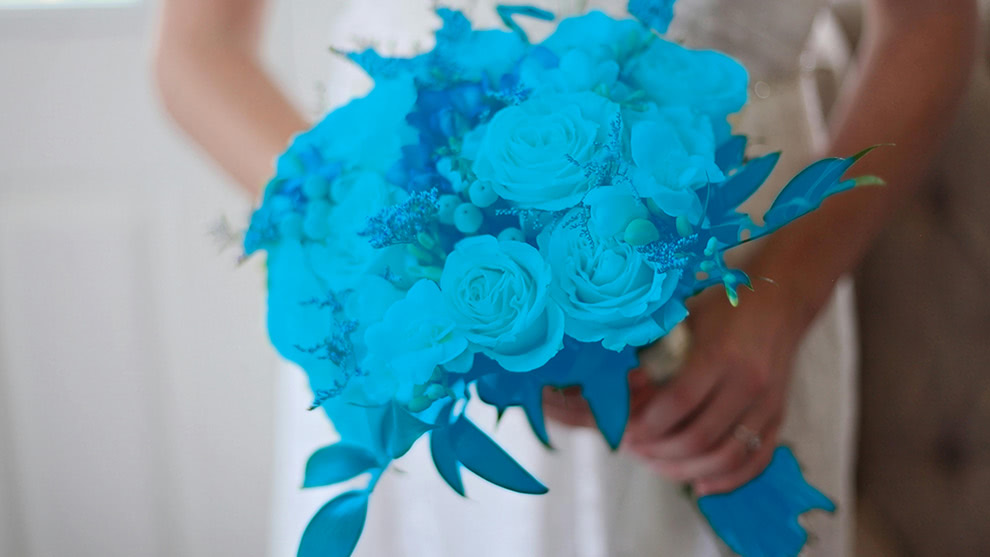

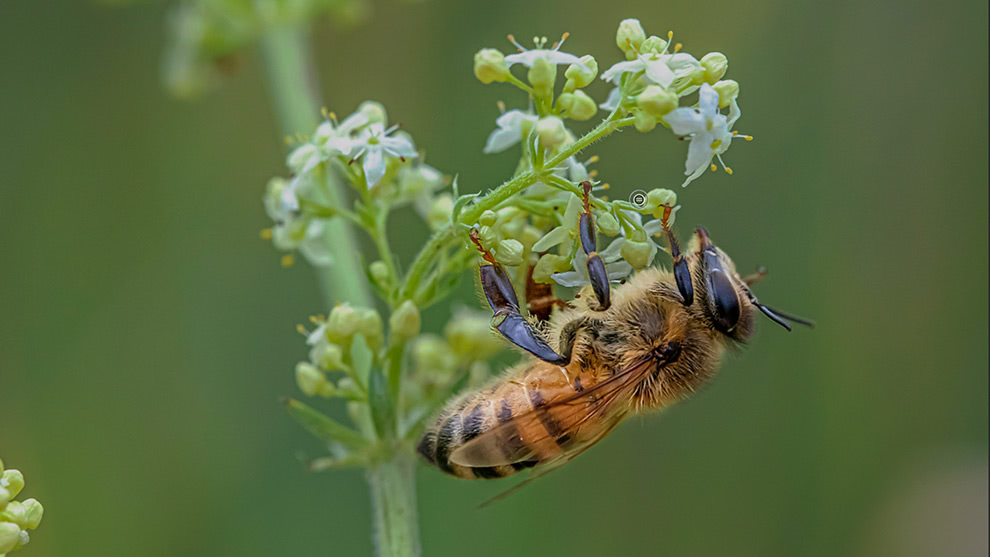
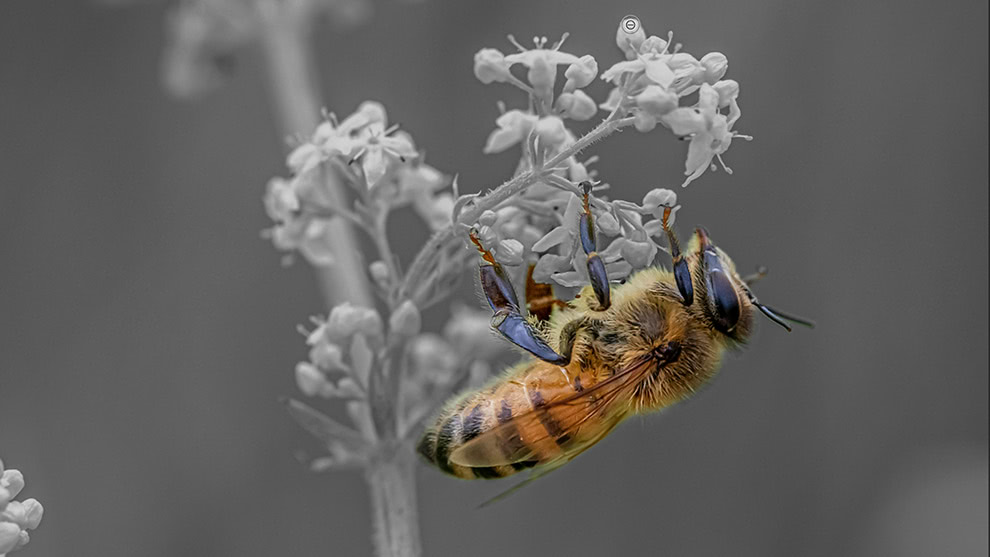
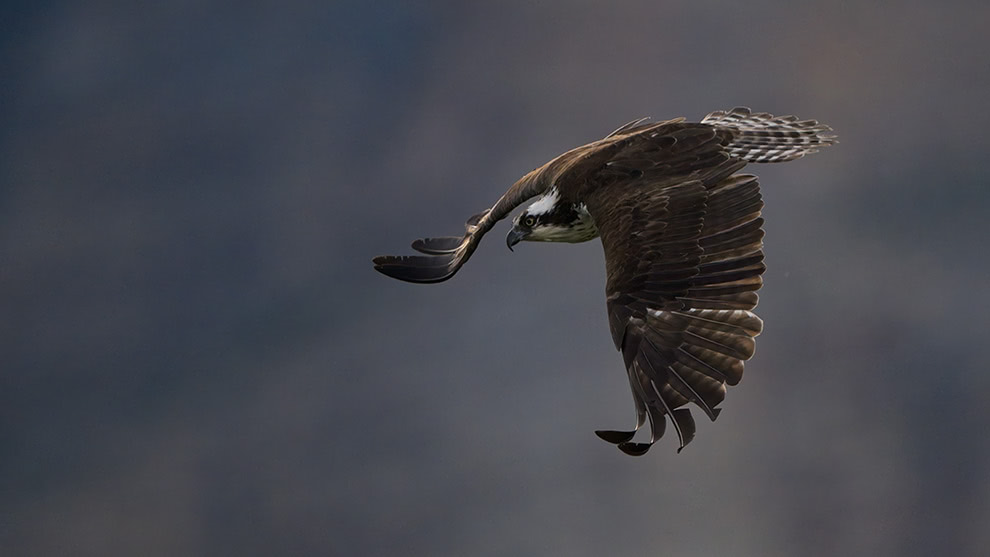
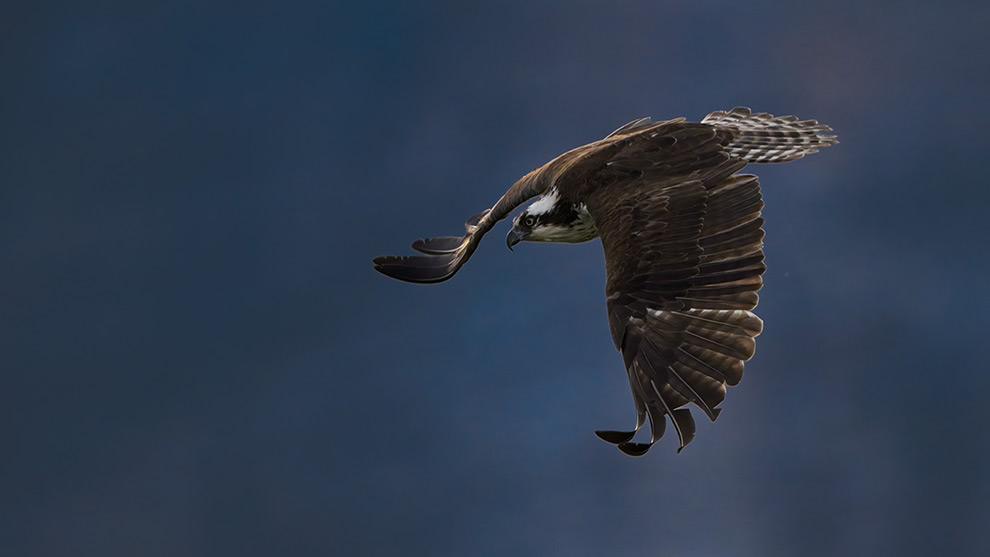
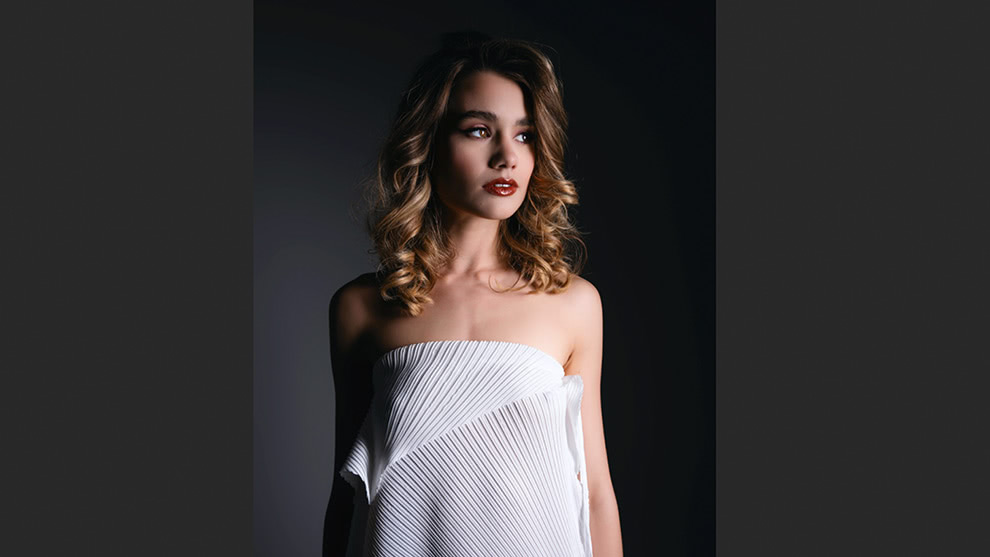
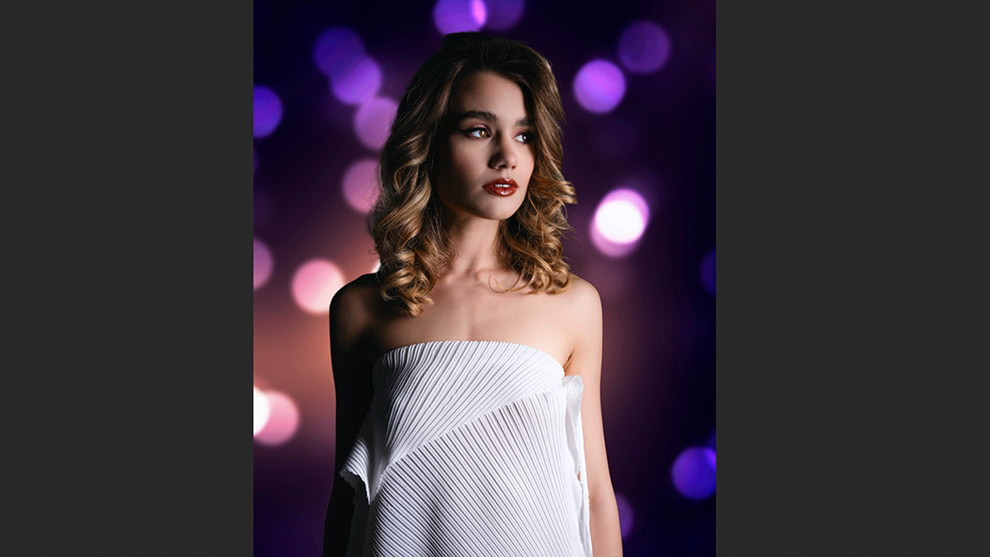
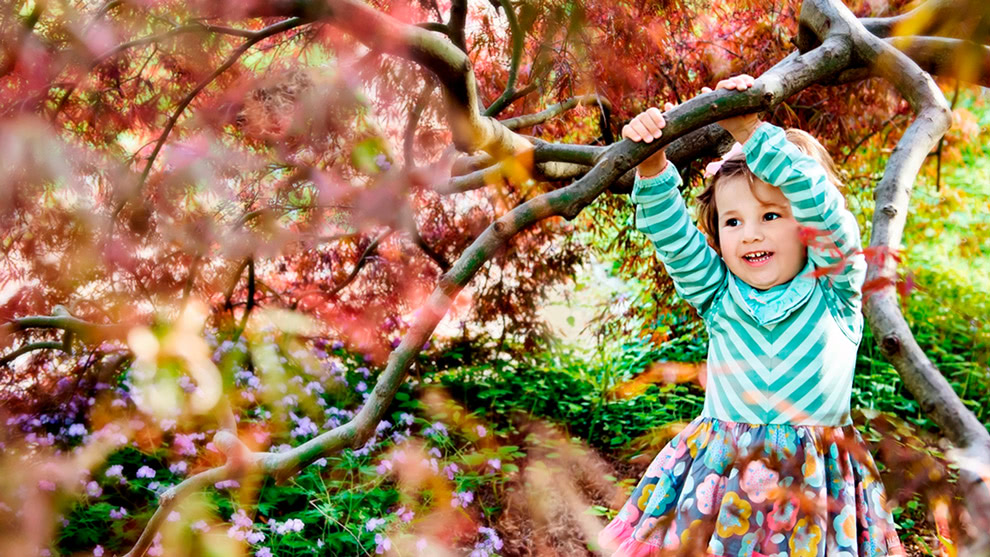
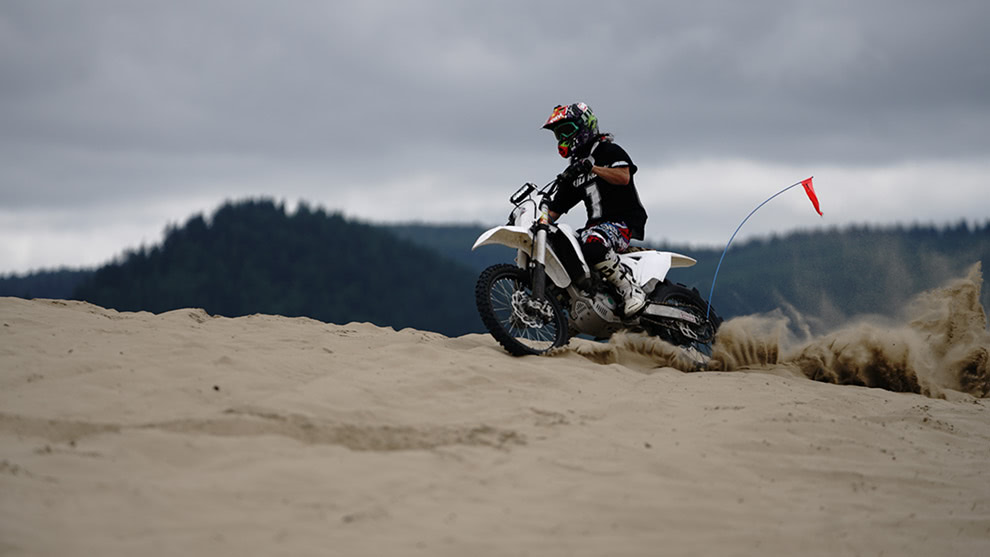
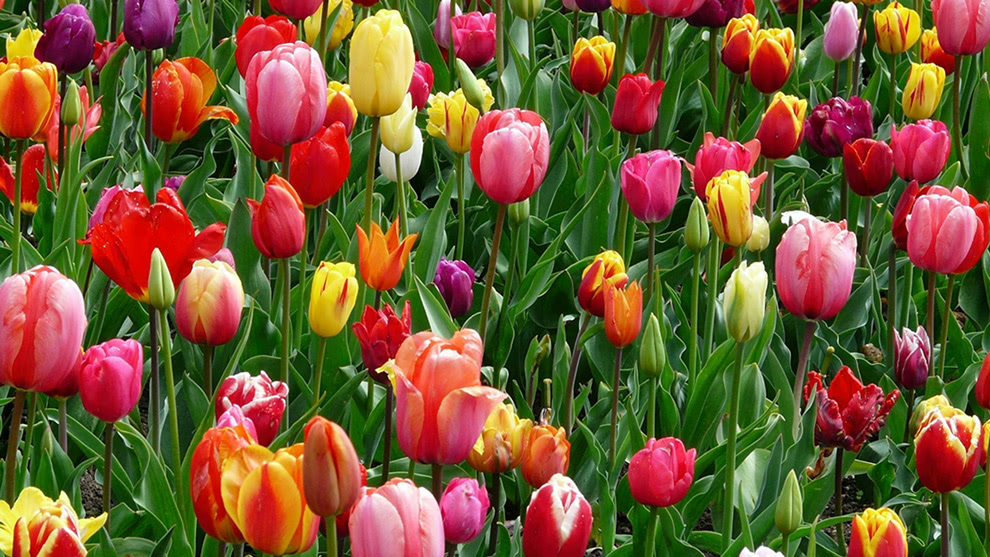
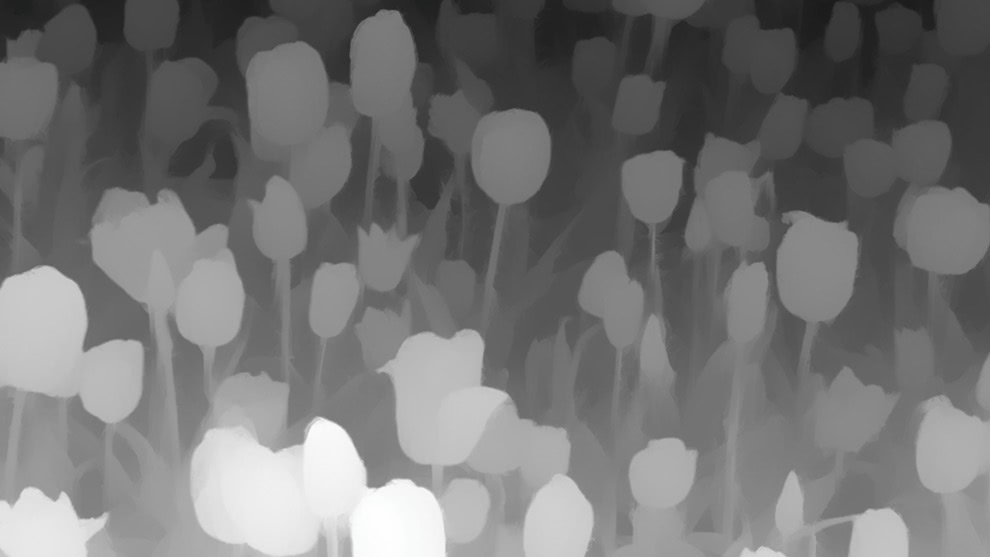 Super Select AI
Point-and-click anywhere in your photo to apply adjustments with more accurate selections than ever.
Subject & Background Masks
Create precise subject or background masks in one click.
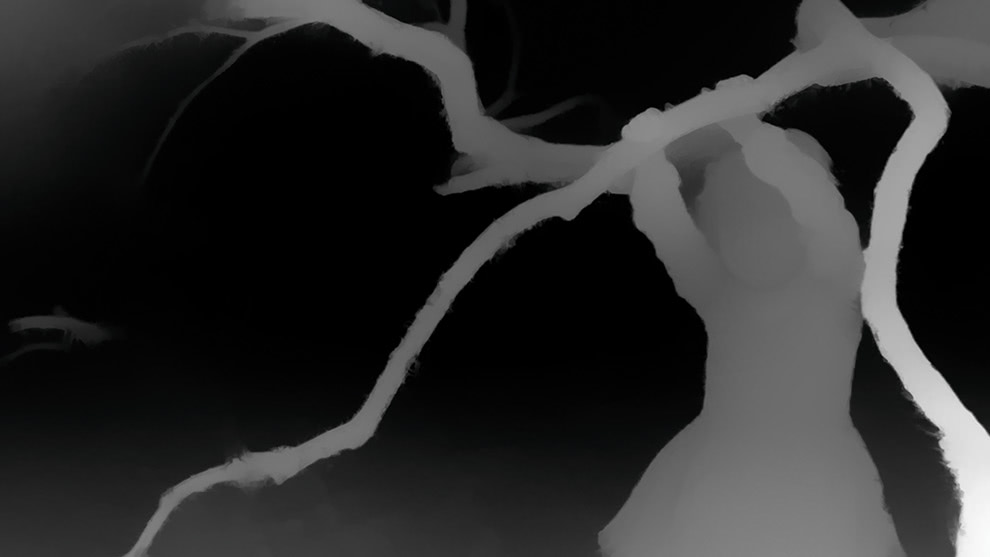
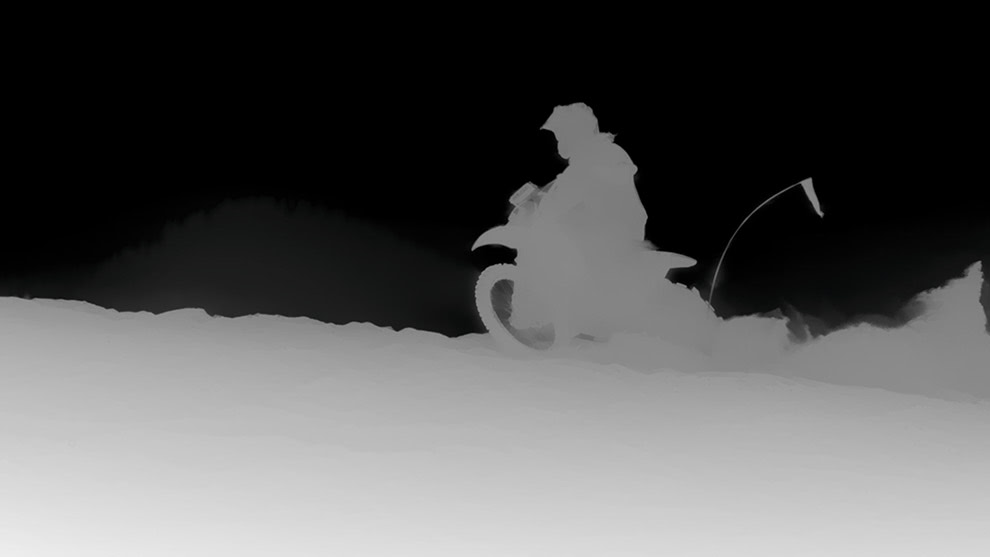
AI Depth Masks
Apply effects to different depth areas (foreground, midground, background) automatically.
Super Select AI
Point-and-click anywhere in your photo to apply adjustments with more accurate selections than ever.
Subject & Background Masks
Create precise subject or background masks in one click.
AI Depth Masks
Apply effects to different depth areas (foreground, midground, background) automatically.
Creative & generative AI.
Remove objects, swap skies, expand borders, and generate new content right inside Photo RAW.
Generative Erase
Remove distractions and objects, with AI filling in naturally.
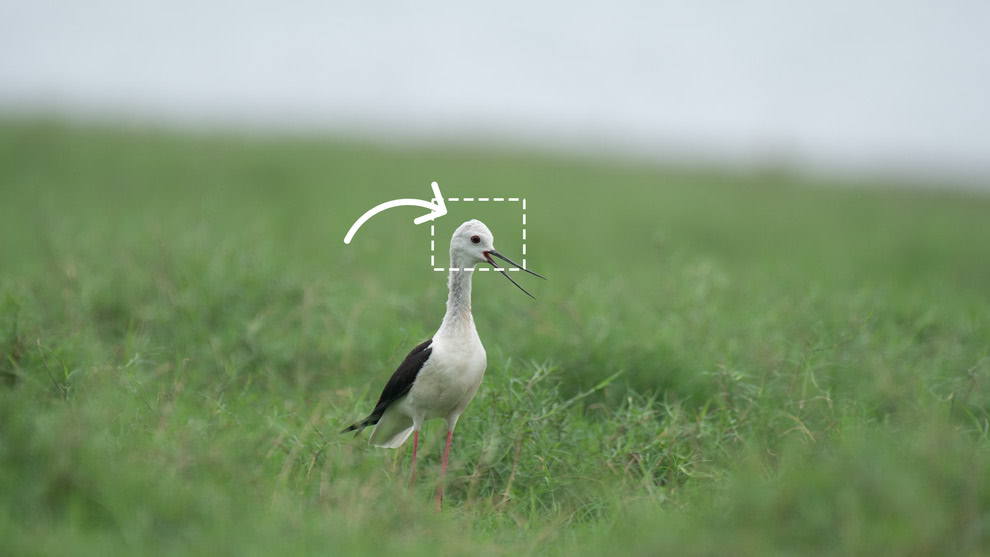
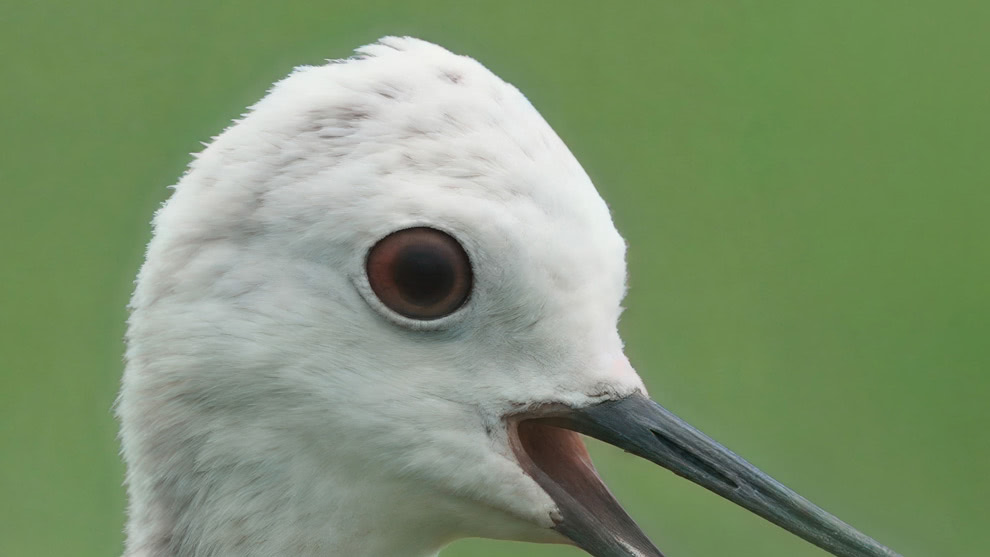
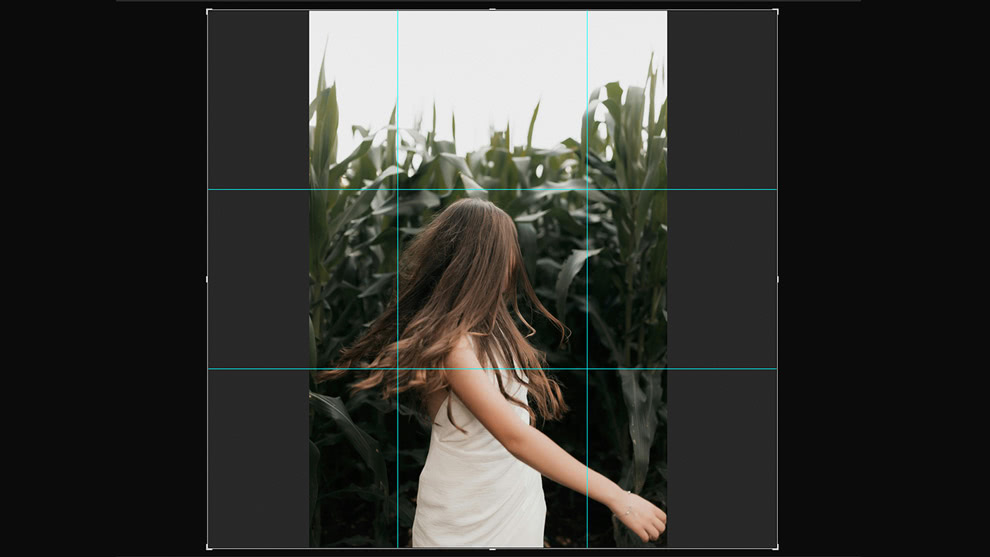
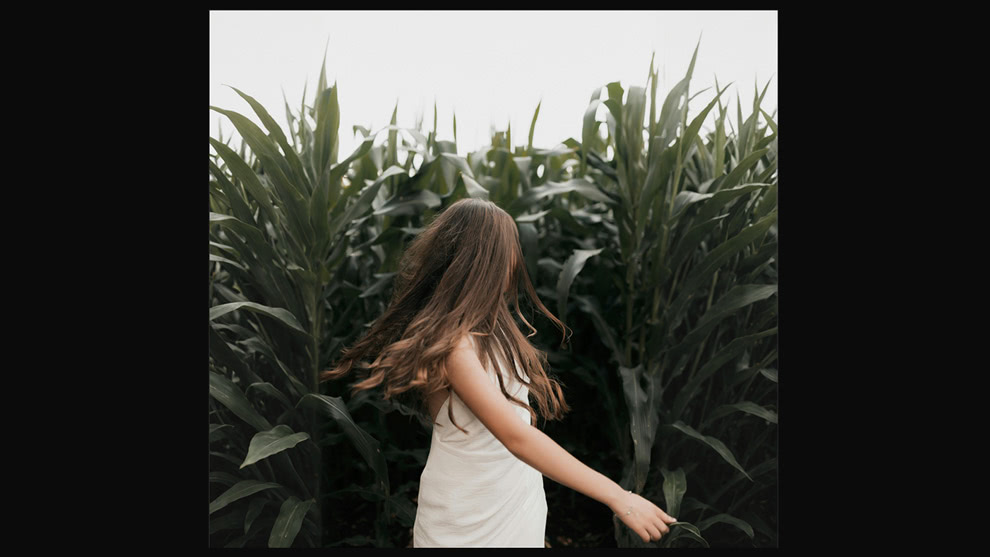
Generative Crop & Expand
Extend your canvas and fill new areas with realistic AI content.
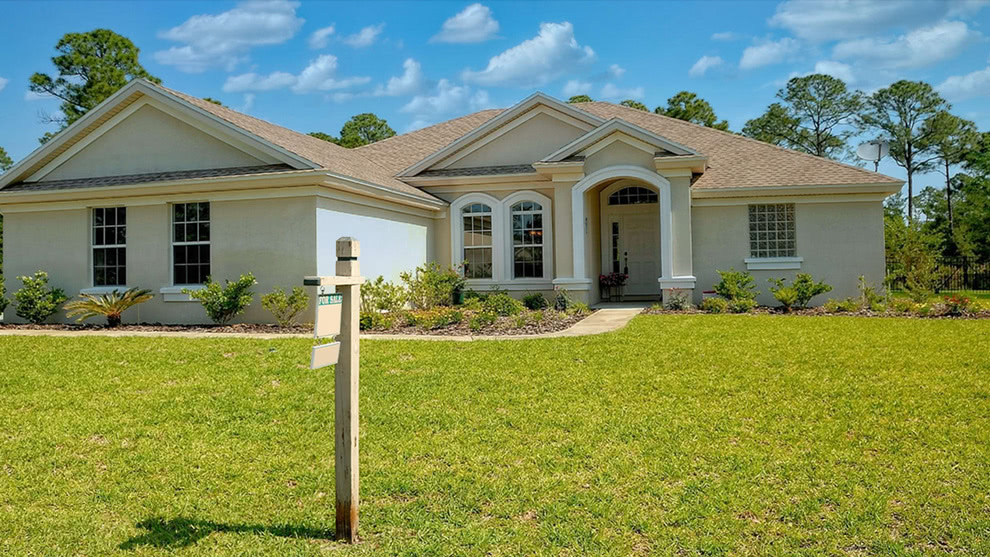
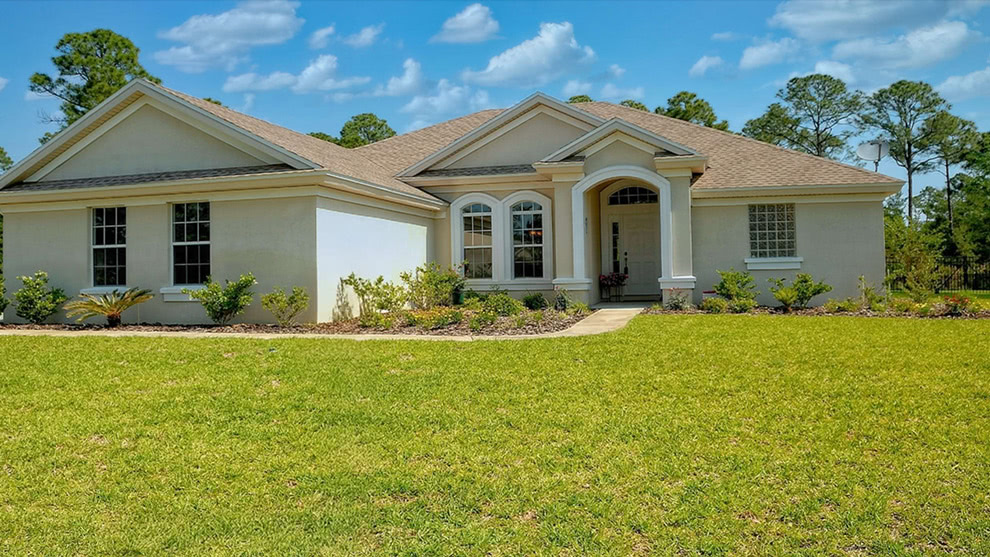
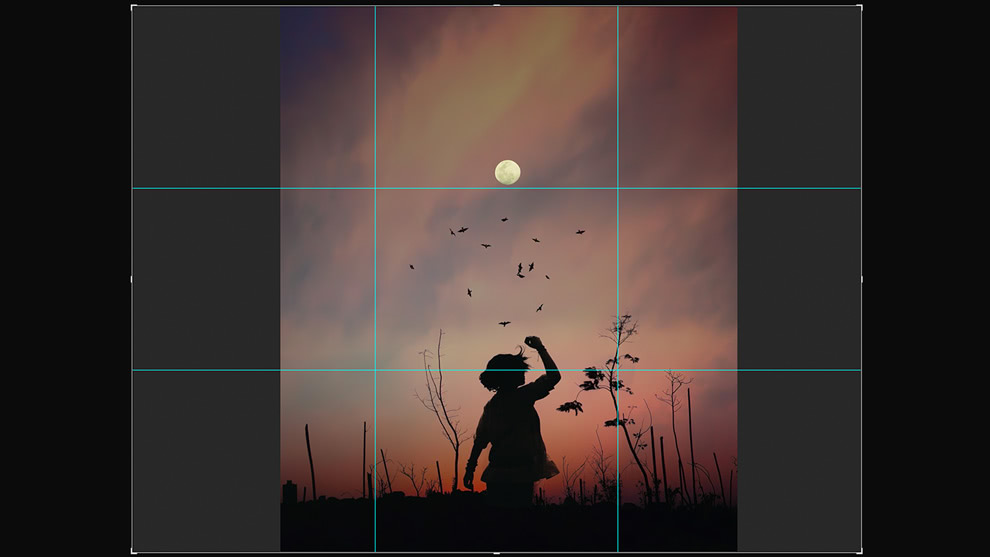
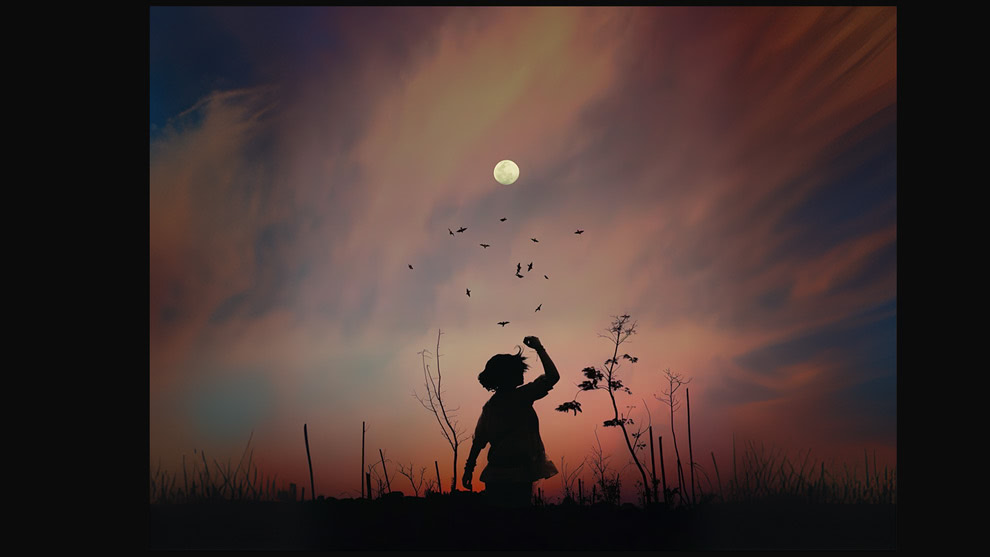
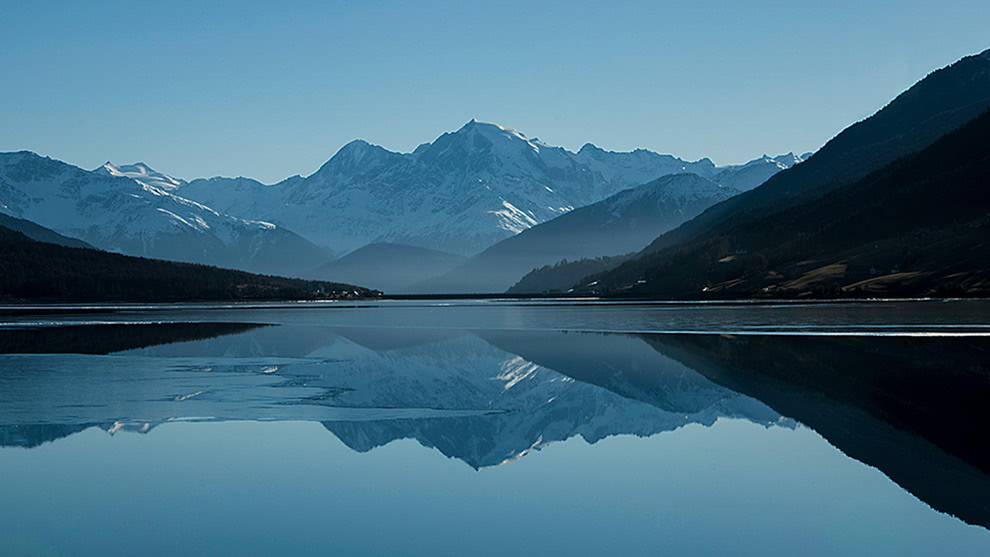
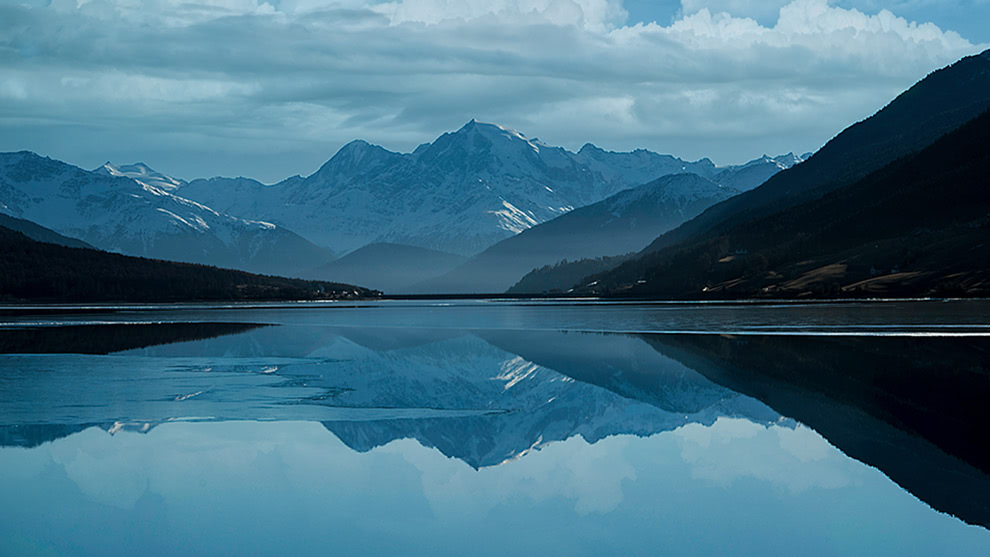
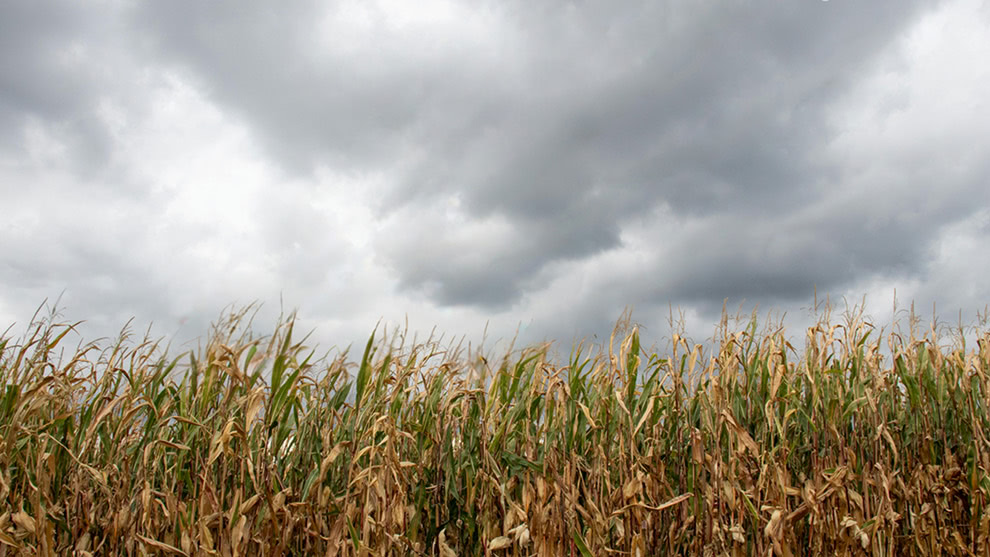
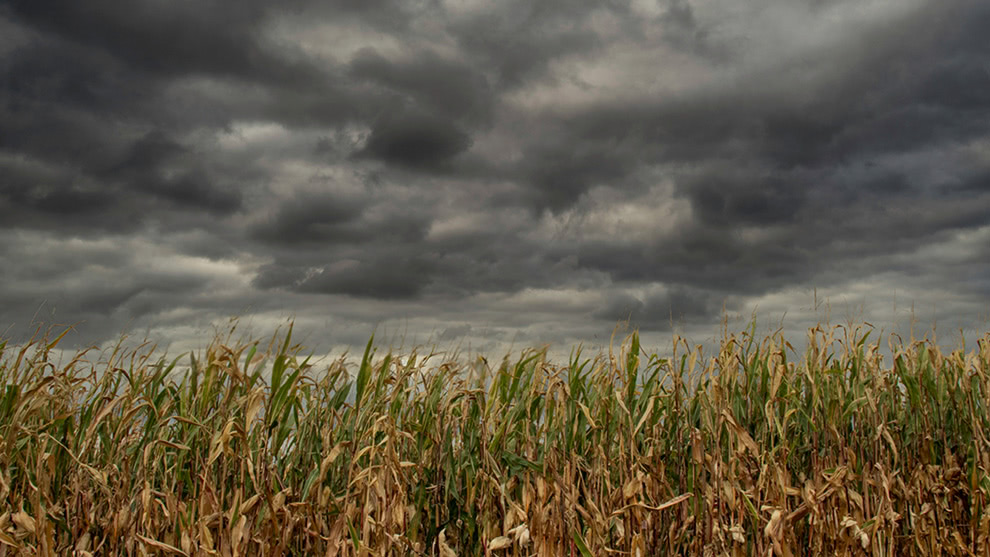
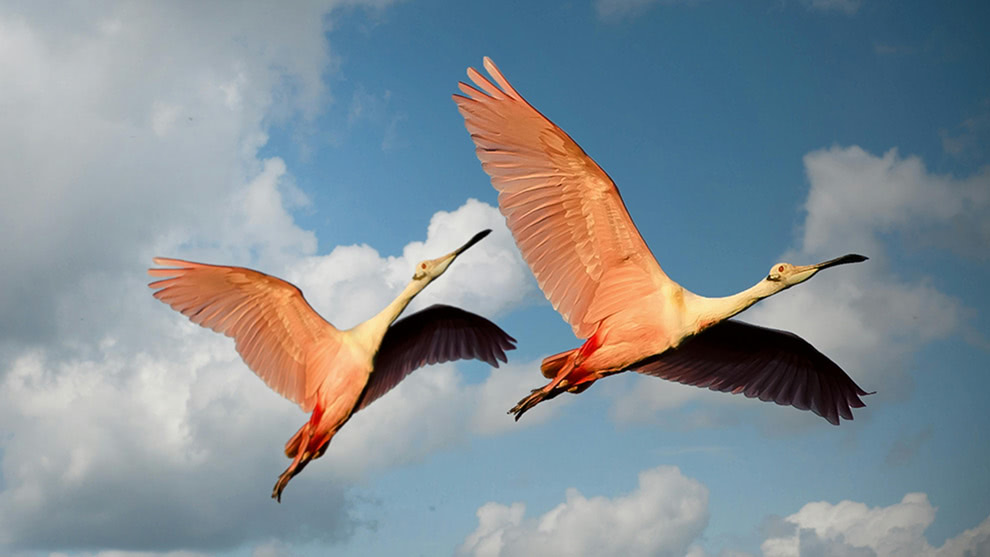
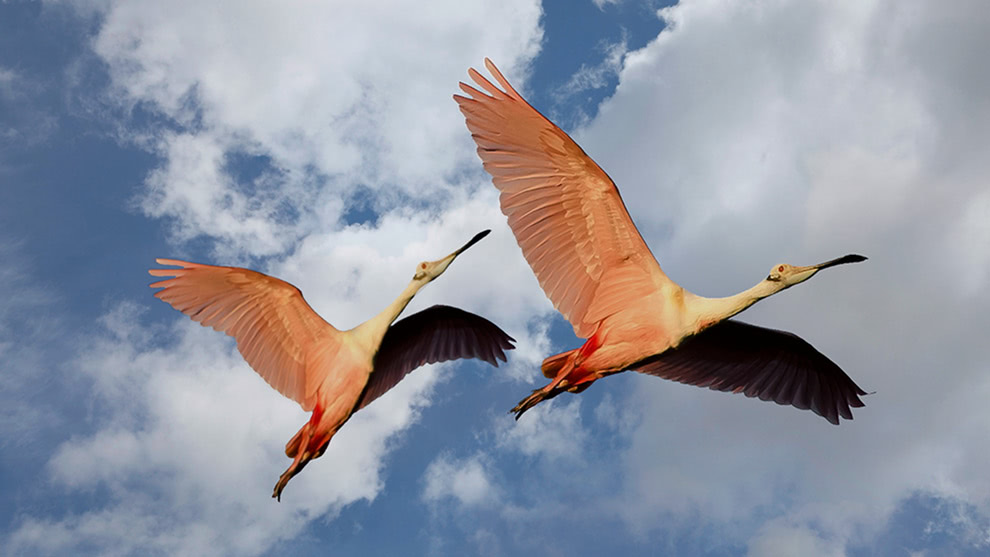
Sky Swap AI
Swap in dramatic skies while automatically adjusting the rest of the scene for realism.
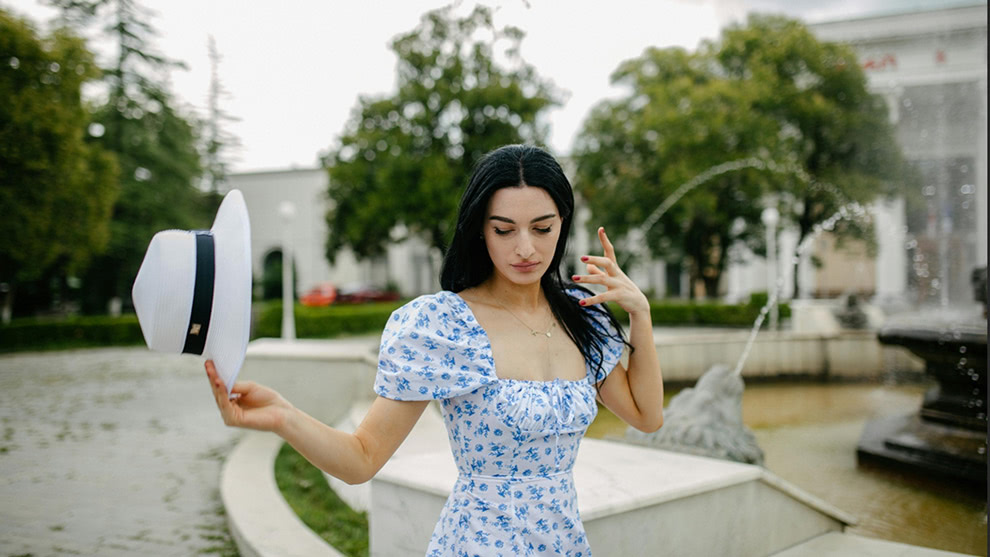
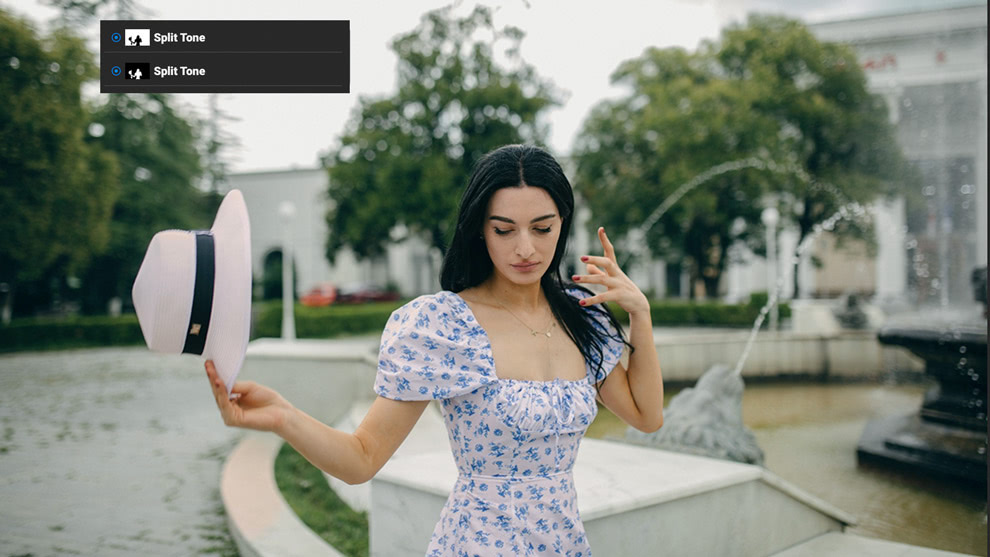
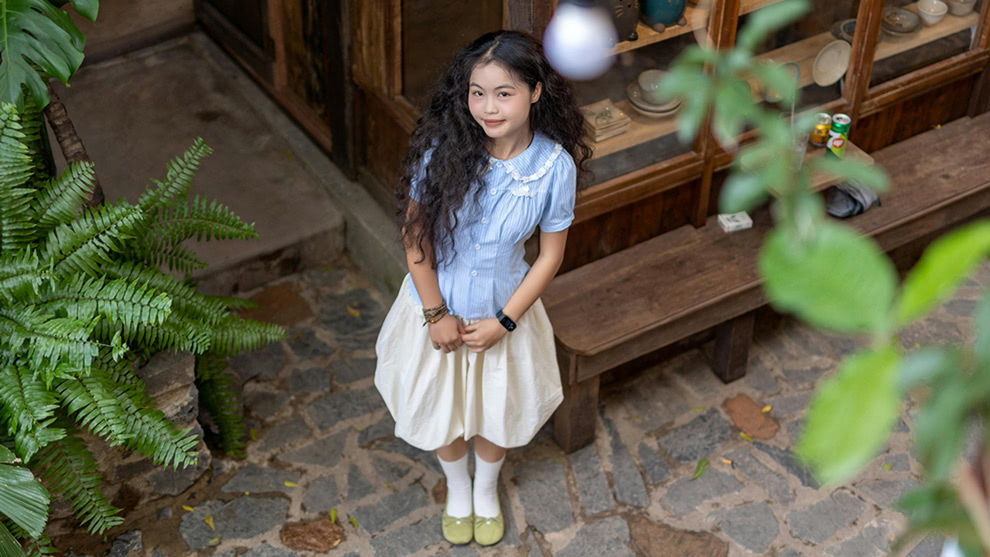
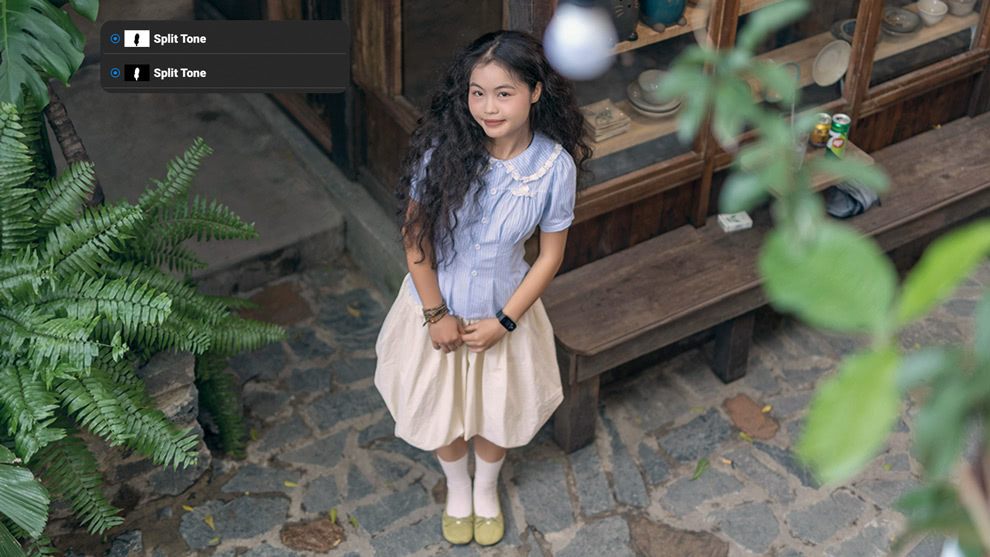
AI Adaptive Presets
Save presets with AI-generated masks, so effects like sky swaps or local adjustments automatically adapt to the right regions in new photos.


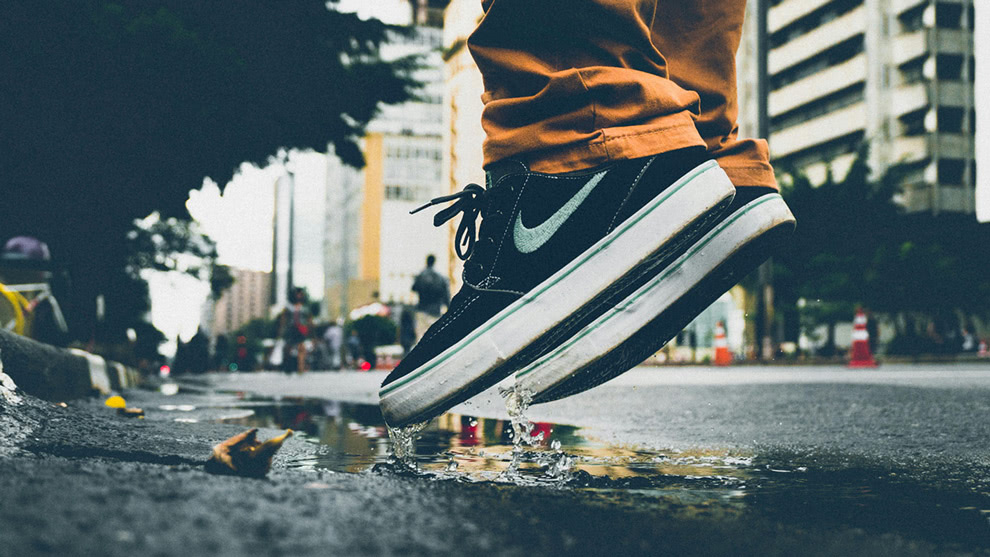
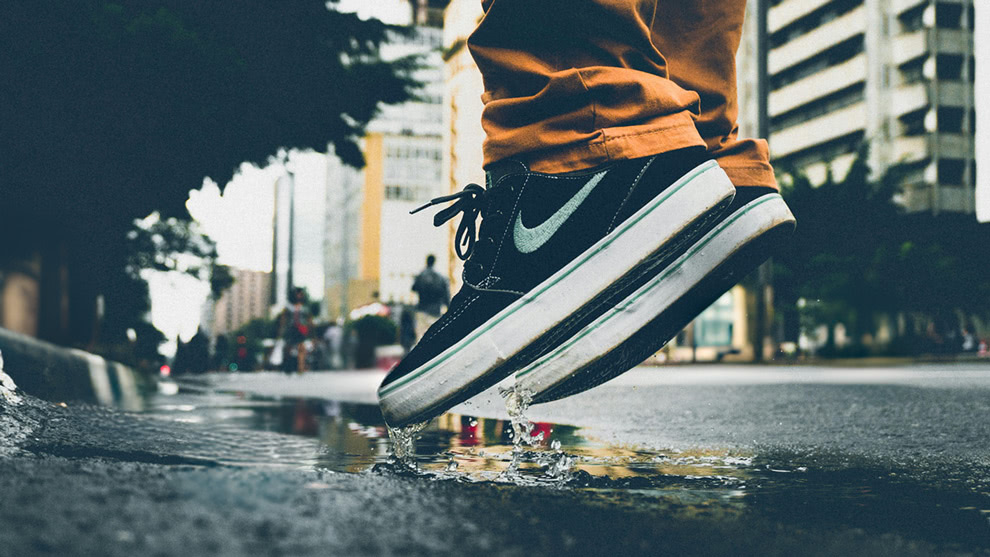
MAX Only
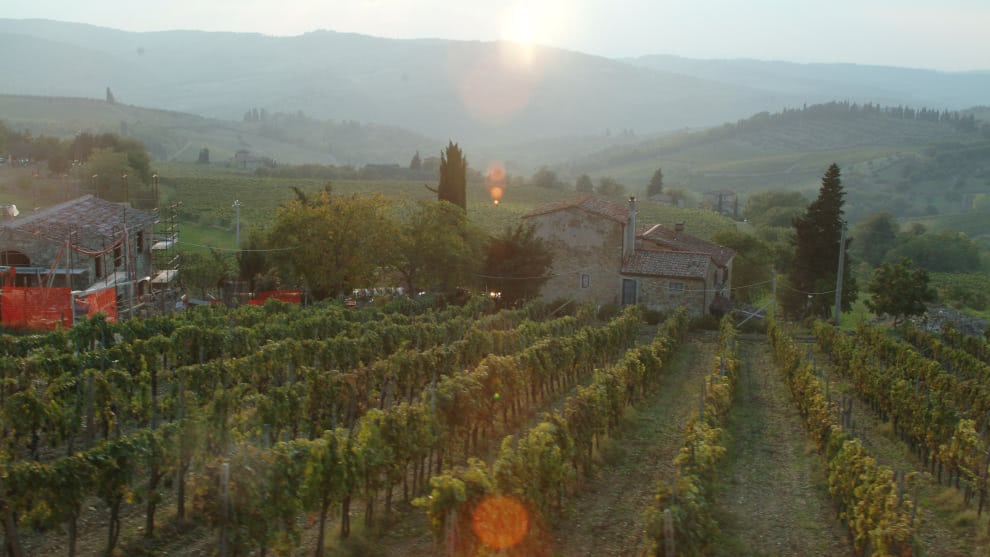
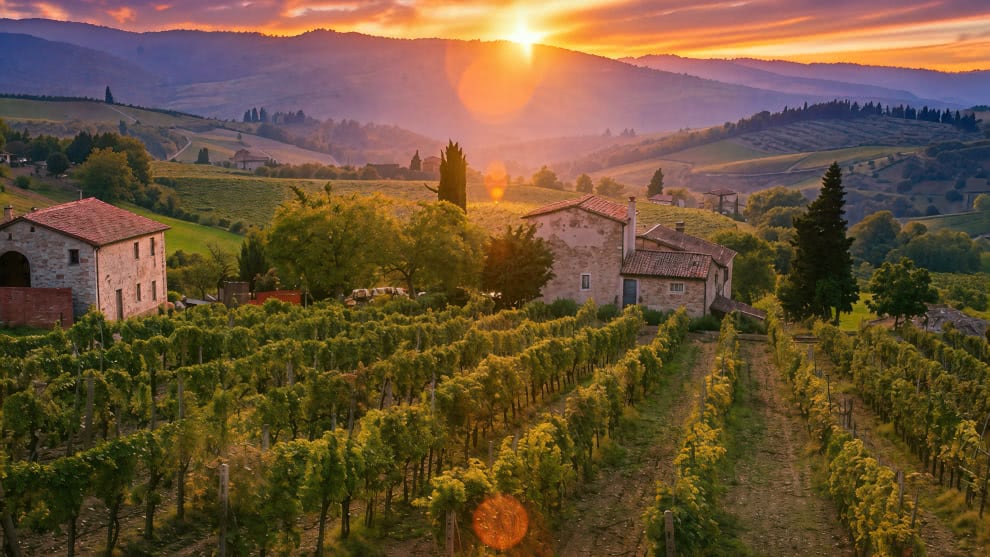
Restoration AI.
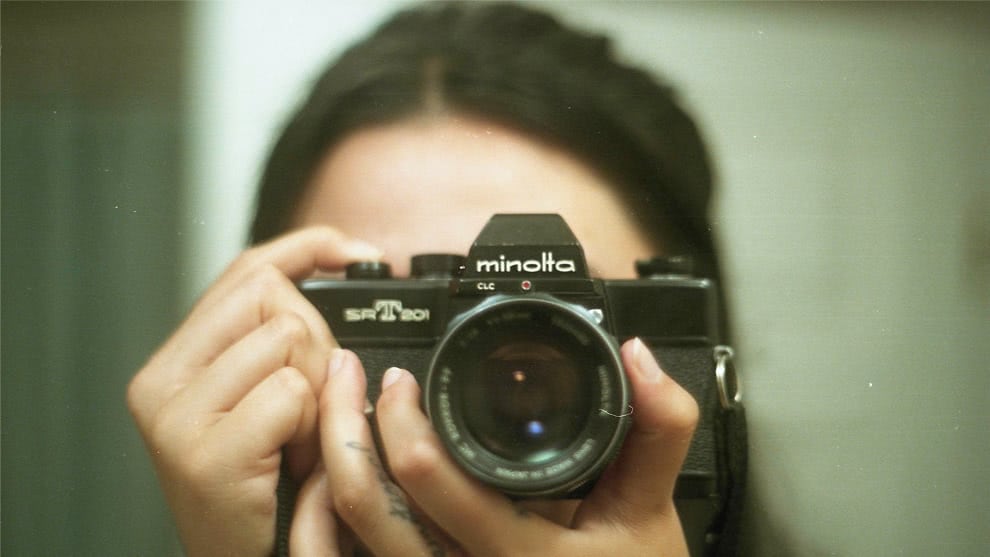
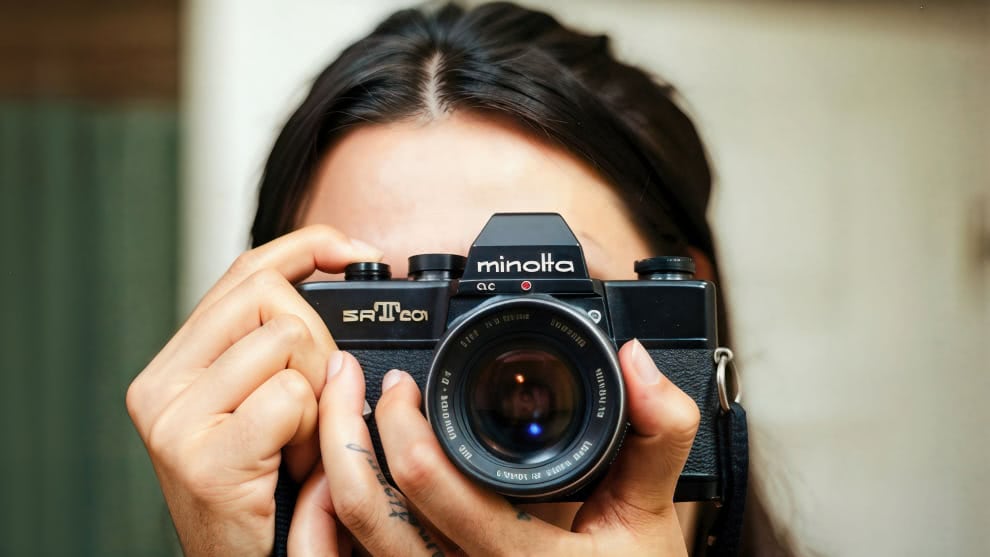
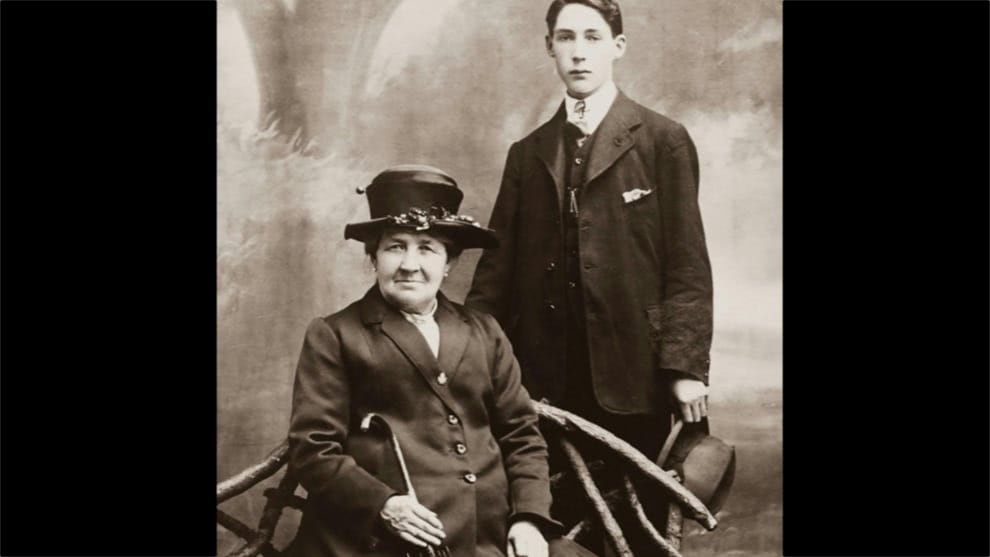
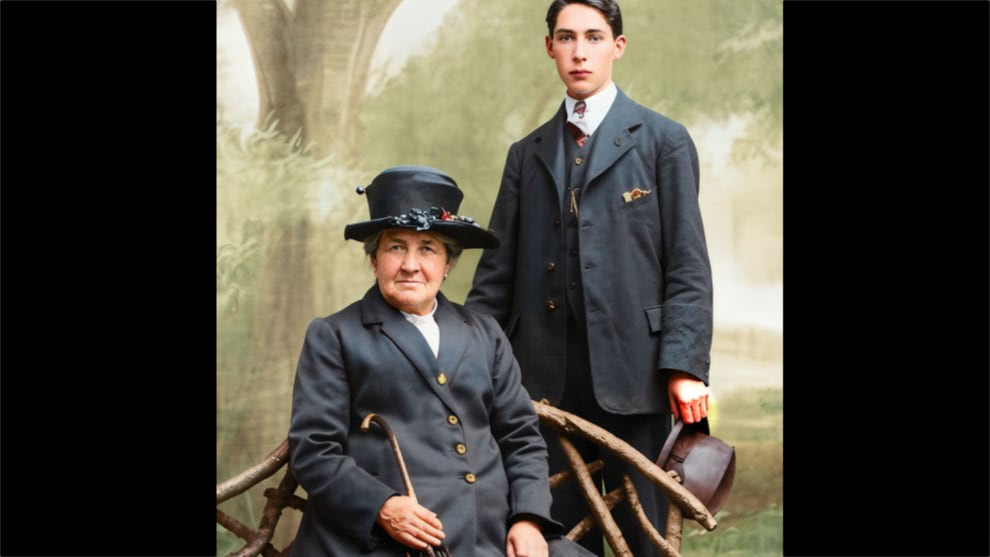
Repair scratches, fading, grain, and blur on old or damaged photos with AI that rebuilds detail and color automatically.
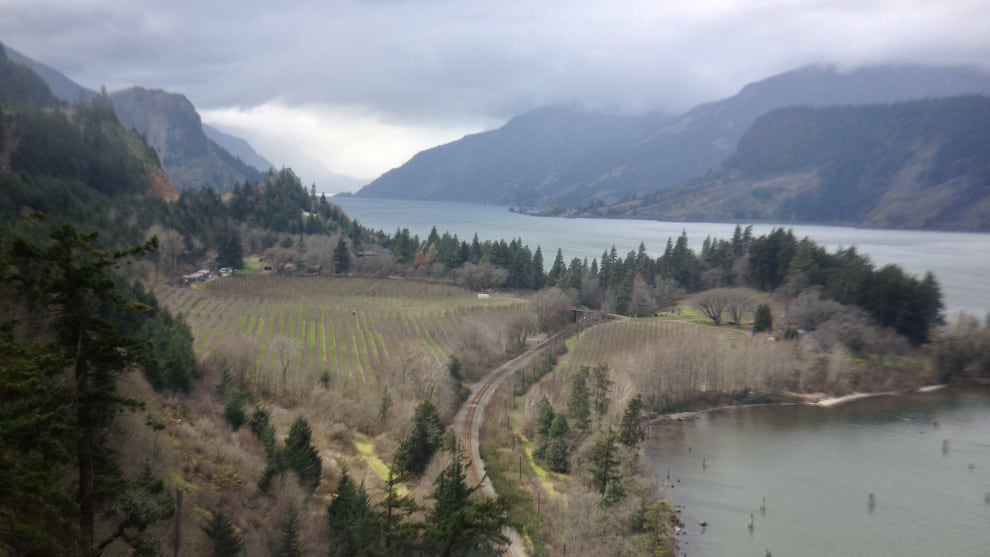
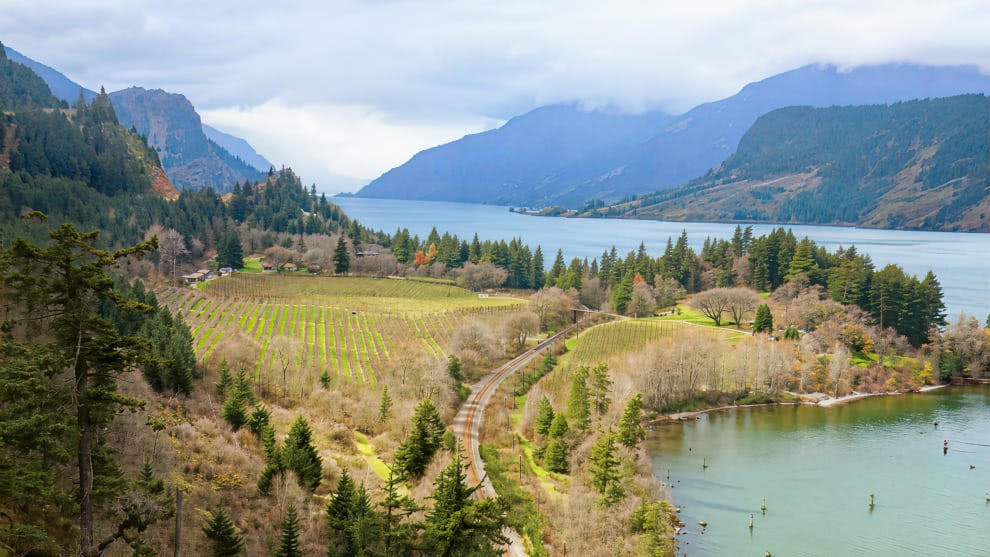
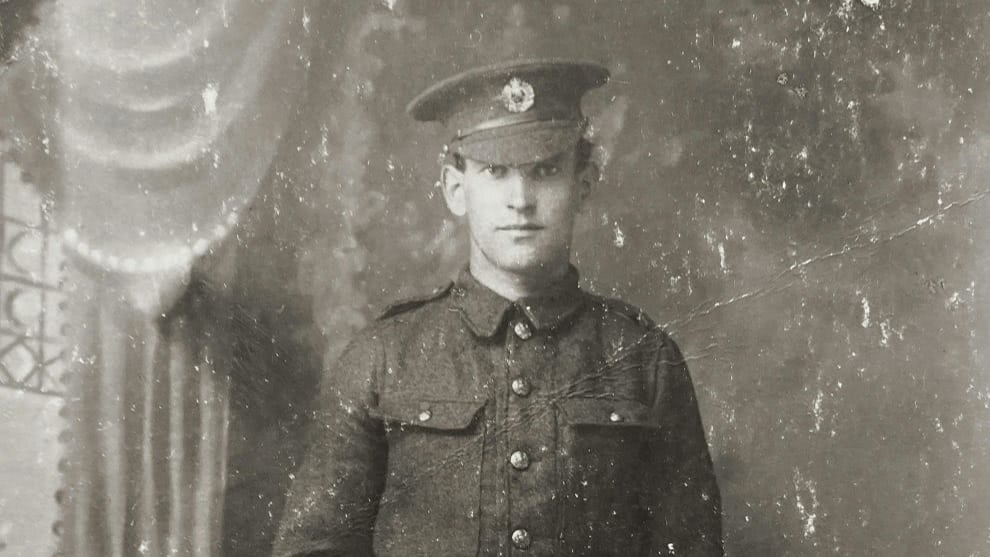
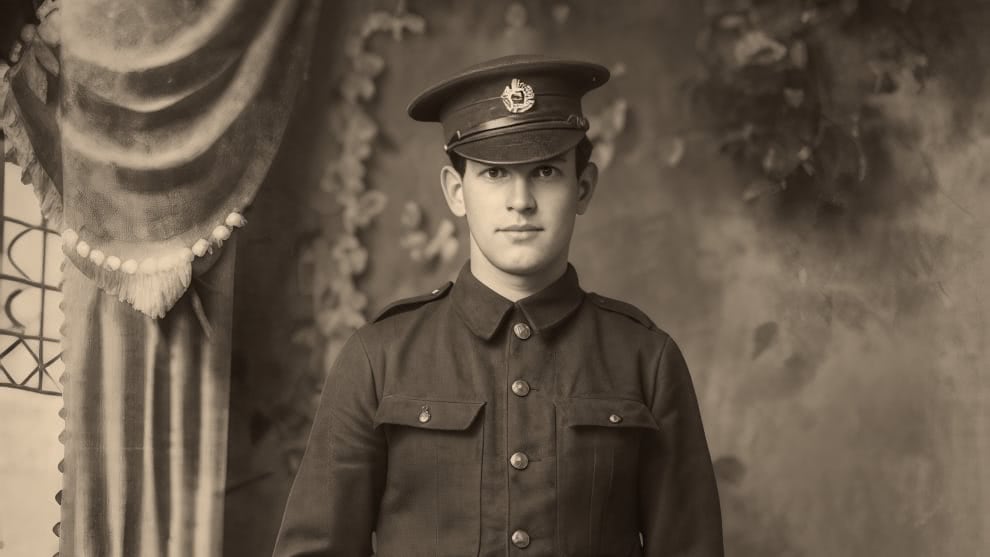
 Enhance Detail
Bring back clarity, texture, and depth on any digital photo with AI.
Repair Damage Automatically
Remove scratches, dust, and imperfections.
Restore Faded Colors
Bring back natural color and contrast.
Colorize Black & White Photos
Transform monochrome photos with accurate, AI-powered color.
Prompt-Based Refinement
Tell Restore AI what to remove and how to refine your image.
Enhance Detail
Bring back clarity, texture, and depth on any digital photo with AI.
Repair Damage Automatically
Remove scratches, dust, and imperfections.
Restore Faded Colors
Bring back natural color and contrast.
Colorize Black & White Photos
Transform monochrome photos with accurate, AI-powered color.
Prompt-Based Refinement
Tell Restore AI what to remove and how to refine your image.
The ON1 Guarantee
Your Trust is Our Foundation
Every purchase is protected. Every photo is yours. No games, no surprises.
Frequently Asked Questions & System Requirements
ON1 Photo RAW is the best alternative to Adobe Photoshop and Lightroom, all in a single editor for Mac or Windows. With powerful yet easy-to-use AI editing tools and features, it's everything a photographer needs to create professional-quality photos.
What is ON1 Restore AI?
Restore AI is a new AI-powered photo restoration module built into ON1 Photo RAW MAX. It automatically repairs common image problems found in any digital photo, including dust, scratches, wrinkles, tears, fading color, heavy grain, and loss of detail. Whether you're working with scanned prints, early digital files from older phones and cameras, or modern shots that didn't turn out as sharp or clean as you'd like, Restore AI analyzes each image and applies intelligent corrections with minimal manual editing.
It can also refocus soft images and colorize black-and-white photos, giving you a complete set of restoration tools in one place.
Who is Restore AI designed for?
Restore AI is built for anyone who wants to get more out of their photos, regardless of age or condition. That includes family members bringing old albums back to life, photographers digitizing personal or client archives, professionals working with historical collections, and anyone dealing with early digital files that never quite lived up to what the moment deserved.
The goal is simple: professional-quality restoration without hours of manual retouching.
How does Restore AI work?
Restore AI uses advanced AI models that analyze each photo to identify damage, noise, color fading, and missing detail.
Once the image is analyzed, the AI reconstructs the photo by repairing damage, restoring tonal balance, rebuilding lost texture and facial detail, and optionally colorizing black-and-white photos. Users can then fine-tune color, tone, and sharpening to preserve the photograph's original character.
Why does Restore AI process images in the cloud?
Restore AI uses very large AI models that require significant memory and compute power. These models are too large to run efficiently on desktop GPUs.
By processing images in the cloud, Restore AI can access far more VRAM and compute resources than a typical desktop computer. This allows the system to analyze each photo more deeply and reconstruct detail while repairing damage.
Cloud processing also means users do not need to download large AI model files or wait for slow local processing.
Will Restore AI ever run locally on desktop computers?
We are currently exploring options to allow the restoration AI models to run locally on desktop hardware in the future. However, there is no confirmed timeline yet.
For now, Restore AI uses cloud processing to ensure the highest quality results and performance.
Are the photos processed with Restore AI private and secure?
Yes. Photos processed through Restore AI are handled securely and are never used to train AI models or improve datasets. Images are processed only for the restoration task requested by the user and remain private.
Is Restore AI included with ON1 Photo RAW?
Restore AI is included exclusively with ON1 Photo RAW MAX.
Existing ON1 Photo RAW users can upgrade to Photo RAW MAX to access the Restore AI module.
How does licensing work for Restore AI?
Perpetual License
Perpetual license owners of ON1 Photo RAW MAX receive unlimited restorations for one full year to cloud-powered restoration processing
Subscription
Subscribers to ON1 Photo RAW MAX or ON1 Photo Studio receive unlimited restorations and continuous access as long as their subscription remains active
Does Restore AI require credits or tokens?
No. Restore AI does not require credits, tokens, or per-image fees. Users receive unlimited restorations based on their license or subscription access.
Can Restore AI process large batches of photos?
Yes. ON1 Photo RAW MAX's batch processing supports Restore AI, so you can process an entire album or archive in one pass without touching each photo individually. It's a fast, efficient way to work through large collections of scanned prints, old digital files, or any set of images that need consistent restoration.
What types of damage can Restore AI fix?
Restore AI can repair many common issues found in digital photos, scans and more, including:
- Dust and scratches
- Wrinkles and tears
- Faded colors
- Grain and noise
- Soft or blurry scans
- Loss of detail
- Damage from textured photo paper
It can also reconstruct facial detail and optionally colorize black-and-white photos.
How is Restore AI different from other restoration tools?
Many restoration tools rely on filters or limited AI models. Restore AI uses larger, cloud-based AI models capable of analyzing images more deeply and reconstructing missing detail.
It is also fully integrated into ON1 Photo RAW MAX, allowing users to restore, organize, edit, and export photos within a single workflow.
Version 2027 delivers a stronger processing engine, smarter AI tools, and a more streamlined editing experience across the board.
- Improved NoNoise AI: Remove more noise while preserving natural detail, with sharper Tack Sharp deblurring and models tuned for wildlife, portraits, astrophotography, and scanned film.
- Culling Assistant (MAX only): Find similar shots, flag out-of-focus frames and closed eyes, and process large batches automatically before you ever start editing.
- Improved RAW Processing Engine: Sharper detail, richer color, and better contrast straight out of the camera, with more natural shadows and highlights.
- Improved Brilliance AI Models: More natural automatic enhancements across a wider range of photo styles, with less manual adjustment needed.
- Simplified Masking Experience: Apply masks consistently across layers, Effects filters, and local adjustments, with instant preview on hover and no more switching panes.
- Improved Retouching Tools: Remove distractions over larger areas with Perfect Eraser, plus cloud-based AI rendering for Generative Eraser and Crop (Subscribers and MAX perpetual-license owners) for higher-quality results.
- Loupe Pane and Improved Compare View: Inspect faces and subjects up close from Grid view, compare more photos at once, and move through stacks in a single click.
- Folder Actions: Automate repetitive workflows by applying metadata and presets, and exporting photos automatically as they're added to a folder.
- Sharing to Flickr and Windows: Share directly to Flickr without leaving Photo RAW, and send photos via native Windows sharing.
- Faster and More Stable: Complete AI-powered tasks faster with dedicated Windows ML execution providers on supported hardware.
- Dozens of UX Improvements: New Light Theme, updated font, higher-contrast colors, and a smoother installation and onboarding experience.
Both editions run as full standalone apps on Mac and Windows with access to the same core editing, AI, and organizational tools. The MAX edition adds more: the AI Culling Assistant, Restore AI, Cloud Based Generative Erase and Crop, and plugin support for Adobe Photoshop, Lightroom, and other editors, and If any of those are part of your workflow, MAX is the edition you need.
No. You can own Photo RAW or Photo RAW MAX for a one-time purchase. The license for Photo RAW includes free updates to the version you purchased (for example, if you buy Photo RAW 2027, you will get all 2027 updates), but it does not include major upgrades in future years. Choose a subscription and you'll always have the latest version of Photo RAW MAX.
A subscription gives you access to ON1 Photo RAW MAX, including Restore AI, at a significantly lower upfront cost than a perpetual license. It also includes 200 GB of ON1 Cloud Sync for keeping your photos in sync across devices, plus automatic access to future versions as they're released.
For the most complete option, ON1 Photo Studio includes everything in Photo RAW MAX, all individual plugin and standalone titles, any new software released in the future, installs on up to five computers, 1 TB of Cloud Sync storage, and unlimited access to ON1 Plus training.
The MAX Edition can be installed on up to 3 computers. The standard version of Photo RAW can be installed on up to 2 computers. Subscribe to get up to 5 installations.
Minimum |
Recommended |
|
|---|---|---|
| Operating System |
(Current maintenance releases, 64 bit only) |
(Current maintenance releases, 64 bit only) |
| Processor |
macOS:
Windows:
|
macOS:
Windows:
|
| RAM |
8 GB (16 GB if shared with the GPU) |
32+ GB |
| Hard Drive |
6 GB for installation |
|
| Graphics |
macOS:
Windows:
|
macOS:
Windows:
|
| Optional Integration |
Photoshop CC, Photoshop Elements, Photoshop Lightroom Classic, Apple Photos, Affinity Photo, Capture One (Current versions for all) |
|
| Internet |
A high-speed internet connection and active account for installation, ON1 Cloud Sync, activation, auto-update checking, content downloads, and tutorials. |
|
| Supported Options |
|
|
| Supported Languages |
English, German, Spanish, French, Japanese, Korean, Simplified Chinese, Russian, Portuguese, Italian, Dutch |
|


