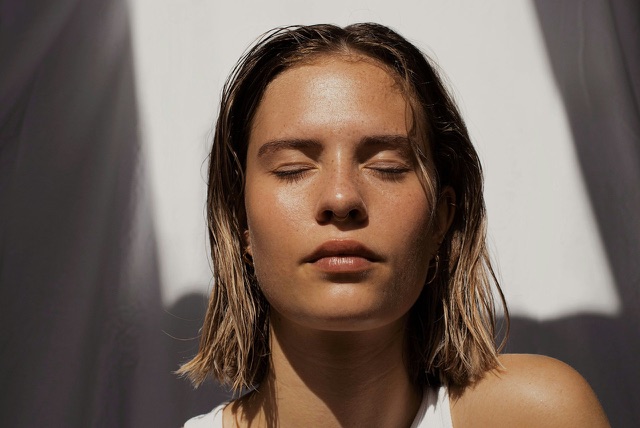
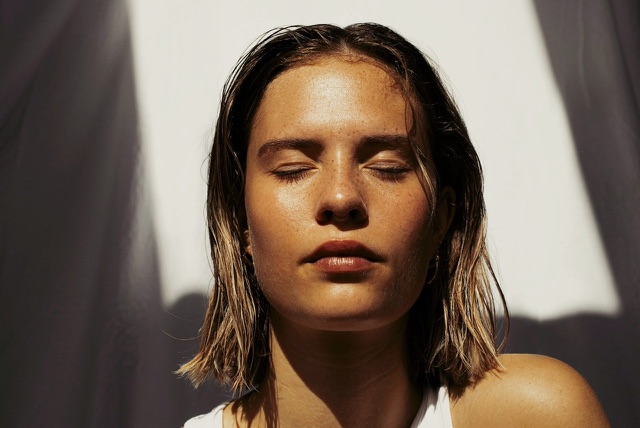
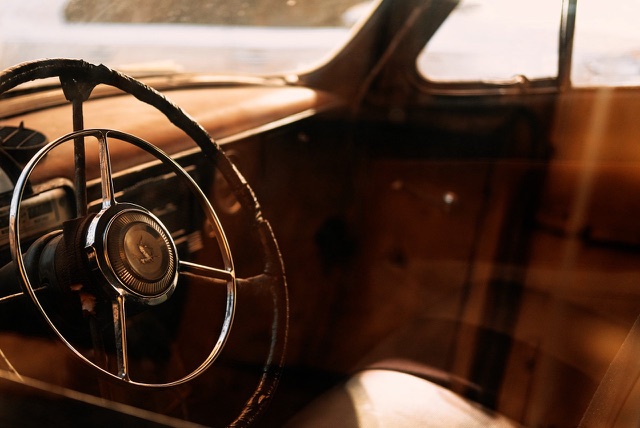
Free LUTs for Photographers
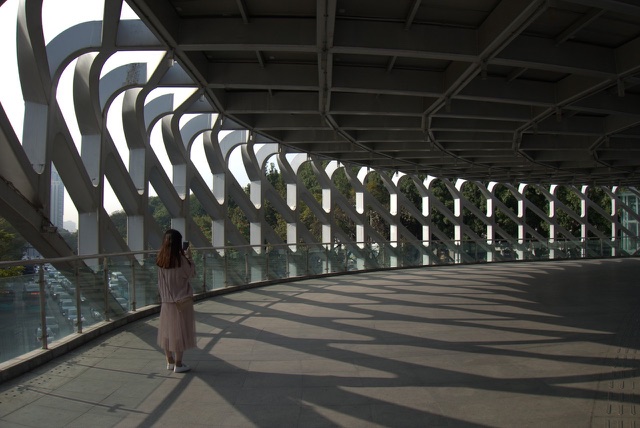
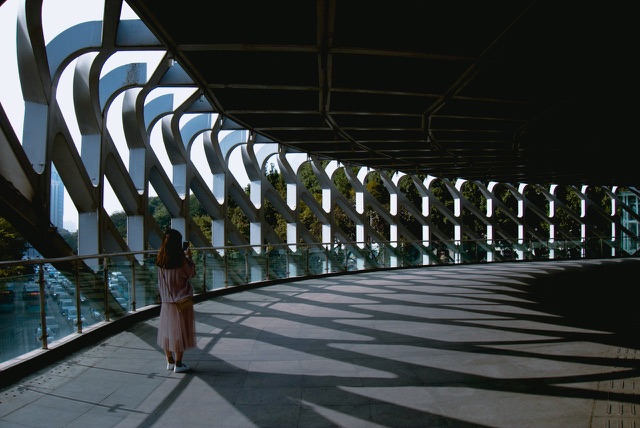
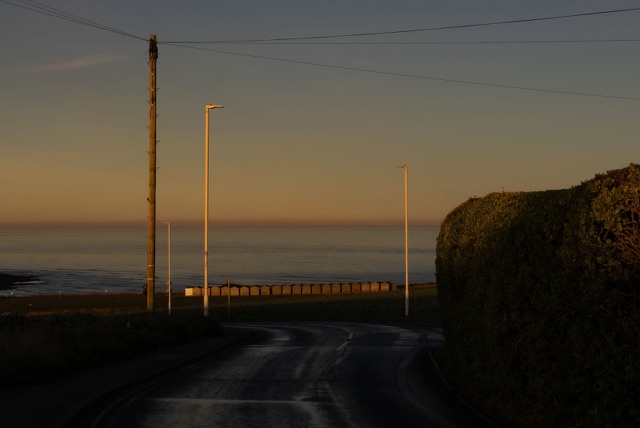
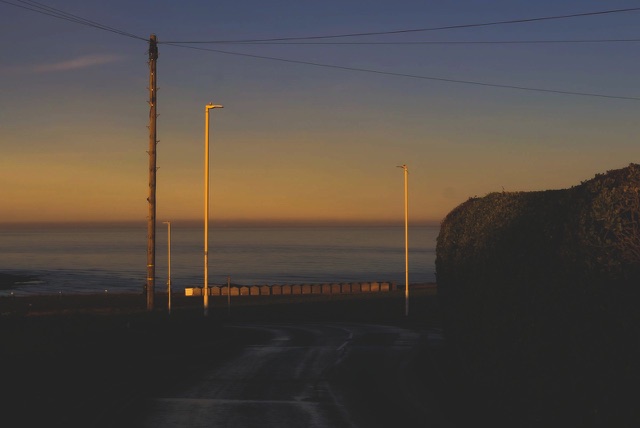
Get creative, noticeably stunning results using these free LUTs from ON1 and ON1 partners. All packs work with ON1 Photo RAW 2018.5+, Lightroom, Photoshop, and any app that supports .CUBE files — color and mood, cinematic, black & white, portrait, moody, and more. New: the Color & Mood pack, ten ready-made grades for the looks you see across your feed.
- ON1 Photo RAW
- Lightroom
- Photoshop
- .CUBE Format
-
10 free LUT packs • No credit card required
Why Edit in ON1 Instead of Juggling Plugins?
These LUTs work great in Lightroom or Photoshop, but ON1 Photo RAW combines organizing, RAW editing, LUT support, layers, and AI tools in one app, with no subscription required.
| Lightroom Classic | Photoshop | ON1 Photo RAW | ON1 Photo RAW MAX | |
|---|---|---|---|---|
| LUT Support | ✅ | ✅ | ✅ | ✅ |
| All-in-One App | ❌ Needs Photoshop | ❌ Needs Lightroom | ✅ | ✅ |
| No Plugins Needed | ❌ | ❌ | ✅ | ✅ |
| Included Premium LUTs & Presets | ❌ | ❌ | ❌ | ✅ |
| Pricing Model | 💸 Monthly subscription | 💸 Monthly subscription | ✅ One-time purchase | ✅ One-time purchase |
| Free Trial | 7 days | 7 days | 30 days | 30 days |


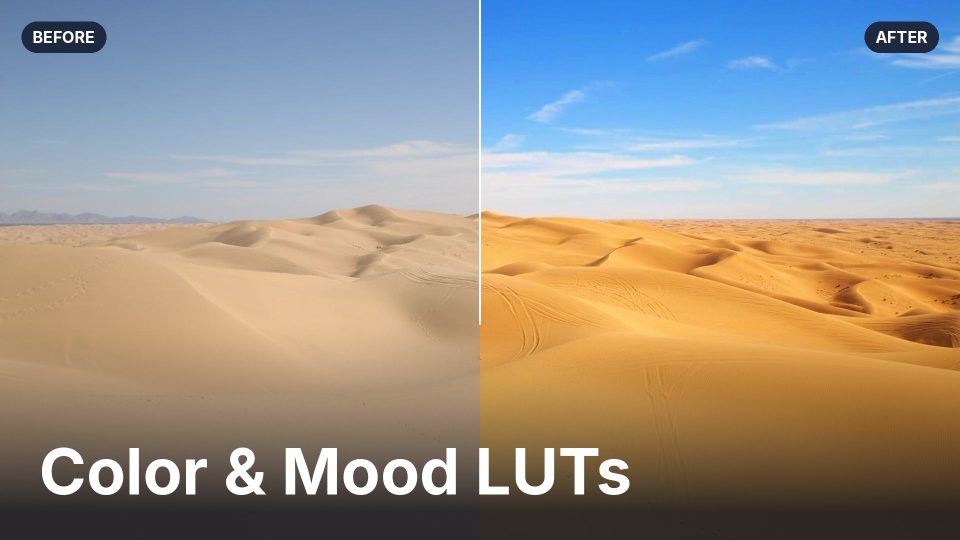
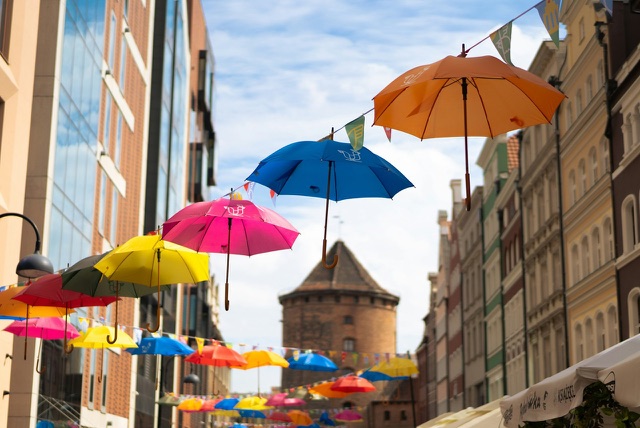
Color & Mood LUTs New
ON1 Original • 10 LUTs
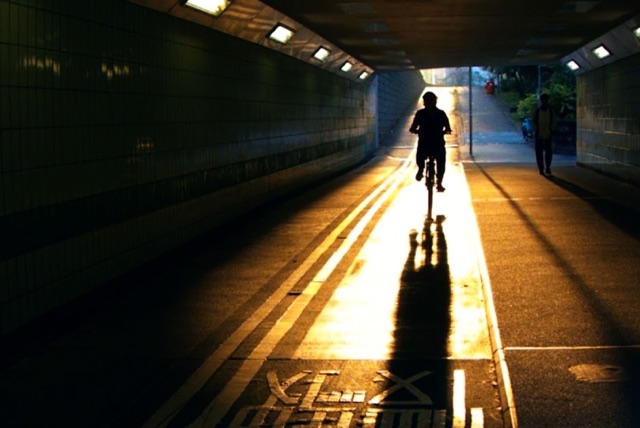
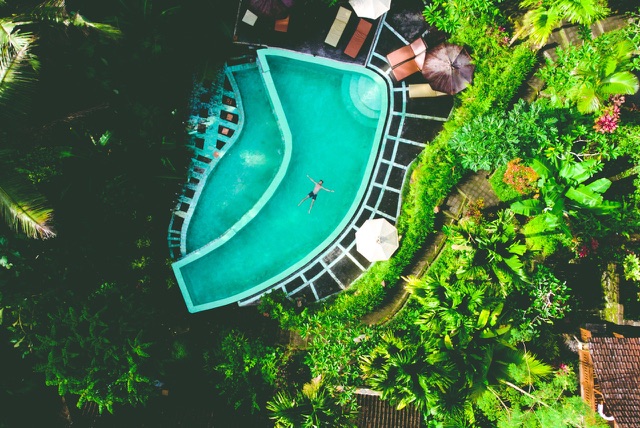
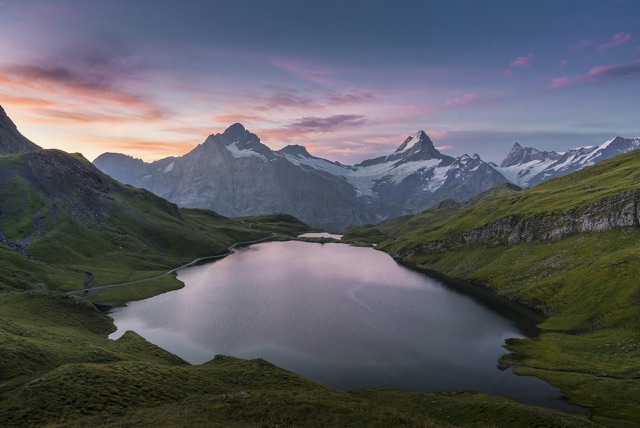
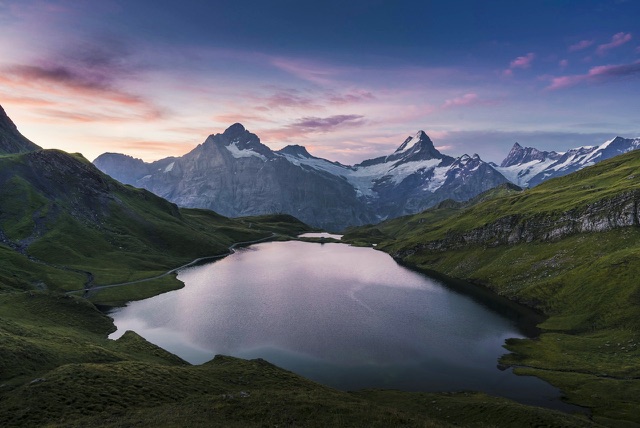
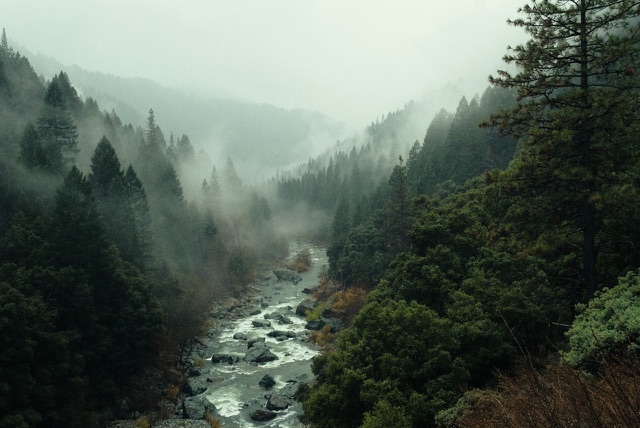
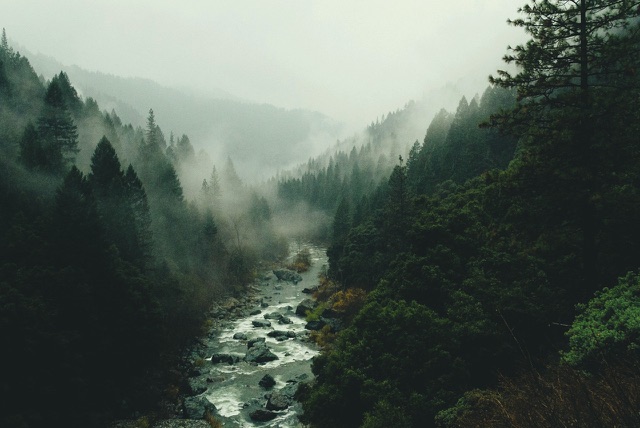
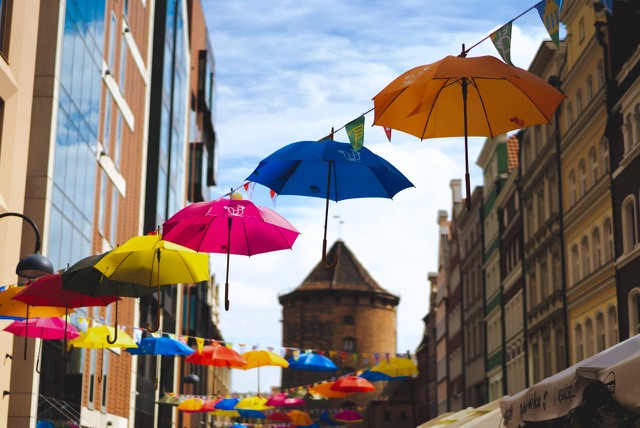
Ten ready-made color grades for the looks you see across your feed, from turquoise travel tones and golden sunsets to moody forests and punchy city color. Drop them into ON1 Photo RAW, Photoshop or your video editor and get a finished look in one click.
Color Boost LUTs
ON1 Original • 10 LUTs
Enhances specific tones and colors using split toning — some open shadows with bright color, others deepen exposure for a vibrant, moodier tone.


Nature & Wildlife LUTs
ON1 Original • 10 LUTs
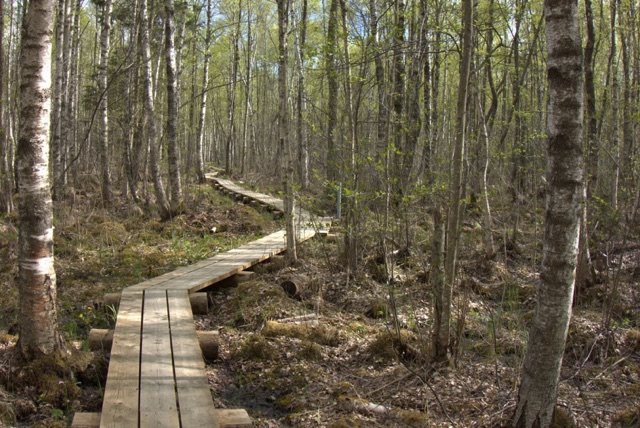
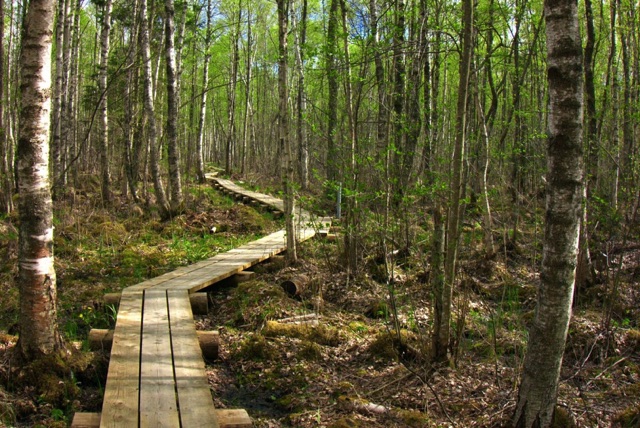
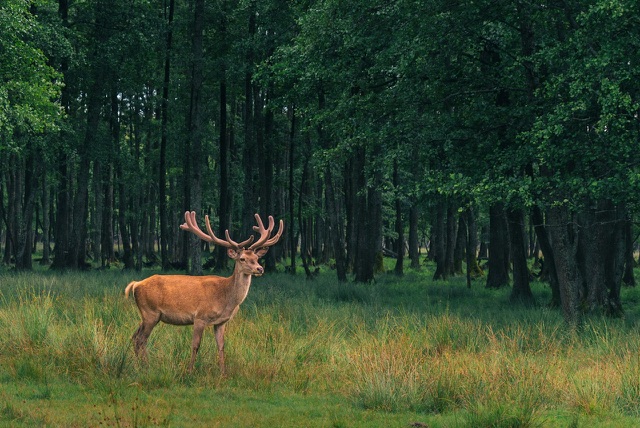
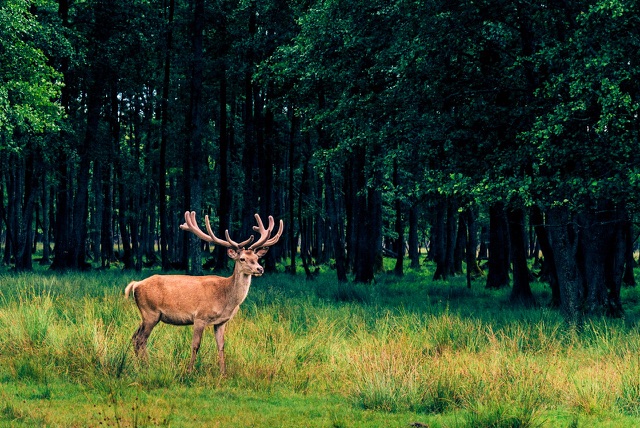
Modern and vintage moods for scenic hikes and national park visits — brightens colors or pulls out warm, dark earth tones.

Black & White LUTs
ON1 Original • 10 LUTs
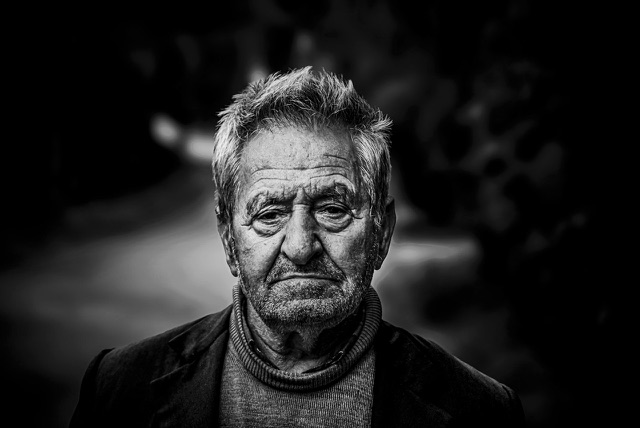
Contemporary, classic, and modern B&W styles — light and airy film looks, or darkened shadows with boosted highlights for moody Film Noir.

Cinematic LUTs
ON1 Original • 10 LUTs
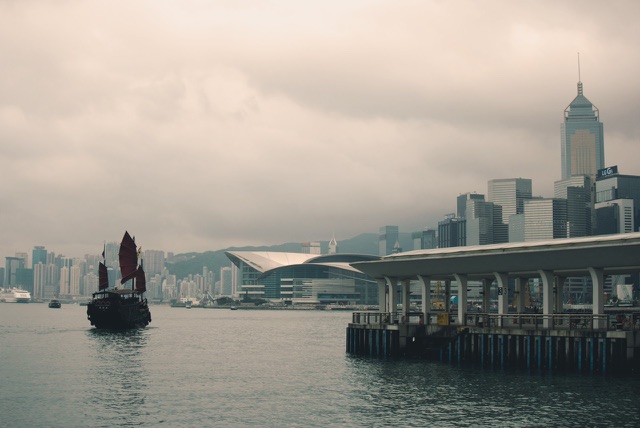
Rich, dramatic tones — warm LUTs accentuate deep shadows and bright highlights, others apply cool, moody color.
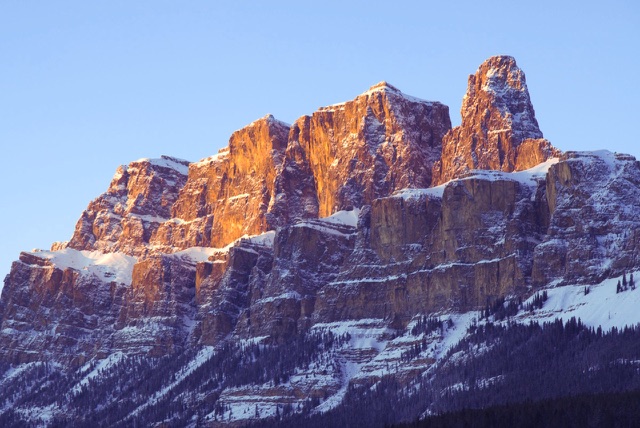
Landscape LUTs
ON1 Original • 10 LUTs
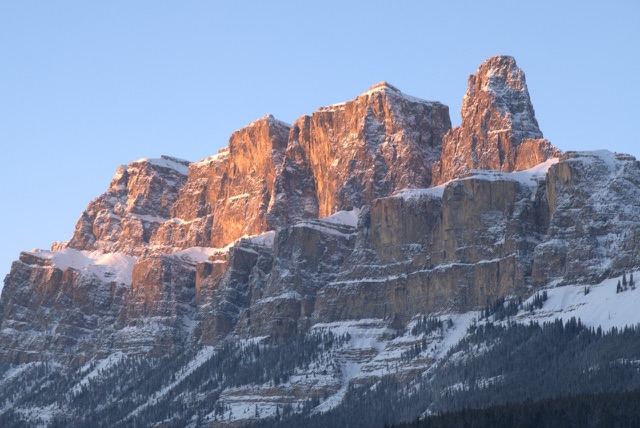
Contemporary and vintage looks — subtle color/mid-tone boosts, or dark magenta and purple tones for a unique, eye-catching style.
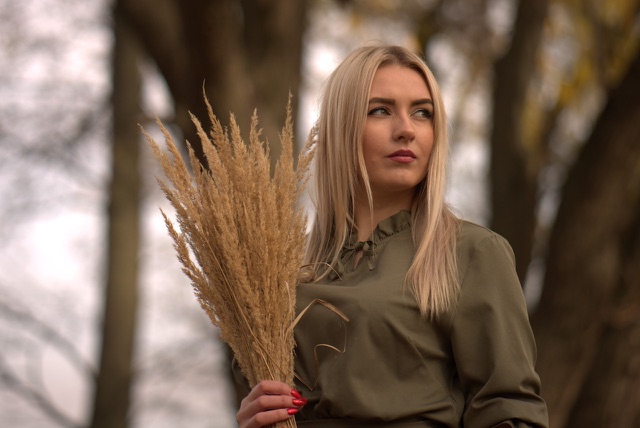
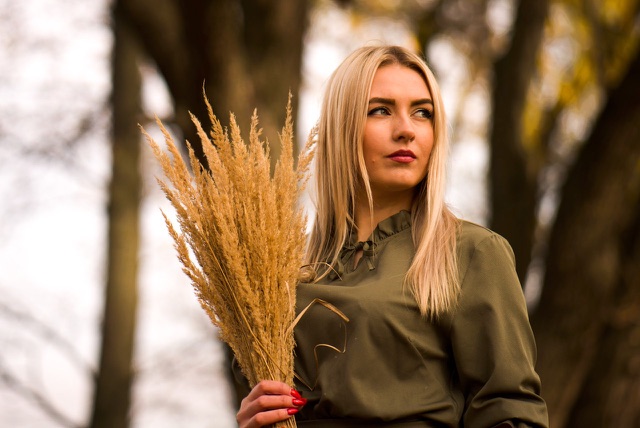
Lifestyle & Commercial LUTs
ON1 Original • 10 LUTs
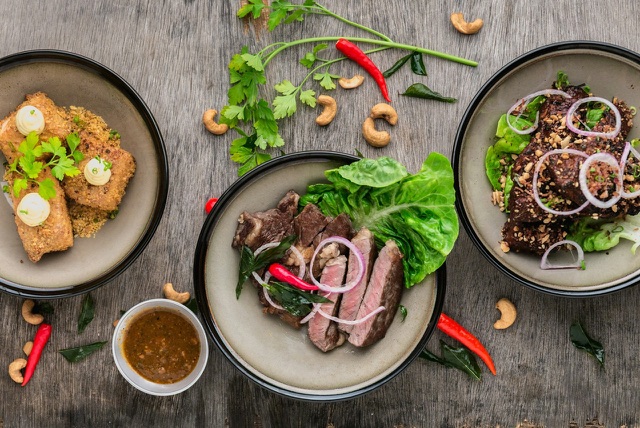
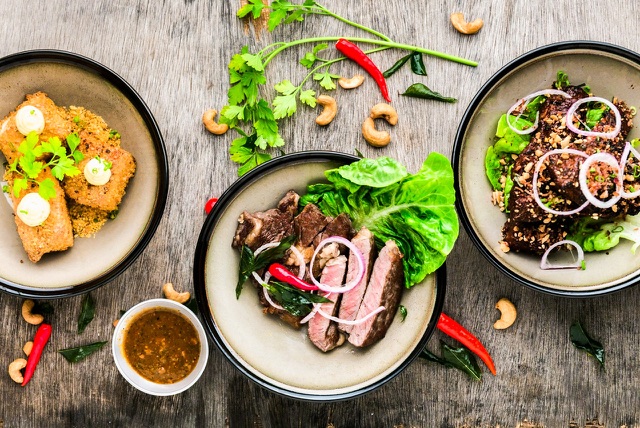
Modern tones and bright colors made for family photos, lifestyle portraits, food, and nightlife commercial work.

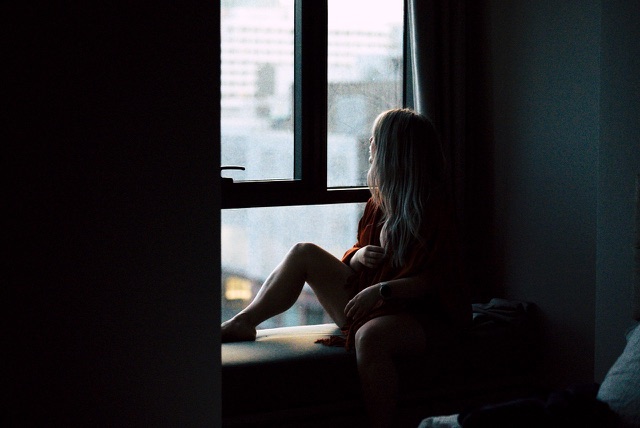
Moody LUTs
ON1 Original • 10 LUTs
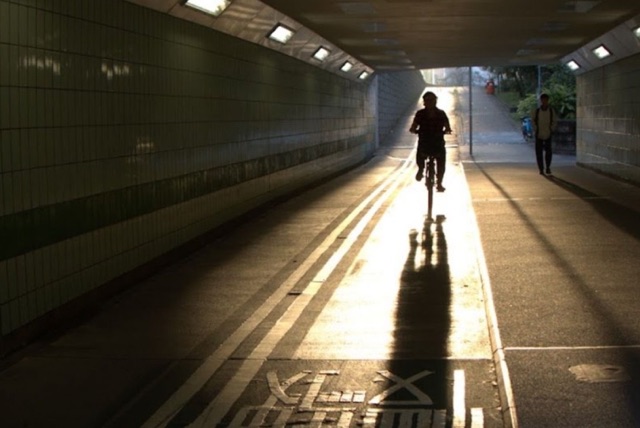
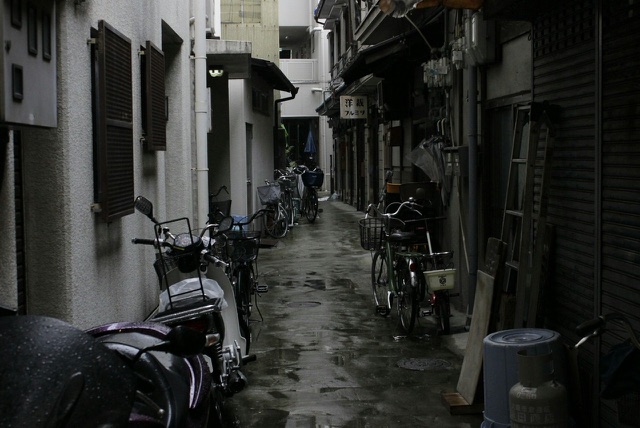
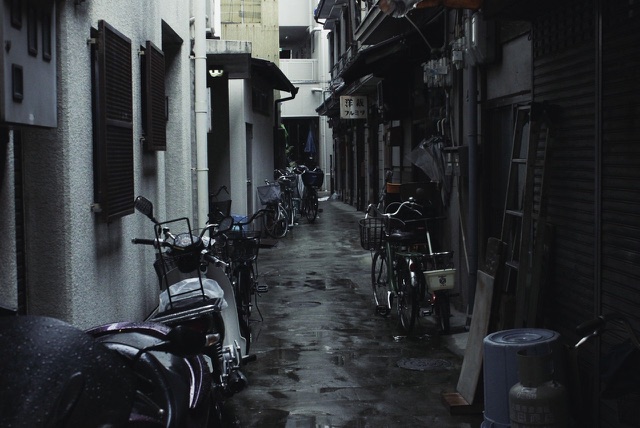
Darker, more vibrant tones with subdued exposure for an urban moody look — or vibrant, colorful tones with warm earth accents.
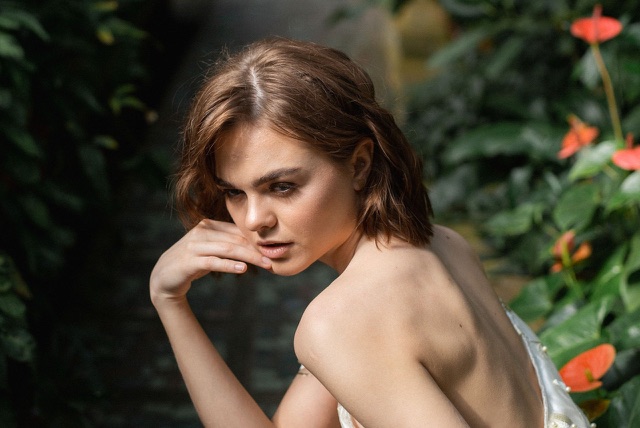
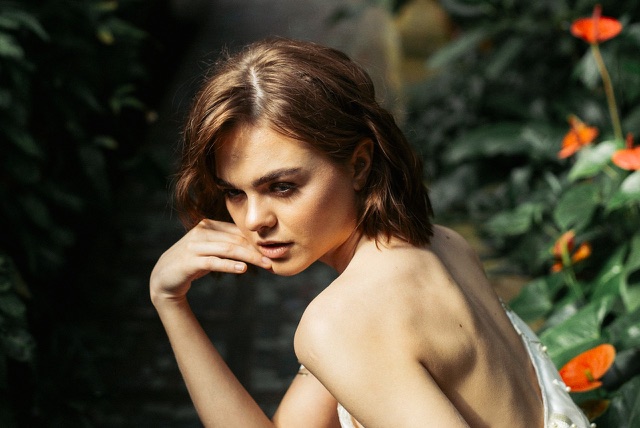
Portrait LUTs
ON1 Original • 10 LUTs
Subtle and dramatic looks for studio and outdoor portraits — colorful shadows and highlights, or color-heavy creative styles.
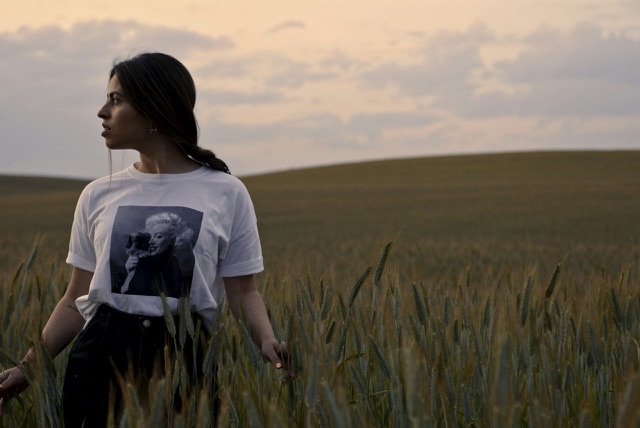
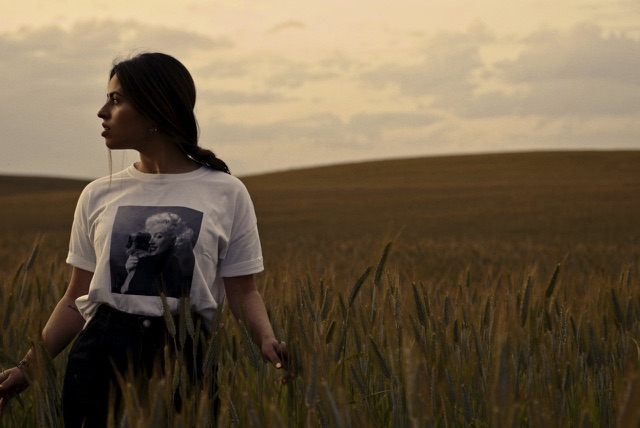
Lutify.me LUTs
Partner: Lutify.me • 10 LUTs
High-end cinematic color grading trusted by professionals for faster, easier color correction and creative looks.
What Are LUTs?
Look-up tables (LUTs) are essential tools in digital image and video processing, used to manipulate colors and tones in a systematic, consistent way.
-
Color & Tone Adjustments. LUTs modify color balance, contrast, brightness, and saturation to achieve a desired visual style — warmer, cooler, cinematic, or vintage.
-
Predefined Transformations. Each LUT maps input colors to new output colors using algorithms developed by color scientists and filmmakers.
-
Consistency & Efficiency. LUTs keep a visual style consistent across a whole project, even when footage was shot under different lighting.
-
Creative Control. Photographers, videographers, and designers get precise control over visual style — from vintage film to high-contrast cinematic looks.
-
Software Compatibility. Most pro tools — Photoshop, Premiere Pro, Final Cut Pro, DaVinci Resolve, and ON1 Photo RAW — support LUT import.
-
Custom LUTs. You can build your own LUTs tailored to your exact style and save them for future projects.
Tips & Tricks for Using Free LUTs
Get the most out of your free LUTs without needing deep color-grading expertise.
Download from reputable sources for quality and accuracy. Consider the mood and style you want before choosing a LUT.
Keep a copy of your original files before applying a LUT so you can always go back to the unaltered version.
Reduce the LUT's opacity or strength for a more subtle adjustment when the full effect feels too intense.
Try Overlay, Soft Light, or Luminosity blend modes to see how a LUT interacts differently with your image or footage.
Use adjustment layers or Smart Objects so you can fine-tune or edit the LUT later without losing the original.
Check and adjust white balance before applying a LUT to ensure it works effectively with your starting point.
Tweak contrast, saturation, and brightness on top of a LUT, or layer one as a base and add another for creative blending.
Avoid overusing LUTs to the point images look unnatural. Label and organize your files as your library grows.
Frequently Asked Questions About LUTs
Can free LUTs be used in professional projects?
Yes. Free LUTs can deliver professional-grade results. Quality varies, so test any LUT in your specific project before relying on it.
Are free LUTs compatible with different editing software?
Yes, widely compatible with ON1 Photo RAW, Lightroom, Photoshop, Final Cut Pro, and DaVinci Resolve — anything that supports .CUBE files.
Do free LUTs work for both photos and videos?
Yes. LUTs aren't limited to one media type — test on your specific photos or footage to confirm the visual impact you want.
How do I use these LUTs in ON1 Photo RAW?
In ON1 Photo RAW, add the LUTs filter in the Effects tab and choose a look. Use the Opacity slider to dial the look back, or mask it to apply it to just part of the photo.
Do the Color & Mood LUTs work in Photoshop and video editors?
Yes. The LUTs are .cube files, so they work in ON1 Photo RAW, Photoshop, Premiere Pro, DaVinci Resolve and Final Cut Pro. Using the same files for your photos and videos keeps one consistent look across both.
Are these LUTs really free?
Yes. All 10 packs are free, with no credit card required. You enter your email and country to download.