
ON1 Photo RAW 2027: Release Window, Upgrade Price & Pre-Order
ON1 Photo RAW 2027 is coming this fall, and the pre-order is open now. How the upgrade works depends on where you’re...

ON1 Blog
Editing techniques, AI tool guides, gear reviews, and creative inspiration from the ON1 team and photography community.
Featured Article

Today, we announce ON1 Photo RAW 2027, the next version of our all-in-one, non-destructive raw photo editor and organizer, and pre-orders are open right now. It’s expected to ship in early November 2026, and every pre-order locks in the best price.
ON1 Photo RAW 2027 is coming this fall, and the pre-order is open now. How the upgrade works depends on where you’re...
A wildlife shot at dawn or a Milky Way frame late at night almost always comes with a tradeoff. Raise the ISO...
Color Dropper tips are back this August: an older ON1 Plus favorite, reworked for ON1 Photo RAW 2026. Members also got a...

This September, ON1 Plus digs into retouching, tone and blend modes, texture art, export, and cinematic color, with three new tutorials, a...
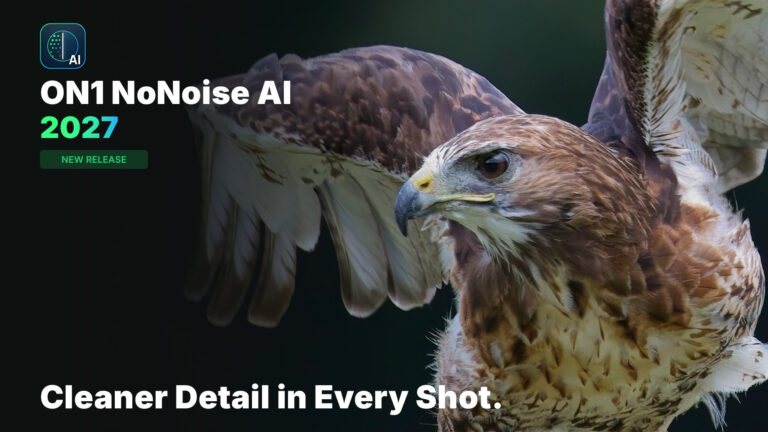
Announcing ON1 NoNoise AI 2027, available for pre-order and shipping late September 2026. This release will include remastered AI noise reduction models...

Jeremy Pratt’s “Carved in Light,” a night shot of Mount Rushmore’s Avenue of Flags, won the $500 grand prize in ON1’s America’s...
 Photo Editing SoftwareBest Photo Editing Software in 2026 (No Subscription) | ON1
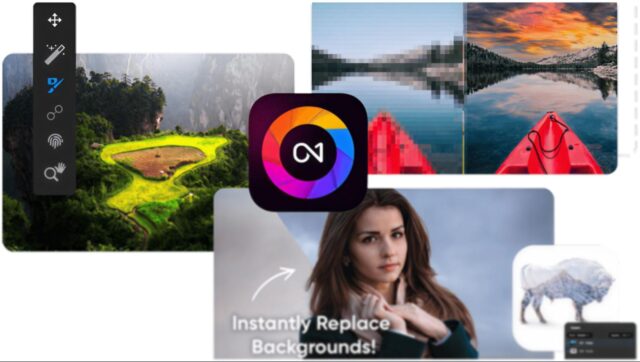 Photo Editing SoftwareThe Best Photo Editing Software for Beginners in 2026
 Photo Editing SoftwareBest AI Image Resizers in 2026
 Photo Editing SoftwareBest Photo Editing Software for Beginners
 Product Updates & NewsON1 Photo RAW 2026.4: Restore AI, New Home Module & Faster Performance
Try ON1 Photo RAW free for 30 days and put everything you’ve read into practice. No subscription required.
The ON1 Guarantee
Every purchase is protected. Every photo is yours. No games, no surprises.