
The Ins and Outs of Keywords in Browse
Last week I saw a few questions about adding and searching with keywords in Browse. Coming off the video I did on...

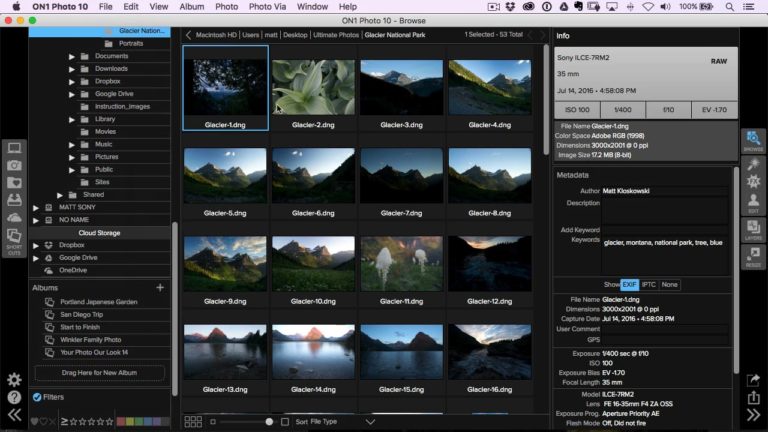
Last week I saw a few questions about adding and searching with keywords in Browse. Coming off the video I did on...
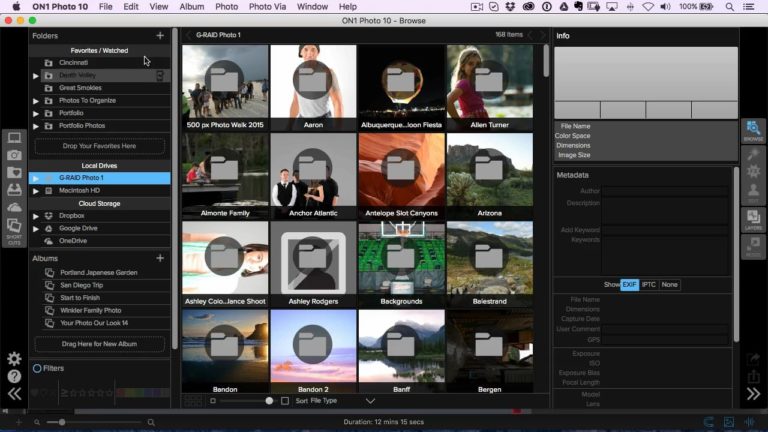
The Favorites/Watched area in Browse is a pretty powerful little section of the app that goes unused by a lot of folks...
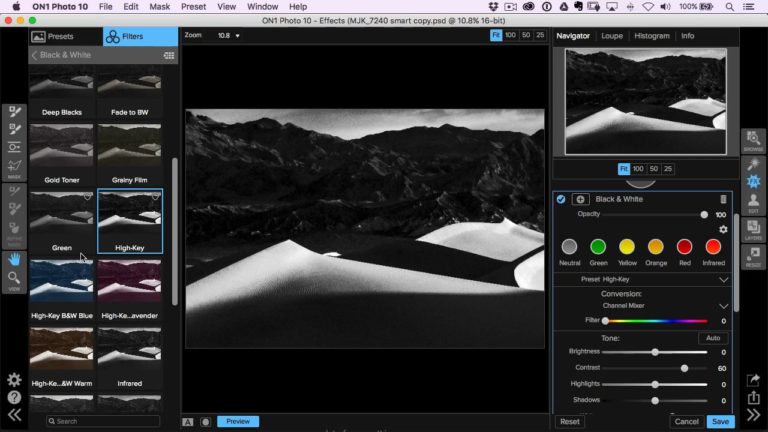
In just about any software app out there, you’ll find there’s different ways to do things. Everyone has a specific workflow and...

Hi everyone! We know you’re all excited get your hands on the new ON1 Photo RAW app we’ve been busy building for you....
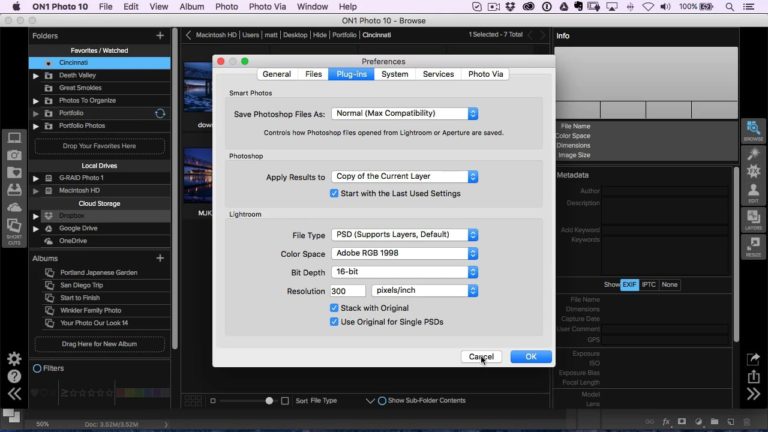
I always see a lot of questions about moving from Photoshop to ON1 and when it’ll automatically create a new layer. So...
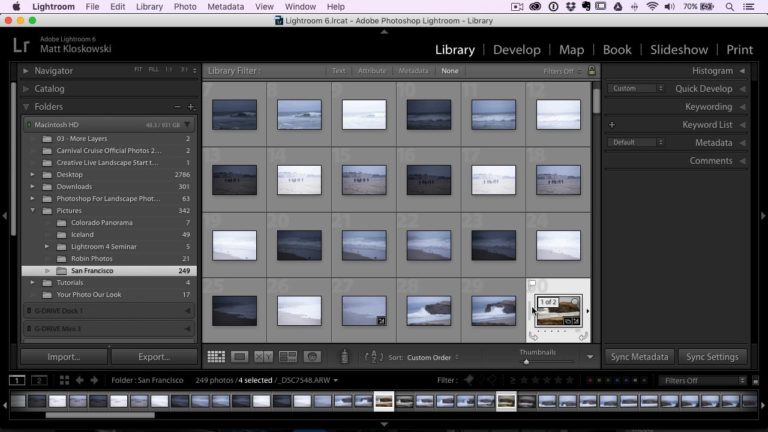
Last week I did a video on the ways to jump to Lightroom from ON1. One of the questions that came up...
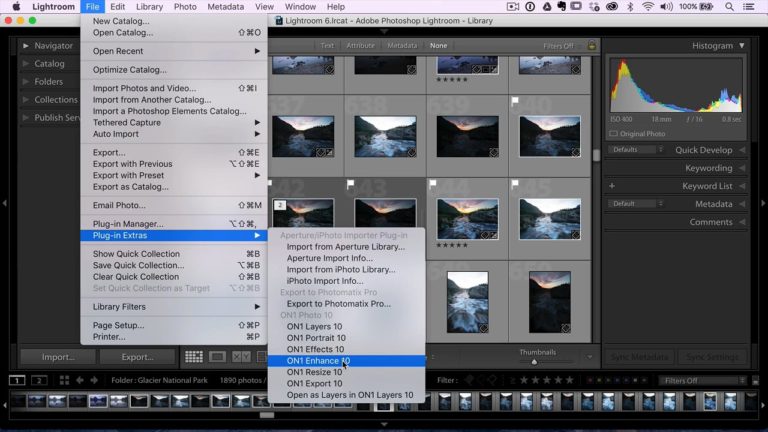
I always see questions about the various ways to get over to ON1 from within Lightroom. There’s the Photo > Edit In...
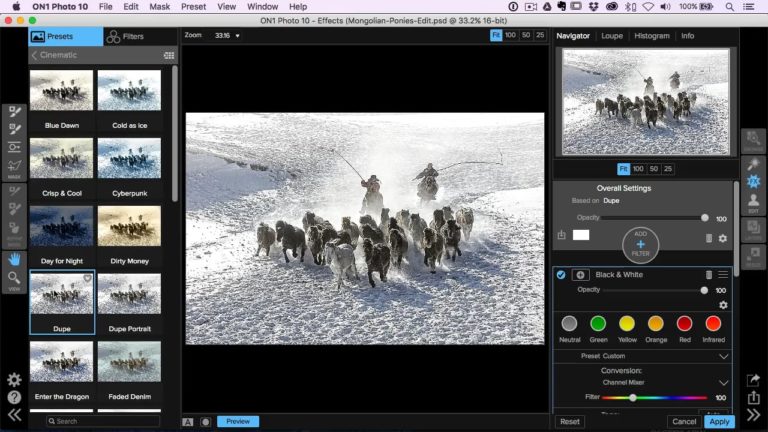
Hey there everyone! A while back many of you submitted photos for Hudson and I to edit. We still have a ton...

I’ve noticed people asking about keyboard shortcuts here and there, so I thought I’d create a post to help out. Here’s what...
 Photo Editing SoftwareBest Photo Editing Software in 2026 (No Subscription) | ON1
 Photo Editing SoftwareBest AI Image Resizers in 2026
 ON1 AppsFree April 2025 Update Now Available for Photo RAW and Effects 2025 Owners
 Photo Editing SoftwareYour Guide to the Best AI Sharpening Software for Tackling Noise in High-ISO Images
 AI Photo & Technology InsightsBrowse vs Cataloged Workflows in ON1 Photo RAW
Try ON1 Photo RAW free for 30 days and put everything you’ve read into practice. No subscription required.
The ON1 Guarantee
Every purchase is protected. Every photo is yours. No games, no surprises.