

Plugins for Affinity Photo
Finish your photos without leaving Affinity Photo.
Add AI noise reduction, sky replacement, retouching and creative looks to Affinity Photo. ON1 plugins also work with Photoshop, Lightroom Classic, Corel PaintShop Pro and Apple Photos, or on their own as standalone apps. Buy the one you need, or get them all in Photo RAW MAX.
See plugins for Affinity Photo in action
The Ultimate Plugins for Affinity Photo
Every photographer wants the best in class editing software for their workflow. ON1 plugins work with Affinity Photo at a level of integration no other plugin does, including working with multiple photos in editing, or batch processing photos.
Get the most out of your photo editing experience with the ON1 Professional Plugins, available individually or as part of Photo RAW MAX which includes all the ON1 apps and plugins in a single installation.

ON1 Effects
The ultimate creative plugin for Affinity Photo
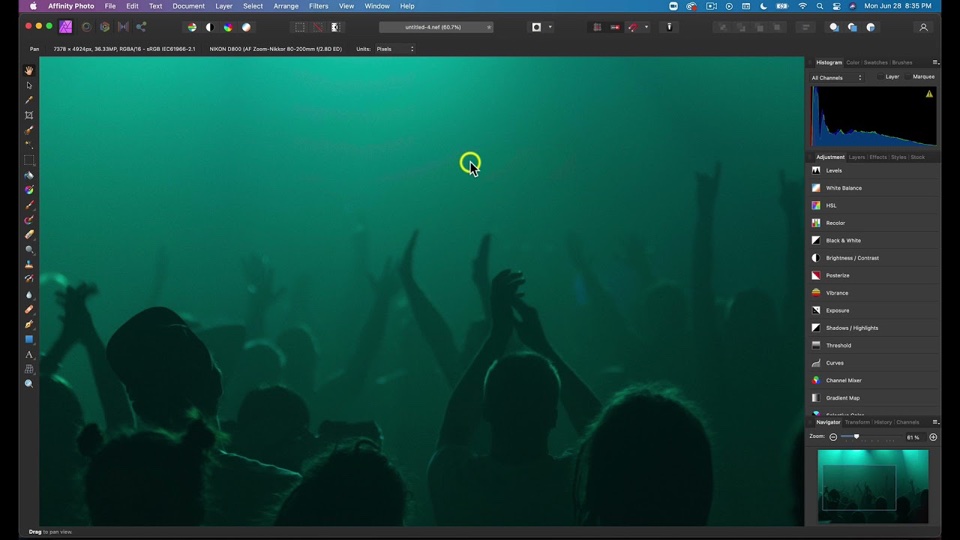
ON1 NoNoise AI
Remove noise from photos and get the sharpest details
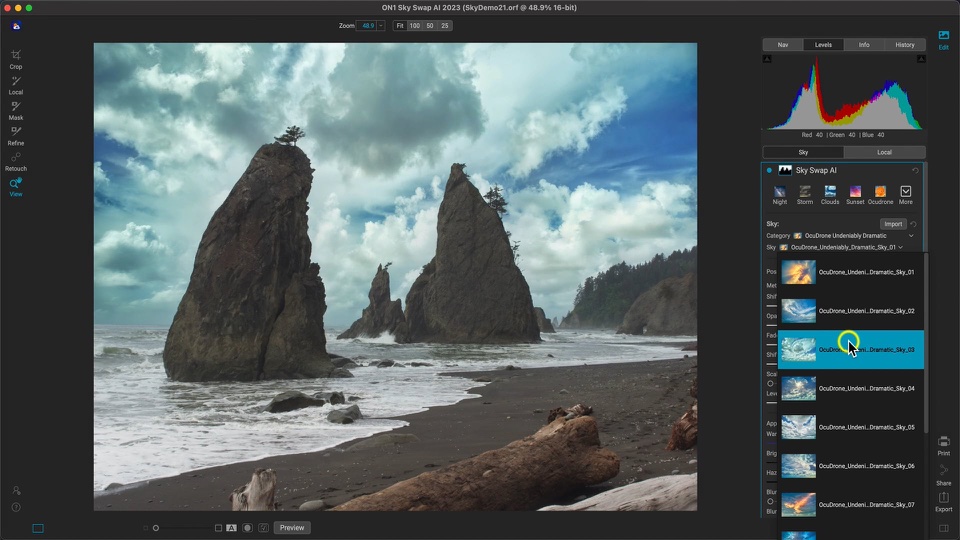
ON1 Sky Swap AI
Replace a dull sky in a few clicks

ON1 Portrait AI
A game-changing portrait plugin for Affinity Photo
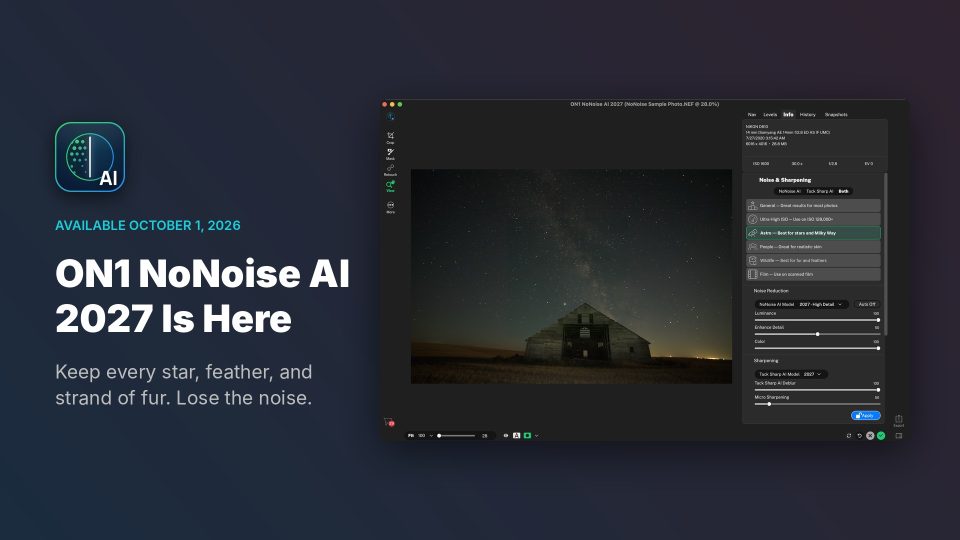
 ON1 NoNoise AI 2027
Cleaner detail in every shot.
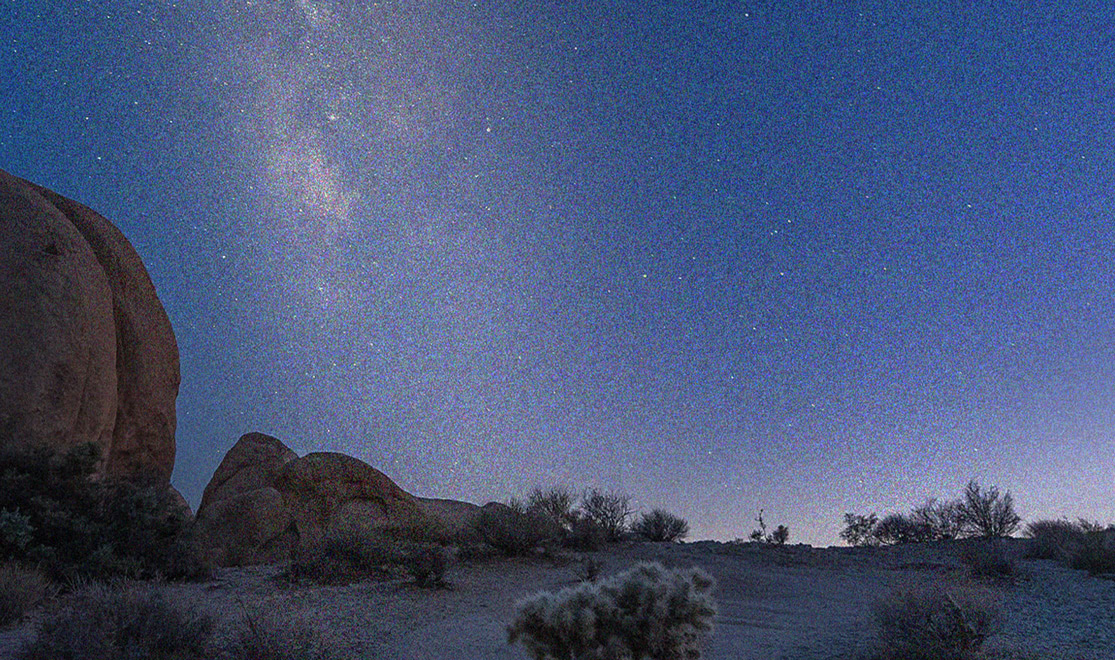
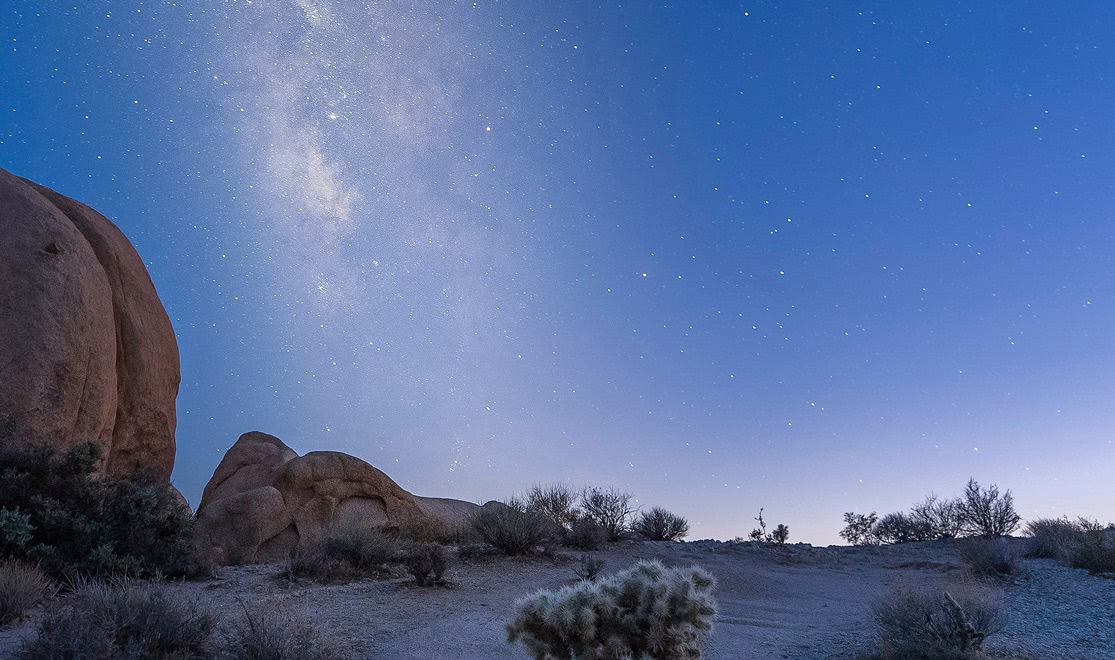
AI noise reduction that removes noise while recovering sharpness, with DNG output so your cleaned-up raw stays fully editable.
Features in NoNoise AI 2027
-
Rebuilt AI Noise Models
Separate grain from real texture more accurately.
-
Retrained TackSharp AI
Correct focus and camera shake while adding less noise and fewer artifacts.
-
Model Selector
Pick a model for wildlife, people, astrophotography or scanned film.
- Works in
- Photoshop
- Lightroom Classic
- Photoshop Elements
- Affinity Photo
- Apple Photos
- Corel PaintShop Pro
- Standalone
$49.99
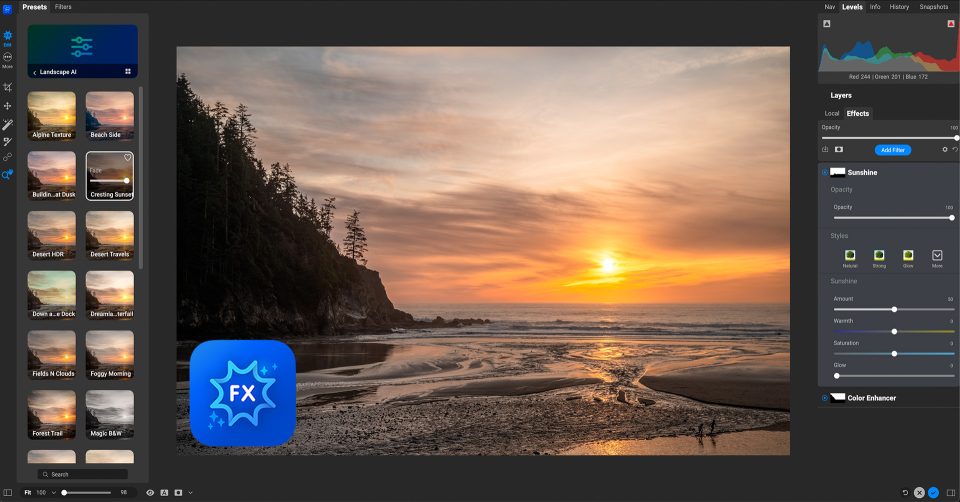
 ON1 Effects
Add instant style to every photo.
Add instant style, personality and impact to your photos, with fully customizable effects and AI help finding the look.
Features in Effects
-
30+ Flexible Filters
Style a photo quickly, then stack and blend filters into a look that is yours.
-
AI Style Advisor
Get AI filter recommendations for your photo instead of guessing.
-
1-Click Subject and Background Masks
Apply an effect to the subject or the background in one click.
- Works in
- Photoshop
- Lightroom Classic
- Photoshop Elements
- Affinity Photo
- Apple Photos
- Corel PaintShop Pro
- Standalone
$59.99


 ON1 Portrait AI
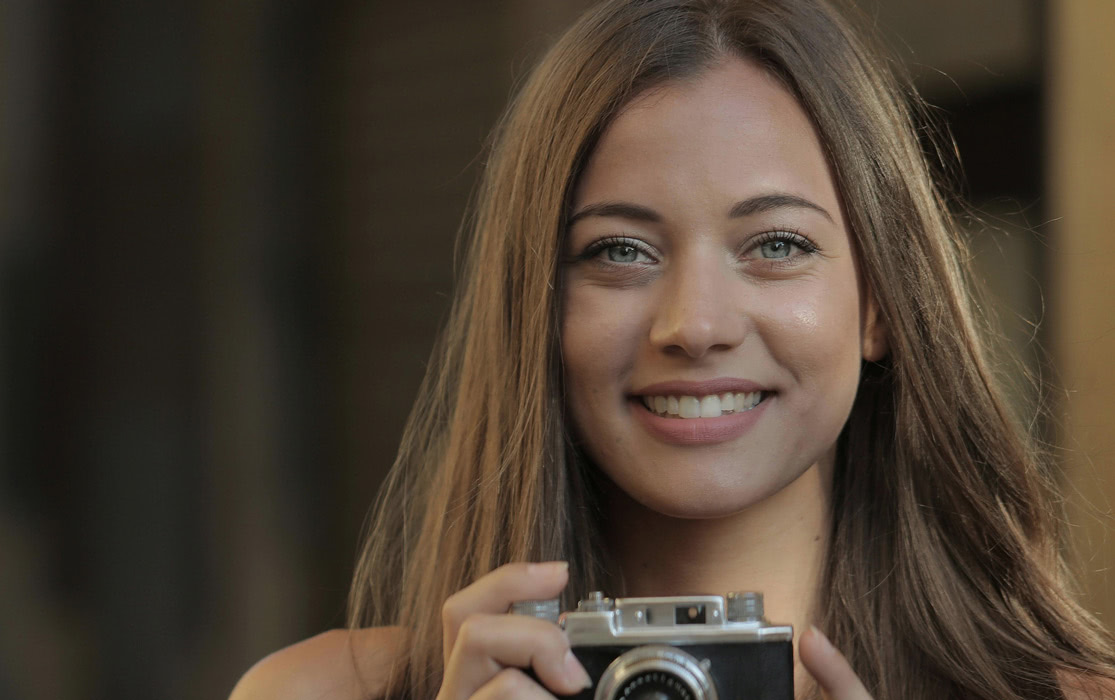
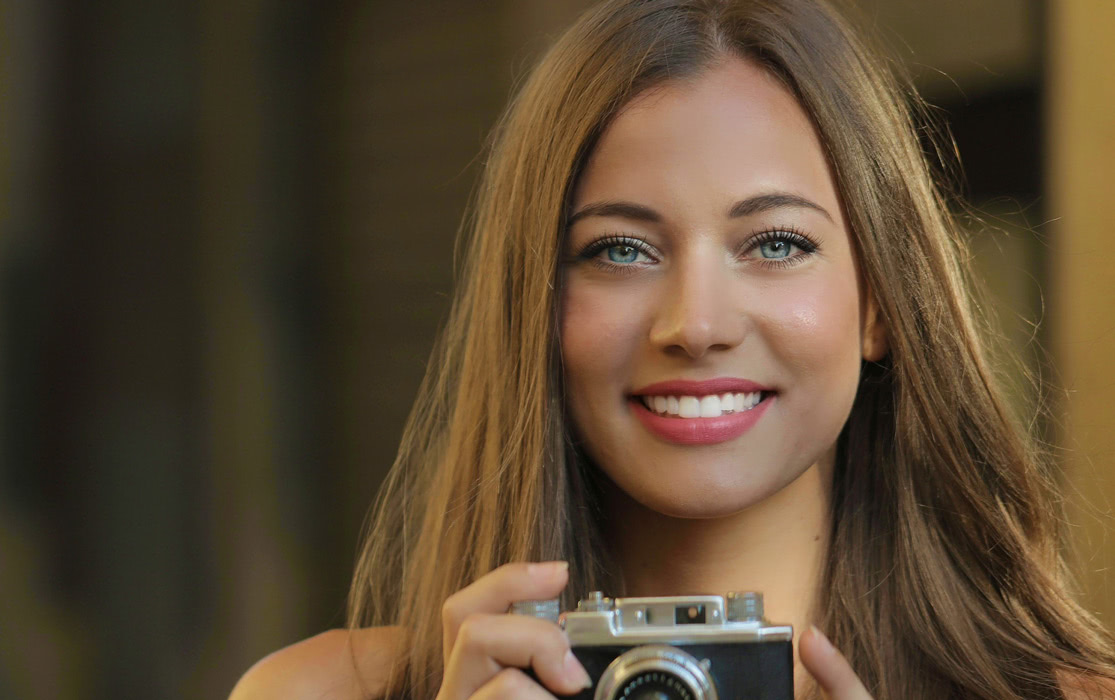
Retouch faces in minutes, not hours.
Machine learning finds every face and makes it look good automatically, so you spend less time on every portrait.
Features in Portrait AI
-
Automatic Face Detection
Finds every face and retouches it based on your preferences.
-
Skin Retouching
Smooth skin while keeping natural texture.
-
Batch Processing
Retouch an entire folder of photos automatically.
- Works in
- Photoshop
- Lightroom Classic
- Photoshop Elements
- Apple Photos
- Affinity Photo
- Corel PaintShop Pro
- Standalone
$29.99
 ON1 Sky Swap AI
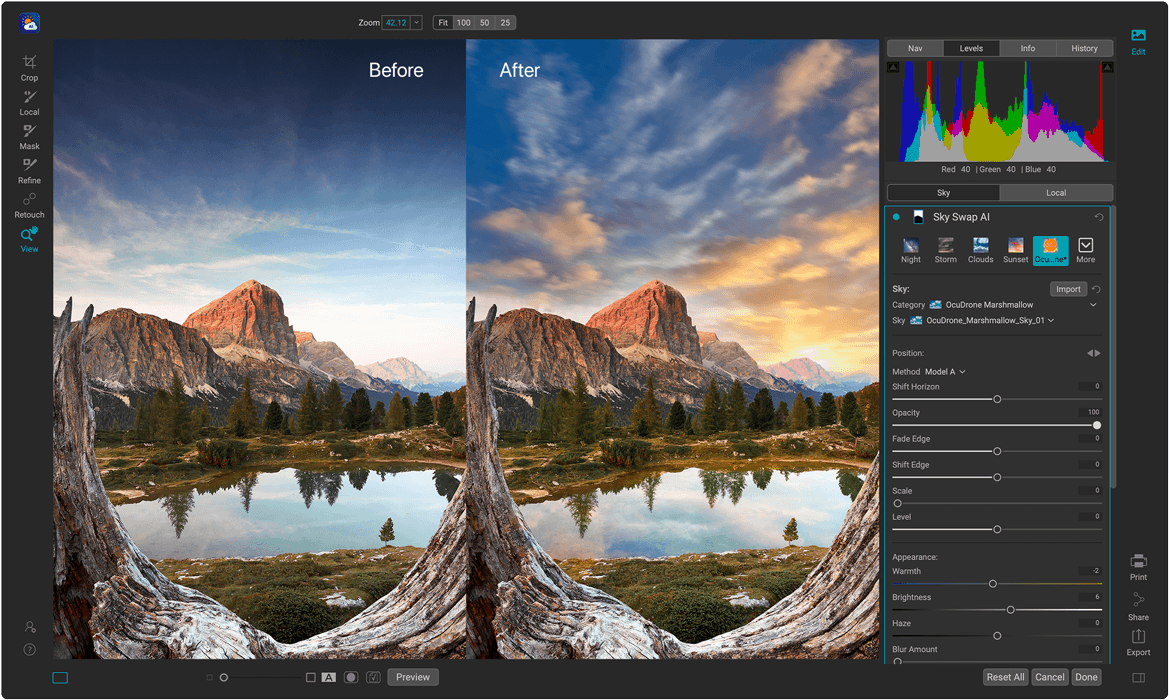
Turn a dull sky into the shot you saw.
Sky Swap AI finds and masks the sky for you, then lets you drop in a new one and fine-tune it until it matches your scene. Simply select from one of the 231 included skies or import your own.
Features in Sky Swap AI
-
Use Your Skies
Import your own skies alongside the built-in library.
-
Easily Adjusted
Refine the mask to blend with or fully replace the existing sky.
-
Flip or Rotate Sky
Change the horizon, rotation or direction to match the light.
- Works in
- Photoshop
- Lightroom Classic
- Photoshop Elements
- Affinity Photo
- Apple Photos
- Corel PaintShop Pro
- Standalone
$29.99
Where else ON1 plugins work
Best value
Get All of the ON1 Plugins with Photo RAW MAX
Every ON1 app is built into Photo RAW MAX alongside the complete Photo RAW editor, so you get all of it in one purchase.
- Every ON1 plugin, plus the full Photo RAW editor
- Use the plugins in Affinity Photo, or on their own as standalone apps
- 30-day money-back guarantee
Photographers love ON1
Join Thousands of Photographers Using ON1

Questions
ON1 Plugins FAQ
Quick answers about using the plugins in Affinity Photo and how to get them.
Effects, NoNoise AI, Sky Swap AI and Portrait AI all work in Affinity Photo. Each plugin's section above lists the other editors it works in.
Yes. Every plugin also runs as a standalone app on Mac and Windows, so you can edit without any other editor.
Yes. Each plugin has a Try it Free button that takes you to its free trial download.
Yes. Every ON1 app is built into Photo RAW MAX, along with the complete Photo RAW editor. You can also use the plugins in Affinity Photo, so you can keep working where you already edit.
Buy a single plugin if you need one tool, such as noise reduction or sky replacement. Choose Photo RAW MAX if you want every ON1 app and the full Photo RAW editor in one purchase.
You can own each plugin outright with a one-time purchase. Photo RAW MAX is also available as a subscription.
ON1 plugins run on Mac and Windows. System requirements differ by plugin, so check the requirements on each product page before you buy.
Every purchase is covered by our 30-day money-back guarantee. Not for you? Full refund, no questions.
The ON1 Guarantee
Your Trust is Our Foundation
Every purchase is protected. Every photo is yours. No games, no surprises.
Find the Plugin That Fixes Your Next Photo. Try It Free.
Every plugin comes with a free trial and a 30-day money-back guarantee.