

Learn how to restore and repair faded, damaged, or blurry photos with Restore AI!
Course Curriculum
9 lessons · 1h 16m
- 1
 Getting Started in Photo RAW 2026Kick things off by editing three different photo types—landscape, portrait, and wildlife. This lesson introduces the essential tools and gives a hands-on...21:51
 - 2
 Getting Started with the Home ModuleGet started using the Home Module to access photos, recent edits, and the latest news!03:45
 - 3
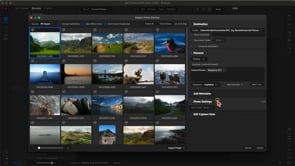 Importing and OrganizingLearn how to bring photos into Photo RAW from your SD card and keep them organized. We’ll cover culling, rating, and managing...08:23
 - 4
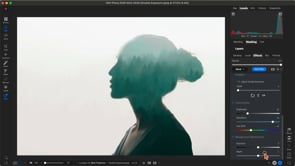 New Features in 2026Explore what’s new in Photo RAW 2026, including powerful new filters, fresh effects templates, and enhanced perspective correction for cleaner compositions.20:07
 - 5
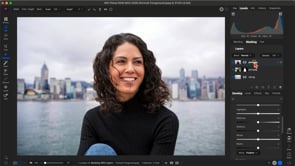 Masking with LayersSee how to blend multiple images together using layers and masks for creative composites.04:47
 - 6
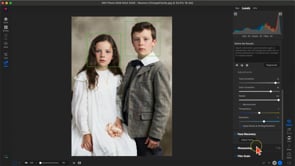 Using Restore AILearn how to restore and repair faded, damaged, or blurry photos with Restore AI!05:22Now playing
 - 7
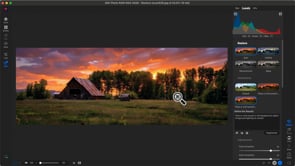 Using Prompt Generation with Restore AILearn how to use prompts to refine restorations results with Restore AI!02:23
 - 8
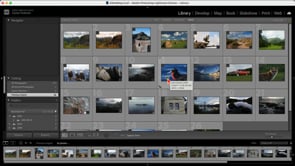 Using with LightroomLearn how to integrate Photo RAW MAX 2026 with Lightroom for even greater flexibility in your editing process.05:25
 - 9
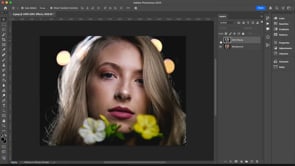 Using with PhotoshopDiscover how Photo RAW MAX 2026 works seamlessly with Photoshop to extend your editing workflow.04:30
Course Downloads
Download the course assets and watch the videos offline. This content is yours to have and keep forever.