


Join ON1 Plus to Access this Premium Content
- Private Coaching
- Exclusive Video Library
- Discussion Forums
- Community Galleries
- Challenges & Critiques
- Private Events
Join ON1 Plus
Learn more • Already a Plus member? Sign in
Relighting Wildlife After NoNoise AI
Course Curriculum
7 lessons
- 1
 Best Practices and Workflows in Photo RAW 2027Best Practices and Workflows in ON1 Photo RAW 2027 covers each stage of an editing workflow, from importing and culling to editing,...
- 2
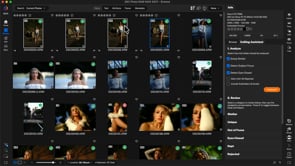 From Card to KeepersImport from a card, check focus with the new Loupe view, and use the Culling Assistant to sort your best shots into...
- 3
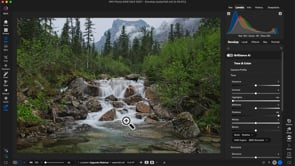 Developing Tone and Color with the New Raw EngineSee how the 2027 RAW Engine preserves highlight and shadow detail, then refine individual colors with Color Enhancer.
- 4
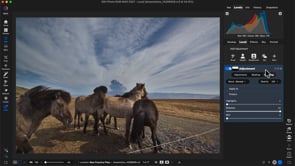 The 2027 Masking SystemBuild, feather and subtract masks right inside any filter or local adjustment with the new masking and blending tabs.
- 5
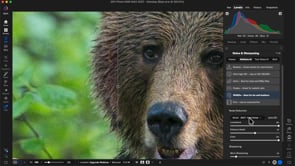 Relighting Wildlife After NoNoise AIClean up a high ISO wildlife photo with NoNoise AI, then use Subject and Background masks to make the animal stand out.Now playing
- 6
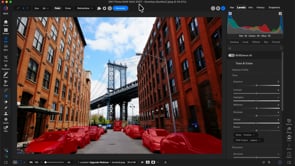 Which Eraser WhenUse the Perfect Eraser for small distractions and the Generative Eraser for large ones like vehicles and people.
- 7
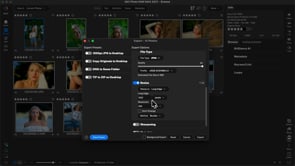 Finishing and Exporting in BatchesSync edits across groups of similar photos, export them as web ready JPEGs, and share directly to Flickr.
Course Downloads
Download the course assets and watch the videos offline. This content is yours to have and keep forever.