

 ON1 Portrait AI
ON1 Portrait AI
Portrait AI Retouching Software
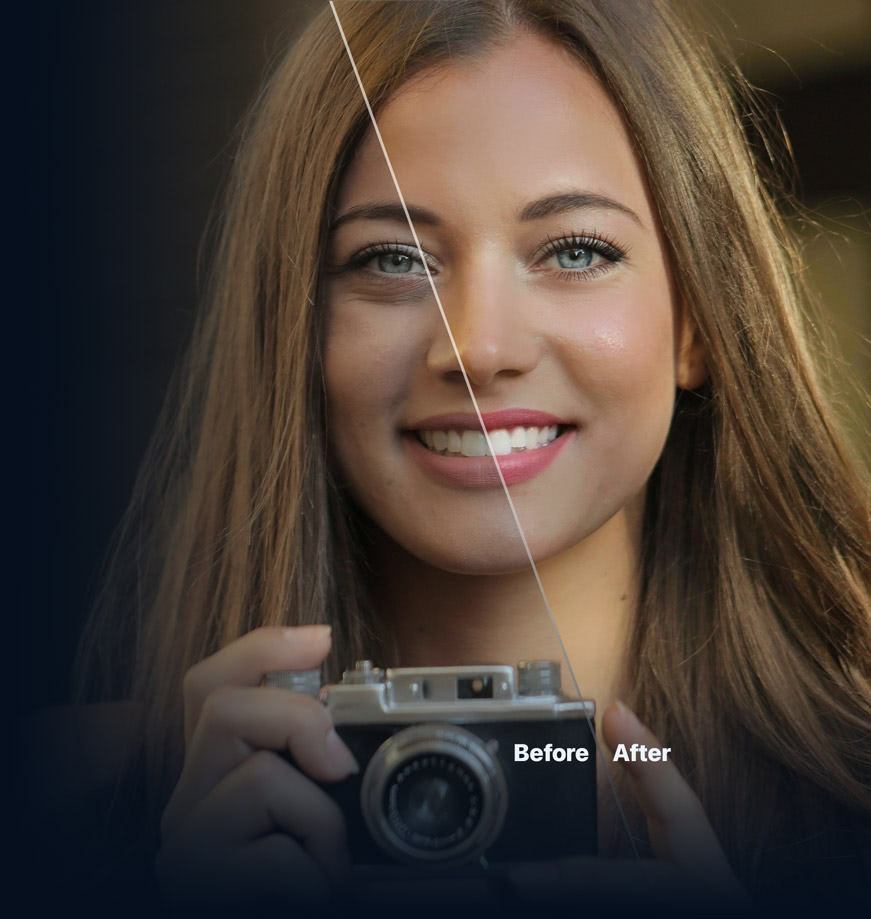
Flawless retouching is just a click away. Machine learning finds every face in your photo and makes them look great, automatically.
Starts at
Automatic, Professional Retouching
Simply Better AI Portrait Retouching
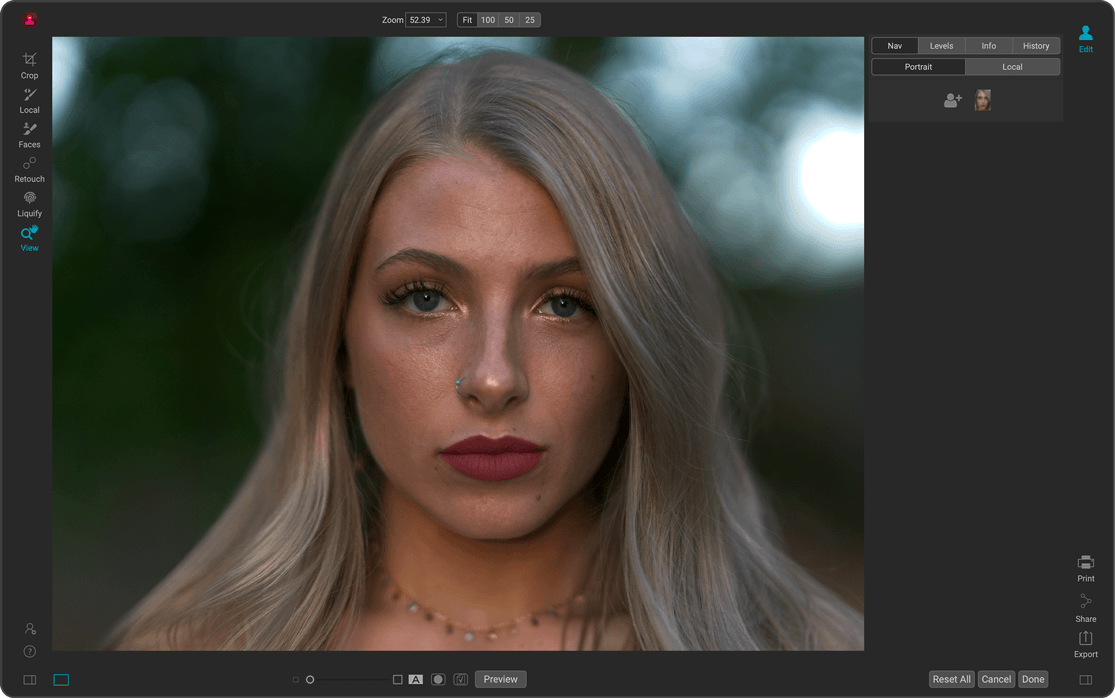
Flawless portraits are just a click away with ON1 Portrait AI — intelligent portrait photo editing software that delivers automatic retouching with professional results. Using powerful machine learning, it instantly detects every face in your photo and applies just the right amount of smoothing, eye enhancement, and mouth retouching — no manual masking or brushing needed. Perfect for photographers who need fast, natural results, whether editing one portrait or hundreds. Use it as a standalone app, as a plugin for Photoshop, Lightroom, and more, or fully integrated inside ON1 Photo RAW 2027.
See it in Action
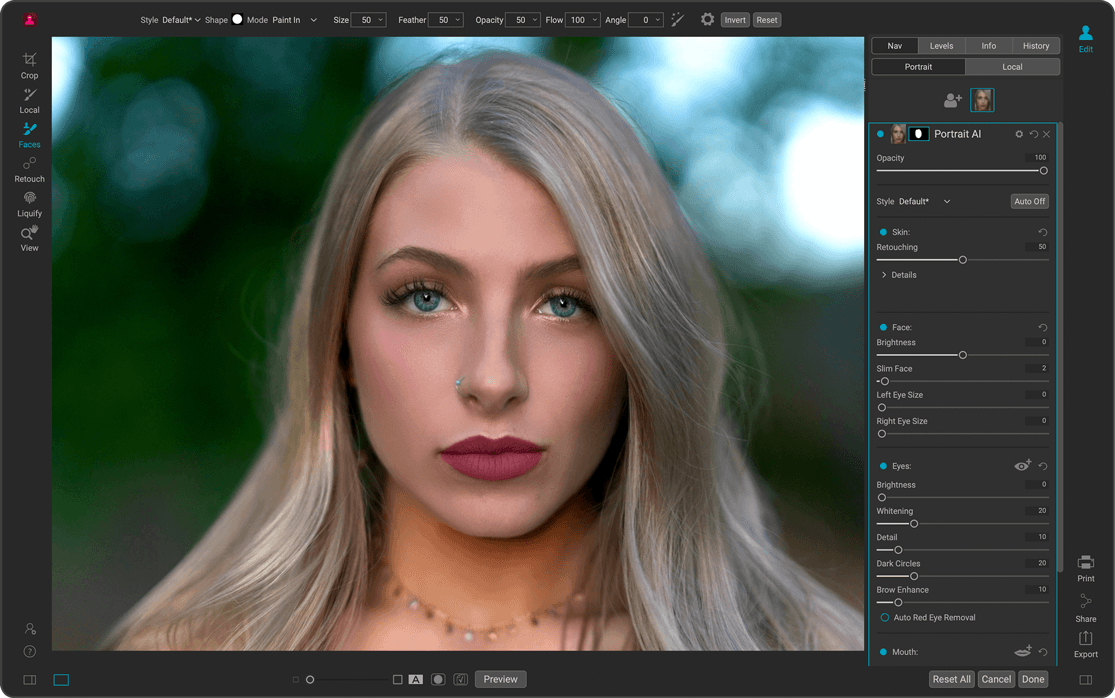
How to Retouch a Portrait in ON1 Portrait AI
What's New
What's New in Our Portrait AI Retouching Software
Mask AI
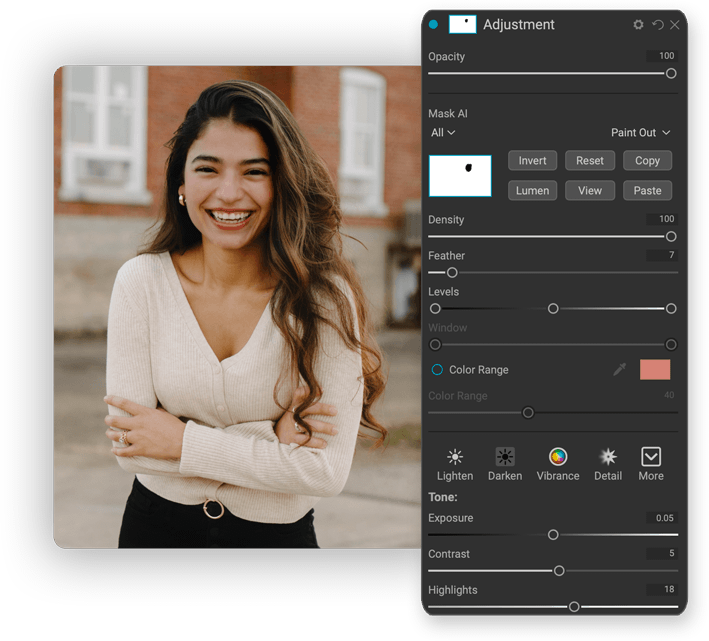
Say goodbye to tedious brushing! Mask AI uses state-of-the-art machine learning to segment photos, identifying objects like people and animals and regions like the sky, mountains, trees, water, and ground. When masking layers, effects, or local adjustments, you can select subjects or regions from the list. Mask AI will create great-looking masks instantly. You can even choose regions to apply filters or adjustments to when you add them, making it easy to get the adjustments you want.
Content-Aware Crop
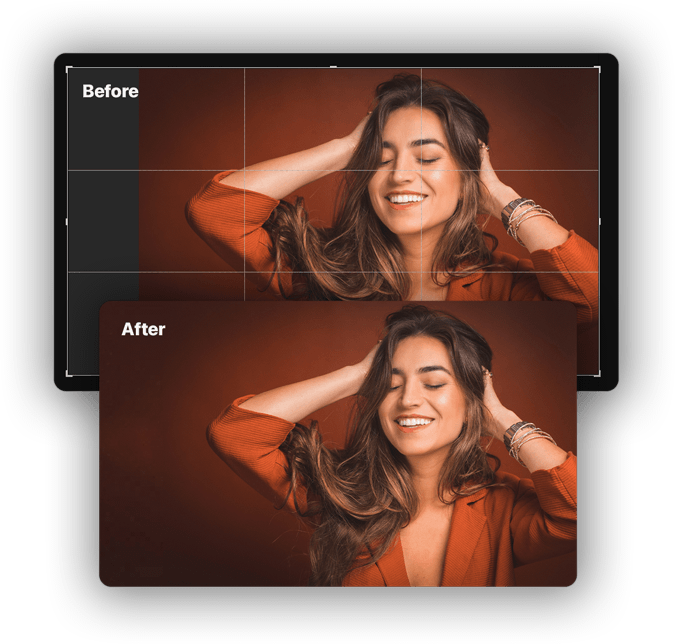
If you have ever had to crop or level a photo and have lost important details near the edges, the new content-aware crop will be a lifesaver. It can expand the photo canvas and fill the new edges with realistic detail.
Improved Content-Aware Perfect Eraser
The Perfect Eraser, the perfect tool for removing larger distractions, has been improved with a more accurate algorithm and is faster on modern computers. This improved tool is ideal for erasing unwanted objects in your portraits, helping you achieve flawless results with ease.
Full Retouching Toolkit
The Retouching Tools & Control You Need
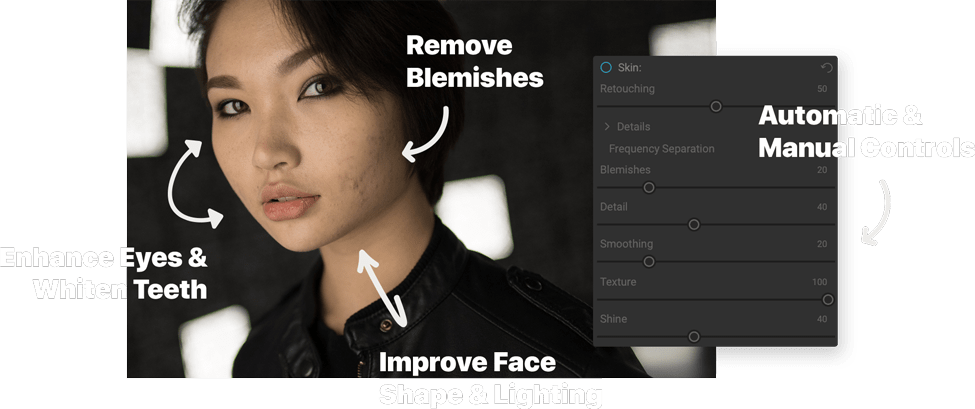
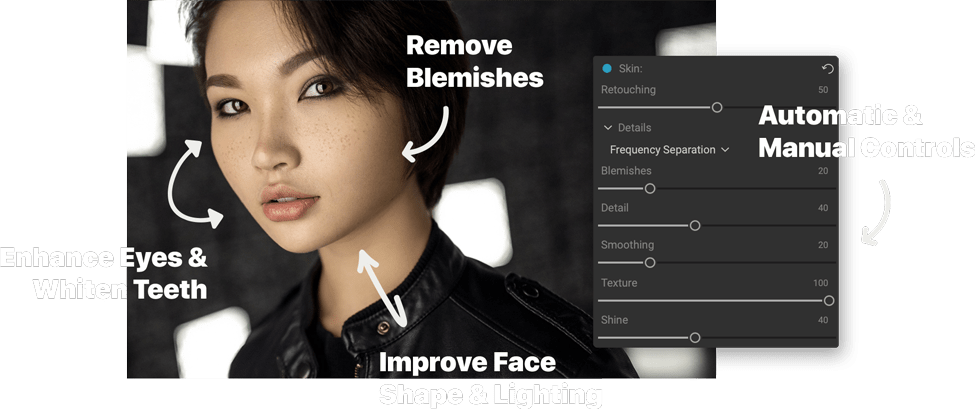
The retouching options are simply amazing, including skin smoothing, shine reduction, blemish removal, face sculpting, and eye and teeth whitening just to get started.
Automatic Face Detection
Let Portrait AI Do the Hard Work for You
Automatically finds each face in your photo, analyzes them, and adds just the right amount of retouching based on your preferences. Save time and get professional results with minimal effort.
No More Drawn Out Editing Sessions
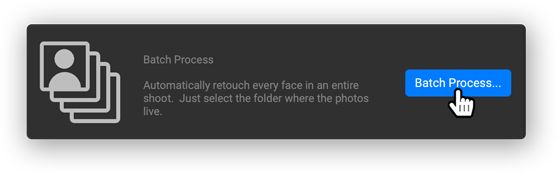
Put the AI to work for you by batch-processing an entire folder of photos. For each photo, Portrait AI will automatically find each face and add the right amount of retouching. It's perfect for proofing your photos before delivery.
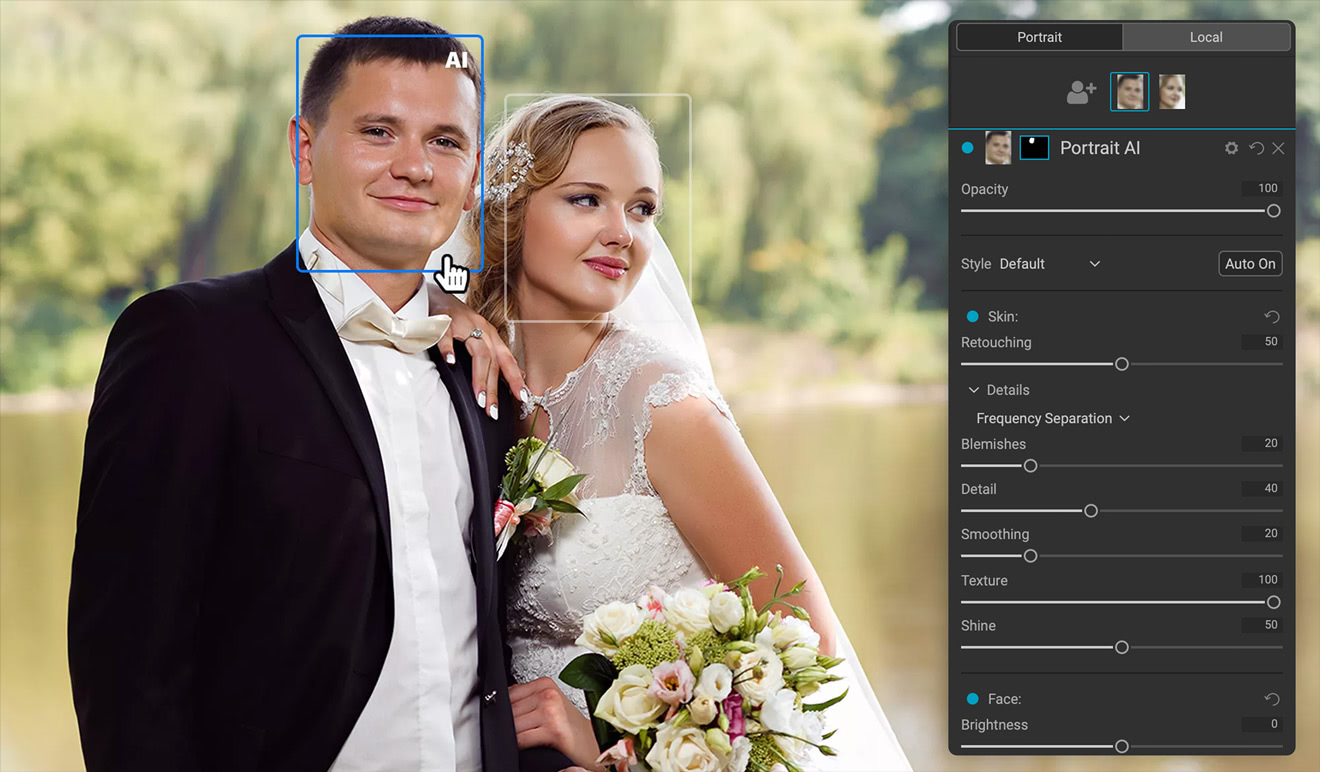
Per-Face Adjustments
AI Photo Retouching Allows You to Adjust Each Person Individually
Each face in your photo has independent controls and adjustments. For example, you can use different settings for the bride and groom in a wedding photo, ensuring customized enhancements for each subject.
Flexible By Design
Full Control, Whenever You Need It
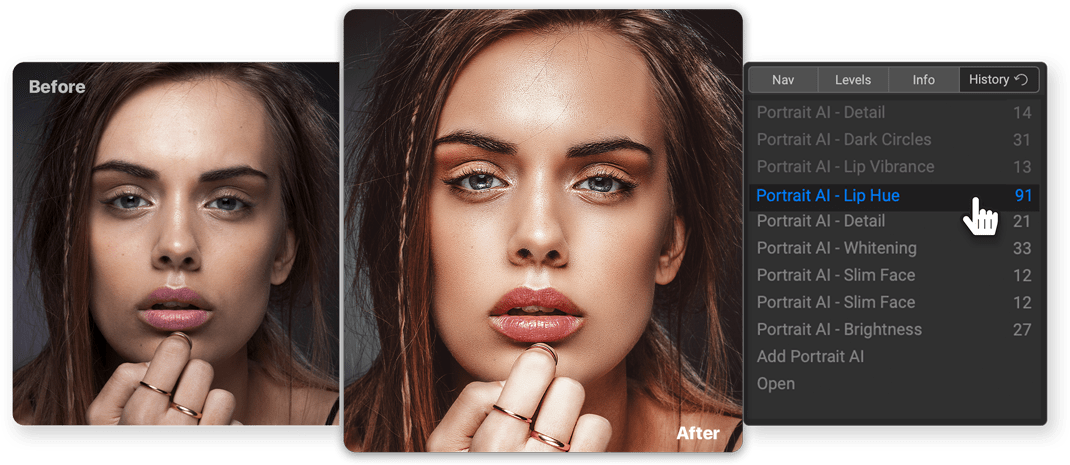
ON1 Portrait AI Edits are Non-Destructive
All of your adjustments and edits are non-destructive. You can re-edit them later and the original photo is not altered.
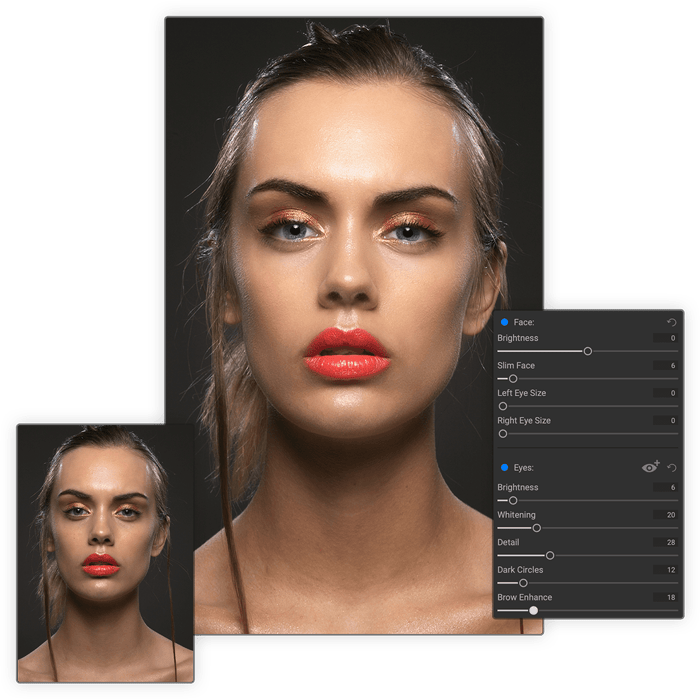
You Control How to Edit
Everything is automatic, but you also have full manual control. You can manually adjust the eye and mouth positions, paint to refine the skin mask, and use brushes to remove stubborn blemishes.
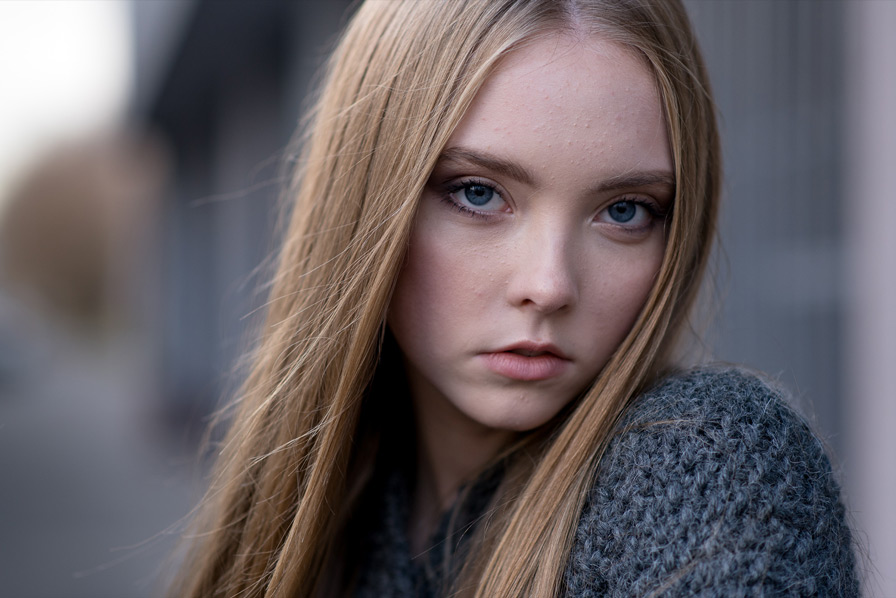
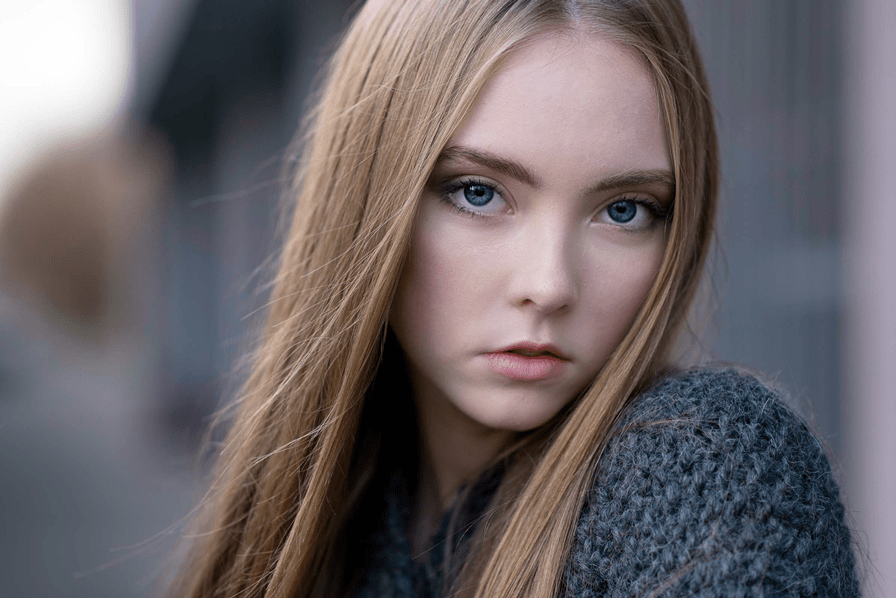
Improve Face Shape and Lighting
Correct common errors in lens choice and lighting by adding fill-light to lighten the face or resculpt the face to thin the jawline or balance out eye size.
Skin Retouching Technology
The Power of Using Frequency Separation
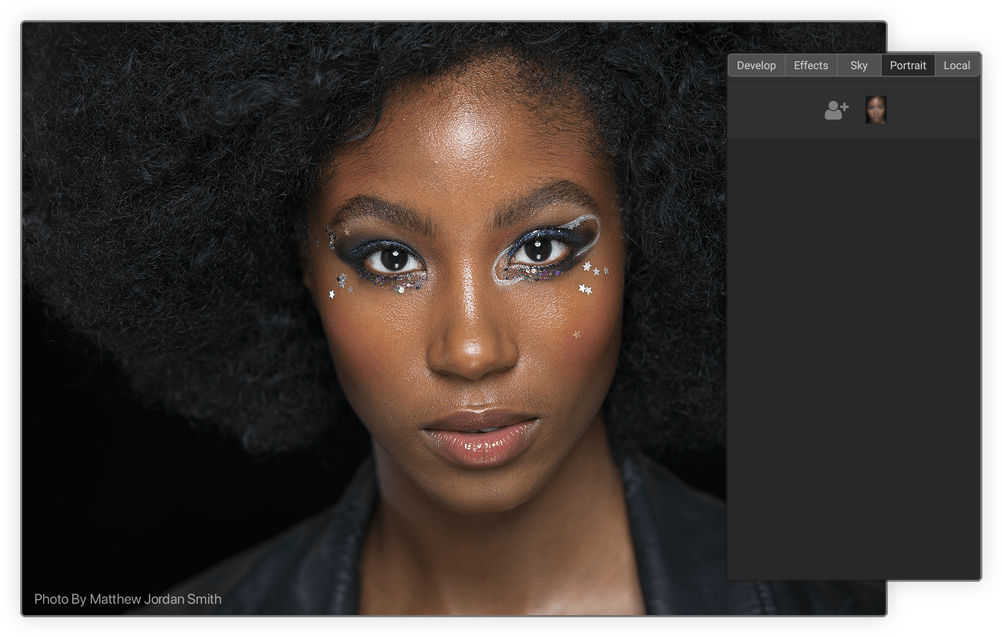
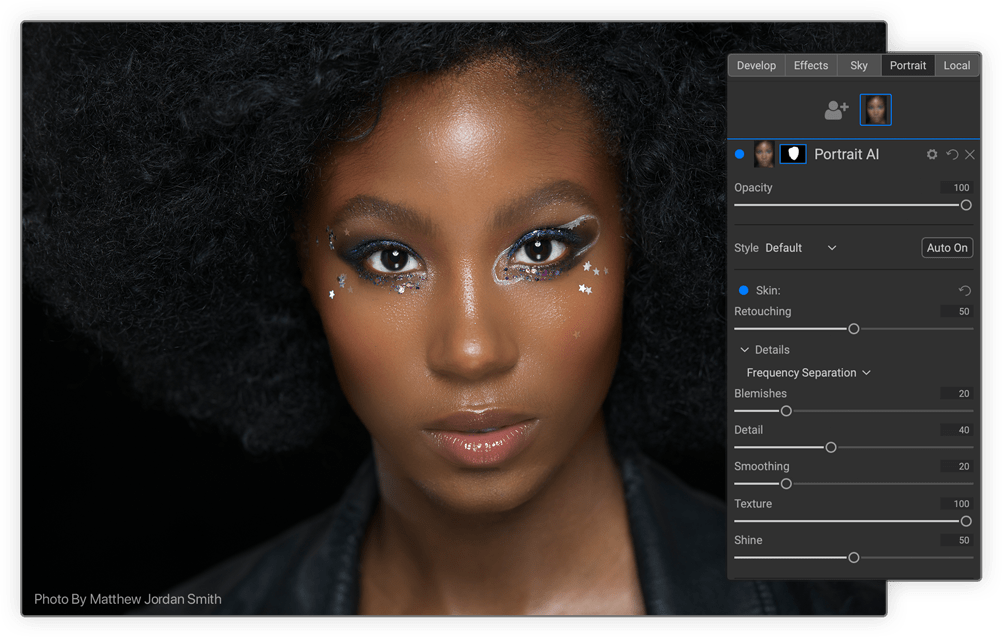
The skin retouching uses frequency separation to maintain natural skin texture while reducing color and tonal changes across the skin. It creates flawless but natural-looking skin.
Targeted Retouching
Easily Remove Blemishes, Whiten Teeth, and Enhance Eyes
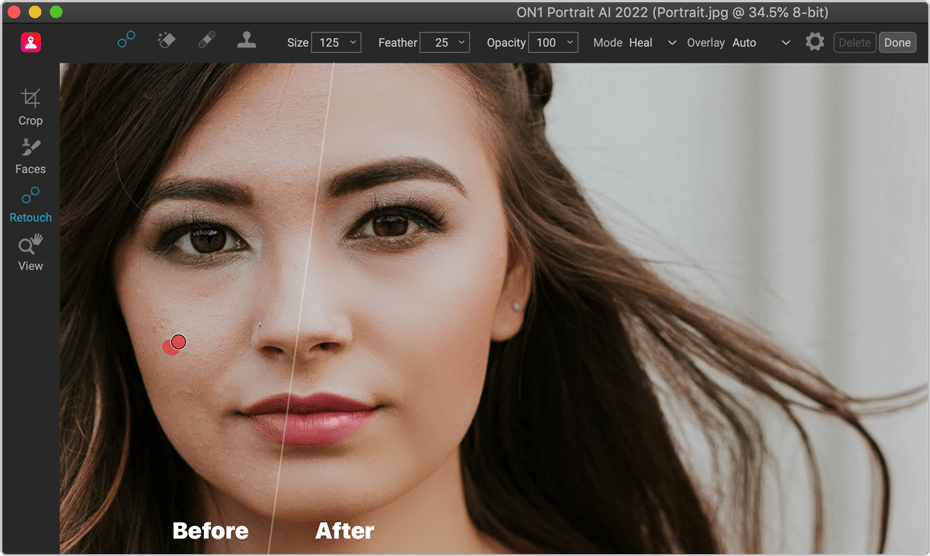
Easily Remove Blemishes
Fine blemishes can be reduced automatically, while larger blemishes can be removed with the built-in content-aware eraser and clone stamp.
Whiten Teeth
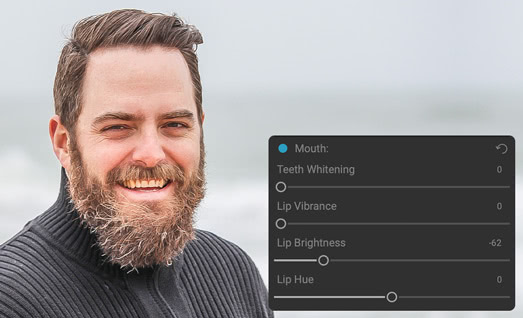
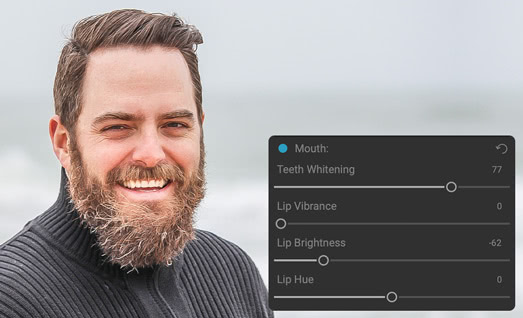
Teeth and lips are detected automatically, too. You can easily brighten the smile and adjust the color and saturation of the lips.
Enhance Eyes
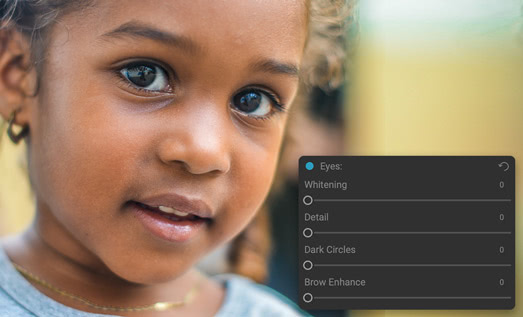
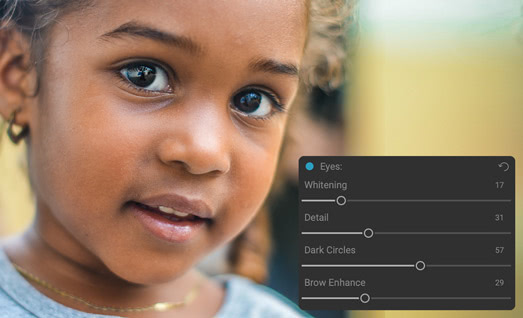
Eyes are automatically detected and enhanced. The whites can be brightened and the iris can be sharpened.
Your Signature Look
Presets that Fit Your Style
Easily create your own presets to define your retouching style.
Works With What You Already Use
Portrait AI Plugs into Your Workflow
ON1 Portrait AI is the perfect fit for almost any workflow. Get amazing retouching results in seconds when using ON1 Portrait AI as a plugin for:
Adobe Photoshop
Adobe Lightroom Classic
Adobe Photoshop Elements
Apple Photos
Affinity Photo
Capture One
Corel Paintshop Pro

Pricing
How Do You Want Portrait AI?
Order a license for ON1 Portrait AI 2023.5 today, or get all of the ON1 plugins in Photo RAW MAX.
Portrait AI 2023.5
License to Own
Price shown for general site visitors. Signed-in existing customers may see a different, personalized price.
- Use as a standalone app on 2 computers
- Use as a Plugin for Adobe
- Includes all the ON1 apps in a single editor
- Includes Future Upgrades

Subscribe to Photo RAW MAX
Subscription
Every ON1 app in a single editor, always on the latest version.
- Use as a standalone app on 3 computers
- Use as a Plugin for Adobe
- Includes all the ON1 apps in a single editor
- Includes Future Upgrades
/year
30-Day Money-Back Guarantee
Frequently Asked Questions
ON1 Portrait AI automates portrait retouching using facial recognition, identifying features like eyes, skin, and teeth for targeted adjustments. It offers full control to those adjustments as well, providing results quickly while maintaining a natural look.
Yes, ON1 Portrait AI has a free trial so users can experience its full set of features for 30 days.
ON1 Portrait AI includes tools for skin smoothing, blemish removal, teeth whitening, eye brightening, and face sculpting, along with customizable presets to speed up editing.
Before You Install
System Requirements
What it takes to run ON1 Portrait AI 2023.5 as a standalone app or as a plugin.
Minimum |
Recommended |
|
|---|---|---|
| Operating System |
(Current maintenance releases, 64 bit only) |
(Current maintenance releases, 64 bit only) |
| Processor |
|
|
| RAM |
8 GB |
16+ GB |
| Hard Drive |
2 GB for installation |
|
| Graphics |
macOS:
Windows:
|
macOS:
Windows:
|
| Optional Integration |
Photoshop Lightroom Classic 2020 and above, Capture One 10 and above |
|
| Internet |
A high-speed internet connection and active account for activation, auto-update checking, content downloads, and tutorials. |
|
| Supported Options |
|
|
| Supported Languages |
English, German, Spanish, French, Japanese, Korean, Simplified Chinese, Russian, Portuguese, Italian, Dutch |
|
The ON1 Guarantee
Your Trust is Our Foundation
Every purchase is protected. Every photo is yours. No games, no surprises.
Go Deeper


