ON1 Effects
Effects 2026
Photo Effects Software Plugin
Add instant style, personality, and impact to your photos. The ultimate photo effects software for photographers who want fast, creative control.
- New Masking Tools
- New Filters
- Smarter Selections
- And More!
Starts at
Overview
Why ON1 Effects 2026?
Add instant style, personality, and impact to your photos with ON1 Effects 2026 — the ultimate photo effects software for photographers who want fast, creative control. With hundreds of professional-grade filters, presets, LUTs, textures, and borders, you can transform your images in just a few clicks — no layers or complex steps required. Whether you're adding the final touch to a portrait, giving landscapes a cinematic look, or batch styling an entire shoot, ON1 Effects delivers fast, beautiful results. You can use ON1 Effects 2026 as a standalone app, as a plugin for Photoshop, Lightroom, and more, or fully integrated inside ON1 Photo RAW.

Instantly style any photo
with 30+ flexible filters

AI-Powered recommendations
with AI Style Advisor

Create any look
with fully customizable effects

Seamlessly integrates
as a plugin for Lightroom, Photoshop, and more
Creative Range
Limitless Creative Possibilities
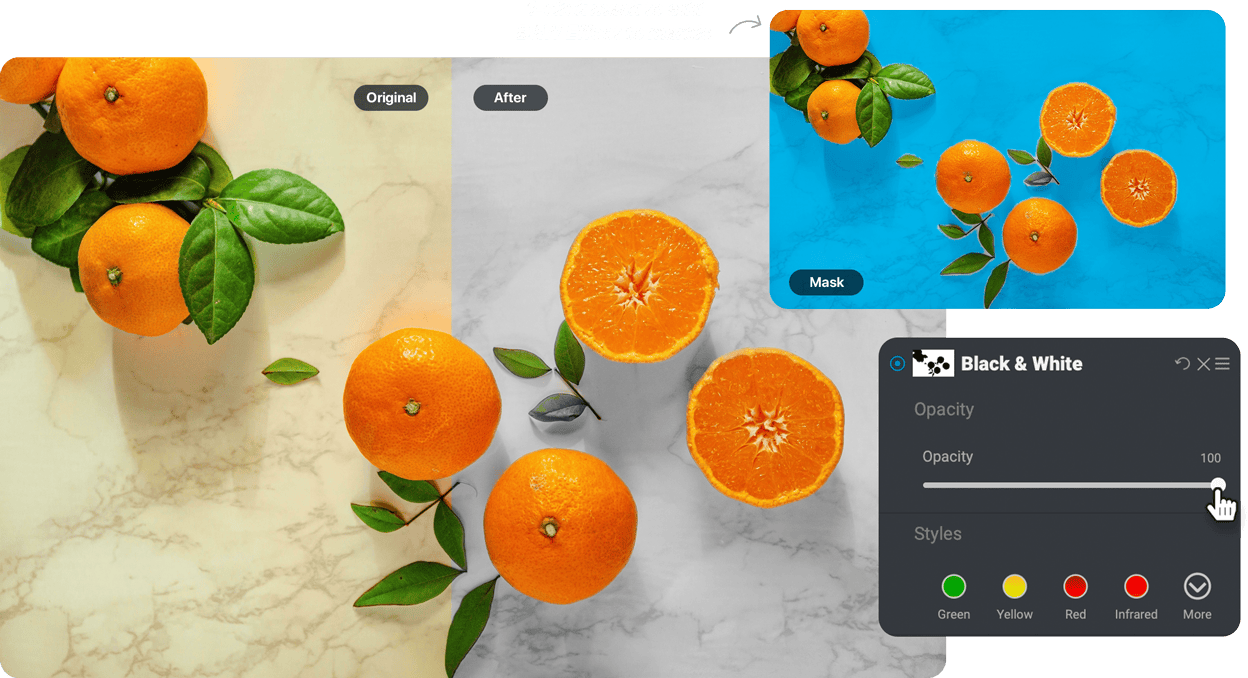
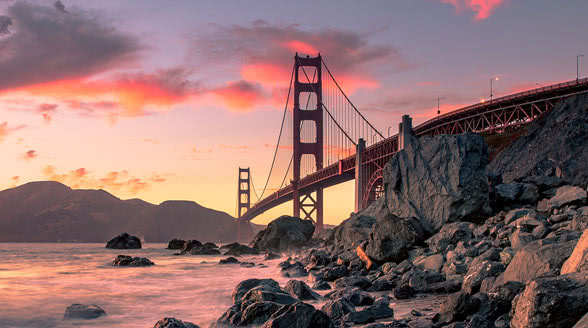
Instantly style any photo and create stunning looks in seconds. ON1 Effects 2026 includes hundreds of customizable presets, filters, LUTs, textures, and borders — allowing for unlimited creative control.
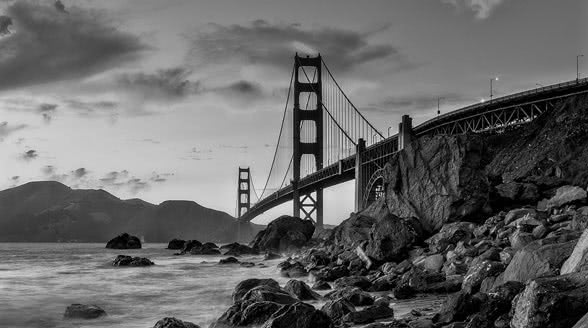
B&W | HDR Look
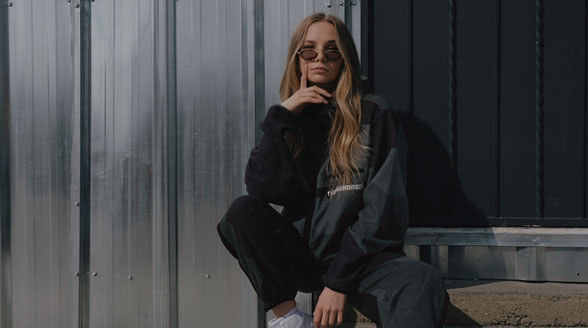
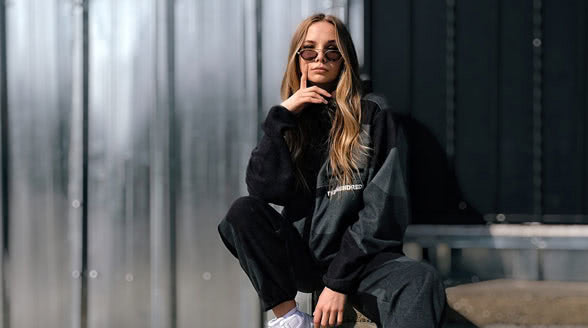
Dynamic Contrast | Lens Blur

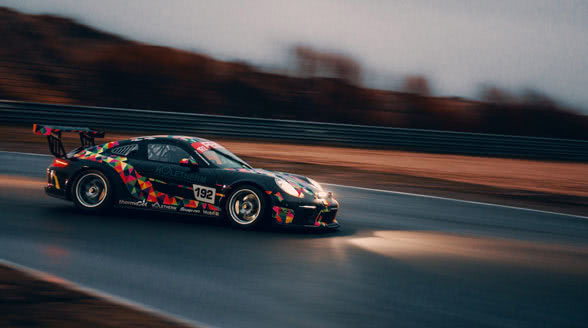
Glows Film Looks | Split Tone
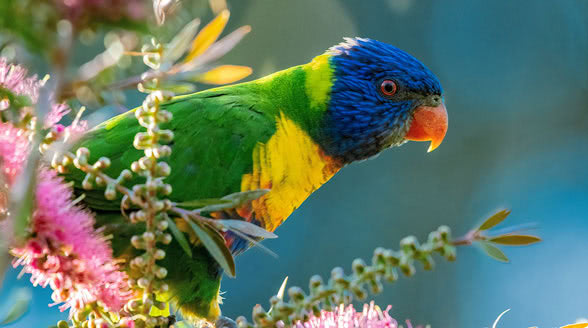
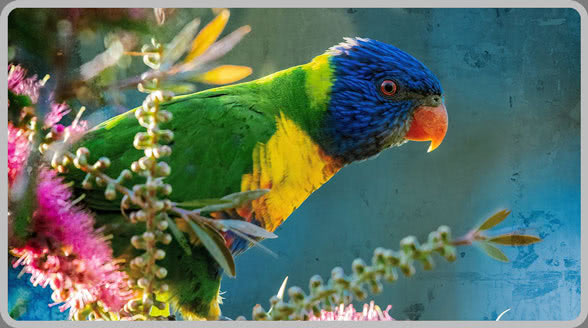
Textures | Borders and more
Create your own custom looks by stacking, blending, and adjusting filters with precision. Whether you want a vintage film effect, a moody cinematic grade, or a bold pop-art style, ON1 Effects 2026 makes it fast and effortless.
Point, Click, Create
Add the Perfect Finishing Touch
Apply professional-grade effects instantly with ON1 Effects, combining curated presets, AI-powered masking, and creative filters to deliver finished photos faster, with full control and flexibility.
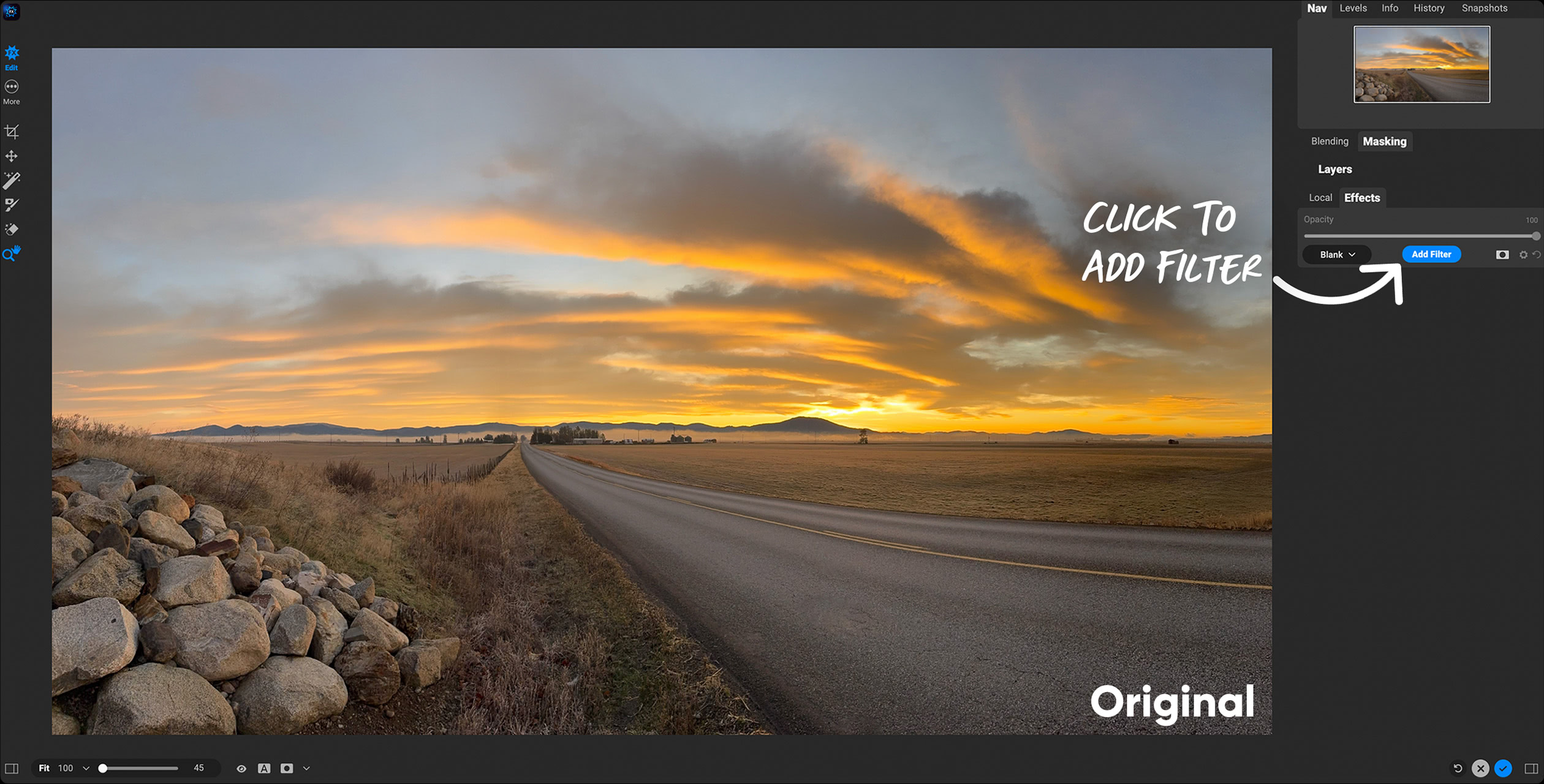
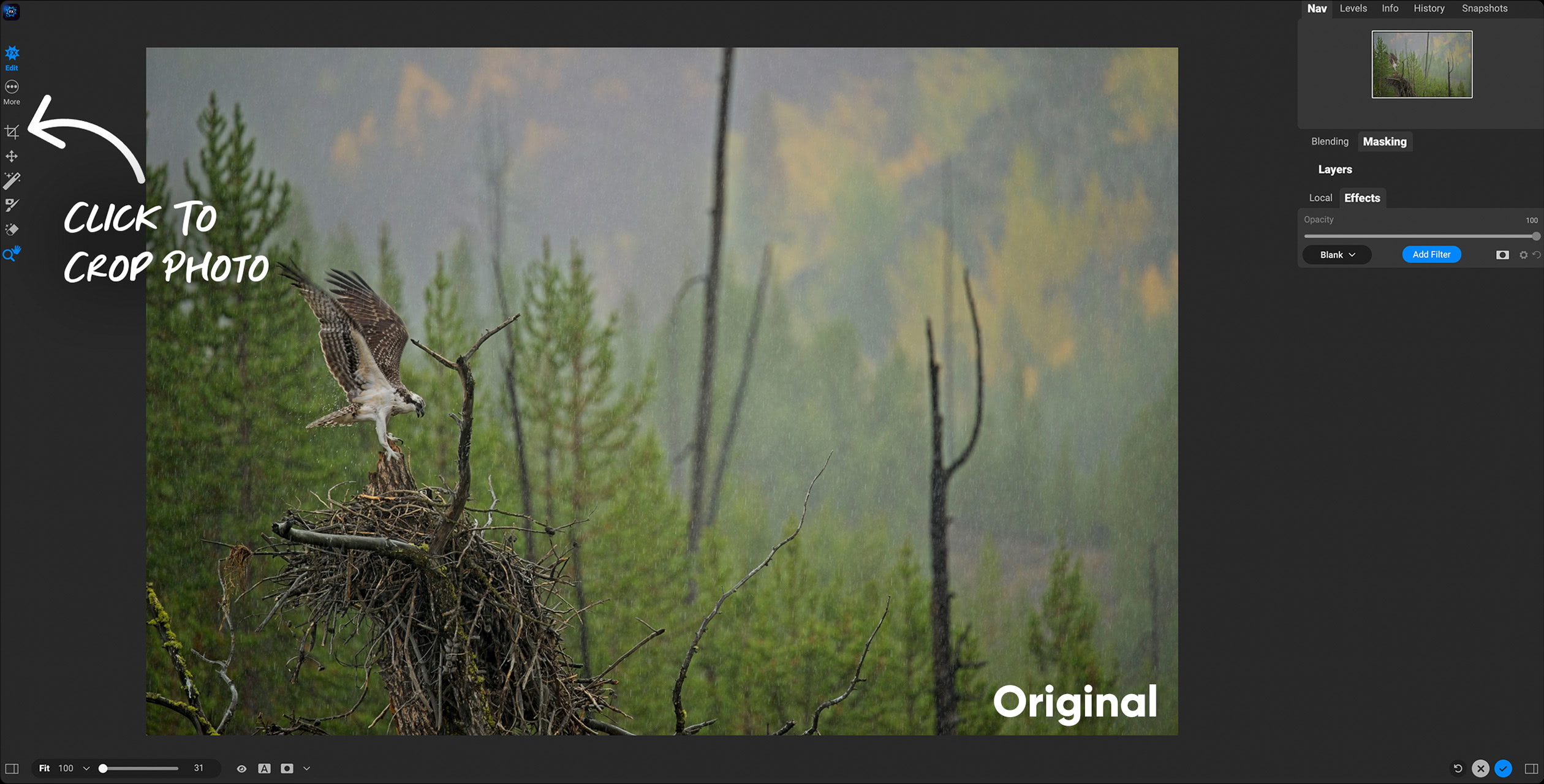
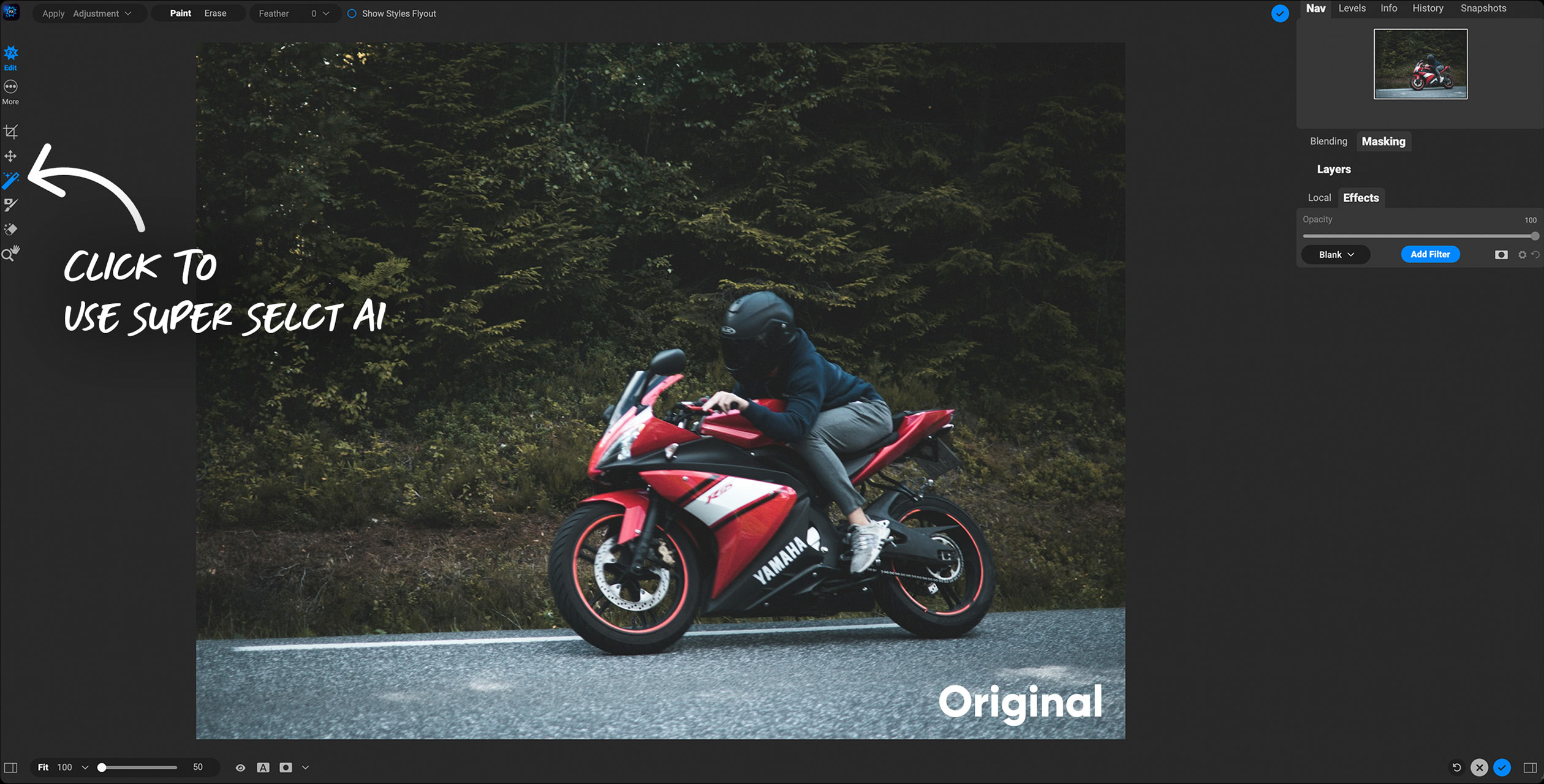
Click the photo to step through the edit.
Explore These Quick & Easy Edits
New for 2026
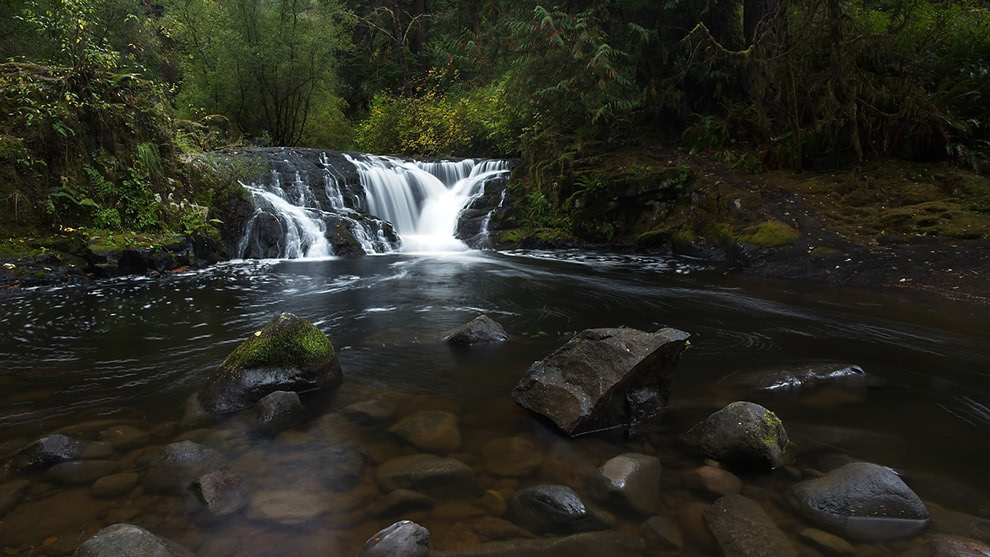
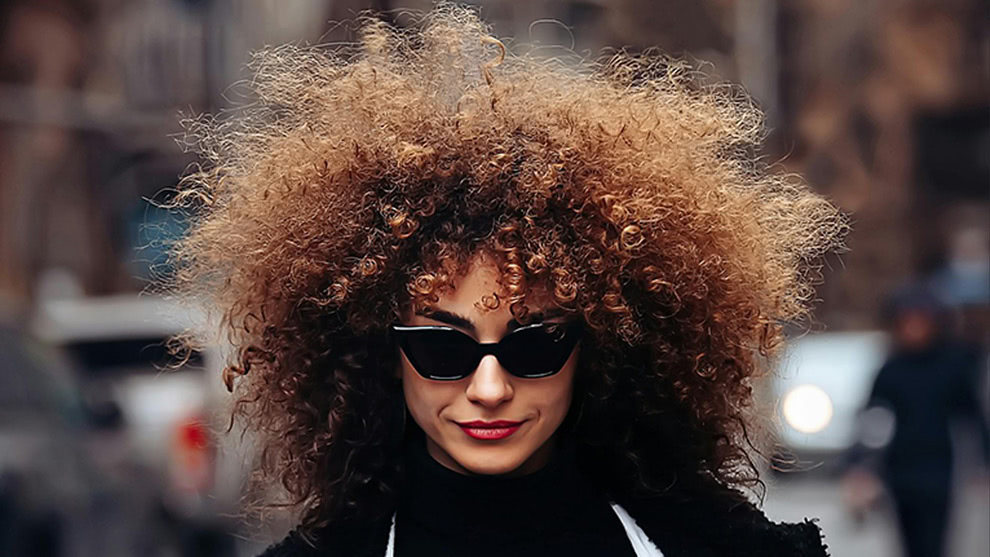
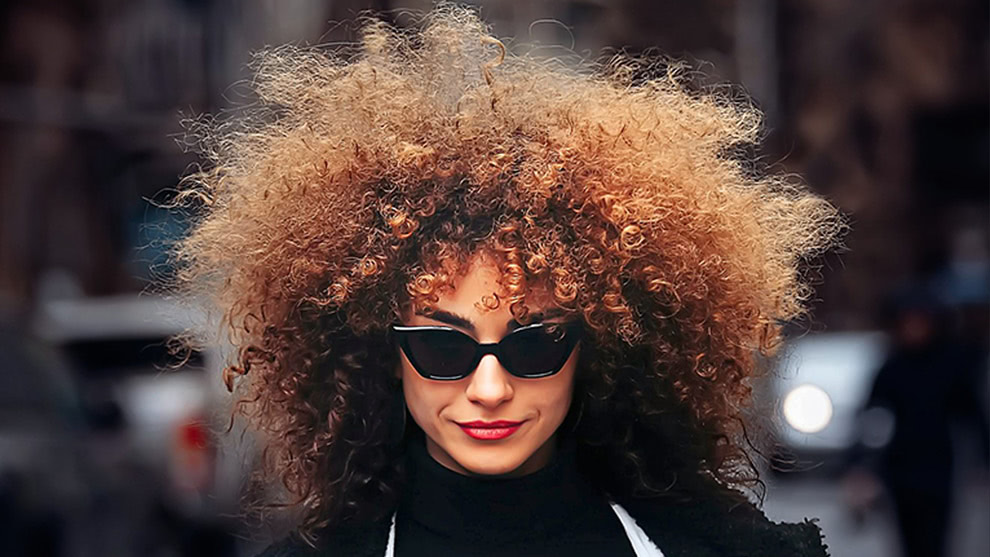
Four All-New Creative Filters
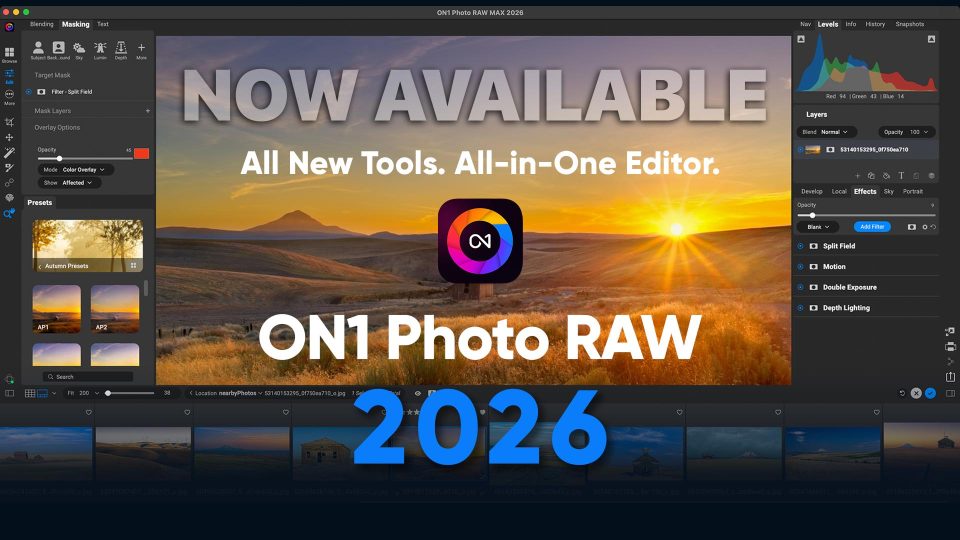
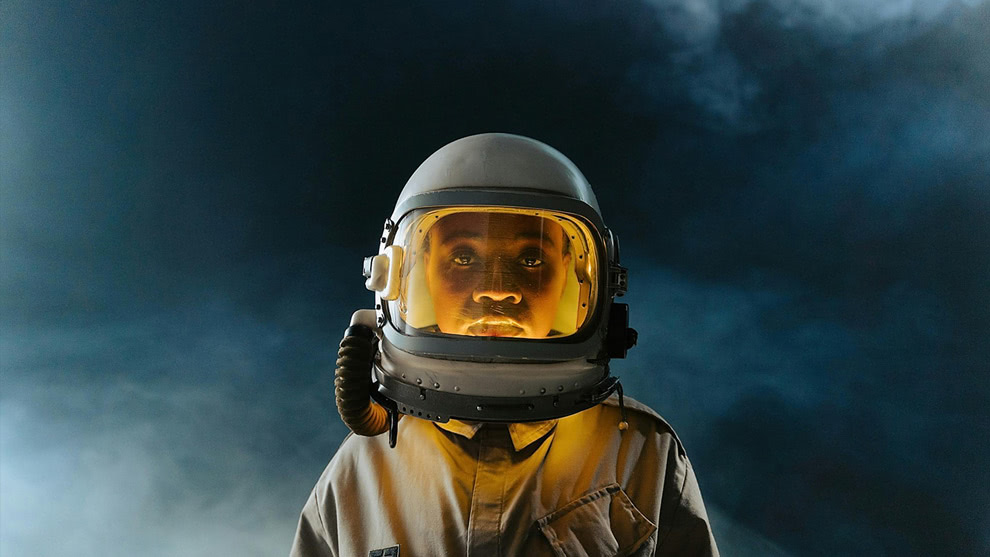
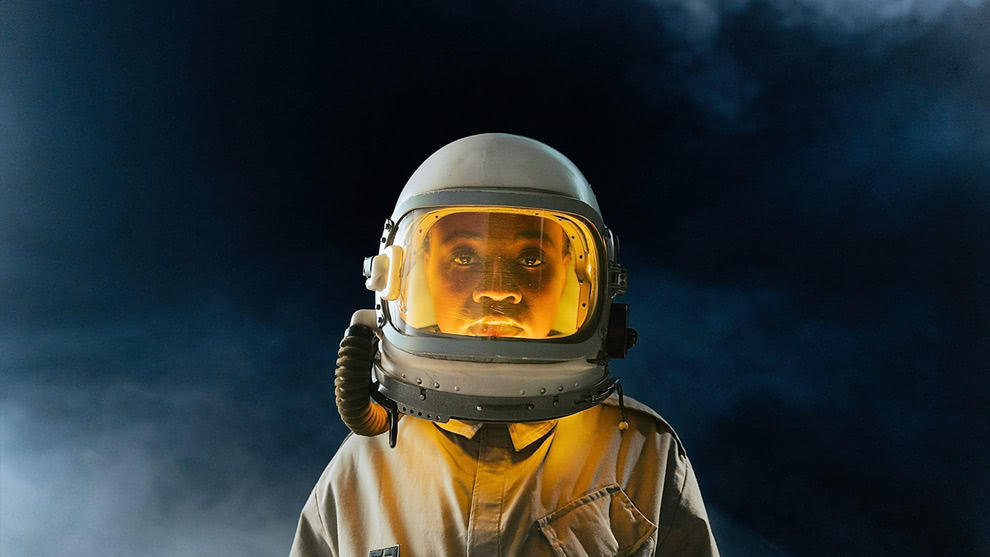
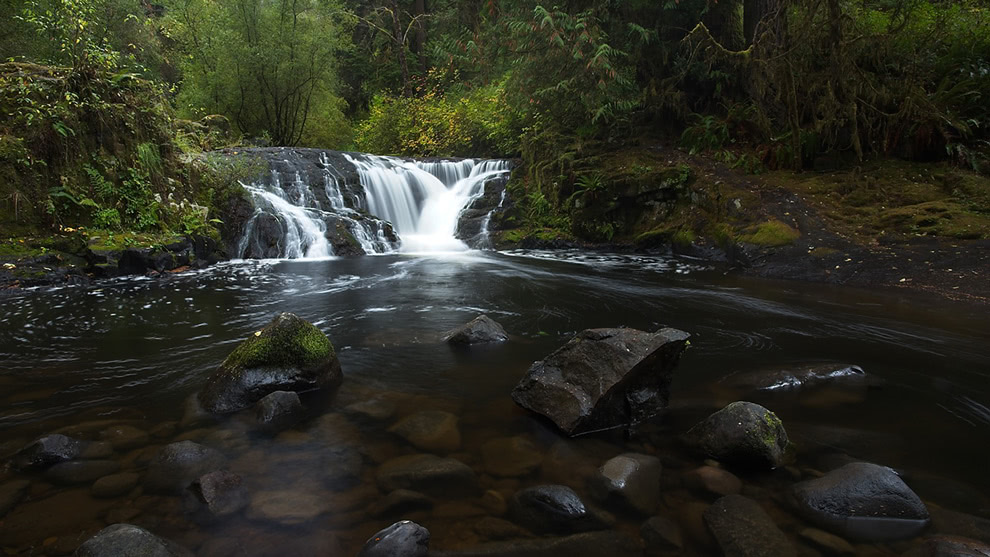
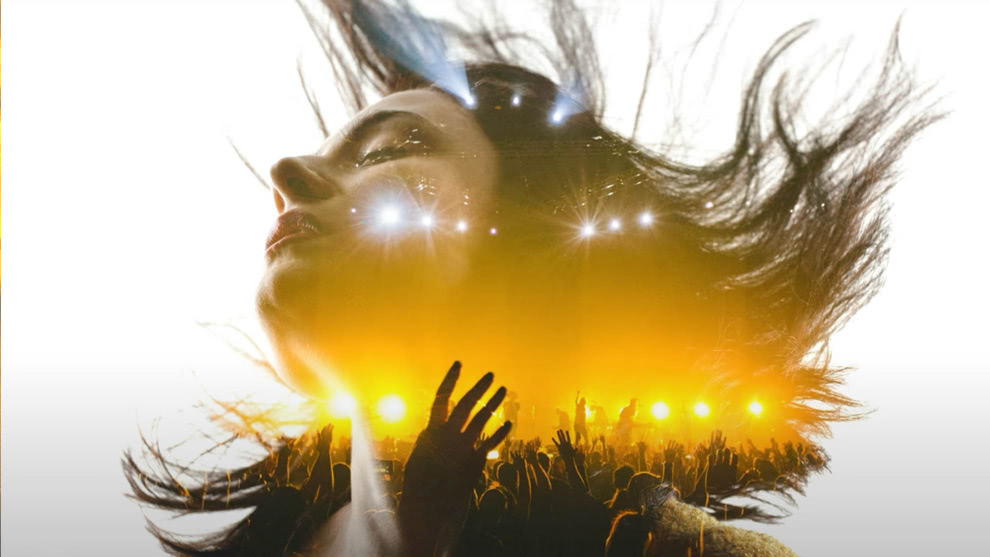
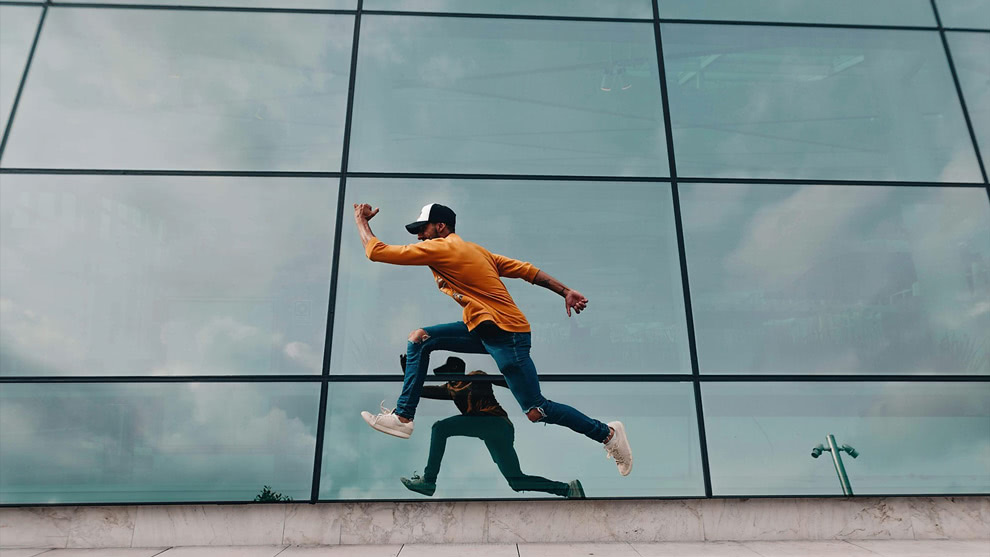
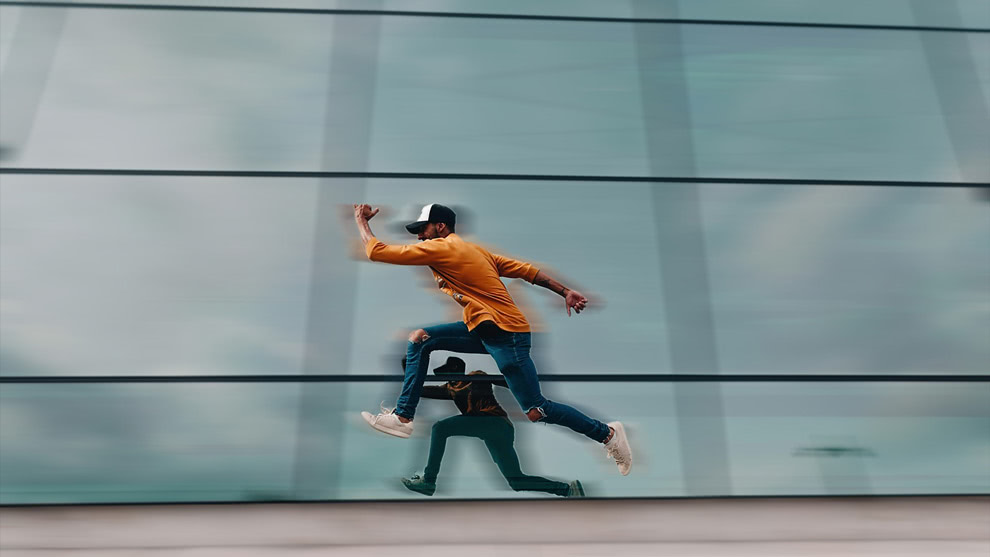
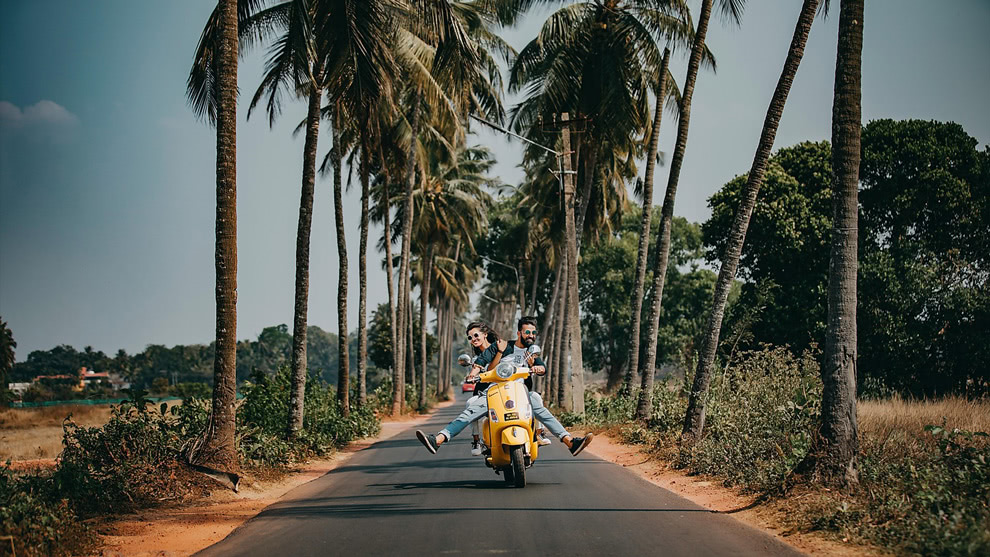
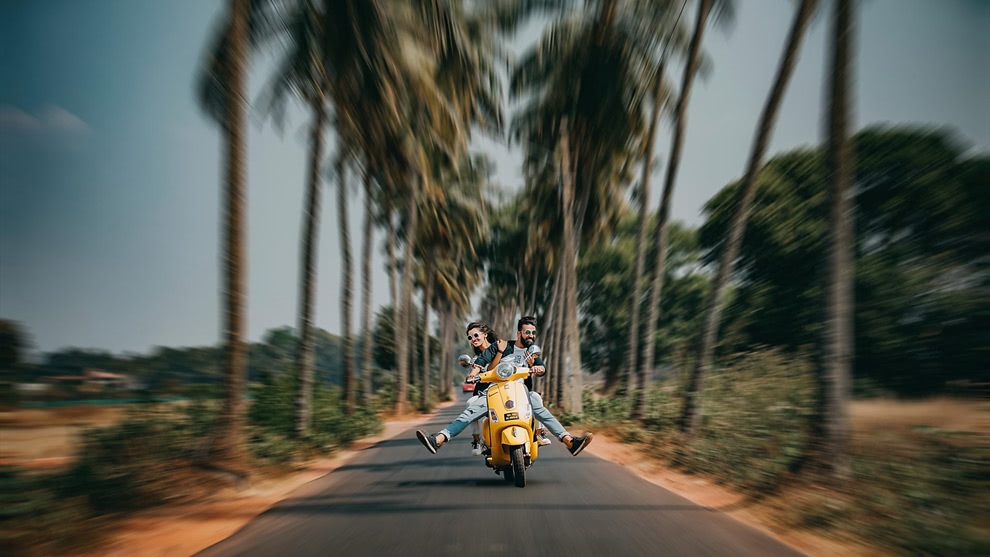
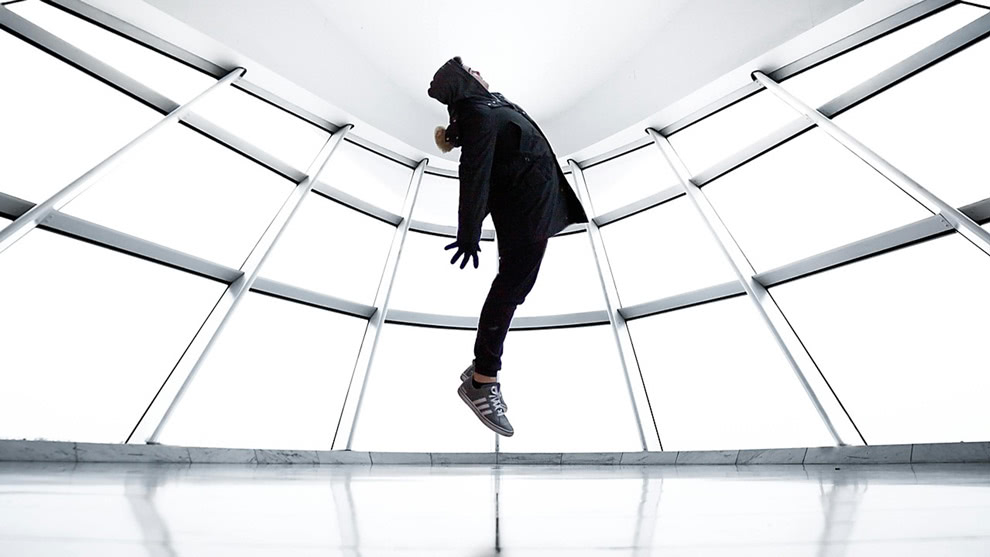
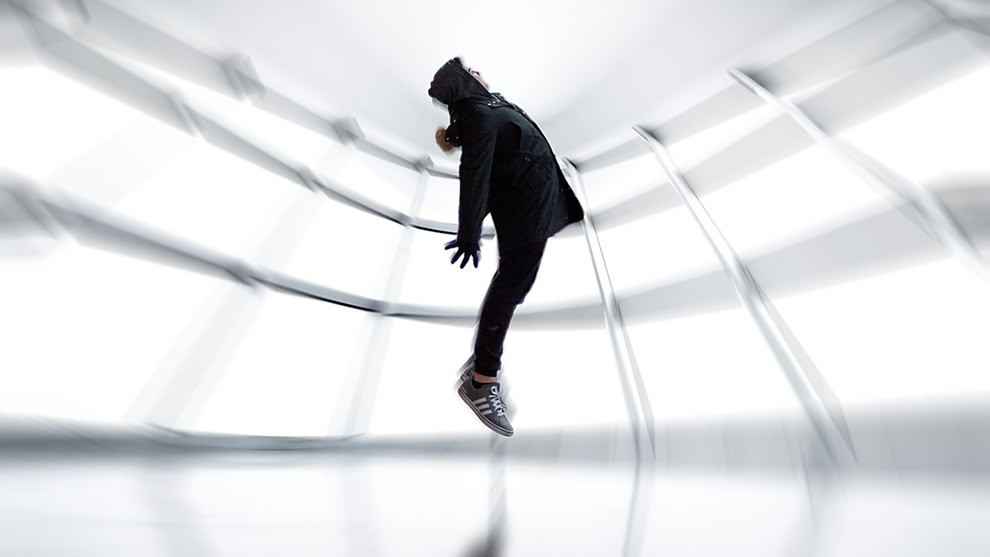
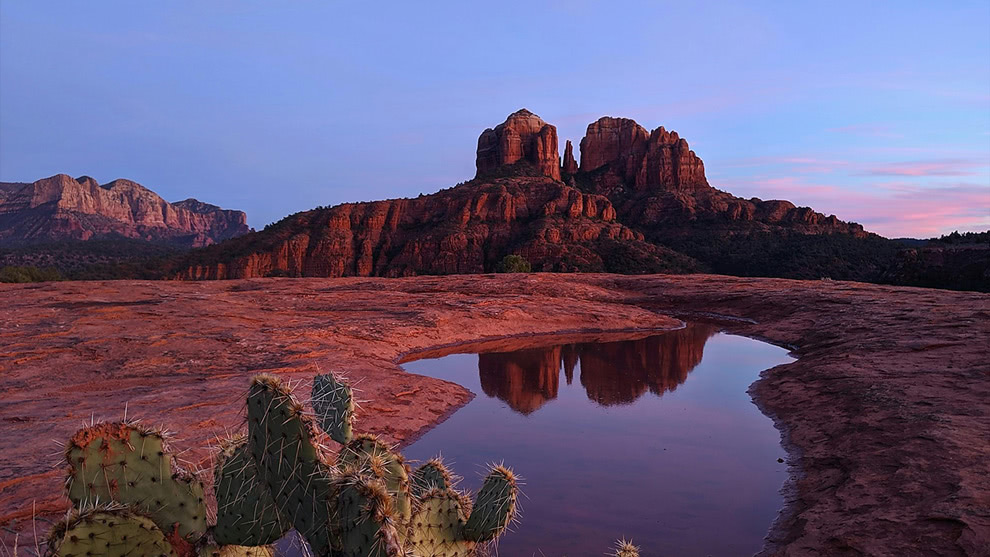
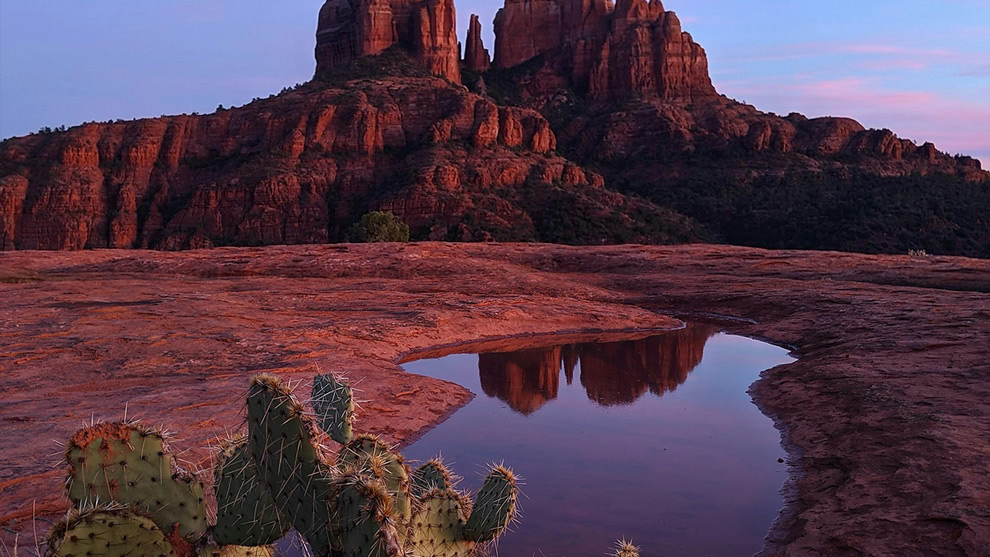
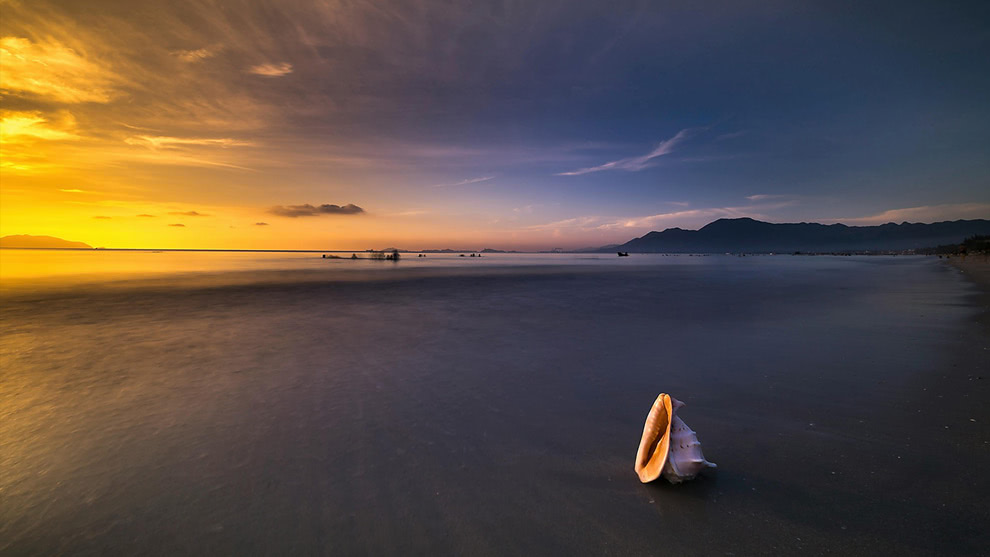
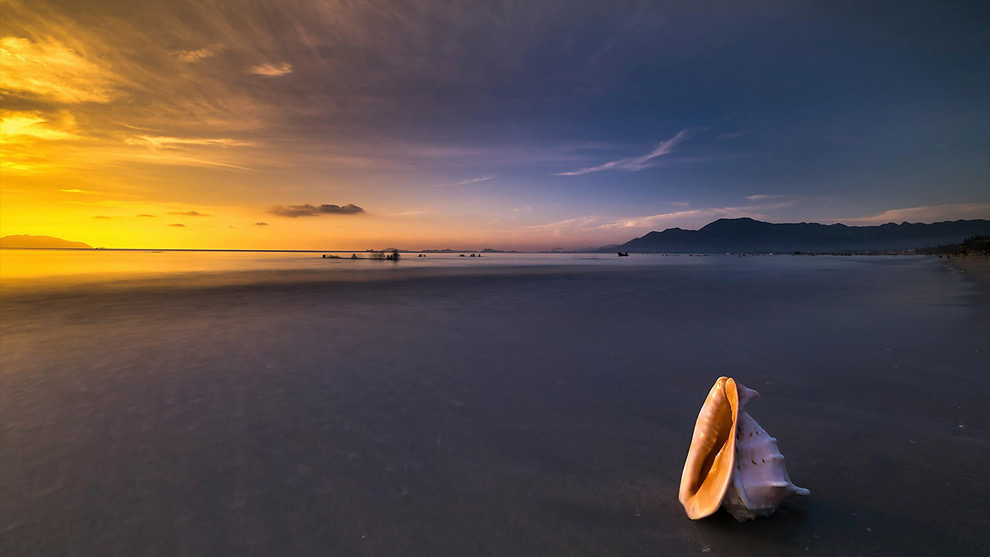
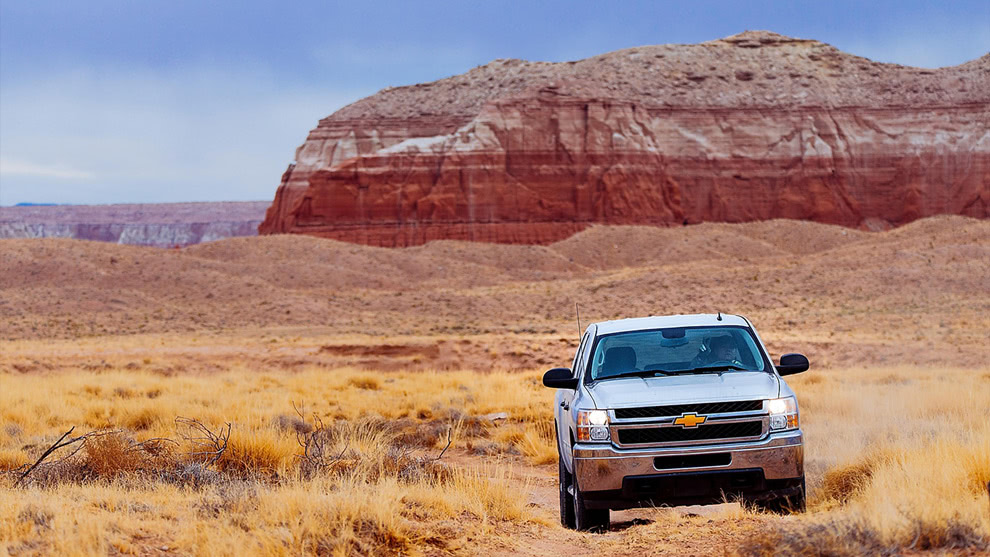
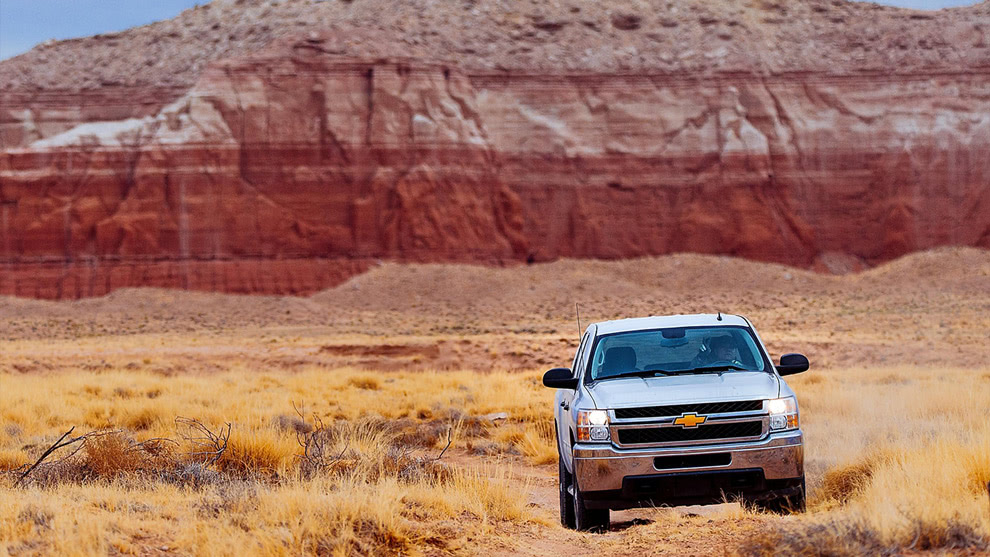
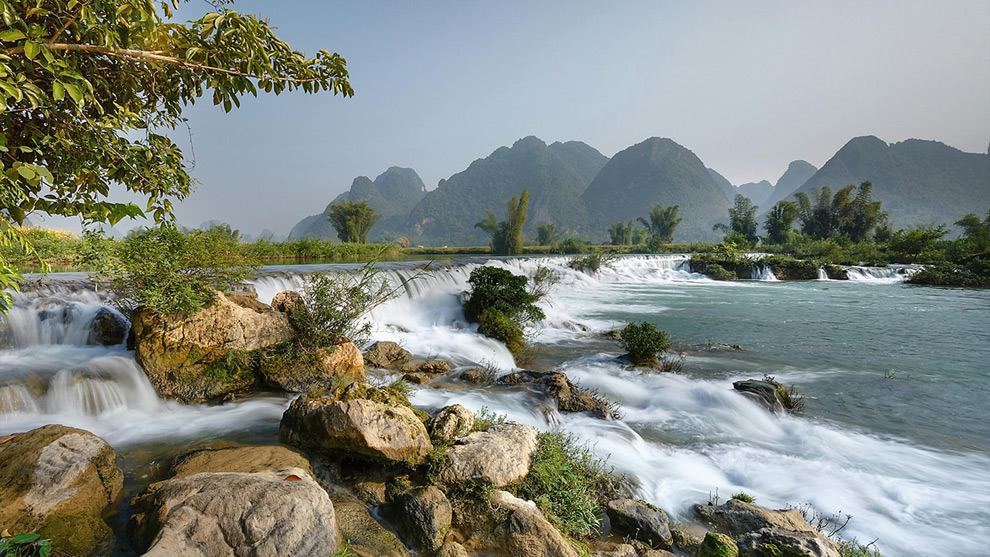
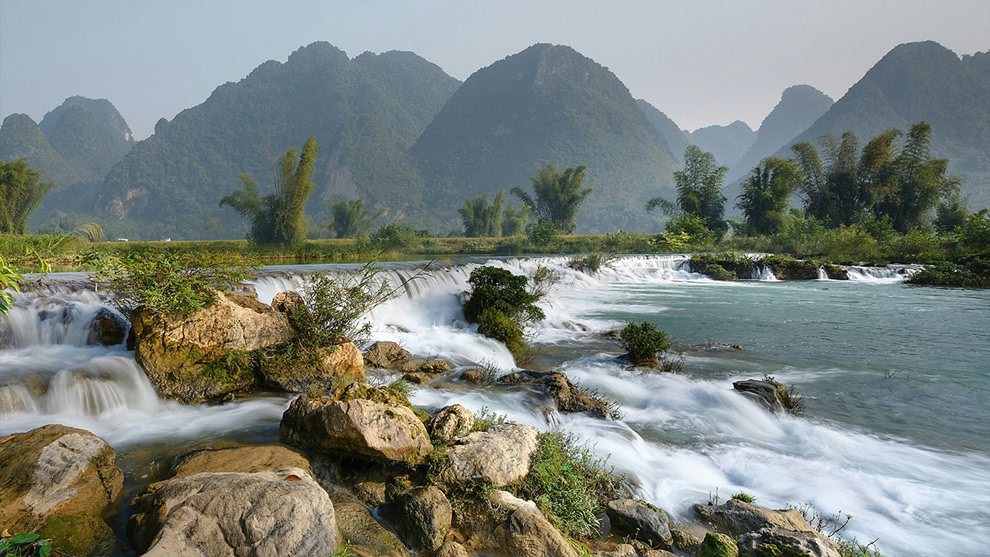
Lighting, perspective, and creative effects are often tough to get right in-camera. The new Depth Lighting, Split Field, Double Exposure, and Motion filters in ON1 Effects 2026 make it easy to balance light, fix perspective, and add artistic style — all after the shot.




Advanced Tools
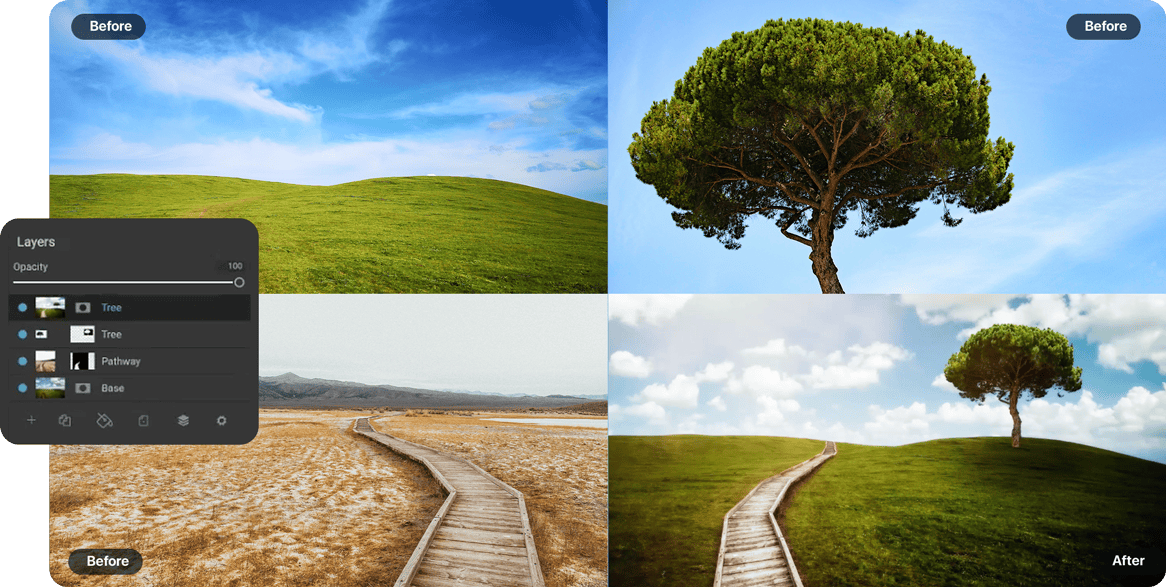
Layer & Mask with Advanced AI Tools
- Combine multiple photos non-destructively
- Using AI masking tools for precise selections
- Perfect for swapping heads, replacing skies, and compositing effects
Workflow
Export & Share with Ease
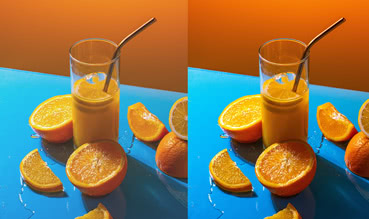
Soft-proof & print previews for accurate prints

Batch process multiple photos in a single export
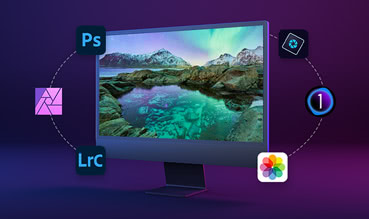
Integrates with Lightroom, Capture One, and Photoshop
See it in Action
See ON1 Effects in Action!

Pricing
Get Effects Today!
ON1 Effects 2026 adds powerful new creative filters, smarter AI masking for one-click subject and background selections, and more tools to bring your photos to life.
Buy Effects by itself and own it outright, or get it as part of Photo RAW, the ultimate all-in-one photo editor.

Effects 2026
License to Own
Price shown for general site visitors. Signed-in existing customers may see a different, personalized price.
- Use as a standalone app on 2 computers
- Use as a Plugin for Adobe
- Includes all the ON1 apps in a single editor
- Includes Future Upgrades

Subscribe to Photo RAW MAX
Subscription
Every ON1 app in a single editor, always on the latest version.
- Use as a standalone app on 3 computers
- Use as a Plugin for Adobe
- Includes all the ON1 apps in a single editor
- Includes Future Upgrades
/year
30-Day Money-Back Guarantee
Frequently Asked Questions
Effects 2026 introduces powerful new creative tools and smarter AI masking that make it faster and easier than ever to transform your photos.
New features include:
- 1-Click Subject and Background Masks
- Mask Layers
- Depth Lighting Filter for foreground and background
- Split Field Filter to bring distant landscape objects closer
- Double Exposure Filter for blending photos
- Motion Filter to simulate camera movement
- Better quality masks for hair, foliage, and trees
- Effects starting points …and more
Both! ON1 Effects 2026 can be used as a standalone application on Mac/Windows or as a plugin for Photoshop, Lightroom Classic, Capture One, Affinity Photo, Apple Photos, and Corel PaintShop Pro.
Both options are available:
- Perpetual License – Own ON1 Effects 2026 outright (for up to 2 computers).
- Photo RAW Subscription – Includes all the ON1 apps and plugins, ON1 Cloud Sync for sharing photos across your devices, and all future upgrades. You'll always have the latest version.
Yes! All of the Effects 2026 features are built into Photo RAW and Photo RAW MAX. The MAX Edition adds the ability to launch Effects (and other ON1 apps) as a plugin from inside Adobe Photoshop, Lightroom, and other editors.
Yes. Effects 2026 is a paid upgrade from previous versions. Upgrade today and save!
Before You Install
System Requirements
What it takes to run ON1 Effects 2026 as a standalone app or as a plugin.
Minimum |
Recommended |
|
|---|---|---|
| Operating System |
(Current maintenance releases, 64 bit only) |
(Current maintenance releases, 64 bit only) |
| Processor |
ARM processors are not supported |
ARM processors are not supported |
| RAM |
8 GB (16 GB if shared with the GPU) |
16+ GB |
| Hard Drive |
1.5 GB for installation |
|
| Graphics |
macOS:
Windows:
|
macOS:
Windows:
|
| Optional Integration |
Photoshop CC, Photoshop Elements, Photoshop Lightroom Classic, Apple Photos, Affinity Photo, Capture One (Current versions for all) |
|
| Internet |
A high-speed internet connection and active account for installation, ON1 Cloud Sync, activation, auto-update checking, content downloads, and tutorials. |
|
| Supported Options |
|
|
| Supported Languages |
English, German, Spanish, French, Japanese, Korean, Simplified Chinese, Russian, Portuguese, Italian, Dutch |
|
The ON1 Guarantee
Your Trust is Our Foundation
Every purchase is protected. Every photo is yours. No games, no surprises.