Free Photoshop Brushes for Photographers
Bring your edits to life with our exclusive packs of high-quality Photoshop brushes, completely free. From dramatic clouds to star-filled skies and frosty seasonal textures, these brushes make it ridiculously easy to add pro-grade effects in just a few clicks. Every pack is an easy-to-install .abr file, ready to drop into Adobe Photoshop or import into ON1 Photo RAW — a perfect companion to our free LUTs.
- .ABR Format
- Adobe Photoshop
- ON1 Photo RAW
-
4 free brush packs • No credit card required
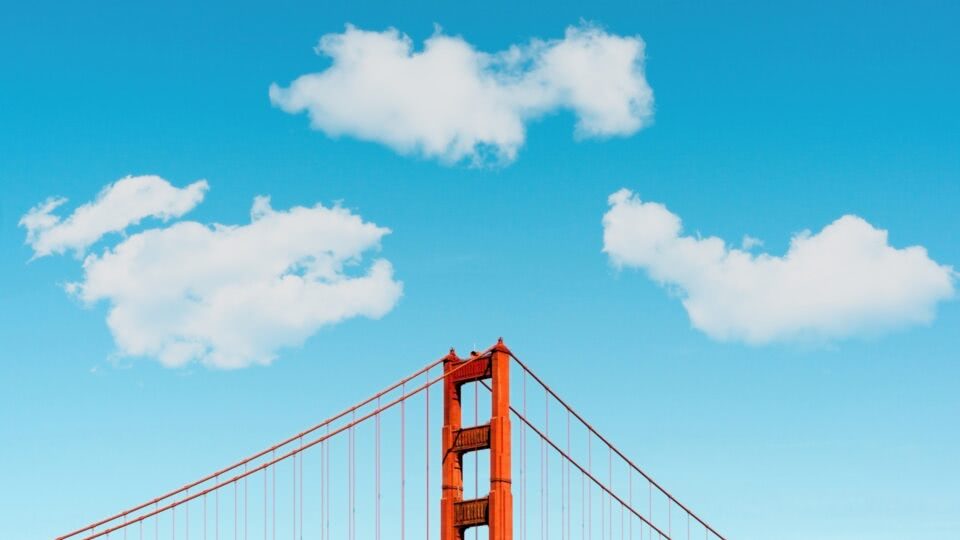
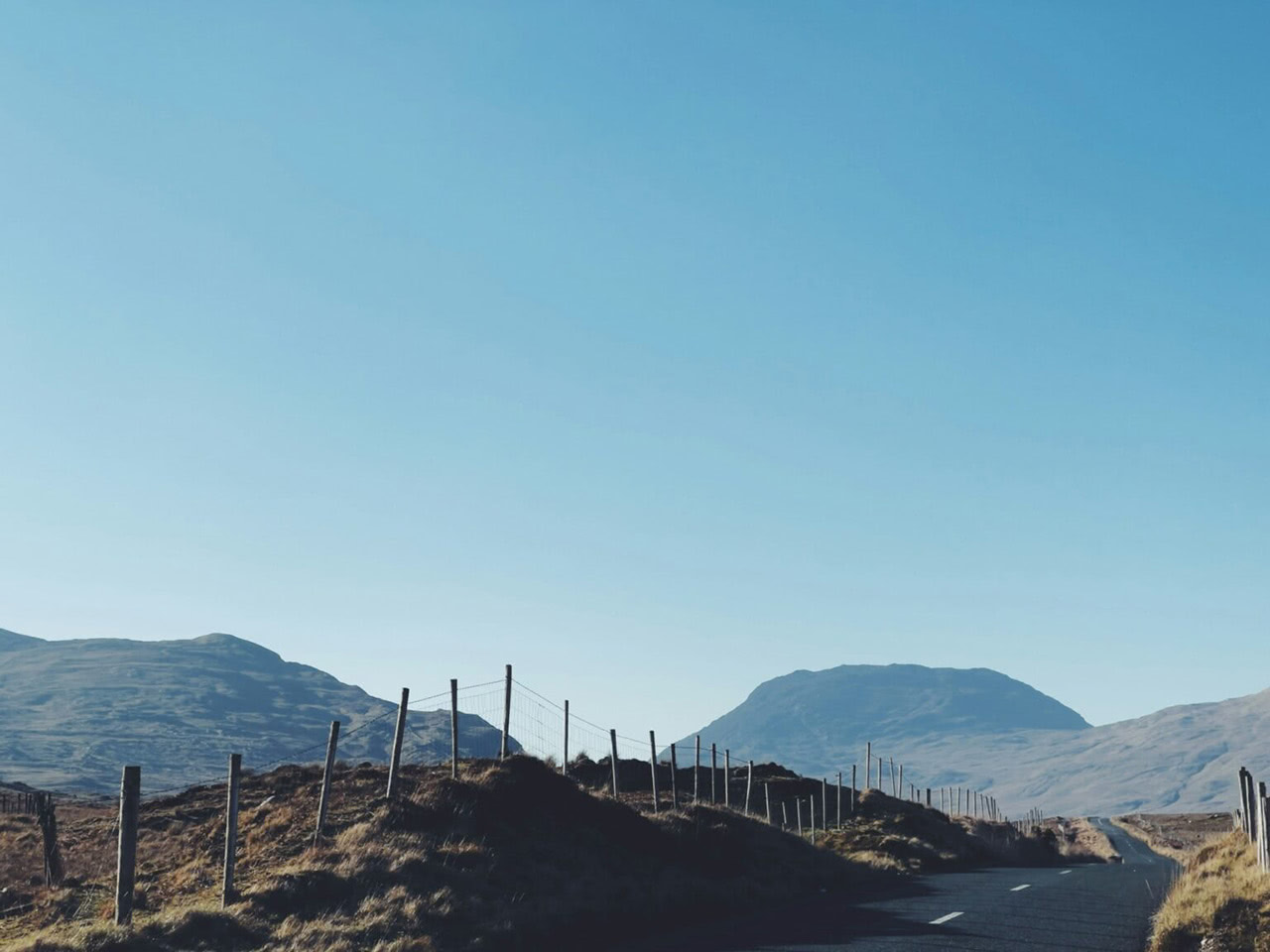
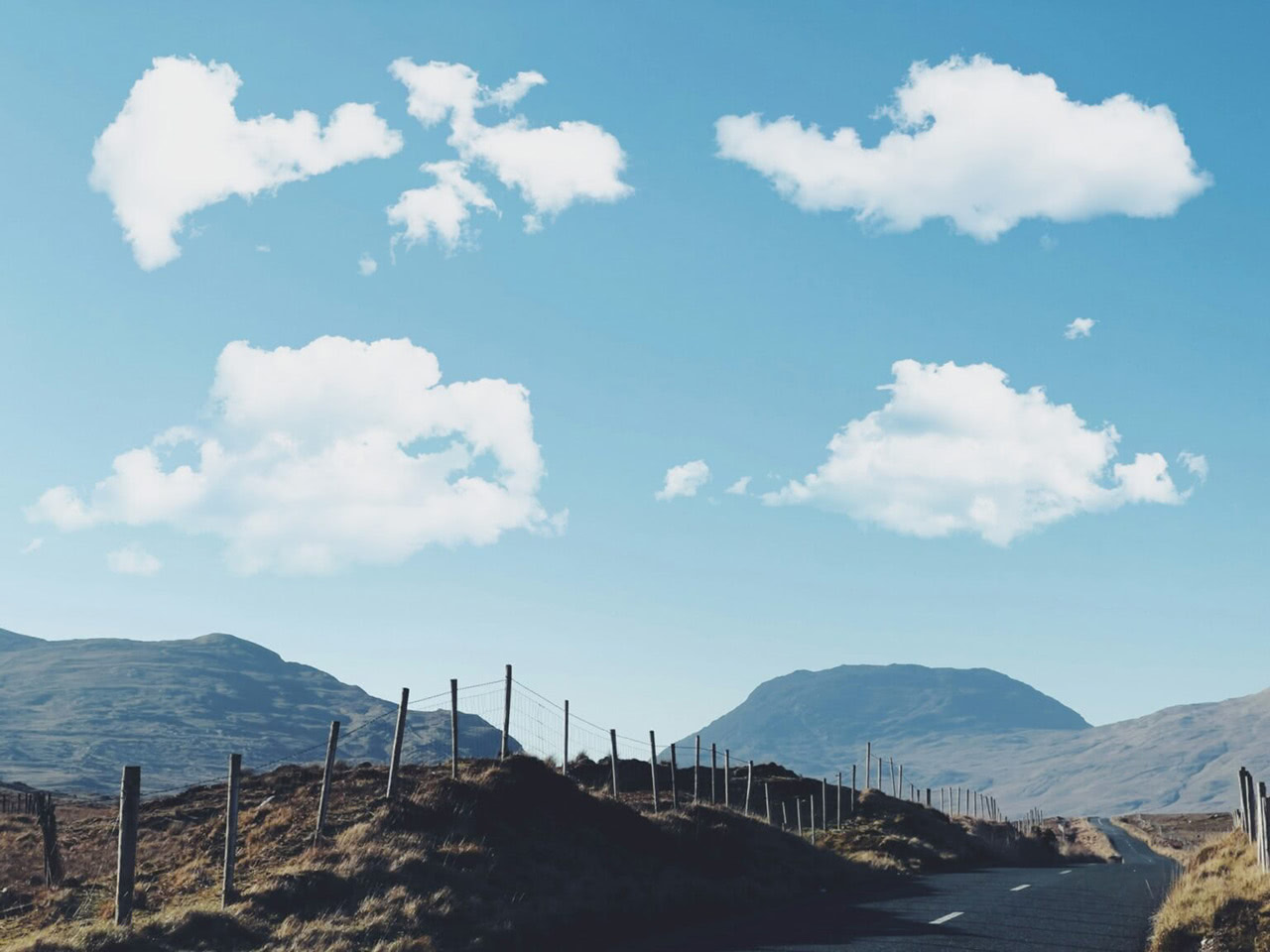
Realistic Cloud Brushes
ON1 Original • 10 Brushes
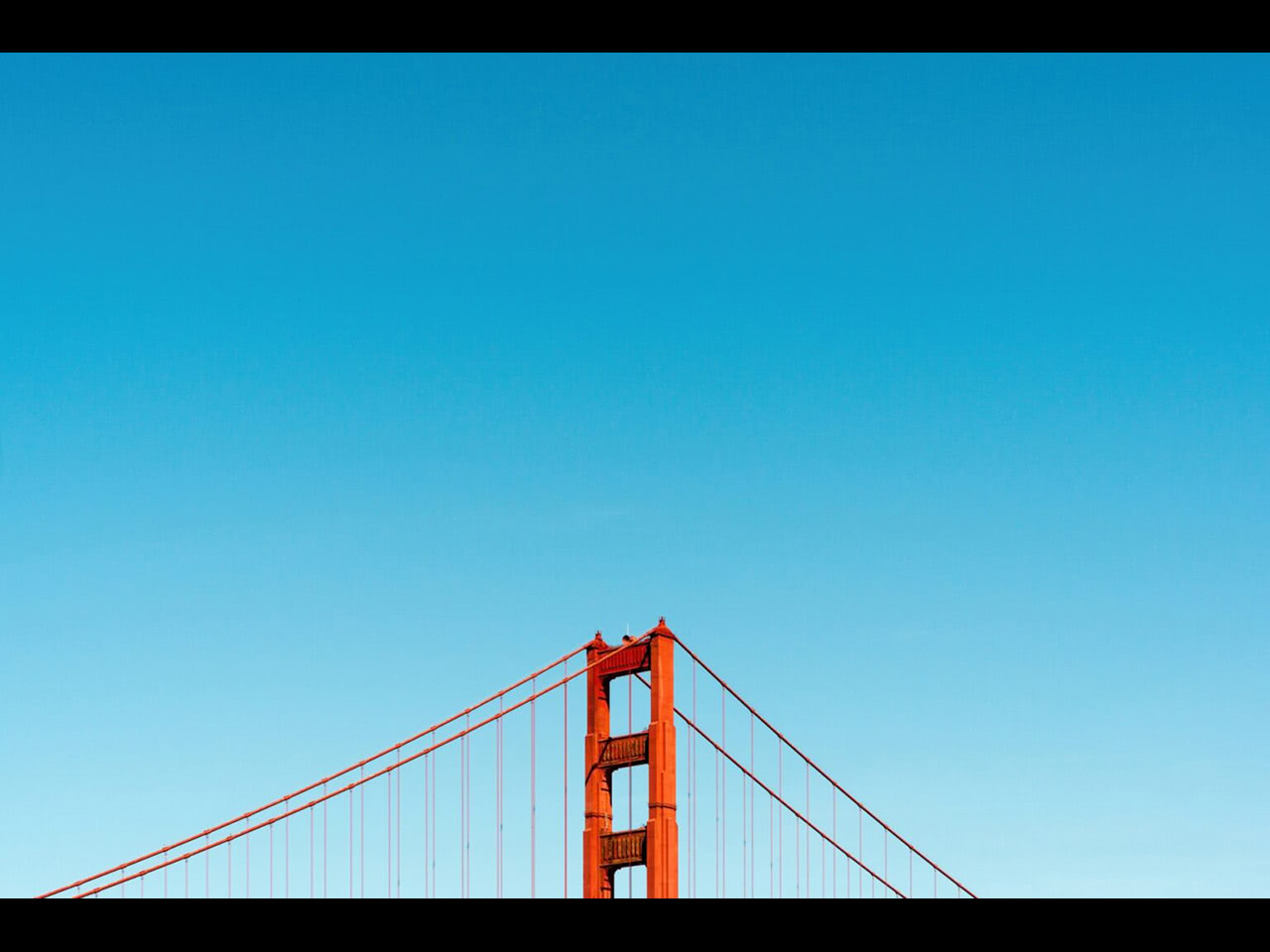
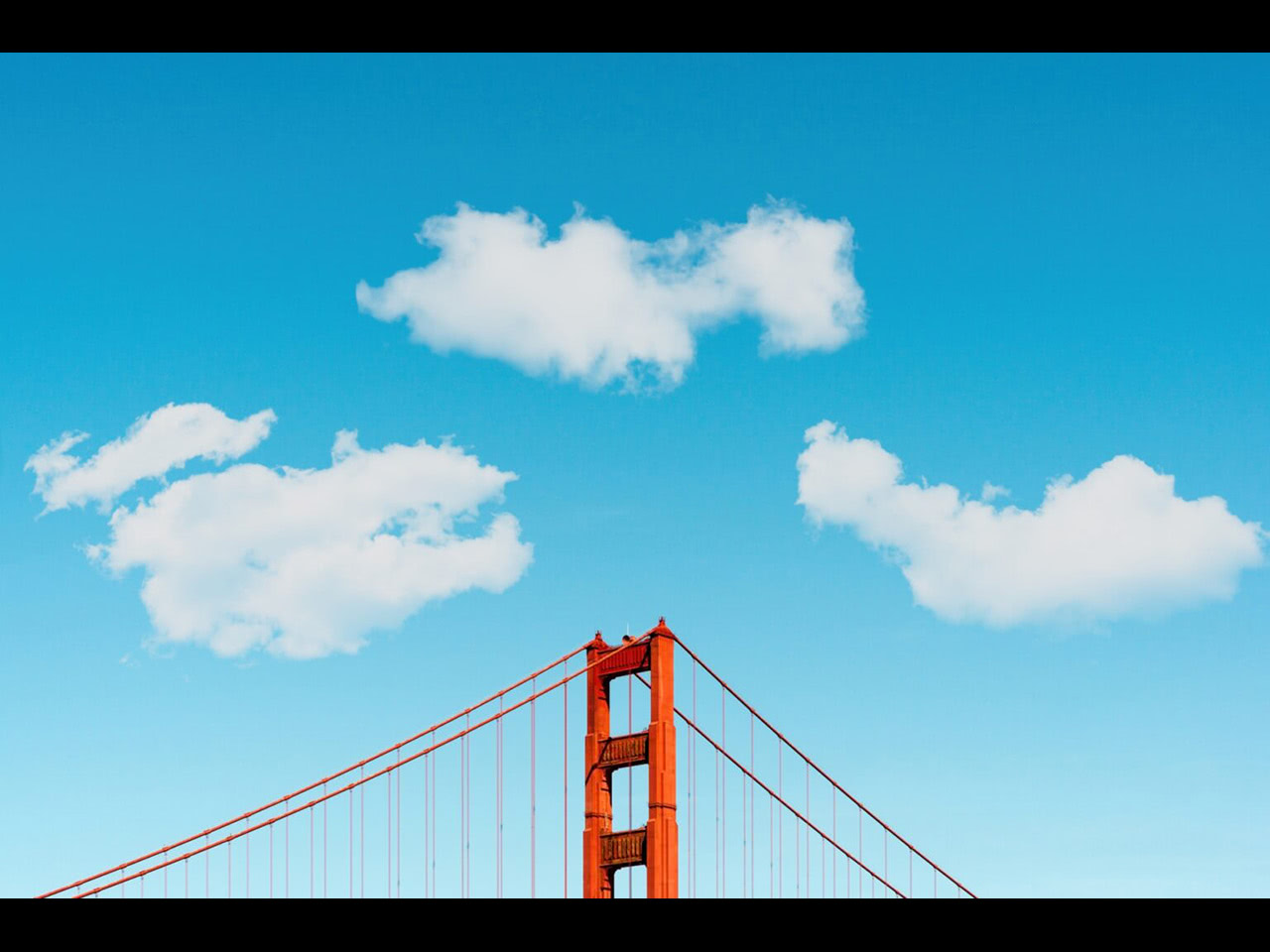
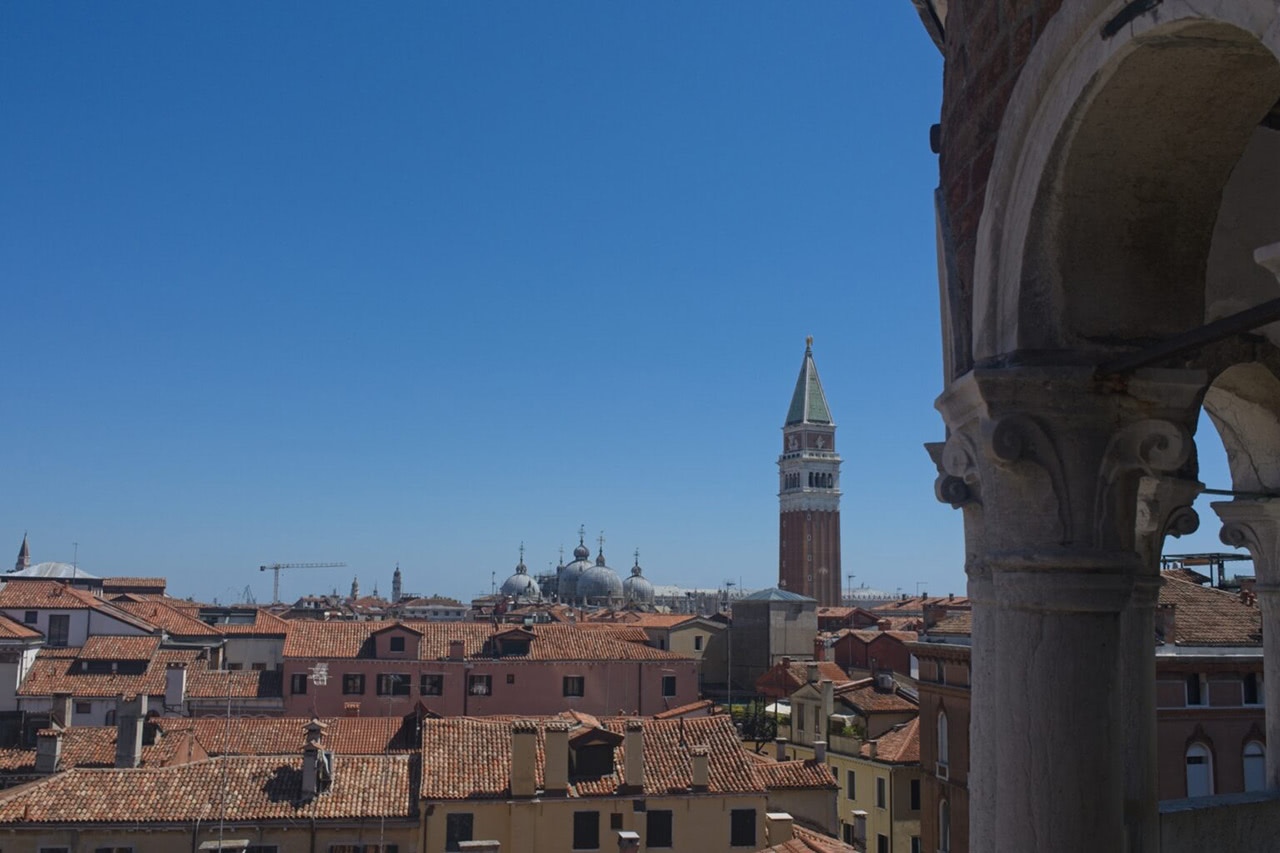
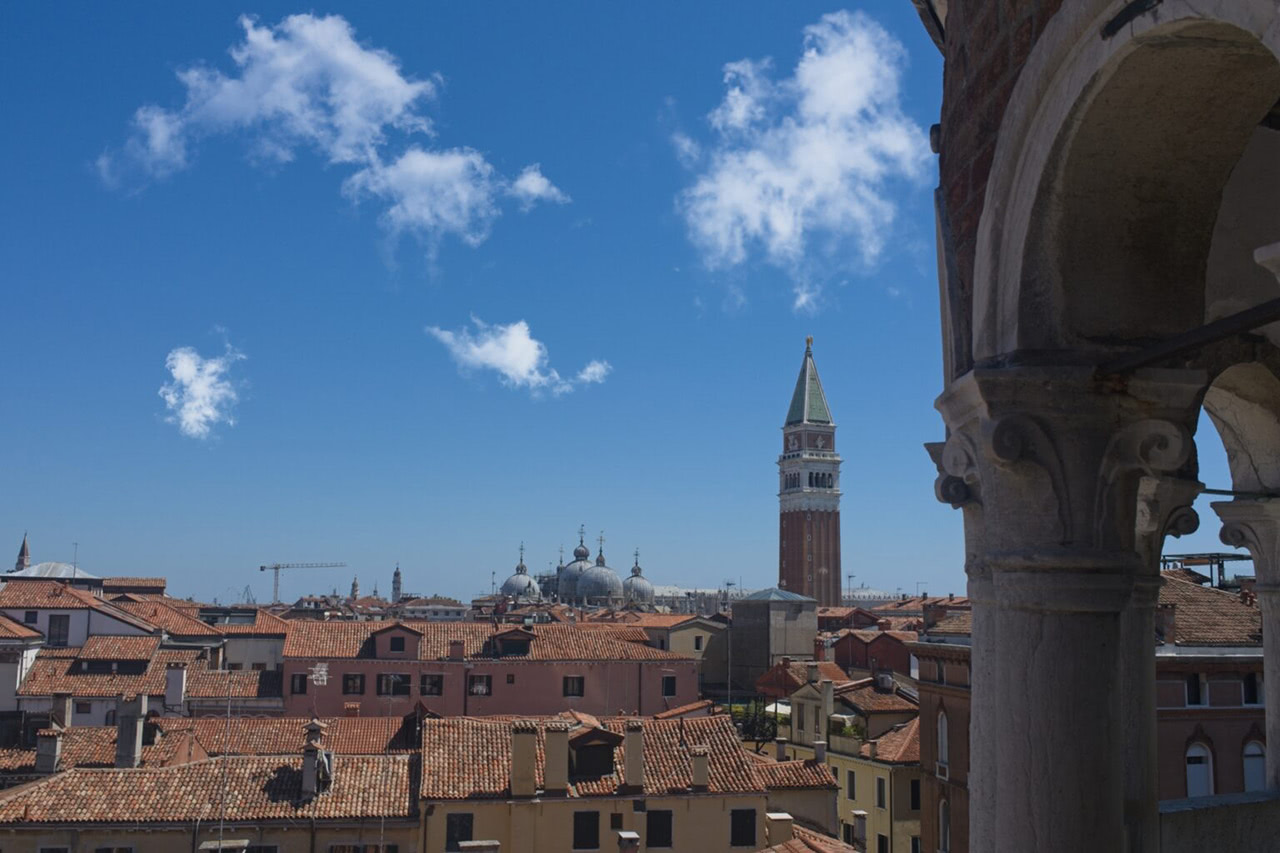
Drop in dramatic, photo-real clouds in seconds. High-resolution brushes that mimic the soft, wispy edges and textured depth of real cumulus and cirrus clouds — great for landscape retouching and composite photography.
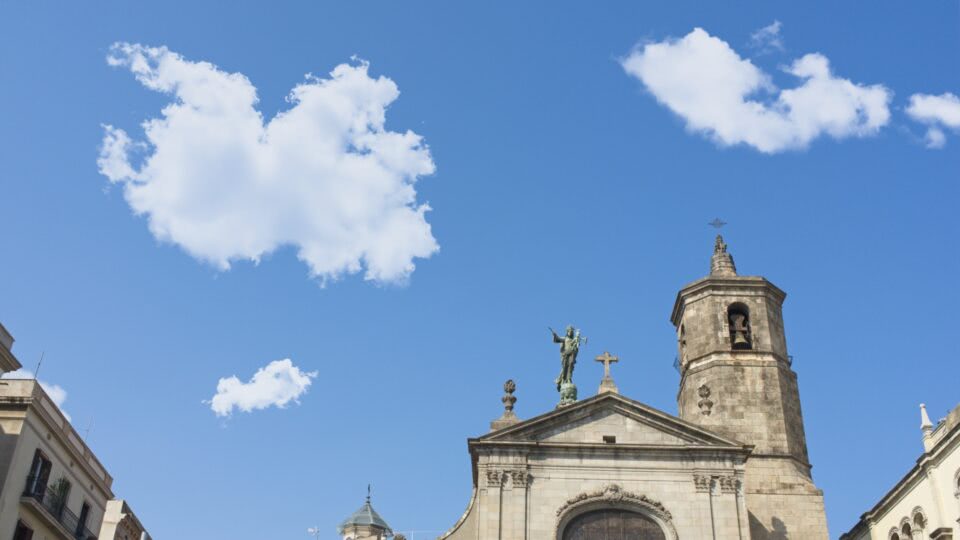
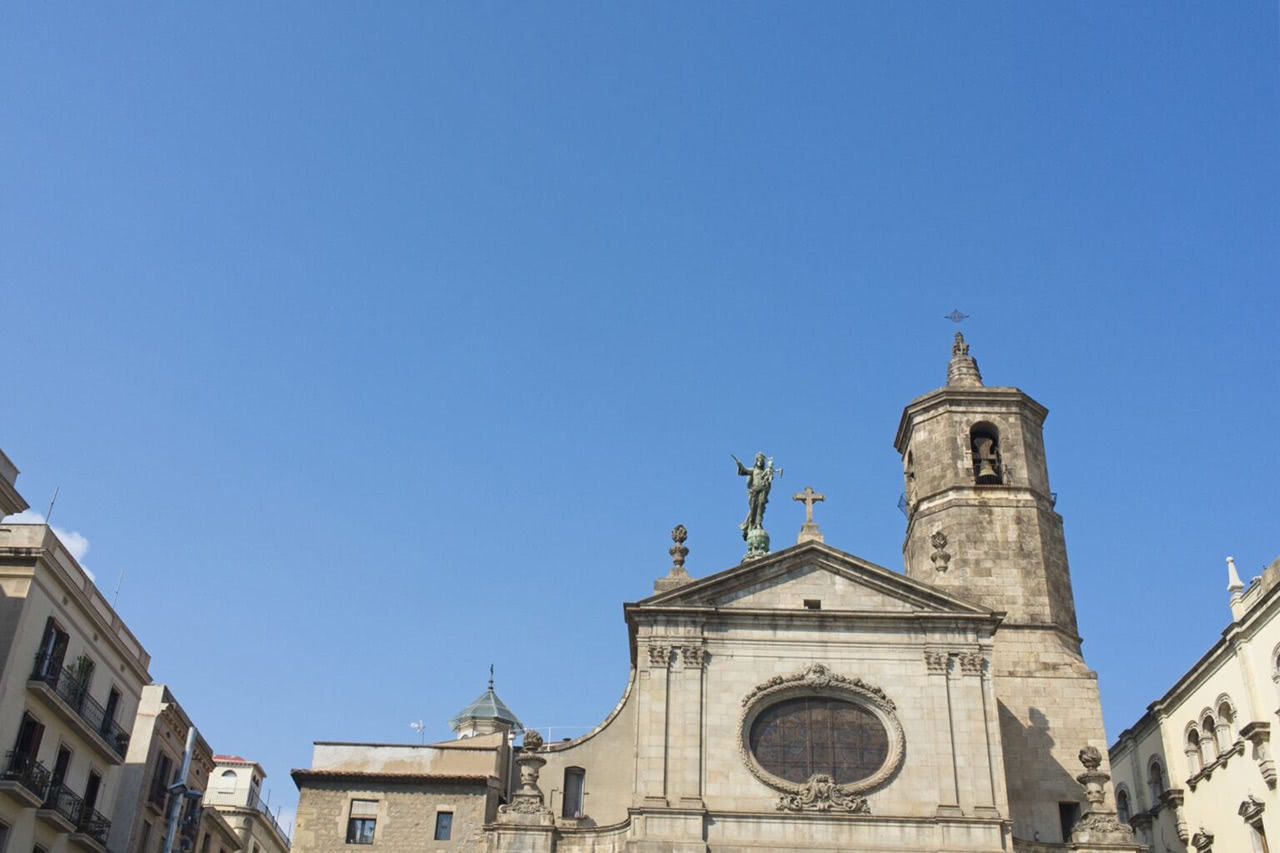
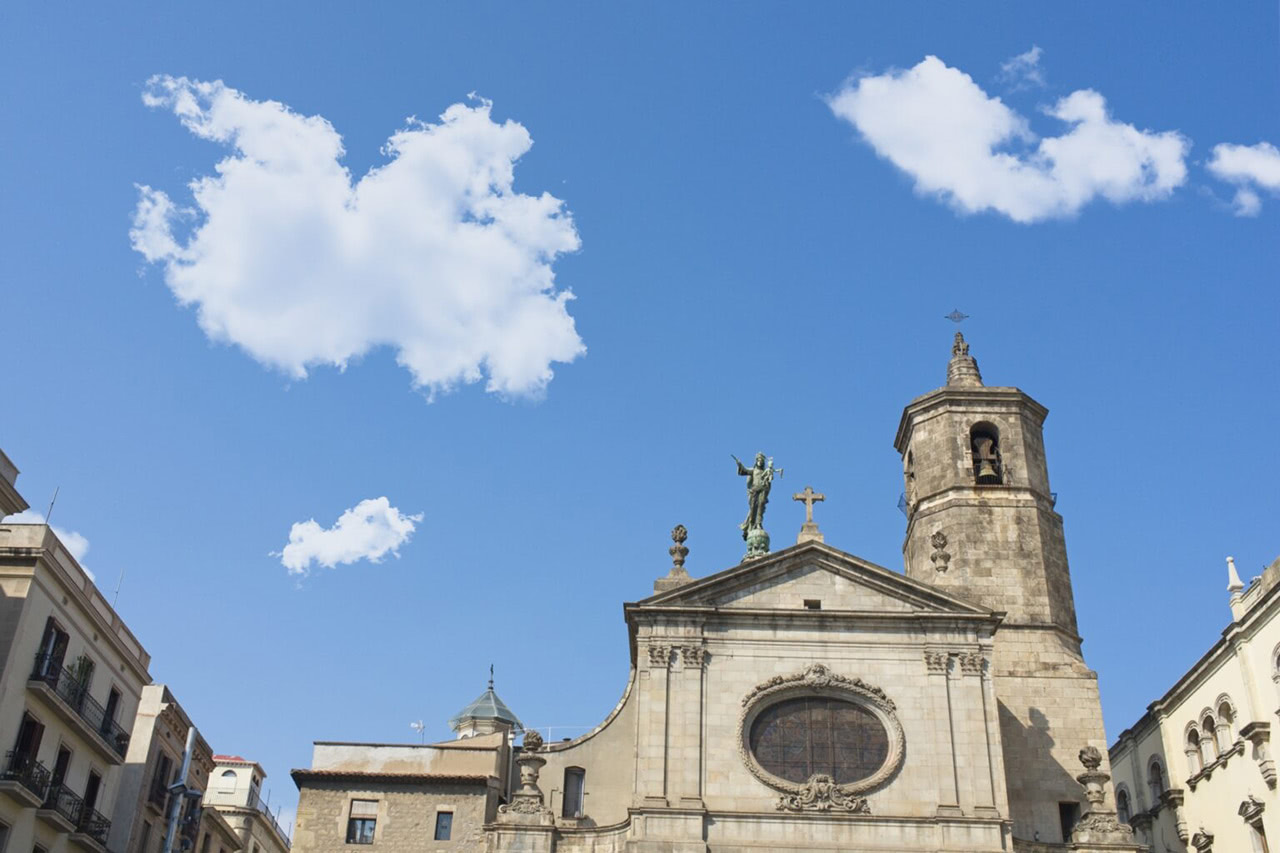
Cloud Brushes
ON1 Original • 9 Brushes
Need clouds fast? Simplified shapes designed for quick sky enhancements — perfect filler clouds, added balance to a scene, or livening up a flat sky. Blends beautifully with existing skies.
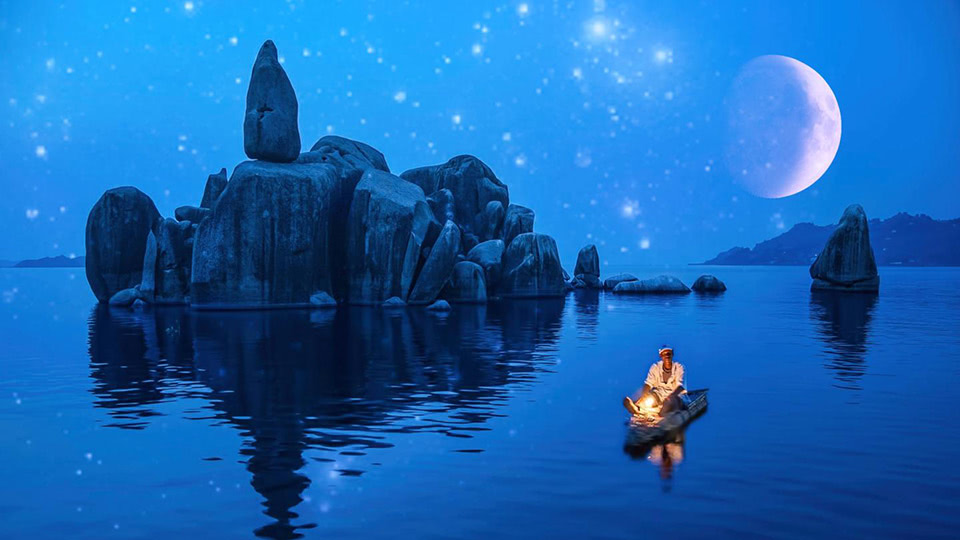
Night Sky Brushes
ON1 Original • 21 Brushes
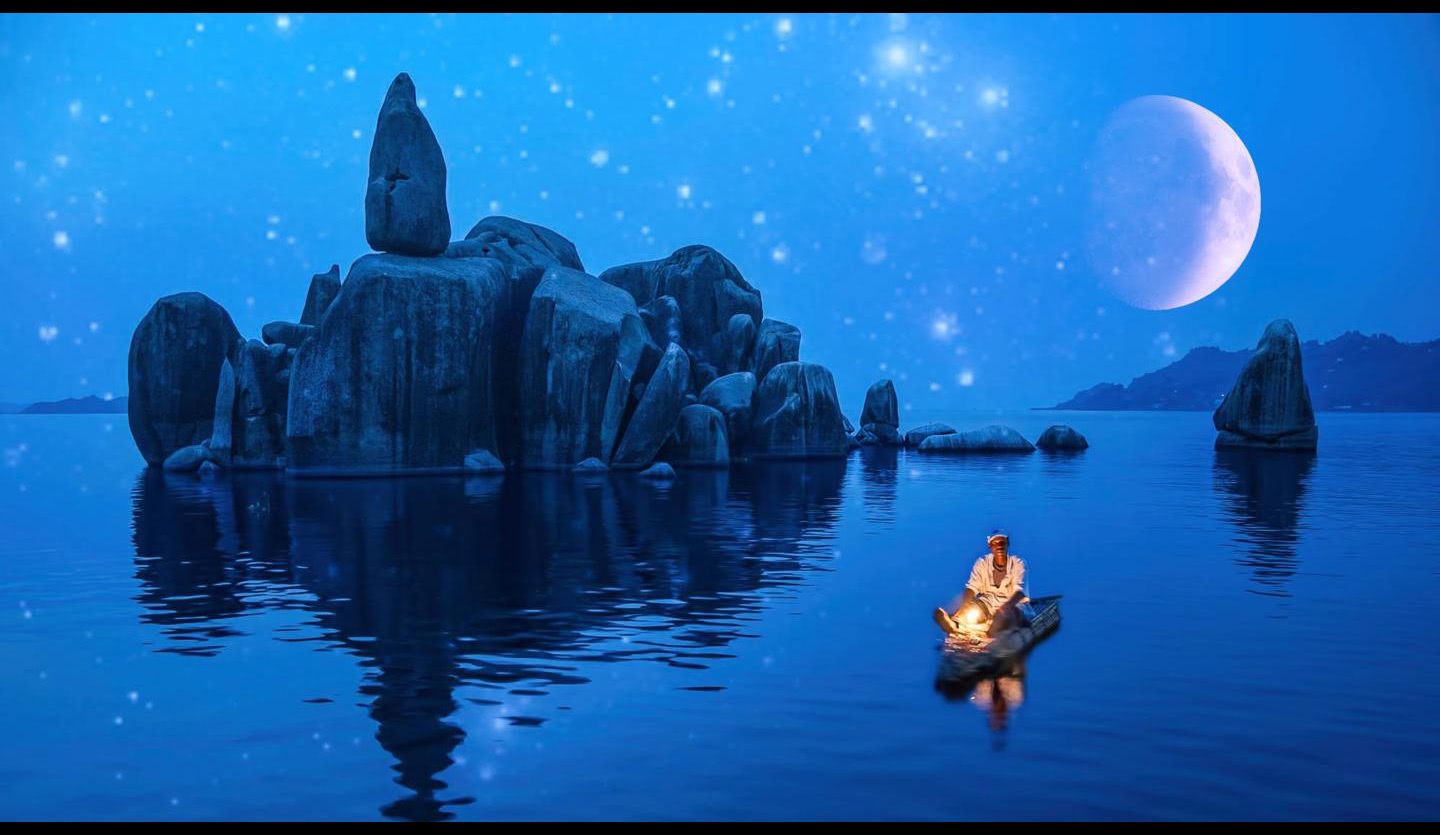
Turn any twilight image into a cosmic dream. Star clusters, nebula textures, and celestial overlays stamp directly onto your frame — great for long exposures, sci-fi composites, or moody night edits.
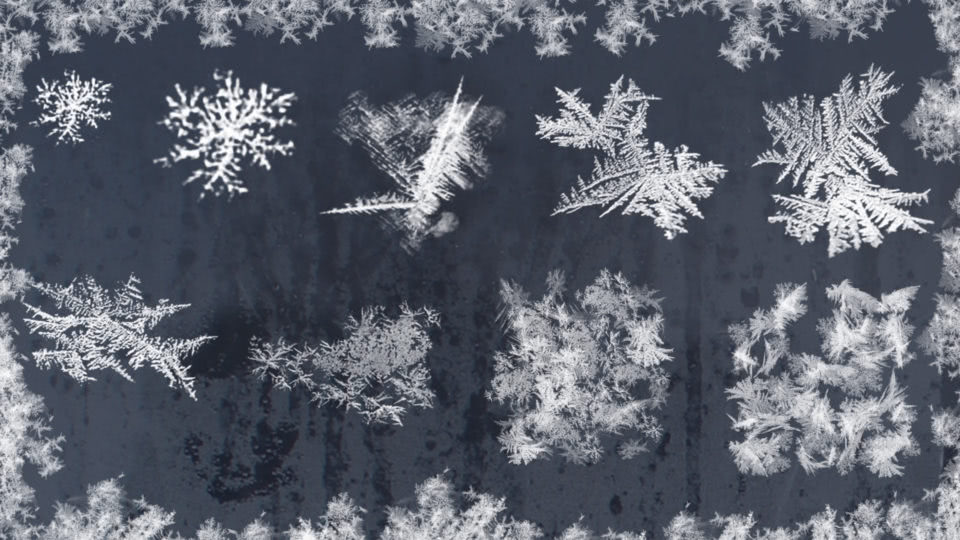
Winter Frost Brushes
ON1 Original • 10 Brushes
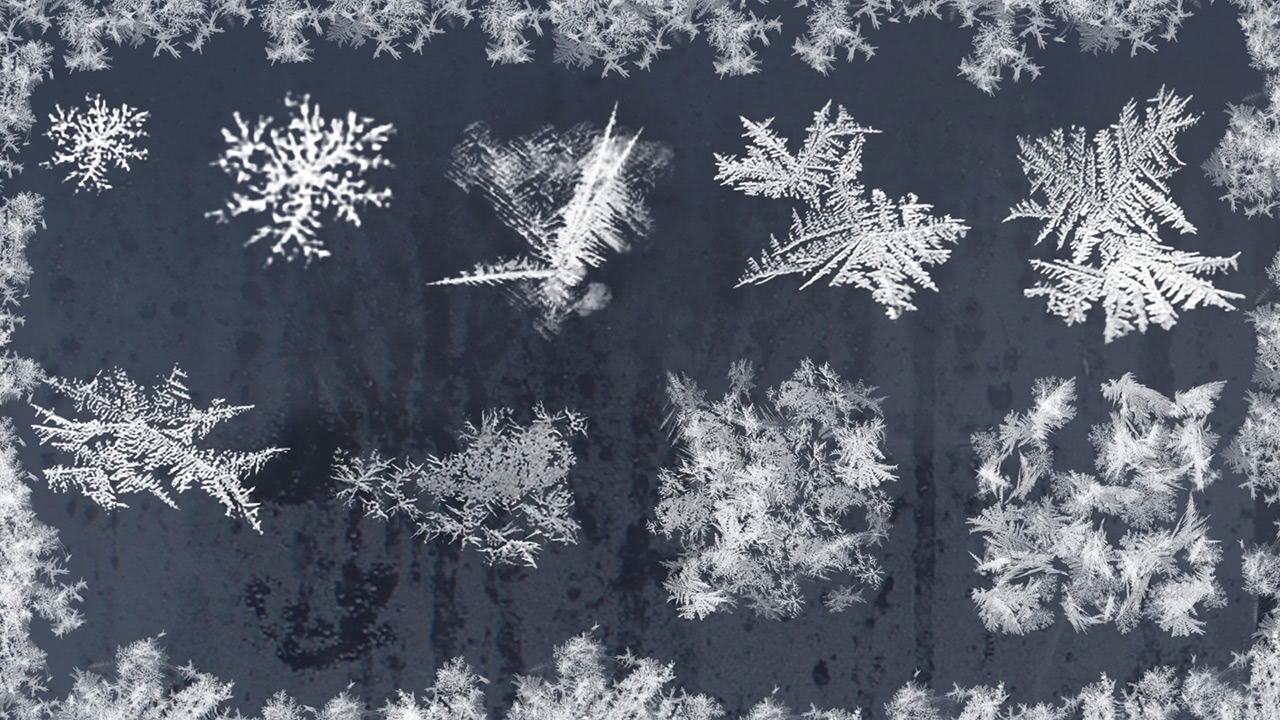
Make it look like winter even if you shot in July. Snow flurries, ice patterns, and subtle crystalline textures build layered seasonal effects — or just add a hint of chill to any scene.
Go Further Than Photoshop
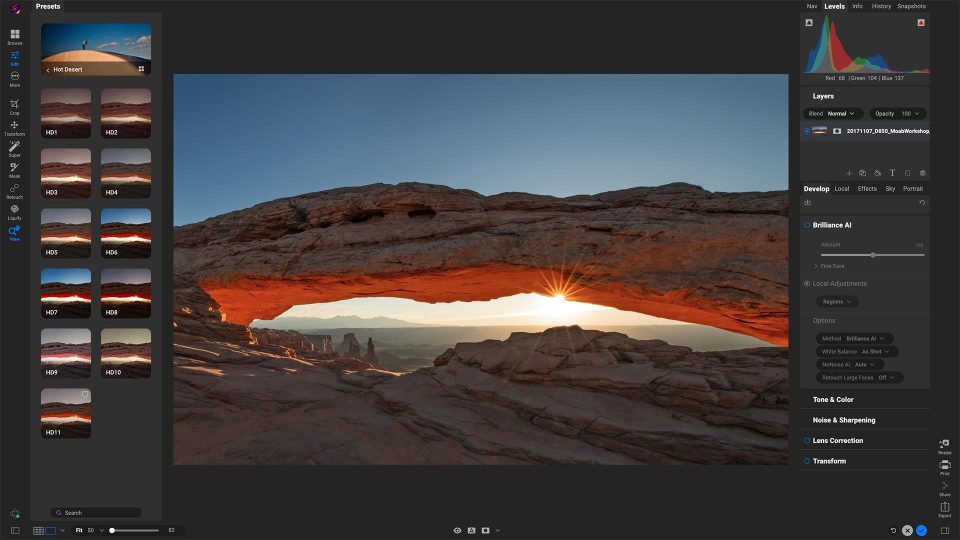
Use These Same Brushes in ON1 Photo RAW
Try ON1 Photo RAW Free for 30 Days

How to Start Using Our Free Photoshop Brushes (In Under 2 Minutes)
No need to overcomplicate things — here's how you'll go from download to brushing magic in just a couple of clicks.
1
Download the Pack
Sign up with your email and we'll send you a link to download the brush packs as .abr files.
2
Install in Photoshop
Open the Brushes Panel, click the settings icon, and choose "Import Brushes." Select your .abr files — they load instantly.
3
Access Your New Brushes
Find them in your brush library. Pick one, adjust size and opacity, and start stamping or painting into your image.
4
Experiment & Have Fun
Layer them, blend them, change colors — these brushes are made for creative exploration.
Tips & Tricks for Next-Level Brush Work
Want your edits to look pro? These quick tips will help you get the most out of your new brush packs.
Use a low brush opacity (20–40%) and build up strokes gradually. This makes clouds, frost, or night textures blend naturally into your scene.
Try Overlay or Soft Light for subtle textures, or Screen for bright elements like stars or frost. Layer modes can completely change the mood of your image.
Duplicate a brush layer and mask out parts of it to create depth — especially effective for building complex skies or multi-layered winter effects.
After stamping a brush, tweak its brightness, hue, or temperature. It's a game-changer for matching clouds to the existing sky or giving frost a cooler (or warmer) tone.
If you've got a tablet, take advantage of pressure-sensitive strokes for a more hand-painted, organic look.
Combine these brushes with ON1 Photo RAW's AI masking for super clean edges without tedious manual masking.
Frequently Asked Questions: Free Photoshop Brushes Available for Download
Are these really free Photoshop brushes?
Yes! All we ask is for your email so we can send you the download link and keep you in the loop about other free creative tools and resources from ON1.
Do these brushes work in older versions of Photoshop?
Absolutely. They're delivered as standard .abr files, compatible with most versions of Photoshop (CC and earlier) as well as other software that supports .abr imports.
Can I use these brushes in ON1 Photo RAW?
Definitely. ON1 Photo RAW supports .abr files, so you can use these brushes directly inside its editing environment to take advantage of additional AI-powered masking and effects.