

September Loyalty Rewards
- 25,884 Views
 Posted by Dylan Kotecki
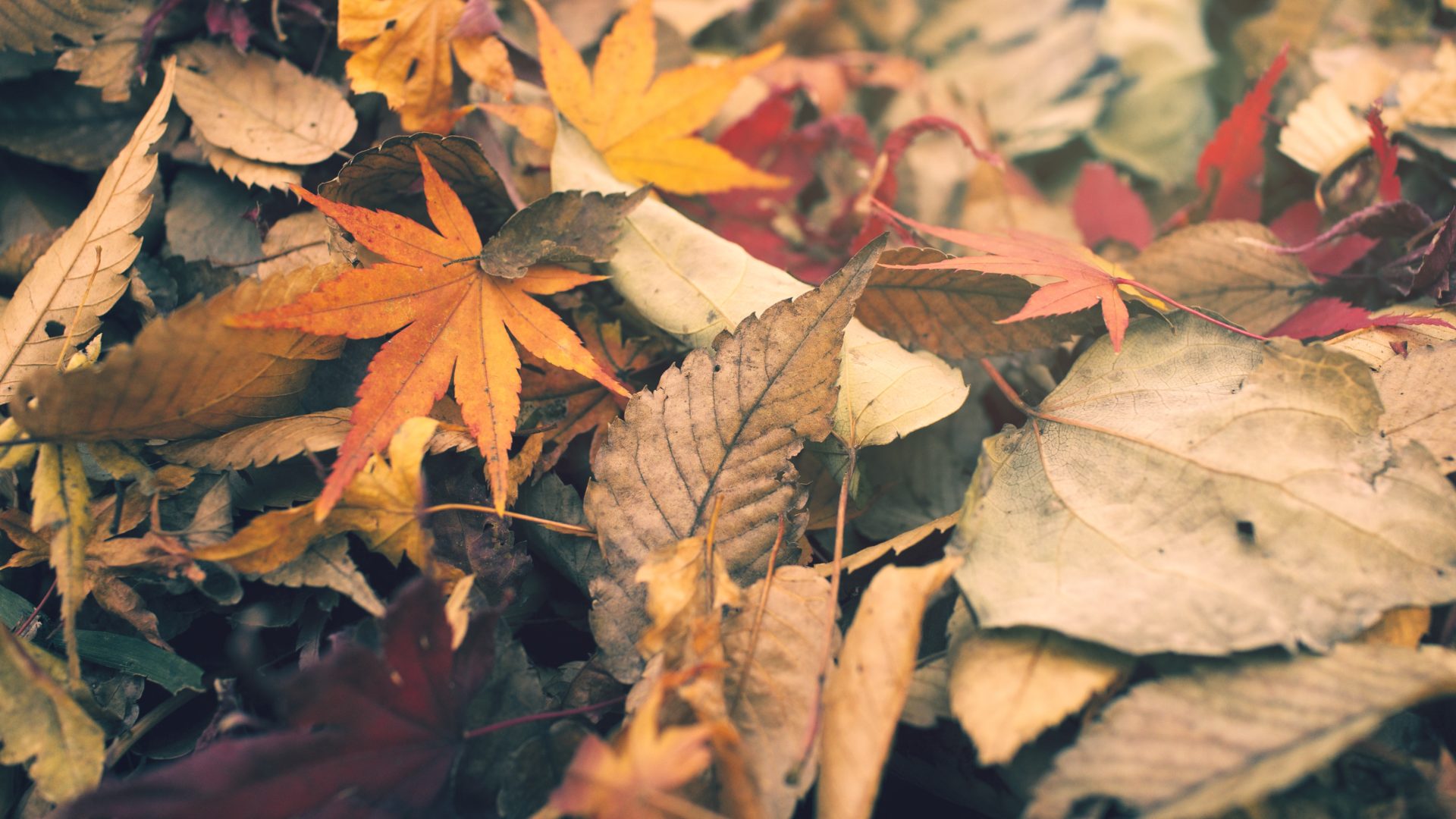
Thanks for being a part of ON1. You can download your September ON1 Loyalty Rewards here!
Download the Fall Color Presets
This month, your ON1 Loyalty Rewards include the Fall Color Presets. Download the Fall Color Presets


ON1 Plus Members can download an additional 5 handcrafted presets!
17 Comments
Ray CummingsSeptember 30, 2020
Thanks, guys, much appreciated
Ray CummingsSeptember 30, 2020
Thanks, guys much appreciated
David MaySeptember 30, 2020
Thanks very much.
Have you given any thought about an export option, to save and export to instgram?
That would be really great.
Robert JonesOctober 1, 2020
Thank you folks
PeterOctober 1, 2020
Thank you!
Tri NgoOctober 1, 2020
Thank you, appreciated very much
soumaya schnurOctober 1, 2020
Thank you!
Christopher GordonOctober 1, 2020
Thank You much
Jean-Maurice JugeOctober 1, 2020
Thank you, just love them. About 2021. I am mostly a street. and scape photographer. therefore the new AI portrait will be of no use to me however, I really like the other new features. When I purchassed the software, I thought upgrades would be free , as they are in Lightroom . I also do understand that you are not Adobe, and there are some expense to devlop new features that you need to cover. That been said I have a hard time to wrap my head around a $120 update for a feature that I will never use. So perhaps you may want to offer a solution for photographers like me.
Patrick SmithOctober 2, 2020
Hello,
The upgrade is only $79.99 for Photo RAW 2021. Lightrooms updates are based on your subscription so you are always paying and if you cancel the subscription you lose the software. ON1 Photo RAW is still available as a perpetual license, so you can decide on whether to upgrade or not. In either case for Photo RAW, your software continues to work. The $129.99 includes 12-month access to ON1 Plus with ON1 Photo RAW 2021. ON1 Plus is where you get premium training for ON1 and Photography.
ikterna@ukr.netOctober 1, 2020
Thanks!
Ramesh PatelOctober 1, 2020
Thank you very much! Love it!
Johannes PokornOctober 2, 2020
Thanks a lot,
much appreciated!
Christopher NixonOctober 3, 2020
Many thanks all. A point from a UI perspective if I may. When I download these free (thankyou) presets is there a way… or can there be a way where I can an add a thumbnail to the preset window? The default ones provided by ON1 have one but I can’t seem to add one for additional preset downloads. After a while it does ruin the asthetic of the interface window. If that could be considered going forward that would be much appreciated
mike_hOctober 14, 2020
I second this idea!
Emilio OrtizOctober 6, 2020
Thank you.
WillemNovember 8, 2020
They are fantastic, thank you.
Please review our privacy policy for information about how we use the data we collect.