
Restore AI Results: What AI Photo Restoration Gets Right (and What It Can’t)
AI photo restoration is powerful—but not perfect. Here’s an honest look at what Restore AI will deliver, where it guesses, and why it still changes everything.

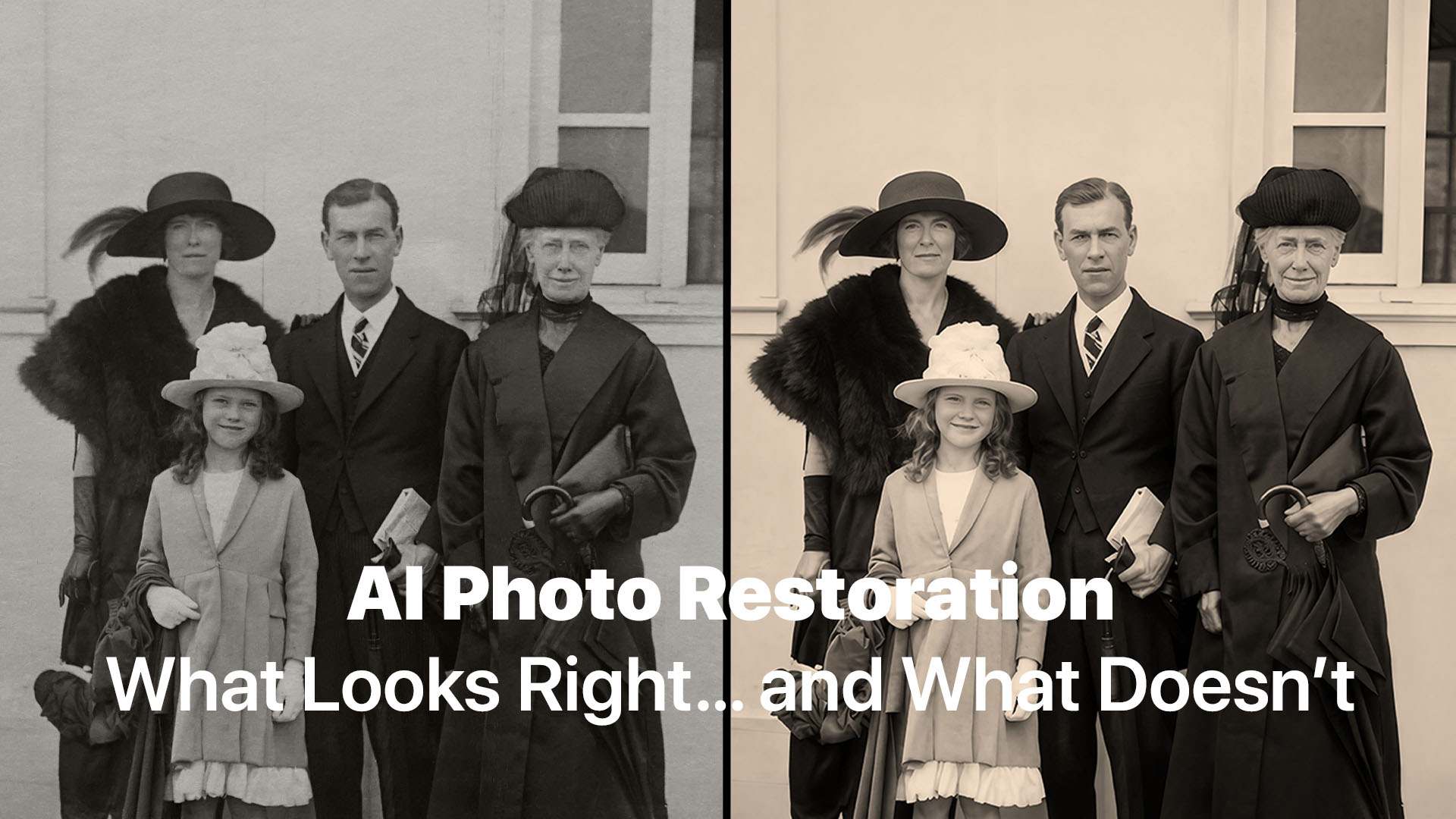
AI photo restoration is powerful—but not perfect. Here’s an honest look at what Restore AI will deliver, where it guesses, and why it still changes everything.
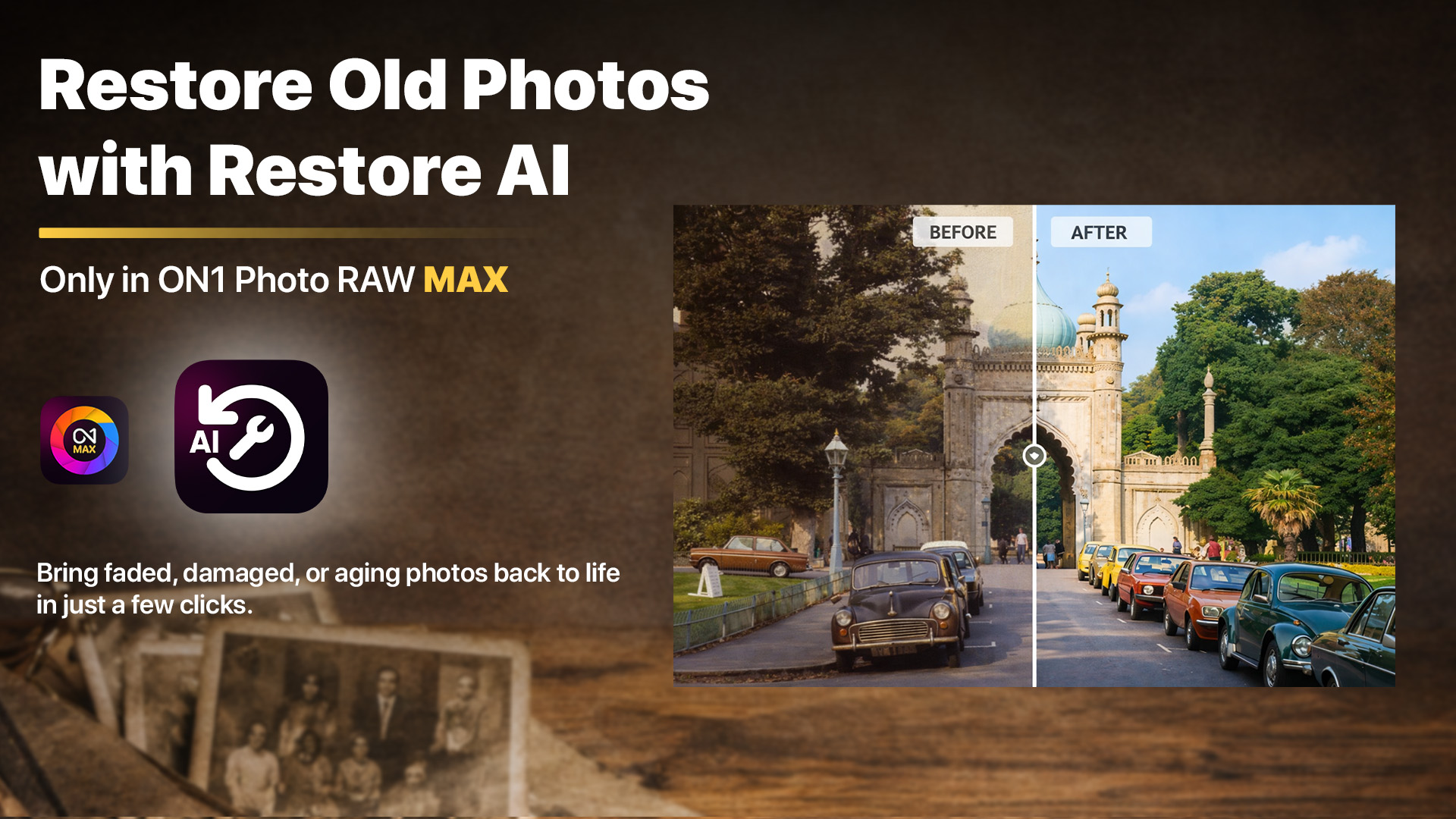
Restore AI repairs the damage time left behind in your most important photos. Coming this April.
Old photographs often carry decades of memories, but also decades of damage. Today, we announce Restore AI, a powerful new AI photo restoration module arriving in ON1 Photo RAW MAX this April. Restore AI automatically repairs damaged photos, restores faded colors, enhances lost detail, and can even colorize black-and-white images—making it easier to recover photographs that time has worn down.
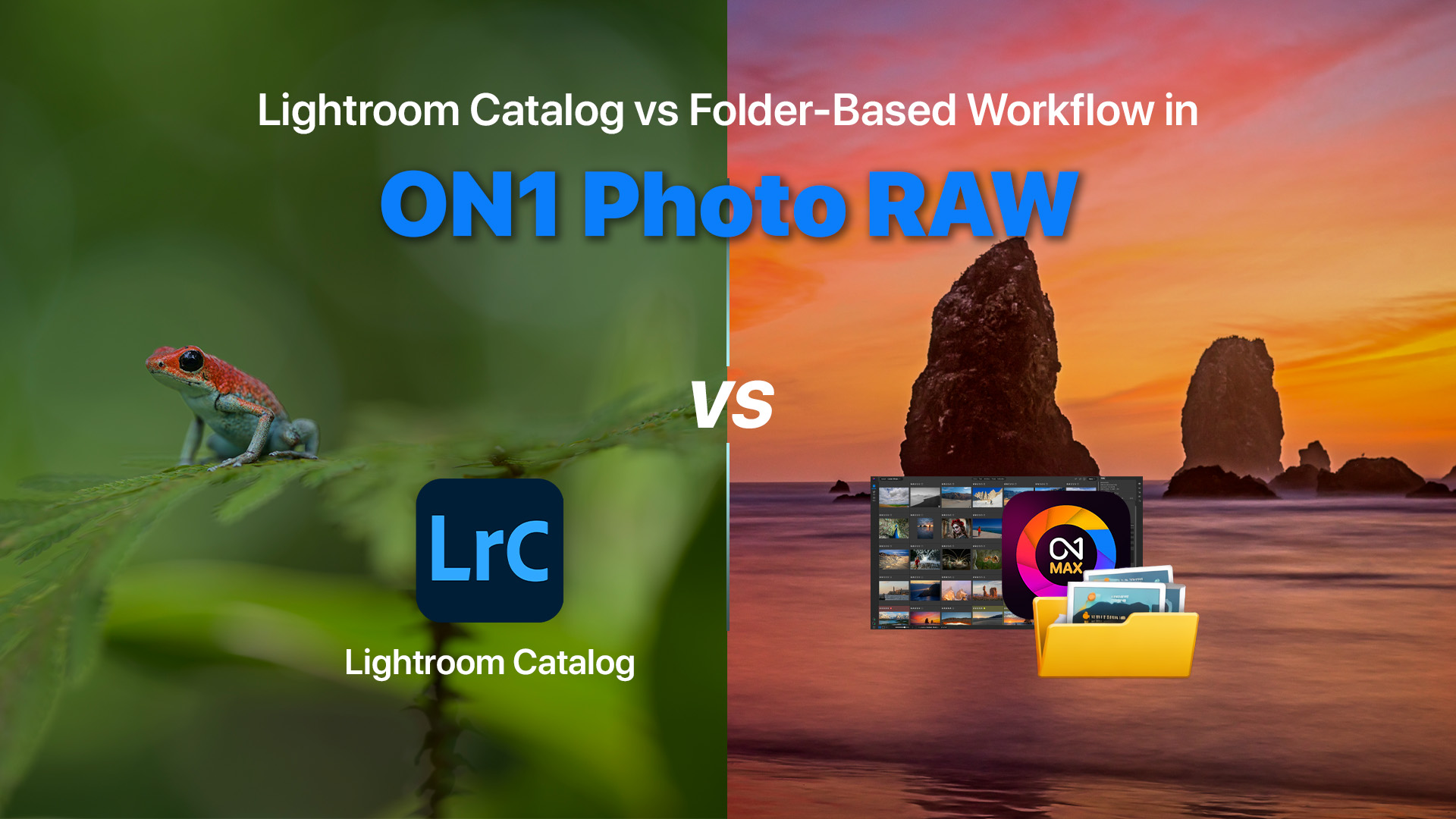
One of the most common questions photographers ask when starting with ON1 Photo RAW is: “Do I need a catalog to organize my photos?”
If you’re coming from Adobe Lightroom, this question makes sense. Lightroom relies heavily on a catalog database to manage and organize images. In Lightroom, photos must be imported into a catalog before editing can begin.
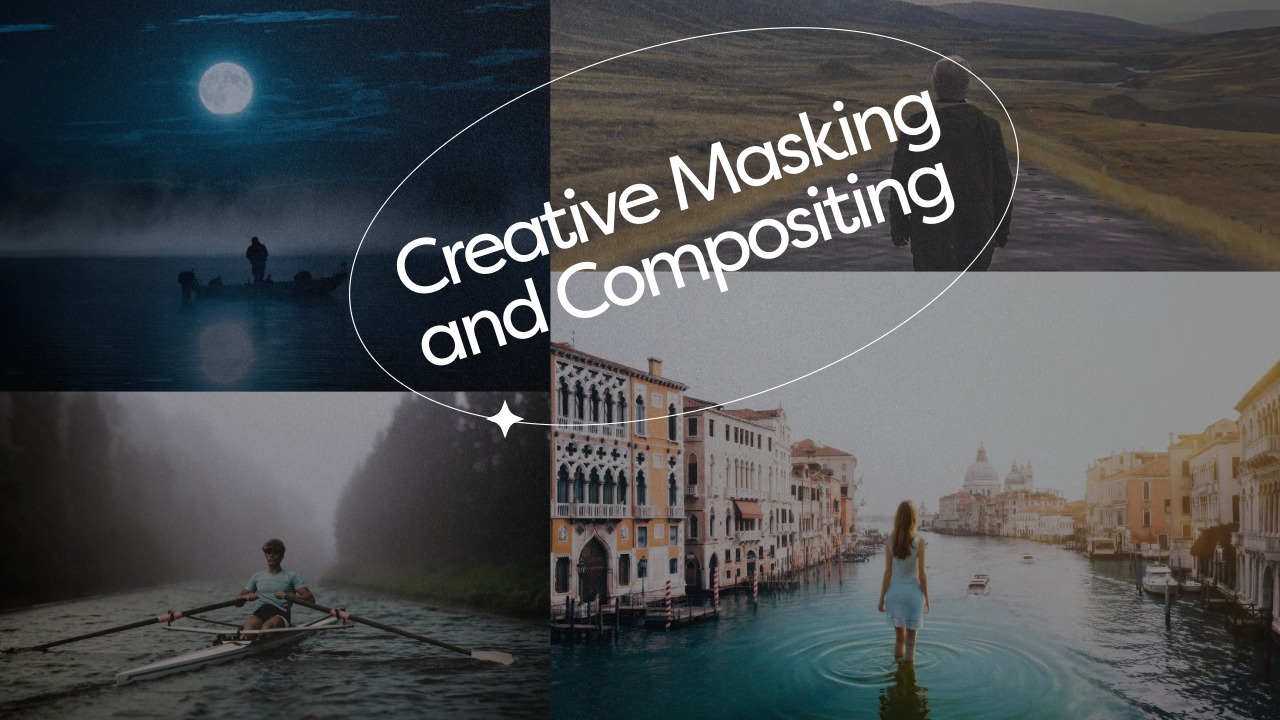
If you want to unlock the full creative power of ON1 Photo RAW, mastering masking and compositing is one of the most valuable skills you can develop. Soon inside ON1 Plus, we’re releasing a brand new course designed to help you move beyond basic edits and start building images with precision, control, and creativity.

February was packed with powerful new training, exclusive creative assets, live edits, and community inspiration inside ON1 Plus. If your goal is to Learn ON1 Photo RAW faster, refine your editing workflow, and grow as a photographer, this month delivered across every category.

ON1 Photo RAW 2026.3
The Ultimate Photo Editor
No Subscription Required
Special Offer