
Restore AI Results: What AI Photo Restoration Gets Right (and What It Can’t)
AI photo restoration is powerful—but not perfect. Here’s an honest look at what Restore AI will deliver, where it guesses, and why it still changes everything.

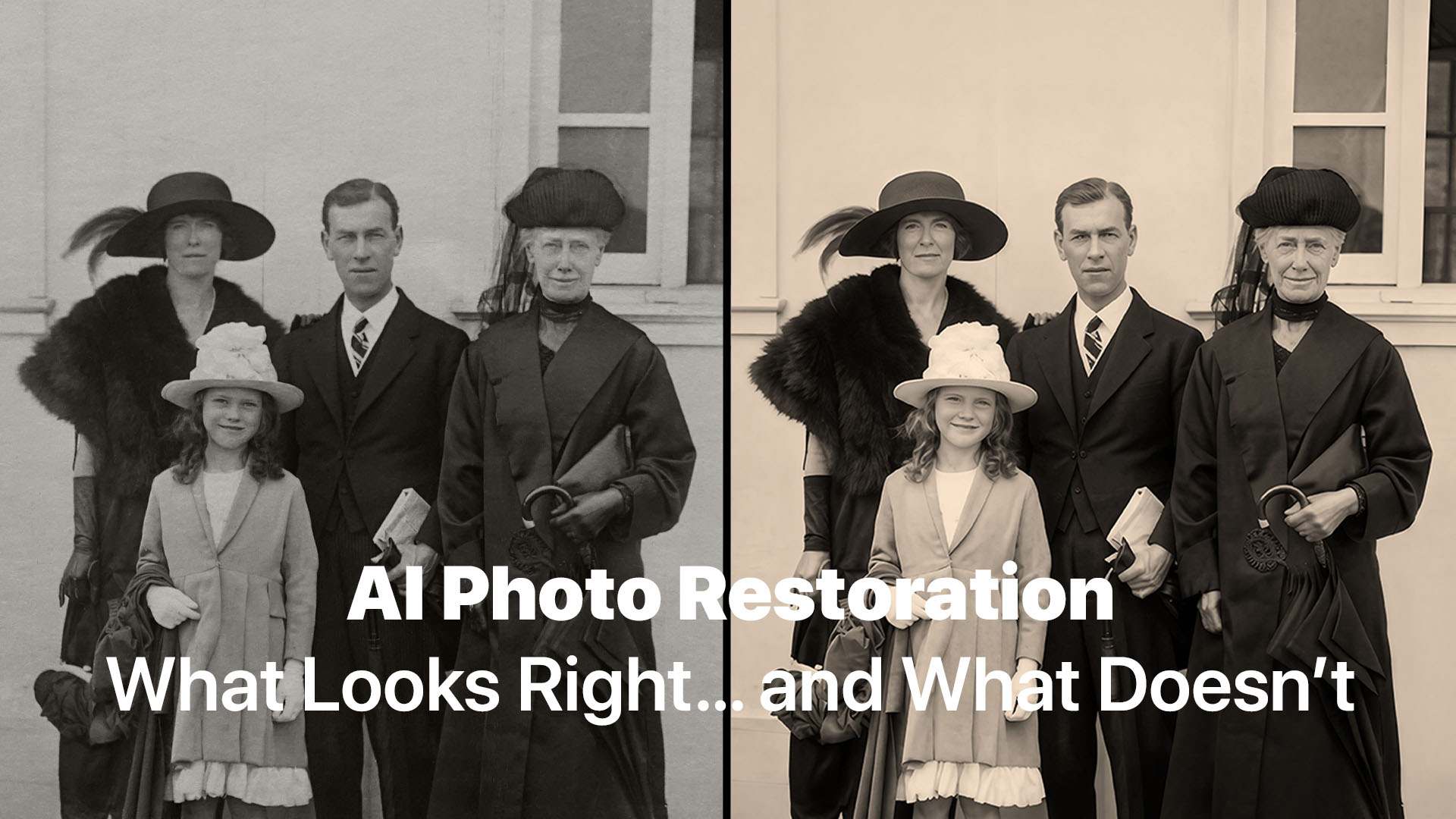
AI photo restoration is powerful—but not perfect. Here’s an honest look at what Restore AI will deliver, where it guesses, and why it still changes everything.
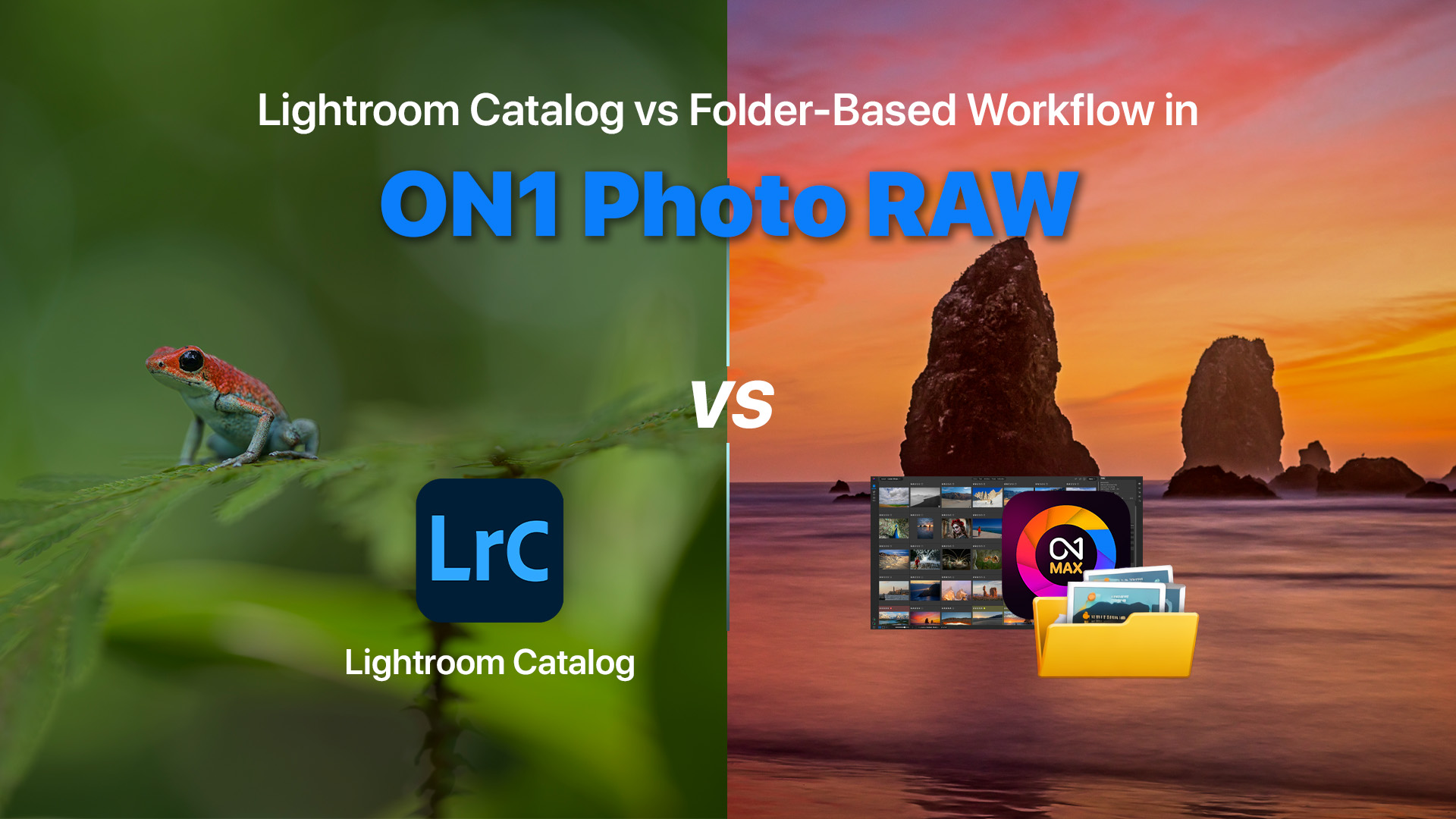
One of the most common questions photographers ask when starting with ON1 Photo RAW is: “Do I need a catalog to organize my photos?”
If you’re coming from Adobe Lightroom, this question makes sense. Lightroom relies heavily on a catalog database to manage and organize images. In Lightroom, photos must be imported into a catalog before editing can begin.
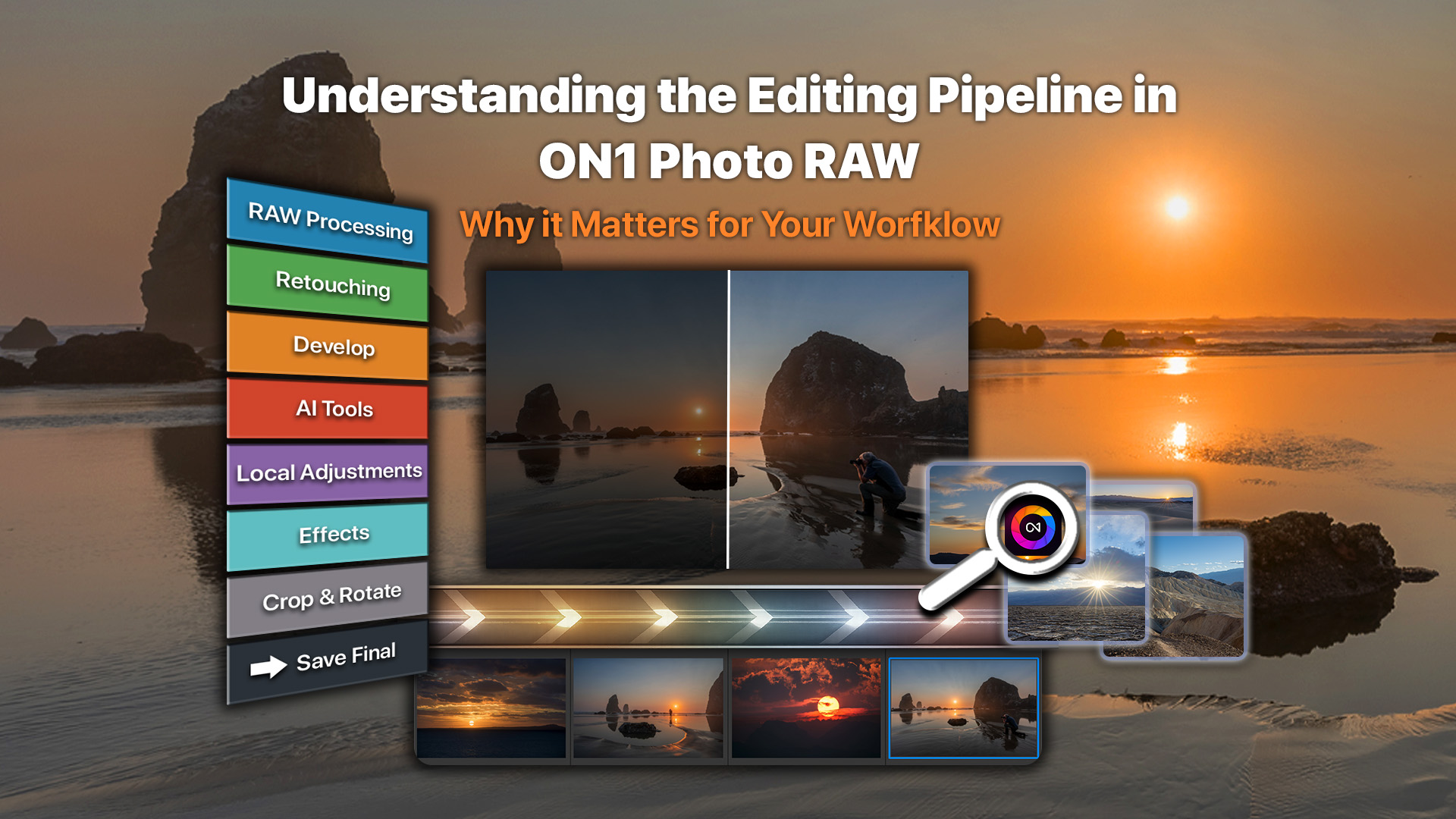
When you edit RAW photos in ON1 Photo RAW, every adjustment is processed in a specific order behind the scenes. Exposure, color, retouching, AI tools, and effects all build on the underlying RAW data. Without a consistent structure, edits could conflict or produce inconsistent results.
Looking to utilize the power of AI on your next photography project but don’t want another subscription? ON1 Photo RAW delivers a full suite of AI tools — noise reduction, sharpening, upscaling, portrait retouching — inside a single, perpetual-license app. It’s the best choice for creatives who want cutting-edge AI without recurring monthly fees.
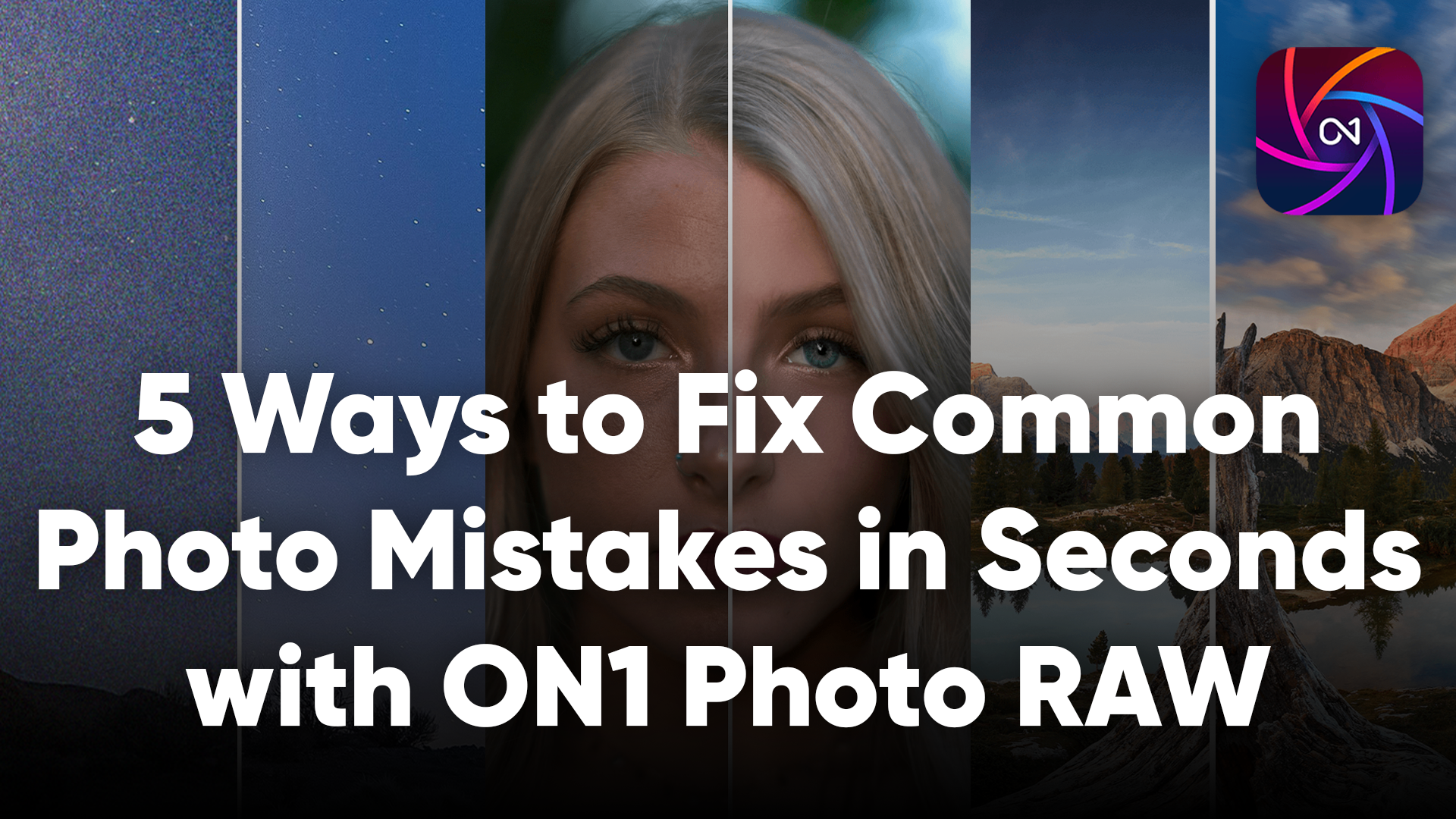
Photography is all about capturing the right moment—but even the best shots can have common mishaps. The good news? With ON1 Photo RAW and its suite of AI tools, you can correct these in seconds, keeping creativity flowing instead of workflows stalled.

ON1 Photo RAW 2026.3
The Ultimate Photo Editor
No Subscription Required
Special Offer