
Check Out March’s Photo Remix Challenge Winner!
The Results Are In — Celebrate the Winner of the March ON1 Plus Photo Remix Challenge!


The Results Are In — Celebrate the Winner of the March ON1 Plus Photo Remix Challenge!
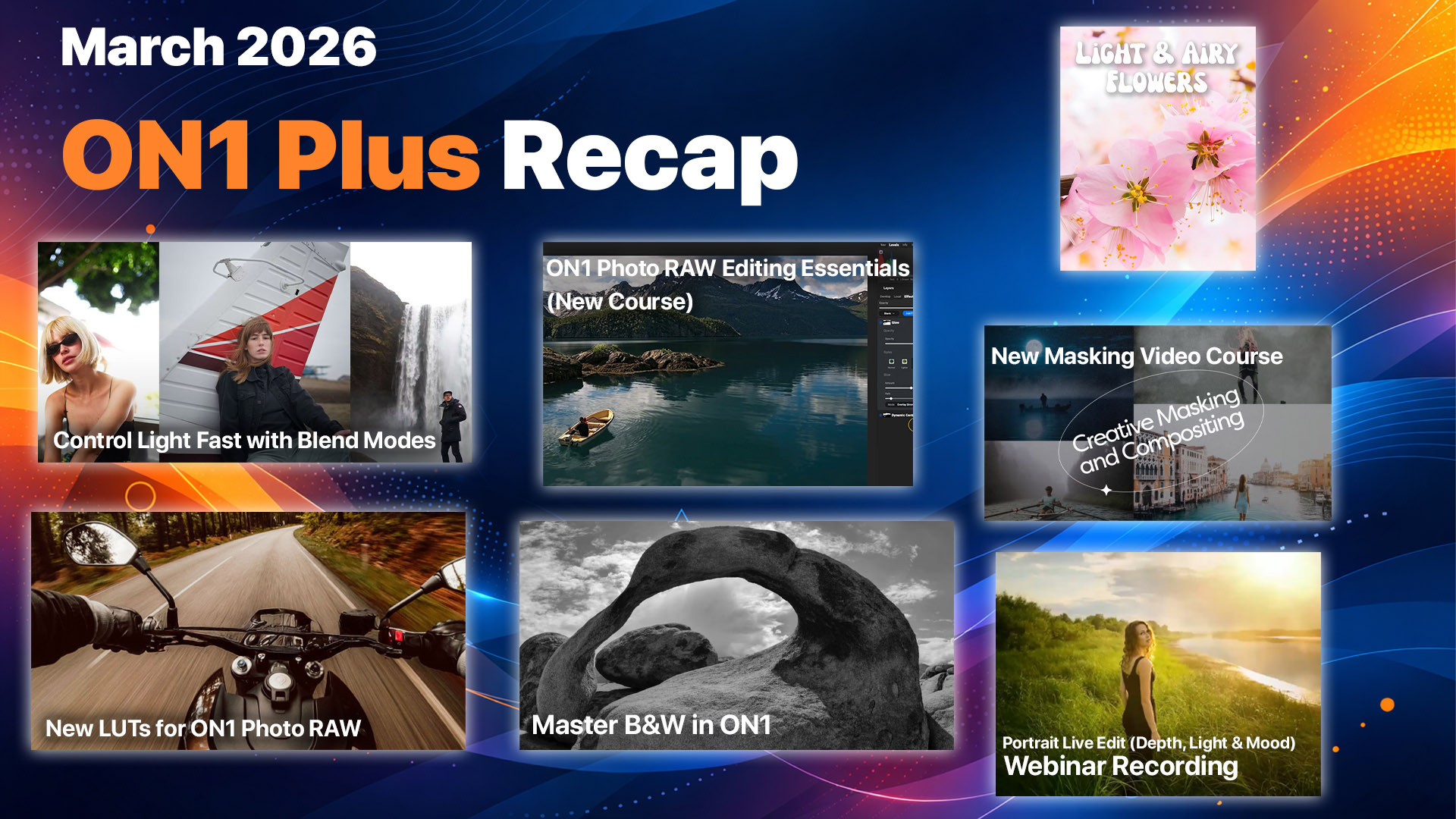
March was a strong month inside ON1 Plus, packed with new tutorials, creative tools, and training designed to help photographers learn ON1 Photo RAW, improve their workflow, and create more compelling images. If your goal is to become a master of ON1 Photo RAW, this month’s content focused on practical, real-world techniques—from foundational editing skills to advanced compositing and cinematic color grading.
As the #1 resource for ON1 Photo RAW & photography, ON1 Plus continues to deliver step-by-step education, creative inspiration, and tools that help you edit faster and with more control. Below is everything that happened inside ON1 Plus in March.
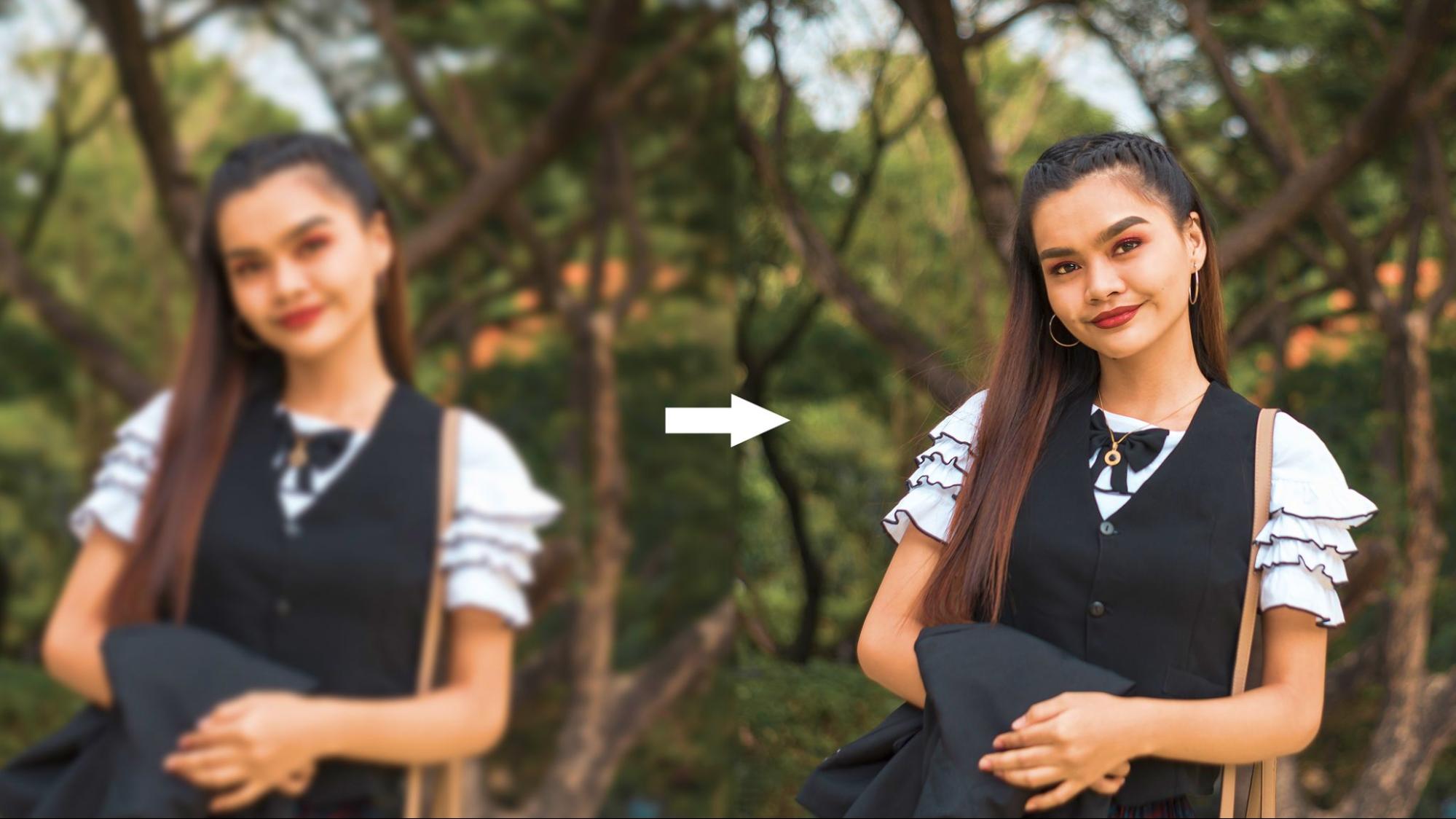
You nailed the composition, timed the moment perfectly, and got the exact frame you wanted. Then you zoom in to 100% and there it is: grain crunching through every shadow, fine detail smeared into mush, and a reminder that ISO 6400 always comes to collect.
If you shoot concerts, weddings, wildlife, sports, or astro, you already know the drill. High shutter speeds and low light force your ISO up, and older or smaller sensors (Micro Four Thirds, APS-C) make the penalty even steeper. For years, the trade-off was simple: accept the noise or blur it away and lose your detail along with it.
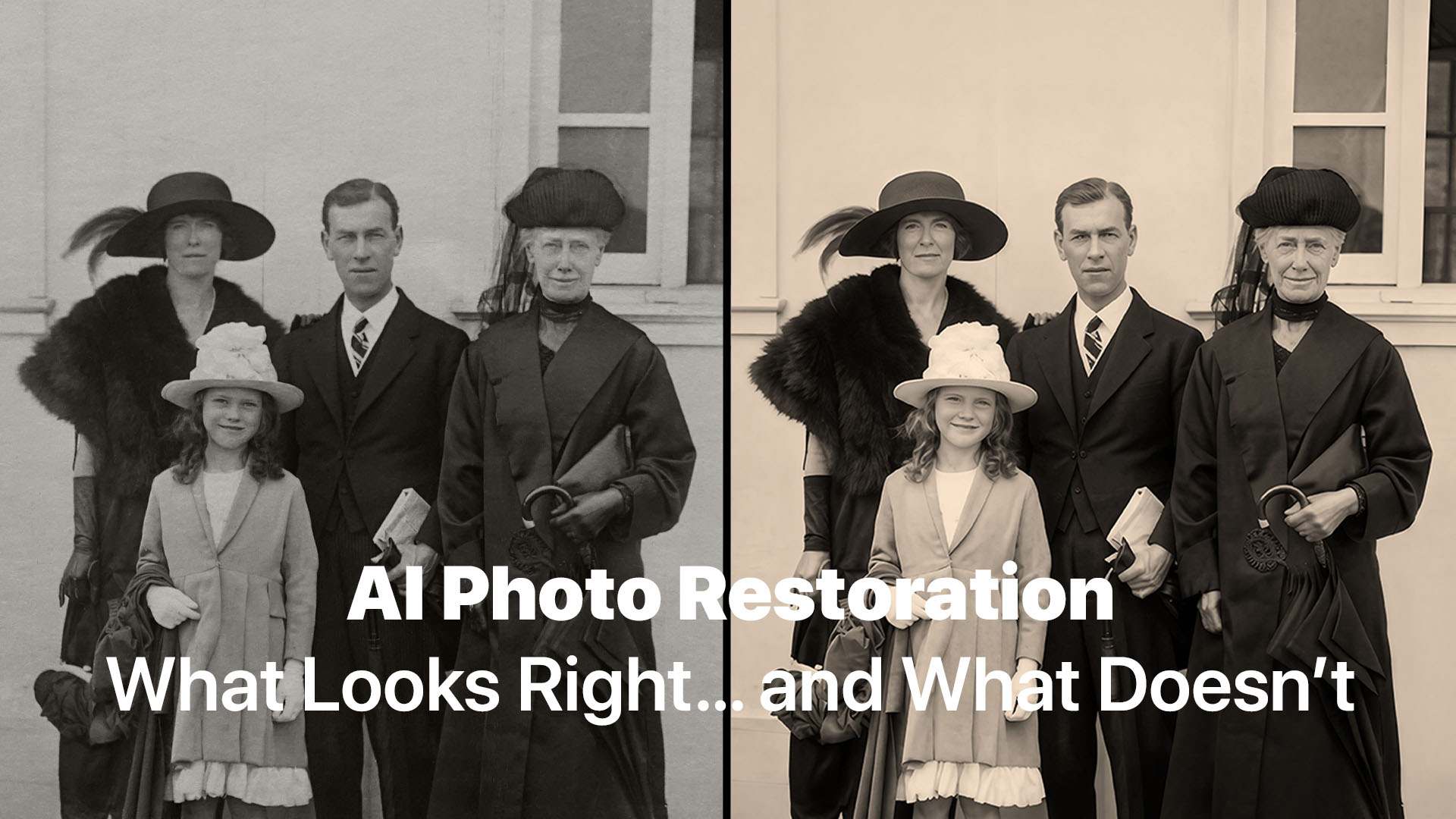
AI photo restoration is powerful—but not perfect. Here’s an honest look at what Restore AI will deliver, where it guesses, and why it still changes everything.
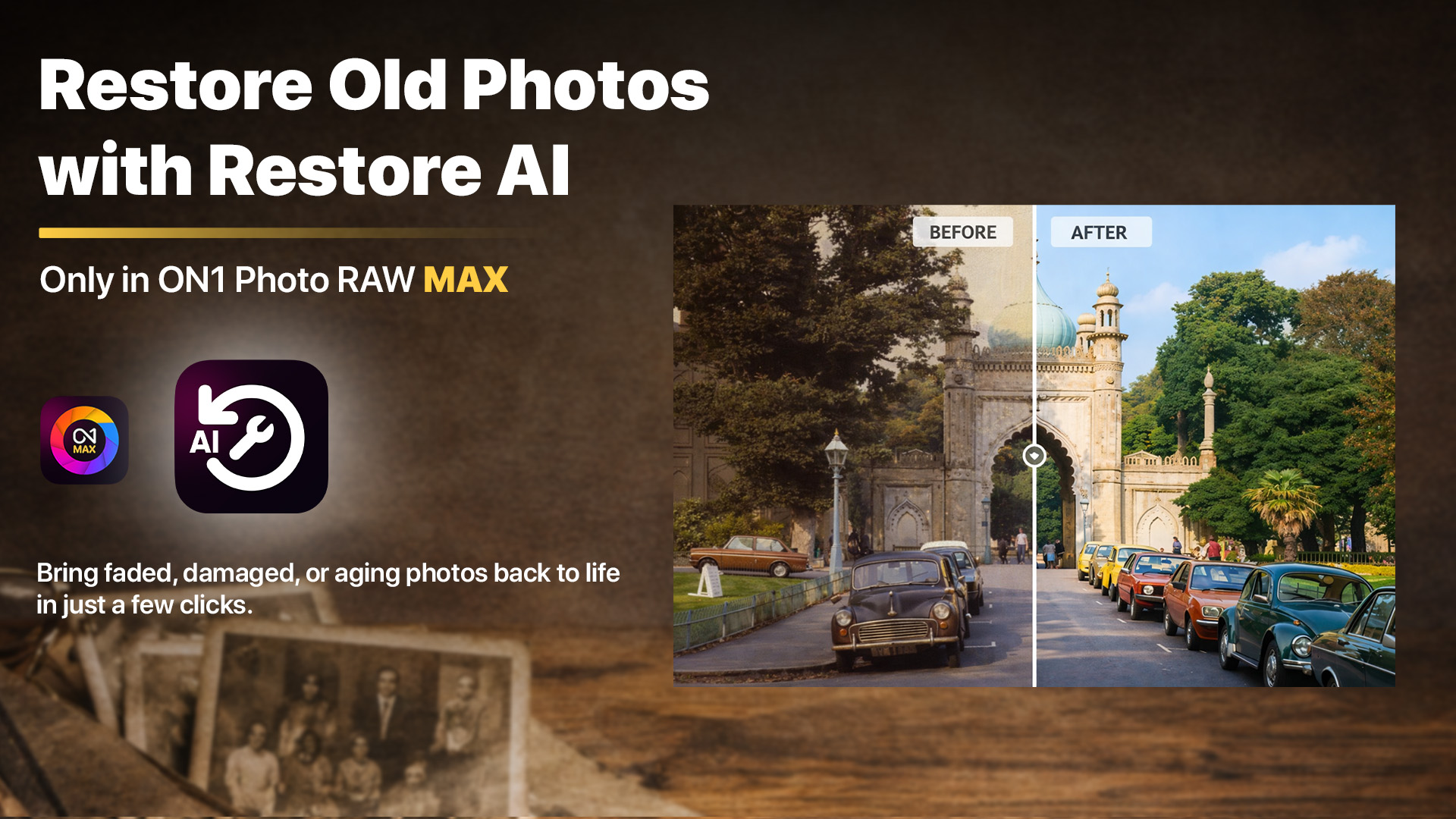
Restore AI repairs the damage time left behind in your most important photos. Coming this April.
Old photographs often carry decades of memories, but also decades of damage. Today, we announce Restore AI, a powerful new AI photo restoration module arriving in ON1 Photo RAW MAX this April. Restore AI automatically repairs damaged photos, restores faded colors, enhances lost detail, and can even colorize black-and-white images—making it easier to recover photographs that time has worn down.

Dan has been shaping ON1's software from the ground up for nearly 20 years, and chances are, if there's a feature you love in ON1 Photo RAW, he had a hand in it.

With nearly 10 years of experience behind the camera and in front of it as an instructor, Dylan brings a uniquely engaging style to ON1's educational content.

ON1 Photo RAW 2026.3
The Ultimate Photo Editor
No Subscription Required
Special Offer