ON1 Photo RAW 2026 vs. DxO PhotoLab 9:A Feature-Focused Comparison for Editors
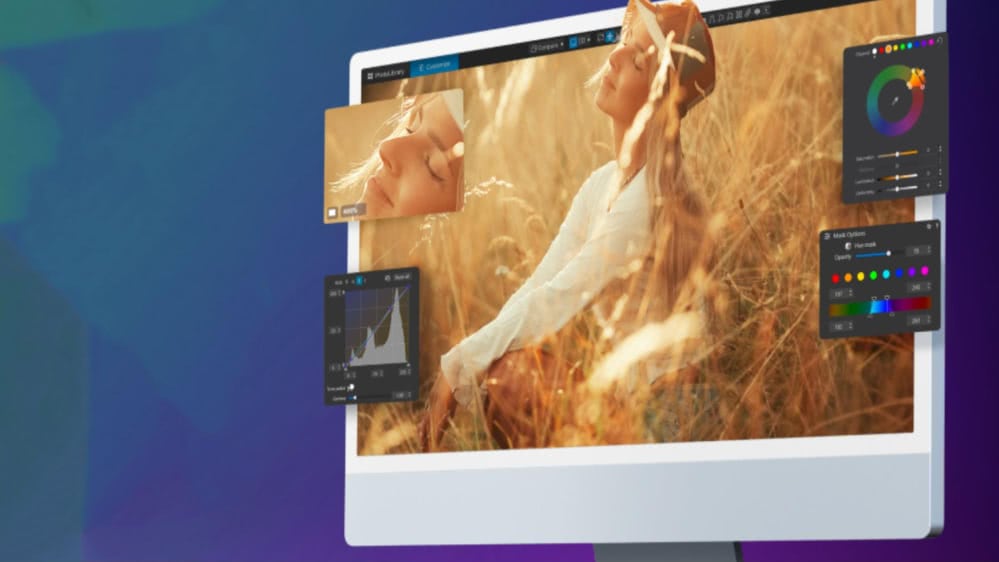
ON1 Photo RAW and DxO PhotoLab are both respected in the pro editing space, but they take very different approaches to the same goal: producing high-end, detail-rich images with as little workflow friction as possible. One leans into an all-in-one editing environment packed with AI-powered creative tools, while the other is built around optical science and best-in-class noise reduction. This comparison breaks down where each application excels, where the differences actually matter, and which option makes the most sense depending on how you shoot, edit, and deliver final work.
Table of Contents:
ON1 Photo RAW vs. DxO PhotoLab Side-by-Side: Features, Pricing, and Core Capabilities
Before jumping into any deep feature breakdowns, here is a full side-by-side snapshot of the current versions: ON1 Photo RAW 2026, ON1 Photo RAW MAX 2026, DxO PhotoLab 9 Essential, and DxO PhotoLab 9 Elite.
ON1 Photo RAW vs. DxO Comparison Chart
| License Type | Perpetual | Perpetual | Perpetual | Perpetual |
| Price (USD) | $99.99 | $169.99 | $149.99 | $239.99 |
| Plugin Support | No | Yes (Photoshop + Lightroom) | Limited LR plugin | Limited LR plugin |
| AI Toolset | Full suite (Brilliance AI, Super Select AI, Resize AI, NoNoise, Sky Swap, Generative Erase, Portrait AI, TackSharp AI, Keyword AI) | Same as Photo RAW | Basic AI masks | DeepPRIME XD + AI masks |
| Noise Reduction | NoNoise AI | NoNoise AI | Basic denoise | DeepPRIME XD (flagship) |
| HDR / Pano / Focus Stacking | Built-in | Built-in | Not included | Not included |
| Layers & Compositing | True pixel layers | True pixel layers | Adjustment layers only | Adjustment layers only |
| Lens / Camera Profiles | Broad support | Broad support | DxO modules (limited in Essential) | Full DxO optical module support |
| Local Adjustments | AI masks, gradients, luminosity, color, depth | Same as Photo RAW | U Point masking | U Point masking |
| Digital Asset Management | Browse, catalog, albums, smart albums, AI keywording | Same as Photo RAW | Folder browsing, keywords | Same as Essential |
| Cloud / Mobile App | iOS + Android (with optional sync) | iOS + Android | No mobile app | No mobile app |
| Tethering | Basic | Basic | Limited | Limited |
| Ideal Fit | All-in-one workflow + creative control | All-in-one workflow + plugin flexibility | Entry-level DxO quality | Maximum DxO quality + optics engine |
Quick takeaway: ON1 is built as a single, unified workspace for editing, effects, layers, and output. DxO PhotoLab leans harder into technical image quality, especially noise reduction and calibrated lens modules, but requires external tools for composites, HDR, panoramas, and creative effects.
ON1 Photo RAW 2026: What's New?
Meet ON1 Photo RAW 2026, our most ambitious release yet. Smarter masking lets you isolate subjects or backgrounds instantly. New effects like Depth Lighting, Split Field, Double Exposure, and Motion open the door to fresh stylistic looks. Resize AI is native now, perspective fixes are cleaner, and Negative Mode adds a legit film aesthetic without presets or plugins. Hit play to see it in action.
How Each Editor Handles RAW Processing and Image Quality
Image quality is the deciding factor for a lot of photographers, so this is where our comparison gets real. Each editor is for professional RAW development, but they're optimized for different priorities: ON1 leans into versatility and multi-frame workflows, while DxO is laser-focused on extracting maximum clarity from a single frame.
ON1: Ready for RAW Editing and Creative Flexibility
ON1 Photo RAW uses a modern RAW engine that gives you full control over tone, color, sharpening, and detail, but it also goes further by including multi-image tools normally found in separate apps. You can:
- Merge HDR brackets
- Stitch panoramas
- Build focus stacks
- Apply LUTs and effects
- Work with layered edits inside the same file
That means a landscape bracket, a real-estate pano, or a macro stack can be processed start to finish without exporting to Photoshop or another tool. Paired with NoNoise AI and TackSharp AI, ON1 lets you finish the entire image concept without leaving the workspace.
DxO PhotoLab: Precision RAW Processing With a Technical Edge
DxO is known for one thing above all else: elite-level detail and noise handling. Its DeepPRIME XD technology gives it a real advantage for high-ISO work, wildlife shots, night photography, and anything pushed to the edge of exposure. With DxO's proprietary camera-and-lens modules, every correction is mathematically profiled for that specific body and optic. That's why DxO users talk less about "editing" and more about "image purity."
What you don't get: built-in HDR, panoramas, or focus stacking. If you need those, you'll need another app in the workflow.
TL;DR: If your priority is absolute noise performance and lens-profile accuracy, DxO PhotoLab remains a top-tier option. If you want strong RAW quality plus pano, HDR, stacking, effects, layers, and AI refinements in one place, ON1 offers a wider toolbox without extra software.
The AI Gap Between ON1 and DxO
AI is now a defining feature in modern photo editors, but each brand uses it differently. DxO leans into technical refinement and noise science, while ON1 treats AI like an extra set of hands that speeds up real-world editing and opens creative doors.
ON1: AI That Enhances the Entire Workflow
ON1 packs AI into nearly every stage of editing, from organization to retouching to finishing. Inside Photo RAW, you'll find:
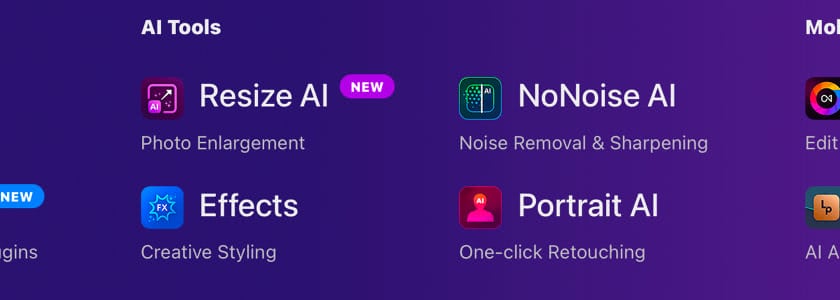
- Brilliance AI for tone and color optimization
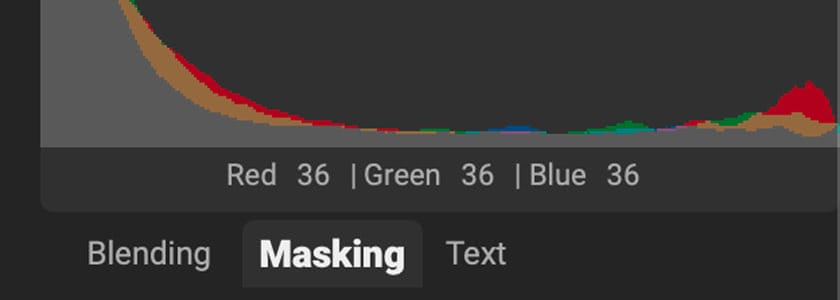
- Super Select AI and Mask AI for ultra-fast subject, region, sky, and object masking
- NoNoise AI and TackSharp AI for denoise + deblur
- Resize AI for super-resolution upscaling
- Sky Swap AI for realistic sky replacement
- Generative Erase and Canvas Extend for content-aware fixes
- Portrait AI for natural facial and skin cleanup
- Photo Keyword AI for automatic metadata tagging
What's important isn't how many AI tools exist, but how ON1 uses AI to automate the stuff that normally eats time.
DxO PhotoLab: AI With a Technical Purpose
DxO uses AI more narrowly. Instead of powering every stage of the workflow, it focuses on two areas: noise reduction and precise local masking. The key tools are:
- DeepPRIME XD: DxO’s flagship denoise and demosaic engine
- AI Masks for subject, background, and people selections
- U Point Controls for gradient-free local editing
- Smart Lighting and ClearView for global exposure and haze removal
No sky swaps, no generative erase, no AI upscaling, no portrait AI, no keyword automation, no effects AI. DxO’s philosophy is to enhance image purity, not change or reinterpret it.
TL;DR: If you want the best raw photo editor with noise reduction, DxO PhotoLab Elite has a strong case. If you want a full creative AI workflow in one software, ON1 is playing a completely different game (and winning it).
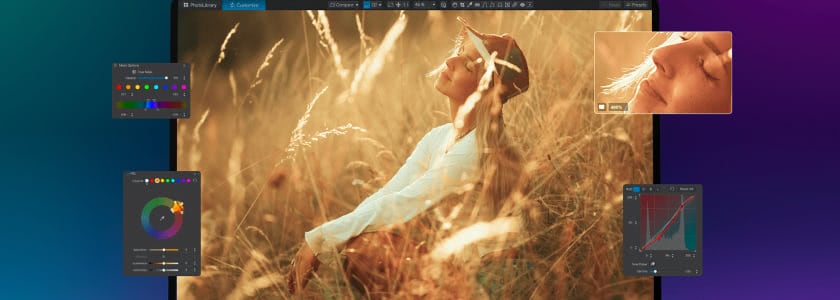
How It Actually Feels to Edit in ON1 vs. DxO PhotoLab
Feature lists are one thing; how those features feel in daily editing is something else entirely. Workflow is where the biggest philosophical difference between DxO PhotoLab and ON1 becomes obvious.
ON1: One App, Multiple Workspaces
ON1 is structured like a complete editing studio. You can browse folders, catalog photos, cull, develop, retouch, composite, apply effects, and export all in the same space. No importing is required, no external editor is mandatory, and no plugins are needed unless you want them.
The interface is modular but direct: Browse → Edit → Effects → Export. Add layers, masks, text, overlays, presets, LUTs, all without leaving the file, so your entire workflow stays linear and contained. Whether you’re building a portfolio piece, running a batch job, or editing client files, you’re not juggling apps.
DxO: Edit-Centric, Not All-in-One
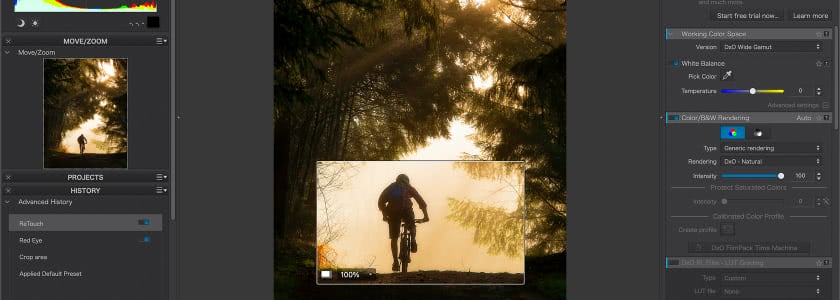
DxO is built around image correction, not full-stack production. You browse a folder, adjust the RAW file, apply local corrections, clean noise, and export. If you want compositing, graphic overlays, multi-frame merges, or layered effects, you’ll need Photoshop, Affinity, Capture One, or another program in the chain.
For many DxO users, PhotoLab is the “first stop,” not the whole journey. Its strength is simplicity; if your edits start and end with color, tone, and noise control, DxO is a great choice. But it does assume you edit the rest somewhere else.
TL;DR: DxO works best as a specialized RAW and denoise engine in a multi-app workflow. If you’d rather keep your entire workflow housed in one editor instead of bouncing files between software, ON1 is the DxO PhotoLab alternative you want.
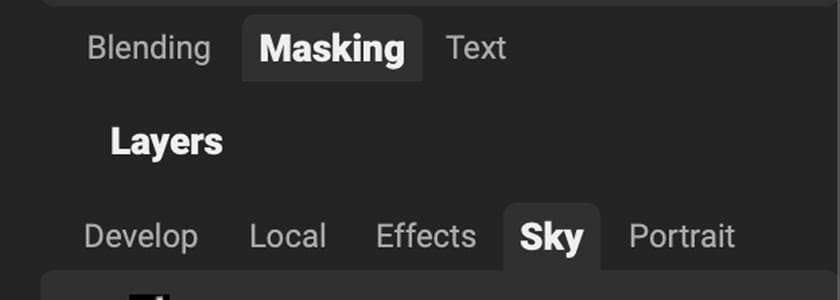
Layers, Masking, and Compositing Depth: Which Editor Gives You More Control?
This is one of the clearest dividing lines between ON1 and DxO. Both can edit a RAW file, but only one can build a full composite, stack effects, and treat images like multi-layer documents inside the same editor.
ON1: Full Layer-Based Editing Like a Built-In Photoshop
ON1 Photo RAW includes true pixel layers, blend modes, masking tools, and an effects engine you can apply at the layer or filter level. You can:
- Combine multiple photos
- Add text, overlays, or branding
- Stack adjustment layers and effects
- Use AI masks, color range masks, luminosity masks, and gradient masks
- Blend exposures or skies without leaving the app
That makes ON1 a full replacement for a two-app workflow (RAW processor + pixel editor) because everything can live in the .ON1 file.
DxO PhotoLab: Local Adjustments Only, No True Layers
DxO includes powerful adjustment masks through its U Point technology and AI subject detection, but it does not support multi-image layering, graphics, stackable effects, or composite editing. You can work on one image at a time, apply local and global corrections, and export.
If you need to swap skies, build a product mockup, blend exposures, or create layered client exports, you’ll be jumping to Photoshop or another editor.
TL;DR: If your workflow ever involves multiple images, overlays, graphics, or layered retouching, ON1 is a DxO PhotoLab alternative that can do it solo. DxO is strictly a single-frame correction tool with no compositing abilities built in.
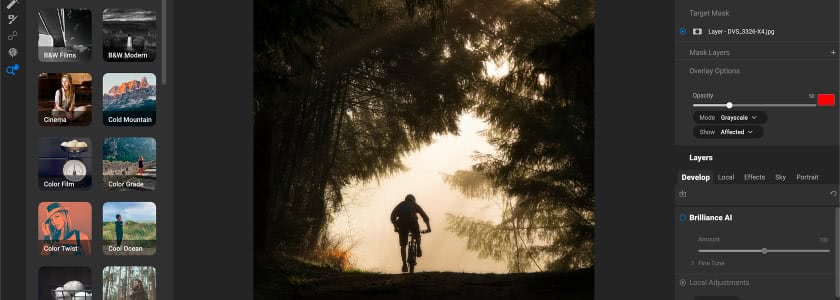
How Each Editor Treats Your Gear, Glass, and Shooting Style
Both editors support a wide range of camera bodies and lenses, but the way they handle optical corrections is very different.
ON1: Broad Compatibility Without Required Modules
ON1 supports an extensive list of camera and lens profiles and applies corrections automatically, but it doesn’t require precision-locked optical modules. That means you can edit unsupported gear, legacy lenses, or custom setups without waiting for DxO-style profiles to be released.
ON1’s flexibility is especially useful for hybrid shooters, adapted lenses, vintage glass users, or anyone who doesn’t stick to one brand ecosystem.
DxO PhotoLab: Industry-Leading Optical Modules
DxO is famous for its body-and-lens profiles. Each pairing is lab-measured for distortion, vignetting, sharpness falloff, and chromatic aberration. When PhotoLab recognizes your gear, it loads a correction file that sharpens and optimizes the RAW with scientific precision.
The catch:
- These modules are not available for every lens or camera
- Full module support is only included in the Elite edition
- Unsupported lenses fall back to more generic correction tools
TL;DR: DxO gives you unmatched optical accuracy, but only as long as you use supported lenses and the Elite tier. ON1 trades microscopic precision for universal compatibility, so every camera and lens workflow stays uninterrupted.
The Real Cost of Committing to ON1 or DxO PhotoLab
Both ON1 and DxO PhotoLab offer perpetual licenses, but the cost of ownership looks different once you include features, plugins, and version upgrades.
ON1: Lower Entry Price and More Included Features
ON1 Photo RAW starts at $99.99 for the full desktop app, or $169.99 if you want the MAX version with plugin support for Photoshop and Lightroom. That price includes:
- Full RAW editor
- Full AI toolset
- Layers and compositing
- Built-in HDR, pano, focus stacking
- Effects engine
- Mobile app access
- DAM features with AI keywording
If you want cloud sync and ongoing feature updates, ON1 also offers optional subscription plans starting at $17.99/month, but the perpetual license is fully usable on its own.
DxO PhotoLab: Higher Buy-In for Full Feature Access
DxO PhotoLab comes in two editions: Essential at $149.99 and Elite at $239.99. The Elite version is the only edition that includes DxO’s flagship DeepPRIME XD denoise engine and full optical correction features. HDR, pano, focus stacking, layer-based editing, and creative effects still require additional software.
TL;DR: ON1 gives you a complete workflow at a lower entry price and doesn’t require a higher tier to unlock its best features. DxO’s full capability only exists in the Elite edition, and you’ll still need another editor for compositing, effects, or multi-frame work.
Which Editor Makes More Sense for Your Style of Work?
No editor wins every category, so choosing between ON1 and DxO depends on what you value most in your editing process.
ON1 Photo RAW is ideal if you:
- Want an all-in-one DxO PhotoLab alternative with RAW tools, layers, effects, and AI creative features
- Prefer to avoid round-tripping between multiple apps
- Use a mix of cameras or lenses (including unsupported glass or vintage adapters)
- Want AI-enhanced workflow tools like keywording, sky swap, and generative erase
- Need built-in HDR, pano stitching, or focus stacking
DxO PhotoLab is ideal if you:
- Shoot high-ISO work and want class-leading noise performance
- Rely on supported lenses and want lab-calibrated optical corrections
- Already use Photoshop or another pixel editor for layering and compositing
- Want a RAW developer focused on image purity rather than creative flexibility
- Value DeepPRIME XD as a standalone reason to buy
DxO PhotoLab vs. ON1: The Final Verdict
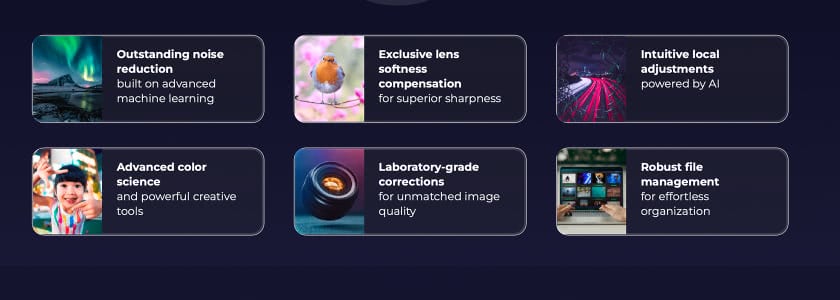
If you're searching for the best RAW photo editor with noise reduction, DxO PhotoLab Elite is still a strong contender. And it's the right choice if your highest priority is mathematical image quality and you don’t mind using multiple applications to finish a project. But if you're comparing ON1 vs. DxO PhotoLab to find the most complete solution, not just the cleanest file, ON1 Photo RAW gives you far more capability per dollar, fewer workflow interruptions, and a broader creative ceiling.
If you are choosing between the two and want the most modern, flexible, AI-powered raw editor in a single install, ON1 Photo RAW is the better long-term anchor for a pro or advanced shooter’s workflow.
Try ON1 Photo RAW Free and Test the Full Workflow for Yourself
If you're comparing ON1 vs. DxO PhotoLab because you're looking for a faster, more complete, and more creative editing workflow, there’s no better way to judge than by testing it with your own images. ON1 Photo RAW includes every tool shown in this comparison (AI masking, NoNoise, Resize AI, HDR merge, panorama stitching, focus stacking, layers, effects, and a full RAW engine), all in the trial version.
Download the free trial, drop in your files, and give it the same edit you’d run through your current workflow. You’ll know within minutes whether ON1 feels like a side-grade or a serious upgrade.
Frequently Asked Questions About ON1 vs. DxO PhotoLab
Can ON1 Photo RAW replace both Lightroom and Photoshop?
Yes. ON1 Photo RAW was built to handle RAW processing, layers, effects, masking, retouching, and exports in one app. Many photographers switch to it specifically to avoid bouncing between multiple programs for basic compositing or multi-frame edits.
What software is best for high-ISO noise reduction?
DxO PhotoLab Elite has the stronger deep-noise engine thanks to DeepPRIME XD. ON1's NoNoise AI is still highly capable and has the benefit of running inside the same editor as layers, effects, and export tools, so you don't need a second app to finish your edit.
Does ON1 support the same list of cameras and lenses as DxO?
ON1 supports a very wide range of cameras and lenses, but does not depend on lab-measured optical modules. DxO's profiling is more precise, but it only applies to supported gear and is locked behind the Elite edition.