

Fine-Tune Auto Tone and Color Easily with AI in Lightpanel
- 3,148 Views
 Posted by Dan Harlacher
Want more control over your Lightroom edits? Discover how with Lightpanel’s AI-driven auto tone and color adjustments to fit your personal style.
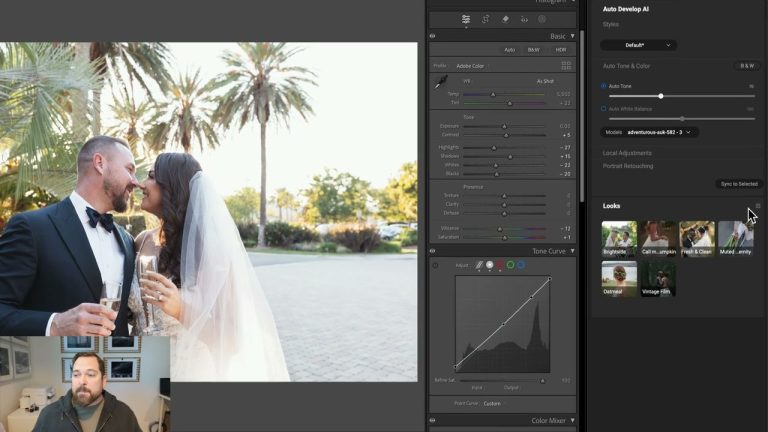
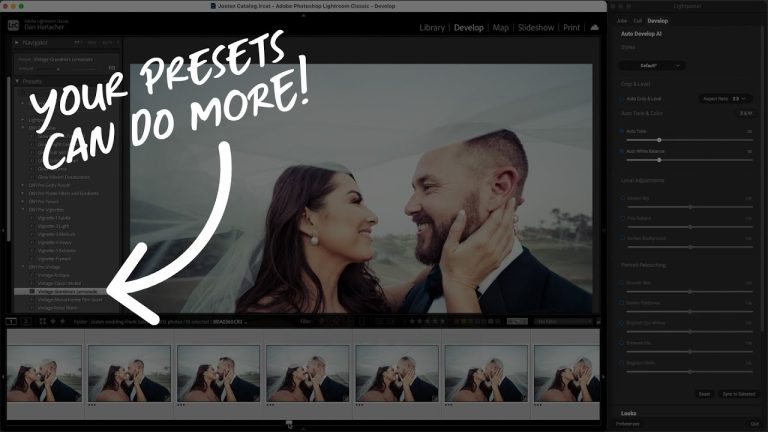
Getting the auto tone and color adjustments right in Lightroom Classic can be challenging, especially when AI-powered tools don’t always match your editing style. If you’ve ever found yourself tweaking the same settings repeatedly, it’s time to adjust your workflow. In this guide, I’ll show you how to fine-tune auto-tone in Lightroom Classic using Lightpanel’s AI photo editing tools. Learn how to adjust auto white balance, dial in contrast, and sync custom settings across multiple images to create more consistent edits in your photo editing workflow. Whether you’re a high-volume photographer or simply want more precision in your edits, this tutorial will help you master AI-powered adjustments and get great results every time.
This video covers everything from making subtle tweaks to syncing settings across multiple photos—saving you time and improving your photo editing results.
Check out more Lightpanel videos here! Try Lightpanel free for 30 days.
Please review our privacy policy for information about how we use the data we collect.