

 ON1 HDR
ON1 HDR
HDR Photo Editing Software
Flawless, natural HDR photos in the blink of an eye.
Starts at
Overview
Flawless HDR Photos
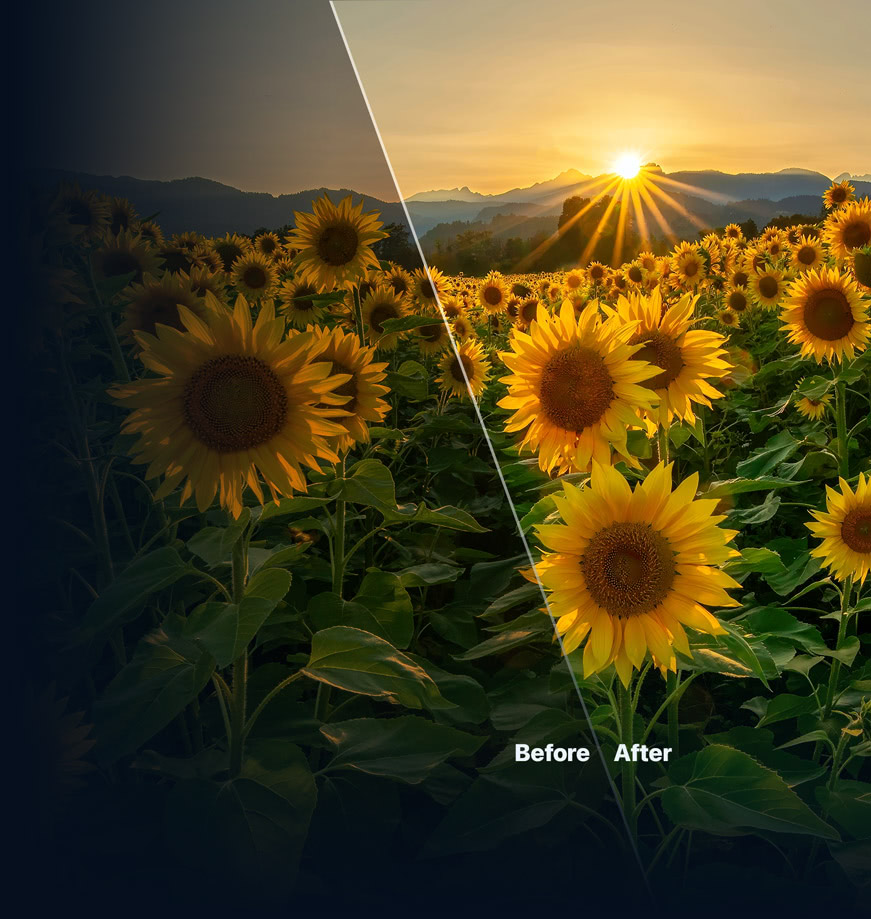
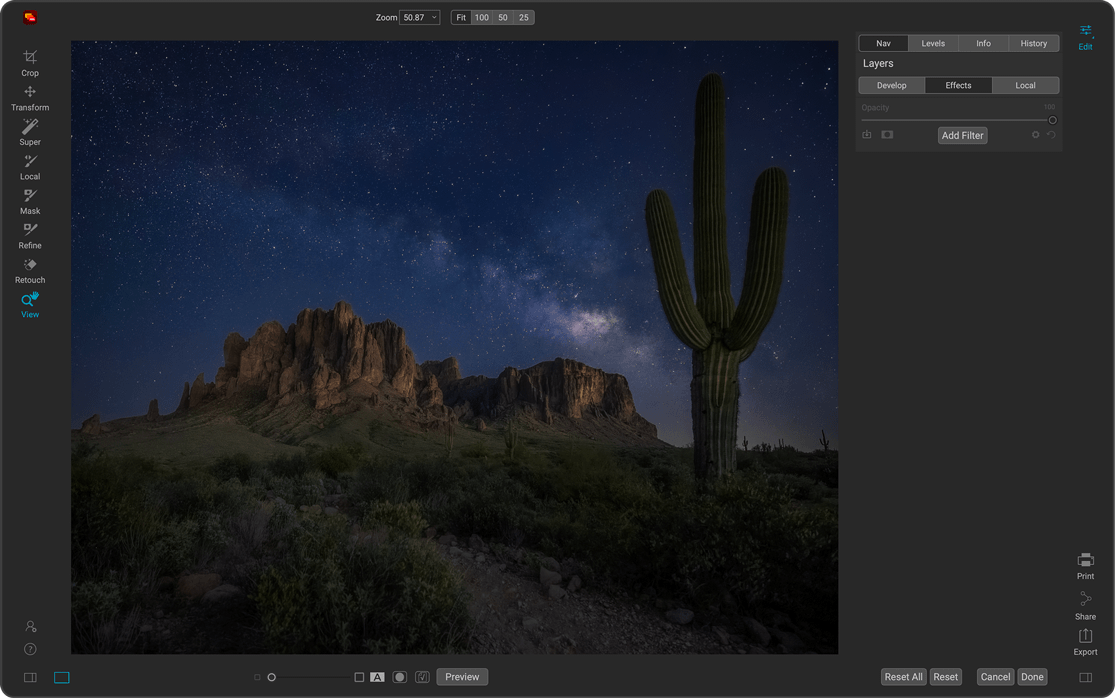
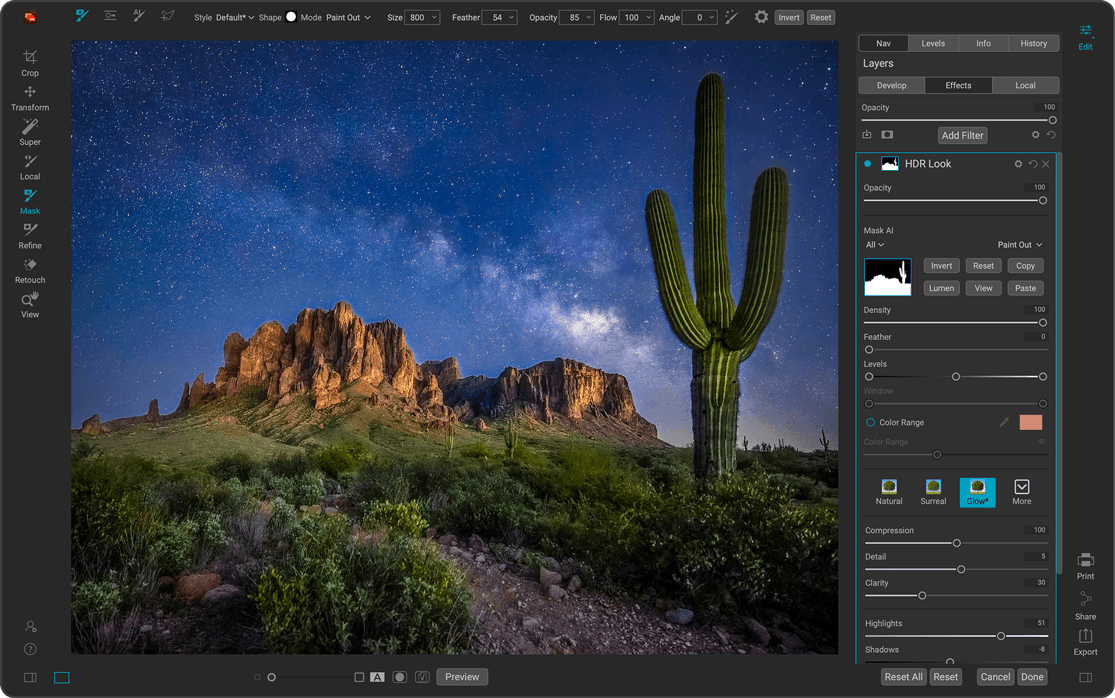
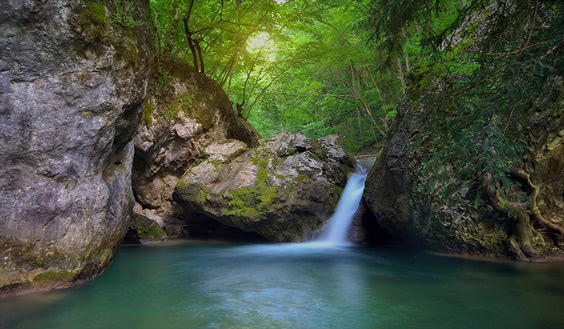
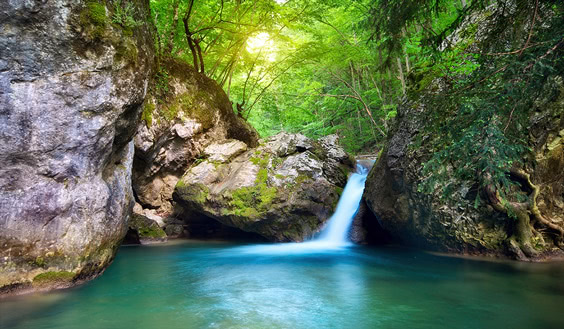
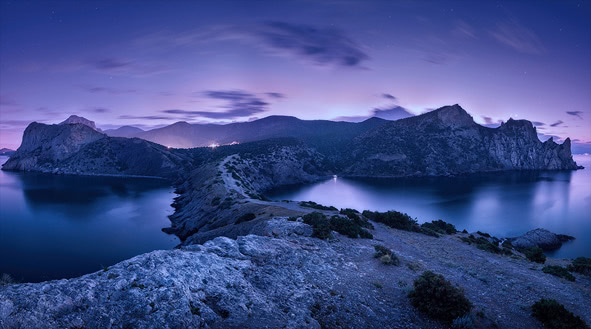
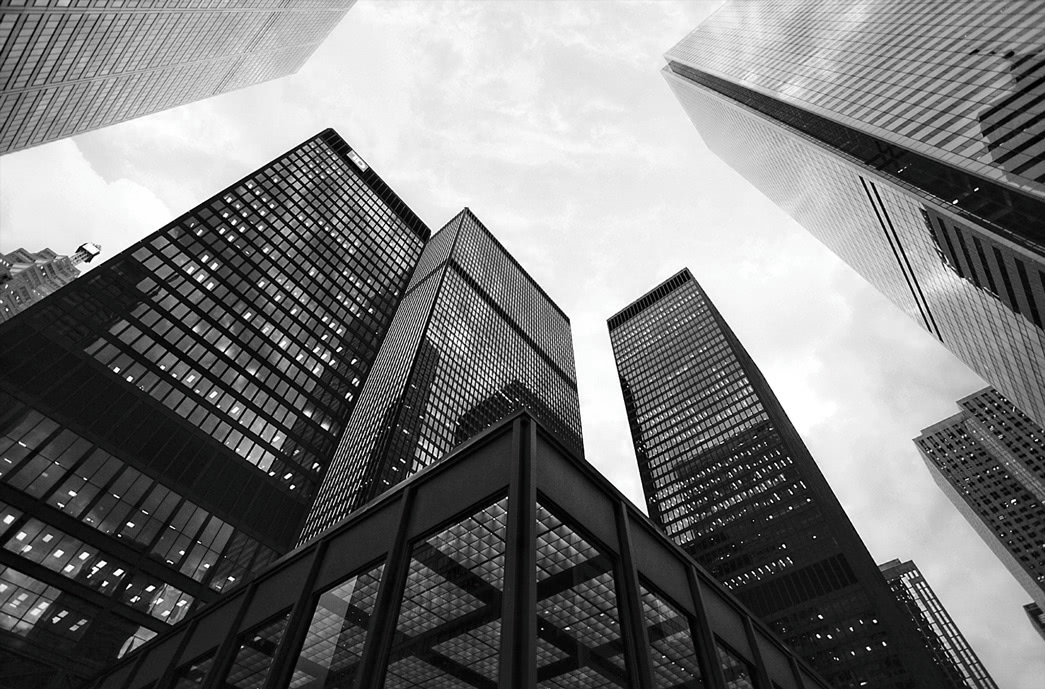
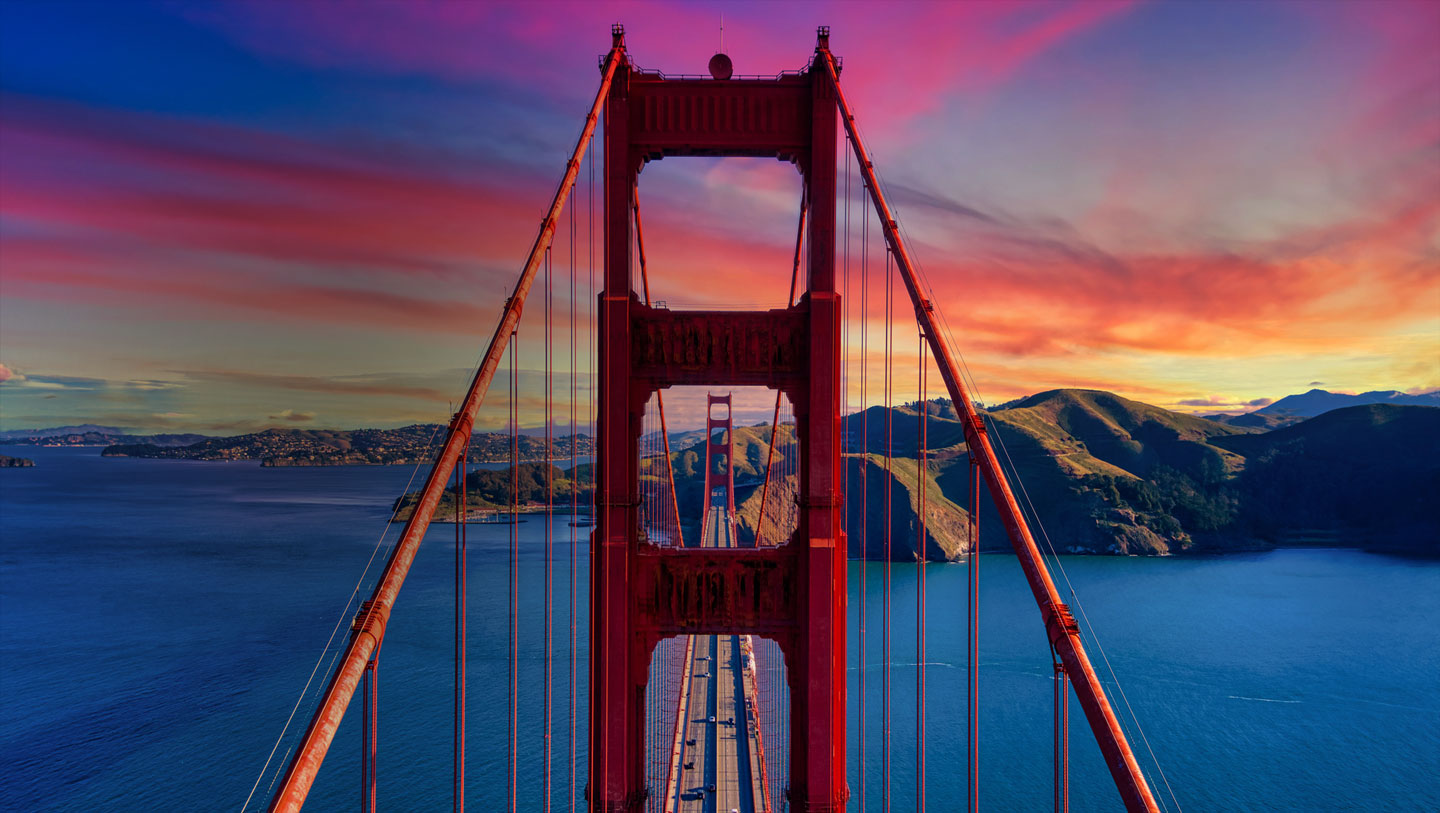
ON1 HDR is fast, powerful HDR editing software that creates stunning, natural-looking HDR photos in seconds. It merges the highlight and shadow detail from a bracket of exposures with precision — perfect for high-contrast scenes like landscapes or architecture. The HDR photo editor gives you control over motion, such as moving clouds or flowing water, with a real-time preview. Enhance your photos further using professional-grade presets and creative tools. ON1 HDR works as a standalone app, a plugin for Lightroom Classic, or fully integrated inside ON1 Photo RAW 2027.
See it in Action
Master ON1 Photo RAW & Create Stunning Photos
What's New
What's New in Our HDR Photo Editor?
Super Select AI Tool
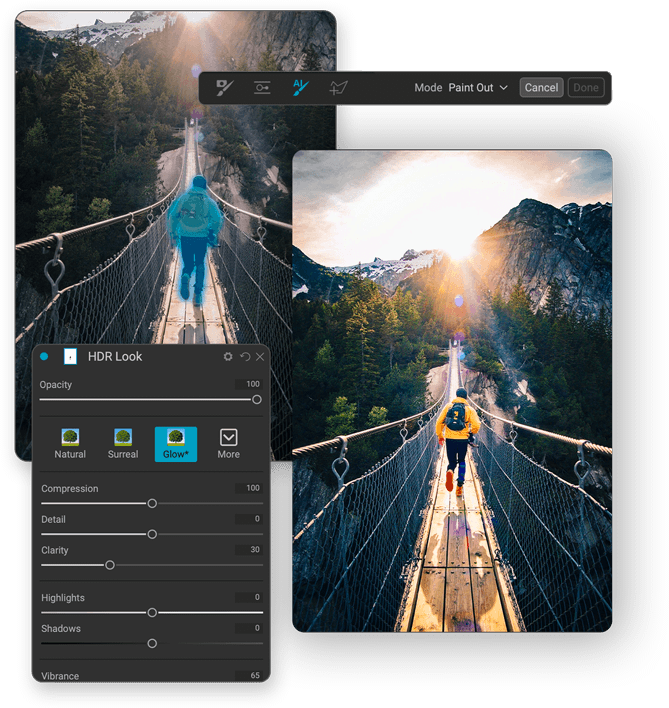
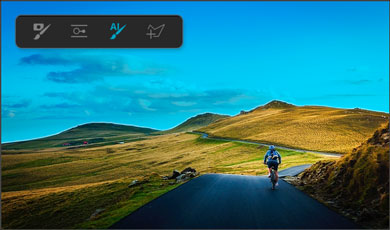
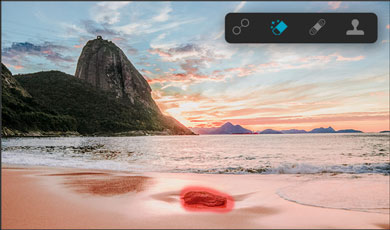
Applying adjustments to areas in your photos couldn't be easier than the new Super Select AI Tool. Just tap on the areas you want to adjust and then pick an adjustment. Want the sky darker? Click-click-done. How about making the grass greener? Click-click-done. Want to blur the background, you get the idea. It's an incredibly fast and natural way to work that will completely change the way you interact with your photos.
Mask AI
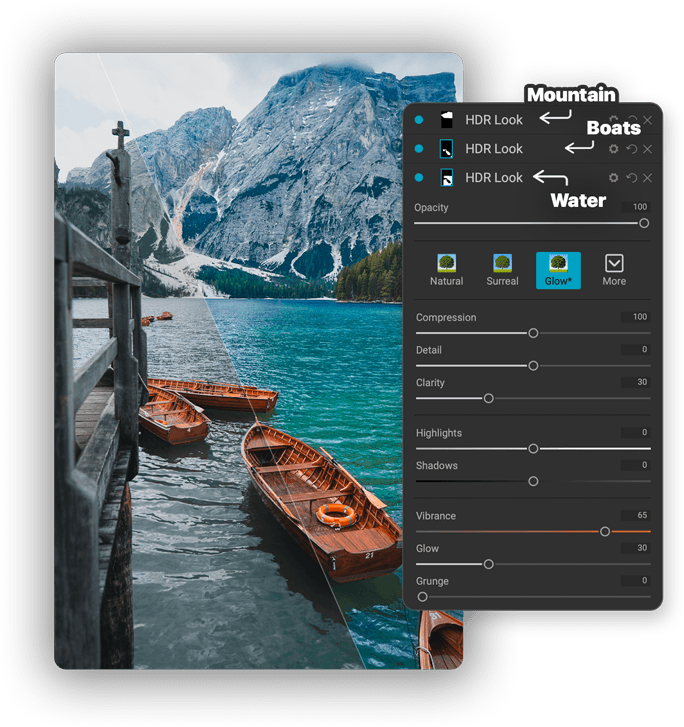
Say goodbye to tedious brushing thanks to our HDR editing software. Mask AI uses state-of-art machine learning to segment photos, identifying objects like people and animals, as well as regions like the sky, mountains, trees, water, and ground. When masking layers, effects, or local adjustments, you can select subjects or regions from the list. Mask AI will create great-looking masks instantly. You can even choose regions to apply filters or adjustments to when you add them, making it easy to get the adjustment you want.
AI Adaptive Presets
Presets just got even more powerful. Now they can target common subjects like people, water, skies, and buildings automatically. The awesome new AI Adaptive presets give you one-click solutions to tough problems like brightening the subject, darkening the sky, or adding detail to foliage. Best of all, you can create your own AI Adaptive presets.
And More!
Performance
Create Awe-Inspiring HDR
Tone mapping and merging exposure brackets combined with layers allows you to combine other HDR photos and even alternate exposures.
- Auto-aligns photos & removes ghosting
- Up to 7x faster than leading HDR apps
- Combine other exposures with HDR photos
- Create natural or surreal looking HDR photos
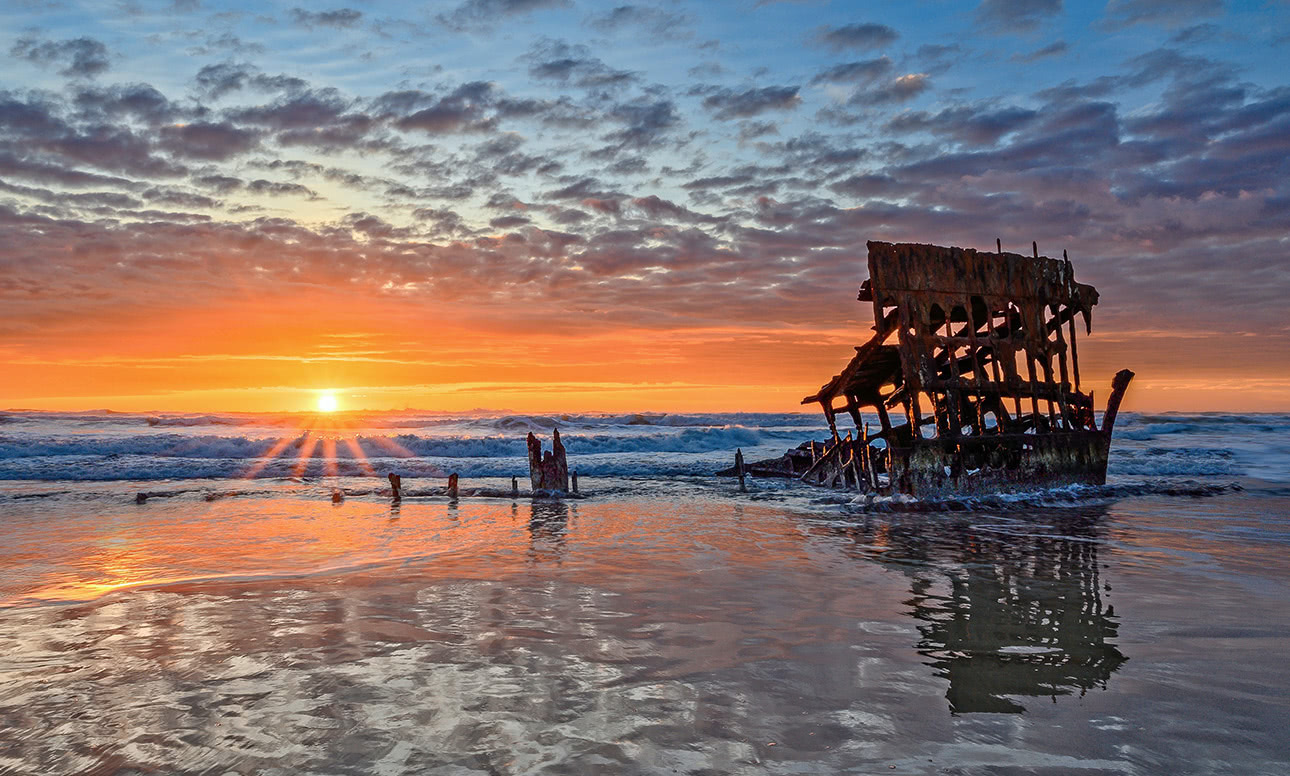
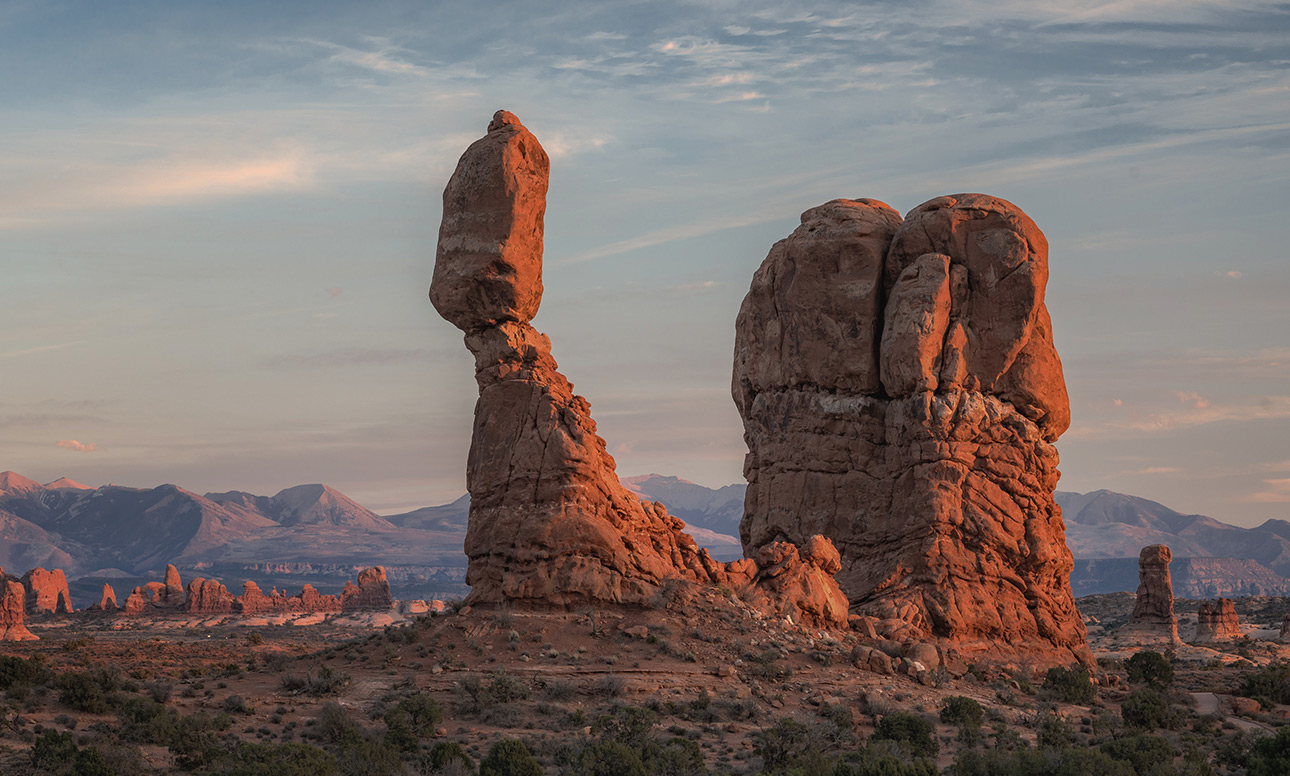
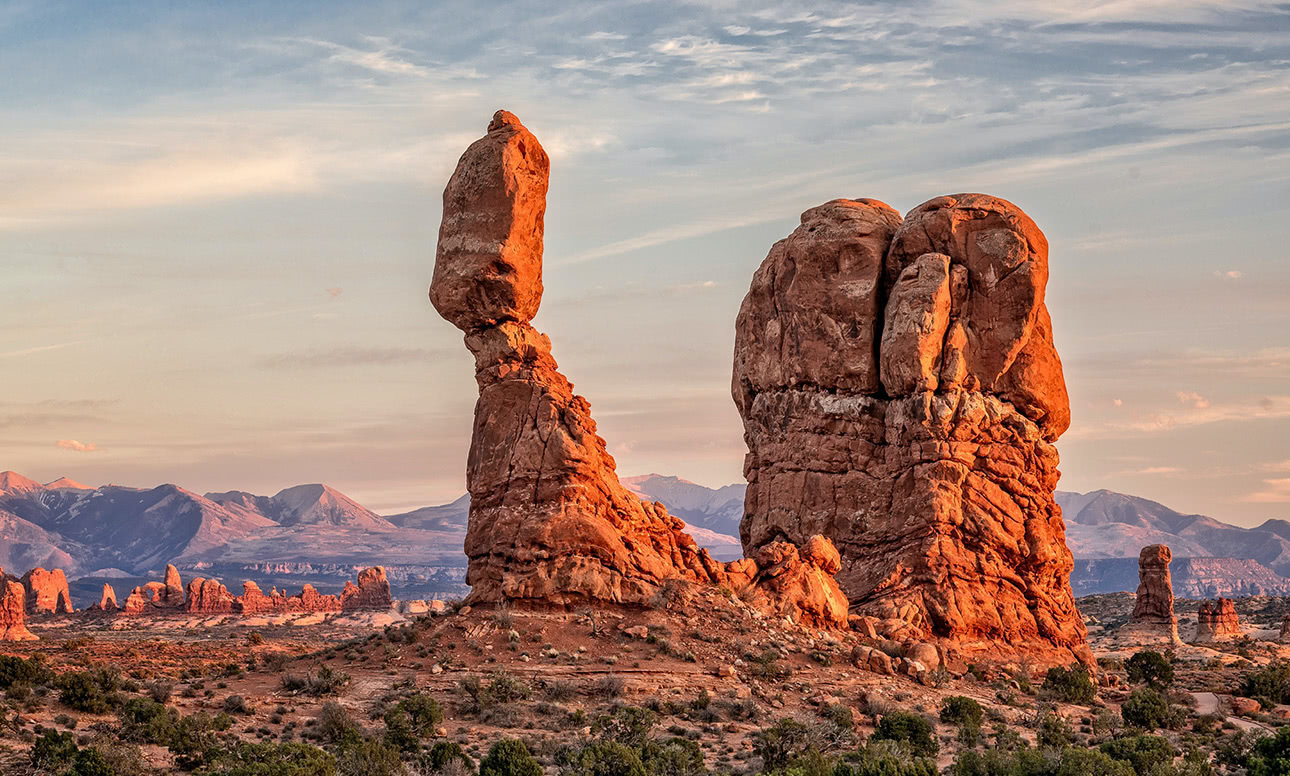
Single Photo HDR
Get HDR Looks from a Single Photo!
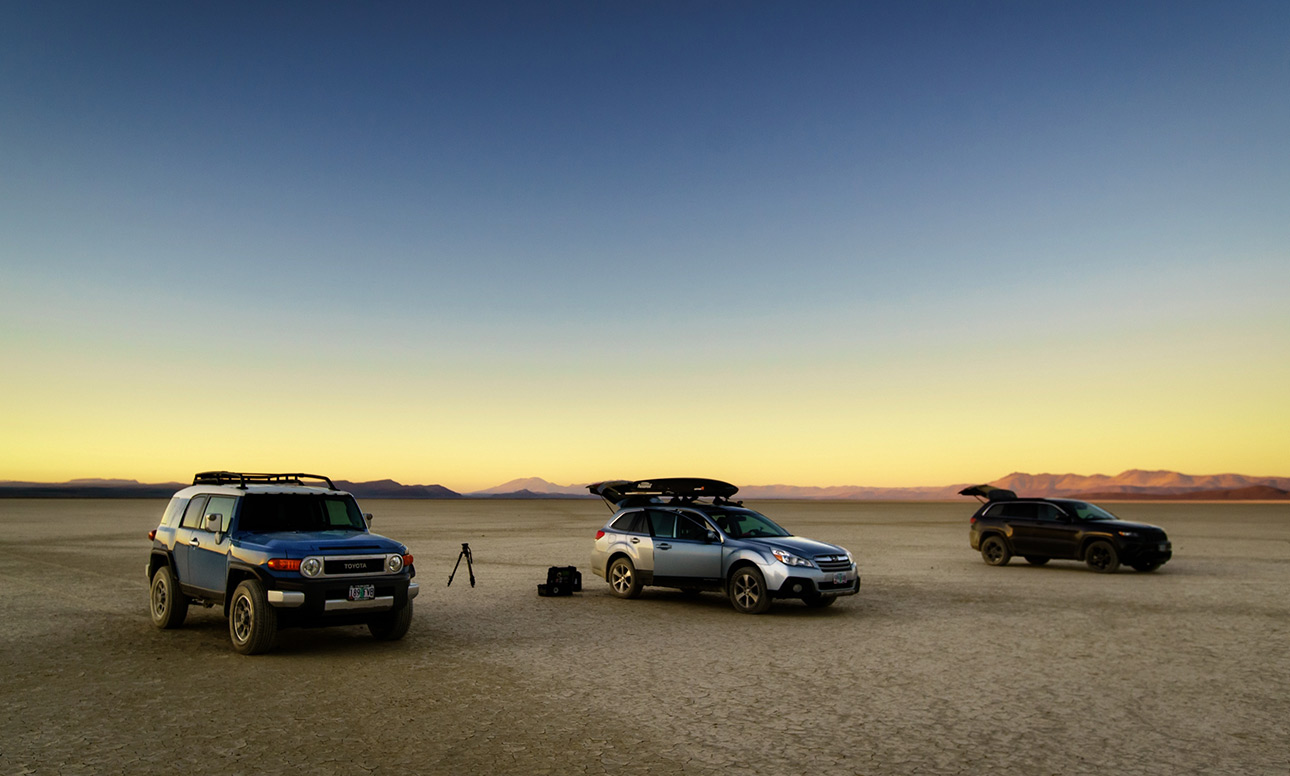
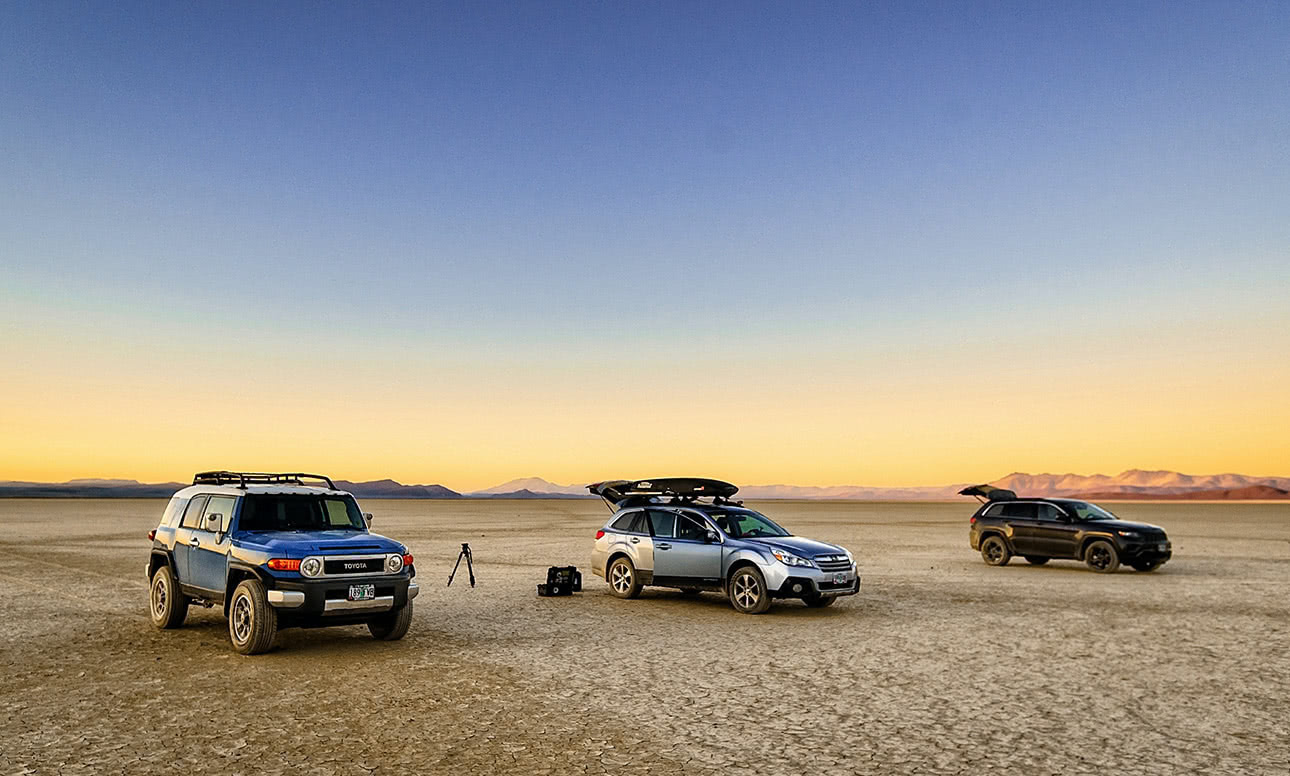
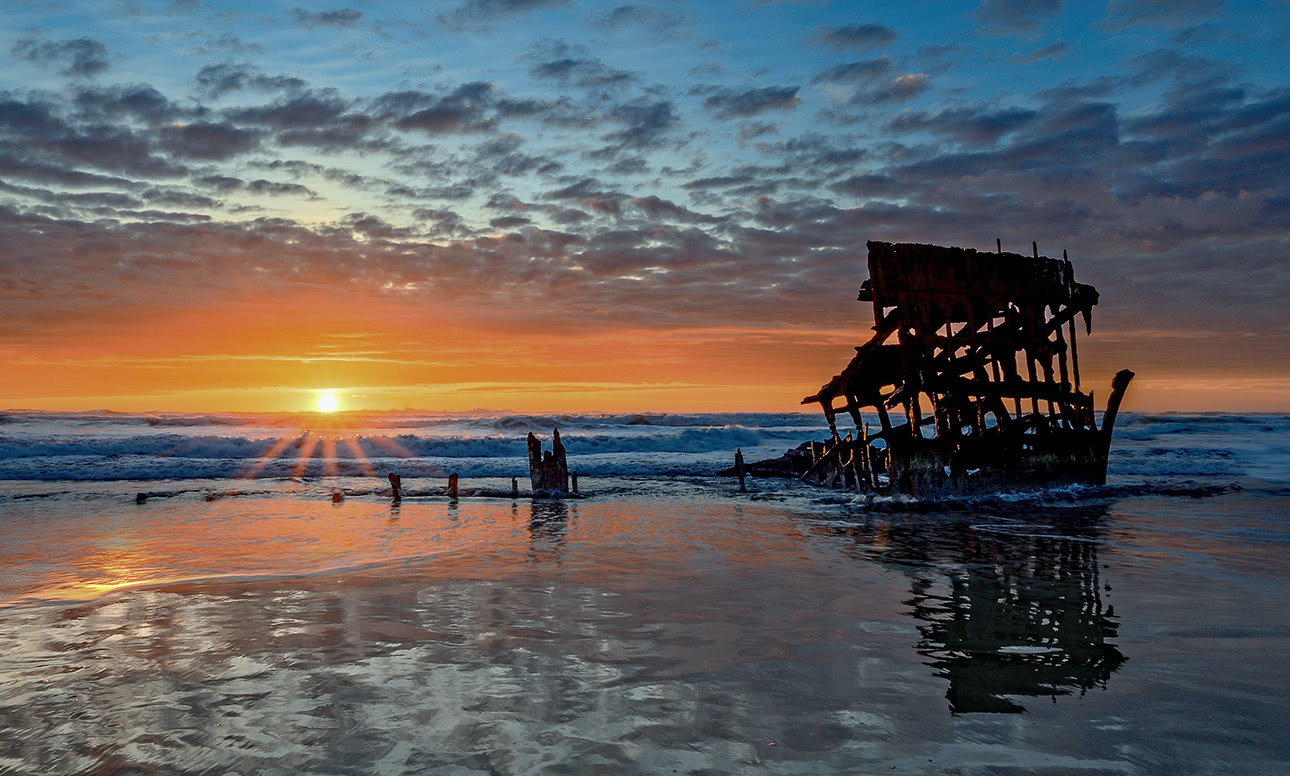
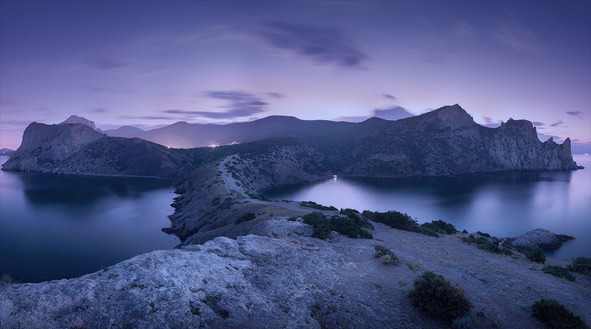
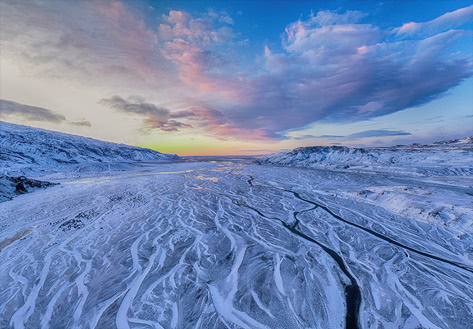
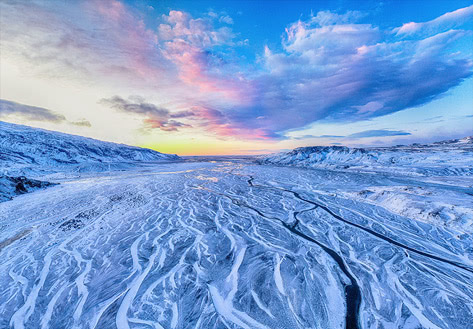
You don't have to shoot a bracket of exposures to create an HDR look. With ON1 HDR photo editing software you can open a single, well-exposed raw photo and use the HDR toolset to reveal all of the shadow and highlight detail.
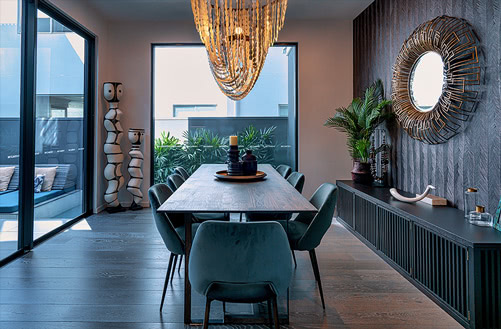
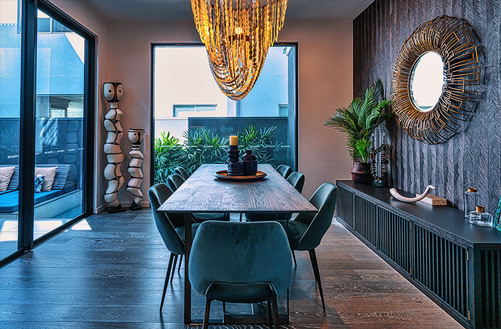
Perfect for Real Estate Photographers
Batch Process HDR Files
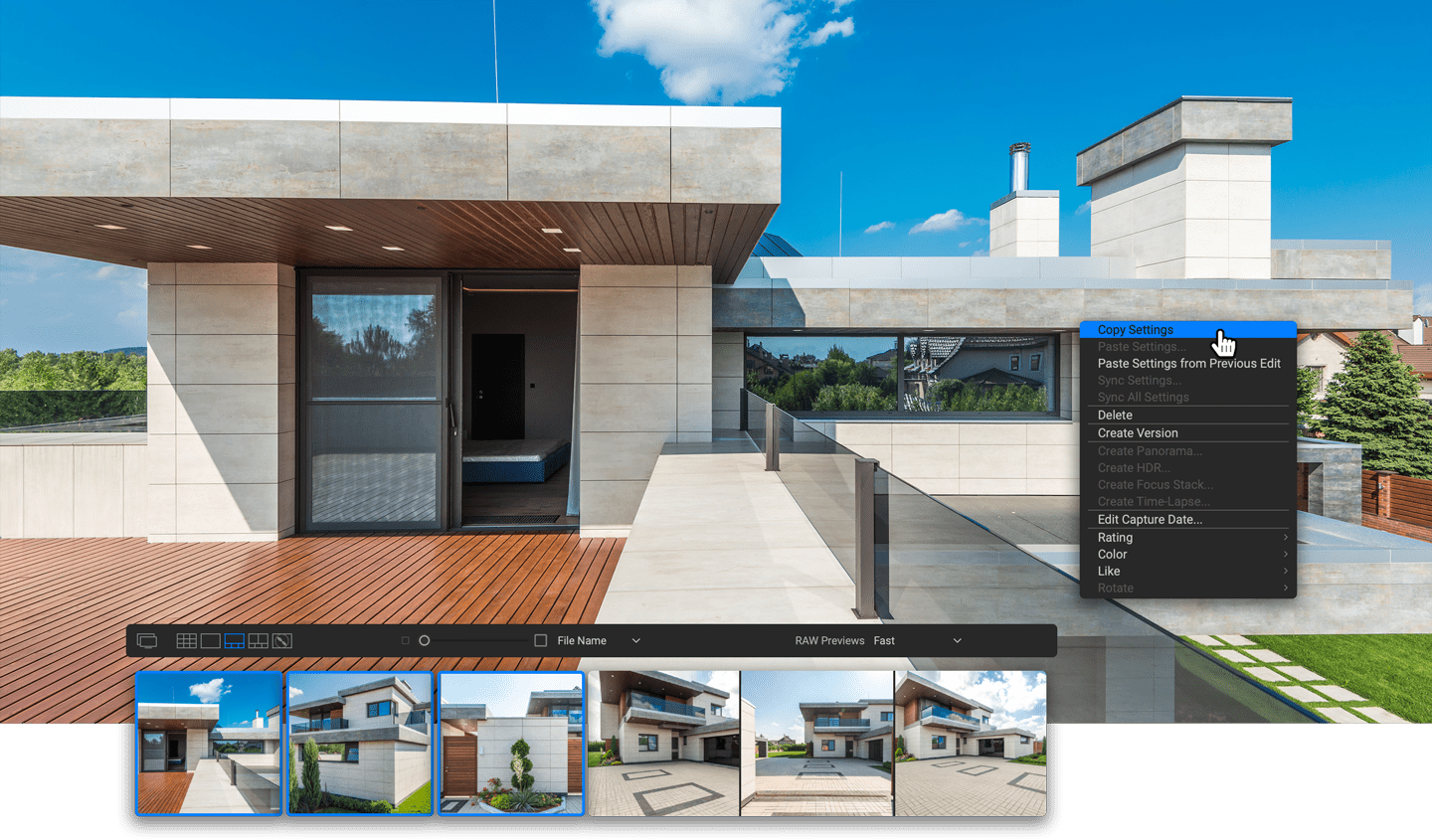
Your files work with ON1 HDR's broad file support. It can handle raw photos from over 800 cameras spanning 20 years. Plus, it supports PSD, TIF, JPG, PNG, and HEIC.
Creative Finishing
Creative HDR with the Best Photo Effects
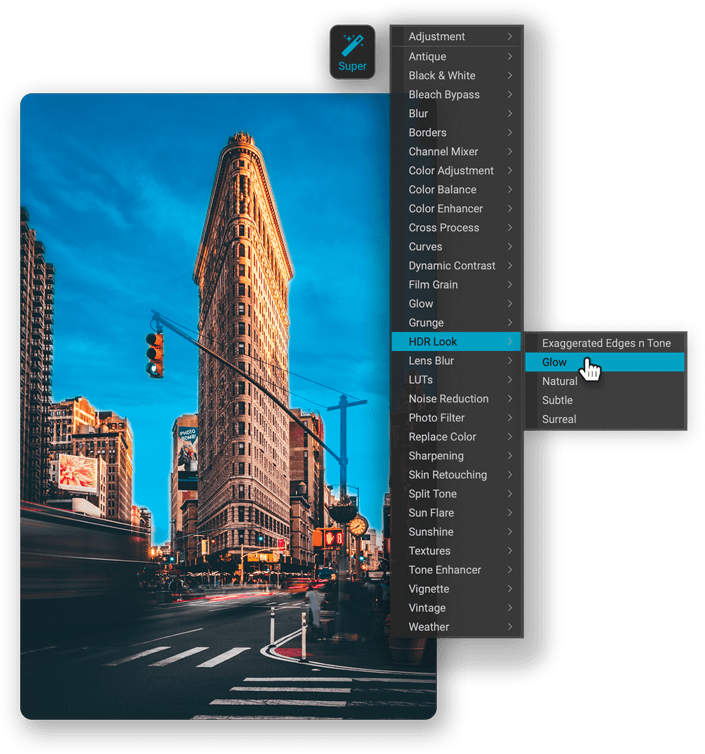
When you combine the best photo effects and filters with HDR photo software in one workflow you get amazing results. Mix and combine color and tone enhancers, HDR Look, Dynamic Contrast, Glow, Black and White, LUTs, and more. It even includes tons of professional-grade presets to get you started.


Workflow
HDR Editing Plugin to the Adobe® Lightroom Classic Workflow
ON1 HDR editing software works where you do. Works as a plugin and as a standalone application. So whether you want to integrate with your existing Lightroom workflow or quickly get in and out while editing HDR photos, the choice is yours.
Standalone App
Adobe Lightroom Classic
Capture One

Pricing
How Do You Want HDR?
Order a license for ON1 HDR 2023.5 today, or get all of the ON1 plugins in Photo RAW MAX.
ON1 HDR 2023.5
License to Own
Price shown for general site visitors. Signed-in existing customers may see a different, personalized price.
- Use as a standalone app on 2 computers
- Use as a plugin
- Includes all the ON1 apps in a single editor
- Includes Future Upgrades

Subscribe to Photo RAW MAX
Subscription
Every ON1 app in a single editor, always on the latest version.
- Use as a standalone app on 3 computers
- Use as a Plugin for Adobe
- Includes all the ON1 apps in a single editor
- Includes Future Upgrades
/year
30-Day Money-Back Guarantee
Before You Install
System Requirements
What it takes to run ON1 HDR 2023.5 as a standalone app or as a plugin.
Minimum |
Recommended |
|
|---|---|---|
| Operating System |
(Current maintenance releases, 64 bit only) |
(Current maintenance releases, 64 bit only) |
| Processor |
|
|
| RAM |
8 GB |
16+ GB |
| Hard Drive |
2 GB for installation |
|
| Graphics |
macOS:
Windows:
|
macOS:
Windows:
|
| Optional Integration |
Photoshop Lightroom Classic 2020 and above, Capture One 10 and above |
|
| Internet |
A high-speed internet connection and active account for activation, auto-update checking, content downloads, and tutorials. |
|
| Supported Options |
|
|
| Supported Languages |
English, German, Spanish, French, Japanese, Korean, Simplified Chinese, Russian, Portuguese, Italian, Dutch |
|
The ON1 Guarantee
Your Trust is Our Foundation
Every purchase is protected. Every photo is yours. No games, no surprises.


