

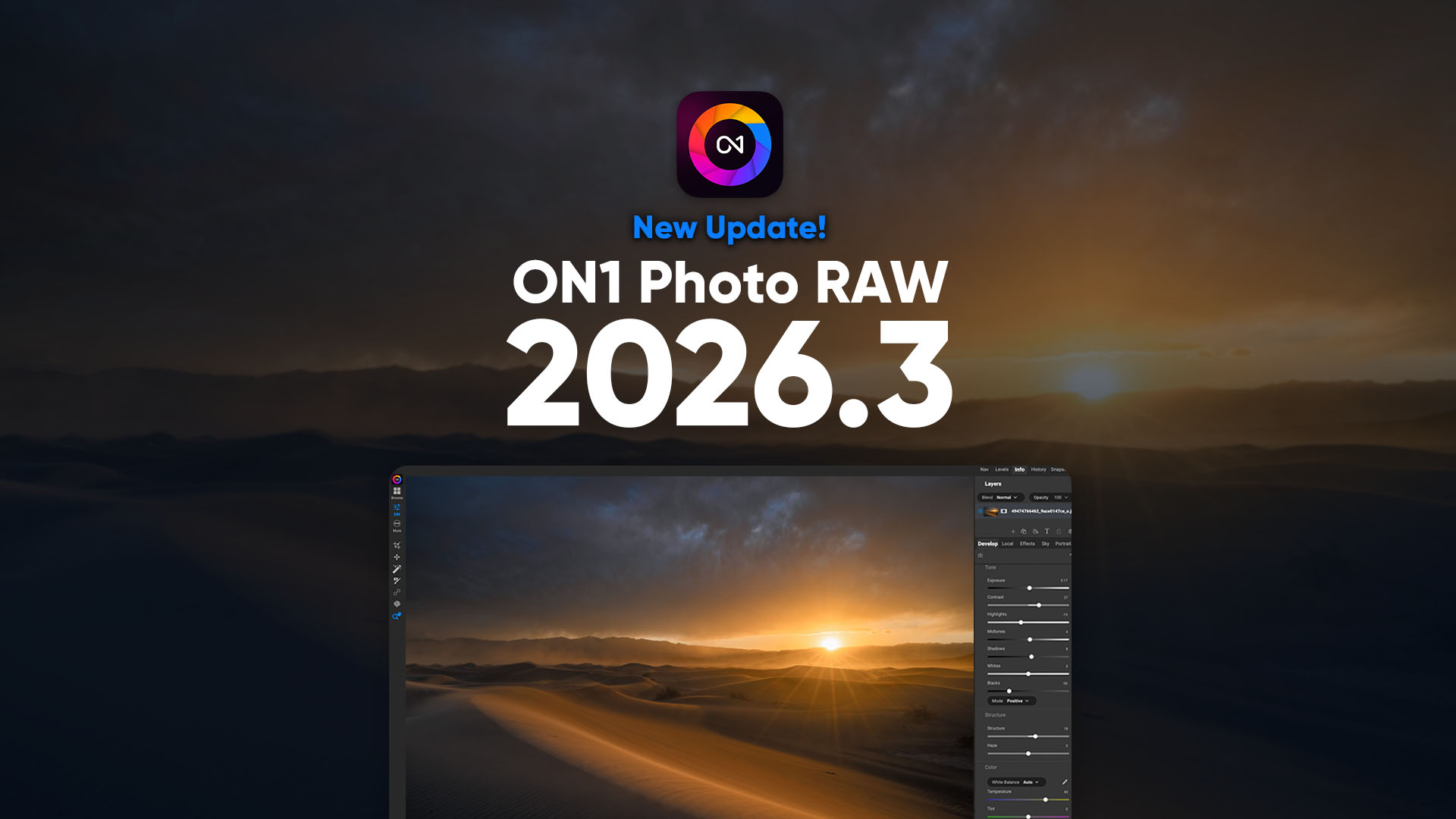
If you’re looking for a powerful AI photo editing software and a true Lightroom alternative, the new ON1 Photo RAW 2026.3 update delivers meaningful workflow and performance improvements — and it’s completely free for all Photo RAW 2026 owners. Just launch the app to get the update, or download it from your account. Don’t own it? Order today
This release focuses on what matters most to photographers: speed, organization, stability, and smarter AI tools. Whether you manage thousands of images, edit on a laptop in the field, or rely on advanced machine learning features like Generative Crop and Resize AI, version 2026.3 improves the experience across the board.
ON1 Photo RAW continues to evolve as a professional-grade RAW photo editor built for photographers who want complete control without subscription lock-in.
“This update is all about refining the experience,” said Dan Harlacher, VP of Product at ON1. “We focused on speed, stability, and workflow improvements that photographers feel immediately, while continuously enhancing the AI tools that set Photo RAW apart.”
Performance Improvements That Make Browsing Feel Instant
Speed and stability remain a top priority for 2026 — and 2026.3 introduces the first round of major optimizations.
Faster Folder Browsing
Opening and browsing new folders is now noticeably faster. If you work with large jobs or regularly import new shoots, you’ll feel the improvement immediately. Additional performance updates are already planned for future releases.
Restored GPU Acceleration for macOS 26.3
Due to a macOS 26.1–26.2 bug, certain AI features temporarily reverted to CPU processing. With macOS 26.3, GPU acceleration has been restored.
Features benefiting from this fix include:
- Resize AI
- Generative Crop
- Generative Erase
To take advantage of improved macOS GPU acceleration, update to macOS 26.3 or later.
A More Flexible and Visual Photo Organization System
Professional photographers use color labels differently — so now Photo RAW adapts to how you want to work.
Custom Color Label Enhancements
You can now rename color labels in Preferences to match your workflow:
- Favorites
- Needs Retouching
- Client Selects
- Delivered
- Portfolio Picks
In Grid View, labeled photos now display a subtle background tint, making it easier to scan and identify images at a glance. This improves workflow efficiency for wedding photographers, portrait photographers, and high-volume shooters managing large image sets.
Hide Folders for a Cleaner Grid View
ON1 Photo RAW 2026.3 uniquely allows folders to appear alongside photos in Grid View. Now, if you prefer a distraction-free browsing experience, you can hide folders entirely.
Small Screen Improvements for Laptop Photographers
Editing on smaller displays can feel cramped. For new installations:
- Layers and Properties panes now default to the left side.
- Brilliance AI is collapsed by default.
- Common RAW adjustments are immediately accessible.
Existing users can still customize panel positions to match their preferred workflow. This allows you to customize the Photo RAW layout to suit your needs.
Smarter AI and Image Processing Improvements
Improved Auto Level & Crop Model
The Auto Level tool now produces more consistent results across similar images — ideal for batch editing and event photography.
Enhanced Negative Mode Conversion
Negative Mode (in the Tone & Color pane) now delivers improved initial tone and color accuracy when converting scanned film negatives into positive images. If you digitize film, Photo RAW 2026.3 continues to grow as a capable film negative conversion software tool.
Expanded Camera & Lens Support
Added support for Sony a7 V (some compressed RAW formats not supported)
Updated camera profiles
New lens profiles added (list forthcoming)
Trusted Innovation, Built for Photographers
If you’ve been following our roadmap, you know this year is about steady, meaningful progress for ON1 Photo RAW. Not flashy features for the sake of headlines.
Since October 2025, we’ve delivered consistent improvements across performance, AI tools, compatibility, and workflow flexibility. Each update builds on the last, refining the experience photographers rely on every day. ON1 Photo RAW 2026.3 is part of that ongoing momentum with even more enhancements already planned for the months ahead.
If you haven’t read our vision for what’s next, it’s worth a look. It explains why we’re focused on faster releases, practical AI, and trusted innovation that puts photographers first. And as always, if you own Photo RAW 2026, every update in the 2026 cycle is included at no additional cost. Subscribers automatically receive the latest updates and major releases. More is coming in 2026.
Available Now for macOS and Windows
Today, ON1 Photo RAW 2026.3 is available to download for macOS and Windows. Choose between a perpetual license or subscribe to ON1 Photo RAW MAX or ON1 Photo Studio, which includes plugin support for Photoshop, Lightroom Classic, Capture One, and more.
Subscribers to ON1 Photo Studio automatically receive Photo RAW 2026 and all future ON1 apps and updates.
Download your free 30-day trial or buy it now to see why ON1 Photo RAW continues to be a leading Lightroom alternative.
If you own or subscribe to ON1 Photo RAW 2026, just launch the app to get the 2026.3 update, or download it from your account.