

If you’re a high-volume portrait or wedding photographer, you know Lightroom presets are perfect for maintaining consistency with your style. But did you know you can make them even more powerful?
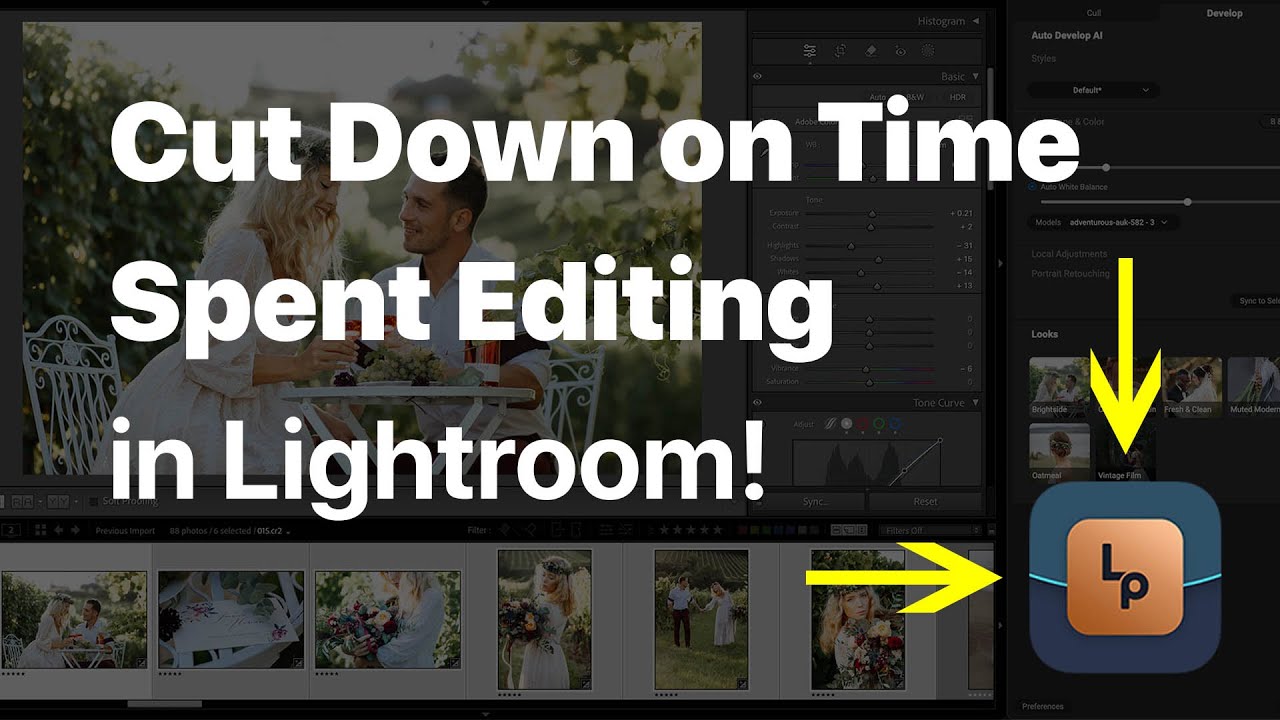
With AI-powered editing, you can batch-edit faster, improve accuracy, and streamline your workflow—without sacrificing creative control. This video shows how to enhance your Lightroom Classic workflow by combining presets with AI automation.
Why Lightroom Presets Are Essential for Pro Photographers
Lightroom presets help photographers apply consistent color grading and tonal adjustments across photo sessions. Whether you’re shooting a wedding, portrait session, or engagement shoot, presets can provide a signature look with just one click. However, applying them manually to hundreds of images can still be time-consuming. That’s where AI photo editing changes the game.
How AI Enhances Your Lightroom Presets
Traditional batch editing in Lightroom Classic requires selecting images, applying a preset, and manually tweaking individual shots. AI-powered tools like Lightpanel take this process further by:
- Auto-correcting exposure & white balance for uniform tones
- Learning how you edit and refine presets over time
- Applying consistent styles across batches with minimal adjustments
- Syncing edits across similar shots instantly
Step-by-Step: Using AI with Your Lightroom Presets
- Apply Your Favorite Preset: Start by selecting a preset that defines your style. Adjust its strength using the Amount slider for a custom look.
- Batch Select Similar Photos: Use Shift + Click to select images in a sequence (like a wedding aisle shot) to ensure a uniform edit.
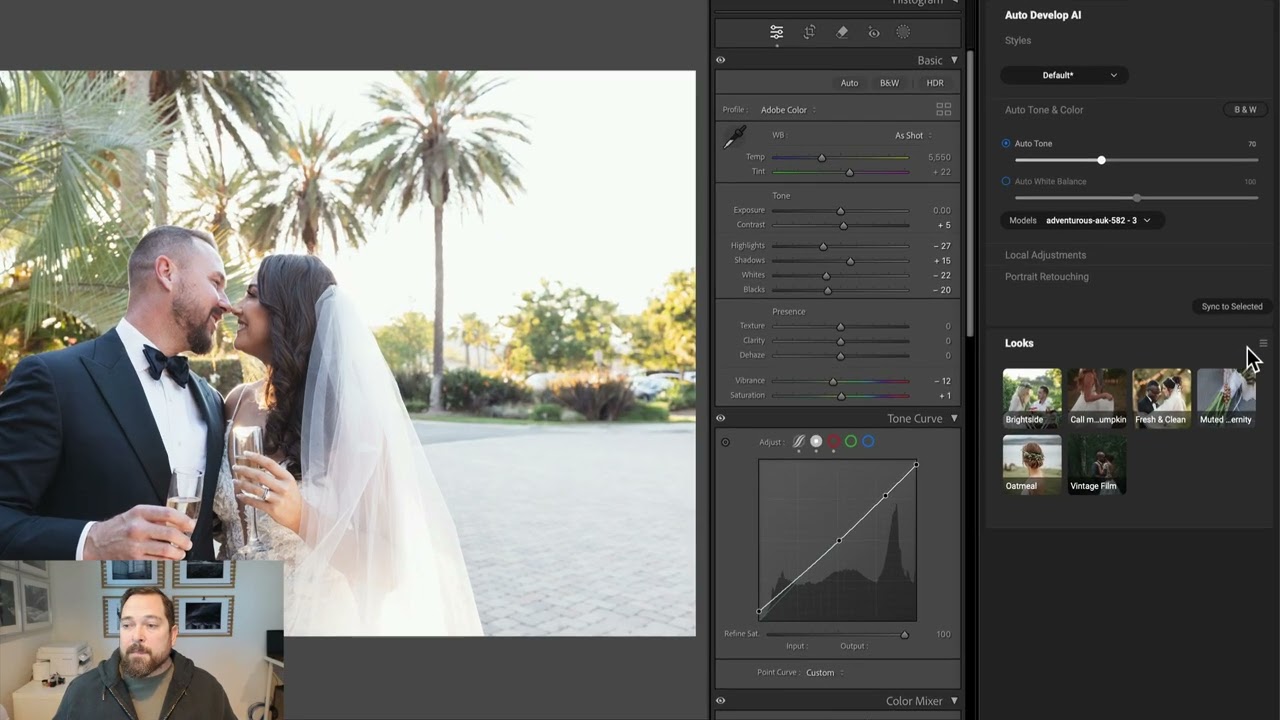
- Use Auto-Tone & White Balance AI Adjustments: Before applying the preset, let AI auto-correct your exposure and color for a balanced base edit.
- Create Smart Looks That Learn Your Edits: AI can analyze how you tweak presets and create dynamic Looks that improve over time. Just click “Add Look” to build a smarter workflow.
- Sync & Apply Instantly: After editing a few photos, sync your settings across the batch to maintain consistency. AI will intelligently adjust the settings based on image variations.
The Future of AI-Powered Editing for Photographers
You can cut your editing time in half by integrating AI editing tools like Lightpanel with your Lightroom Classic workflow while maintaining creative control. Whether you’re working with Lightroom presets for weddings, portraits, or fashion shoots, automation ensures your work stays consistent, professional, and polished.
One comment on “How to Use Lightroom Presets with AI to Edit Faster & Smarter”
On April 8, 2026 at 9:23 am Yi Lin wrote:
Great breakdown! I love the focus on ‘Smart Looks’—the idea that AI can actually learn from our manual tweaks to presets is a massive win for maintaining a signature style. It’s the perfect balance of automation and creative control. This definitely makes the prospect of tackling a massive wedding gallery feel much less daunting!
Please review our our privacy policy for information about how we use the data we collect.