



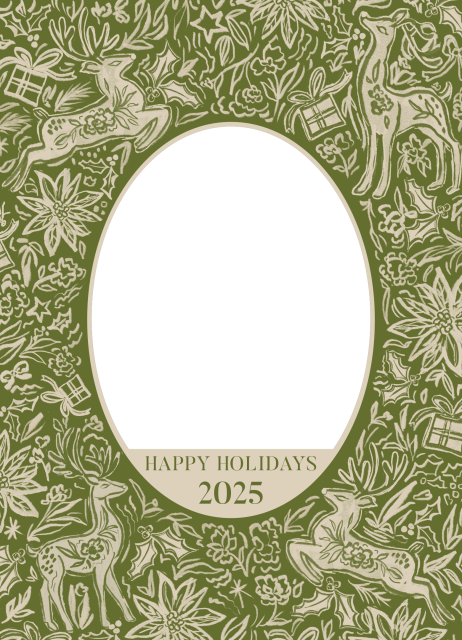
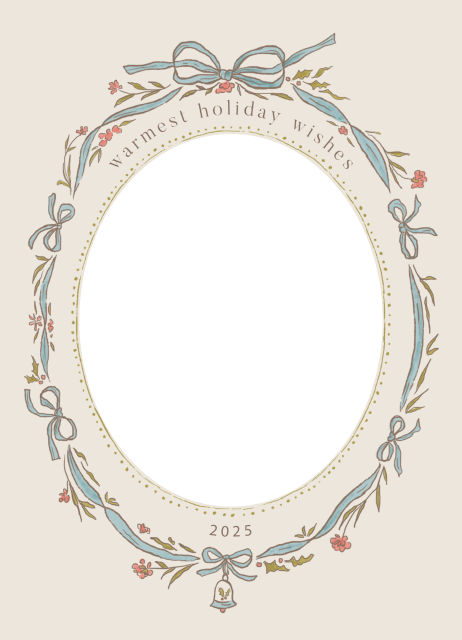
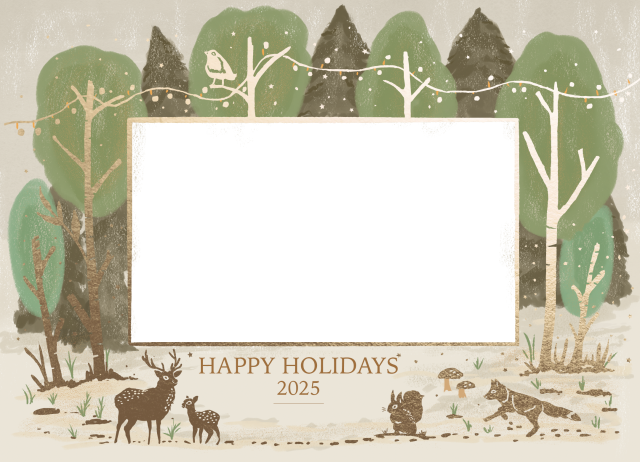
Create beautiful, professional holiday cards in minutes with easy-to-use Holiday Card Templates in ON1 Photo RAW. Simply drag and drop your favorite photos directly into festive, ready-made designs—no design skills required. With layouts built for speed and simplicity, you can quickly place images, try different photos instantly, and create polished, print-ready holiday cards without the hassle of complicated tools. It’s the fastest way to turn your images into standout seasonal cards for friends, family, or clients.
Learn how to quickly use the templates below ↓
Includes 3 Holiday Card Templates.

On December 7, 2025 at 7:40 am Shane Roberts wrote:
Hi Dylan,
Unfortunately, your “How to Install” button takes us to the how to use video!
Shane
On December 10, 2025 at 11:17 am Dylan Kotecki replied:
Hey Shane – Since they are PNG files that you are using in Layers, there is no installation required. Just bring them into Edit and then add a photo into Layers and you’re good to go!
On December 7, 2025 at 8:37 am Rick Heath wrote:
Thank you Dylan! Merry Christmas!
Rick
On December 7, 2025 at 8:51 am alain lagnier wrote:
Thank Dylan for these Christmas cards, and… Joyeux Noël !
Alain
On December 7, 2025 at 8:57 am Ton van wrote:
Dank je wel, Dylan!
Thanks, Dylan!
From the Netherlands
Merry Christmas
On December 7, 2025 at 10:23 am Benedict Zsuppon wrote:
Thank you! Happy Holidays!
On December 7, 2025 at 1:17 pm Bruce Webb wrote:
Happy Holidays is very US-centric. How about providing Merry Xmas or Happy Xmas templates for those who live elsewhere?
I guess there would be some US citizens would also appreciate these as well.
On December 7, 2025 at 6:36 pm Paul replied:
My thoughts too.
On December 7, 2025 at 9:07 pm Stéphane Deschamps replied:
I agree..thanks for the gesture, but how about cards without words so that we could use a “Text layer” since we might use language other than English 😉
On December 7, 2025 at 3:13 pm IAN COCKERILL wrote:
Thank you…… Merry Christmas everyone 🙂
On December 7, 2025 at 3:52 pm Johannes Pokorn wrote:
Merry Christmas – thanks!
On December 7, 2025 at 8:37 pm Victor Boase wrote:
And what about the southern hemisphere? Snow in summer!?
On December 8, 2025 at 6:08 am alain lagnier wrote:
Ah ah excellent, that’s a relevant point Victor…
But Dylan thought of our friends in the southern hemisphere
and in this case you have still ( but only) 2 choices !
On December 8, 2025 at 7:47 am Hans G wrote:
Thank you, Dylan. Happy Christmas.
On December 8, 2025 at 8:05 am Mark wrote:
I re-number the PNG files when I imported them since had already 3 files from last year in my “Boarder” folder with the same file name as this year’s down load and wanted to keep them organized.
On December 8, 2025 at 8:08 am Margo and Scott Noreen wrote:
I always look forward to the holiday templates and a quick video on how to use them! What I’d also like is a quick guide/video on how to create a template. I’m just not sure what the best steps are to get the “right” size, how to create the place where the photo layer would come through, etc. Thanks!
On December 8, 2025 at 2:52 pm Brigida Teetz wrote:
Thank You!
On December 8, 2025 at 9:39 pm Paul Spratt wrote:
Thanks to On1
On December 9, 2025 at 8:37 am mauro nepoti wrote:
grazie e Buon Natale a tutti
On December 10, 2025 at 3:47 am Zdenek Novak wrote:
Vielen Dank!
On December 10, 2025 at 11:14 am Armin Hasenbank wrote:
The How to Install button takes you to a video on how to use the templates, NOT how to install them.
On December 10, 2025 at 11:18 am Dylan Kotecki wrote:
Hey everyone! Regarding “Installation” – since they are PNG files that you are using in Layers, there is no installation required. Just bring them into Edit and then add a photo into Layers and you’re good to go! The How To video will instruct you how to do this.
Cheers,
Dylan