Photography has never been more accessible, powerful, or expensive. Not because cameras cost more, but because the tools we rely on to edit our work increasingly come with recurring fees attached. For a growing number of photographers, the subscription model is starting to wear thin.
Photography is a long game: your archive grows, and your style evolves. Your tools should be able to keep up without charging rent forever. That’s why more photographers are actively searching for the best non-subscription photo editing software. Not as a protest, but as a practical decision.
This guide takes a clear-eyed look at the best one-time purchase photo editing software available today. We’ll break down real-world feature differences, pricing models, and long-term tradeoffs.
- The Real Cost of Subscription Photo Editing
- One-Time Purchase vs. Subscription
- How We Evaluated the Best Software
- The Best Non-Subscription Software
- Who ON1 Photo RAW Is Best For
- Frequently Asked Questions
The Real Cost of Subscription Photo Editing
Subscriptions are often framed as “low commitment.” In reality, they quietly become some of the most expensive software photographers ever buy.
A monthly plan might look reasonable at first, but over five or 10 years, costs stack fast. Miss a payment, and access to your tools can disappear. Stop subscribing, and editing your own files becomes harder or impossible.
Beyond the money, there’s friction.
- Constant updates that change workflows mid-project
- Features bundled, whether you need them or not
- Cloud dependencies that slow things down
- A sense that your creative tools are never fully yours
Ownership matters. Knowing your tools will still open your files next year, or five years from now, matters. A one-time purchase photo editing software model puts control back where it belongs, with the photographer.
And in 2026, the idea that you must subscribe to get professional-grade results is simply outdated.
One-Time Purchase vs. Subscription Photo Editing Software
Not all “non-subscription” software works the same way, so it’s worth clearing up. At a high level, there are two dominant models in modern photo editing software: subscription-based access and ownership-based one-time licensing.
One-time purchase photo editing software typically includes:
- A perpetual license you own outright
- Full access to the version you purchased, forever
- Optional paid upgrades when major versions are released
Some tools also offer hybrid models, where you can buy a license and choose if and when to upgrade later. The key difference is control. You decide when to spend again, not the software company.
This ownership-first approach is why many photographers now see non-subscription photo editing software as the smarter long-term investment, especially when performance and features match or exceed subscription tools.
How We Evaluated the Best Non-Subscription Photo Editing Software
Comparing photo editors gets messy fast if you rely on feature lists alone. To fairly compare the best non-subscription photo editing software, we looked at the things that matter most in real-world workflows:
- RAW processing quality
- Local adjustments, masking, and retouching depth
- Photo organization and asset management
- Performance on modern hardware
- Ownership and upgrade flexibility
- Workflow efficiency from import to export
Some editors shine in one area and fall short in others. The best non-subscription photo editing software balances it all.
The Best Non-Subscription Photo Editing Software Available Today
There’s no shortage of tools claiming to free photographers from subscriptions. The real difference shows up once you try to replace an entire workflow, not just one feature.
Below are the strongest contenders in the non-subscription photo editing software space, starting with the option that offers the most complete, long-term solution.
| Features & Ownership | ||||
|---|---|---|---|---|
| Features | ON1 Photo RAW | Affinity Photo | DxO PhotoLab | Capture One |
| License Model | One-time purchase (perpetual license) | One-time purchase | One-time purchase + paid add-ons | Perpetual license option |
| Subscription Required | No | No | No | No (optional subscription available) |
| Editing Type | RAW + pixel editing + effects | Pixel editing & compositing | RAW-focused editing | RAW-focused, studio-centric |
| Photo Organization | Built-in browser and catalog | No native catalog | Limited asset management | Yes (sessions & catalogs) |
| All-in-One Workflow | Yes | No | Partial | Yes (but specialized) |
| Masking & Local Adjustments | Advanced AI + manual controls | Manual selections | Strong but technical | Advanced, steep learning curve |
| Noise Reduction | Built-in AI noise reduction | Basic | Industry-leading | Strong |
| Ease of Use | Intuitive, scalable | Moderate | Technical | Steep |
| Upgrade Control | User chooses when to upgrade | Paid major versions | Paid upgrades and modules | Paid major upgrades |
| Best For | Replacing Lightroom entirely | Photoshop-style editing | Maximum RAW quality | Studio and tethered workflows |
| Long-Term Value | Excellent | Good | Mixed | Mixed to good |
1. ON1 Photo RAW: The Best All-In-One, One-Time Purchase Photo Editor
ON1 Photo RAW stands apart because it doesn’t try to solve part of the problem. It replaces the whole stack. Instead of splitting editing, organization, and finishing work across multiple apps, Photo RAW brings everything together in one place. That single-app approach is where many subscription alternatives fall apart.
What ON1 Photo RAW does especially well:
- Complete workflow in one application: Browse, organize, edit, mask, apply effects, and export without bouncing between programs.
- Professional-grade RAW processing: Strong color rendering, reliable highlight recovery, and excellent noise reduction across a wide range of files.
- Advanced masking that scales with your skill level: AI-powered subject detection for speed, plus manual controls when precision matters.
- True ownership model: Available as a perpetual license. You own the software, keep access to your files, and upgrade only when it makes sense for you.
For photographers actively leaving Adobe, ON1 positions Photo RAW clearly as a full Lightroom alternative rather than a partial replacement.
When all factors are considered, ON1 Photo RAW offers the most balanced combination of depth, usability, and long-term value for anyone seeking the best photo editing software without a subscription.
Cut Your Editing Time in Half
with AI in ON1 Photo RAW
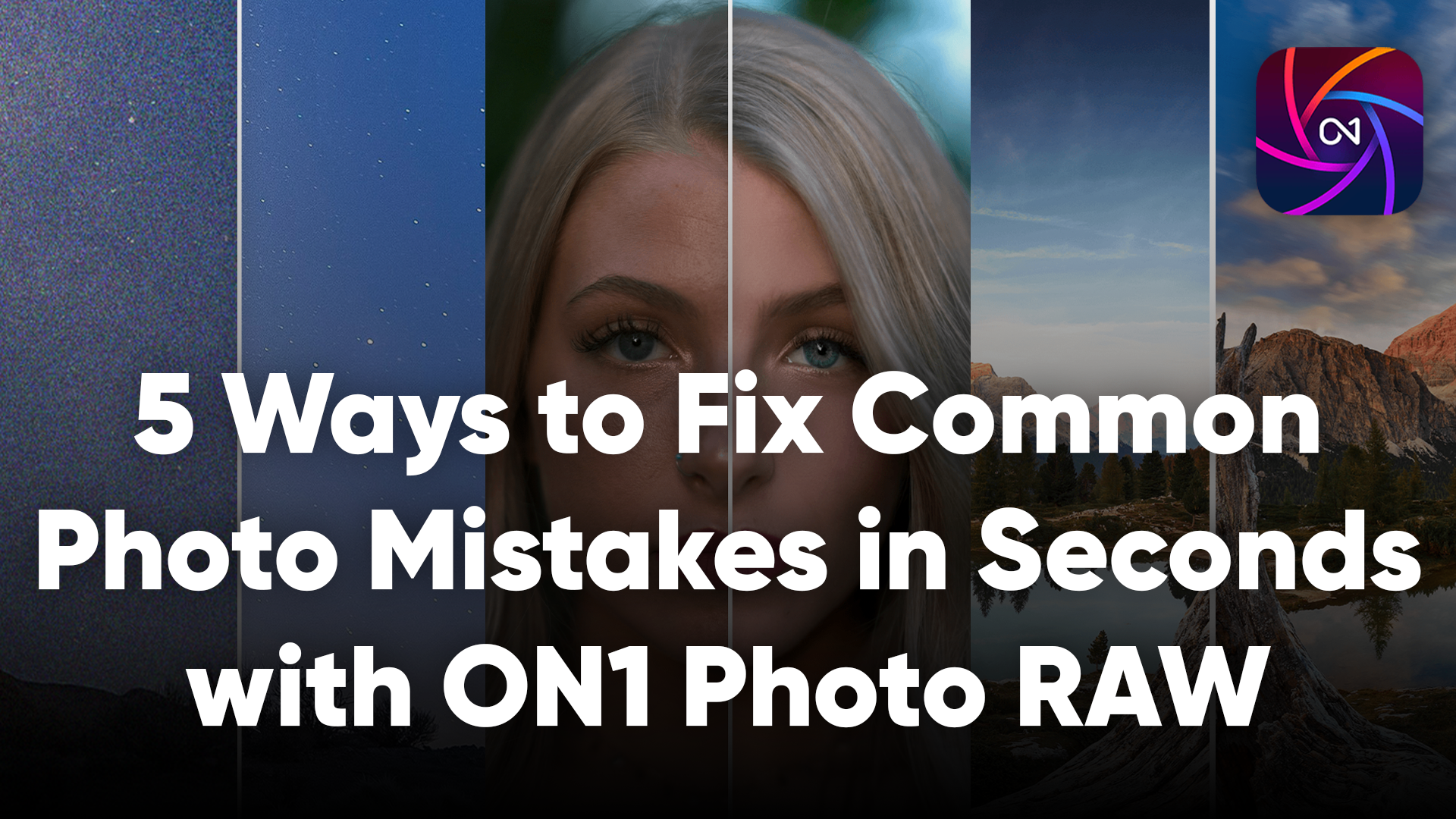
If speed matters in your editing workflow, this video is worth a watch. You’ll see how Brilliance AI and Super Select AI in ON1 Photo RAW 2026 automatically develop your photos, apply intelligent local adjustments, and target areas like sky, rocks, and foliage without manual masking. It’s a smarter, faster way to get polished results, so you can spend less time editing and more time behind the camera.
2. Affinity Photo: Powerful Pixel Editing Without a Subscription
Affinity Photo is often mentioned first when photographers want to escape subscriptions, and for good reason. It offers deep pixel-level editing, layer-based compositing, retouching tools, and impressive performance, all for a one-time purchase.
Where it shines:
- Layer-based compositing and retouching
- Photoshop-style editing tools
- Strong performance for detailed pixel work
- One-time purchase pricing
That said, Affinity Photo is not designed to manage a full photography workflow on its own. There is no built-in photo catalog, no library management, and no integrated RAW-first pipeline comparable to all-in-one editors. Many photographers end up pairing it with additional software, which adds complexity and undermines the simplicity that non-subscription tools promise.
3. DxO PhotoLab: Exceptional RAW Quality, Modular by Design
DxO PhotoLab is widely respected for its RAW processing quality. Color accuracy, lens corrections, and noise reduction are among the best available, particularly for photographers who prioritize technical image quality above all else.
Key strengths:
- Industry-leading noise reduction
- Accurate lens corrections
- Strong color science
The tradeoff is structure. DxO’s ecosystem is modular, with advanced features often tied to paid add-ons. Asset management is more limited, and many users still rely on separate tools for organization or finishing work. Over time, what begins as a one-time purchase can feel piecemeal.
DxO is an excellent specialist tool, but less compelling as a single, long-term solution for photographers who want everything in one place.
4. Capture One: Studio Power With a Higher Commitment
Capture One offers a perpetual license option and is especially popular in studio and tethered shooting environments. Color tools are excellent, and session-based workflows appeal to certain professionals.
Best suited for:
- Controlled studio workflows
- Session-based editing
- Advanced color control
However, Capture One comes with a steeper learning curve and a higher upfront cost. For many photographers, it feels optimized for specific production environments rather than broad, everyday editing. As an ownership-based option, it qualifies, but its complexity and pricing make it a more niche choice.

Who ON1 Photo RAW Is Best For
ON1 Photo RAW isn’t trying to be everything to everyone. It shines brightest for photographers who value ownership, efficiency, and a workflow that stays out of the way once it’s set up. It’s a strong fit if you want a single application that can handle your entire editing process without forcing you into recurring payments or constant software juggling.
ON1 Photo RAW makes the most sense if you:
- Want to replace a subscription-based editor without rebuilding your workflow from scratch
- Prefer local file control over cloud-dependent systems
- Edit frequently and care about speed, stability, and consistency
- Like having modern tools available, but on your terms
- Plan to be editing your photos years from now and want guaranteed access to your archive
It also appeals to photographers who enjoy growing into their software. Photo RAW works just as well for quick edits as it does for detailed, hands-on adjustments, which means it scales with your skill level rather than boxing you in.
If your goal is to stop renting your editing software and start owning it, ON1 Photo RAW sets the standard for what the best non-subscription photo editing software should be.
Try Before You Commit
Switching editing software is a big decision. ON1 doesn’t pretend otherwise. That’s why Photo RAW is available as a free trial, giving you the chance to test it on your own files, your own hardware, and your own workflow. You can download the trial here and see how it fits into your process.
If it works for you, you can move forward knowing you are buying software you actually own. If it doesn’t, you walk away with zero pressure.
Frequently Asked Questions About Non-Subscription Photo Editing Software
What does non-subscription photo editing software mean?
Non-subscription photo editing software is software you buy outright instead of paying monthly or yearly fees. With a perpetual license, you continue using the software even if you choose not to upgrade in the future, giving you long-term control over your workflow and photo archive.
Is one-time purchase photo editing software still worth it in 2026?
Yes. One-time purchase photo editing software is especially valuable for photographers who edit long-term and want predictable costs. Modern ownership-based tools now offer advanced AI features, strong RAW processing, and performance that rivals subscription-based software.
What should I look for when choosing the best non-subscription photo editing software?
Key factors include RAW image quality, masking and local adjustment tools, photo organization, performance on your hardware, upgrade flexibility, and whether the software can replace your entire workflow without add-ons.