ON1 Effects 2026 is the fastest way to finish a photo—delivering professional results instantly, with the control photographers trust.
Today, we’re excited to announce the release of ON1 Effects 2026. Designed to deliver professional results instantly, ON1 Effects 2026 is the fastest and most intuitive way for photographers to apply creative finishing effects—whether used as a standalone application or as a photo effects software plugin for Lightroom Classic and Photoshop.
ON1 Effects has always focused on helping photographers easily bring images to a finished, professional state. Version 2026 advances that promise with pro-level AI, refined workflows, and new creative filters that deliver immediate results while preserving full creative control.
Pro-Level Results
At the core of ON1 Effects 2026 is a significant advancement in masking—one of the most important steps in creative photo editing. New Subject and Background Masks allow photographers to isolate key areas of an image with a single click. These AI-powered masks are fast, accurate, and dependable, even in complex scenes, removing uncertainty from one of the most common editing tasks.
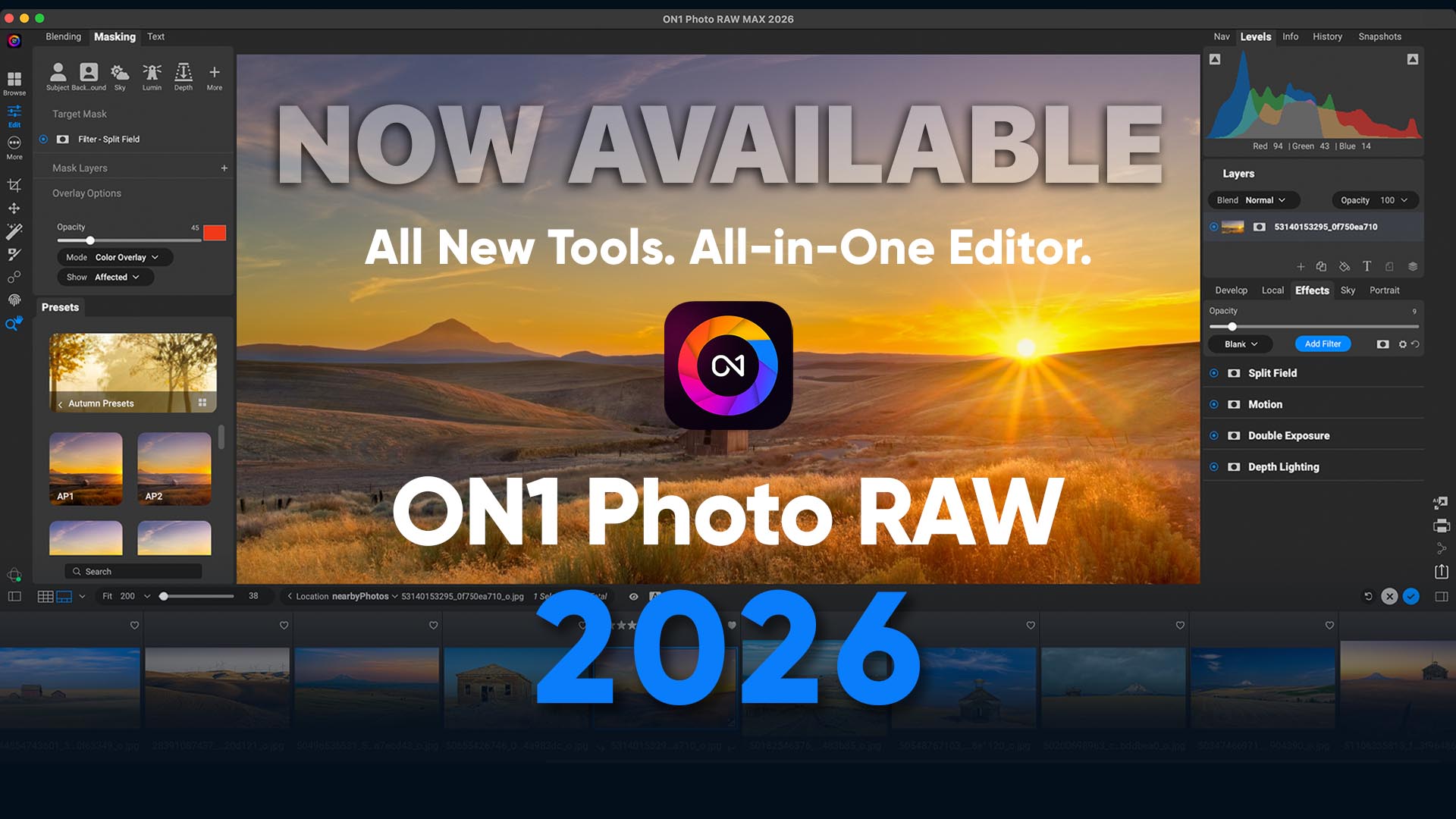
Masking now works as a layered system, allowing multiple masks to be stacked on any filter or adjustment. Each mask can be edited independently and combined using add, subtract, or intersect modes—making it easy to refine results or build complex selections without restarting or disrupting creative momentum.
Mask quality has also been improved across AI-based tools, including depth masks and Super Select AI. Edges are cleaner and more natural, even around fine details such as hair, foliage, and tree branches. The result is fewer artifacts, less manual cleanup, and results that feel complete as soon as they are applied.
Faster Workflows, Thoughtfully Designed
ON1 Effects 2026 introduces workflow enhancements that help photographers move efficiently from image to final look. The updated Add Filter dialog allows users to favorite filters, search more effectively, hide rarely used or legacy tools, and apply filters with AI masks more easily.
With fewer decisions and faster access to essential tools, photographers spend less time navigating menus and more time finishing images.
New Effects Starting Points further simplify the experience. Photographers can choose a default layout built around their most-used filters or select a starting point that mirrors workflows from applications like Lightroom Classic or Capture One. Filters begin in an off state, allowing photographers to activate only what they need and build edits with intention rather than distraction.
New Creative Filters with Immediate Impact
ON1 Effects 2026 introduces four new creative filters, each designed to deliver meaningful visual impact quickly and intuitively:
Depth Lighting Filter
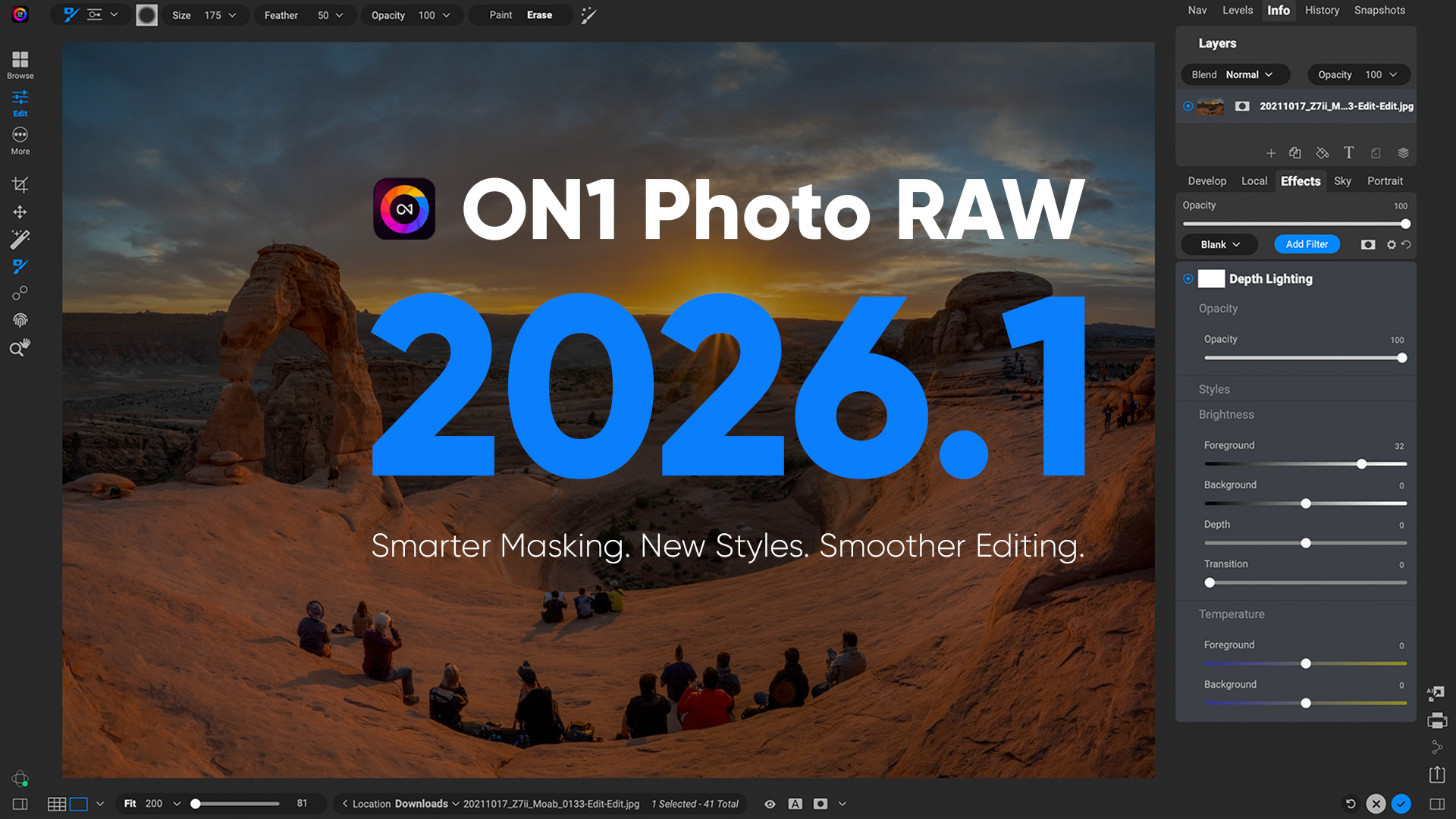
Adjust foreground and background lighting after capture using advanced depth masking to guide attention naturally.
Split Field Filter
Recreate the look of a split diopter to balance wide-angle landscapes by bringing distant backgrounds closer.
Double Exposure Filter
Create expressive double exposures without complex layers. Control blending, protect subjects, or generate organic results instantly.
Motion Filter
Add intentional camera movement—pan, zoom, or twist—to introduce energy and simplify busy backgrounds.
Built for Editing—and Re-Editing
ON1 Effects 2026 remains fully re-editable, even when used as a plugin, allowing photographers to revisit and refine effects without rebuilding edits.
Support for grayscale images enables proper viewing and editing of legacy scans and grayscale files, while UI enhancements offer more flexible panel docking for improved workspace efficiency—especially on laptops. New Module Tips help first-time users get oriented quickly, and export improvements deliver faster performance with easier preset management.
Expanded camera and lens support ensures compatibility with the latest equipment, alongside continued support for a wide range of legacy gear.
Price and Availability
ON1 Effects 2026 is available today. Additional information, including price, full feature details, and system requirements, are available here.
ON1 Effects 2026 – Frequently Asked Questions
What is ON1 Effects 2026?
ON1 Effects 2026 is professional photo effects software designed to help photographers quickly add creative finishing looks using presets, filters, and advanced AI-powered masking tools.
Who is ON1 Effects 2026 designed for?
ON1 Effects 2026 is ideal for new photographers, enthusiasts, and professionals who want fast, high-quality results without complex editing workflows.
Is ON1 Effects 2026 a standalone app or a plugin?
ON1 Effects 2026 works both as a standalone application and as a plugin for Adobe Lightroom Classic and Adobe Photoshop.
What’s new in ON1 Effects 2026?
New features include Subject and Background Masks, layer-based masking, improved mask quality, four new creative filters, workflow improvements, and expanded camera and lens support.
How do Subject and Background Masks work?
With one click, ON1 Effects 2026 automatically creates highly accurate masks for either the subject or background, saving time and reducing the need for manual selections.
What are Mask Layers in ON1 Effects 2026?
Mask Layers allow you to stack and combine multiple masks on a single filter or adjustment, making it easier to refine edits or correct mistakes without starting over.
What new filters are included in ON1 Effects 2026?
ON1 Effects 2026 introduces the Depth Lighting, Split Field, Double Exposure, and Motion filters, each designed to create impactful results quickly and intuitively.
Can I re-edit my effects later?
Yes. ON1 Effects 2026 is fully re-editable, even when used as a plugin, allowing you to return and adjust your effects at any time.
Does ON1 Effects 2026 support grayscale images?
Yes. ON1 Effects 2026 supports grayscale image mode, making it easier to view and edit legacy scans and grayscale photos.
Will ON1 Effects 2026 work with my camera and lenses?
ON1 Effects 2026 adds support for many new cameras and lenses, along with continued support for a wide range of existing and legacy equipment.
Is ON1 Effects 2026 beginner-friendly?
Yes. New Module Tips and improved workflows help first-time users get started quickly while still offering advanced controls for experienced photographers.
When is ON1 Effects 2026 available?
ON1 Effects 2026 is available starting January 15, 2026.
Is ON1 Effects 2026 included inside ON1 Photo RAW 2026?
Yes. If you own or are looking to purchase ON1 Effects 2026, you can purchase the individual app or purchase ON1 Photo RAW 2026.
What problem does ON1 Effects 2026 solve?
ON1 Effects 2026 helps photographers finish photos faster by delivering professional results instantly, without complex layers or time-consuming manual edits.