

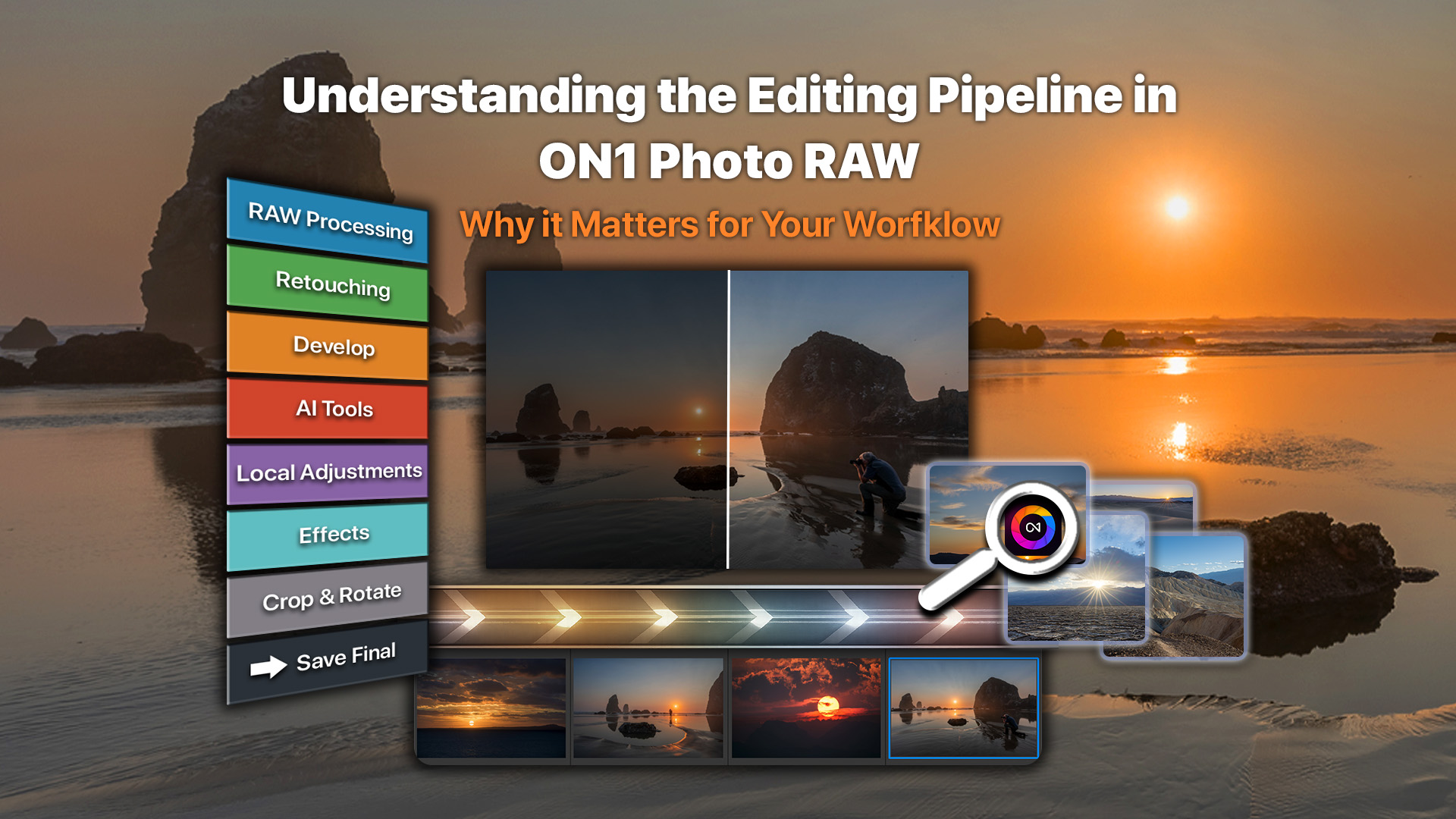
When you edit RAW photos in ON1 Photo RAW, every adjustment is processed in a specific order behind the scenes. Exposure, color, retouching, AI tools, and effects all build on the underlying RAW data. Without a consistent structure, edits could conflict or produce inconsistent results.
ON1 Photo RAW isn’t just a collection of tools. It’s a structured, non-destructive photo editing system. Behind the scenes, ON1 Photo RAW applies your edits in a specific order so RAW processing, AI enhancements, local adjustments, layers, and creative effects work together properly.
You don’t need to edit in that order. The order you edit is not the same as the order Photo RAW processes those edits. You can make adjustments in any sequence, and ON1 Photo RAW automatically processes them in the correct order behind the scenes.
What is the Editing Pipeline?
Think of it like the foundation and framing of a house. You can decorate the rooms in any order, but the structure underneath determines how everything is built and held together. The editing pipeline is the internal order in which ON1 Photo RAW applies adjustments to your image. Even if you edit in a different sequence, ON1 Photo RAW processes those changes in the correct order to preserve quality and flexibility.
For a single-layer image, the process works like this:
- The original file is the base. Usually this is a RAW file but it can be any supported file type.
- If you use NoNoise AI or TackSharp AI, they are applied directly to the base image first for the best results. In fact, NoNoise AI replaces the fast debayering algorithm with a dedicated low-noise AI model instead.
- Retouching (dust removal, blemishes, Perfect Eraser) is applied next to the base pixels..
- Develop adjustments follow (color profiles, exposure, white balance, sharpening, noise reduction).
- Local adjustments are applied next, leveraging the full raw tonal range.
- Transform adjustments follow.
- Portrait AI edits are applied after that.
- Effects filters are processed near the end.
- Cropping and rotation are applied last.
When working with multiple layers, this full sequence runs on each layer individually before the layers are combined. Each layer is treated as a complete image before blending. This keeps adjustments clean and predictable.
True Non-Destructive Editing
ON1 Photo RAW 2026 provides true non-destructive RAW editing.
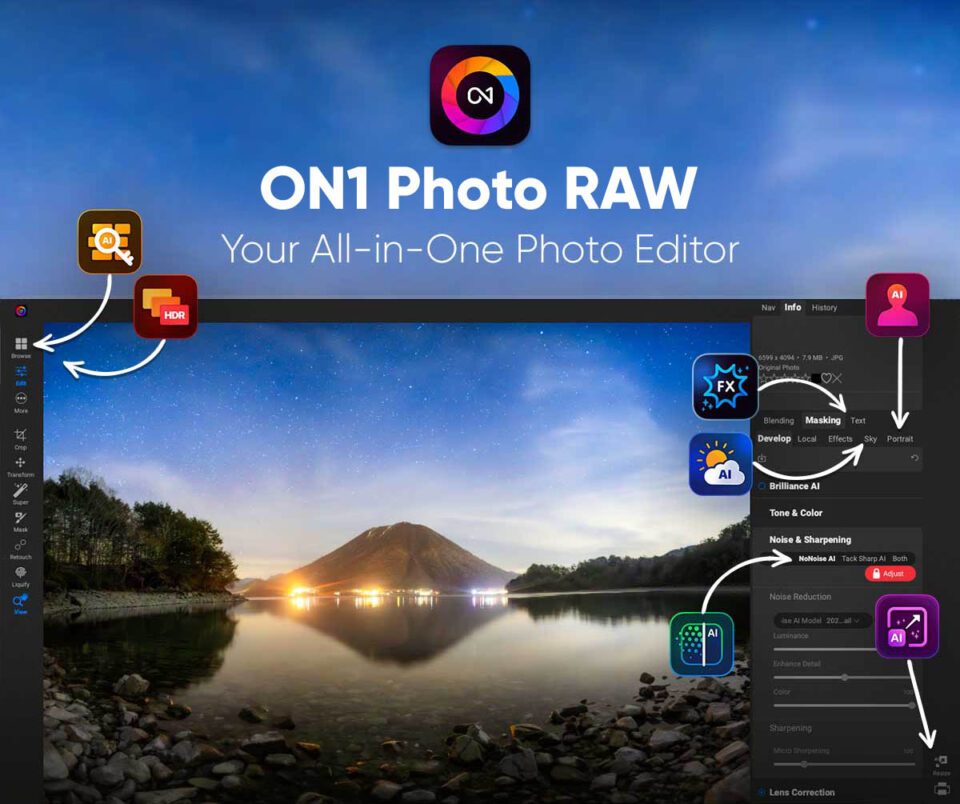
You can browse images in the Browse module, open a file in the Edit module, and apply cropping, healing, Develop, local adjustments, Effects, Sky Swap AI or Portrait AI, changes. At every stage, ON1 Photo RAW works from your original file.
Your RAW file is never altered.
You can return to any Edit tab or feature; Develop, Effects, Sky Swap AI, Local Adjustments, or Portrait AI, at any time and change your settings. Nothing is permanently baked in. When working with layers, ON1 Photo RAW saves your file in its non-destructive .onphoto format, which preserves all layers and editing instructions, all the way down to the original raw data. When you’re ready to share or deliver your image, you export to JPEG, TIFF, PSD, or another supported format. Your master file remains fully editable.
Why You Need to Understand the Editing Pipeline
You don’t need to memorize the exact order.
But understanding the pipeline helps you:
- Troubleshoot when something doesn’t look right. For example, order of filters matters in Effects. Placing a color filter after a Black and White will tint the photo, while reversing the order will influence the Black and White conversation instead.
- Understand why sharpening or noise reduction behaves a certain way. These are costly algorithms and may be turned off at times when adjusting some AI features.
- Know why a layer blend looks the way it does
- Edit with more confidence
- Avoid unnecessary rework
What This Means for Your Photo Editing Workflow
You can edit in any order you want with ON1 Photo RAW. ON1 Photo RAW handles the structure. For example, if you remove a dust spot at the end of your edit—even after adjusting exposure or applying effects—ON1 Photo RAW automatically places that retouching step in the correct position in the editing pipeline. Or if you change exposure after applying effects, ON1 Photo RAW recalculates it properly. ON1 Photo RAW protects your image quality while giving you complete flexibility.
That’s the real benefit:
- Less guessing.
- Fewer surprises.
- More confidence in your results.
Built on Trust and Innovation
The editing pipeline reflects our larger philosophy. Innovation means powerful AI tools, advanced RAW processing, and modern layer-based editing. Trust means predictable results, transparency, and full control over your images.
ON1 Photo RAW 2026 delivers both — an all-in-one photo editor that combines performance with professional structure, without subscription lock-in.
One comment on “The Editing Pipeline in ON1 Photo RAW 2026”
On March 7, 2026 at 5:15 pm Chris Taylor wrote:
Isn’t application of the Perfect Eraser “baked in”?
If not, how can I:
– make some corrections using the Perfect Eraser
– crop
– color-correct
– apply some filters
– save
– come back in
– change my applications of the Perfect Eraser
If the Perfect Eraser is destructive, are there any other operations that are also destructive?
Thanks, Chris
Please review our our privacy policy for information about how we use the data we collect.