

Looking to improve your photo editing workflow in ON1 Photo RAW 2026? In this month’s Partner Spotlight, talented photographers share video tutorials designed to help you edit faster and more creatively using ON1’s powerful AI photo editing software.
These videos explore some of the most useful features in ON1 Photo RAW—including Super Select AI, advanced photo masking tools, Depth Mask, layers, and workflow techniques that make editing easier and more flexible. Whether you’re refining landscapes, editing wildlife photos, or experimenting with different creative directions, these tutorials will help you get more from your editing process.
If you’re searching for a smarter Lightroom alternative editing workflow or simply want to sharpen your skills with ON1 Photo RAW, these expert tips will help you work more efficiently while achieving better results.
ON1 Photo RAW 2026 Editing Tutorials from Expert Creators
- Two tools that help you experiment without losing edits
- Faster masking with Super Select AI
- A faster approach to layers and masking
- Editing landscapes by distance with Depth Mask
- A complete bird photo editing workflow
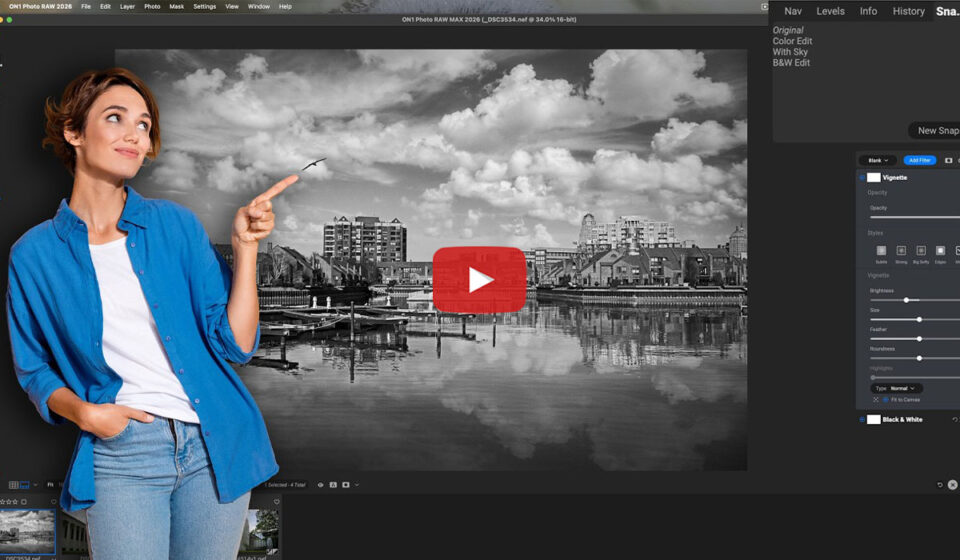
Experiment with Edits Using Versions and Snapshots
Sometimes the best way to improve your editing is simply giving yourself room to experiment. In this tutorial, Anthony Morganti shares two helpful features in ON1 Photo RAW 2026: Versions and Snapshots. These tools allow you to explore different editing directions while preserving your original work, making it easier to test creative ideas and compare results.
Featured Video: Tips to Get The BEST Edit Possible in ON1 Photo Raw
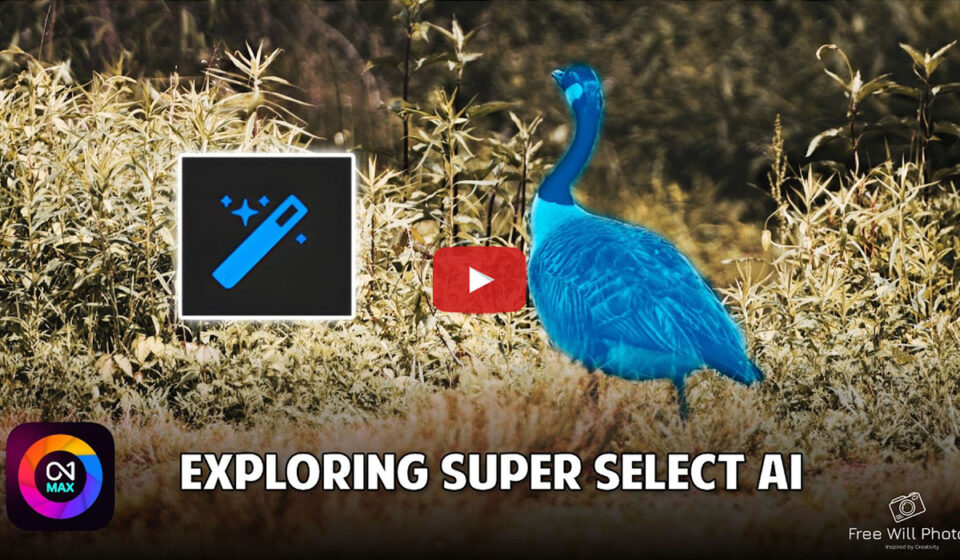
Use Super Select AI for Faster Photo Masking
Targeting specific areas of an image is one of the most powerful ways to improve your edits. In this video, Free Will Photos demonstrates how Super Select AI makes localized adjustments simple and precise in ON1 Photo RAW 2026. You’ll see how quickly you can isolate subjects, apply creative edits, and build more unique looks without complex masking.
Featured Video: Localized Adjustments Made Easy With Super Select AI In ON1 2026
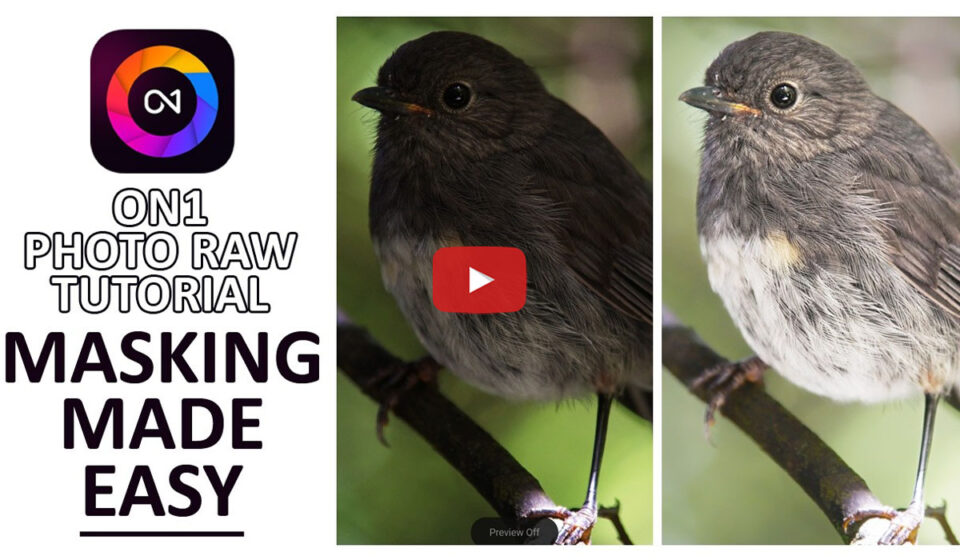
Faster Masking and Layer Workflows in ON1 Photo RAW
Efficient masking can dramatically speed up your editing workflow. In this tutorial, Silent Peak Photo shows how to work quickly with layers and masks in ON1 Photo RAW. These techniques help you apply targeted adjustments faster so you can move from RAW file to finished image with less effort.
Featured Video: 5-Minute Masking! The FASTEST Way to Edit in ON1 Photo Raw (PRO Tutorial)
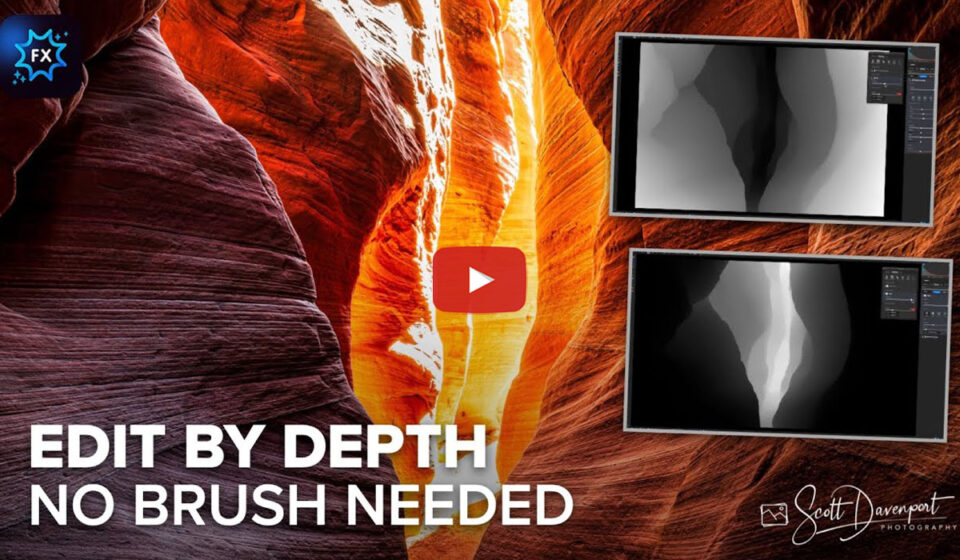
Landscape Photo Editing with the Depth Mask Tool
Landscape scenes frequently contain foreground, midground, and background elements that benefit from different adjustments. In this video, ON1 Guru Scott Davenport demonstrates how the Depth Mask tool allows you to edit by distance using a single slider. It’s a powerful technique for shaping light and contrast throughout the scene without complicated selections.
Featured Video: Edit by Distance: Use ON1 Depth Mask for Powerful Landscape Edits
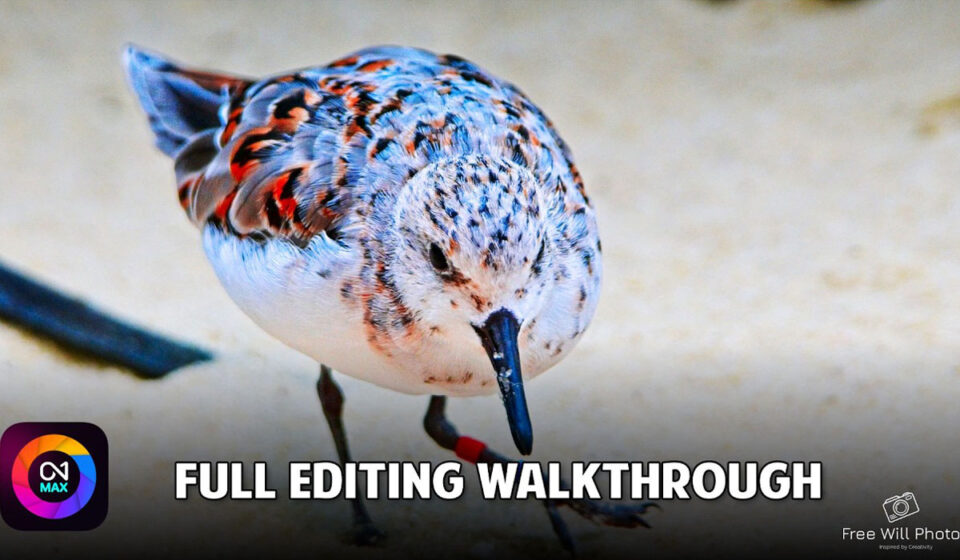
Wildlife and Bird Photo Editing Workflow in ON1 Photo RAW
Editing wildlife photography often requires careful decisions about sharpening, color, and detail. In this walkthrough, Free Will Photos shares their complete workflow for editing bird images in ON1 Photo RAW 2026. Along the way, they explain the reasoning behind each adjustment, helping you understand not just what to do, but why it works.
Featured Video: ON1 Photo RAW 2026: Edit Bird Photos (Decisions & Techniques!)
Want more tutorials like these in your inbox?
Our monthly newsletter shares new editing tips, videos from the ON1 community, and helpful techniques for getting the most out of ON1 Photo RAW.
Please review our our privacy policy for information about how we use the data we collect.