

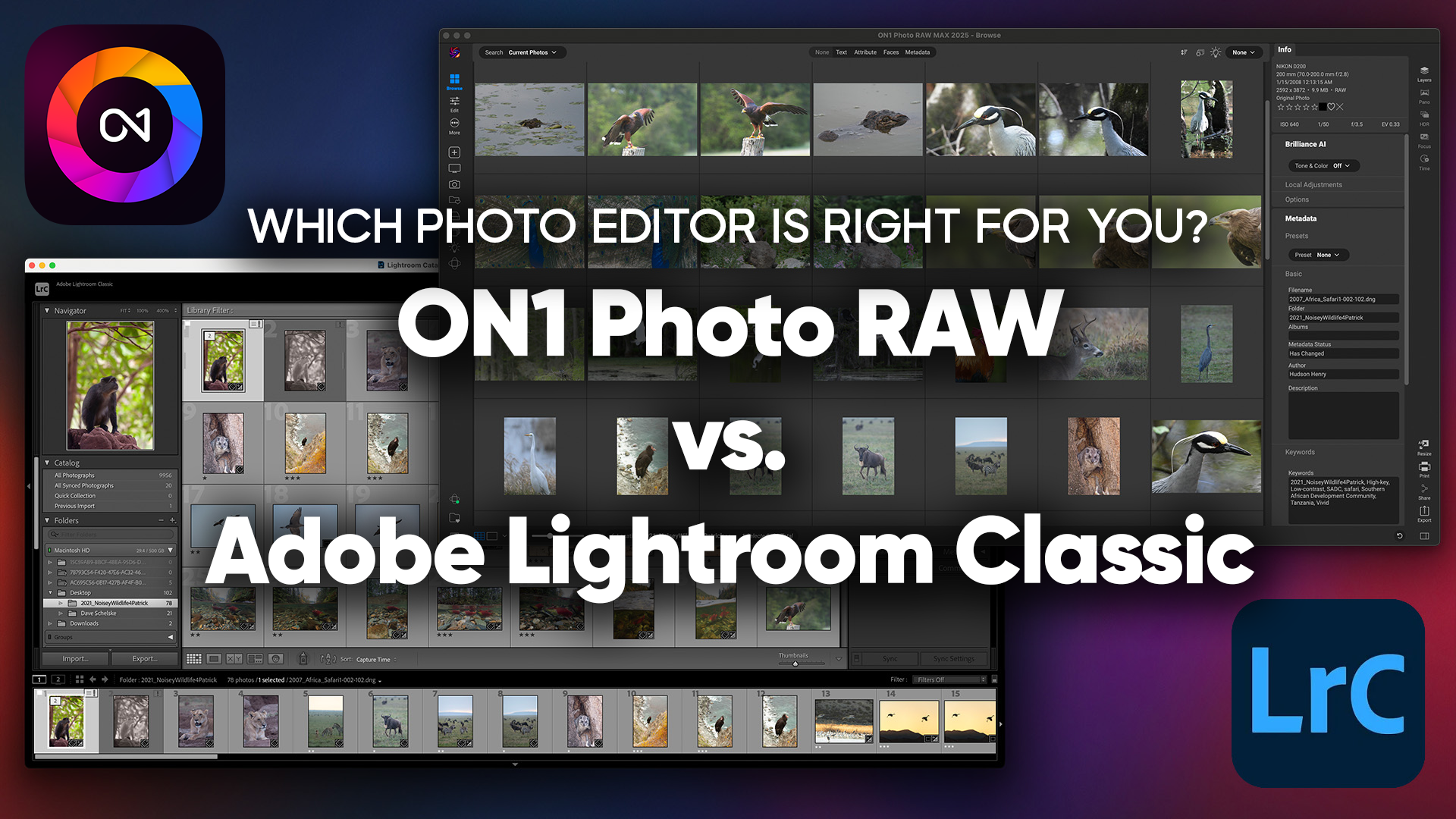
If you’re deciding between ON1 Photo RAW and Adobe Lightroom Classic, you’re not alone. It’s one of the most common questions among photographers who are either frustrated with Adobe’s subscription model or simply looking for a more capable all-in-one tool. Both are serious, professional-grade photo editors. But they’re built on different philosophies, and the right choice depends on how you work.

This comparison breaks down pricing, AI tools, editing capabilities, workflow, and performance side by side so you can make the call with confidence. The short version: ON1 Photo RAW is a powerful, subscription-free alternative with deeper AI features and built-in layered editing. Lightroom Classic is a mature platform with a strong ecosystem. Both deserve a serious look.

ON1 Photo RAW vs Adobe Lightroom Classic: Quick Comparison
| Feature | ON1 Photo RAW 2026 | Adobe Lightroom Classic |
|---|---|---|
| Pricing | One-time purchase (no subscription) | Subscription required |
| AI Editing Tools | Advanced AI Tools | Basic AI masking; Denoise AI |
| Layer Support | ✅ Full, non-destructive layers built in | ❌ Requires Photoshop |
| HDR, Pano, Focus Stacking | ✅ All built-in | ⚠️ HDR + Panorama only |
| RAW Processing | ✅ All major camera brands | ✅ All major camera brands |
| File Organization | Folder-based (no catalog required) | Catalog-based |
| Migration Tool | ✅ Built-in migration assistant | N/A |
| Mobile App | ✅ iOS + Android with Cloud Sync | ✅ Lightroom Mobile |
| Plugin Ecosystem | ON1 Extras + Adobe-compatible | Adobe marketplace |
| Subscription Required? | ❌ No | ✅ Yes |
Key Differences Between ON1 Photo RAW and Lightroom Classic
Pricing & Value
This is often the deciding factor. Adobe Lightroom Classic requires an active Creative Cloud subscription currently around $9.99/month for the Photography Plan. Cancel the subscription and you lose access to the software.
ON1 Photo RAW is a one-time purchase. You buy it, you own it, no monthly fees, no access cliffs. Upgrades to new major versions are available at a discounted upgrade price, but entirely optional. For photographers who bristle at the idea of perpetually renting their tools, this is a meaningful advantage.
Over three years, the subscription cost of Lightroom Classic can easily exceed the price of several generations of ON1.
AI-Powered Editing Tools
AI has become a major differentiator between photo editors, and this is where ON1 Photo RAW has a clear lead. ON1’s AI suite includes:
- Super Select AI — click any object or area and get an intelligent, edge-aware selection in seconds
- Sky Swap AI — detect and replace skies with a single click, with realistic blending
- Portrait AI — automatically detect faces and apply individualized retouching (skin, eyes, lighting) per subject
- Brilliance AI — one-click enhancement that intelligently adjusts tone, color, and noise simultaneously
- NoNoise AI — dedicated AI-powered noise reduction that preserves fine detail
Lightroom Classic has improved its AI masking and added Denoise AI in recent updates. But it still lacks built-in sky replacement and the depth of Portrait AI retouching without additional plugins or a round-trip to Photoshop.
Editing Workflow & User Experience
Lightroom Classic’s catalog-based workflow is well-established. You import photos into a catalog, and Lightroom tracks every edit non-destructively. However, catalogs can become fragile. File links break if you move images outside the app, and large catalogs can slow down over time.
ON1 uses a folder-based approach. You browse directly from your drives with no import required, no catalog database to maintain. This makes it more intuitive for photographers who prefer working with real file structures and is more resilient when you reorganize your storage.
Performance & Speed
ON1 generally handles large folder-based libraries more fluidly than Lightroom does with bloated catalogs. ON1’s GPU-accelerated processing pipeline helps with previews and rendering, particularly for AI-intensive tasks.

File Management & Organization
Lightroom Classic excels at catalog-based organization: smart collections, hierarchical keywords, color labels, star ratings, and face recognition are all mature and polished. For photographers with years invested in Lightroom keyword hierarchies, this is a genuine strength.
ON1’s folder-based system act as an image browser and is simpler but faster for photographers who organize with a clear directory structure. It supports keywords, ratings, color labels, and collections. If complex smart collections are central to your workflow, that’s worth weighing.
Feature Comparison Breakdown
Photo Editing Capabilities
Both ON1 and Lightroom Classic offer professional-grade RAW processing, non-destructive editing, lens and camera profiles, and a full suite of tone and color controls. The core editing floor is similar.

Where they diverge is in compositing. Lightroom Classic requires Photoshop for any layer-based editing. ON1 Photo RAW has full, non-destructive layers built in — so you can blend images, create composites, and apply masked effects all within one application.
AI Features
| AI Tool | ON1 Photo RAW 2026 | Lightroom Classic |
|---|---|---|
| AI Noise Reduction | ✅ NoNoise AI | ✅ Denoise AI |
| AI Masking (Subject/Sky/BG) | ✅ Super Select AI | ✅ Basic AI Masking |
| Sky Replacement | ✅ Sky Swap AI | ❌ Not available |
| Portrait Retouching AI | ✅ Portrait AI | ⚠️ Basic face detection |
| One-Click Auto Enhancement | ✅ Brilliance AI | ⚠️ Auto Settings (less refined) |
| Image Upscaling AI | ✅ Resize AI | ❌ Requires separate subscription |
Presets & Effects

Both platforms support presets. Lightroom Classic has a solid ecosystem with adaptive presets that respond to image content.
ON1’s Effects module goes further with over 30 stackable creative filters. Dynamic Contrast, Glow, Sunshine, Lens Flare, and more — each fully maskable. You can combine multiple effects, mask them independently, and preview them in the browser before committing.
Mobile & Cloud Capabilities

ON1 Cloud Sync allows you to publish entire folder structures navigable on mobile (iOS and Android), syncs across multiple desktop computers, and keeps presets, add-ons, and preferences in sync across devices.
Lightroom Classic’s mobile syncing requires an active Creative Cloud subscription and routes through Adobe’s cloud infrastructure.
Pros and Cons
ON1 Photo RAW Pros & Cons
Pros:
- No subscription required, own it outright
- More advanced AI tools (Sky Swap AI, Portrait AI, Super Select AI, Brilliance AI)
- Built-in layers for compositing and blending without Photoshop
- Folder-based organization with no need to import
- Includes Focus Stacking and Time-Lapse Creation
- Over 30 creative, maskable filters in the Effects module
- Built-in Lightroom Migration Assistant
Cons:
- Less mature catalog/keyword management than Lightroom
- Smaller third-party plugin ecosystem
- Learning curve for long-time Lightroom users
Lightroom Classic Pros & Cons
Pros:
- Deeply mature catalog organization with smart collections and keywords
- Strong integration with Photoshop, Bridge, and Adobe ecosystem
- Large, established plugin marketplace
- Familiar to a large user base
Cons:
- Subscription required, ongoing cost, no ownership
- No built-in layer editing, requires Photoshop for compositing
- No built-in sky replacement
- Catalog-based system can become fragile and slow with large libraries
- Image upscaling and some AI features require full CC subscription
Is ON1 Photo RAW the Best Lightroom Alternative?
ON1 consistently ranks as one of the top Lightroom alternatives, and for good reason. It’s the most feature-complete standalone option, especially for photographers who want a single app handling editing, organization, AI tools, and creative effects without needing Photoshop.
Other alternatives worth knowing:
- Capture One — excellent RAW processing and color tools, but expensive and subscription-heavy. Strong for studio and commercial photographers.
- DxO PhotoLab — outstanding RAW development and optics corrections. Less capable for organization.
- Luminar Neo — AI-heavy and accessible, but less stable with weaker organization tools.
For photographers wanting the best balance of professional power, AI capabilities, pricing, and workflow flexibility, ON1 Photo RAW is the strongest all-in-one Lightroom alternative available.
Final Verdict: ON1 Photo RAW vs Lightroom Classic
Both tools are capable of producing exceptional results. But the right choice depends on your priorities.
Choose ON1 Photo RAW if:
- You want to own your software outright without a monthly subscription
- You need AI-powered tools like sky replacement, smart masking, and portrait retouching in one app
- You want built-in layers without round-tripping to Photoshop
- You organize files by folder and prefer direct access without catalog management
- You’re ready to leave Adobe’s ecosystem — ON1’s migration tool makes the switch straightforward
Stick with Lightroom Classic if:
- You’re deeply embedded in the Adobe ecosystem (Photoshop, Bridge, Cloud)
- Your workflow depends on advanced smart collections and keyword hierarchies
- Your team already uses Adobe tools and consistency matters
For most photographers evaluating their options in 2026, especially those frustrated with subscription pricing or looking for more AI capability without adding apps, ON1 Photo RAW delivers more value, more tools, and true ownership. It’s not just a Lightroom alternative; for many photographers, it’s the better choice.
Learn more in our Lightroom to ON1 migration guide →


