


The Image Enhancement Bundle
3 of the Ultimate Plugins for Lightroom and Photoshop
Special Offer - Save $190 Now!
For a limited time, get the best ON1 plugins—ON1 Effects, ON1 Resize AI, and ON1 NoNoise AI in the new Image Enhancement Bundle at up to $190 off. This is one of the best values we've ever offered on three of our most powerful tools, designed to instantly elevate your photos with professional results. Whether you're using Adobe and want to enhance your existing workflow, or prefer to use them as standalone apps, this bundle gives you everything you need to remove noise, upscale to super-resolution, and creatively finish your images in just a few clicks.
The ON1 Image Enhancement Bundle
ON1 Resize AI
ON1 Effects
ON1 NoNoise AI
30-Day Money-Back Guarantee
ON1 Resize AI: Create Jaw-Dropping Enlargements
ON1 Resize AI 2026 uses all-new AI models to deliver sharper, more detailed enlargements than ever before. You can scale your photos up to 10x while preserving fine detail, clean edges, and natural texture, without the softness or artifacts you'd expect from traditional resizing. It's perfect for creating large, print-ready images or zooming in and enlarging specific areas while keeping them crisp and clear. It works as a standalone app and as a plugin for Adobe Ps/Lr.
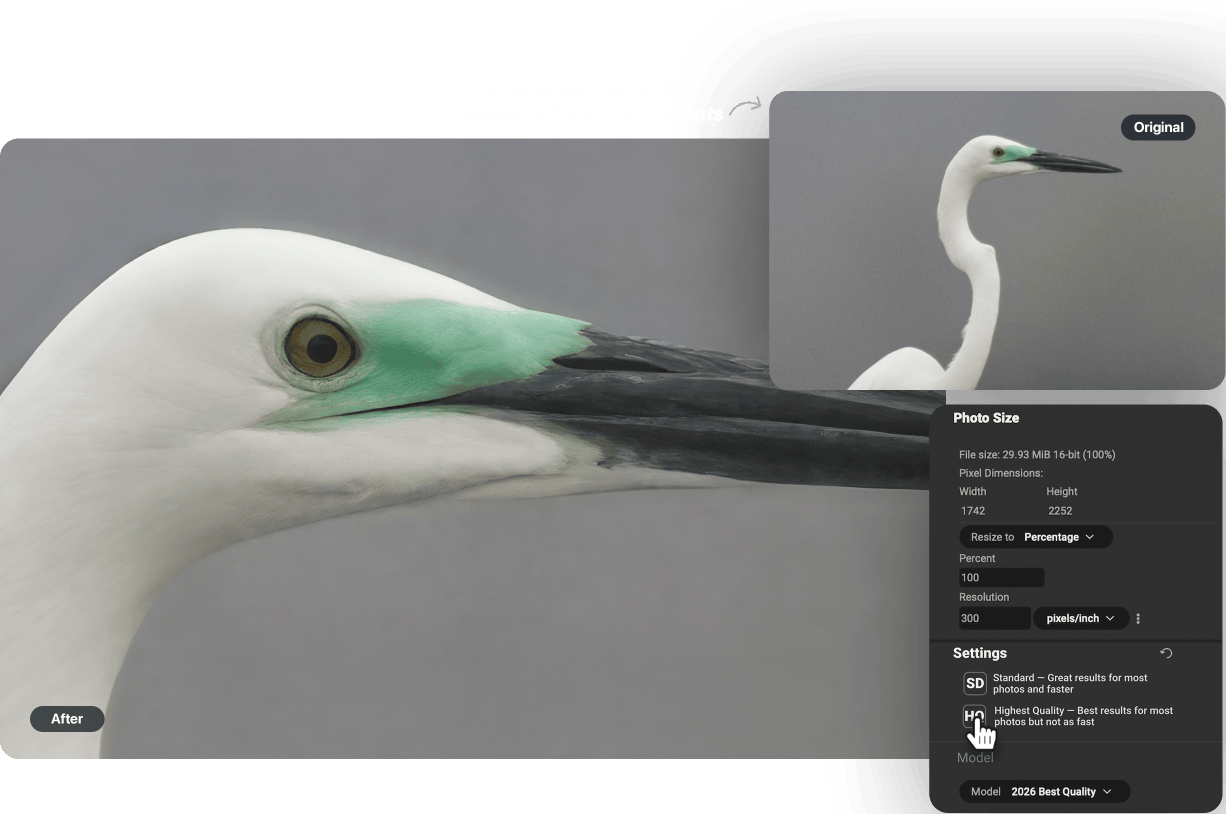

AI-powered photo enlargements up to 10x

Advanced face recovery with controllable strength

Photorealistic results, not artificial smoothness

Use as a standalone app or plugin for Lightroom, Photoshop and more

Optimized print presets with soft proofing
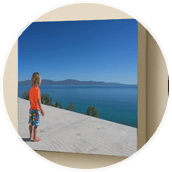
Gallery wrap and tiling features for canvas and murals
See Resize AI in Action
Features in Resize AI
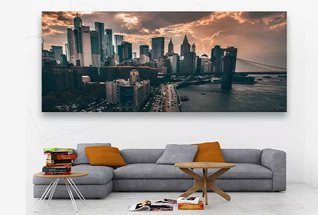
Gallery Wrap
The gallery wrap feature creates extended margins for wrapping your photo around wooden stretcher bars for canvas prints.
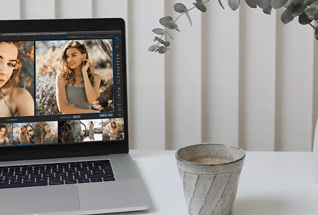
Batch Processing
The Export feature in ON1 Resize AI makes it easy to process a single photo, a handful or hundreds of them.
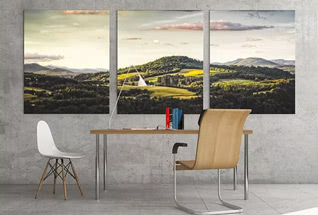
Tiling
The tiling feature divides the photo into tiles or strips to make it easier to print a mural.
ON1 Effects: Add Professional Effects in Seconds
Add instant style, personality, and impact to your photos with ON1 Effects 2026, the ultimate photo effects software for photographers who want fast, creative control. With hundreds of professional-grade filters, presets, LUTs, textures, and borders, you can transform your images in just a few clicks. It works as a standalone app and as a plugin for Adobe Ps/Lr.
Version 2026 features four all-new creative filters that make it easy to add cinematic foreground and background lighting, bring distant objects closer, create motion to still shots, and add artistic double-exposures.
Add the Perfect Finishing Touch
Click the images below to see how easy it is to select and apply effects to different areas of your photos.
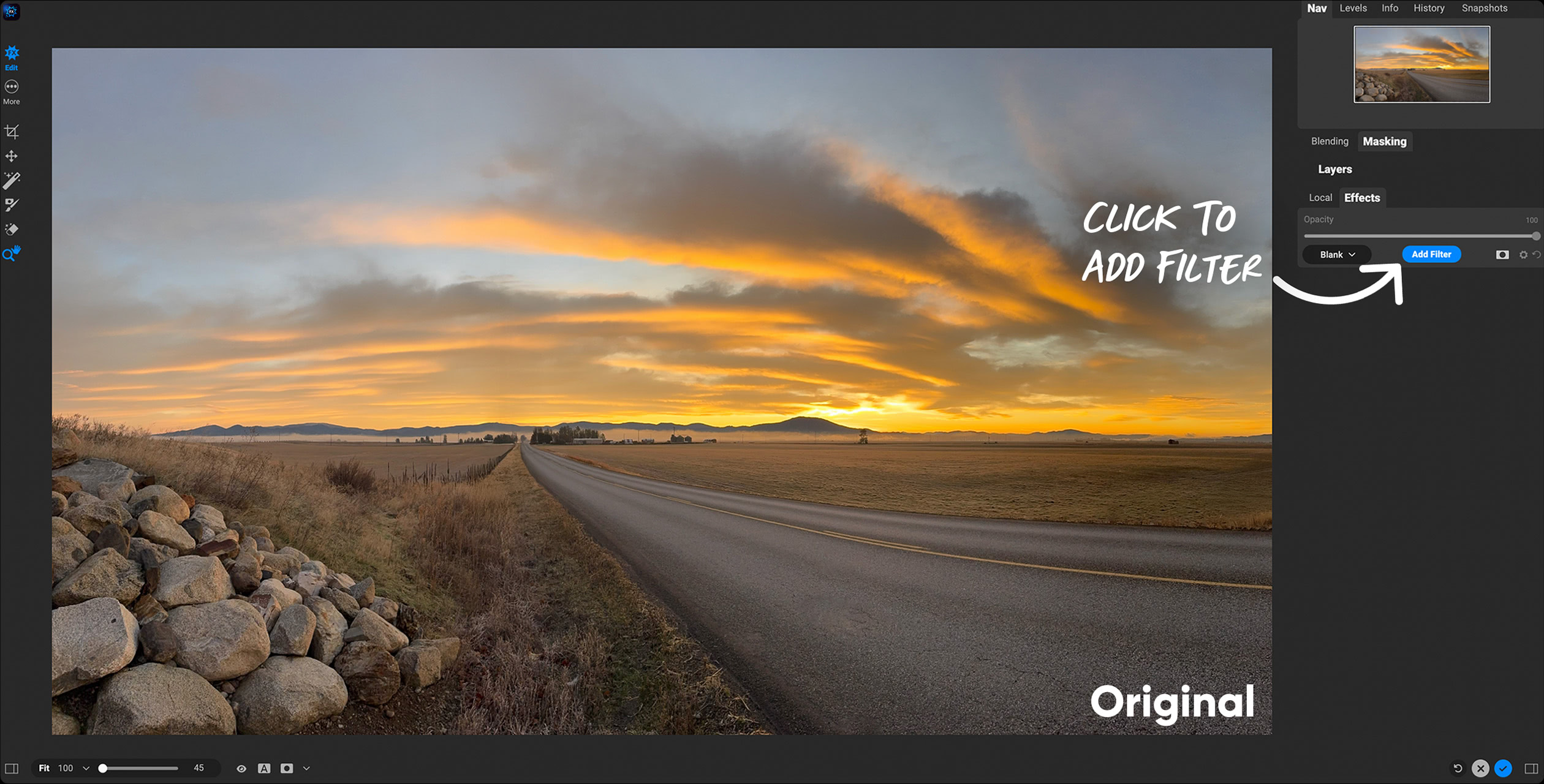
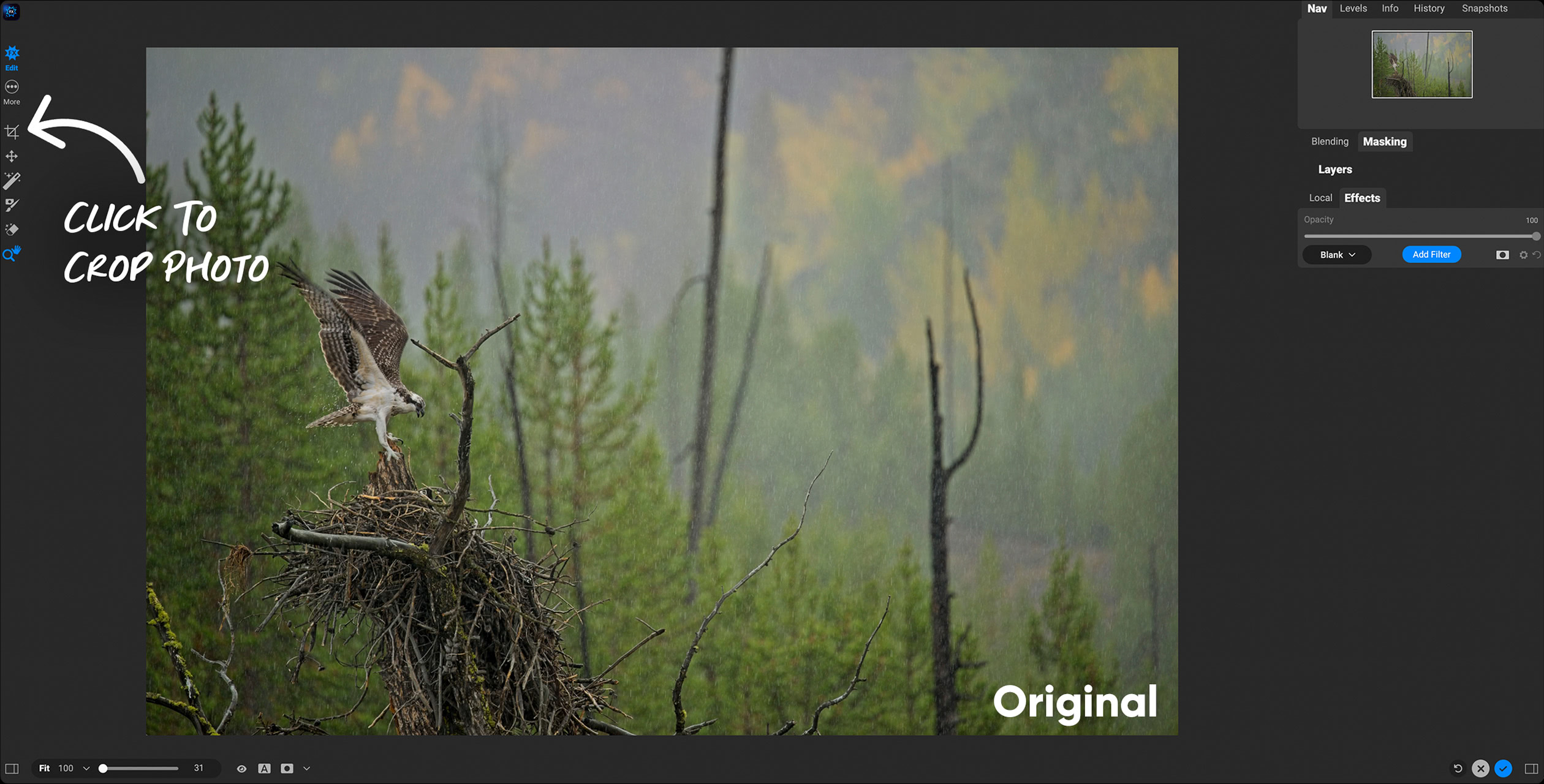
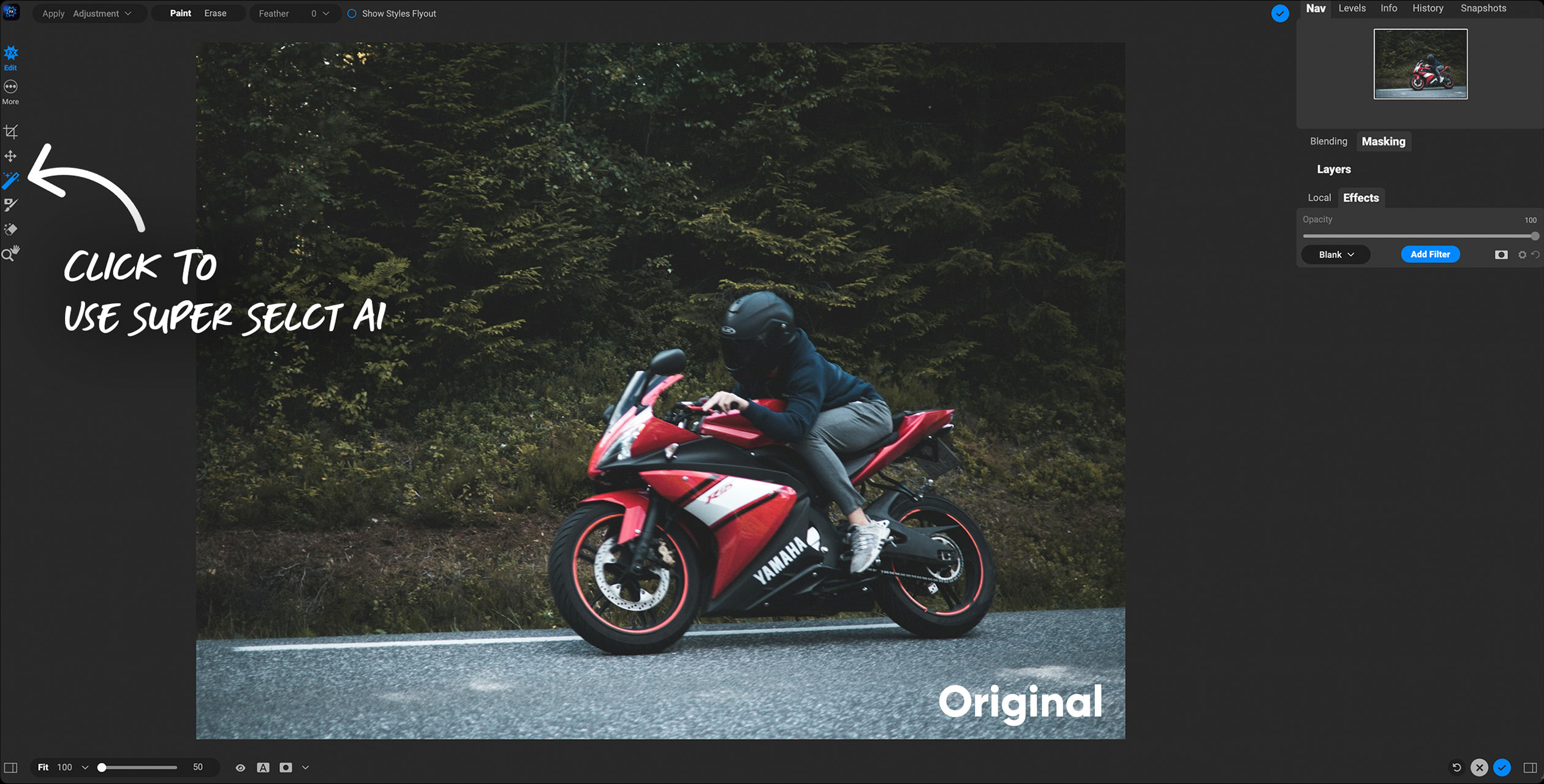
See Effects in Action
Features in Effects
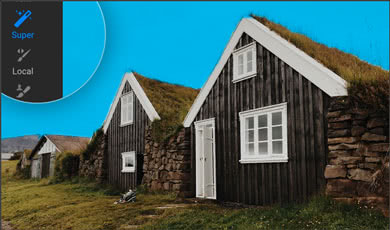
Super Select AI
Never worry about brushes, layers, masks, or any of that. Just point and click to edit regions and objects effortlessly.
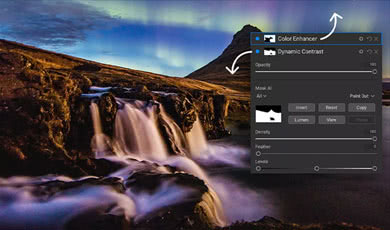
Adaptive Presets
AI-powered adaptive presets adapt to different subjects, scenes, animals, people, and more in each of your photos.
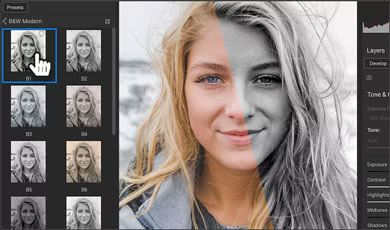
AI Style Advisor
Effects can analyze your scene and make recommendations for picking the correct preset using AI.
ON1 NoNoise AI: Instantly Remove Noise & Sharpen
Remove noise from photos and get the sharpest details in your photos with AI-powered NoNoise AI. NoNoise AI intelligently removes all the image noise while intelligently recovering and enhancing the details. It integrates into your workflow by supporting common photo editors and file formats, including saving DNG raw files that maintain the full tonal and color range.
See NoNoise AI in Action
Features in NoNoise AI
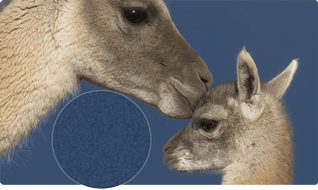
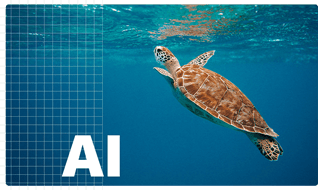
AI-Based Noise Reduction
Leverage state-of-art machine learning to build an AI network to remove luminance and color noise while maintaining the details.
AI-Based Noise Demosaicing
Most image noise comes in the demosaicing process. This step is combined with the noise reduction in AI-trained models to achieve better results.
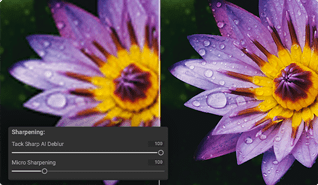
Tack Sharp AI
State-of-the-art sharpening and deblurring. It can detect and remove motion blur as well as save out-of-focus shots.
Special Offer - Save $190 Now!
The ON1 Image Enhancement Bundle
ON1 Resize AI
ON1 Effects
ON1 NoNoise AI
30-Day Money-Back Guarantee