Just Try It (or how I learned to let go of expectations and just try new ideas.)
Photographing the same postcard shot everyone else takes is a creative rut. Personal projects break it without new gear. A day in...

ON1 Photo RAW 2027 is coming this fall.

ON1 Blog
Editing techniques, AI tool guides, gear reviews, and creative inspiration from the ON1 team and photography community.
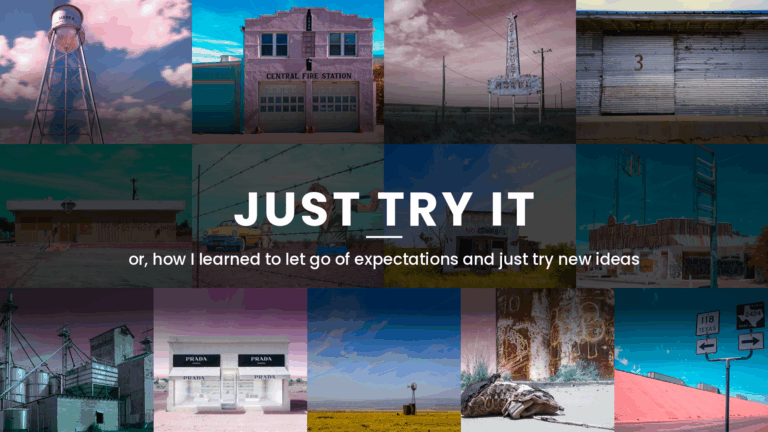
Photographing the same postcard shot everyone else takes is a creative rut. Personal projects break it without new gear. A day in...
AI Photo & Technology Insights
ON1 Photo RAW and Topaz Labs solve different problems. ON1 is a full RAW editor, with organizing, masking, layers, and effects built...
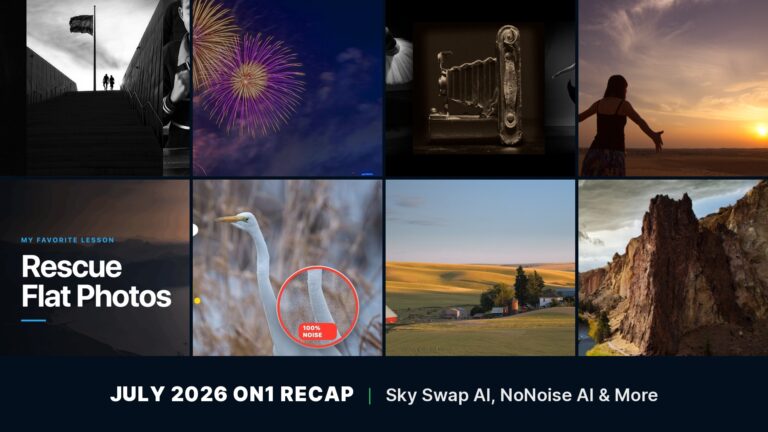
A flat, gray sky or a grainy high-ISO shot can undo a photo you were otherwise happy with, and July gave you...
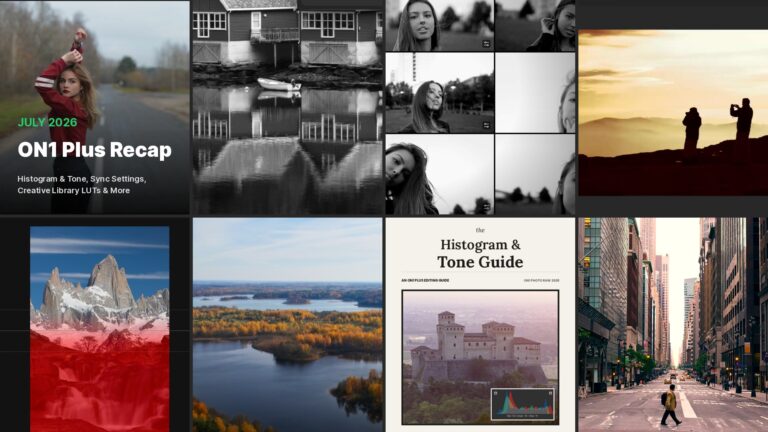
July was one of the biggest months yet inside ON1 Plus, the number one resource for ON1 Photo RAW training and photography...
ON1 Plus’s August 2026 lineup covers masking, depth, and camera profiles. Four new tutorials, a step-by-step Camera Profile guide, and a live...
Today we’re releasing ON1 Photo RAW 2026.5, a free update for owners of ON1 Photo RAW 2026. This release focuses on the...
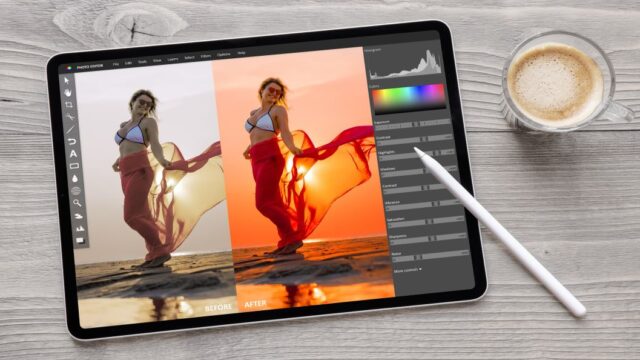 Photo Editing SoftwareBest Photo Editing Software in 2026 (No Subscription) | ON1
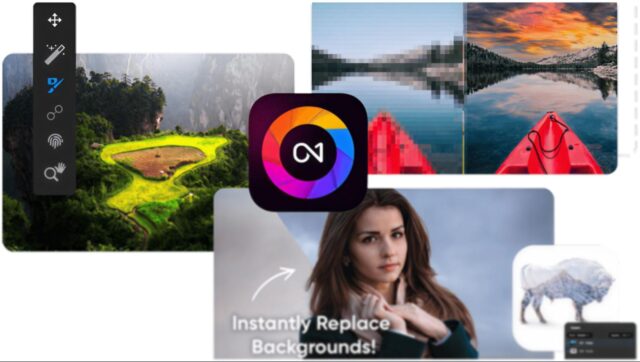 Photo Editing SoftwareThe Best Photo Editing Software for Beginners in 2026
 Photo Editing SoftwareBest AI Image Resizers in 2026
 Photo Editing SoftwareBest Photo Editing Software for Beginners
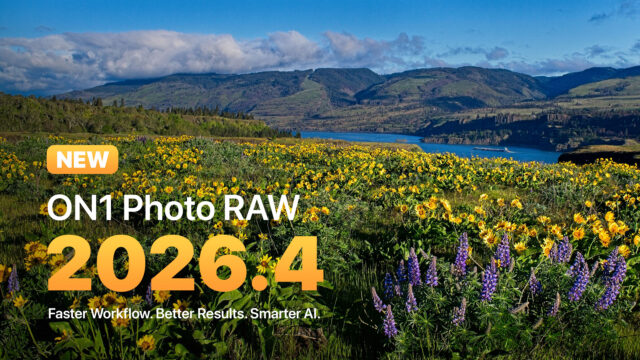 Product Updates & NewsON1 Photo RAW 2026.4: Restore AI, New Home Module & Faster Performance
Try ON1 Photo RAW free for 30 days and put everything you’ve read into practice. No subscription required.
The ON1 Guarantee
Every purchase is protected. Every photo is yours. No games, no surprises.